Which Webcam Should You Buy in 2026? 4K vs 1080p
The best webcam in 2026 depends on light, not megapixels. We compare 4K and 1080p picks on autofocus, low-light noise, mics and AI framing for calls and streams.
Reader-supported: we may earn a commission from links on this page, at no extra cost to you. It never affects our picks. Learn more.
Most webcam buying advice starts and ends with resolution. That's the wrong place to start. In 2026, the gap between a mediocre 4K webcam and a very good 1080p one is almost entirely down to sensor size, lens aperture and how the camera behaves when your room gets dim at 5pm — not pixel count.
We compared the current crop of webcams using manufacturer specs, independent review testing and verified owner feedback, and focused on the four things that actually change how you look on a call or stream: autofocus reliability, low-light noise, microphone quality, and whether AI framing helps or quietly annoys you.
4K vs 1080p: what you're really paying for
Here's the uncomfortable truth. Zoom, Google Meet and Microsoft Teams almost never transmit your feed at 4K. Most cap at 1080p, and in a busy multi-person call they'll drop you to 720p or lower. So if video calls are your entire use case, a 4K sensor doesn't reach your colleagues at 4K.
It still matters, though, for three reasons:
- Downsampling. A 4K sensor scaled down to 1080p produces cleaner, sharper output than a native 1080p sensor of the same size. Detail survives; noise averages out.
- Digital zoom and cropping. AI framing crops into the frame. Start at 4K and a 1.5x crop is still full HD. Start at 1080p and it's soft.
- Recording and OBS. If you record video, produce course content or composite a camera into a stream layout, extra resolution is real headroom.
What 4K does not fix is a small sensor in a dark room. A 1/2.8in 4K sensor in a poorly lit bedroom will look noisier than a large 1080p sensor with a fast lens. Sensor size and aperture beat resolution every time when photons are scarce.
The specs that predict image quality
| Spec | Why it matters | What to look for |
|---|---|---|
| Sensor size | Bigger = more light per pixel = less noise | 1/2.8in is typical; 1/2in or larger is notably better |
| Aperture | Lower f-number lets in more light | f/2.0 or wider; f/1.7–1.8 is excellent |
| Autofocus type | Hunting focus ruins otherwise good footage | PDAF, or well-implemented fixed focus |
| Field of view | Too wide includes your laundry | 65–90° adjustable is ideal |
| Frame rate | 60fps looks smoother in motion | 1080p60 for streaming; 4K30 for calls |
| Mount | Cheap clips wobble and won't tilt | Tilting hinge, tripod thread |
Our picks, and who each one is for
Logitech MX Brio 705 for Business — best overall
 Best overall · Logitech MX Brio 705 for Business — Check price on Amazon →
The MX Brio 705 is the pick we'd hand to most people without much caveat. Its 8.5MP sensor is meaningfully larger than the one in the older Brio 4K, which shows up as cleaner shadows and less colour smearing under mixed office lighting. Autofocus is quick and, more importantly, doesn't pulse when you gesture at the camera.
Practical touches matter here: a physical privacy shutter you twist rather than a plastic slider that falls off, a magnetic mount that grips thin monitor bezels, and Show Mode, which flips the image so you can demonstrate objects on your desk. The "for Business" variant is the same hardware with device-management support — worth checking which SKU you're actually buying.
Field of view is adjustable between 65°, 78° and 90°, and we'd suggest most people sit at 78° rather than the widest setting, which distorts faces at close desk distances.
Insta360 Link 2C — best AI framing
 Best AI framing · Insta360 Link 2C — Check price on Amazon →
Insta360 took a different route to subject tracking. Rather than a motorised gimbal, the Link 2C crops and tracks within its 4K sensor, which means silent operation and no mechanical parts to wear out. In reviews and owner reports it's consistently praised as the most natural-feeling tracking on the market — it eases rather than snaps, so viewers don't get seasick.
That makes it the obvious choice if you present at a whiteboard, teach, demo products, or simply can't sit still. Gesture controls let you trigger tracking or zoom without touching software. The tradeoff is that tracking crops into the sensor, so heavy zoom in a dim room degrades faster than on a static camera.
Elgato Facecam MK.2 — best for streamers
 Best for streamers · Elgato Facecam MK.2 — Check price on Amazon →
The Facecam MK.2 stays at 1080p60 and fixed focus, and that's deliberate. Fixed focus means the camera never hunts mid-stream when you lean back — a failure mode that's far more visible to viewers than a resolution difference. Elgato's Camera Hub software also exposes proper manual controls: shutter, ISO, white balance, exposure lock. If you've built a lighting setup, you want to lock settings and never think about them again.
There's no built-in microphone, which is a non-issue for streamers who already own an XLR or USB mic, and a dealbreaker for anyone wanting a single-cable solution.
Logitech Brio 505 — best for meetings
 Best for meetings · Logitech Brio 505 — Check price on Amazon →
If your budget is the primary constraint and calls are the primary use, the Brio 505 is the sensible answer. Wirecutter picked it as its overall best webcam, and the logic holds: 1080p is what conferencing platforms actually deliver, RightLight 5 handles backlit windows better than most, and the dual noise-reducing mics are good enough that many people skip a headset entirely.
Its tilting mount is quietly one of the best in the category — it lets you angle down from above a tall monitor instead of shooting up your nostrils.
Razer Kiyo Pro Ultra — premium low-light pick
 Premium low-light pick · Razer Kiyo Pro Ultra — Check price on Amazon →
The Kiyo Pro Ultra's headline is a 1/1.2in sensor, dramatically larger than anything else in a consumer webcam, paired with an f/1.7 lens. In dim rooms it produces a shallower, more camera-like look with far less noise than rivals. Two caveats: it's physically large and heavy on a monitor bezel, and it needs a solid USB connection to sustain its highest modes. If you shoot at night without dedicated lighting, nothing else in this list comes close.
How the picks compare
| Model | Max video | Focus | Mic | AI framing | Best for |
|---|---|---|---|---|---|
| Logitech MX Brio 705 | 4K30 / 1080p60 | Autofocus | Dual beamforming | Yes | All-round work + recording |
| Insta360 Link 2C | 4K30 | Autofocus | Dual with noise cancelling | Yes, tracking | Presenting and moving |
| Elgato Facecam MK.2 | 1080p60 | Fixed | None | No | Streaming, controlled setups |
| Logitech Brio 505 | 1080p30 | Autofocus | Dual noise-reducing | Basic | Video meetings |
| Razer Kiyo Pro Ultra | 4K30 | Autofocus | Built-in | No | Low-light rooms |
The upgrade that beats any webcam
Spend less on the camera and more on light. A cheap key light placed slightly off-axis from your face will improve your image more than moving from a 1080p webcam to a 4K one. Every webcam sensor here is small by camera standards; give them light and they all look good, starve them and they all look grainy.
Second most impactful: camera height. Put the lens at or slightly above eye level. If your monitor is low, a small tripod or a monitor riser fixes an unflattering upward angle for very little money.
FAQ
Is a 4K webcam worth it for Zoom calls? Not for the resolution itself — Zoom won't transmit 4K. It's worth it for the cleaner downsampled 1080p image, better digital zoom, and headroom if you also record video.
Do I need a webcam with a built-in microphone? If it's your only mic, yes, and prefer dual-mic beamforming arrays like those in the Brio 505 or MX Brio 705. If you own a USB or XLR mic, webcam mics are irrelevant — which is why the Elgato Facecam MK.2 omits one.
Why does my webcam keep going in and out of focus? Continuous autofocus hunts when contrast is low or you move within the frame. Lock focus in the manufacturer's software, add light, or choose a fixed-focus camera.
Is AI framing actually useful? For presenters, teachers and anyone who moves, yes. If you sit still at a desk, it mostly introduces unnecessary drift — turn it off and set your framing manually.
MacBook or iPhone Continuity Camera instead? An iPhone via Continuity Camera genuinely outperforms most webcams on image quality, but it ties up your phone and needs a mount. A dedicated webcam wins on convenience and always-ready availability.
Our picks
Logitech MX Brio 705 for Business 4K Webcam - Graphite | Auto Light Correction, Ultra HD, Framing, Show Mode, USB-C, Works with Microsoft Teams, Zoom, Google Meet
Large 8.5MP sensor, dependable autofocus and a physical privacy shutter — the safest all-round pick.
Insta360 Link 2C - 4K Webcam for PC/Mac, 1/2" Sensor, Auto Framing, HDR, AI Noise-Canceling Mic, Gesture Control for Streaming, Video Calls, Gaming, Works with Zoom, Teams, Twitch & More
Gimbal-free AI tracking that keeps you centred while you move, in a compact 4K body.
Elgato Facecam MK.2, Premium Full HD Webcam, HDR
Fixed-focus 1080p60 with deep manual control in Camera Hub — clean, consistent stream footage.
Logitech Brio 505 Full HD 1080p Business Webcam with Auto Light Correction | Auto framing, dual noise reduction mics, integrated privacy shutter, compatible with Teams, Meet, and Zoom, TAA compliant
1080p done right: RightLight 5, dual noise-reducing mics and a genuinely useful tilting mount.
Razer Kiyo Pro Ultra 4K Webcam, Large Sensor, Built-in Mic and Shutter | Auto Light Correction, Pro Grade Content Creation, Streaming, Gaming, Video Calls, Works with PC, OBS, Zoom, Teams
An unusually large 1/1.2in sensor with an f/1.7 lens — the standout for dim rooms.
Get the best tech deals in your inbox
Join the BytePlaza newsletter for hand-picked gadget deals and new buying guides. No spam, unsubscribe anytime.
Related reads
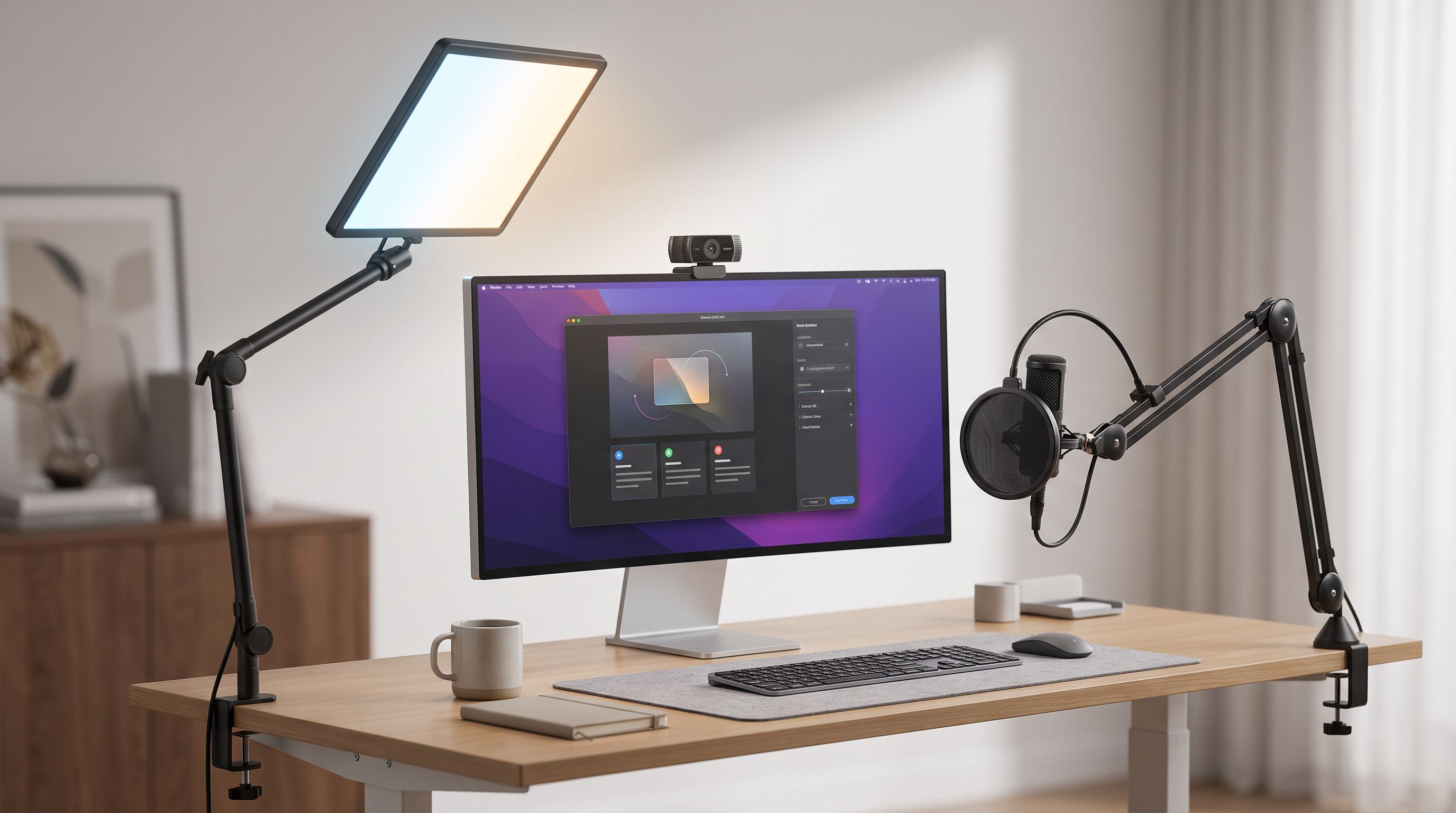
Which Key Light Should You Buy for Streaming in 2026?
The best key light for streaming in 2026, ranked by CRI, mounting options and app control — Elgato, Logitech Litra Beam, Lume Cube and budget panel picks compared.
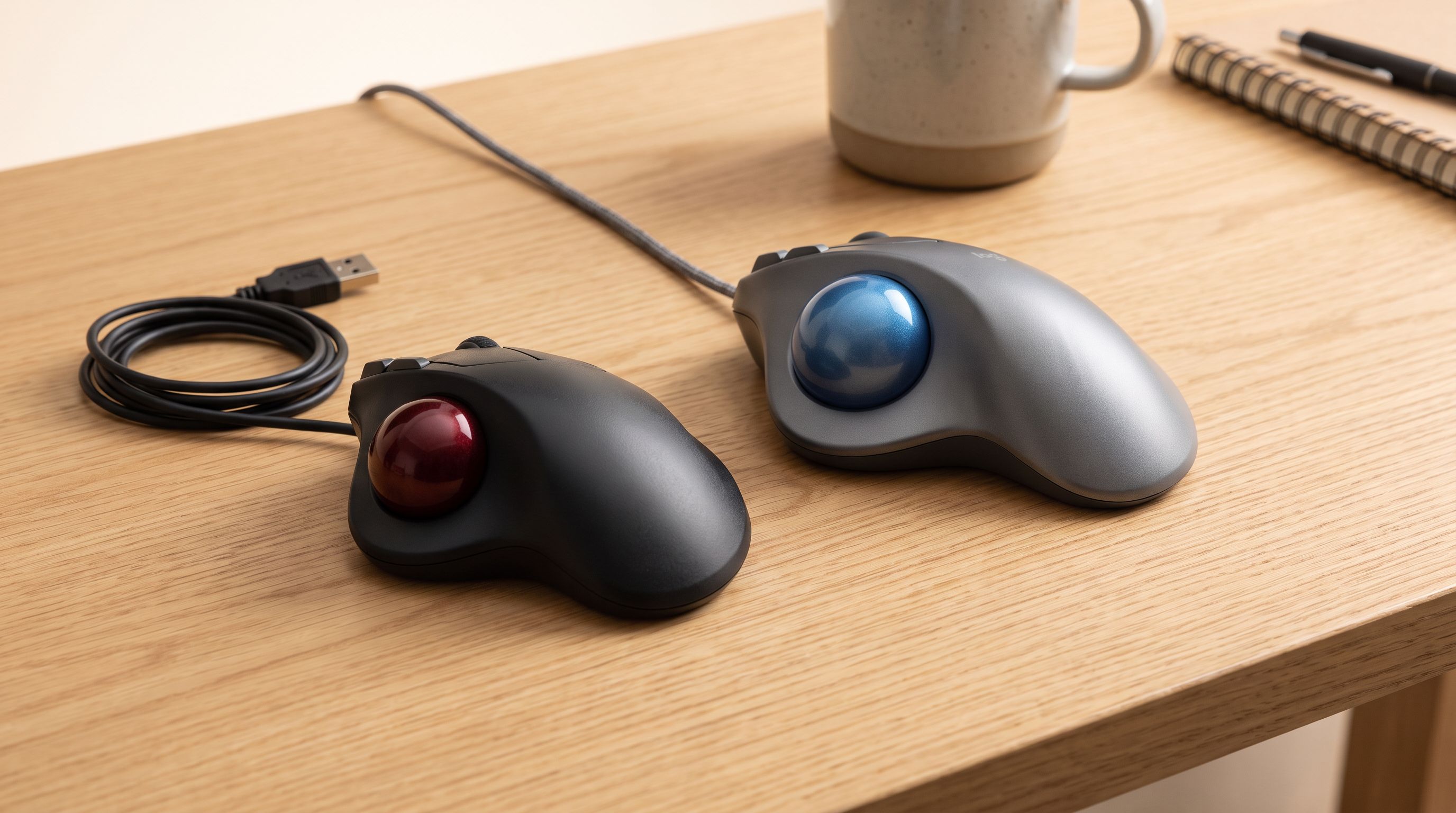
Trackball Mice in 2026: 5 Picks That Save Desk Space
Thumb vs finger trackballs compared for 2026: ball size, sensors, tilt, and owner-reported longevity, plus which model suits small desks and sore wrists.
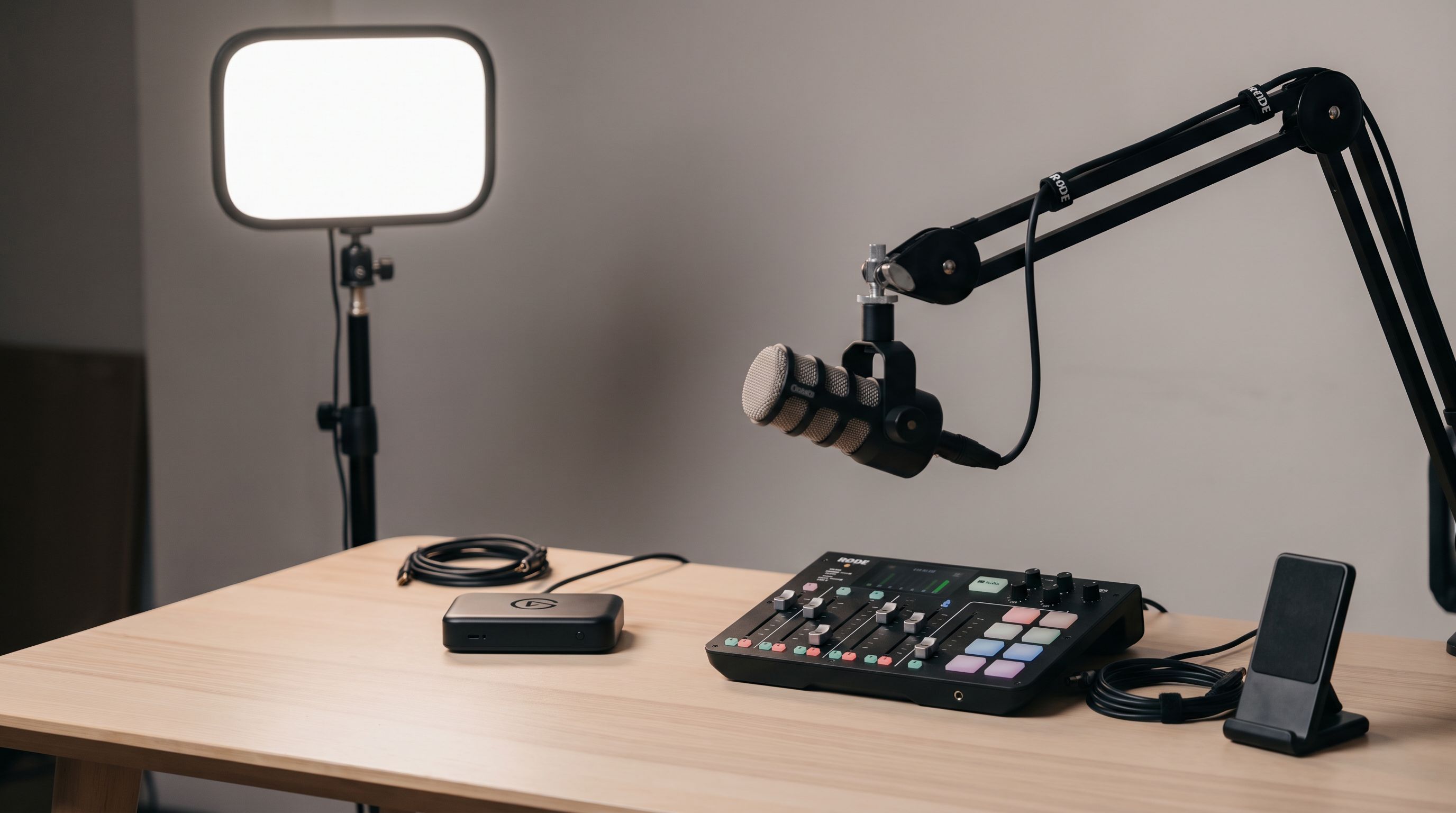
Streaming Setup Gear 2026: What to Buy at Every Budget
The best streaming setup gear for 2026: capture cards, key lights, boom arms and audio mixers ranked by budget tier, with a comparison table and buying advice.