Which Key Light Should You Buy for Streaming in 2026?
The best key light for streaming in 2026, ranked by CRI, mounting options and app control — Elgato, Logitech Litra Beam, Lume Cube and budget panel picks compared.
Reader-supported: we may earn a commission from links on this page, at no extra cost to you. It never affects our picks. Learn more.
Your webcam is probably better than your footage looks. Almost every "my stream looks grainy" problem is a lighting problem: small camera sensors crank up gain in dim rooms, and gain is where noise, mushy detail and weird skin tones come from. A decent key light fixes more of that in five minutes than a camera upgrade does.
We compared the most widely recommended panel and ring key lights for streamers and remote workers using manufacturer specs, independent reviews and verified owner feedback, then ranked them on the three things that actually matter day to day: colour quality (CRI/TLCI), how they mount on a real desk, and whether the software is something you'll use or uninstall.
What actually matters in a key light
CRI and colour accuracy
CRI (Colour Rendering Index) describes how faithfully a light reproduces colour compared to a reference source. For talking-head video, CRI 95+ is the sensible floor — below that, skin tones drift orange or waxy and no amount of white balancing fully recovers them. Be a little sceptical of the number itself: CRI is self-reported by most brands and doesn't measure the deep red (R9) response that skin tones depend on. Treat CRI 95+ as a filter, not a ranking, and lean on reviewer colour charts where they exist.
Bi-colour (adjustable from roughly 2700K to 6500K) is worth having. It lets you match daylight from a window in the afternoon and warm lamps at night, so your stream doesn't shift colour across a session.
Size, diffusion and softness
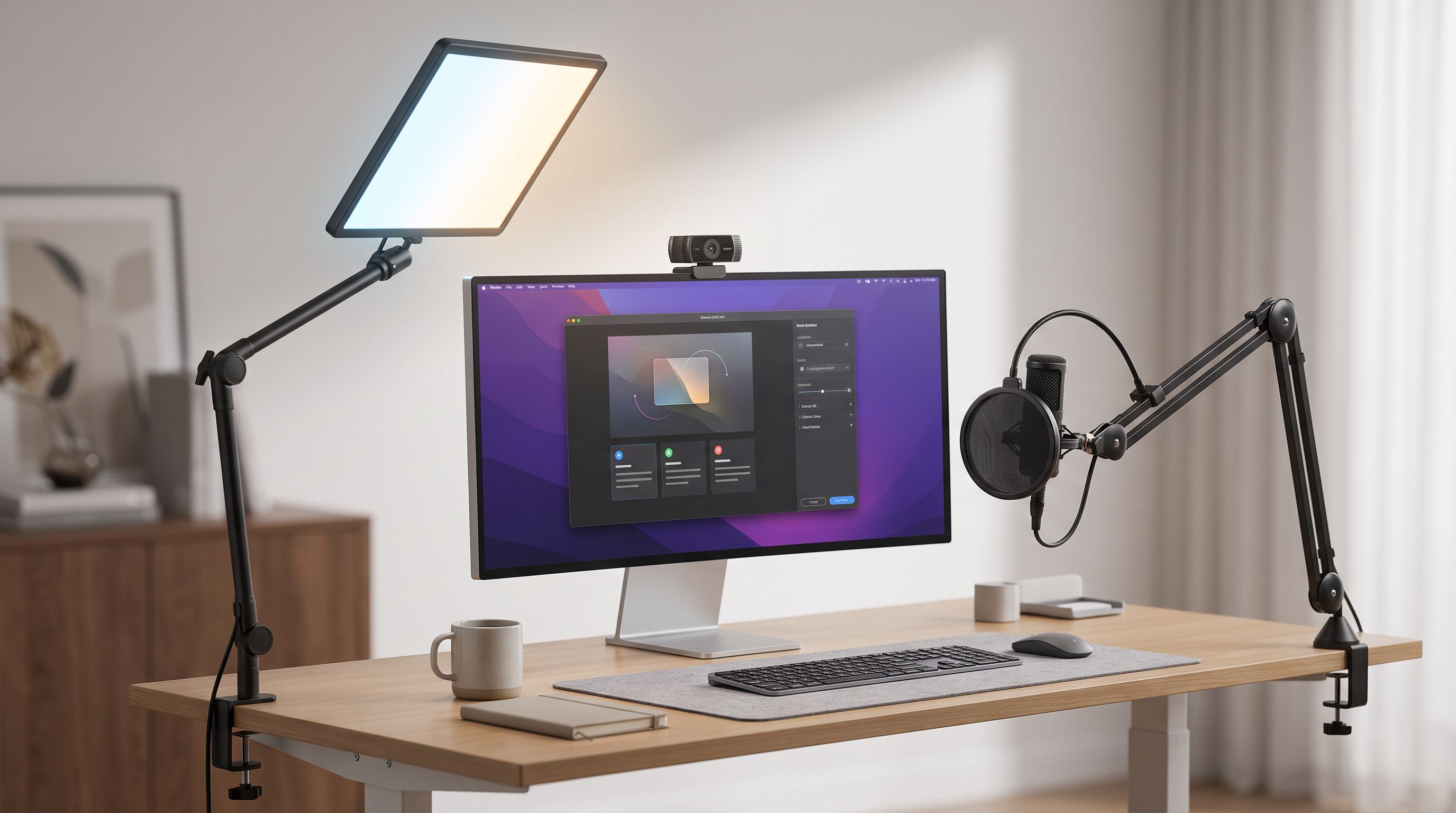
Softness is a function of the light's apparent size relative to your face, not its brand. A 10-inch panel placed an arm's length away is soft. The same panel pushed three metres back is hard and unflattering. This is why edge-lit panels like the Elgato Key Light Air work so well at a desk — large emitting surface, close distance, no visible hotspot.
 Best overall · Elgato Key Light Air — Check price on Amazon →
Ring lights are a different trade-off: extremely even, shadow-free light and that distinctive circular catchlight in the eyes. They're excellent for beauty, tutorials and close-up webcam framing, less ideal if you want dimensional, cinematic shaping.
Mounting is the real deciding factor
More key lights get returned over mounting than over light quality. Ask three questions before buying:
- Does your desk have a clampable rear edge, or is it against a wall? Clamps need 1–2 inches of overhang.
- Do you need the light above the monitor (desk clamp / tall stand) or beside it (short stand)?
- Will it travel? Battery power and a foldable stand change the calculus entirely.
Desk clamps free up surface area and get the light high enough to angle down at ~30–45°, which is where it flatters faces. Weighted desk stands are simpler but eat space and sit low unless the pole extends.
App and hotkey control
Reaching behind a panel to press a physical button mid-stream is annoying. Elgato's ecosystem is the strongest here: Wi-Fi control from Windows/Mac, Stream Deck buttons, and multi-light scenes. Logitech's Litra software is simpler but reliable, and Litra Beam integrates with Logi Options+ and Logitech's streaming tools. Cheap panels generally offer a physical dial or an IR remote — fine, just less convenient.
The shortlist, ranked
| Light | Type | Colour | Control | Best for |
|---|---|---|---|---|
| Elgato Key Light Air | Edge-lit panel | Bi-colour | Wi-Fi app + Stream Deck | The all-round desk key light |
| Elgato Key Light Mini | Compact panel | Bi-colour | App + on-board buttons, battery | Small desks, travel, second light |
| Logitech Litra Beam | LED bar | Bi-colour, high CRI | Desktop app / Options+ | Natural skin tones, plug-and-play |
| Lume Cube Panel Pro 2.0 | Panel | Bi-colour | On-board dials + battery option | Creators shooting photo and video |
| NEEWER RL45B | Ring light | Bi-colour | Remote / on-unit | Budget builds and even, flat light |
 Budget pick · NEEWER RL45B — Check price on Amazon →
 Premium pick · Lume Cube Panel Pro 2.0 — Check price on Amazon →
 Best for accurate skin tones · Logitech Litra Beam — Check price on Amazon →
 Best compact / portable · Elgato Key Light Mini — Check price on Amazon →
Best overall: Elgato Key Light Air
The Key Light Air remains the default recommendation for a reason. The edge-lit design gives you a broad, soft emitting surface with built-in diffusion, it clamps to the back of a desk on an included ball-jointed pole, and it's controlled entirely from software — including Stream Deck, where you can map brightness and colour temperature to physical keys or bake them into a "go live" multi-action.
It's also the best multi-light system on this list. Two Key Light Airs give you a proper key-and-fill setup controlled as a group, which is the single biggest jump in production value most streamers can make. The trade-offs: it needs a clampable desk edge, and it's not battery powered.
Best compact: Elgato Key Light Mini
The Mini is the one to buy if desk space is tight or you shoot in more than one place. It has an internal battery, so it works untethered on a tripod, a laptop lid or propped on a shelf, and it still lives inside the same app and Stream Deck ecosystem as its bigger sibling. Reviewers consistently rate it as punching above its size for webcam-distance work — it's a key light for a face at arm's length, not a room light.
Use it solo for laptop calls and hotel-room recordings, or as a hair/fill light beside a larger panel.
Best for skin tones: Logitech Litra Beam
Litra Beam is the pick if your priority is "make me look normal on camera" with minimal setup. It's a bar-style light with Logitech's TrueSoft diffusion, bi-colour range and a three-way tilt stand that lets you adjust height, pitch and rotation without tools. Control runs through Logitech's desktop software rather than a hardware clamp-and-app ritual, which suits remote workers who want one setting and no fuss.
Its stand footprint is larger than a clamp, so measure your desk first. There's also a clamp-mounted variant in Logitech's Litra line if you'd rather not lose the desk real estate.
Premium pick: Lume Cube Panel Pro 2.0
If you shoot stills and video as well as streaming, the Panel Pro 2.0 makes more sense than a stream-first fixture. It's a proper bi-colour panel with built-in diffusion, high output, on-board dials, battery operation and standard mounting threads, so it drops onto light stands and arms you already own. You give up Wi-Fi app scenes and Stream Deck integration — this is a photographer's light that happens to be excellent at a desk.
Budget pick: NEEWER RL45B
A large bi-colour ring light is still the cheapest path to clean, even lighting. The RL45B gives you a wide diameter (which is what makes ring light soft), adjustable colour temperature, a phone/camera holder in the centre and remote control. Build quality and colour accuracy won't match the premium panels, and the stand demands floor space, but for a first upgrade from "ceiling light and hope", it's hard to argue with.
A setup that works in ten minutes
- Put the light above eye level, angled down 30–45°, and off-axis by about 45° from the camera — not dead centre unless you specifically want ring-light flatness.
- Keep it close. Distance hardens light and forces higher output.
- Set colour temperature to match your room's dominant light source, then lock your webcam's white balance manually.
- Turn the brightness down until your camera stops boosting gain but your face isn't blown out — many people run key lights far too hot.
- Add a second, dimmer light on the opposite side (fill), or a lamp behind you for separation, once the key is right.
FAQ
Panel or ring light for streaming? Panels for most people: softer, more flattering, easier to mount above a monitor. Ring lights for close-up webcam framing, tutorials and makeup content where completely even, shadowless light is the goal.
Is one key light enough? Yes, for webcam streaming and video calls. A single well-placed key beats three badly placed lights. Add fill or hair light only after your key angle and exposure are dialled in.
Do I need CRI 95+? It's a good minimum for on-camera work. Just remember CRI figures are usually manufacturer-claimed and don't capture deep-red rendering, so weigh reviewer colour tests alongside the spec.
Will a key light help a cheap webcam? Enormously. Small sensors rely on gain in low light, which creates noise and smeared detail. Give the sensor more light and even a mid-range webcam sharpens up dramatically.
Can I use these for photos too? Continuous LED panels like the Lume Cube Panel Pro 2.0 work fine for stills at close range. Stream-focused fixtures such as the Key Light Air are usable but lack the output and mounting flexibility of a dedicated studio light.
Our picks
Elgato Key Light Air MK.2, 15" Edge-Lit LED Panel
Edge-lit panel with Wi-Fi app and Stream Deck control, plus a desk clamp that keeps the desktop clear.
Amazon Renewed Key Light Mini – Rechargeable Vlogging Light, Wi-Fi Control Brightness – Color Temp, Perfect for Streaming, Gaming, Video Conferencing, Easy-use App: PC/Mac/iPhone/Android, Black (Renewed)
Battery-powered mini panel that works at a desk, on a tripod or in a bag for travel shoots.
Logitech G Litra Beam Premium LED Gaming Light with TrueSoft - Graphite
High-CRI bi-color bar with a three-way tilt stand and simple desktop app control.
LUME CUBE Panel Pro 2.0 RGB Camera Light | for Photography & Videography, fits Sony, Nikon, Canon, Panasonic, Fuji, and More | Bluetooth App, Adjustable Color, Camera Mount & Diffuser Included
Bright bi-color panel with built-in diffusion, battery option and full manual control for hybrid photo/video use.
NEEWER RL45B 18 Inch Edge Lit Ring Light with Tripod Stand & Phone Holder
Large bi-color ring light with a phone/camera mount and remote — the cheapest route to even, shadow-free light.
Get the best tech deals in your inbox
Join the BytePlaza newsletter for hand-picked gadget deals and new buying guides. No spam, unsubscribe anytime.
Related reads
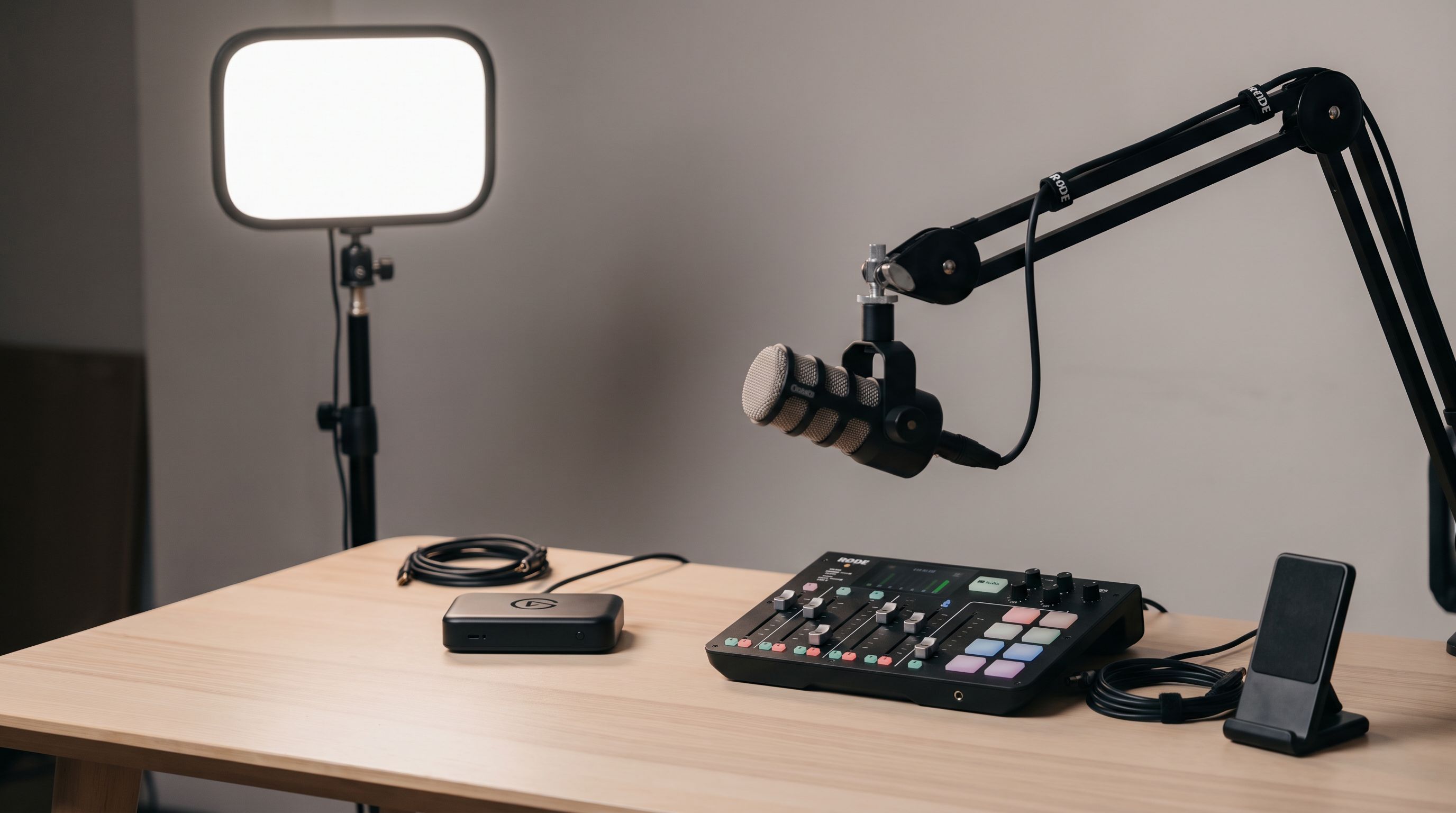
Streaming Setup Gear 2026: What to Buy at Every Budget
The best streaming setup gear for 2026: capture cards, key lights, boom arms and audio mixers ranked by budget tier, with a comparison table and buying advice.
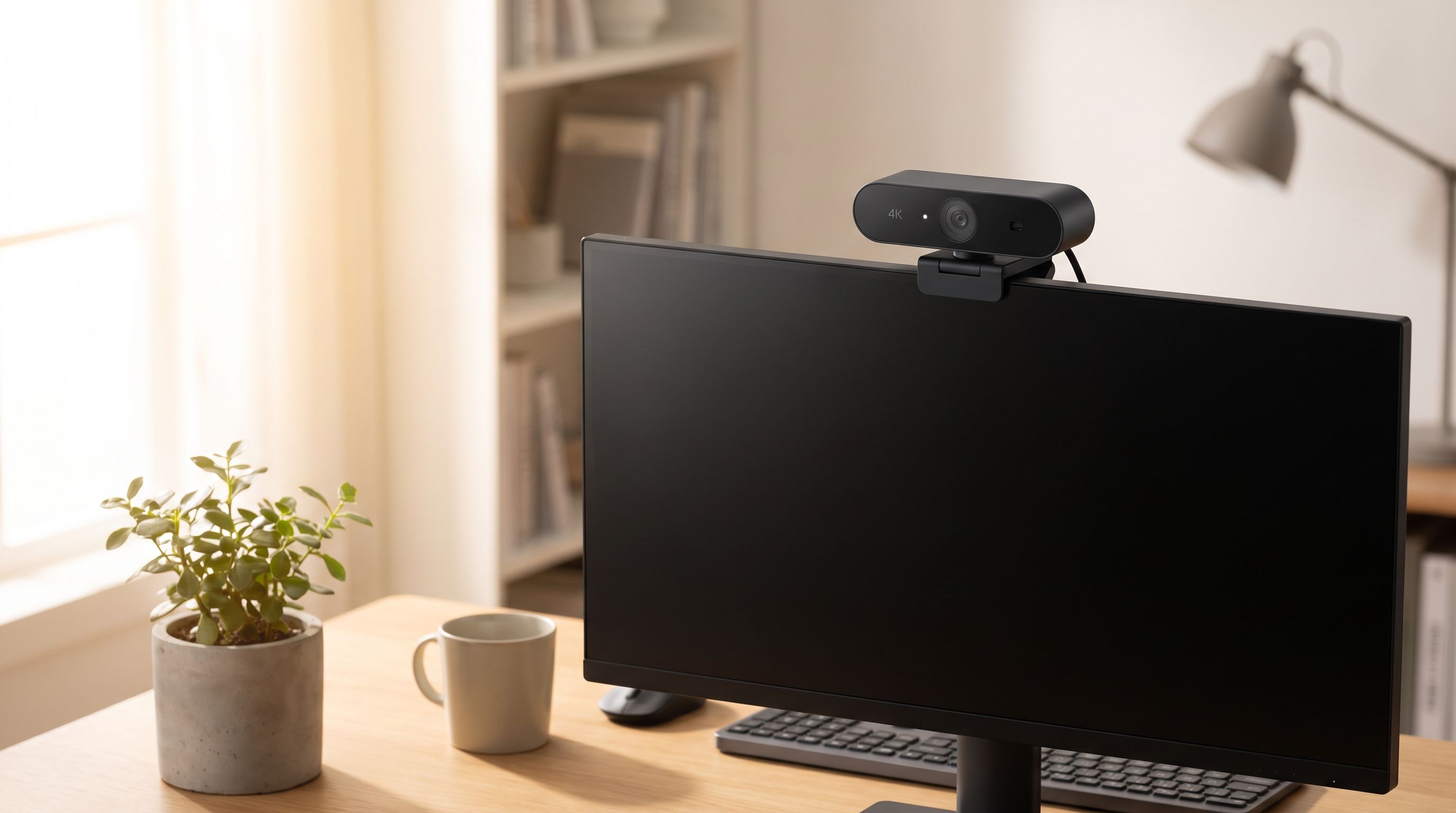
Which Webcam Should You Buy in 2026? 4K vs 1080p
The best webcam in 2026 depends on light, not megapixels. We compare 4K and 1080p picks on autofocus, low-light noise, mics and AI framing for calls and streams.
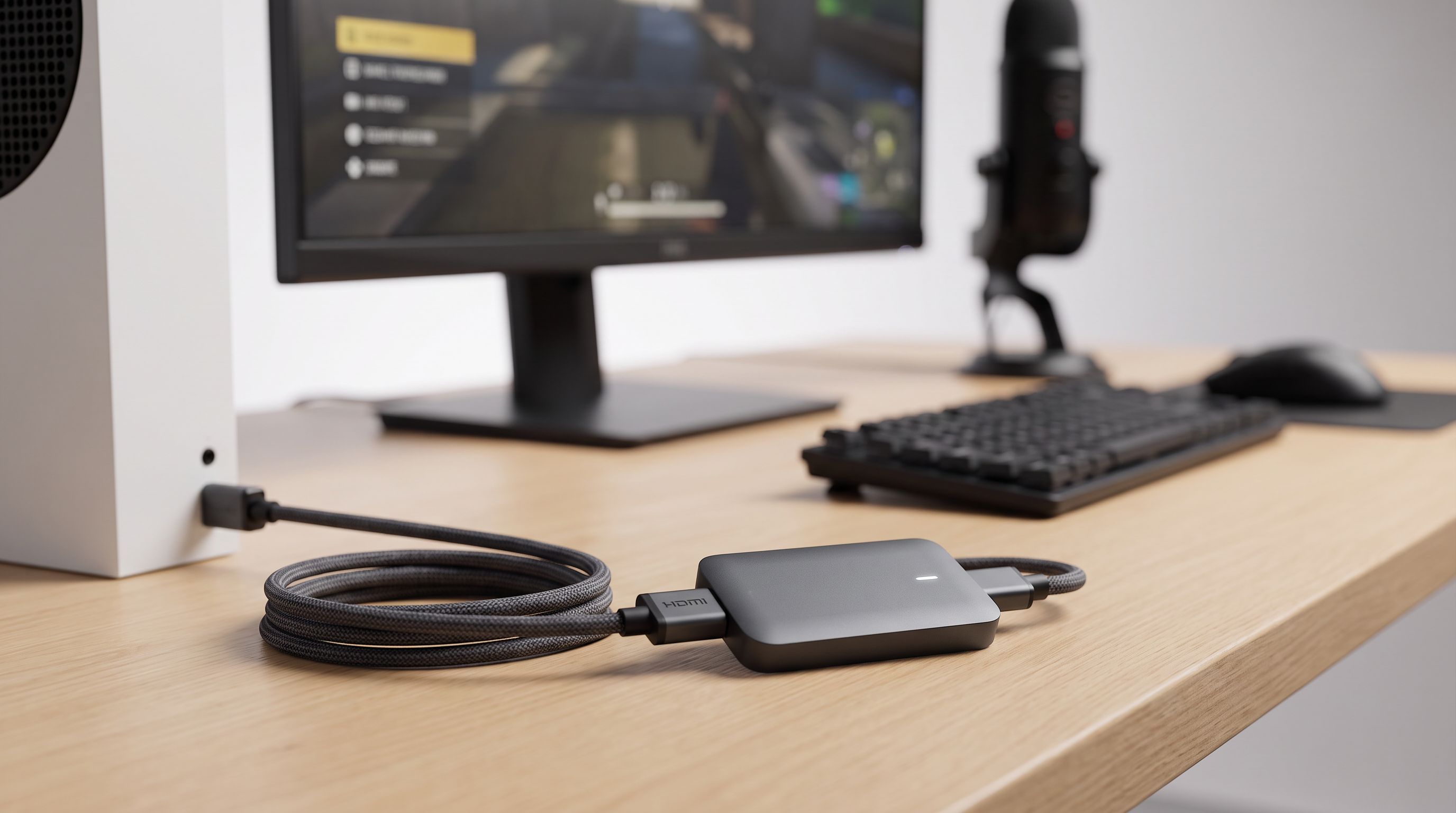
Capture Cards in 2026: 5 Picks That Actually Hold 4K60
The best capture card for streaming in 2026, compared: 4K60 passthrough, HDR handling, USB vs internal PCIe, and which budget cards avoid dropped frames.