Streaming Setup Gear 2026: What to Buy at Every Budget
The best streaming setup gear for 2026: capture cards, key lights, boom arms and audio mixers ranked by budget tier, with a comparison table and buying advice.
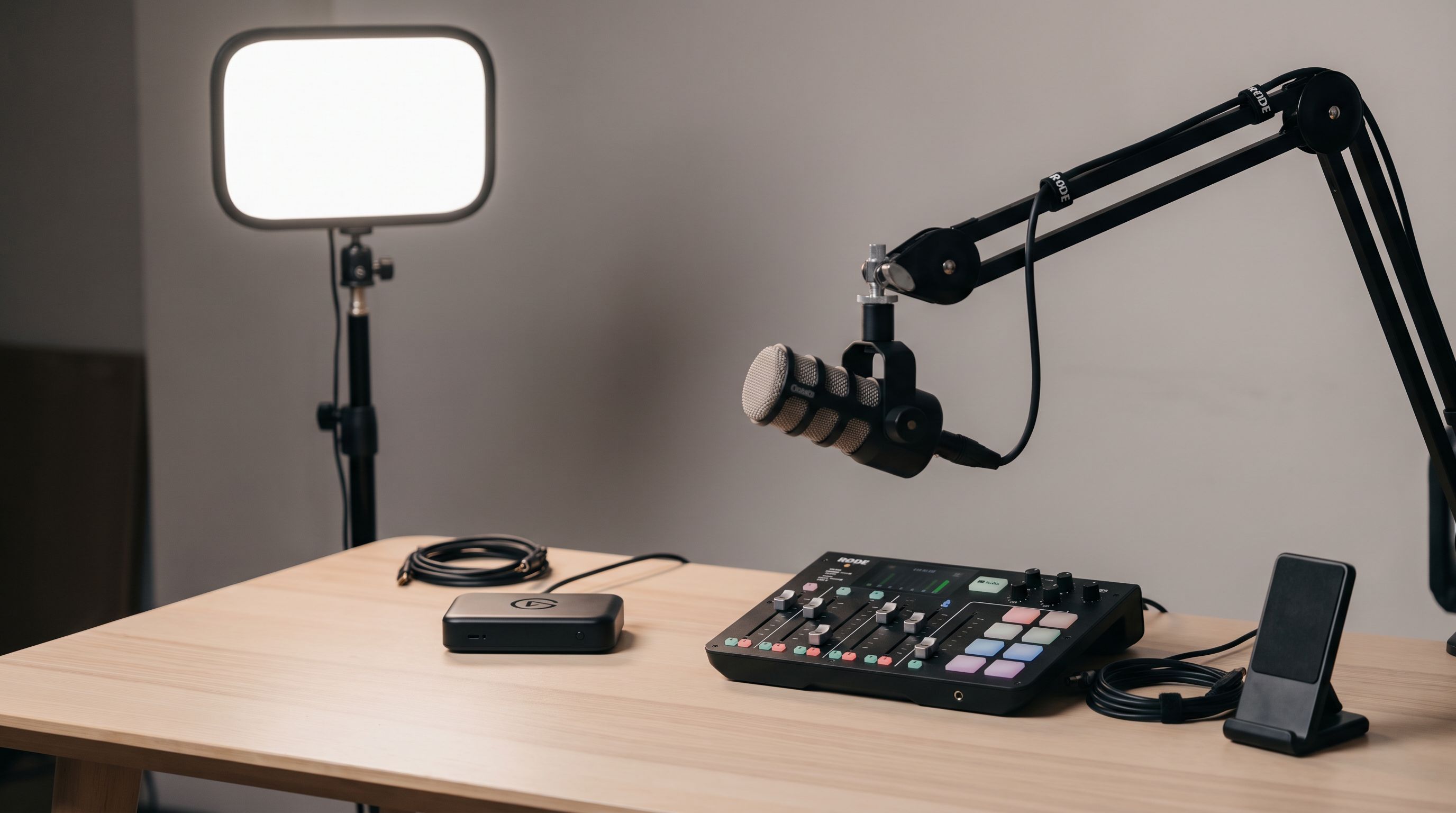
Reader-supported: we may earn a commission from links on this page, at no extra cost to you. It never affects our picks. Learn more.
Building a streaming desk in 2026 is less about buying the most expensive box and more about buying the right box for how you actually stream. A single-PC Twitch setup needs almost nothing beyond good light and good sound. A console streamer needs a capture card. A multi-camera creator needs a switcher. Buying in the wrong order is the most common — and most expensive — mistake.
BytePlaza researched current models, manufacturer specs, expert reviews and verified owner feedback to rank the gear that matters most for a streaming desk: capture cards, key lights, boom arms and mixers. We don't physically test units; we compare them.
The order you should actually buy in
If your budget is finite (it is), spend it in this order:
- Audio — a decent mic on a boom arm. Viewers forgive soft video; they leave over bad audio.
- Lighting — a key light does more for perceived video quality than a camera upgrade.
- Capture — only if you're streaming a console, a second PC, or a real camera.
- Control — a mixer or switcher, once you have more than two sources to juggle live.
Everything below is organised by that logic.
Capture cards: match the card to the source
A capture card's job is simple: take HDMI in, hand a video feed to your streaming software over USB or PCIe. The complications are refresh rate, HDR and passthrough.
Passthrough is the spec that trips people up. If you play on a 4K120 or 1440p240 display, your card must pass that signal through untouched to your monitor while capturing a lower-resolution copy for stream. Older 4K60 cards will cap your gameplay to 60Hz — a real downgrade for anyone on a modern console or GPU.
The Elgato Game Capture 4K X is our overall pick because it handles that split cleanly: 4K60 HDR10 capture with high-refresh passthrough headroom, over USB-C to a single PC or a dual-PC rig. It's the safest general-purpose choice for PS5, Xbox Series X and high-refresh PC capture in 2026.
 Best overall capture card · Elgato Game Capture 4K X — Check price on Amazon →
If you're not capturing gameplay at all, you may not need a game capture card. Creators who want a mirrorless camera as their webcam should look at the Elgato Cam Link 4K instead — it takes a clean HDMI output from a camera and presents it to OBS, Zoom or Streamlabs as a standard USB video device. It's smaller, simpler and cheaper than a full capture card, and it's the single biggest upgrade over a built-in laptop webcam.
 Best for camera-as-webcam · Elgato Cam Link 4K — Check price on Amazon →
Internal vs external
- Internal (PCIe) cards have lower latency and no USB bandwidth ceiling, but they need a free slot and a second PC if you want zero performance hit while gaming.
- External (USB) cards work with laptops and consoles, travel well, and are far easier to troubleshoot. For most people starting out in 2026, external wins.
Key lights: soft, controllable, and off to the side
A key light is the main light on your face. The rules haven't changed: bigger diffusion panel = softer light, and placement matters more than raw brightness.
Put the key at roughly 45 degrees to one side of your camera and slightly above eye level. Don't blast it straight on at full power — that flattens your face and makes skin look waxy. Most creators run their panel well below maximum output.
The Elgato Key Light Mini is our budget pick because it removes the two friction points of desk lighting: it's app- and Stream Deck-controllable (so you're not reaching behind a monitor mid-stream), and it runs on an internal battery, which means no wall wart in the middle of a cramped desk. Colour temperature is adjustable, so you can match it to a window or a warm room lamp.
 Budget key light pick · Elgato Key Light Mini — Check price on Amazon →
If you have space, a full-size panel on a desk-clamp arm will always look softer than a mini. But a mini placed well beats a big panel placed badly.
A quick win that costs nothing: turn off the ceiling light directly above you. Overhead-only lighting creates eye shadows that no camera can fix.
Boom arms: the unglamorous upgrade you'll notice daily
A boom arm gets the mic close to your mouth — which cuts room reverb and lets you turn the gain down — and gets it off your desk, so keyboard thumps don't travel up the stand.
The Rode PSA1+ is the arm we'd point most people to. Its internal springs are quiet (no twang when you reposition mid-sentence), the cable routes internally so nothing dangles into frame, and it has enough reach for a standard desk without a desk-clamp wrestling match. Check two things before you buy any arm: your desk's edge thickness against the clamp's jaw, and your mic's weight against the arm's rated load. Heavy dynamic mics with shock mounts defeat cheap arms fast.
 Best boom arm · Rode PSA1+ — Check price on Amazon →
Mixers and switchers: only when you have something to mix
There are two different products people call "a mixer":
- An audio interface/mixer handles XLR mics, headphone monitoring, and independent volume control over game, chat, music and mic — useful the moment you want separate audio tracks for editing.
- A video switcher takes multiple HDMI cameras and cuts between them live.
For the second job, the Blackmagic Design ATEM Mini Pro remains the benchmark and consistently takes top spots in independent livestreaming equipment roundups. Four HDMI inputs, hardware transitions, chroma key, multiview output on a single monitor, and — crucially — built-in streaming and recording so you don't need a computer in the chain at all. It's overkill for a solo talking-head stream, and exactly right for a podcast, a two-host show, or an event.
 Premium multi-camera pick · Blackmagic Design ATEM Mini Pro — Check price on Amazon →
Comparison table
| Product | Category | Best for | Key strength | Watch out for |
|---|---|---|---|---|
| Elgato Game Capture 4K X | External capture card | Console + high-refresh PC capture | 4K60 HDR capture with high-refresh passthrough | Needs a modern USB-C port with real bandwidth |
| Elgato Cam Link 4K | HDMI-to-USB adapter | Using a mirrorless camera as a webcam | Plug-and-play, tiny, no drivers to fight | Your camera must output clean HDMI |
| Elgato Key Light Mini | Key light | Small or cramped desks | Battery power, app/Stream Deck control | Smaller panel = less soft than full-size |
| Rode PSA1+ | Boom arm | Almost any desk mic | Quiet springs, internal cable routing | Check clamp fit and mic weight rating |
| Blackmagic ATEM Mini Pro | Video switcher | Multi-camera shows and podcasts | Built-in streaming, recording, multiview | Steep learning curve for solo streamers |
Budget tiers: what a sensible build looks like
Entry (first stream, single PC). Skip the capture card entirely. Buy a boom arm like the Rode PSA1+ for the mic you already own, add the Elgato Key Light Mini, and use OBS. You'll look and sound better than most new channels.
Mid (console streaming or camera upgrade). Add the Elgato Game Capture 4K X if you're on PS5/Xbox, or the Elgato Cam Link 4K if you're bringing a real camera into the picture. Add a second, dimmer light behind you for separation from the background.
Advanced (multi-cam, guests, podcasts). The ATEM Mini Pro becomes worth it here, alongside a proper audio interface so each voice lands on its own track. At this tier, cable management and a dedicated encoding path matter as much as any single device.
Three mistakes to avoid
- Buying a capture card for a single-PC setup you don't need one for. If you game and stream on the same PC, OBS captures the game directly. A card adds nothing.
- Over-lighting. Full brightness at close range looks worse, not better.
- Ignoring USB bandwidth. Multiple 4K USB devices on one shared controller cause dropped frames that look like software bugs. Spread devices across separate ports.
FAQ
Do I need a capture card to stream on a single PC? No. OBS Studio can capture your game window directly. Capture cards are for consoles, second PCs, or external cameras.
Is a ring light good enough as a key light? It works, but ring lights produce a distinctive circular catchlight and a flat look. A rectangular diffused panel placed off-axis generally reads more natural on camera.
Can I use a soundbar-style USB mic on a boom arm? Most USB condensers mount fine, but check the arm's weight rating and the thread size — many mics need a 5/8" to 3/8" adapter, which is usually included.
How many lights do I actually need? One good key light is the minimum and covers most streams. A second light behind or beside you separates you from the background and is the natural next step.
Does a video switcher replace OBS? The ATEM Mini Pro can stream and record on its own without a computer, but OBS still gives you overlays, alerts and browser sources. Many creators run the switcher as a camera source into OBS.
Our picks
Elgato 4K X Capture Card, HDMI 2.1, 4K144 Ultra-Low Latency | VRR passthrough, HDR10, Up to 1080p240 capture, USB 3.2 Gen 2, Works with OBS and more, For PS5, Xbox, Switch, PC, Mac
4K60 HDR10 passthrough with 4K144/1440p240 pass-through headroom for high-refresh console and PC play.
Elgato Cam Link 4K Capture Card for DSLR, Camcorder, Action Cam | HDMI to USB 3.0, Stream in 1080p60 or 4K30/60, Ultra-low latency, Works with OBS, Zoom, Discord, PC/Mac/iPad compatible
Turns a mirrorless or camcorder's clean HDMI out into a plug-and-play USB webcam feed.
Elgato Key Light, Professional 2800 Lumens Studio Light | Wi-Fi enabled app control, 2900-7000K color temperature, 160 OSRAM LEDs, Opal glass diffusion, Desk clamp included
Battery-powered, app-controlled bi-color panel that clamps almost anywhere on a small desk.
RØDE PSA1+ Professional Studio Arm with Spring Damping and Cable Management, Black
Smooth internal-spring arm with hidden cable routing and enough reach for most desks.
Blackmagic Design ATEM Mini Pro HDMI Live Stream Switcher Bundle with 6’ HDMI Cable, 7’ Cat5e Cable, and 5-Pack of SolidSignal Cable Ties (SWATEMMINIBPR)
Four HDMI inputs, built-in streaming and recording, plus multiview for real multi-cam shows.
Get the best tech deals in your inbox
Join the BytePlaza newsletter for hand-picked gadget deals and new buying guides. No spam, unsubscribe anytime.
Related reads
Which Key Light Should You Buy for Streaming in 2026?
The best key light for streaming in 2026, ranked by CRI, mounting options and app control — Elgato, Logitech Litra Beam, Lume Cube and budget panel picks compared.
Streaming Webcam Setup 2026: Camera, Light, Mount
Build a complete streaming webcam setup in 2026: the best 4K cams paired with key lights and mounts that actually match, so nothing looks mismatched on stream.
Which Webcam Should You Buy in 2026? 4K vs 1080p
The best webcam in 2026 depends on light, not megapixels. We compare 4K and 1080p picks on autofocus, low-light noise, mics and AI framing for calls and streams.