Streaming Webcam Setup 2026: Camera, Light, Mount
Build a complete streaming webcam setup in 2026: the best 4K cams paired with key lights and mounts that actually match, so nothing looks mismatched on stream.
Reader-supported: we may earn a commission from links on this page, at no extra cost to you. It never affects our picks. Learn more.
Most first streaming setups fail in the same way: a good camera bolted to a monitor, pointed at a face lit by a ceiling bulb and a blue monitor glow. The camera isn't the problem. The lighting and the mounting are.
A webcam sensor is small. Small sensors need light. Give a mid-range webcam a proper key light and a stable mounting position, and it will beat an expensive 4K camera sitting in a dim room every single time. That's why this guide treats the camera, the light and the mount as one purchase rather than three.
BytePlaza doesn't physically test units. We compared manufacturer specs, independent review results from outlets like Wirecutter, PCMag and TechRadar, and verified owner feedback to build setups that actually work together.
Start here: 4K isn't the spec that matters most
Nearly every "best webcam" list in 2026 — including recent roundups featuring the Emeet Pixy, Yololiv Yolocam S3 and Corsair Facecam 4K — leads with resolution. But Twitch caps most ingests at 1080p, and YouTube viewers overwhelmingly watch at 1080p or lower. A 4K sensor still helps, just not for the reason people assume:
- Cropping headroom. Shoot 4K, crop to a tight 1080p framing, keep full detail. This is the single best use of 4K on a webcam.
- Downsampling. A 4K sensor downscaled to 1080p looks cleaner than a native 1080p sensor.
- Bandwidth reality. Streaming native 4K eats USB bandwidth and CPU for an output most viewers never see.
What matters more: sensor size and aperture, whether the camera gives you manual exposure and white balance lock, and whether it outputs uncompressed video. Auto-exposure hunting mid-stream is the most common complaint in owner reviews across every brand.
The cameras worth building around in 2026
Elgato Facecam MK.2 — best overall
 Best overall camera · Elgato Facecam MK.2 — Check price on Amazon →
The Facecam MK.2 remains the most streaming-native camera you can buy. It outputs uncompressed 1080p60, skips autofocus entirely in favour of a fixed-focus lens tuned for desk distance (so it never hunts while you talk), and Camera Hub exposes ISO, shutter, white balance and field of view as hard values you can lock down. It also supports HDR and a vertical mode for shorts. If you want a camera that looks identical on stream 100 broadcasts in a row, this is it.
The trade-off: fixed focus means you need to sit roughly where it expects. If you move around, look at the OBSBOT.
Logitech Brio 505 — best all-rounder
 Best for creators who also take meetings · Logitech Brio 505 — Check price on Amazon →
Wirecutter's current top pick for most people, and for good reason. The Brio 505 nails the boring stuff: it just works on any machine, its auto-exposure is the most forgiving of any camera here, the privacy shutter is built in, and Show Mode tilts the lens down to use the camera as a document/desk cam. If your streaming time competes with a day job full of video calls, this is the camera that handles both without fiddling.
OBSBOT Tiny 2 — best for movement
 Best 4K with AI tracking · OBSBOT Tiny 2 — Check price on Amazon →
The Tiny 2 puts a larger 1/1.5-inch sensor on a two-axis gimbal with AI subject tracking and gesture control. If you stand up, use a whiteboard, play an instrument, or run a second angle, nothing else at this size follows you as smoothly. Reviewers consistently note its low-light performance is a step above typical webcam sensors — which means it's the most forgiving choice if your lighting is imperfect.
Its downside is complexity: more settings, more software, more that can go wrong mid-stream than a fixed camera.
Lighting: the upgrade that changes everything
A key light does three things a webcam can't do for itself: it lets the sensor use a lower ISO (less noise), it stops auto-exposure from hunting as room light shifts, and it puts catchlights in your eyes so you look present rather than washed out.
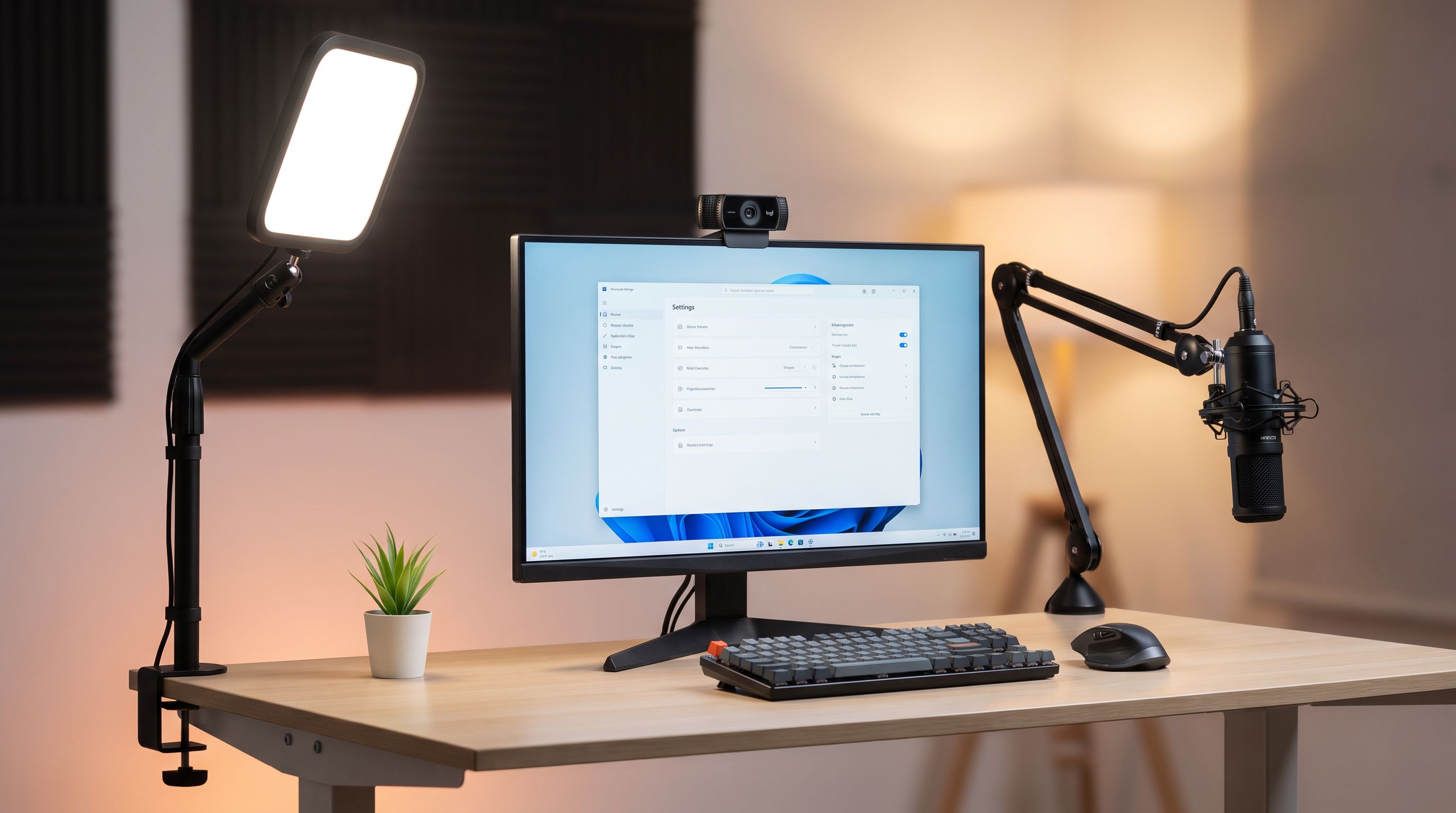
The Elgato Key Light Mini is our pick for most desks. It's a bi-color LED panel with app and Stream Deck control, runs on internal battery or USB-C, and is small enough to clamp to a monitor arm or sit on a desk stand. For a one-light setup, position it slightly above eye level and about 30–45 degrees off-axis — not dead centre, which flattens your face.
 Best key light for small desks · Elgato Key Light Mini — Check price on Amazon →
A practical lighting rule: your key light should be noticeably brighter than your screen. If your monitor is the brightest thing on your face, you'll get that blue-shifted "basement" look no matter how good the camera is. Set white balance on the light to around 4500–5000K and lock the camera's white balance to match, rather than leaving it on auto.
Mounting: get it off the monitor
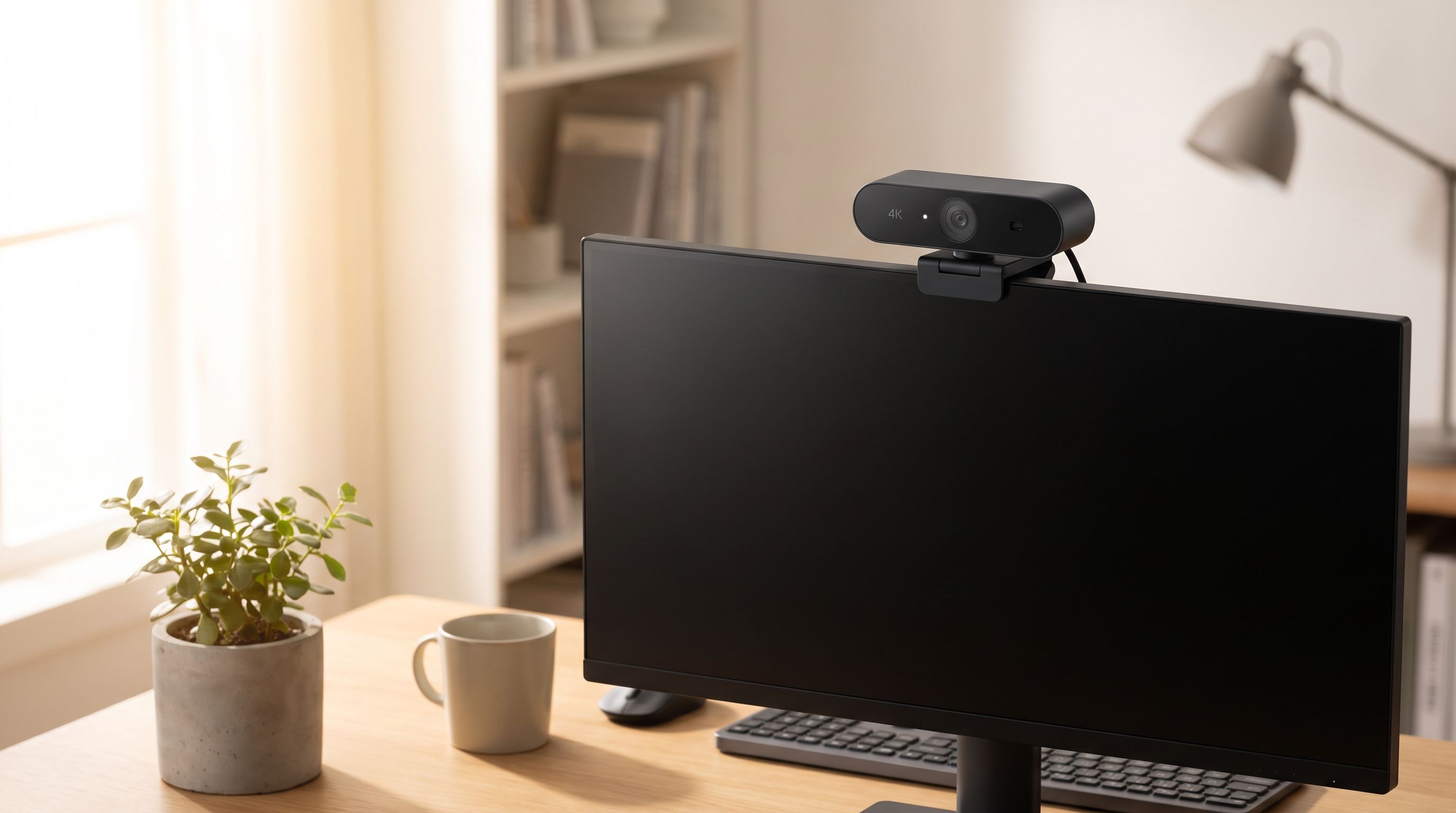
Monitor-clip mounting puts the camera at the top of your screen, which means you're always looking down from the viewer's perspective, and every keyboard tap shakes the frame.
The Elgato Multi Mount system — a desk clamp plus extension poles with standard 1/4-inch threads — fixes both. You can put the camera at eye level slightly in front of the monitor, hang the key light above it, and run a mic arm off the same clamp. Everything stays off the desk surface, and nothing wobbles when you type. The threads are standard, so third-party cameras, lights and ball heads all attach fine.
How the picks compare
| Product | Role | Best for | Key strength | Watch out for |
|---|---|---|---|---|
| Elgato Facecam MK.2 | Camera | Dedicated streamers | Uncompressed output, full manual control, no focus hunting | Fixed focus — you must sit in its zone |
| Logitech Brio 505 | Camera | Streaming + work calls | Forgiving auto-exposure, privacy shutter, Show Mode | Fewer manual overrides than Elgato |
| OBSBOT Tiny 2 | Camera | Moving around on camera | Large sensor, gimbal AI tracking, strong low light | More software complexity |
| Elgato Key Light Mini | Lighting | Small or shared desks | Bi-color, app/Stream Deck control, battery option | One unit alone won't light a large room |
| Elgato Multi Mount Master Mount L | Mounting | Any of the above | Eye-level camera placement, vibration-free, modular | Needs a desk edge it can clamp to |
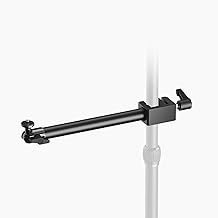 Best mounting system · Elgato Multi Mount Master Mount L — Check price on Amazon →
Three complete setups
The starter stream (budget-conscious): Logitech Brio 505 + Elgato Key Light Mini, camera clipped to the monitor to begin with. Spend on the light first — it does more for image quality than any camera upgrade at this tier.
The dedicated streamer: Elgato Facecam MK.2 + Key Light Mini + Master Mount L. Camera at eye level, light above and off-axis, everything locked manual. This is the setup that looks the same every stream, which is what builds a recognisable channel.
The mobile presenter: OBSBOT Tiny 2 + Key Light Mini on its battery + Master Mount L. Tracking handles your movement; the light travels with you to events or a second room.
Setup details people skip
- Lock exposure and white balance before you go live, not during. Auto modes shift when your game's scene changes brightness.
- Set your webcam's frame rate to match your stream (60fps camera, 60fps output) to avoid judder.
- Use a USB-A 3.0 or USB-C port directly on the machine, not a hub. Uncompressed camera output saturates cheap hubs.
- Kill the overhead light if you can. Mixed color temperatures from ceiling LEDs and a key light create odd skin tones that no filter fixes cleanly.
- Add a cheap second light behind you pointed at the wall before you consider a second key light. Background separation reads as "production value" more than face detail does.
FAQ
Do I actually need a 4K webcam for Twitch? No. Twitch delivers 1080p to most viewers. 4K is worth it for cropping flexibility and cleaner downsampled 1080p, not for broadcasting at 4K.
Is one key light enough? For a seated desk setup, yes. A single key light at 30–45 degrees off-axis plus a soft background light covers most streams. Two-light setups matter more for larger rooms or glasses-wearers fighting reflections.
Will a key light cause glare on my glasses? It can. Raise the light higher and angle it down more steeply, or move it further off-axis. Larger, more diffuse panels reduce glare compared with small bright sources.
Can I use a mirrorless camera instead? You can, via a capture card, and image quality will be better. But it adds cost, heat, cabling and a failure point. A good webcam plus good lighting closes most of the gap for far less hassle.
Does mounting position really matter that much? Yes — more than most spec comparisons. Eye-level framing and a vibration-free mount change how viewers read your presence on camera, and no sensor upgrade compensates for a camera looking down at you.
Our picks
Elgato Facecam MK.2, Premium Full HD Webcam, HDR
Uncompressed 1080p60 with manual controls and deep Camera Hub tuning — the streamer's default.
Logitech Brio 505 Full HD 1080p Business Webcam with Auto Light Correction
Reliable auto-exposure, Show Mode and a privacy shutter make it the easiest camera to live with daily.
OBSBOT Tiny 2 Lite 4K Webcam for PC, AI Tracking PTZ Streaming Camera
Gimbal-mounted 4K sensor that tracks you around the room — ideal for standing or multi-cam setups.
Elgato Key Light, Professional 2800 Lumens Studio Light
Battery-capable, app-controlled bi-color panel that clamps or stands almost anywhere.
Elgato Solid Arm, Holding Arm with Padded Clamp
Clamp-and-pole system that gets camera, light and mic off the desk and exactly where you want them.
Get the best tech deals in your inbox
Join the BytePlaza newsletter for hand-picked gadget deals and new buying guides. No spam, unsubscribe anytime.
Related reads
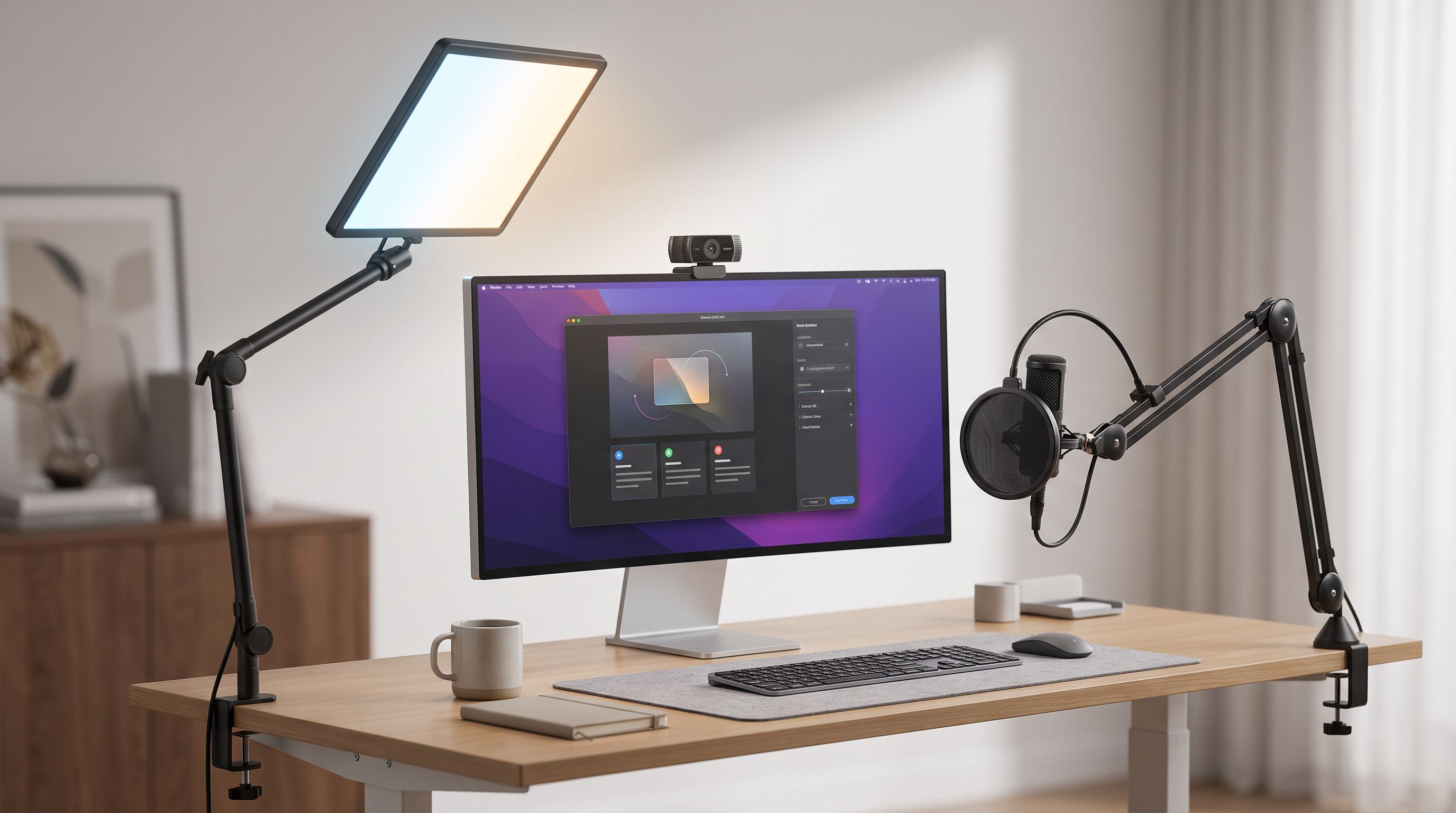
Which Key Light Should You Buy for Streaming in 2026?
The best key light for streaming in 2026, ranked by CRI, mounting options and app control — Elgato, Logitech Litra Beam, Lume Cube and budget panel picks compared.
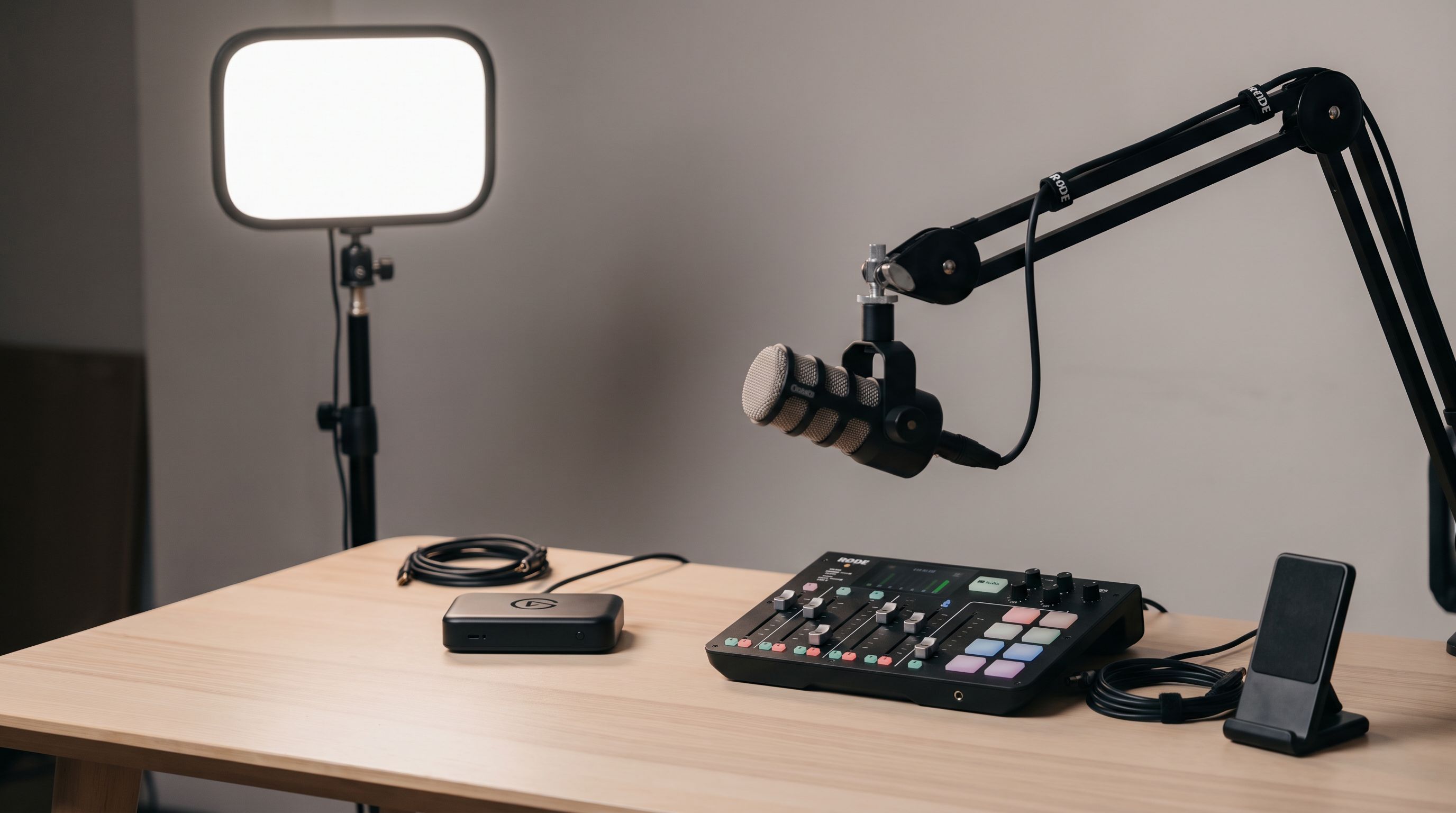
Streaming Setup Gear 2026: What to Buy at Every Budget
The best streaming setup gear for 2026: capture cards, key lights, boom arms and audio mixers ranked by budget tier, with a comparison table and buying advice.
Which Webcam Should You Buy in 2026? 4K vs 1080p
The best webcam in 2026 depends on light, not megapixels. We compare 4K and 1080p picks on autofocus, low-light noise, mics and AI framing for calls and streams.