Which Tablet Under $500 Should You Buy in 2026?
The best budget tablet under 500 in 2026: OLED and high-refresh picks for reading, drawing and streaming — plus honest notes on stylus and keyboard support.
Reader-supported: we may earn a commission from links on this page, at no extra cost to you. It never affects our picks. Learn more.
Search "best budget tablet under 500" and you'll see a lot of headlines promising OLED. Here's the honest starting point: genuine OLED tablets under $500 are rare in 2026, and most of them are either older Galaxy Tab S-series models on clearance or regional releases with patchy warranty support. What you can reliably get under $500 is a large, bright LCD with a 90Hz or 120Hz refresh rate, decent colour accuracy, and — crucially — a stylus that actually works well.
So this guide does two things: it tells you where the OLED money actually goes, and it ranks the sub-$500 tablets that are worth your money for reading, drawing and streaming. We compared current models on manufacturer specs, independent reviews from outlets like PCMag, Tom's Guide and Android Authority, and verified owner feedback — we don't physically test units.
The OLED reality check
OLED's advantages on a tablet are real: perfect blacks for letterboxed movies, no backlight bleed when you're reading in bed, and lower power draw on dark content. But panel cost scales with area, and a 11-13 inch OLED sheet is expensive. That's why OLED shows up in the iPad Pro and the Galaxy Tab S11 series, not in the $400 bracket.
If OLED is non-negotiable, your realistic sub-$500 routes are:
- A discounted previous-generation Galaxy Tab S9 during a major sale event (stock is inconsistent and shrinking).
- A smaller 8-9 inch OLED tablet from a second-tier brand — cheap, but usually paired with a weak chip and poor update commitments.
For nearly everyone else, a good 90Hz/120Hz LCD at 400-500 nits is the better trade. You get a bigger screen, better sustained performance, and real software support. Below are the tablets that deliver that.
How we ranked these
Four things move the needle at this price:
- Screen size and refresh rate — 90Hz+ makes scrolling and pen strokes feel dramatically better.
- Stylus story — is a pen included, does it charge magnetically, and is it low-latency?
- Software support window — a tablet you keep for five years needs five years of patches.
- Speakers — you'll watch more video on this thing than you think.
The comparison at a glance
| Tablet | Display | Refresh | Stylus | Keyboard | Best for |
|---|---|---|---|---|---|
| Samsung Galaxy Tab S10 FE | ~10.9" LCD | 90Hz | S Pen included | Official Book Cover Keyboard (extra) | All-rounder, note-taking |
| OnePlus Pad 3 | 13.2" LCD, 3.4K | 144Hz | OnePlus Stylo (extra) | Smart Keyboard (extra) | Streaming, split-screen work |
| Apple iPad (11th gen) | 11" Liquid Retina LCD | 60Hz | Apple Pencil (USB-C) sold separately | Third-party Bluetooth cases | Apps, drawing software, resale |
| Lenovo Tab Plus | ~11.5" LCD | 90Hz | Optional pen | Not a focus | Kitchen/bedside media |
| Amazon Fire HD 10 (13th gen) | 10.1" LCD | 60Hz | Not supported | Amazon keyboard bundle | Kids, Prime Video, cheapest entry |
 Best for media in the kitchen · Lenovo Tab Plus — Check price on Amazon →
 Budget pick · Amazon Fire HD 10 (2023, 13th gen) — Check price on Amazon →
 Best screen for streaming · OnePlus Pad 3 — Check price on Amazon →
 Best overall · Samsung Galaxy Tab S10 FE — Check price on Amazon →
Best overall: Samsung Galaxy Tab S10 FE
The Samsung Galaxy Tab S10 FE is the consensus pick in this bracket, and for good reason. It bundles the S Pen in the box — no extra purchase, no charging cable, and it clips magnetically to the back. Latency is low enough for handwriting and sketching, and Samsung's Notes app is genuinely one of the best note-taking experiences on any platform.
The 90Hz LCD isn't OLED, but it's large, bright enough for indoor use and holds up reasonably outdoors. Battery life draws consistently strong owner feedback, and Samsung's long update commitment on recent Galaxy Tabs means this is a tablet you can plausibly keep until 2030. DeX mode plus the official Book Cover Keyboard turns it into a light laptop substitute for email and docs — not a workstation, but enough for a flight.
Skip it if: you want raw gaming performance. The Exynos chip is competent, not fast.
Buy it if: you want one tablet that reads, draws, streams and takes meeting notes without compromise.
Best screen for streaming: OnePlus Pad 3
The OnePlus Pad 3 is the enthusiast's answer. A 13.2-inch, 3.4K, high-refresh display is an absurd amount of panel for the money, and the flagship-tier Snapdragon inside means it's the fastest tablet here by a wide margin. Owners repeatedly praise it for split-screen multitasking and for video — that screen is a small TV.
The catch: it's usually just above $500 at list. It's a sale purchase. Buyers in Europe report picking up higher-storage configs with the folio and pen included at promotional prices, so watch for bundles. The stylus and keyboard are both extras at full price, which is the main strike against it versus the Tab S10 FE.
Buy it if: display quality and speed matter more than an included pen.
Best app ecosystem: Apple iPad (11th generation)
 Best app ecosystem · Apple iPad (11th generation) — Check price on Amazon →
If you draw, the software argument is hard to beat. Procreate, Concepts, Affinity — the best creative apps still land on iPadOS first and run best there. The base Apple iPad (11th generation) pairs a fast A-series chip with a clean 11-inch Liquid Retina display and supports the USB-C Apple Pencil.
Two honest caveats. First, it's a 60Hz panel — after using a 120Hz Android tablet, you'll notice. Second, the Pencil is a separate purchase, which pushes your real-world total well past the sticker. Budget accordingly: iPad plus Pencil plus a case is a different number than iPad alone.
What you get in return is the longest useful lifespan in this guide and by far the best resale value. If you're keeping it six years, the maths flips in Apple's favour.
Best for media in the kitchen: Lenovo Tab Plus
The Lenovo Tab Plus is a niche pick that nails its niche. It has an eight-speaker JBL system and a built-in kickstand, so it stands up on a counter and sounds far better than the flat, tinny output most tablets manage. The 90Hz screen is decent, the chip is mid-tier, and it's not a drawing machine.
Think of it as a portable smart display that happens to run full Android apps. For recipes, YouTube while cooking, or a bedside Netflix slab, it's excellent value.
Budget pick: Amazon Fire HD 10
At the bottom of the range, the Amazon Fire HD 10 (13th gen) remains the cheap tablet reviewers keep recommending — PCMag calls it the best blend of performance and price in the Fire line. It's fine for Prime Video, Kindle books, browsing and kids.
Know the trade: Fire OS uses Amazon's Appstore, not Google Play, so some apps simply aren't there. Sideloading Play Store services is a well-documented tweak that transforms the device, but it's on you, and it's not officially supported. There's no stylus support at all.
Stylus and keyboard notes
- Included pens win. Only the Galaxy Tab S10 FE ships with one. Everywhere else, add the pen cost to your budget before comparing prices.
- Magnetic charging matters. A pen that recharges by sticking to the tablet gets used; one that needs a cable doesn't.
- Keyboards are the weakest link under $500. First-party keyboard cases from Samsung, OnePlus and Apple are all extras that can add a third to your total. A cheap Bluetooth keyboard and a stand cover 90% of the use case for far less.
- Palm rejection is solid on all the Android picks now; it's the drawing app quality that separates iPadOS from the rest.
FAQ
Is there a real OLED tablet under $500 in 2026? Only intermittently — typically clearance stock of an older Samsung Galaxy Tab S9, or small-screen models from lesser-known brands. If you see one at that price from a major brand, it's a genuine deal, but don't wait for it.
Is 90Hz actually noticeable versus 60Hz? Yes, especially for scrolling and pen input. It's one of the clearest quality-of-life upgrades in this price band, which is why the base iPad's 60Hz panel is its most-criticised spec.
Which is best for drawing on a budget? The Galaxy Tab S10 FE if you want everything in the box; the iPad (11th gen) plus an Apple Pencil if you want the best drawing apps and can absorb the extra cost.
Do I need a cellular model? Rarely. Phone hotspots are fast and reliable, and cellular versions carry a meaningful premium plus a data plan. Put the money into storage instead.
How much storage should I buy? 128GB minimum if you download shows or store artwork. Samsung and Lenovo models generally take microSD cards; iPads and the OnePlus Pad 3 do not, so choose carefully upfront.
Our picks
Samsung Galaxy Tab S10 FE 128GB WiFi Android Tablet, US Version, Silver | Large Display, Long Battery Life, Exynos 1580 Processor, IP68 Water-Resistant, 90 Hz Refresh, S Pen for Note-Taking
Big 90Hz screen, S Pen in the box and long software support — the most complete sub-$500 tablet.
OnePlus Pad 3 13.2 Inch 512GB ROM + 16GB RAM WiFi + Bluetooth Tablet (Storm Blue) - International Version
Huge high-refresh 3.4K display and flagship-class chip; often dips into range on sale.
Apple iPad 11-inch: A16 chip, 11-inch Model, Liquid Retina Display, 128GB, Wi-Fi 6, 12MP Front/12MP Back Camera, Touch ID, All-Day Battery Life — Silver
The safest all-rounder: fastest apps, best drawing software, longest useful lifespan.
Amazon Fire HD 10 tablet, built for relaxation, 10.1" vibrant Full HD screen, octa-core processor, 4 GB RAM, 32 GB, Black
Cheap, tough enough for kids and fine for Prime Video — just don't expect app breadth.
Lenovo Tab Plus Gen 2 Android 16 Tablet 12.1" 2.5K 2.5K (2560 x 1600), IGZO, Multi-Touch, AF Coating, 800 nits, 120Hz 8GB 128GB ZAHT0078US
Eight-speaker JBL array and a built-in kickstand make it a superb portable TV.
Get the best tech deals in your inbox
Join the BytePlaza newsletter for hand-picked gadget deals and new buying guides. No spam, unsubscribe anytime.
Related reads
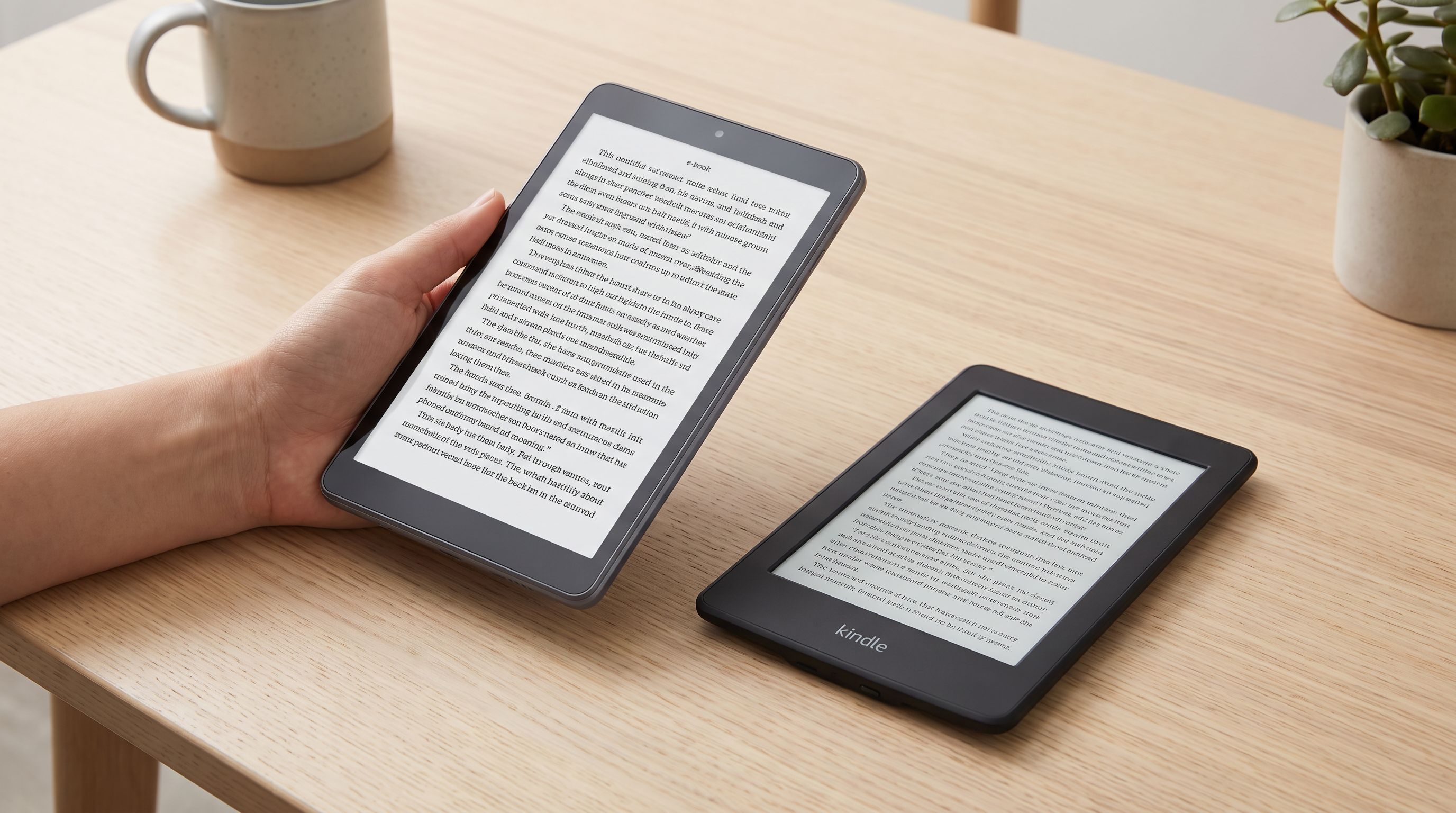
Budget Tablets for Reading in 2026: 4 Picks Under $250
The best budget tablet for reading in 2026: we compared screen ratios, weight, and eye-strain notes across sub-$250 Android and Fire tablets — plus when a Kindle wins.
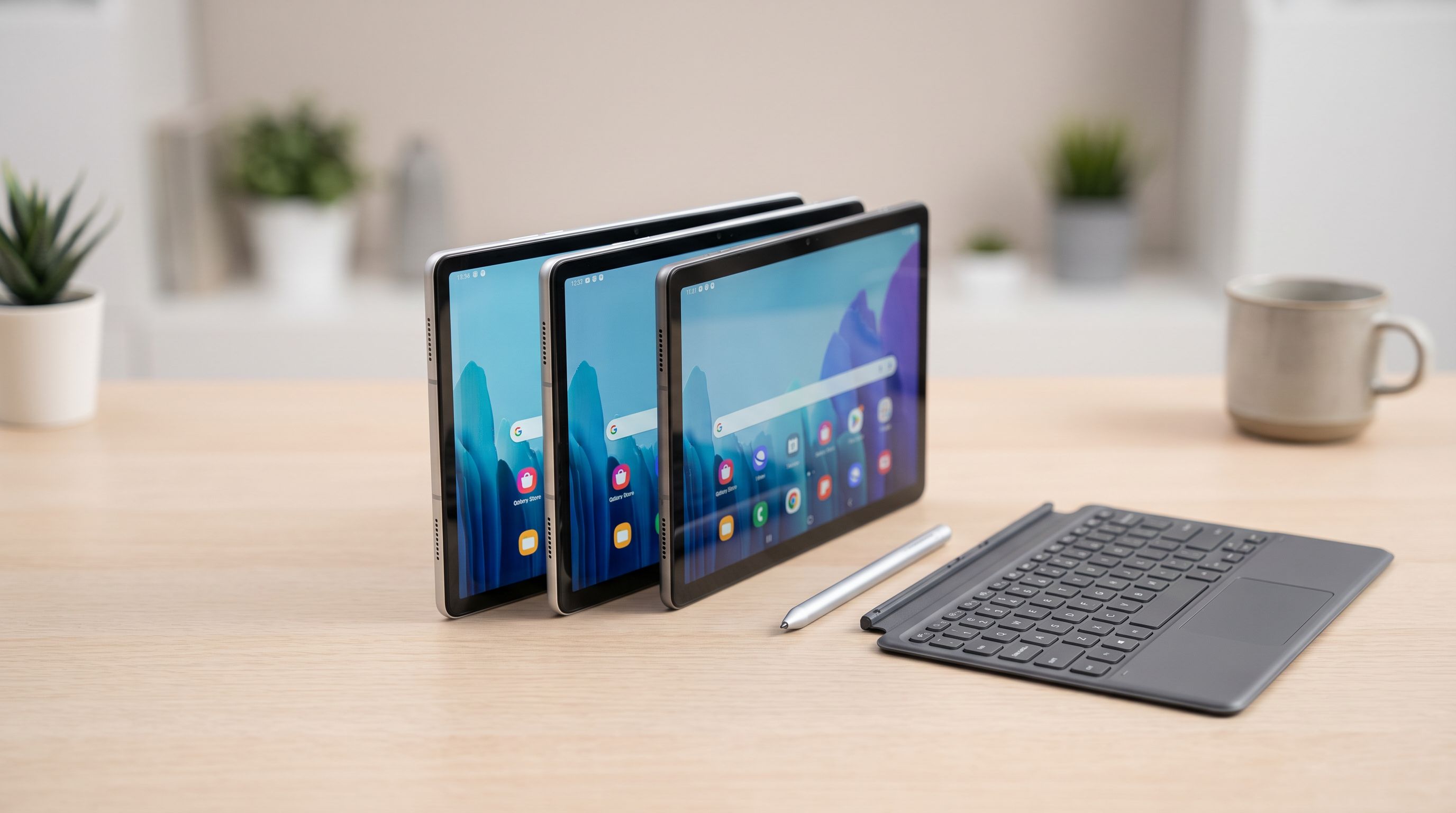
Which Android Tablet Should You Buy in 2026?
Galaxy Tab vs OnePlus Pad vs the rest: we compare the best Android tablet options in 2026 for media, note-taking and light work, with stylus and price tiers explained.
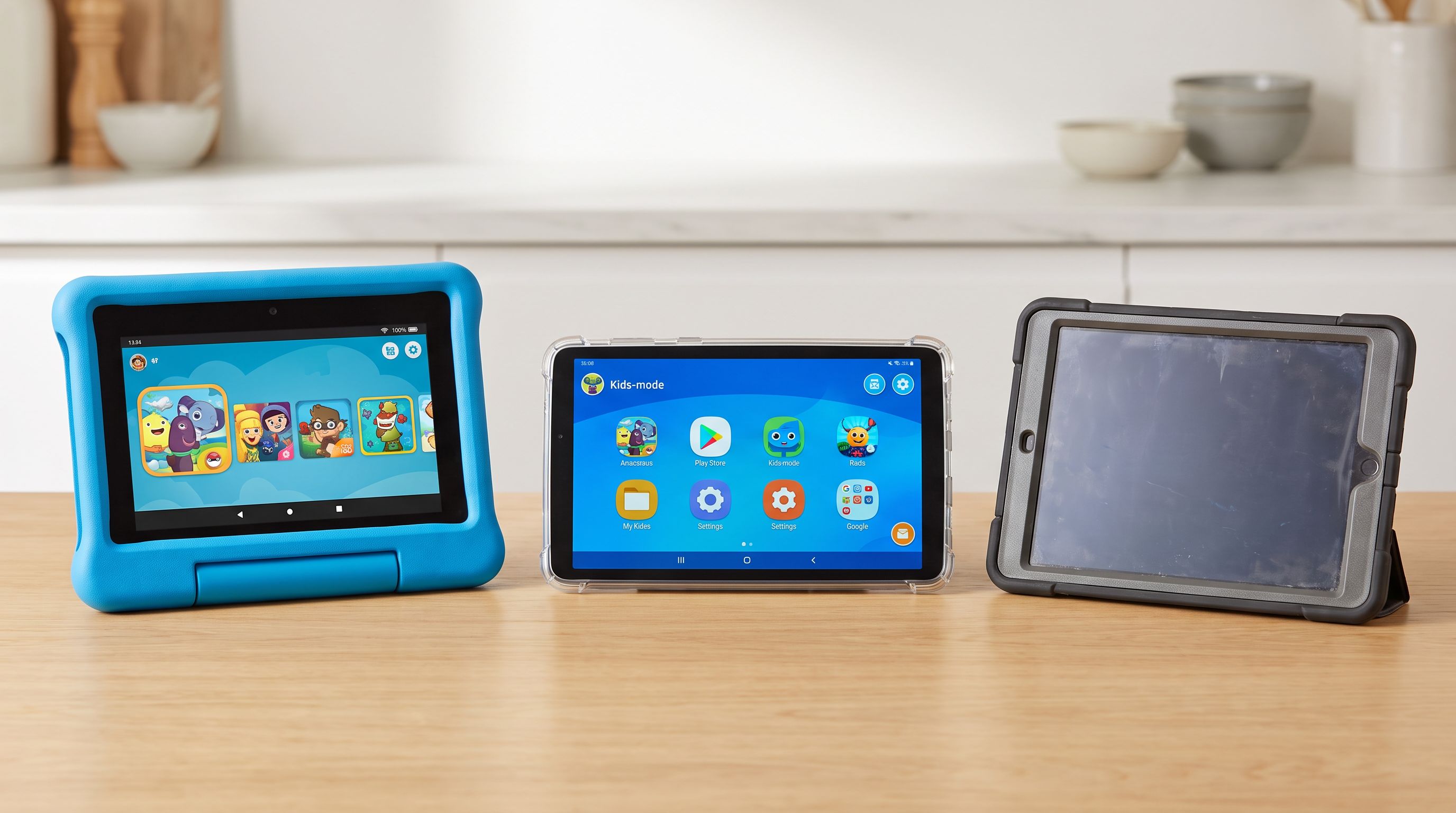
Which Kids Tablet Should You Buy in 2026? A Parent's Guide
The best kids tablet 2026 shortlist: Fire HD Kids vs Galaxy Tab A vs an old iPad. We compare durability, parental controls, screen time tools and real costs.