Which Kids Tablet Should You Buy in 2026? A Parent's Guide
The best kids tablet 2026 shortlist: Fire HD Kids vs Galaxy Tab A vs an old iPad. We compare durability, parental controls, screen time tools and real costs.
Reader-supported: we may earn a commission from links on this page, at no extra cost to you. It never affects our picks. Learn more.
Buying a tablet for a child is a different problem from buying one for yourself. Raw speed barely matters. What matters is whether it survives a fall down the stairs, whether you can stop a seven-year-old from wandering into YouTube comments, and whether the thing is still useful in three years or lands in a drawer next to the tangled headphones.
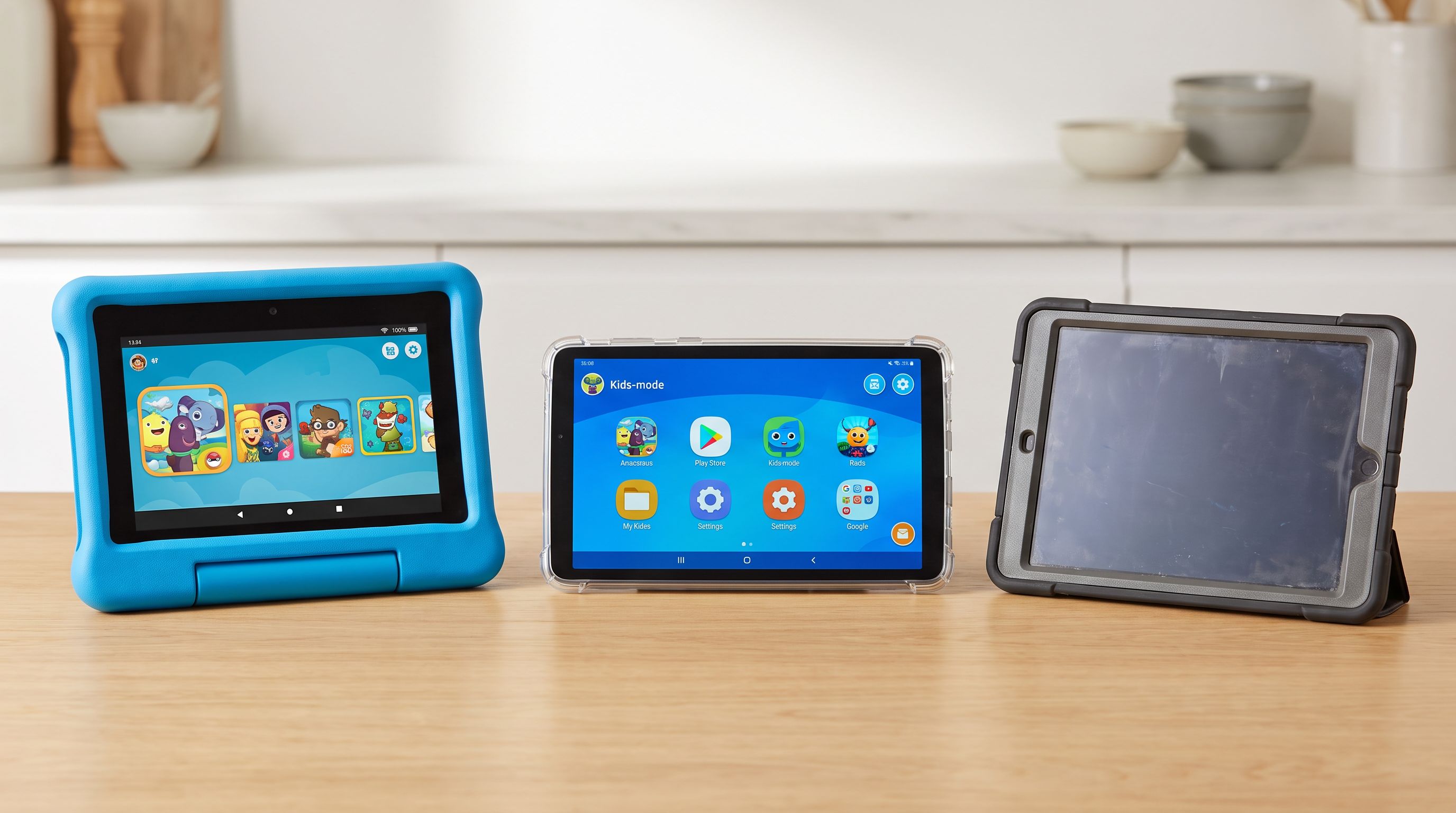
We compared the main options parents actually consider in 2026 — Amazon's Fire Kids line, Samsung's Galaxy Tab A series, and the "just give them your old iPad" route — using manufacturer specs, independent reviews and verified owner feedback. Here's how they stack up, and which one fits which kind of kid.
The three routes, honestly compared
Amazon Fire Kids tablets are purpose-built for this job. You get a chunky foam bumper in the box, a 2-year "worry-free" guarantee (drop it, they replace it, no argument), and a year of Amazon Kids+ content included. The trade-off is Amazon's Appstore rather than Google Play, and hardware that's modest by 2026 standards. For under-10s who mainly want cartoons, drawing apps and reading, none of that registers.
Samsung Galaxy Tab A-series is a real Android tablet with full Google Play access, Samsung Kids mode built in, and Google Family Link for account-level controls. It's the "grows with them" option — the same device works for a 9-year-old watching Minecraft videos and a 14-year-old doing homework in Google Docs. You'll need to buy a rugged case separately, and there's no free replacement guarantee.
An iPad — new or handed down — has the best app ecosystem, by a wide margin, for education and creative software. Apple's Screen Time is the most granular parental control system here: per-app limits, downtime schedules, communication limits, purchase approval. An older iPad you already own may well be the best-value option on this page, provided it still receives iPadOS updates.
Comparison at a glance
| Fire HD 8 Kids (2024) | Fire HD 10 Kids Pro (2023) | Galaxy Tab A9+ | iPad (10th gen) | |
|---|---|---|---|---|
| Best for | Ages 3–6 | Ages 6–12 | Ages 8–15 | Ages 8+ / shared family use |
| Screen size | 8 in | 10.1 in | 11 in | 10.9 in |
| Case included | Yes, thick foam bumper | Yes, slimmer "Pro" case | No | No |
| Breakage guarantee | 2-year worry-free | 2-year worry-free | Standard warranty | Standard warranty |
| App store | Amazon Appstore | Amazon Appstore | Google Play | Apple App Store |
| Parental controls | Amazon Kids (Parent Dashboard) | Amazon Kids (Parent Dashboard) | Samsung Kids + Google Family Link | Apple Screen Time |
| Content bundle | 1 year Amazon Kids+ | 1 year Amazon Kids+ | None | None |
| Still useful at 14? | No | Not really | Yes | Yes |
Match the tablet to the age
Ages 3–6: get the small one with the big bumper
The Amazon Fire HD 8 Kids is the right shape for this age. An 8-inch tablet in a foam case is heavy enough already for small arms; a 10-inch one gets dropped more, which is exactly what you're trying to avoid. Amazon Kids+ is genuinely well curated at this age — books, Sesame Street, PBS Kids, age-gated by profile — and the Parent Dashboard lets you set daily limits and "learn first" rules that require reading or educational time before videos unlock.
 Best overall for ages 6–12 · Amazon Fire HD 10 Kids Pro (2023, 13th gen) — Check price on Amazon →
The screen isn't sharp and the processor isn't fast. Neither is a problem for a four-year-old. The worry-free guarantee is the feature you're really buying.
Ages 6–12: the sweet spot for the Fire HD 10 Kids Pro
The Fire HD 10 Kids Pro is our overall pick because it threads a needle. Older kids notice — and resent — obviously babyish hardware, so the Pro version swaps the toddler bumper for a slimmer protective case with a kickstand, and the Kids+ profile gets an age-appropriate look with a web browser that's filtered by default. You still get the same two-year replacement guarantee.
The 10.1-inch screen matters more than you'd think: split-screen reading apps, video calls with grandparents, and school reading platforms are all more comfortable at that size. Reviewers consistently rate the Fire HD 10 as the best-value cheap tablet in Amazon's range, and the Kids Pro edition is that tablet plus insurance and software.
Where it falls short: no Google Play means no Google Classroom, no Google Docs app, and some school-mandated apps simply won't be available. If your child's school has a specific app list, check it before buying.
Ages 10–15: buy something they won't outgrow
Around ten, a Fire tablet starts to feel like a toy. The Samsung Galaxy Tab A9+ is the sensible step up: full Android, full Play Store, a big 11-inch screen, and quad speakers that make it a decent video device. Samsung Kids gives you a walled-garden mode for younger siblings, while Google Family Link handles the grown-up stuff — app approval, screen time schedules, location, and content filters that follow the child's Google account across devices.
Budget for a rugged case and a screen protector. That's the cost of a tablet that isn't sold as a kids' product.
The hand-me-down iPad route
If you have a functioning iPad in a drawer, start there. Set up a child account in Family Sharing, turn on Screen Time with Ask to Buy, restrict Safari to approved sites, and drop it in a chunky case. You've just built a better kids' tablet than most purpose-made ones, for the price of the case.
Buying new, the iPad (10th generation) is the entry point most families land on. It gets you years of software updates, the strongest selection of educational and creative apps (Procreate Pocket, Swift Playgrounds, GarageBand, most school platforms), and resale value that softens the cost. It's the most expensive route here and the one with the least drop protection out of the box — so factor a case in from day one.
What actually matters when you're choosing
Breakage cover beats build quality. No consumer tablet is genuinely indestructible. Amazon's replacement guarantee is the single most valuable feature in the Fire Kids line, and it's the main reason parents in owner feedback keep re-buying them.
Check the app list before you check the specs. The most common regret we found in parent forums is buying a Fire tablet and discovering the school's required app is Play Store or App Store only.
Parental controls are not equal. Amazon's Parent Dashboard is the easiest to set up and the most restrictive by default. Apple's Screen Time is the most flexible and the best at gradually loosening as a child gets older. Google Family Link sits in between and works across phones too — useful if a smartphone is the next purchase.
Storage and microSD. Fire and Galaxy tablets take microSD cards; iPads don't. If your kid downloads a lot of video for car journeys, that's a real cost difference.
Headphones and volume limiting. Whatever you buy, pair it with volume-limited kids' headphones. Tablet speakers get used at full blast otherwise.
Screen time features you'll actually use: bedtime lock, per-app limits, and a "pause device" button on your own phone. Check the device supports all three before buying.
FAQ
Is a Fire Kids tablet worth it over a standard Fire tablet plus a case? Often, yes — the bundled Kids+ subscription and the 2-year replacement guarantee usually outweigh the difference. If you already have a tablet, a rugged case plus the free Amazon Kids software gets you most of the way.
Can I put Google Play on a Fire tablet? Unofficially it's possible, but it isn't supported, can break with updates, and may affect your warranty. If you need Play Store apps, buy an Android tablet.
What age should a child get their own tablet? There's no single answer. Most guidance points to shared, supervised use for under-5s, with a personal device becoming reasonable around 6–8 — paired with time limits and a device that lives in a common room, not the bedroom.
How long will a cheap kids tablet last? Realistically two to four years before performance and software support become limiting. Budget accordingly: a cheaper tablet replaced twice can cost the same as one good one.
Do I need cellular? No. Wi-Fi-only is right for almost every kid. Download content for trips instead.
Our picks
Amazon Fire HD 8 Kids Pro tablet (newest model), ages 6-12. Bright 8" HD screen, includes ad-free content, parental controls, 13-hr battery, slim case for older kids, 64GB, Hello Teal
Big 10.1-inch screen, slimmer case for older kids, 2-year worry-free guarantee and a year of Amazon Kids+.

Amazon Fire HD 8 Kids tablet, ages 3-7 | 4GB memory, includes ad-free and exclusive content, parental controls and 13-hr battery, 64GB, Blue, (2024 release)
Lighter, easier for small hands, huge foam bumper and the same no-questions-asked replacement guarantee.

Samsung Galaxy Tab A9+ 11” 64GB Wi-Fi Android Tablet, Big Screen, Quad Speakers, Upgraded Chipset, Multi Window Display, Slim, Light, Durable Design, US Version, 2023, Navy (Renewed)
Real Android with Google Play, Samsung Kids mode and Family Link — a tablet a teen won't be embarrassed by.

2022 Apple iPad (10.9-inch, Wi-Fi, 64GB) - Silver (Renewed)
Best app quality and longest software support; Screen Time gives parents genuinely granular control.

Amazon Kid-Proof Case for Fire HD 10 tablet (Only compatible with 13th generation tablet, 2023 release) - Blue
Drop-friendly bumper with a kickstand — turns a standard Fire or spare tablet into a kid-proof one.
Get the best tech deals in your inbox
Join the BytePlaza newsletter for hand-picked gadget deals and new buying guides. No spam, unsubscribe anytime.
Related reads
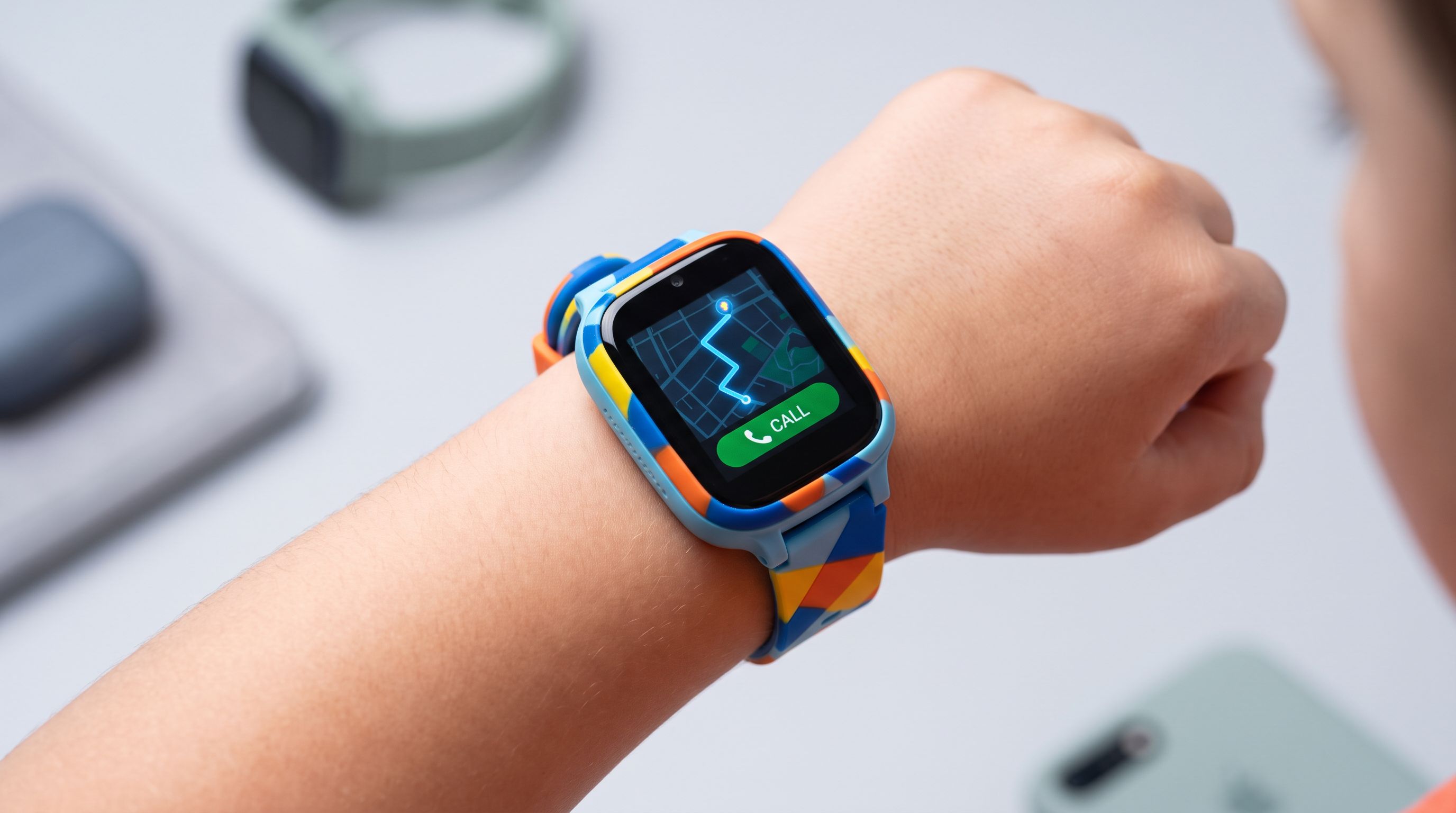
Kids Smartwatches With GPS in 2026: 4 Picks, No Phone Needed
Compare the best kids smartwatch with GPS in 2026 — LTE calling plans, location accuracy, parental controls and battery life, ranked for parents by age.

Cheap OLED Tablets in 2026: Which Ones Actually Look Good?
Looking for the best OLED tablet without flagship pricing? We compare affordable OLED and AMOLED slates for Netflix, HDR contrast, speakers and battery life in 2026.
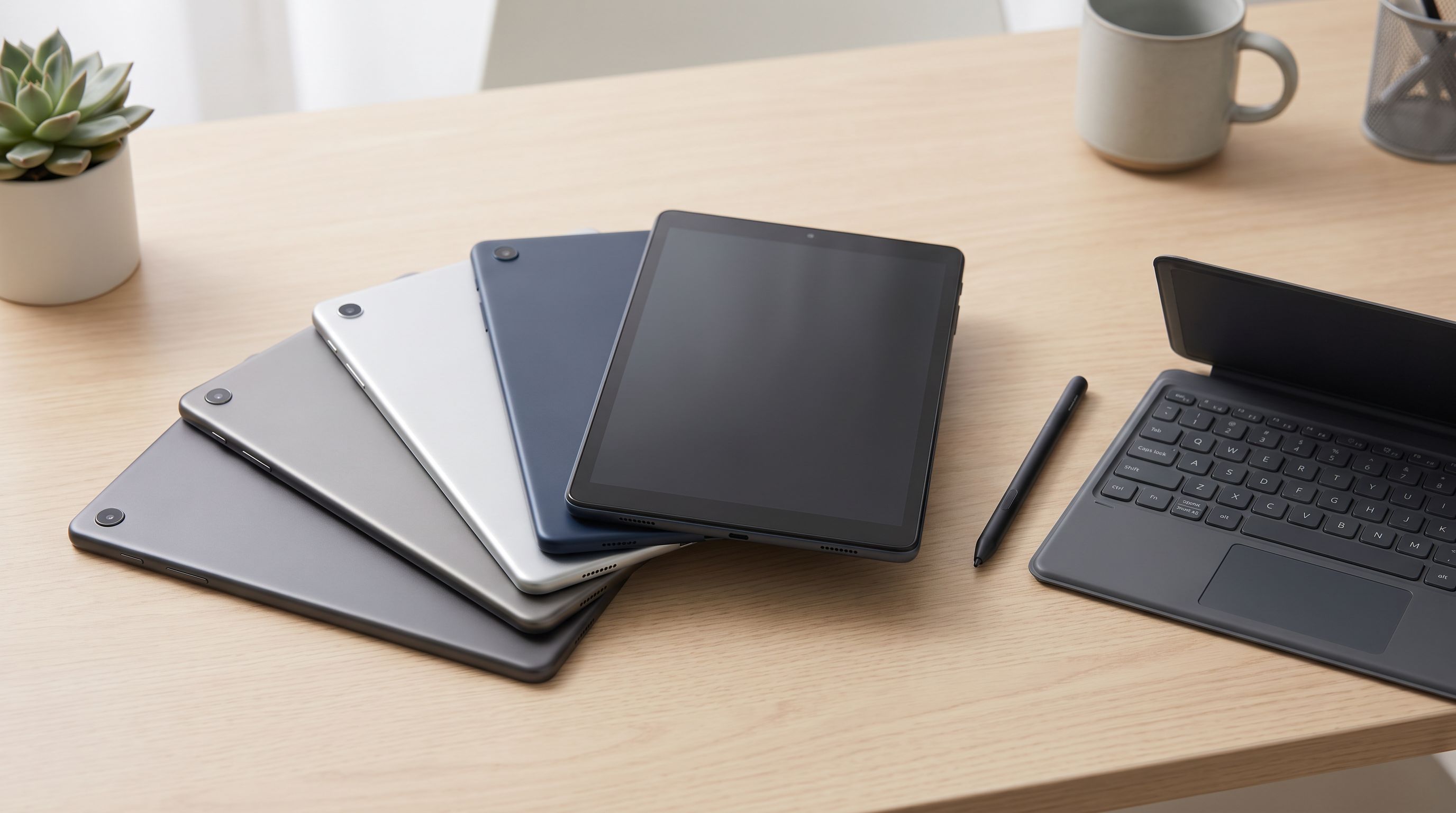
Which Tablet Under $500 Should You Buy in 2026?
The best budget tablet under 500 in 2026: OLED and high-refresh picks for reading, drawing and streaming — plus honest notes on stylus and keyboard support.