Which Android Tablet Should You Buy in 2026?
Galaxy Tab vs OnePlus Pad vs the rest: we compare the best Android tablet options in 2026 for media, note-taking and light work, with stylus and price tiers explained.
Reader-supported: we may earn a commission from links on this page, at no extra cost to you. It never affects our picks. Learn more.
Android tablets finally stopped being an afterthought. In 2026 there are genuinely good options at every price tier — but they're good at different things, and the marketing rarely tells you which. A Galaxy Tab S11 Ultra and a Lenovo Idea Tab Pro will both play Netflix beautifully; only one of them will still be getting OS updates in five years.
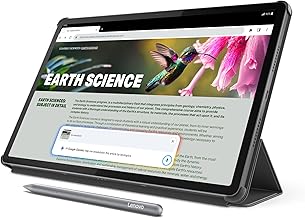 Best for media on a budget · Lenovo Idea Tab Pro — Check price on Amazon →
We compared current Android tablets on display quality, chip performance, stylus support, software update commitments and accessory ecosystems, drawing on manufacturer specs, independent expert reviews and verified owner feedback. Here's how the main contenders actually stack up — and a note on the Pixel Tablet question, because it matters.
The short answer
- You want the best Android tablet, full stop: Samsung Galaxy Tab S11 Ultra.
- You want 90% of that for a lot less: OnePlus Pad 3.
- You mostly take notes and read: Samsung Galaxy Tab S10 FE (stylus included).
- You mostly watch things on the sofa: Lenovo Idea Tab Pro, or Amazon Fire HD 10 if you want to spend as little as humanly possible.
 Cheapest useful pick · Amazon Fire HD 10 — Check price on Amazon →
 Best mid-range · Samsung Galaxy Tab S10 FE — Check price on Amazon →
 Best value flagship · OnePlus Pad 3 — Check price on Amazon →
 Best overall · Samsung Galaxy Tab S11 Ultra — Check price on Amazon →
Galaxy Tab vs OnePlus vs Pixel: the real story
Samsung is the default for a reason. It's the only Android tablet maker with a complete stack: excellent AMOLED panels on the S-series, a genuinely good stylus (the S Pen, bundled rather than sold separately on most models), first-party keyboard cases, and Samsung DeX — a desktop-style windowed mode that turns the tablet into something closer to a laptop when you attach a keyboard. Samsung also offers the longest software support commitment in the Android tablet world, which is a bigger deal on a device you'll keep for five years than any spec on the box.
OnePlus has quietly become the value flagship. The OnePlus Pad 3 pairs a flagship-tier Snapdragon chip with a very large, very high-resolution 144Hz LCD and a battery that owners consistently describe as lasting days of mixed use. What you give up: LCD instead of OLED (fine in bright rooms, less inky in a dark one), a stylus and keyboard sold separately, and a less mature productivity mode than DeX. What you gain is a lot of money back.
Pixel is the awkward one. Google's tablet effort has been more of a smart-display hybrid than a productivity device — no first-party stylus ecosystem to speak of, and a strategy that has shifted repeatedly. If you're shopping specifically for note-taking, stylus work or a laptop replacement in 2026, it is not the tablet to build your workflow around. Buy a Pixel tablet for ambient Google Assistant duty and casual media; buy a Galaxy Tab or OnePlus Pad for everything else. That's the honest framing, and it's why our picks skew Samsung and OnePlus.
Worth knowing: Honor and Xiaomi now make excellent hardware too (the MagicPad 4 and Xiaomi Pad series show up near the top of most 2026 round-ups), but availability, warranty and app-support consistency vary a lot by region — check before you commit.
Comparison table
| Model | Best for | Screen type | Stylus | Standout strength | Main compromise |
|---|---|---|---|---|---|
| Samsung Galaxy Tab S11 Ultra | Everything, if budget allows | Large anti-reflective AMOLED | S Pen included | DeX desktop mode + longest update support | Priciest option; big and heavy |
| OnePlus Pad 3 | Value-focused power users | Large high-res 144Hz LCD | Sold separately | Flagship chip + huge battery for less | LCD, weaker productivity software |
| Samsung Galaxy Tab S10 FE | Students, note-takers | LCD | S Pen included | Stylus in the box, Samsung support | Mid-tier performance for heavy gaming |
| Lenovo Idea Tab Pro | Sofa media | Large high-refresh LCD | Optional | Big screen + quad speakers for the money | Shorter update commitment |
| Amazon Fire HD 10 | Kids, guest, travel | LCD | No | Costs very little; tough kids editions | Fire OS, no Google Play by default |
By use case
Media and streaming
Screen size and speakers matter more than chip speed. The Galaxy Tab S11 Ultra's anti-reflective AMOLED is the best-in-class option — deep blacks, HDR that actually looks like HDR, and a matte-ish finish that kills the ceiling-light reflection that plagues glossy tablets. But you don't need to spend that much: the Lenovo Idea Tab Pro delivers a 12.7-inch class panel and a four-speaker array that punches far above its tier, and the OnePlus Pad 3's tall aspect ratio is superb for splitting a video and a chat window.
One overlooked factor: DRM certification. Check that any tablet you're considering supports Widevine L1, or streaming apps will cap you at standard definition. Mainstream models from Samsung, OnePlus and Lenovo do; obscure budget slabs often don't.
Note-taking and drawing
This is where the field narrows fast. You want low stylus latency, palm rejection that works, and — ideally — a pen included so you're not paying extra to discover you don't like it.
The Galaxy Tab S10 FE is the pragmatic pick here: the S Pen comes in the box, Samsung Notes is a mature app with handwriting search and PDF markup, and the tablet is light enough to hold like a legal pad. Step up to the S11 Ultra if you want more canvas and an AMOLED panel, plus the ability to run a note app and a reference document side by side without either feeling cramped.
For the OnePlus Pad 3, budget for the stylus separately. It's a capable pen, but the third-party note-app ecosystem does more of the heavy lifting than on Samsung.
If your priority is reading and writing rather than color — e-ink devices like the BOOX Note Air series exist and are lovely — but they're a different category with different tradeoffs (slow refresh, no video).
Light work and laptop-ish duty
Two things decide this: a good keyboard case and a windowing system. Samsung wins on both. DeX gives you resizable windows, a taskbar and external-monitor support, and Samsung's own keyboard cases include a trackpad. The OnePlus Pad 3 supports a keyboard and split-screen multitasking and is perfectly usable for email, docs and browser tabs — just expect a more phone-like interface.
Be realistic about scope. Android tablets are excellent second devices for writing, research, email and light spreadsheet work. They are not a substitute for a laptop if your job depends on desktop-only software.
Price tiers, decoded
- Budget: Fire HD 10 territory. Media, kids, kitchen recipes. Fire OS means sideloading if you want the Play Store — doable, but a chore.
- Mid-range: The Galaxy Tab S10 FE and Lenovo Idea Tab Pro live here. This is the value sweet spot in 2026 — big screens, stylus support, real software support.
- Value flagship: The OnePlus Pad 3. Flagship silicon and screen size without the flagship badge tax.
- Premium: The Galaxy Tab S11 Ultra. You're paying for the AMOLED, the DeX experience, the bundled pen and the update runway.
Buying checklist
- Update policy — ask how many OS versions and years of security patches. Samsung leads; budget brands often trail badly.
- RAM, not just chip — 8GB is the floor for comfortable multitasking on a big tablet.
- Stylus included or extra? Factor it into the real price.
- Widevine L1 for HD streaming.
- Weight — anything over ~600g gets tiring to hold in bed. Ultra-class tablets are desk-and-lap devices.
- Keyboard case availability — first-party cases with trackpads are far better than generic Bluetooth ones.
FAQ
Is the Pixel Tablet a good pick for note-taking? Not really. Google's tablet strategy has centered on smart-display and casual media use rather than stylus productivity. For handwriting, PDF markup or drawing, a Galaxy Tab is the safer bet in 2026.
Do I need OLED? Only if you watch a lot of video in dim rooms or care about perfect blacks. Modern high-refresh LCDs like the one on the OnePlus Pad 3 are bright, sharp and excellent in daylight — and often larger for the money.
Can an Android tablet replace my laptop? For email, documents, browsing and media — yes, especially with Samsung DeX and a trackpad keyboard case. For desktop-only professional software, no.
How much RAM do I need? 8GB is a comfortable minimum for a large tablet you'll multitask on. 12GB+ is nice if you keep many apps open or plan to use desktop mode heavily.
Are Honor and Xiaomi tablets worth considering? The hardware is often excellent and reviewers rate the Honor MagicPad 4 and Xiaomi Pad line highly. Just verify regional availability, Google Play support and warranty terms before buying — those are the usual sticking points.
Our picks
Samsung Galaxy Book6 Touch 16" Copilot+ PC Laptop, Intel Core Ultra 7 355 | 16 GB LPDDR5X, 512 GB SSD, FHD+ 120Hz IPS Touchscreen, Windows 11 Pro, AI Business Laptop, Backlit KB, Up to 24-Hour Battery
Huge anti-reflective AMOLED, S Pen in the box and the most complete Android desktop mode via DeX.
OnePlus Pad 3 13.2 Inch 512GB ROM + 16GB RAM WiFi + Bluetooth Tablet (Storm Blue) - International Version
Flagship chip, big 3.4K 144Hz LCD and huge battery for noticeably less than an Ultra-class tablet.
Samsung Galaxy Tab S10 FE 128GB WiFi Android Tablet, US Version, Silver | Large Display, Long Battery Life, Exynos 1580 Processor, IP68 Water-Resistant, 90 Hz Refresh, S Pen for Note-Taking
Includes an S Pen, offers long Samsung software support and is the sweet spot for note-taking.
Lenovo Idea Tab Pro with Google Gemini - Student Tablet - 12.7” 3K LCD Display - 8 GB Memory - 128 GB Storage - MediaTek Dimensity 8300 - Includes Pen and Folio Case
Large 12.7-inch high-refresh screen and quad speakers at a distinctly mid-range price.
Amazon Fire HD 10 tablet, built for relaxation, 10.1" vibrant Full HD screen, octa-core processor, 4 GB RAM, 32 GB, Black
A disposable-cheap couch and kids tablet — fine for video, not for real work.
Get the best tech deals in your inbox
Join the BytePlaza newsletter for hand-picked gadget deals and new buying guides. No spam, unsubscribe anytime.
Related reads
Which Tablet Under $500 Should You Buy in 2026?
The best budget tablet under 500 in 2026: OLED and high-refresh picks for reading, drawing and streaming — plus honest notes on stylus and keyboard support.
Budget Tablets for Reading in 2026: 4 Picks Under $250
The best budget tablet for reading in 2026: we compared screen ratios, weight, and eye-strain notes across sub-$250 Android and Fire tablets — plus when a Kindle wins.
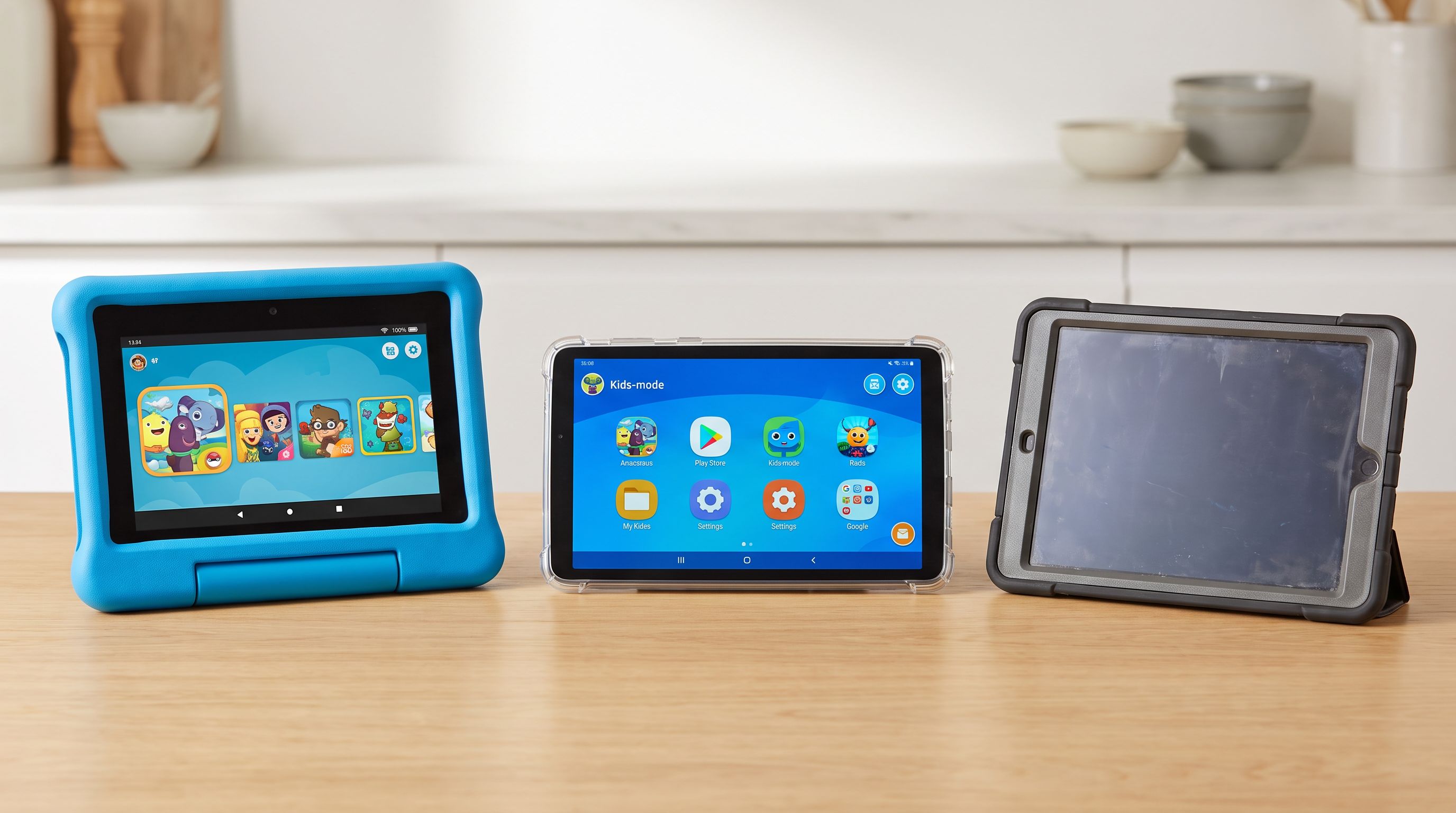
Which Kids Tablet Should You Buy in 2026? A Parent's Guide
The best kids tablet 2026 shortlist: Fire HD Kids vs Galaxy Tab A vs an old iPad. We compare durability, parental controls, screen time tools and real costs.