Video Editing Laptops Under $1,500 in 2026: 4 Real Picks
The best laptop for video editing 2026 under $1,500: we compared GPU power, RAM headroom, colour-accurate displays and 4K export performance across Windows and Mac.
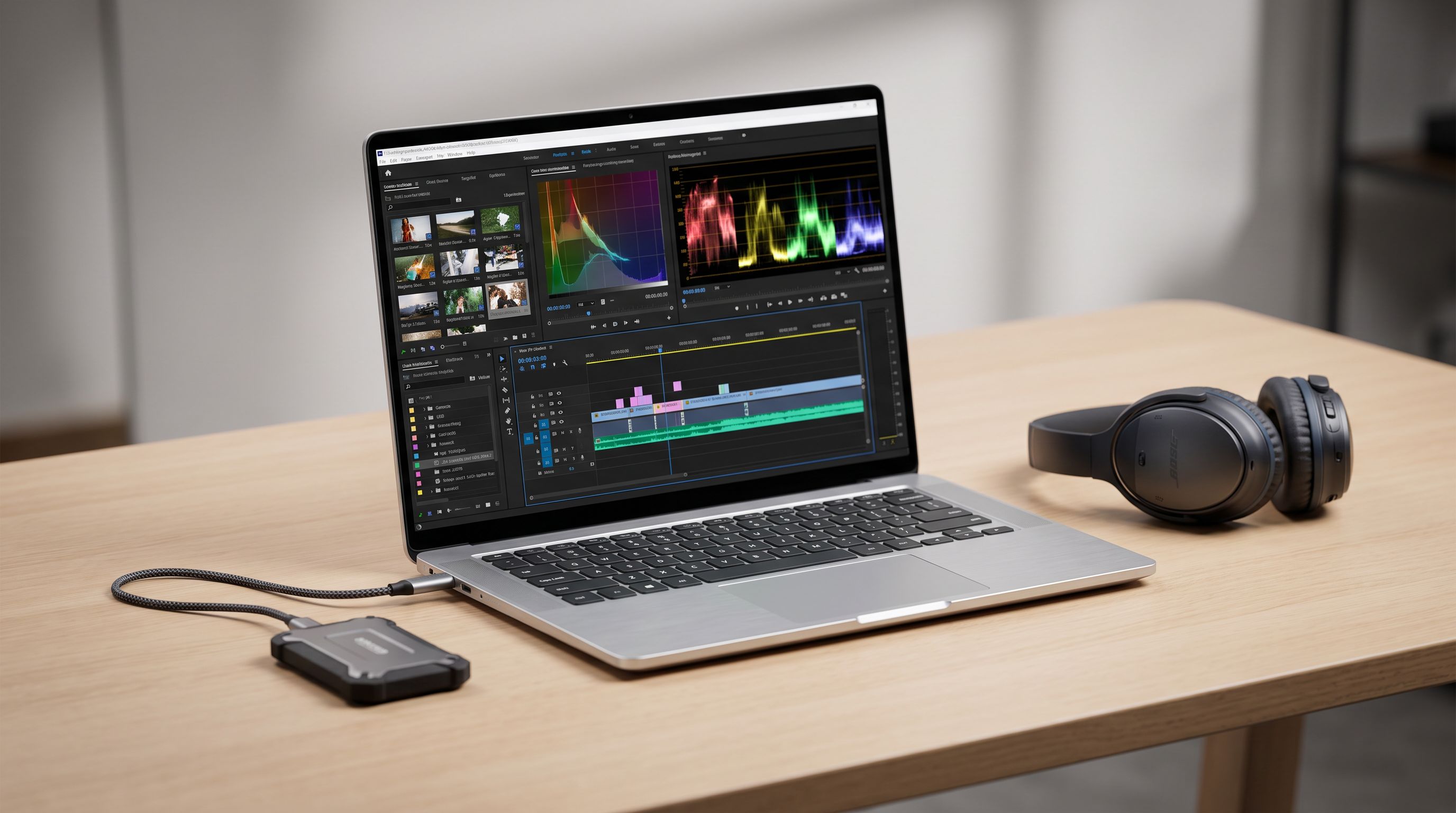
Reader-supported: we may earn a commission from links on this page, at no extra cost to you. It never affects our picks. Learn more.
Under $1,500 is the most interesting price band in creator laptops right now. Spend less and you're fighting thermal throttling and 8GB of RAM; spend more and you're paying a premium for the last 15% of performance. In between sits a genuinely capable group of machines that can cut multicam 4K, colour grade in DaVinci Resolve, and export in minutes rather than hours.
We compared current models on the four things that actually determine your editing experience — GPU, memory, display colour coverage, and published export performance — using manufacturer specs, independent reviewer benchmarks, and verified owner feedback. BytePlaza doesn't physically test units; we research, cross-check and rank.
What actually matters for 4K timeline work
Media engines beat raw GPU scores
The single biggest shift in editing laptops over the last few generations is hardware codec acceleration. Apple silicon includes dedicated media engines for H.264, HEVC and ProRes; Nvidia RTX cards include NVENC/NVDEC encoders. Both mean a 4K H.265 timeline that used to stutter now scrubs smoothly on a thin laptop.
Practical takeaway: if you shoot HEVC from a mirrorless camera or a phone, a machine with strong decode hardware will feel faster than a brute-force CPU with none. That's why a fanless MacBook Air can out-export a much heavier Windows laptop on some codecs — and lose badly on others, like heavy Resolve noise reduction, where CUDA cores dominate.
RAM: 16GB is the floor, 32GB is the comfort zone
Premiere Pro and Resolve will run on 16GB, and on macOS 16GB of unified memory goes further than you'd expect because the GPU shares it. But the moment you add After Effects, a browser full of references, and a 4K multicam sequence, 32GB stops being a luxury. On Windows, prioritise 32GB if you can get it at this budget — several models offer it, and most let you upgrade SO-DIMMs later. Apple's memory is soldered, so buy what you need up front.
Display: coverage percentages, not just resolution
For grading, you want a panel that covers close to 100% of DCI-P3 (or at least sRGB if you only deliver for web). OLED panels on creator laptops routinely hit near-full P3 coverage with low Delta E out of the box, which is why they dominate this category. Mini-LED, as on the MacBook Pro, adds far higher sustained brightness for HDR reference work. A 1080p 300-nit gaming panel, by contrast, is fine for cutting but not for final colour decisions.
Storage and ports
4K media eats drives. 1TB is a realistic minimum; 2TB saves you constant shuffling. Also check for a full-size SD card reader (huge time saver), HDMI out, and Thunderbolt or USB4 for a fast external SSD — a 10Gbps USB-A port will bottleneck your scratch disk.
The picks
Apple MacBook Air 15-inch (M4) — best overall under $1,500
The 15-inch MacBook Air with M4 is the most well-rounded machine here. The media engine makes H.264/HEVC and ProRes timelines feel effortless, the display covers the P3 gamut with good factory calibration, and battery life is in a different league — you can edit unplugged on a train for hours, which no Windows machine in this list can match. It's silent because it's fanless.
The caveat is sustained load: without fans, long exports and heavy Resolve grades will throttle compared to a MacBook Pro. Configure 16GB of memory minimum and at least 512GB of storage, since you can't upgrade later. For a solo editor doing social, YouTube and documentary-style cuts, it's the easiest recommendation of 2026.
ASUS Vivobook Pro 15 OLED (RTX 4060) — best display for colour work
 Best display for colour work · ASUS Vivobook Pro 15 OLED (RTX 4060) — Check price on Amazon →
If you grade, the OLED panel is the reason to buy. ASUS's 3K 120Hz OLED configurations deliver essentially full DCI-P3 coverage with per-unit calibration, plus true blacks that make shadow detail decisions much easier. Pair that with an RTX 4060 and you get CUDA acceleration in Resolve and GPU effects in Premiere.
It's a thinner chassis than a gaming laptop, so sustained GPU clocks are lower than the Legion. But for timeline work rather than hours-long renders, it's the better-balanced creator machine — and the SD reader and good port selection help.
Lenovo Legion Pro 5i (RTX 5070, 32GB) — best raw performance
 Best raw performance · Lenovo Legion Pro 5i (RTX 5070, 32GB RAM) — Check price on Amazon →
When you need the most GPU horsepower per dollar, a gaming laptop wins. The Legion Pro 5i with an RTX 5070 and 32GB of RAM has the highest sustained power budget on this list, which shows up directly in Resolve's temporal noise reduction, optical flow retiming, and AI-assisted tools like magic mask. Lenovo's cooling is a genuine differentiator here.
Trade-offs are the usual ones: it's heavy, battery life under load is short, and the display is a high-refresh gaming panel rather than a calibrated creator one. Plan on an external monitor for final grading.
Dell G15 5530 (RTX 4060, 32GB, 2TB) — best value spec sheet
 Best value spec sheet · Dell G15 5530 (RTX 4060, 32GB RAM, 2TB SSD) — Check price on Amazon →
The G15 5530 is the "no shopping list" option: 32GB of RAM, a 2TB SSD and an RTX 4060 with a decent power ceiling, all out of the box. For editors who want to drop in footage on day one without buying memory upgrades or an external drive, it's hard to beat on spec-per-dollar.
The compromises are the chassis and the screen — it's a plasticky, thick gaming laptop with a conventional IPS panel. If your workflow is cut-and-deliver rather than colour-critical, that's a fair trade.
Apple MacBook Pro 14-inch (M4) — premium pick
 Premium pick · Apple MacBook Pro 14-inch (M4, 16GB RAM) — Check price on Amazon →
Base configurations of the 14-inch MacBook Pro with M4 can land near the top of this budget. You get active cooling (so no throttling on long exports), a mini-LED XDR display with extreme HDR highlight brightness, three Thunderbolt ports, HDMI and an SD slot. If HDR delivery or all-day sustained rendering matters, stretch for it.
Comparison table
| Model | GPU / Silicon | RAM | Display strength | Best for | Watch out for |
|---|---|---|---|---|---|
| MacBook Air 15 (M4) | Apple M4 + media engine | 16GB+ unified | P3 coverage, accurate | All-round editing, battery life | Fanless — throttles on long renders |
| ASUS Vivobook Pro 15 OLED | RTX 4060 | 16–32GB | 3K OLED, ~100% DCI-P3 | Colour grading, mixed creative work | Lower sustained GPU wattage |
| Lenovo Legion Pro 5i | RTX 5070 | 32GB | 165Hz IPS (gaming-tuned) | Resolve noise reduction, effects | Heavy; not colour-critical panel |
| Dell G15 5530 | RTX 4060 | 32GB | Standard IPS | Max spec per dollar, big media library | Bulky build, average screen |
| MacBook Pro 14 (M4) | Apple M4 + media engine | 16GB+ unified | Mini-LED XDR, HDR-capable | HDR delivery, sustained exports | Base config pushes the budget |
How to choose in 60 seconds
- You shoot HEVC/ProRes and value portability: MacBook Air 15 (M4).
- You grade and care about the panel: ASUS Vivobook Pro 15 OLED.
- You live in Resolve with heavy effects: Lenovo Legion Pro 5i.
- You want the most storage and RAM for the money: Dell G15 5530.
- You deliver HDR or render for hours: MacBook Pro 14 (M4).
Whichever you pick, budget for a fast external SSD and a colour-calibrated external display down the line. Those two accessories improve a sub-$1,500 editing setup more than any CPU upgrade at this price.
FAQ
Is 16GB of RAM enough for 4K video editing in 2026? It's workable, especially on Apple silicon where memory is unified and shared with the GPU. On Windows, 16GB is the minimum for 4K and you'll notice the difference the moment you add After Effects or a multicam sequence. Choose 32GB if your budget allows, or pick a model with upgradeable SO-DIMM slots.
Does a dedicated GPU matter more than the CPU? For modern editing, yes — most timeline playback, effects, and AI tools in Premiere Pro and DaVinci Resolve are GPU-accelerated. Resolve in particular scales strongly with GPU. The CPU still matters for project management, some codecs, and audio.
OLED or mini-LED for editing? OLED gives perfect blacks and excellent P3 coverage, which is great for grading and shadow detail. Mini-LED gets far brighter, which matters for HDR work. OLED carries a small long-term burn-in risk with static UI elements, so hide toolbars and use dark themes if you edit all day.
Can I edit 4K on an integrated-graphics laptop? With hardware decode support, light 4K cutting is possible — especially with proxies. But effects, grading and export times will suffer. If editing is your job rather than a hobby, a discrete GPU or Apple silicon is worth the money.
Should I buy a gaming laptop for editing? It's often the cheapest route to real GPU power, and models like the Legion Pro 5i and Dell G15 deliver. Just accept worse battery life, more weight, and a display you'll probably want to supplement with an external monitor for colour decisions.
Our picks

Apple 2026 MacBook Air 15-inch Laptop with M5 chip: Built for AI, 15.3-inch Liquid Retina Display, 16GB Unified Memory, 512GB SSD, 12MP Center Stage Camera, Touch ID, Wi-Fi 7; Sky Blue
Fanless, long-lasting and brutally fast at H.264/HEVC and ProRes thanks to Apple's media engine.
ASUS Vivobook 15 Laptop, 15.6" FHD, Intel Core i9-13900H, 32GB RAM, 1TB SSD, Next Gen AI Ready, Physical Webcam Shield, Backlit Keyboard, Fingerprint Reader, Wi-Fi 6, Win11 Pro, Blue, PCO Bundle
A 3K 120Hz OLED panel with near-full DCI-P3 coverage plus a 4060 for GPU-accelerated effects.
Lenovo Legion Pro 5i 16" Gaming Laptop, 2.5K WQXGA OLED Display, Intel Core Ultra 9-275HX, NVIDIA GeForce RTX 5070 8GB, 32GB RAM, 1TB SSD, Wi-Fi 7, RGB Backlit, Win 11 Eclipse Black
Highest sustained GPU power per dollar here — ideal for Resolve noise reduction and heavy effects.
Dell G15 5530 Gaming Laptop, 13th Gen Intel Core i7-13650HX, 64GB DDR5 RAM, 2TB PCIe SSD, 15.6" FullHD Display, RTX 4060, Backlit Keyboard, Windows 11 Home, Dark Shadow Gray - NPO Backpack
32GB RAM and 2TB of storage out of the box — the least upgrading you'll have to do day one.
2024 Apple MacBook Pro with Apple M4 Chip (14-inch, 16GB RAM, 1TB SSD Storage) (QWERTY English) Space Black (Renewed)
Mini-LED XDR display, better sustained performance and a third Thunderbolt port for scratch disks.
Get the best tech deals in your inbox
Join the BytePlaza newsletter for hand-picked gadget deals and new buying guides. No spam, unsubscribe anytime.
Related reads
Which Chromebook Should Students Buy in 2026?
We compared Chromebook Plus laptops on screen quality, battery life, AI features and AUE support dates to find the best Chromebook 2026 picks for students.
Portable Monitors for MacBook in 2026: 5 One-Cable Picks
The best portable monitor for MacBook in 2026, ranked by brightness, weight and stand design — plus which models truly run off a single USB-C cable.
14-Inch Laptops in 2026: 5 Picks That Actually Commute
The best 14 inch laptop 2026 picks compared on weight, battery, ports and screen — Windows, Mac and Chromebook ultraportables ranked for real commuters.