14-Inch Laptops in 2026: 5 Picks That Actually Commute
The best 14 inch laptop 2026 picks compared on weight, battery, ports and screen — Windows, Mac and Chromebook ultraportables ranked for real commuters.
Reader-supported: we may earn a commission from links on this page, at no extra cost to you. It never affects our picks. Learn more.
Fourteen inches has quietly become the default laptop size. It's the sweet spot where a screen is big enough to run two windows side by side, but the chassis still slides into a backpack sleeve without a fight. In 2026 nearly every major manufacturer leads with a 14-inch flagship — Apple, Lenovo, ASUS, Dell and HP all do — which is great for choice and terrible for decision-making.
BytePlaza compared current 14-inch ultraportables using manufacturer specifications, independent benchmark results and verified owner feedback, weighting the three things commuters actually notice: carry weight, real-world battery endurance versus the claimed figure, and how many dongles you have to pack. Here's how the field shakes out.
How we ranked them
We didn't chase peak benchmark scores. A 14-inch laptop that wins a multi-core test but needs its charger by 2pm is not a commuting machine. Our criteria, in order:
- Weight and thickness. Anything above roughly 1.6kg stops feeling like an ultraportable in a shoulder bag.
- Battery endurance under mixed use, not the manufacturer's video-playback claim. Vendor numbers are measured at low brightness with local video; expect meaningfully less in browser-and-Teams reality.
- Ports. A single USB-C on each side is workable; no USB-A or HDMI at all is a daily tax if you present or use older peripherals.
- Display quality, because OLED has moved from premium-only to mid-range standard in 2026.
- Keyboard, trackpad and build, which reviewers consistently flag as the difference between a laptop you tolerate and one you like.
The shortlist at a glance
| Model | Platform | Approx. weight | Display | Key ports | Best for |
|---|---|---|---|---|---|
| Apple MacBook Air 14-inch (M5) | macOS | ~1.2 kg | LED-backlit Liquid Retina | 2x Thunderbolt/USB-C, MagSafe, headphone | Battery life and silence |
| Lenovo ThinkPad X1 Carbon Gen 13 | Windows | ~1.1 kg or less | IPS or OLED options | 2x Thunderbolt 4, 2x USB-A, HDMI | Daily commuting, business |
| ASUS Zenbook 14 OLED (UX3405) | Windows | ~1.2–1.3 kg | OLED | USB-C, USB-A, HDMI, headphone | Value all-rounder |
| Lenovo Chromebook Plus 14 | ChromeOS | ~1.2–1.4 kg | OLED | USB-C, USB-A, headphone | Budget, browser-first work |
| ASUS ROG Zephyrus G14 (2026) | Windows | ~1.5–1.6 kg | OLED, high refresh | USB-C, USB-A, HDMI, microSD | Creative work and gaming |
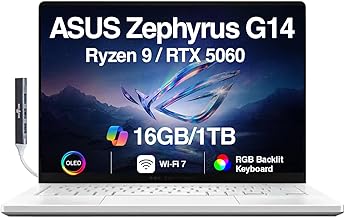 Best for creators and gaming · ASUS ROG Zephyrus G14 (2026) — Check price on Amazon →
 Best budget pick · Lenovo Chromebook Plus 14 — Check price on Amazon →
 Best value Windows ultraportable · ASUS Zenbook 14 OLED (UX3405) — Check price on Amazon →
 Best for commuters · Lenovo ThinkPad X1 Carbon Gen 13 — Check price on Amazon →
 Best overall · Apple MacBook Air 14-inch (M5) — Check price on Amazon →
Weights vary by configuration and region; always check the exact SKU before buying.
Best overall: Apple MacBook Air 14-inch (M5)
The Air remains the machine most people should buy, and the M5 generation reinforces why. It's fanless, so it's silent under normal loads; it's thin and around 1.2kg; and Apple's silicon continues to post the kind of endurance that makes chargers optional for a standard working day. Independent reviewers consistently rank Apple's laptops at or near the top for battery longevity, and the Air's efficiency advantage shows up most when you're doing unglamorous things — twenty browser tabs, a video call, a Slack window.
The trade-offs are the same as always. You get two USB-C/Thunderbolt ports and MagSafe, and that's it: no HDMI, no USB-A, no card reader. Memory and storage are fixed at purchase, so buy more than you think you need. And if your workflow depends on Windows-only software, none of this matters.
If you want more sustained performance and a brighter, higher-refresh display in the same size class, the MacBook Pro 14 is the step up — several review outlets currently rate it as the best overall laptop they've evaluated — but it's heavier, and most people are buying capability they'll never use.
Best for commuters: Lenovo ThinkPad X1 Carbon Gen 13
If your laptop lives in a bag five days a week, the X1 Carbon is still the machine to beat. It is one of the lightest 14-inch Windows laptops you can buy, its carbon-fibre chassis passes MIL-STD durability testing, and — crucially — it kept the ports. Two Thunderbolt 4, two USB-A and full-size HDMI means you can walk into a meeting room and plug into whatever's there.
The keyboard is the other reason people keep buying these. Reviewers have rated ThinkPad key feel as class-leading for years, and it matters more than spec sheets suggest when you type for a living. Battery life is solid rather than spectacular — Intel's current ultraportable silicon has closed much of the gap but hasn't overtaken Apple — and ThinkPads are priced for corporate buyers, so watch for configuration deals rather than paying list.
Best value Windows ultraportable: ASUS Zenbook 14 OLED
The Zenbook 14 OLED is the answer for people who want a genuinely nice Windows laptop without ThinkPad or XPS pricing. You get an OLED panel — deep blacks, excellent contrast, a real upgrade for video and photos — in a slim aluminium body that lands comfortably in ultraportable weight territory, and ASUS includes HDMI and USB-A alongside USB-C.
Two caveats worth knowing. OLED panels draw more power on bright, white-heavy screens like documents and spreadsheets, so battery figures depend heavily on what you're looking at. And thin ASUS chassis can get audibly fan-y under sustained load; it's fine for office work, less ideal for long exports.
Worth cross-shopping: Lenovo's Yoga range, which Wirecutter currently ranks as its top overall pick for the combination of battery life and convertible flexibility, and HP's OmniBook line, which has become the go-to recommendation for affordable Windows machines.
Best budget pick: Lenovo Chromebook Plus 14
Chromebooks used to mean compromise. The Chromebook Plus standard changed that by setting minimum specs for performance and display, and the Lenovo Chromebook Plus 14 is the clearest example — an OLED screen and respectable endurance at a price well below the Windows and Mac field.
It's the right laptop for a specific person: someone whose work is a browser, Google Workspace or Microsoft 365 online, plus video calls and streaming. Android app support covers a lot of gaps. It is the wrong laptop if you need desktop Adobe apps, local video editing, or niche Windows business software. Also check the end-of-support date for automatic updates before buying — ChromeOS devices have a defined support window.
Best for creators and gaming: ASUS ROG Zephyrus G14 (2026)
The Zephyrus G14 is the outlier that proves 14-inch doesn't have to mean underpowered. At roughly 1.5kg it's heavier than everything else here, but it packs a discrete GPU, an excellent OLED display with high refresh rate, and a cooling system designed for sustained load — all in a chassis that reviewers repeatedly describe as looking more like a premium ultrabook than a gaming laptop.
Expect the usual physics: battery life on GPU work is a fraction of what you'd get from an Air, and the power brick is chunky. But if you edit video, run 3D or CAD, or game on the move and refuse to carry a 16-inch machine, this is the category's most convincing compromise.
Buying advice that saves regret
- Check the charger, not just the laptop. A 1.2kg laptop with a 300g brick is a 1.5kg carry. USB-C PD charging lets you use one small GaN adapter for laptop and phone.
- RAM is the upgrade that ages best. On soldered-memory machines — which is most of this list — 16GB should be the floor in 2026, and 32GB if you keep laptops five years.
- Discount vendor battery claims by 30–40% for mixed browser and video-call use at usable brightness.
- Screen finish matters more than resolution. A matte or well-coated anti-glare panel is worth more on a train than extra pixels.
- Buy the previous generation deliberately. Last year's flagship at a discount usually beats this year's mid-range on build quality, keyboard and display.
FAQ
Is 14 inches big enough as a main laptop? For most people, yes — especially paired with an external monitor at a desk. Modern 14-inch machines have slim bezels and taller 16:10 screens, so usable vertical space is close to what older 15-inch laptops offered.
How much should a 14-inch laptop weigh? Anything at or under about 1.3kg feels genuinely light in a bag. Between 1.3 and 1.6kg is normal and fine. Above that you're carrying performance, which is a reasonable trade if you need it — as with the Zephyrus G14.
Windows, macOS or ChromeOS? Pick by software first. If you need specific Windows applications, that decides it. If your work is browser-based and budget matters, ChromeOS delivers more machine for the money. Otherwise macOS on the MacBook Air currently offers the best efficiency-to-weight ratio.
Do I really need USB-A and HDMI? If you hot-desk, present, or use older peripherals, yes — the ThinkPad X1 Carbon and Zenbook 14 OLED save you a dongle every day. If you work from the same desk with a Thunderbolt dock, port count barely matters.
Are OLED laptop screens worth it? For video, photos and general enjoyment, clearly yes. For all-day spreadsheet work they use more power and carry a small long-term burn-in risk, though modern panels include mitigation. Most buyers in 2026 should take the OLED.
Our picks
Apple 2026 MacBook Air 13-inch Laptop with M5 chip: Built for AI, 13.6-inch Liquid Retina Display, 16GB Unified Memory, 512GB SSD, 12MP Center Stage Camera, Touch ID, Wi-Fi 7; Midnight
Silent, fanless and famously long-lasting — the default choice unless you need Windows.
Lenovo ThinkPad X1 Carbon Gen 13-14" 2.8K OLED 120hz, Copilot+ PC Ultrabook - Intel Core Ultra 7 258V EVO- 32 GB DDR5-512GB SSD - Backlit, Fingerprint, Wi-fi 7, Win 11 PRO, DESKPAD MAJ
Sub-1.1kg carbon-fibre chassis with two USB-A ports, HDMI and a keyboard that still leads its class.
ASUS Zenbook 14 OLED Touchscreen Laptop,14" FHD+, AMD Ryzen AI 9 465 (> Intel Ultra 9 288V), 16GB DDR5, IST Computer Customized 256GB/512GB/1TB/2TB SSD, Copilot+ PC, 1080p Webcam, Backlit, Win 11 Pro
OLED panel, HDMI and USB-A in a thin aluminium body — the sensible all-rounder.
Lenovo Chromebook Plus (14? 10) 2.10 GHz Chrome 16.0GB 256GB 14 Chromebook Plus (14? 10), MediaTek Kompanio Ultra 910 (2.10GHz, 12MB), 14" WUXGA Touch, Chrome OS, 16.0GB, 1x256GB UFS 4.0, ARM Immort
A genuinely good OLED Chromebook for browser-and-docs commuters who want to stop charging.
ASUS ROG Zephyrus G14 5060 Gaming Laptop 14.0" OLED 2.8K, Ryzen 9, 16GB/1TB
Discrete GPU power in a ~1.5kg 14-inch OLED chassis you can actually carry daily.
Get the best tech deals in your inbox
Join the BytePlaza newsletter for hand-picked gadget deals and new buying guides. No spam, unsubscribe anytime.
Related reads
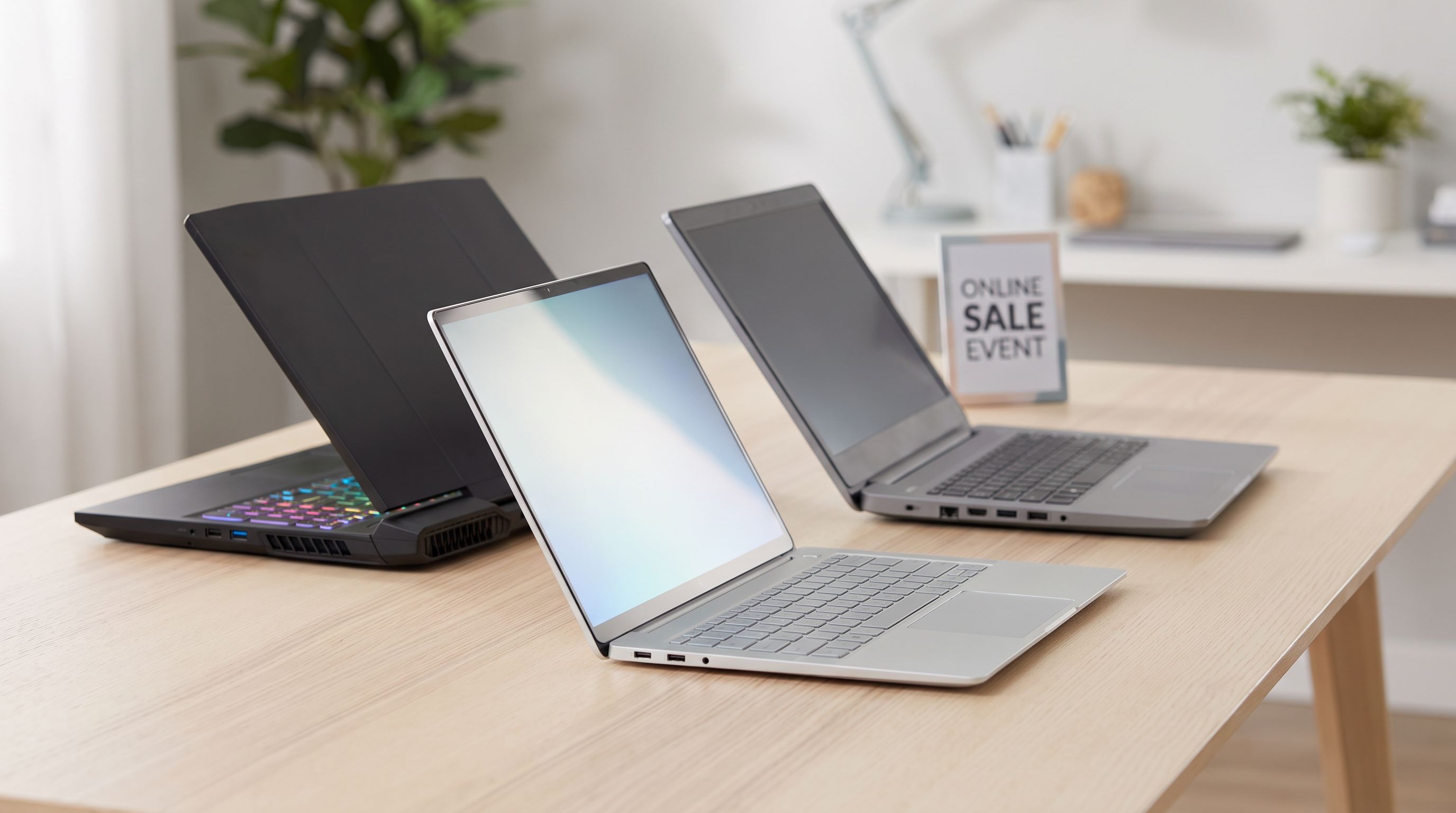
Prime Big Deal Days 2026: Laptop Deals Worth The Wait
Prime Big Deal Days 2026 runs Oct 6–7. Here's which budget, everyday and gaming laptops are worth watching, what a real discount looks like, and how to spot fake "was" prices.
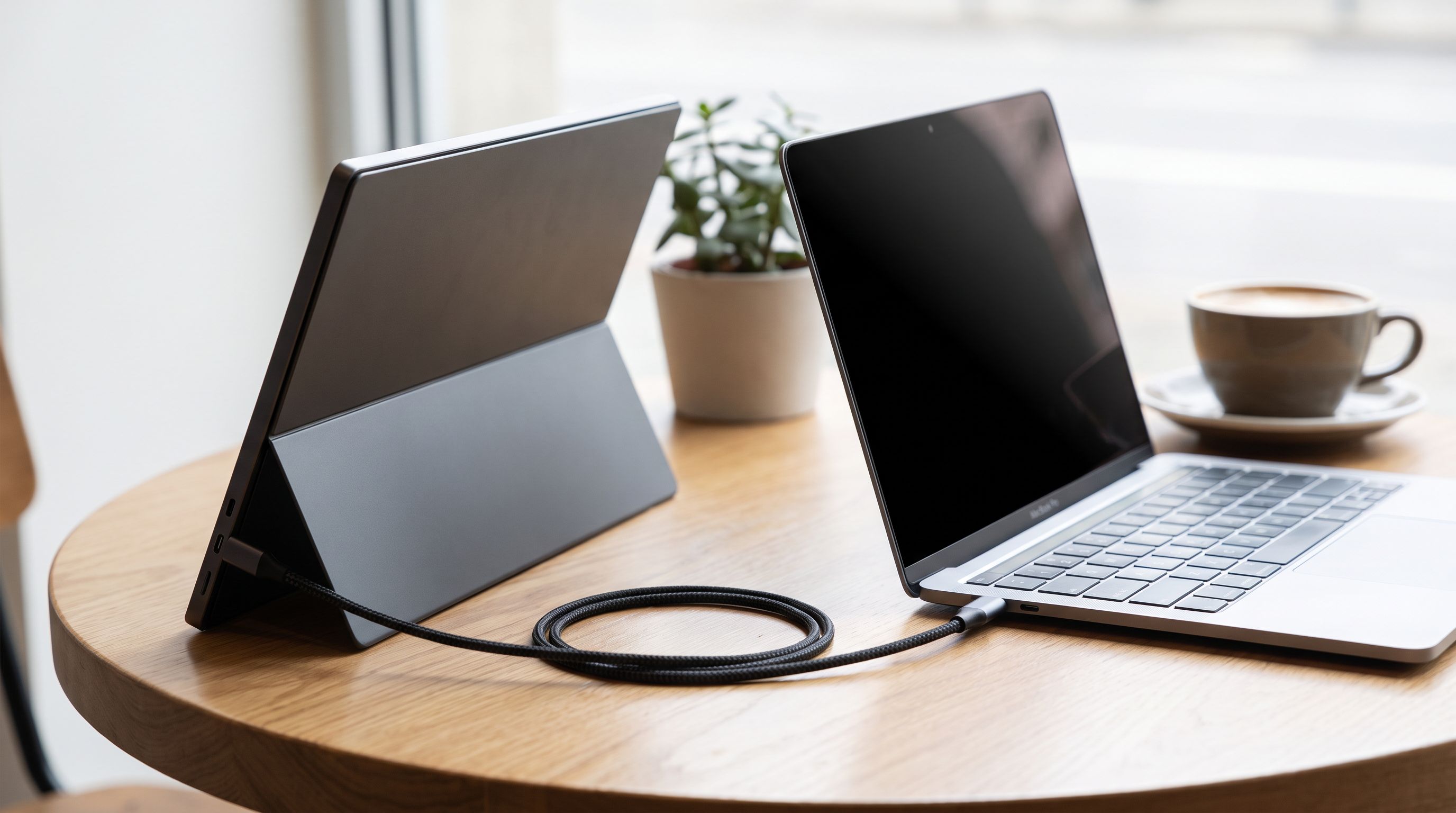
Portable Monitors for MacBook in 2026: 5 One-Cable Picks
The best portable monitor for MacBook in 2026, ranked by brightness, weight and stand design — plus which models truly run off a single USB-C cable.
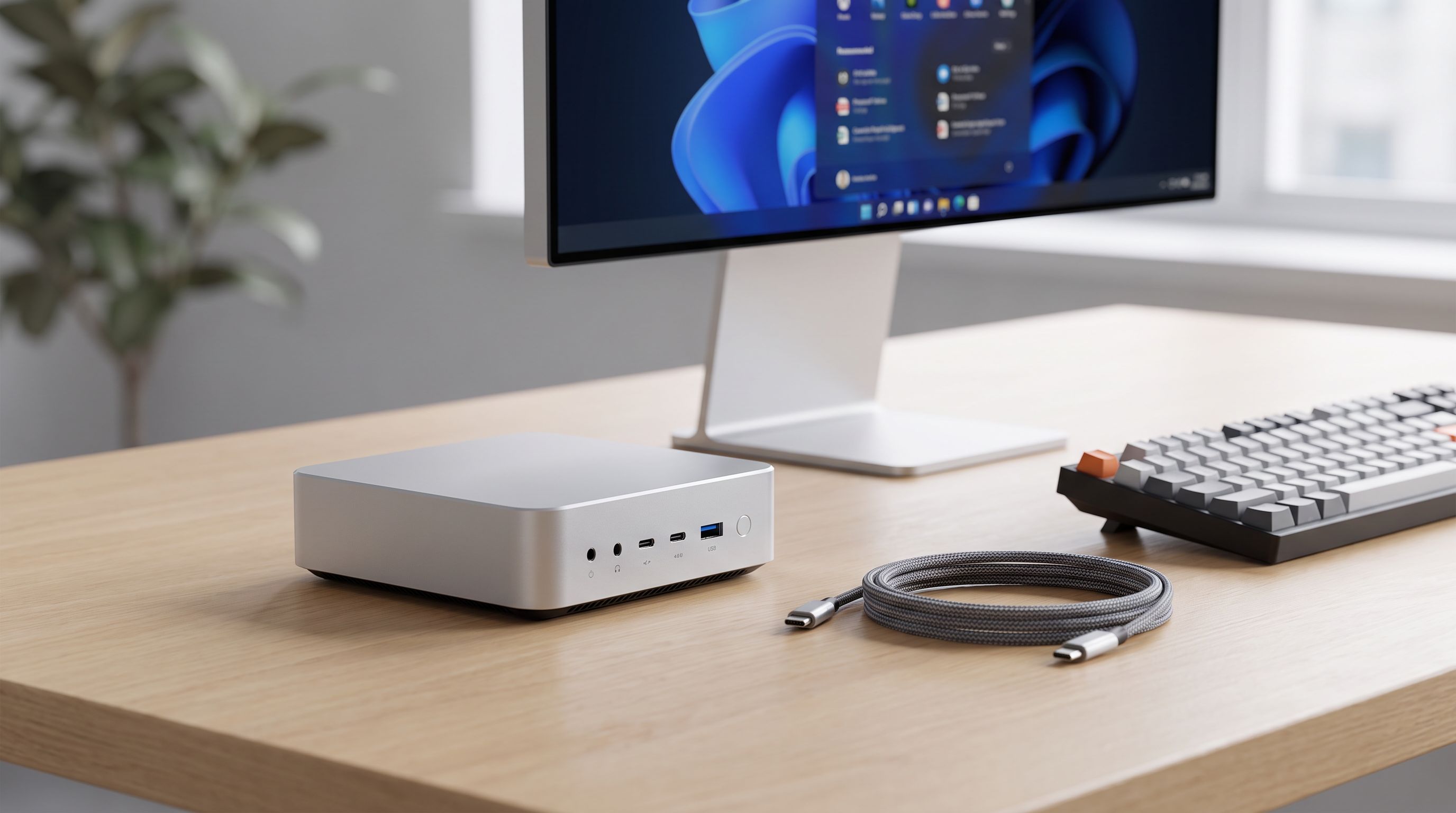
Best Mini PC 2026: Tiny Desktops That Punch Above
Our picks for the best mini PC in 2026, from Ryzen powerhouses to cheap home-server boxes — compared by performance, ports, upgradeability and noise.