Vertical Mice vs Trackpads: The Best Travel Mouse for 2026
Vertical mice, thumb trackballs and portable trackpads compared for laptop users on the road — plus the best portable mouse for travel in 2026 by use case.
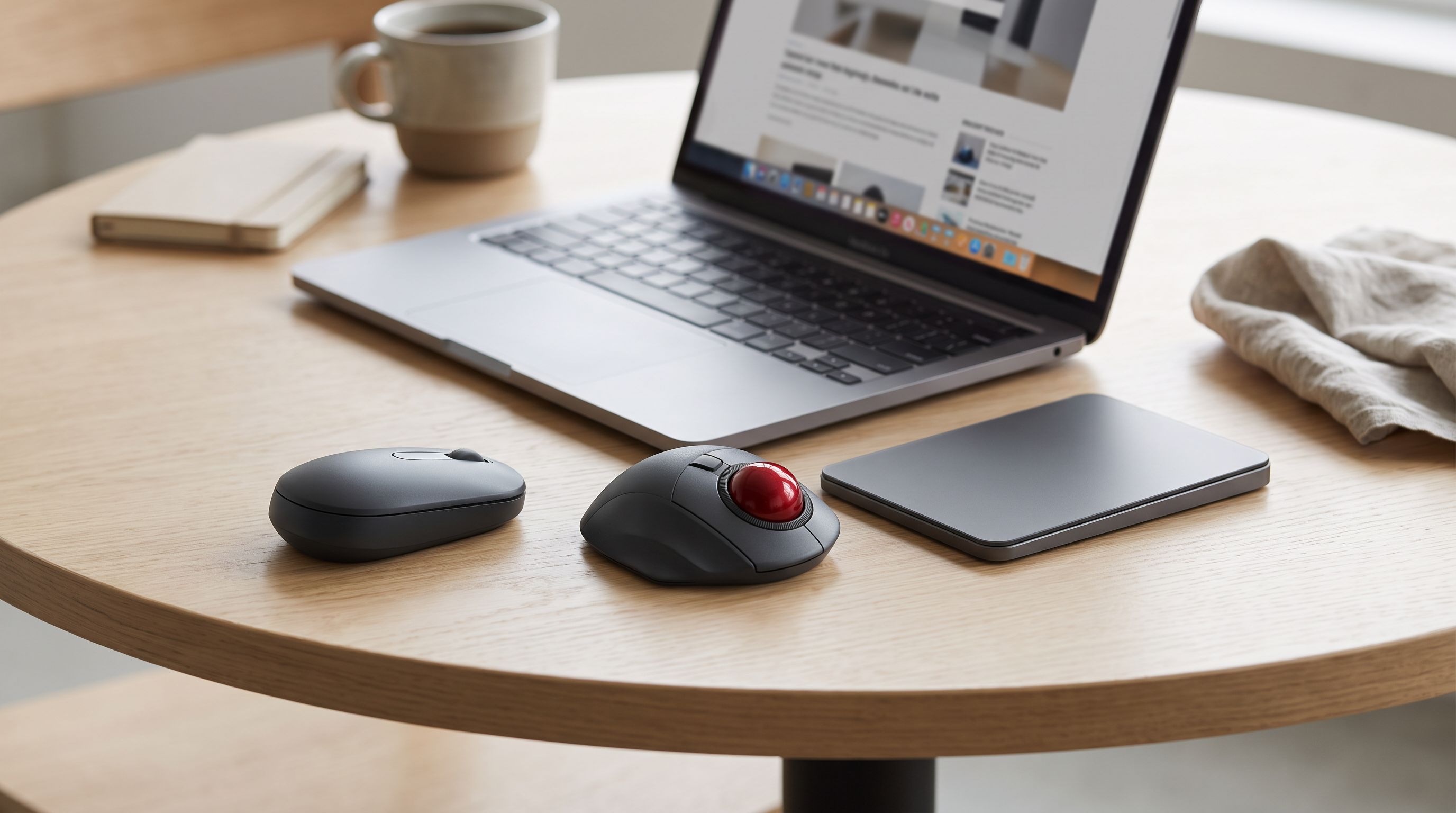
Reader-supported: we may earn a commission from links on this page, at no extra cost to you. It never affects our picks. Learn more.
Your laptop's built-in trackpad is fine for scrolling a browser on a train. It is not fine for eight hours of spreadsheet work in a co-working space, or for photo editing in a hotel room. That's when a pointing device earns its place in your bag — but "which one" depends less on brand and more on what kind of surface, wrist and bag space you're working with.
This guide compares the three realistic options for travel: compact vertical mice, thumb trackballs, and portable trackpads — plus the conventional low-profile travel mouse that still wins for most people. We compared current models on manufacturer specs, independent reviews and verified owner feedback rather than physical testing, and weighted the things that actually matter on the road: thickness, connectivity, battery, and how they behave on bad surfaces.
The three-way trade-off, in one sentence each
Vertical mice rotate your hand into a handshake position, which reduces forearm pronation — the twist that many people blame for wrist ache. They're the ergonomic upgrade, but they're tall, so they eat bag depth.
Trackballs move the cursor without moving the device. That's the killer feature in a coach-class tray table, a bed, or a café table already covered in coffee cups. The trade-off is a learning curve of a few days and slightly slower precision work at first.
Portable trackpads give you multi-finger gestures and a flat profile that slips into a laptop sleeve. On macOS they're excellent; on Windows they're a compromise, because gesture support is thinner and driver behaviour varies.
And then there's the plain compact travel mouse — smaller than a desktop mouse, tall enough to grip properly, and universally understood by every OS. For most travellers, that's still the right answer.
Comparison at a glance
| Compact travel mouse | Vertical mouse | Thumb trackball | Portable trackpad | |
|---|---|---|---|---|
| Space needed | Small mousing area | Small mousing area | Essentially none | Device footprint only |
| Bag friendliness | Good | Fair (tall) | Fair (bulky base) | Excellent (flat) |
| Wrist strain relief | Neutral | Best | Very good (static wrist) | Poor for long sessions |
| Precision work | Very good | Very good | Good after practice | Fair |
| Learning curve | None | A day or two | 3–7 days | None on Mac |
| Works on a plane tray | Barely | Barely | Yes | Yes |
| Best for | Most people | Existing wrist pain | Tiny/cluttered surfaces | Mac users, gesture fans |
Our picks, and who each one is for
Best overall: Logitech MX Anywhere 3S
 Best overall travel mouse · Logitech MX Anywhere 3S — Check price on Amazon →
The Logitech MX Anywhere 3S remains the default recommendation across most 2026 round-ups for a reason: it's the rare small mouse that doesn't feel like a compromise. The MagSpeed electromagnetic scroll wheel switches between ratcheted clicks and a free-spinning mode that whips through a hundred-page PDF, its sensor is rated to track on glass, and the switches are quiet — which matters more than you'd think in a shared workspace or a red-eye flight.
It pairs over Bluetooth or the bundled Logi Bolt receiver, remembers up to three devices, and charges over USB-C. Flow lets you cursor between a laptop and a second machine and copy-paste across them, which is genuinely useful if you travel with a work laptop and a personal tablet.
The catch: it's a medium-small mouse with a fairly flat back. If you have large hands or a claw grip, look at the full-size MX Master line instead — the MX Master 4 is the current flagship and the pick for most people at a desk, but it's too fat for a travel kit.
Best vertical: Logitech Lift
Most vertical mice are enormous. The Logitech Lift is the exception — it's built for small-to-medium hands and holds your wrist at a 57-degree angle without the desk-sculpture bulk of a full-size vertical. That combination is what makes it viable in a backpack.
Buy it if you already feel wrist or forearm discomfort after long laptop sessions, not as a preventative gimmick. Expect a couple of days of adjustment: the vertical grip changes how you make fine movements, and clicking uses different muscles. It runs on a replaceable AA battery with a long rated life, which is arguably better for travel than rechargeable — no cable, and a spare battery weighs nothing.
Note the handedness: the Lift ships in left-handed and right-handed versions, so check before you order.
Best when there's no room to mouse: Logitech MX Ergo S
 Best trackball for tiny desks · Logitech MX Ergo S — Check price on Amazon →
If your "desk" is a 30cm tray table, a trackball isn't a preference, it's the only workable option. The Logitech MX Ergo S keeps its base planted while your thumb does the work, and its adjustable tilt plate lets you angle it toward a neutral wrist position. Logitech's newer revision also went to quieter clicks, which is a real benefit in shared spaces.
Two honest caveats. It's heavier and bulkier than the other picks — this is a device you commit to, not one you toss in a jacket pocket. And a trackball takes about a week before your accuracy matches a mouse. Give it that week before judging it.
Best portable trackpad: Apple Magic Trackpad
 Best portable trackpad · Apple Magic Trackpad — Check price on Amazon →
For Mac users, the Apple Magic Trackpad is less an accessory than an extension of the OS. Every system gesture — Mission Control, swipe between spaces, three-finger drag, Force Touch — works exactly as it does on the built-in pad, but with far more surface area. It's flat, it charges over USB-C on the current model, and it slides into the same sleeve pocket as your laptop.
It's not an ergonomic solution. Sustained trackpad use keeps your fingers extended and your wrist flat, which suits some people and aggravates others. And on Windows it works as a basic Bluetooth pointing device only — don't buy it for a PC.
Flattest option: Microsoft Surface Arc Mouse
 Flattest for slim bags · Microsoft Surface Arc Mouse — Check price on Amazon →
The Microsoft Surface Arc Mouse solves exactly one problem brilliantly: thickness. It snaps flat for transport and curves into a usable arch when you're working, so it slides into slim sleeves and document pockets that would never take a conventional mouse. Scrolling is done on a touch-sensitive strip rather than a wheel.
It is a comfort compromise — the low arch doesn't fill a hand the way the MX Anywhere does, and the touch scroll divides opinion. Choose it if bag thickness is your binding constraint, not if you're doing eight-hour sessions.
How to choose in 60 seconds
- You just want a good small mouse. MX Anywhere 3S. Stop reading.
- Your wrist already hurts. Logitech Lift, and consider a laptop stand too — the mouse only fixes half the problem.
- You work on planes, trains and tiny cafés. MX Ergo S.
- You're on a Mac and live in gestures. Magic Trackpad, plus a cheap backup mouse for precision work.
- Your bag is a slim sleeve. Surface Arc Mouse.
Travel details people forget
Bluetooth vs receiver. Bluetooth saves a USB-C port and is the right default in 2026, but hotel and airport RF congestion can cause micro-stutters. If you do latency-sensitive work, choose a mouse that also supports a dongle (the MX Anywhere 3S and Lift both work with Logi Bolt) and keep it in the bag.
Charging standard. USB-C only, so the mouse shares your laptop cable. Anything on micro-USB in 2026 means one more cable in the pouch. AA-powered models like the Lift sidestep the issue entirely.
Surface reality. Hotel desks are often glossy dark wood or glass, which defeats cheap optical sensors. Either pick a mouse with a glass-capable sensor or pack a thin fabric mousepad — a folded microfibre cloth works in a pinch.
Noise. Quiet switches are not a luxury on a shared flight or in a library-quiet co-working space.
Airport security. All of these travel fine in a carry-on. Lithium cells in mice are far below any threshold of concern.
FAQ
Is a vertical mouse actually better for your wrist? The ergonomic rationale — less forearm pronation — is sound, and many users report relief. But there's no guarantee, and results in the research literature are mixed. Treat it as a promising intervention rather than a cure, and combine it with better posture and screen height.
Can I use a trackball on a plane? Yes — that's its single biggest advantage. The base stays still, so a tray table with a drink on it is enough room. Just be aware the MX Ergo S is not small.
Do I need a mousepad when travelling? Not with a modern high-quality sensor on most matte surfaces. Bring a thin one if you'll be working on glass tables or very glossy hotel desks.
Trackpad or mouse for photo and video editing? Mouse, almost always. Trackpads are excellent for navigation and gestures but slower for pixel-level selections and long drag operations.
Is Bluetooth good enough, or do I need the USB dongle? Bluetooth is fine for documents, browsing and email. If you notice cursor stutter in busy RF environments, or you game occasionally, use the receiver.
Our picks
Logitech MX Anywhere 3S Compact Wireless Mouse Fast Scrolling - Graphite | MagSpeed Scrolling , 8K DPI Any-Surface, Quiet Clicks, Programmable Buttons, Windows/Mac/Chrome/Linux, USB-C, Bluetooth
Pocketable, quiet, tracks on glass, and MagSpeed scrolling that flies through long documents.

Logitech Lift Vertical Ergonomic Wireless Mouse - Graphite | Connect via Bluetooth or included Logi Bolt USB-A receiver, quiet clicks, 4 of 6 buttons customizable, Windows Mac compatible
The most travel-friendly vertical mouse: 57-degree handshake grip in a genuinely small body.
Logitech MX Ergo S Advanced Wireless Trackball Mouse USB C - Graphite | Advanced ergonomic design, rechargeable battery, Bluetooth and encrypted dongle, 6 programmable buttons, PC/Mac compatible
Thumb trackball needs zero mousing space — ideal for cramped tray tables and hotel nightstands.
Magic Trackpad - White Multi-Touch Surface | Multi-Touch surface with Force Touch and USB-C for Mac, iPad and Apple Vision Pro
Full macOS gesture support in a slim, flat slab that slides into a laptop sleeve.
Microsoft Surface Arc Bluetooth Mouse, Ultra-Slim and Lightweight, Snaps Flat for Portability, Full Scroll Plane, Compatible with Windows 11, Battery Included – Ocean
Snaps flat to almost nothing, so it disappears into a laptop sleeve pocket.
Get the best tech deals in your inbox
Join the BytePlaza newsletter for hand-picked gadget deals and new buying guides. No spam, unsubscribe anytime.
Related reads
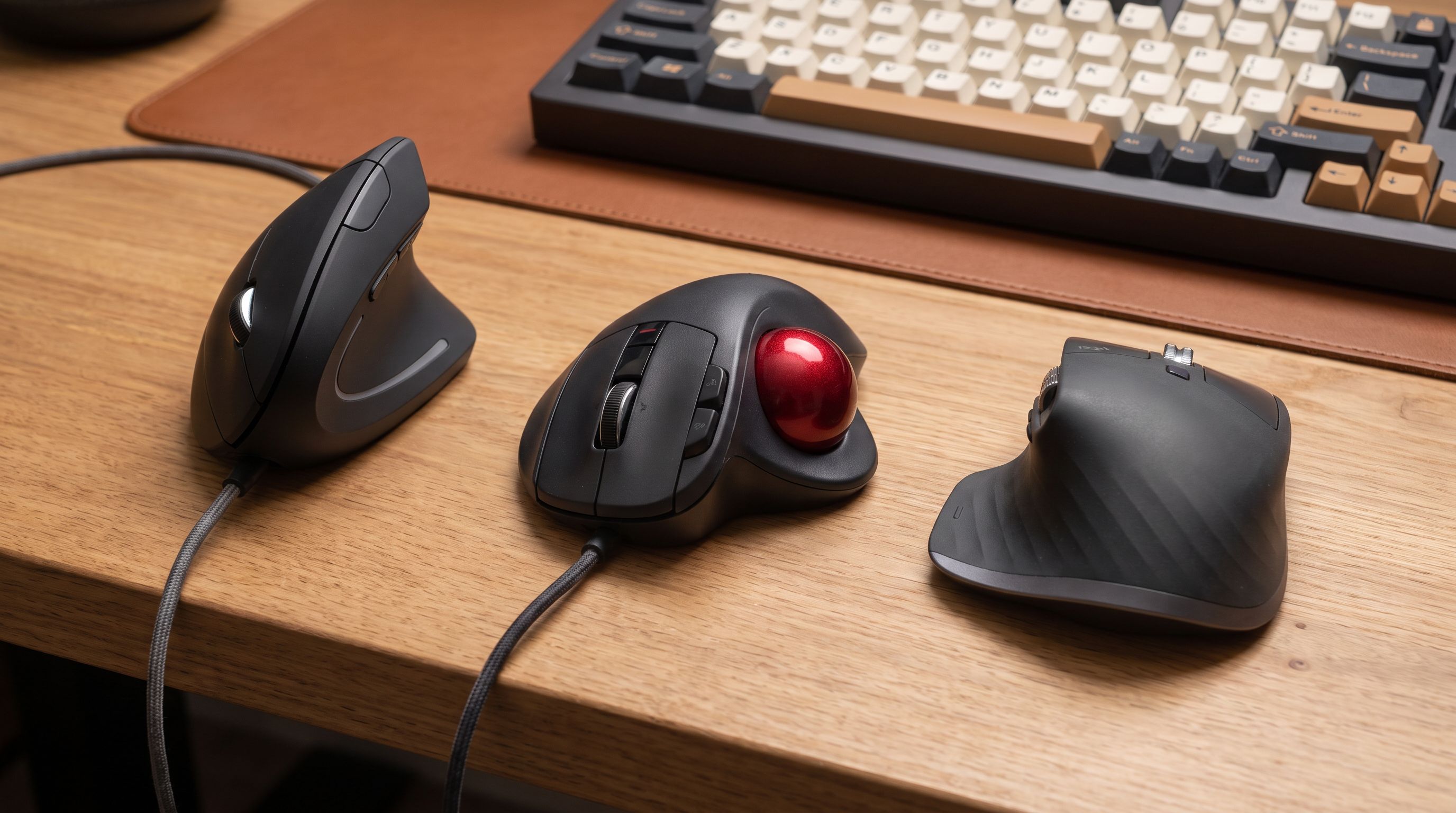
Best Ergonomic Mouse 2026: Vertical & Trackball Picks
The best ergonomic mouse for wrist pain in 2026, ranked by hand size, grip style and wireless performance — vertical, trackball and sculpted picks compared.
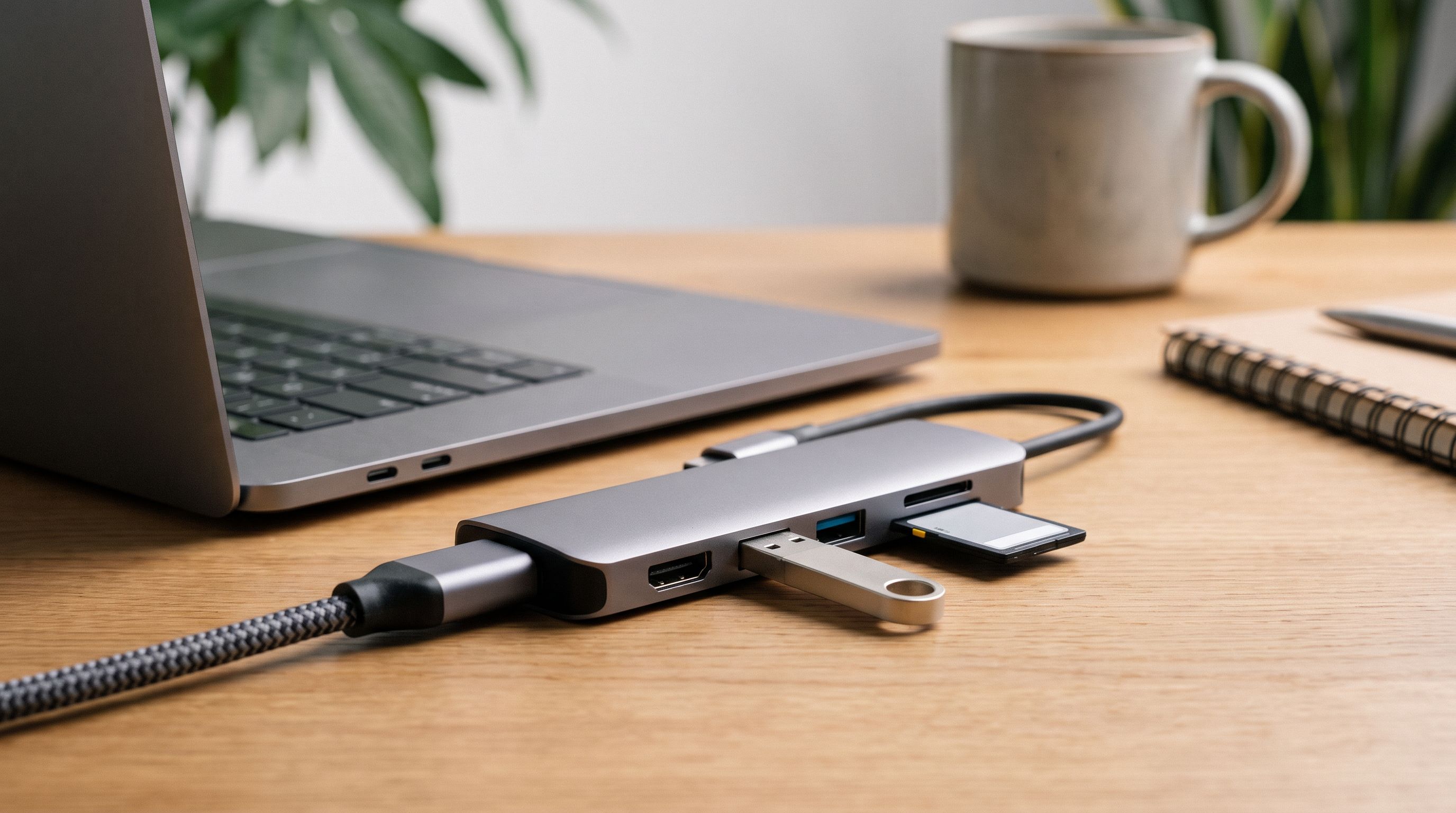
USB-C Hubs Under $50 in 2026: 4 That Stay Cool
The best USB C hub under $50 in 2026, ranked on port mix, heat, and real throughput — compact picks from Anker, UGREEN, Hiearcool and Wavlink for laptops and tablets.
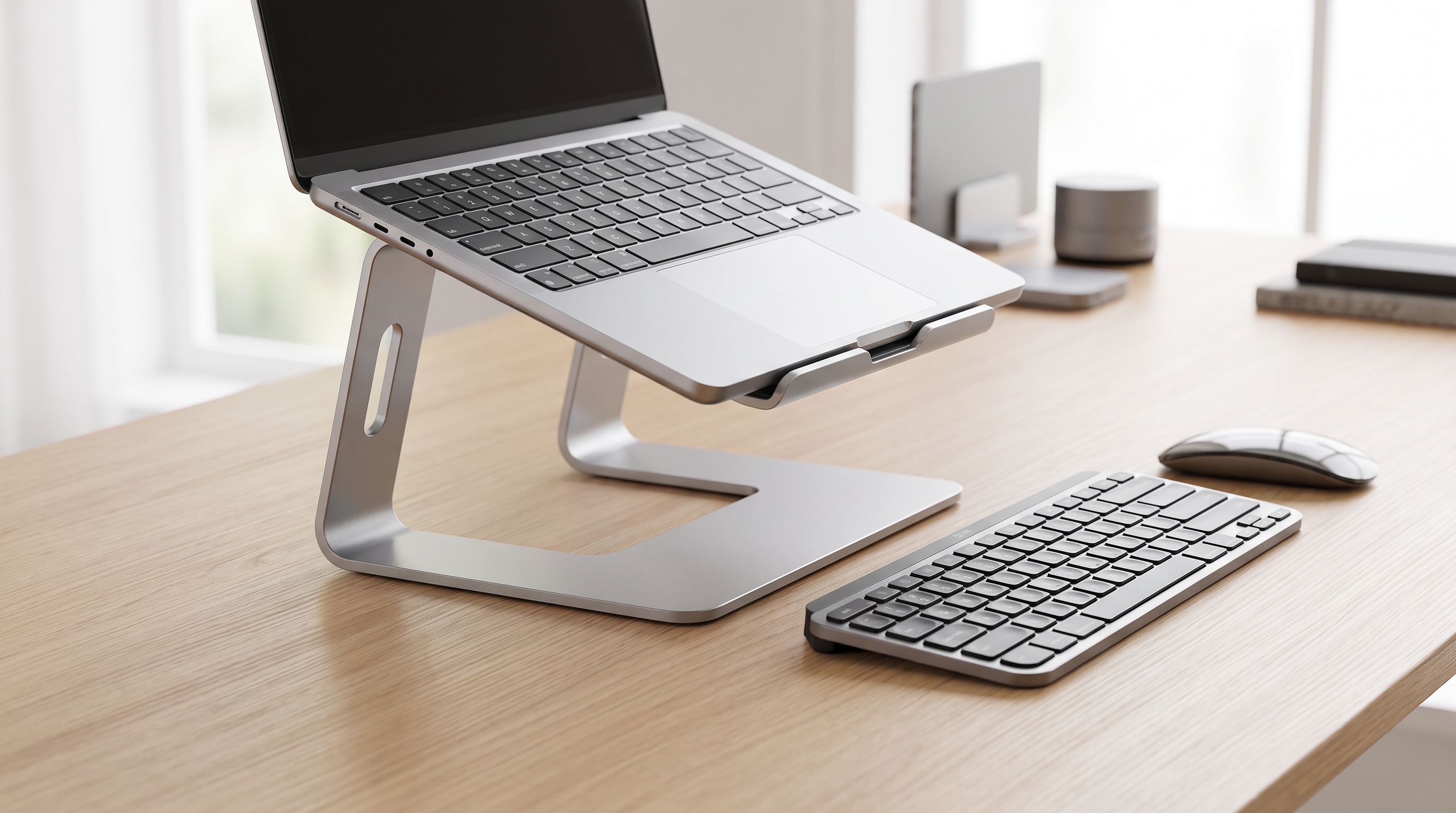
Laptop Stands in 2026: 5 Risers That Actually Fix Posture
The best laptop stand 2026 picks compared: aluminum risers, adjustable arms and travel-friendly folders, ranked by posture, cooling and desk footprint.