Best Ergonomic Mouse 2026: Vertical & Trackball Picks
The best ergonomic mouse for wrist pain in 2026, ranked by hand size, grip style and wireless performance — vertical, trackball and sculpted picks compared.
Reader-supported: we may earn a commission from links on this page, at no extra cost to you. It never affects our picks. Learn more.
If your wrist aches by mid-afternoon, the mouse is usually the first thing worth changing. A standard flat mouse forces your forearm into pronation — palm rotated face-down — while your wrist pivots side to side to move the cursor. Ergonomic mice attack that problem in three different ways, and picking the right category matters far more than picking the "best" model within a category.
We compared the leading ergonomic mice using manufacturer specifications, independent review testing, and verified owner feedback, then ranked them by hand size, grip style and wireless performance. BytePlaza does not physically test units; what follows is a synthesis of the evidence plus the ergonomics fundamentals that determine whether a mouse will actually help you.
The three shapes, and who each one suits
Vertical mice rotate the hand toward a handshake position, typically 55–90 degrees. This reduces forearm pronation, which is the mechanism most often linked to discomfort in the extensor tendons and around the elbow. The trade-off: you still move the whole arm, and precision drops for a week or two while you adapt.
Trackballs keep the device stationary and move the cursor with a ball under the thumb or fingers. Because the arm barely moves, they're the strongest option if your pain sits in the shoulder, elbow or wrist from repetitive gross movement — or if desk space is tight. They demand the longest adjustment period.
Sculpted (contoured) mice stay flat-ish but add a thumb rest, a taller hump to fill the palm, and enough width that your hand rests rather than grips. They don't fix pronation, but they eliminate the pinch-and-claw posture that causes a lot of low-grade fatigue. For mild symptoms, they're often enough — and they require zero relearning.
Match the mouse to your hand, not the marketing
Measure from the base of your palm to the tip of your middle finger:
- Under ~17 cm (small): Logitech Lift, Keychron M5 in its smaller configuration, or a compact sculpted mouse. A full-size MX Master 4 or MX Vertical will overhang and force a claw grip.
- 17–19 cm (medium): almost everything fits. MX Master 4 and MX Vertical are both comfortable here.
- Over ~19 cm (large): MX Master 4, MX Vertical, or a finger-operated trackball like the Kensington Expert Mouse, which doesn't care about hand length at all.
 Best trackball for heavy use · Kensington Expert Mouse Wireless Trackball — Check price on Amazon →
Grip style matters too. Palm-grippers do best with sculpted or vertical shells that support the whole hand. Claw and fingertip grippers often find verticals awkward and adapt more happily to a trackball or a lower-profile sculpted mouse.
Comparison at a glance
| Model | Type | Best for | Hand size | Wireless | Notable feature |
|---|---|---|---|---|---|
| Logitech MX Master 4 | Sculpted, right-handed | All-day productivity, multi-device work | Medium–large | Bluetooth + Logi Bolt USB receiver | MagSpeed electromagnetic scroll wheel, haptic feedback, multi-computer flow |
| Logitech MX Vertical | Vertical, right-handed | Existing forearm/wrist pain | Medium–large | Bluetooth + USB receiver | 57° handshake angle, USB-C rechargeable |
| Logitech Lift | Vertical, left- or right-handed | Smaller hands, quiet offices | Small–medium | Bluetooth + Logi Bolt receiver | 57° angle in a compact shell, silent-click switches, AA battery |
| Kensington Expert Mouse Wireless | Finger trackball, ambidextrous | Shoulder/elbow pain, tight desks | Any | Bluetooth + 2.4GHz receiver | Large ball, scroll ring, detachable wrist rest |
| Keychron M5 Vertical | Vertical, right-handed | Fast cursor work and gaming | Medium (size options) | 2.4GHz low-latency + Bluetooth | High-DPI sensor and high polling rate in a vertical body |
 Best vertical for gaming and fast work · Keychron M5 Vertical — Check price on Amazon →
 Best vertical mouse · Logitech MX Vertical — Check price on Amazon →
 Best overall · Logitech MX Master 4 — Check price on Amazon →
Best overall: Logitech MX Master 4
The MX Master line has dominated ergonomic round-ups for years, and the fourth generation keeps the formula: a tall, sculpted right-handed shell with a dedicated thumb rest, a thumb wheel for horizontal scrolling, and the electromagnetic MagSpeed wheel that switches between ratcheted and free-spinning modes. The version 4 adds haptic feedback and refined software controls, and it pairs to multiple machines with cursor flow between them.
It is the pick we'd give to most people because it solves fatigue rather than injury. Your forearm stays pronated, so if you already have diagnosed tendon pain, a vertical or trackball is the more targeted intervention. But for a general upgrade from a flat office mouse — especially if you scroll through long documents, spreadsheets or code — nothing else combines comfort and function this well. It's right-hand-only and fairly large; skip it if your hand is under about 17 cm.
Best vertical: Logitech MX Vertical
The MX Vertical sits at 57 degrees rather than a full 90, which is the sensible compromise: enough rotation to meaningfully cut pronation, not so much that the mouse tips over when you click. Reviewers consistently rate it as the most refined mainstream vertical, with a matte textured grip, USB-C charging, Bluetooth plus receiver, and a thumb button that drops DPI for precision work.
Expect a genuine adaptation period. Owner feedback repeatedly describes roughly one to two weeks before accuracy returns to normal — plan the switch for a low-stakes week. It suits medium and large hands; smaller hands should look at the Logitech Lift, which uses the same 57-degree angle in a smaller body, adds quiet click switches, and — importantly — ships in a true left-handed version, which is rare in this category.
For anyone who needs a vertical that can keep up with fast aiming, the Keychron M5 Vertical is the outlier: it puts a genuinely capable gaming sensor and low-latency 2.4GHz wireless into a vertical shell, which is why it turns up in gaming-mouse guides as well as ergonomics ones.
Best trackball: Kensington Expert Mouse Wireless
If your pain extends up the arm, a trackball is the biggest change you can make. The Kensington Expert Mouse uses a large, finger-operated ball with a scroll ring around it and four buttons, plus a detachable wrist rest. It's ambidextrous, it never leaves its footprint on the desk, and it works fine on a lap or a crowded surface.
The learning curve is real — most people report a couple of weeks before text selection and fine dragging feel natural — and the ball needs an occasional wipe of the bearings. In return, cursor movement becomes a finger task instead of an arm task. For people who spend eight hours in CAD, spreadsheets or a DAW, it's the option most likely to still be in use a year later.
What actually reduces pain
A mouse alone rarely fixes everything. Three adjustments compound the benefit:
- Lower your desk or raise your chair so your elbow sits at roughly 90 degrees and your forearm is level. Reaching up to a high desk loads the wrist regardless of mouse shape.
- Bring the mouse close to the keyboard. A tenkeyless or compact keyboard removes the numpad and lets your mousing arm sit near your body instead of splayed out.
- Raise DPI slightly so the cursor crosses the screen with less arm travel — then use a DPI-shift button for precision tasks.
If symptoms include numbness, tingling or night pain, see a clinician. Hardware helps posture; it doesn't diagnose.
FAQ
Is a vertical mouse or a trackball better for wrist pain? Vertical mice address forearm rotation; trackballs address repetitive arm movement. If discomfort is on the top of the forearm or near the elbow, start vertical. If it's shoulder, wrist-flexion or space-related, start with a trackball.
How long does it take to adapt? Most owner reports land between one and three weeks for verticals and trackballs. Sculpted mice like the MX Master 4 need essentially no adjustment.
Are there good left-handed ergonomic mice? Few. The Logitech Lift has a dedicated left-handed model, and ambidextrous trackballs such as the Kensington Expert Mouse work equally well either side. The MX Master 4 and MX Vertical are right-hand-only.
Can I game on an ergonomic mouse? On a vertical, yes — the Keychron M5 Vertical is built for it. Sculpted mice like the MX Master 4 use Bluetooth-first wireless and heavier bodies that aren't ideal for competitive shooters, though they're fine for strategy and simulation titles.
Do I still need a wrist rest? With a vertical mouse, usually not — the hand is already neutral. With a trackball or sculpted mouse, a low, firm rest that supports the heel of the palm (not the wrist crease) can help.
Our picks
Logitech MX Master 4 Ergonomic Wireless Mouse with Haptics - Pale Gray | Advanced performance haptic feedback, Ultra-Fast Scrolling, 8K DPI Any-surface, Quiet Clicks, Windows/MacOS, Wireless, USB-C
Sculpted right-hand shape, thumb rest and best-in-class scrolling — the safest upgrade for all-day work.
Logitech MX Vertical Wireless Mouse Ergonomic Design - Graphite | Reduces muscle strain, move content between 3 Windows and Apple computers, rechargeable
A 57-degree handshake angle that reduces forearm twist, with a shape that suits medium-to-large hands.
Kensington Orbit Wireless Trackball with Scroll Ring - Black-Red (K70990WW), | Scroll ring for one-handed navigation, wireless connection, ergonomic desktop control
Large ball plus scroll ring means your whole arm stays still — ideal for existing wrist or shoulder pain.

Logitech Wave Keys & Lift Vertical Mouse Ergonomic Wireless Combo, Graphite | Wave-shaped ergonomic keyboard with cushioned palm rest, vertical mouse, connect up to 3 devices, for Multi-OS, Windows / Mac
A smaller 57-degree vertical with quiet clicks, plus a genuine left-handed version.
Keychron M5 8K Wireless Vertical Mouse with Thumb Wheel, PixArt 3950 Sensor | 47° ergonomic grip, Up to 30K DPI, 2.4 GHz/Bluetooth 5.3/USB-C, Programmable Buttons for Laptop macOS/Windows/Linux - Black
Rare combination of a vertical shell with a high-performance sensor and low-latency 2.4GHz wireless.
Get the best tech deals in your inbox
Join the BytePlaza newsletter for hand-picked gadget deals and new buying guides. No spam, unsubscribe anytime.
Related reads
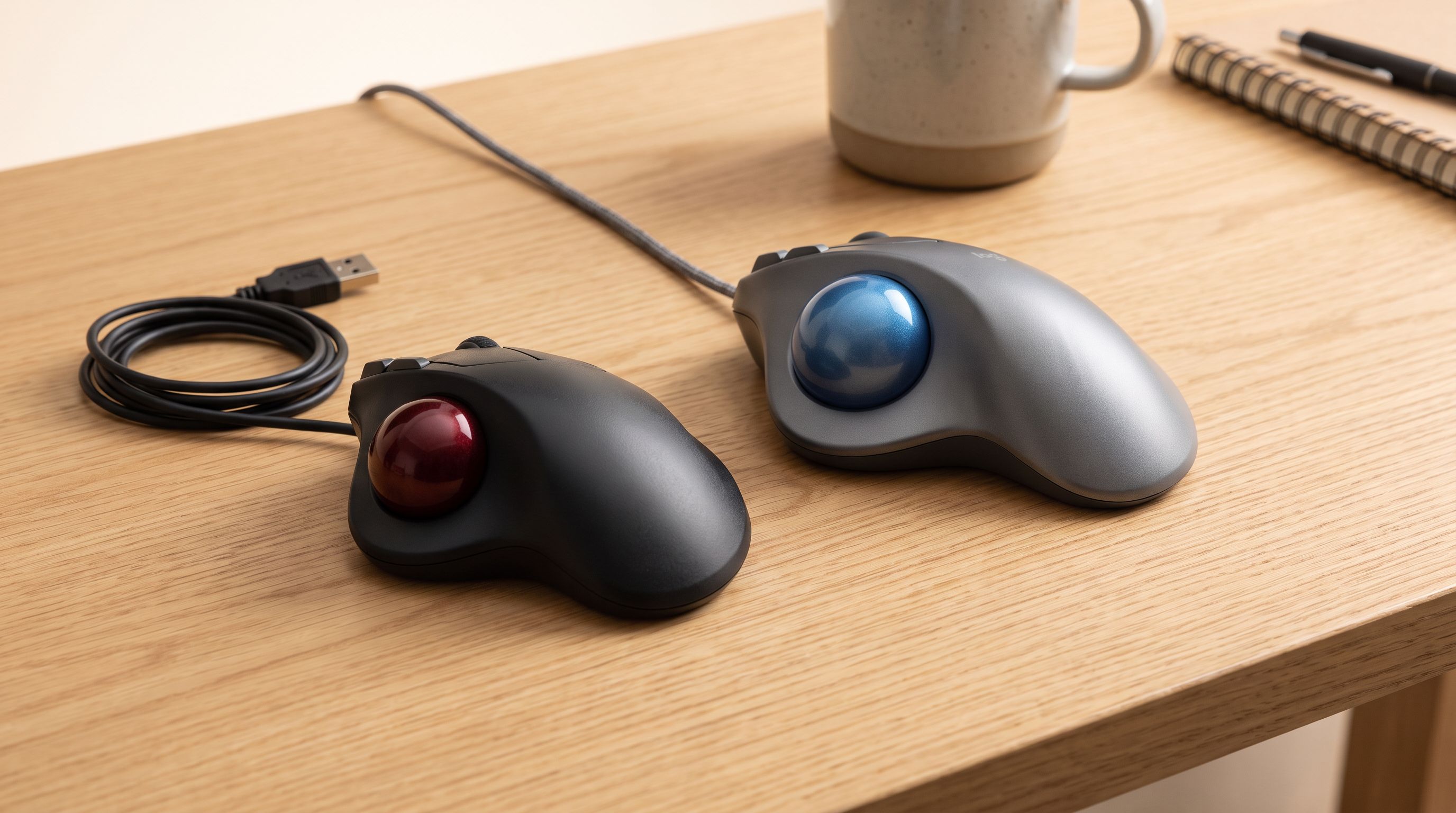
Trackball Mice in 2026: 5 Picks That Save Desk Space
Thumb vs finger trackballs compared for 2026: ball size, sensors, tilt, and owner-reported longevity, plus which model suits small desks and sore wrists.
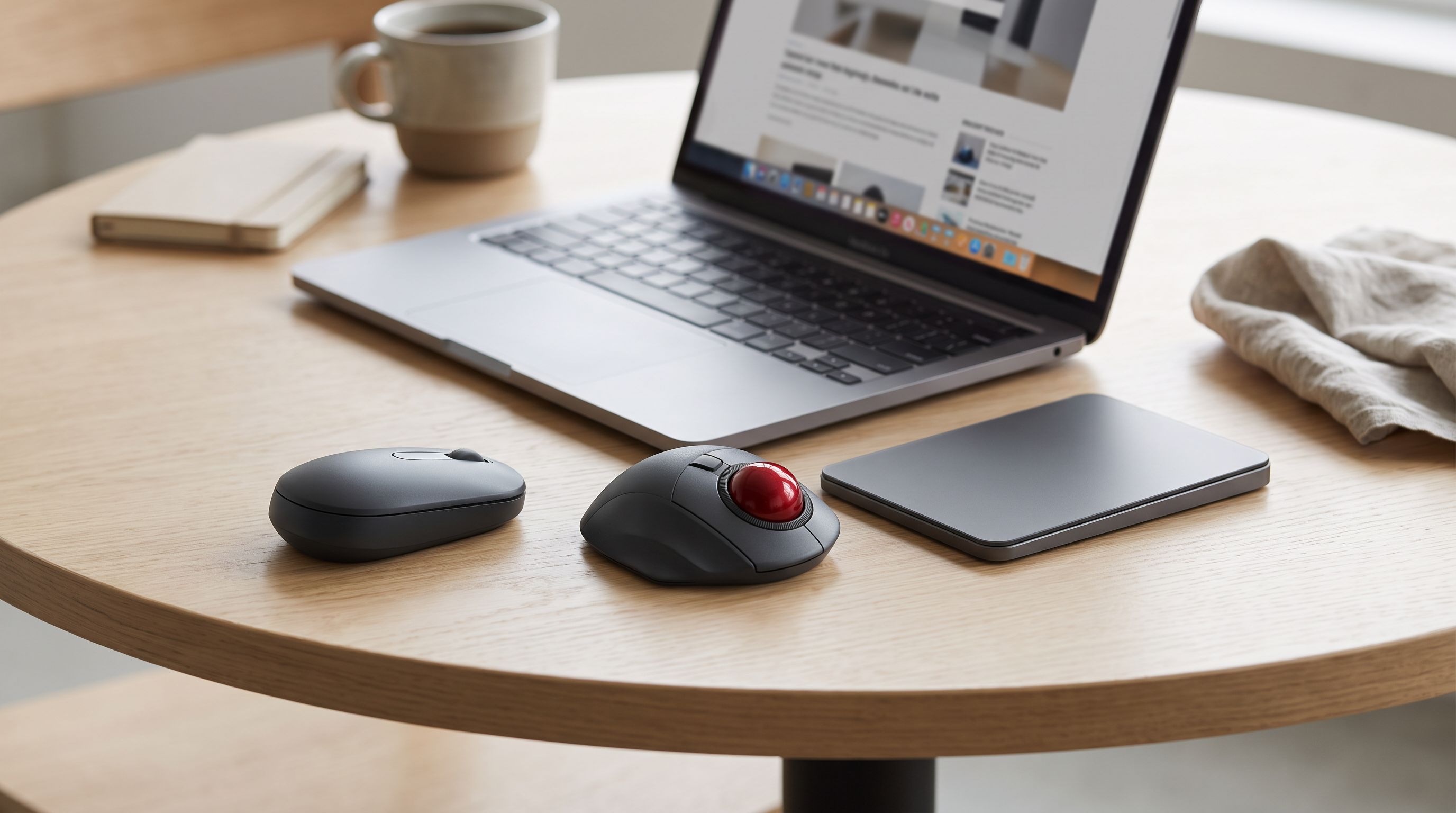
Vertical Mice vs Trackpads: The Best Travel Mouse for 2026
Vertical mice, thumb trackballs and portable trackpads compared for laptop users on the road — plus the best portable mouse for travel in 2026 by use case.
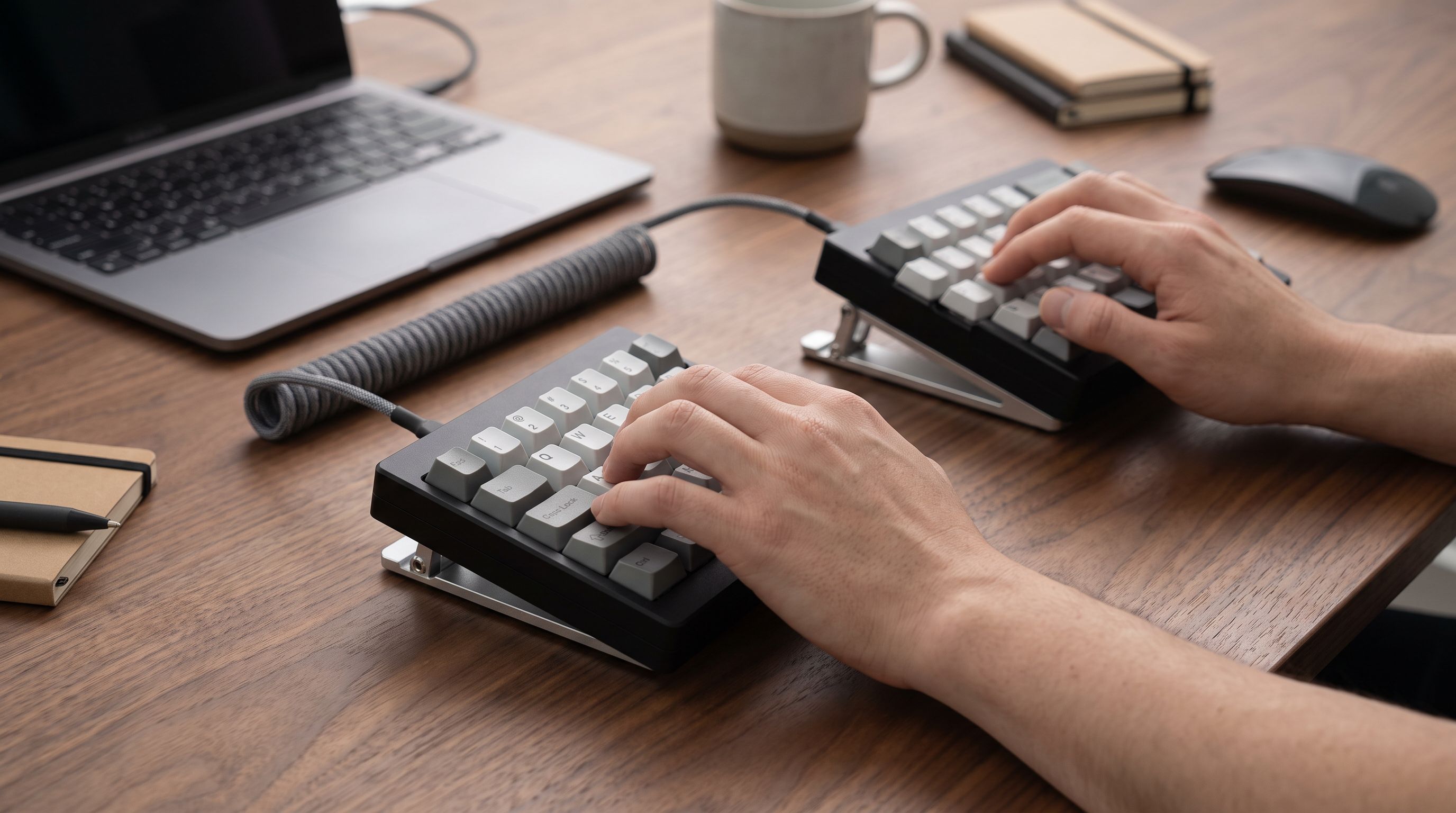
Split Ergonomic Keyboards in 2026: 5 Picks for Wrist Pain
The best split ergonomic keyboard for 2026, compared on tenting range, learning curve and wireless support — from beginner-friendly splits to full columnar boards.