Ergonomic Split Mouse 2026: 4 Picks That Help RSI
Looking for the best ergonomic split mouse in 2026? We compare vertical and split-grip mice for RSI relief, covering grip angles, sensors, and real owner feedback.
Reader-supported: we may earn a commission from links on this page, at no extra cost to you. It never affects our picks. Learn more.
Why Your Standard Mouse May Be Hurting You
A traditional flat mouse forces your forearm into a pronated position — palm-down, wrist twisted inward. Do that eight hours a day, five days a week, and the tendons running through your carpal tunnel and along the outside of your elbow are under constant low-grade strain. Over months or years, this contributes to repetitive strain injuries (RSI) like carpal tunnel syndrome, tennis elbow, and De Quervain's tenosynovitis.
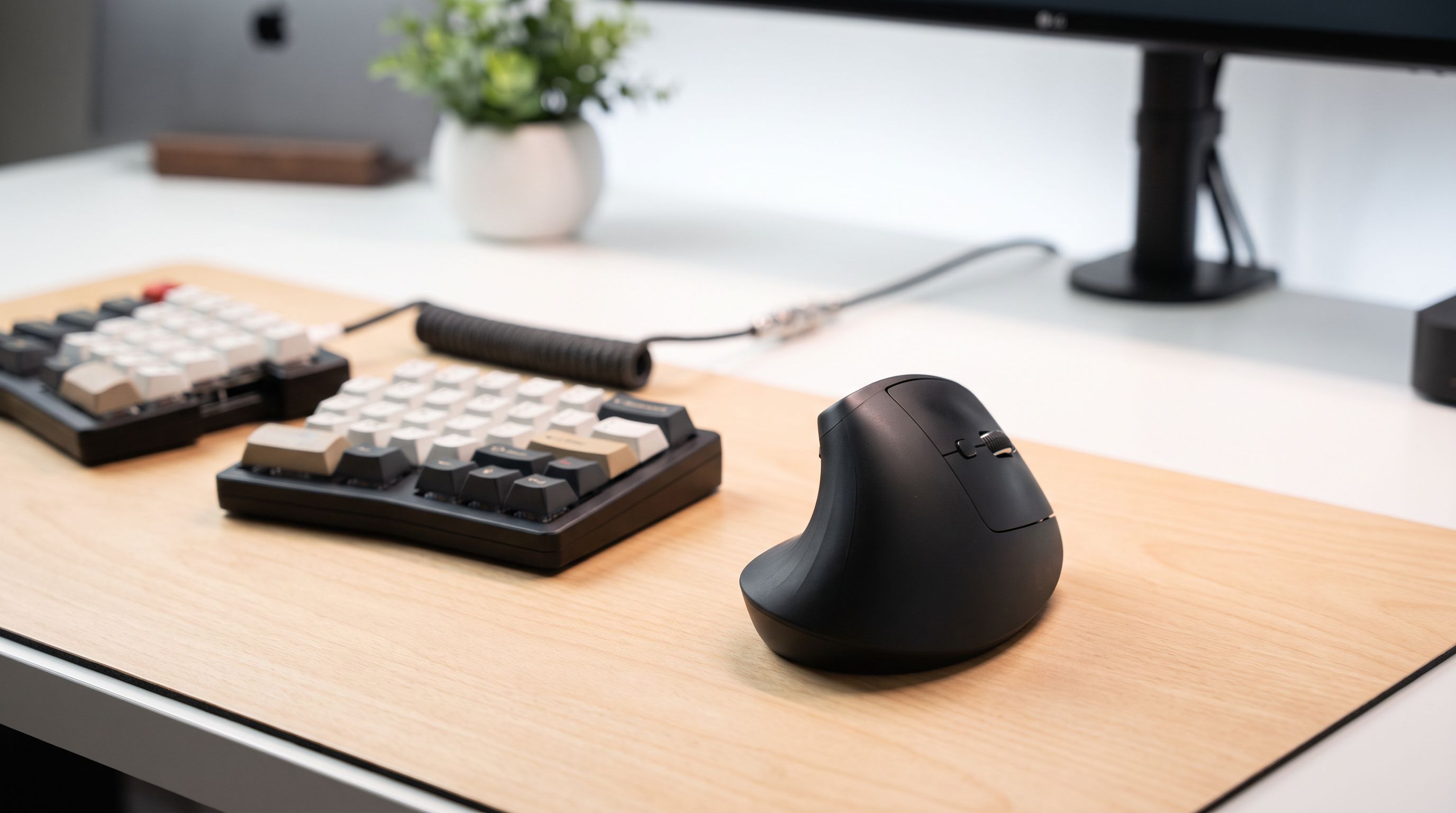
Ergonomic "split" or vertical mice address this by rotating the grip surface so your hand rests in a more neutral, handshake-like orientation. The term "split mouse" is sometimes used loosely — it can refer to vertical mice with angled grips or, less commonly, to trackball-style devices that separate the clicking surface from the tracking surface. In this guide we focus on the most practical and widely available category: vertical and steep-angle ergonomic mice designed to reduce pronation and ease RSI symptoms.
What to Look for in an Ergonomic Mouse
Grip Angle
The single most important spec. A conventional mouse is 0°. Most ergonomic mice fall between 35° and 90°:
- 35°–45° — A gentle slope. Easier to transition to from a flat mouse, but less pronation relief.
- 57° — The angle Logitech uses across its vertical lineup, citing internal research that it reduces muscular strain by 10% compared to a flat mouse while remaining comfortable for most hand sizes.
- 80°–90° — Nearly or fully vertical. Maximum pronation relief, but the steep angle requires a larger desk footprint and a short adjustment period.
Sensor & DPI
For productivity work you don't need a 30,000 DPI gaming sensor. Anything in the 1,000–4,000 DPI range with reliable tracking on common surfaces is fine. If you also game, look for a sensor with low jitter and adjustable DPI steps.
Connectivity
Bluetooth is convenient for laptops; a 2.4 GHz USB dongle typically offers lower latency. Some mice support both, plus wired USB-C charging.
Size & Hand Fit
An ergonomic mouse that's the wrong size for your hand is worse than a flat mouse that fits. Measure from the base of your palm to the tip of your middle finger: under 17.5 cm is generally "small," 17.5–19.5 cm is "medium," and over 19.5 cm is "large."
Our 4 Picks Compared
| Feature | Logitech MX Vertical | Evoluent VerticalMouse 4 | Logitech Lift | Anker Vertical Mouse |
|---|---|---|---|---|
| Grip angle | 57° | ~90° | 57° | ~55° |
| Sensor / Max DPI | 4000 DPI | 2600 DPI | 4000 DPI | 1600 DPI (3-step) |
| Connectivity | Bluetooth + USB-C + dongle | Wired USB or wireless (model-dependent) | Bluetooth + Logi Bolt dongle | 2.4 GHz dongle |
| Battery | Rechargeable, ~4 months | Rechargeable or wired | 1× AA, ~24 months | 2× AAA |
| Hand size | Medium–Large | Medium–Large | Small–Medium | Medium |
| Weight | ~135 g | ~115 g (wired) | ~125 g (with battery) | ~130 g (with batteries) |
| Best for | Most users with RSI concerns | Severe pronation pain | Smaller hands, quiet offices | Budget-conscious buyers |
 Best steep angle · Evoluent VerticalMouse 4 — Check price on Amazon →
 Best overall · Logitech MX Vertical — Check price on Amazon →
Detailed Look at Each Pick
Logitech MX Vertical — Best Overall
The Logitech MX Vertical remains the default recommendation in most 2026 roundups, and for good reason. Its 57° angle is steep enough to meaningfully reduce forearm pronation while still feeling intuitive to anyone coming from a standard mouse. The 4000 DPI sensor tracks reliably on almost any surface, and tri-mode connectivity (Bluetooth, Logi Bolt dongle, USB-C wired) means it pairs with virtually any setup. Owner feedback consistently praises the thumb rest and the natural feel after a short break-in period. The main knock: it's sized for medium-to-large hands, so petite users may find it a stretch.
Evoluent VerticalMouse 4 — Best Steep Angle
If you need full 90° vertical orientation — the closest thing to a true "handshake grip" — the Evoluent VerticalMouse 4 is the specialist's choice. It positions your thumb on top and your pinky at the bottom, eliminating pronation almost entirely. Multiple programmable buttons sit along the outer face where your fingers naturally rest. Reviewers and physical therapists frequently recommend Evoluent for users who already have diagnosed RSI and need maximum relief. The trade-off is a lower DPI ceiling and a design that takes a few days to adjust to. It's available in both wired and wireless variants; the wired version is lighter.
Logitech Lift Vertical Ergonomic Mouse — Best for Small Hands
Logitech designed the Lift specifically for small-to-medium hands that find the MX Vertical too bulky. It shares the same 57° angle and 4000 DPI sensor but in a noticeably more compact shell. The buttons use Logitech's "SmartWheel" quiet-click switches — a real plus in shared offices. A single AA battery lasts up to 24 months, so you rarely think about power. It connects via Bluetooth or the Logi Bolt dongle. Available in multiple colors, the Lift is often highlighted in 2026 ergonomic guides as the best vertical option for users with hands under 17.5 cm.
 Best for small hands · Logitech Lift Vertical Ergonomic Mouse — Check price on Amazon →
Anker 2.4G Wireless Vertical Ergonomic Mouse — Budget Pick
The Anker Vertical Mouse proves you don't have to spend a lot to get a proper ergonomic angle. Its roughly 55° tilt meaningfully reduces pronation, and three DPI steps (800 / 1200 / 1600) cover basic productivity needs. Build quality is naturally a step below Logitech or Evoluent — the plastic feels lighter, and the sensor won't impress power users — but for someone testing whether a vertical mouse helps their wrist pain before committing to a premium model, it's an excellent, low-risk starting point. Thousands of owner reviews cite genuine comfort improvements.
 Budget pick · Anker 2.4G Wireless Vertical Ergonomic Mouse — Check price on Amazon →
Tips for Transitioning
- Give it two weeks. Almost every vertical-mouse owner reports an awkward first few days. Your brain needs to recalibrate fine motor control at the new angle.
- Lower your DPI at first. A slower cursor helps you adjust without frustration.
- Pair it with a split keyboard. An ergonomic mouse addresses pronation on one side; a split or tented keyboard addresses both wrists.
- Take micro-breaks. No mouse — no matter how ergonomic — replaces the 20-20-20 rule: every 20 minutes, look 20 feet away, and rest your hands for 20 seconds.
FAQ
Is a vertical mouse actually proven to help RSI?
Multiple peer-reviewed studies (e.g., Aaråas et al., 2002; research cited by Logitech's Ergo Lab) show that vertical or semi-vertical mice reduce forearm muscle activity and wrist extension compared to standard mice. They aren't a cure for diagnosed conditions, but they can reduce contributing strain.
What's the difference between a "split mouse" and a "vertical mouse"?
The terms overlap. "Vertical mouse" specifically describes a mouse angled 45°–90° from horizontal. "Split mouse" is a broader, less standardized term sometimes applied to any mouse that separates or reorients gripping surfaces to reduce strain. In practice, most products marketed under either label are vertical mice.
Can I game with a vertical mouse?
You can, but most vertical mice prioritize comfort over low-latency sensors and lightweight shells. The Logitech MX Vertical at 4000 DPI handles casual gaming fine. For competitive FPS titles, you may want a dedicated lightweight gaming mouse and switch to the vertical mouse for work.
Do I need a left-hand version?
If you mouse with your left hand, yes — grip angle matters per-hand. Logitech Lift offers a left-hand model. Evoluent also makes left-hand VerticalMouse variants. The Anker vertical mouse is right-hand only.
How long does it take to get used to a vertical mouse?
Most owners report full comfort within one to two weeks. Starting with a moderate angle like 57° (Logitech MX Vertical or Lift) makes the transition smoother than jumping straight to 90°.
Our picks
Logitech MX Vertical Wireless Mouse Ergonomic Design - Graphite
57° natural-handshake angle with a proven 4000 DPI sensor — the safest all-around pick for RSI relief.
Evoluent World's Original Vertical Mouse, Wired Ergonomic Mouse for Right Hand, Medium to Large, Helps with Carpal Tunnel and Wrist Strain, Customizable 6 Buttons, 4 Speed Settings, Comfortable Grip
Full 90° vertical grip keeps your forearm completely neutral — ideal for severe pronation pain.
Logitech Wave Keys & Lift Vertical Mouse Ergonomic Wireless Combo, Graphite
Compact 57° vertical design sized for small-to-medium hands, with quiet clicks and Bluetooth.
Anker 2.4G Wireless Ergonomic Mouse, Right Hand Vertical Mouse USB Receiver
Entry-level vertical mouse with a comfortable grip angle at a fraction of the competition's price.
Get the best tech deals in your inbox
Join the BytePlaza newsletter for hand-picked gadget deals and new buying guides. No spam, unsubscribe anytime.
Related reads
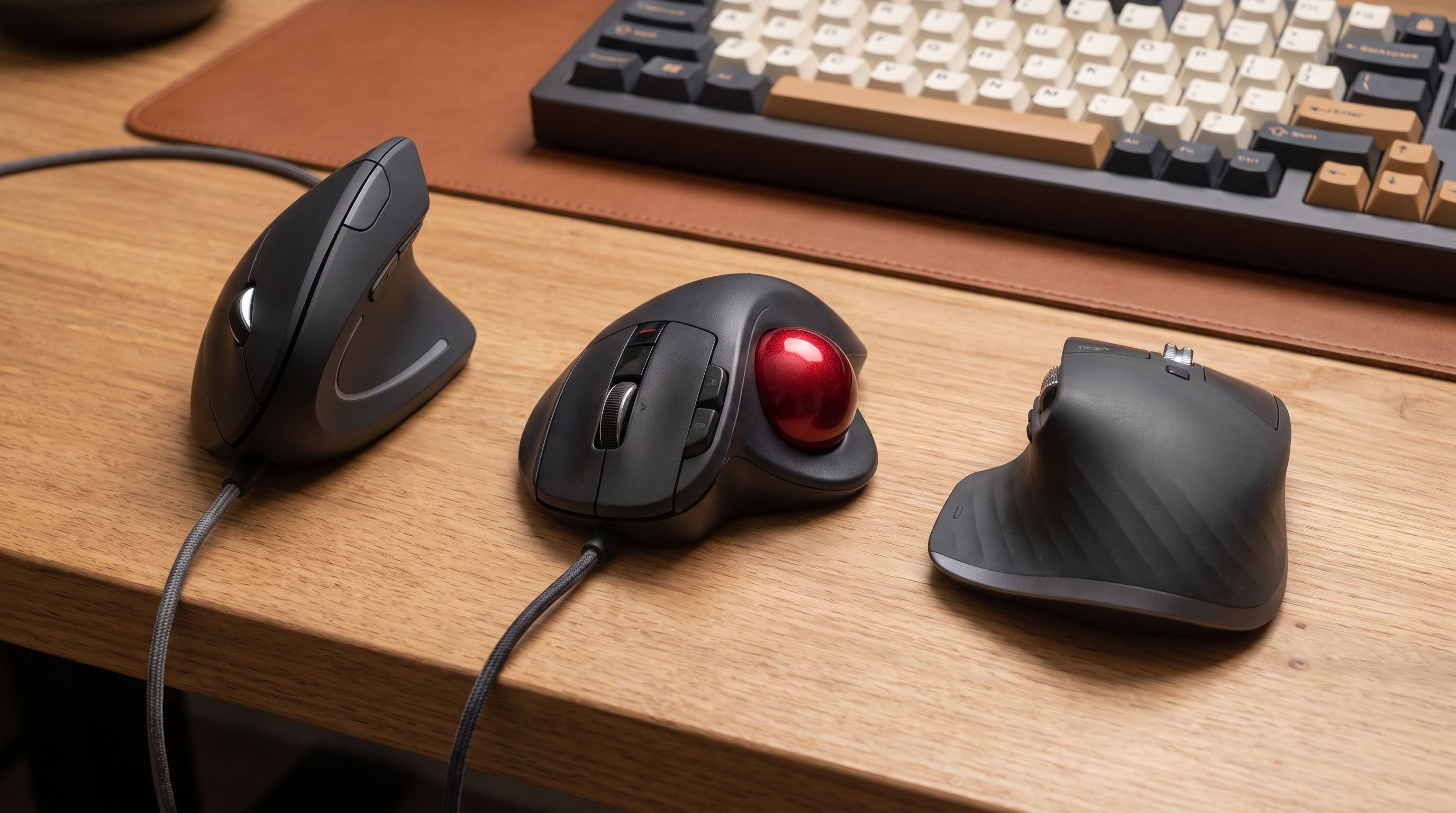
Best Ergonomic Mouse 2026: Vertical & Trackball Picks
The best ergonomic mouse for wrist pain in 2026, ranked by hand size, grip style and wireless performance — vertical, trackball and sculpted picks compared.
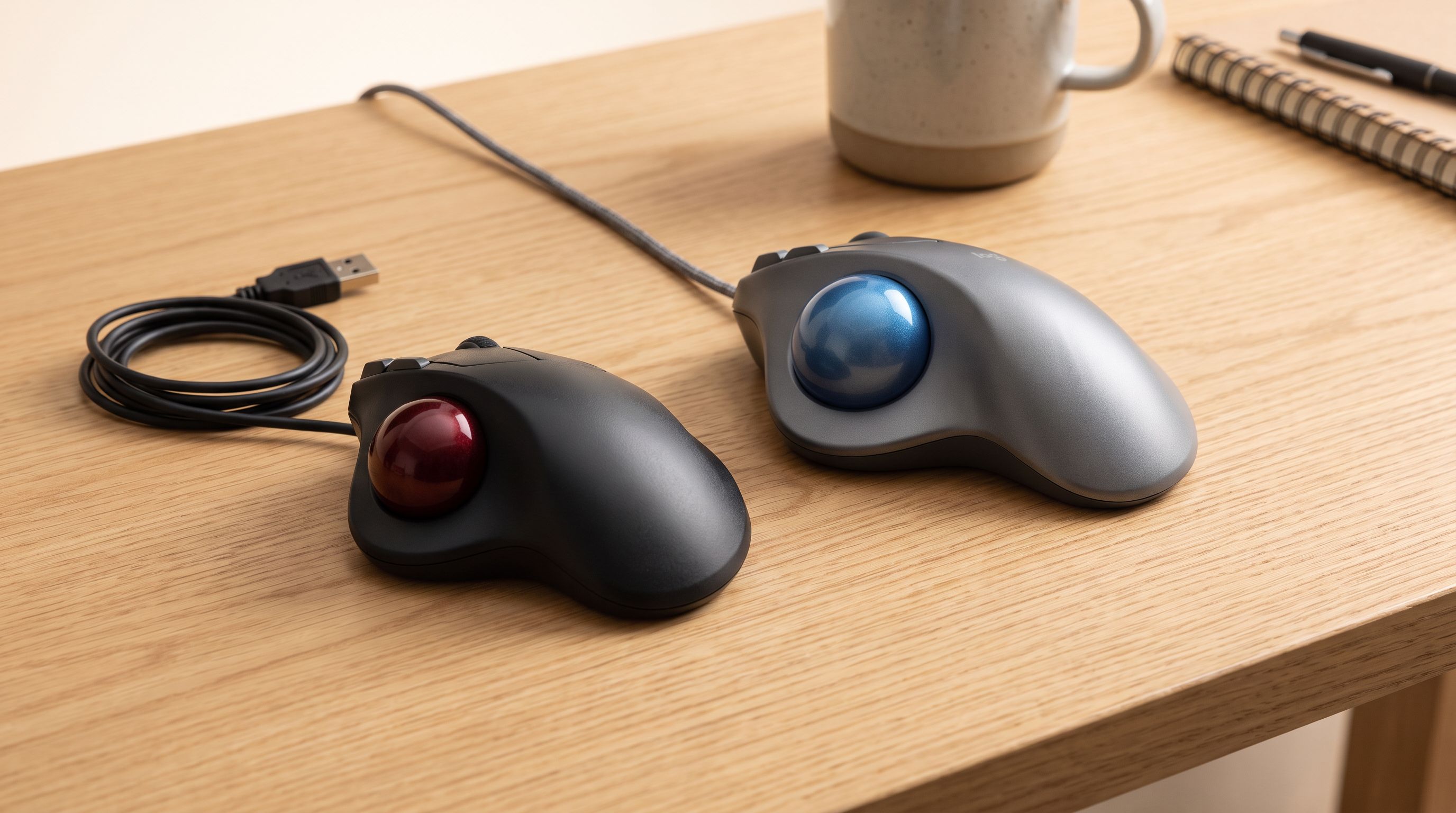
Trackball Mice in 2026: 5 Picks That Save Desk Space
Thumb vs finger trackballs compared for 2026: ball size, sensors, tilt, and owner-reported longevity, plus which model suits small desks and sore wrists.
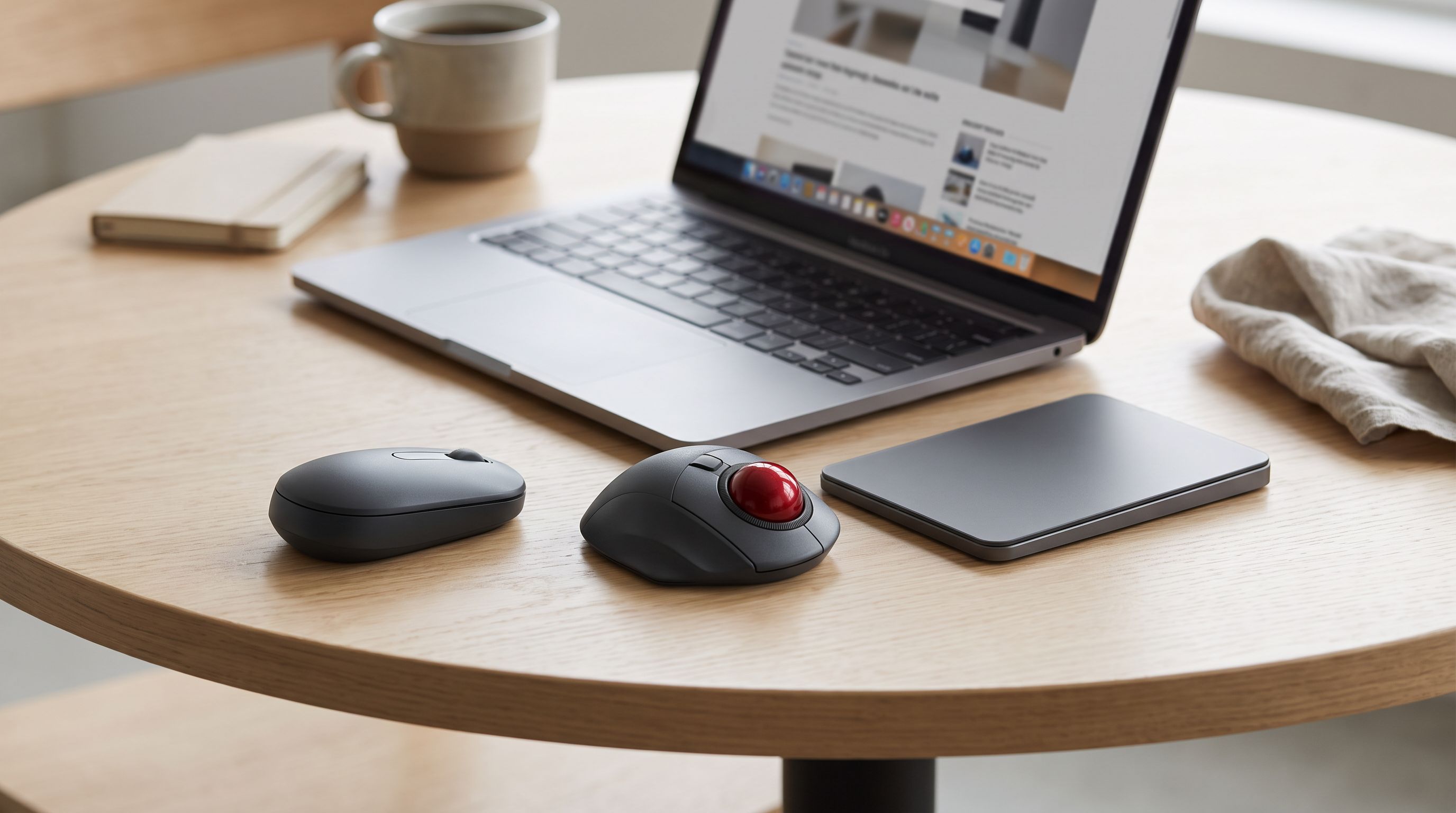
Vertical Mice vs Trackpads: The Best Travel Mouse for 2026
Vertical mice, thumb trackballs and portable trackpads compared for laptop users on the road — plus the best portable mouse for travel in 2026 by use case.