Laptop Stands in 2026: 5 Risers That Actually Fix Posture
The best laptop stand 2026 picks compared: aluminum risers, adjustable arms and travel-friendly folders, ranked by posture, cooling and desk footprint.
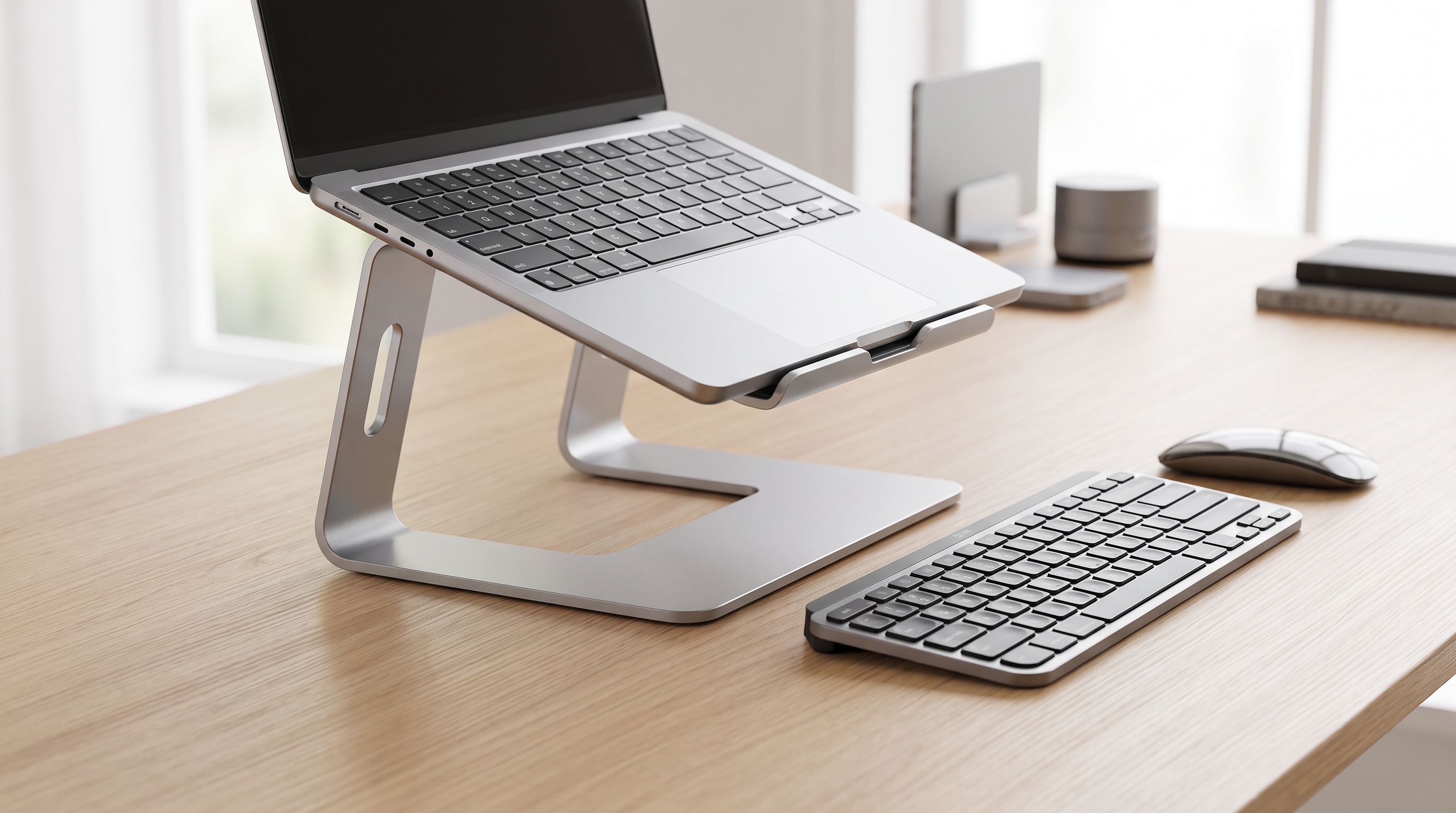
Reader-supported: we may earn a commission from links on this page, at no extra cost to you. It never affects our picks. Learn more.
If you spend hours hunched over a laptop, the screen is the problem. A laptop's display and keyboard are welded together at a height that guarantees you'll crane your neck downward — and no amount of chair adjustment fixes that. A stand separates the two, and once the screen goes up, you'll need an external keyboard and mouse to type comfortably. That pairing is the whole point.
We compared the most widely recommended risers of the past year — drawing on manufacturer specs, independent reviews from outlets like Wirecutter and Reviewed, and verified owner feedback — and ranked them by the four things that actually matter day to day: how high they lift, how much they wobble, how much desk they eat, and whether you can carry them.
What actually matters in a laptop stand
Height, not just angle
There's a big difference between a riser and a tilter. Cheap wedges lift the back edge a couple of inches and tilt the keyboard toward you — helpful for typing and airflow, useless for your neck. A true ergonomic stand puts the top of the screen at or slightly below eye level when you're sitting upright. For most adults at a standard desk, that means lifting a 13–14-inch laptop somewhere in the range of five to eight inches. Taller users and anyone with a 16-inch machine usually need the upper end of that range, which is why adjustable models like the Rain Design iLevel 2 and Twelve South Curve Flex are safer buys if you're unsure.
 Best for MacBooks · Twelve South Curve Flex — Check price on Amazon →
 Best overall · Rain Design iLevel 2 Adjustable Laptop Stand — Check price on Amazon →
Stability beats everything
A stand that flexes when you tap the trackpad is a daily irritation. One-piece cast or bent aluminum — the construction used by the Rain Design mStand360 — is the gold standard because there are no hinges to loosen. Folding stands trade some rigidity for portability; the good ones (Roost V3, Curve Flex) lock firmly, while the worst ones develop a sway after a few months of opening and closing.
 Best fixed-height aluminum · Rain Design mStand360 Laptop Stand — Check price on Amazon →
Desk footprint and what lives underneath
Open-frame stands with a narrow arm — the Curve Flex and Roost V3 style — leave the desk beneath free for a keyboard, a notebook, or nothing at all, which visually declutters a small desk. Platform-style stands like the mStand360 create a solid shelf: less usable space underneath, but a place to park a phone or hard drive on top of the base. Measure your desk depth before buying. Anything under about 24 inches deep gets crowded fast once a stand and a separate keyboard are both on it.
Cooling: real, but often oversold
Elevating a laptop and exposing its underside to open air genuinely helps thermals, especially on machines that vent downward or through the bottom intake. Any open-frame or vented stand does this. What a passive stand can't do is match an active cooling pad with fans — if you're pushing a gaming laptop hard, a stand is a comfort upgrade, not a thermal solution. The Nulaxy C1's hollow, ventilated design is a good example of passive cooling done sensibly.
Weight limit and grip
Check the stated capacity if you have a 16-inch workstation laptop; most quality stands handle them, but budget plastic models can bow. Silicone pads on the lip and rests matter too — they stop sliding and, more importantly, stop the aluminum from scuffing your laptop's lid.
The picks, compared
| Stand | Type | Height adjustable | Best for | Trade-off |
|---|---|---|---|---|
| Rain Design iLevel 2 | Aluminum platform with slider | Yes, via front slider | Sit/stand switching, shared desks | Larger desk footprint |
| Rain Design mStand360 | One-piece aluminum, swivel base | No (fixed) | Maximum stability, permanent setups | Height won't suit everyone |
| Roost V3 | Folding travel stand | Yes, multiple stops | Travel, hot-desking, tiny desks | Not a platform — laptop only |
| Nulaxy C1 | Folding aluminum riser | Angle/height steps | Budget setups, cooling | Less rigid than one-piece |
| Twelve South Curve Flex | Folding arm stand | Yes, height and angle | MacBooks, minimal desks | Narrow footprint feels less planted |
Which one should you buy?
For most people: Rain Design iLevel 2
The iLevel 2 is the one we'd point most desk workers toward, and it's the stand Wirecutter landed on after testing twenty models. The reason is the slider on the front edge: you can change the height without lifting the laptop off, which matters more than you'd expect if you share a desk, switch between sitting and standing, or occasionally dock a second person's machine. It's aluminum, it's stable, and the open space below keeps air moving. The catch is size — it's a proper platform, so it commands real estate.
If you never move it: Rain Design mStand360
The mStand360 is the purist's choice. One piece of bent aluminum means nothing to loosen, nothing to creak, and a look that matches an aluminum laptop exactly. The rotating base is genuinely useful in meetings and for showing a screen to someone across the desk. Because the height is fixed, try to check the specification against your seated eye level first — if the fixed height lands right for you, this is the most reassuringly solid option here.
For travel and hot-desking: Roost V3
The Roost is the answer to "I want eye-level height in a hotel room." It folds down to something you can slide into a laptop sleeve and still raises the screen dramatically higher than the folding wedges most people pack. It supports the laptop by its hinge rather than sitting it on a shelf, so it disappears visually on the desk. It's the least versatile pick — it holds a laptop and nothing else — and you'll want a compact travel keyboard to go with it.
On a budget: Nulaxy C1
Nulaxy dominates Amazon's laptop stand bestsellers for a reason. The C1 is folding aluminum with several angle and height steps, a ventilated open frame, and silicone pads to keep things from sliding. It won't feel as inert as one-piece aluminum, and the adjustment mechanism is the part most likely to loosen over years of use — but as a first stand, or a second one for a home office you use twice a week, it's hard to argue with.
For MacBook owners: Twelve South Curve Flex
The Curve Flex adjusts in both height and angle, folds flat for a bag, and its single curved arm leaves the desk underneath clear — which is exactly what you want on a shallow desk where a keyboard has to live in front of the laptop. It's tuned for MacBooks aesthetically, but it works with any similarly sized ultrabook.
Setting it up properly
Buying the stand is step one. Step two: put the top edge of the screen at roughly eye level, about an arm's length away. Step three: get an external keyboard and mouse, positioned so your elbows sit near 90 degrees and your wrists stay flat. A stand without a separate keyboard just moves the strain from your neck to your shoulders. If your desk is too high for a comfortable elbow angle, raise the chair and add a footrest rather than lowering the screen back down.
FAQ
Do laptop stands actually reduce neck pain? They remove the primary cause — looking downward for hours — but only if the screen ends up near eye level and you type on a separate keyboard. A two-inch tilt wedge won't do much.
Will a stand make my laptop run cooler? Usually a little. Lifting the chassis and exposing the underside improves passive airflow, which helps most on laptops that intake from below. For sustained gaming loads, an active cooling pad with fans does more.
Can I use a laptop stand without an external keyboard? You can, but you shouldn't for long sessions — reaching up to a raised keyboard puts your shoulders and wrists in a worse position than before.
Aluminum or plastic? Aluminum, if you can. It's stiffer, wicks a bit of heat away, and doesn't creak. Plastic stands are fine for occasional travel use.
Will these hold a 16-inch or gaming laptop? Most quality stands here are rated for large notebooks, but heavy gaming machines push the limits of folding designs. Check the stated weight capacity and lean toward platform-style aluminum such as the mStand360 or iLevel 2.
Our picks
Rain Design iLevel2 Adjustable Height Laptop Stand (Patented) (Silver)
Sturdy single-piece aluminum with a slider for on-the-fly height changes and excellent airflow underneath.
Rain Design mStand360 Laptop Stand with Swivel Base, Space Gray (10074)
Rock-solid one-piece aluminum riser with a swivel base — near-zero wobble and a tidy cable slot.

Roost V3 Laptop Stand – Adjustable and Extremely Portable Laptop Stand – PC and MacBook Stand
Folds to roughly the size of a rolled magazine yet lifts the screen to true eye level for travel.

Nulaxy 360° Rotating Ergonomic Laptop Stand for Desk, Dual Foldable Design | Holds 22 Lbs, Dual Hinge Adjustable, Heat-Vent Computer Stand, Portable Office Accessories, Compatible with 10-17" Laptops
Bestselling foldable riser with multiple angle steps and an open frame that vents heat well.
Twelve South Curve Flex | Ergonomic Height & Angle Adjustable Aluminum Laptop/MacBook Stand/Riser, fits 10"-17"
Adjustable height and angle, folds flat, and its curved arm keeps the desk space underneath usable.
Get the best tech deals in your inbox
Join the BytePlaza newsletter for hand-picked gadget deals and new buying guides. No spam, unsubscribe anytime.
Related reads
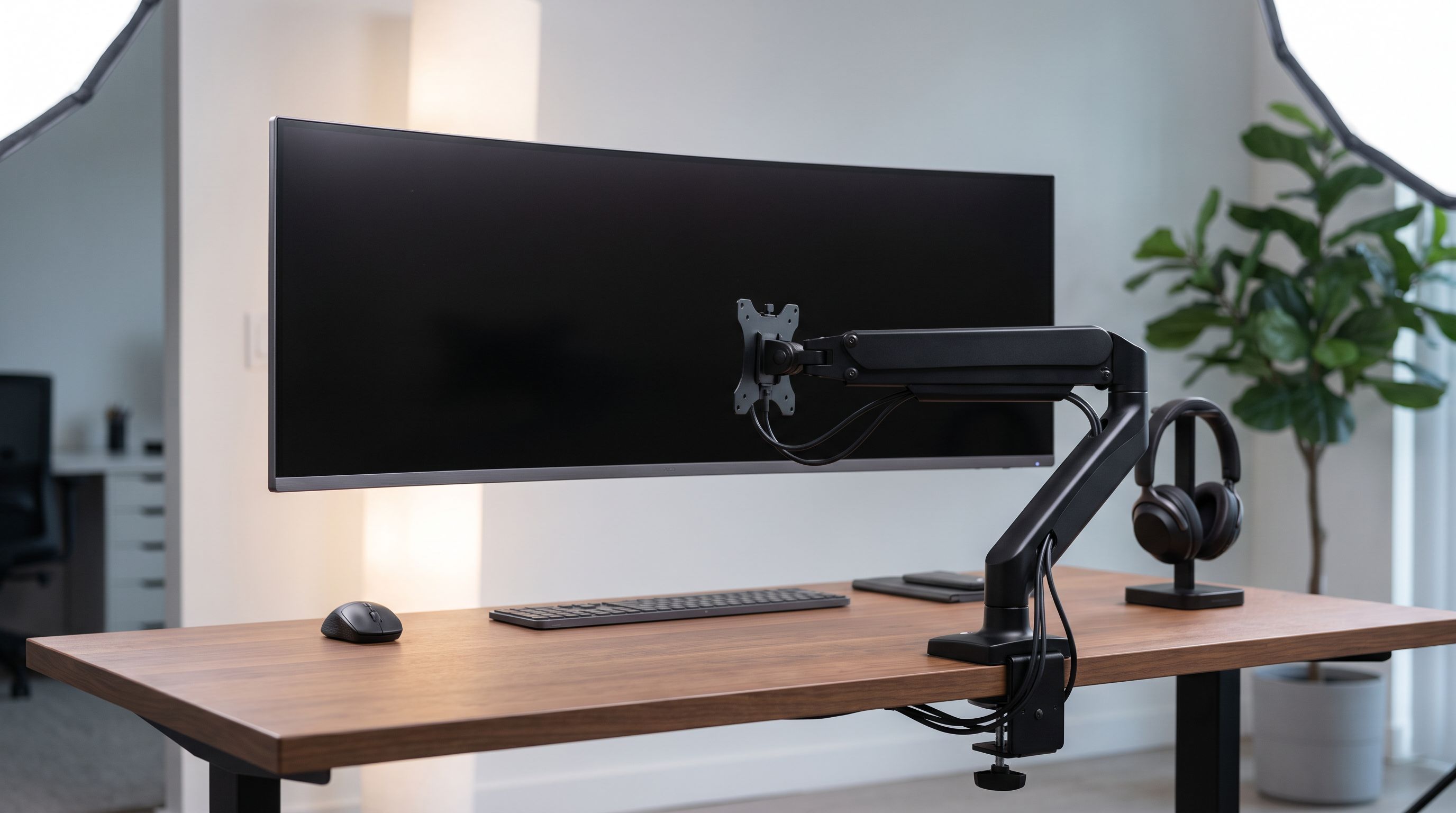
Ultrawide Monitor Arms in 2026: 4 Picks That Hold 34"–49"
Choosing a monitor arm for an ultrawide monitor? We compare VESA weight limits, clamp depth and gas vs mechanical springs, with heavy-duty picks for 34–49" screens.
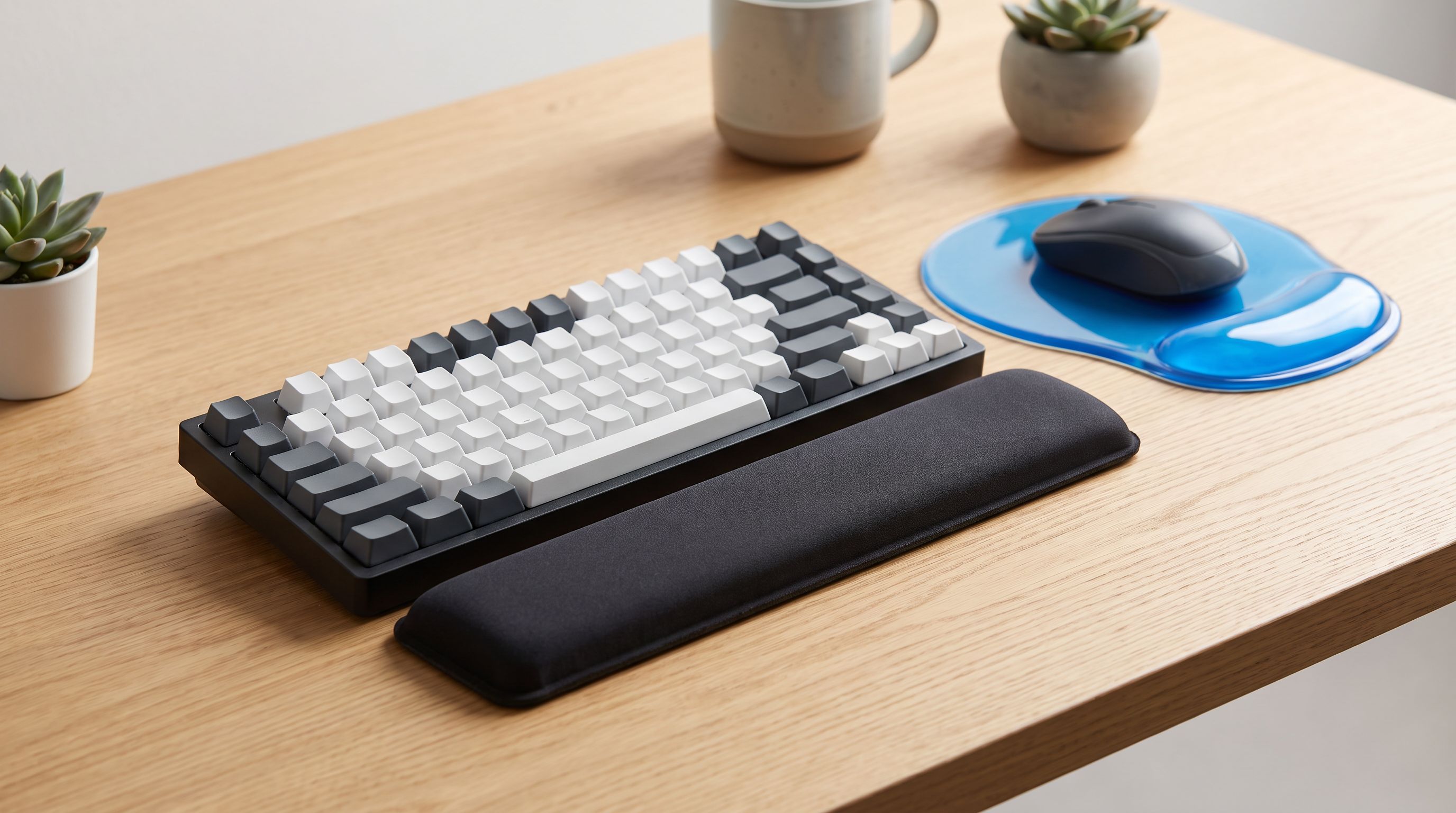
Keyboard Wrist Rest Buying Guide 2026: Height Beats Hype
The best keyboard wrist rest for 2026 depends on height, firmness and board size. We compare memory foam, gel and wooden rests using specs and owner reviews.
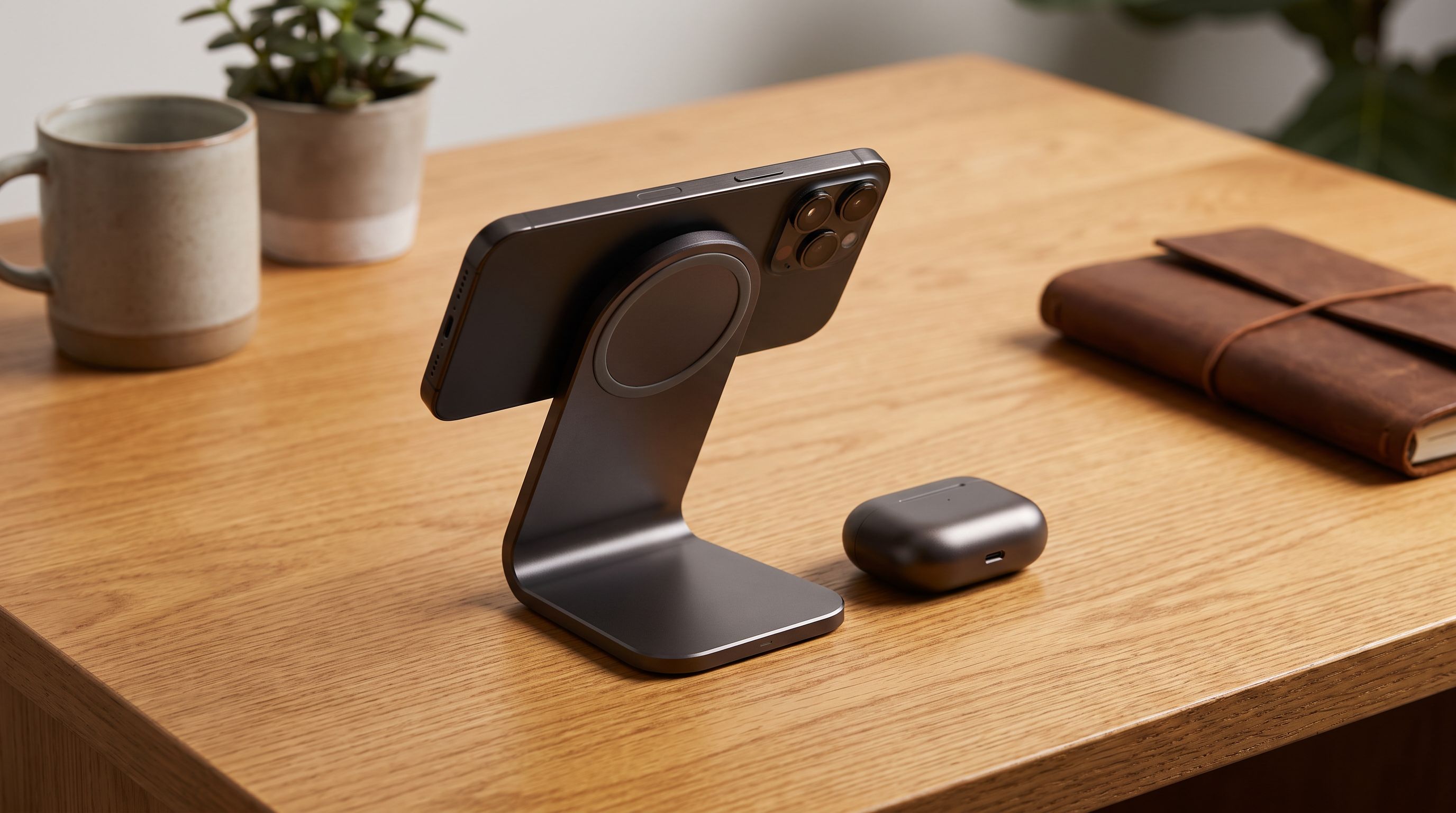
Which Wireless Charger Belongs on Your Desk in 2026?
The best wireless charger for desk setups in 2026: Qi2 25W picks compared on speed, case tolerance, and how many cables they actually remove from your workspace.