Monitor Arm vs Riser in 2026: Which Wins Small Desks?
Monitor arm vs riser in 2026: we compare clamp depth, VESA limits, cable routing and desk reclaim on small desks, with picks for arms and fixed risers.
Reader-supported: we may earn a commission from links on this page, at no extra cost to you. It never affects our picks. Learn more.
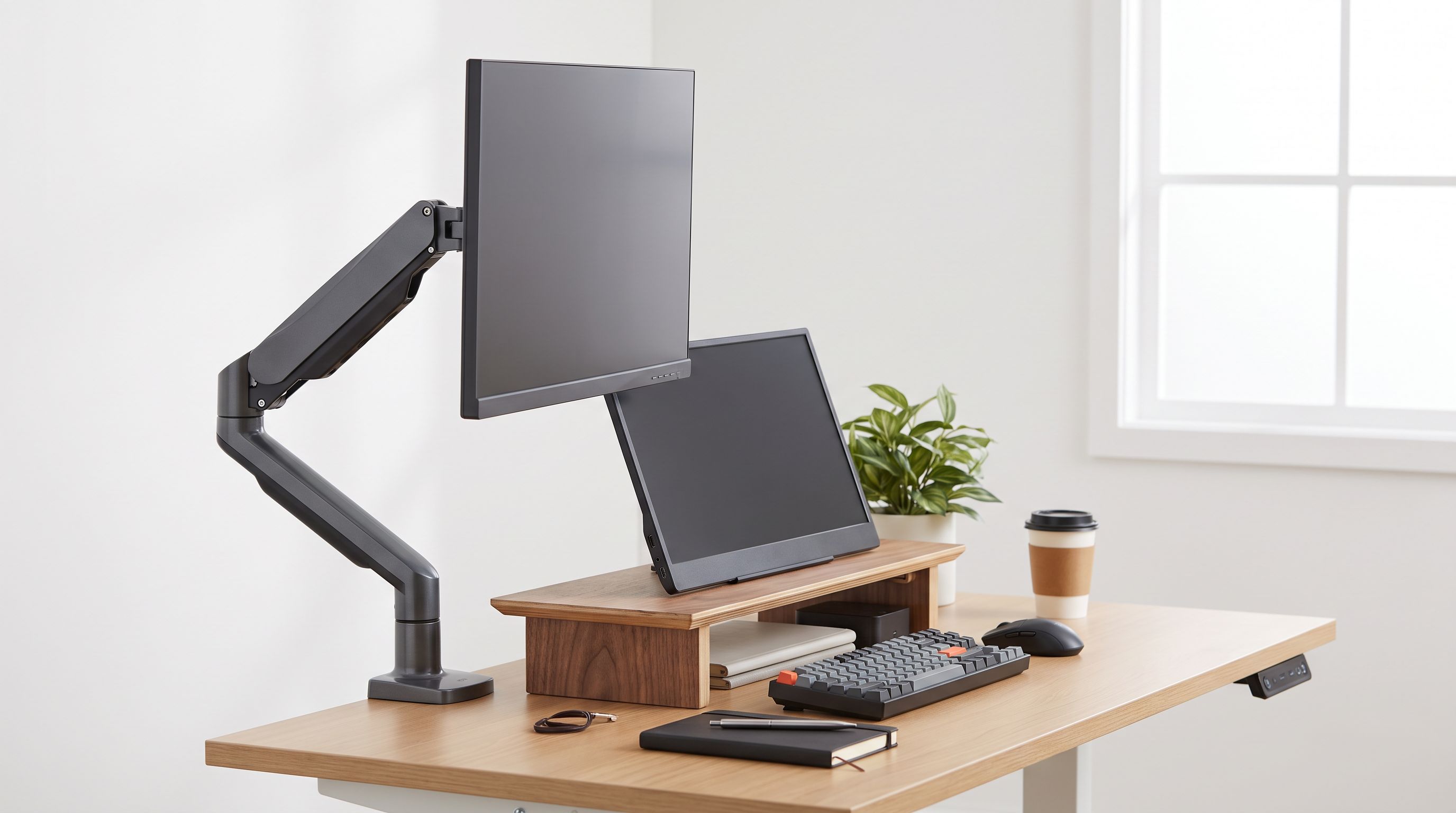
The small-desk question of 2026 isn't which monitor to buy — it's what to put underneath it. A gas-spring arm promises to free up your entire desktop and float a USB-C display at eye level. A riser promises to never wobble, never need a clamp, and never cost much. Both camps are loud, and owner reports show both are right — just for different desks.
We compared current single-monitor arms and fixed risers on the four things that actually decide the outcome on a shallow desk: clamp depth, VESA and weight limits, cable routing, and how much usable surface you genuinely get back.
The short answer
Buy an arm if your desk is at least ~23 inches deep, has a clampable edge, and your monitor is VESA-compatible. You'll gain depth behind the screen, true height and tilt adjustment, and the ability to push the panel back when you need the desk for something else.
Buy a riser if you rent, if your desk is glass, hollow-core, or has a lip/apron that defeats a clamp, if your display has no VESA pattern (looking at you, several all-in-one USB-C monitors and curved ultrawides with proprietary stands), or if you want keyboard storage underneath and don't care about repositioning.
Everything else is nuance — but the nuance is where people waste money.
Clamp depth: the spec nobody checks
This is the single most common return reason in owner reviews. A C-clamp on a typical arm needs roughly 0.4–3.5 inches of desk thickness and, crucially, an unobstructed strip at the back edge — usually 2 to 3 inches of clear space with nothing above or below it.
Three things break that:
- Desk aprons and support rails. Many IKEA-style and flat-pack desks have a frame rail set an inch or two in from the rear edge. The clamp won't close.
- Back-to-wall placement. Most arms need rear clearance for the clamp handle and the pole base. Push the desk flush to a wall and you may lose two inches of reach instantly.
- Glass and thin tops. Tempered glass desks are a real risk; most manufacturers either forbid clamping or require the grommet option plus a protective pad.
The grommet mount, included with arms like the Ergotron LX Desk Monitor Arm and the Amazon Basics Premium Single Monitor Stand, solves the apron problem — but it requires a hole in your desk, which is a non-starter for renters and shared offices.
 Budget arm pick · Amazon Basics Premium Single Monitor Stand — Check price on Amazon →
 Best overall arm · Ergotron LX Desk Monitor Arm — Check price on Amazon →
Risers have no clamp requirement at all. That's not a small advantage; it's the entire reason they still outsell arms in dorms, rentals and hot-desk offices.
VESA and weight limits in the USB-C era
USB-C monitors have gotten heavier. A 27-inch panel with a built-in 90W power supply and a hub can weigh noticeably more than a plain DisplayPort equivalent of the same size, and some 34-inch curved USB-C ultrawides push into territory where a budget arm's spring simply won't hold position — the screen slowly sags over a few days.
Two rules from owner feedback worth internalising:
- Check the monitor's weight without its stand. Spec sheets often list the "with stand" figure. Arm limits refer to the panel plus VESA plate only.
- Stay inside the middle of the range, not the top. An arm rated to a given maximum tends to hold tension far better at 60–70% of that figure. Heavy panels at the ceiling of the range are where drift complaints cluster.
Also confirm the VESA pattern. 100x100mm is the norm on 24–32 inch monitors; 75x75mm appears on smaller or older panels; some large or premium displays use 200x100mm and need an adapter plate. A handful of consumer USB-C monitors still ship with no VESA holes whatsoever — on those, the decision is made for you: riser.
Cable routing: where arms quietly win (and sometimes lose)
A riser gives you a cable problem. Everything runs down the back of the desk the same way it did before, and the riser's legs often create a pinch point. Some risers with drawers, like the FITUEYES Monitor Stand Riser with Drawer, at least give you somewhere to hide a dock and a cable coil.
 Budget riser pick · FITUEYES Monitor Stand Riser with Drawer — Check price on Amazon →
Arms are better, with a caveat. Most route cables through channels along the extension and upright, which looks tidy and keeps the desk clear — but a stiff, thick USB-C cable fights the channel and can restrict the arm's range of motion. Owners repeatedly recommend a slightly longer, more flexible USB-C cable than the one in the box, so the arm can swing without tugging.
If you want the cleanest result with the least fiddling, the HUANUO Single Monitor Mount with USB Ports puts USB passthrough right at the arm head, which cuts the number of cables crossing your desk — handy when a laptop docks and undocks daily.
 Best for cable routing · HUANUO Single Monitor Mount with USB Ports — Check price on Amazon →
Desk space reclaimed: the honest numbers
An arm clears the footprint of the original stand — typically a rectangle somewhere between 8x7 and 12x9 inches for a 27-inch monitor. On a 47-inch-wide desk that's meaningful; it's roughly the space a laptop occupies.
A riser doesn't remove that footprint; it elevates it, and gives you a shelf of usable storage underneath, usually enough for a low-profile keyboard. On a desk too shallow for an arm's clamp and reach, a riser like the Grovemade Wood Monitor Stand is the only option that actually adds anything.
Head to head
| Factor | Single monitor arm | Fixed riser |
|---|---|---|
| Requires VESA mount | Yes (100x100 or 75x75 typical) | No |
| Desk damage risk | Clamp marks; grommet needs drilling | None |
| Works on glass / hollow desks | Often not recommended | Yes |
| Height adjustment | Continuous, tool-free | Fixed (some stackable) |
| Depth adjustment | Yes — push back or pull forward | None |
| Cable routing | Built-in channels, usually tidy | Manual; some models add a drawer |
| Space under the screen | Fully clear | Shelf for keyboard/storage |
| Heavy curved ultrawide support | Depends on rated capacity | Depends on surface area and feet |
| Rear clearance needed | Yes, typically 2–3 in | None |
| Setup time | 15–30 minutes | Under 5 minutes |
Picking the right arm
For most people with a standard desk and a 24–32 inch panel, the Ergotron LX Desk Monitor Arm remains the reference point — its constant-force spring holds position reliably over years, which is exactly the failure mode cheaper arms show first, and the long warranty reflects that. Wirecutter's 2026 monitor arm guide also points to Ergotron's taller-pole variant for users over six feet, which is a genuine issue: standard poles often top out lower than a tall person's natural eye line.
If the price gap matters, the Amazon Basics Premium Single Monitor Stand is widely understood to be built on Ergotron internals and gets similar praise for smooth lift, with a shorter warranty.
Picking the right riser
Risers are simple, which makes material and height the only real variables. The Grovemade Wood Monitor Stand is the upgrade choice: a solid hardwood slab with a fixed height that most users find lands correctly for a 27-inch display, with no wobble. The FITUEYES Monitor Stand Riser with Drawer is the pragmatic one — cheaper, with storage, and no concerns about clamping anything.
One ergonomic note: a riser only helps if it puts the top of the screen at or slightly below eye level when you're sitting upright. If a single riser overshoots, you're worse off than before — and unlike an arm, you can't dial it back.
The 2026 verdict
For a small desk with a clampable rear edge and a VESA monitor, an arm wins decisively: it recovers depth, fixes height, and keeps cables off the surface. For glass tops, aprons, rentals, non-VESA panels, or anyone who wants keyboard storage and zero installation anxiety, the riser isn't a compromise — it's the correct tool.
Measure your desk thickness, measure the clear strip at the back, weigh your monitor without its stand, and check the VESA pattern. Those four numbers answer the question faster than any review.
FAQ
Can I use a monitor arm on an IKEA desk? Often yes, but check for a rear support rail. Several popular flat-pack desks have a frame set inboard of the edge that blocks a C-clamp. Grommet mounting works if you're willing to drill.
Do monitor arms damage desks? Clamps can dent soft or veneered surfaces under load. Use the supplied rubber pads, and don't over-tighten. On glass desks, check the manufacturer's guidance first — many advise against clamping entirely.
What if my USB-C monitor has no VESA holes? Some manufacturers sell a VESA adapter bracket for specific models; otherwise a riser is the practical answer. Universal strap-style adapters exist but are rarely recommended for heavy panels.
Will a monitor arm hold a 34-inch curved ultrawide? Only if the panel weight (excluding its stand) sits comfortably inside the arm's rated capacity, and the arm supports the right VESA pattern. Heavy ultrawides near an arm's maximum are the most common source of sag complaints.
Is a riser worse for ergonomics? Not inherently — it's just fixed. If its height matches your seated eye level, it performs identically to an arm for posture. The limitation is that you can't adjust it later or push the screen back.
Our picks
Ergotron LX Monitor Arm, Single Monitor Desk Mount – fits Flat Curved Ultrawide Computer Monitors up to 34 Inches, 7 to 25 lbs, VESA 75x75mm or 100x100mm – Polished Aluminum
Constant-force gas spring, huge reach and a 10-year warranty — the default single-monitor arm for most desks.
Amazon Basics Gas Spring Single Monitor Arm Desk Mount, Adjustable Tension, Fits 15–27 Inch Monitors, Supports 4.4–15.4 lbs, VESA 75x75/100x100, Black
Ergotron-built internals in a cheaper shell; smooth gas-spring lift for mainstream 24-32in panels.
HUANUO Single Monitor Mount, 13 to 32 Inch Gas Spring Monitor Arm, Adjustable Stand, Vesa Mount with Clamp and Grommet Base - Fits 4.4 to 19.8lbs LCD Computer Monitors
Integrated USB passthrough and channel covers keep a cramped desk from turning into a cable nest.
Grovemade Wood Monitor Stand
Solid hardwood riser with a fixed height that just works — no clamp, no tools, no desk damage.
FITUEYES Wooden Monitor Stand Riser, 2-Tier Desk Storage Shelf, White
Cheap, stable lift with storage underneath — ideal for renters and desks that can't be clamped.
Get the best tech deals in your inbox
Join the BytePlaza newsletter for hand-picked gadget deals and new buying guides. No spam, unsubscribe anytime.
Related reads
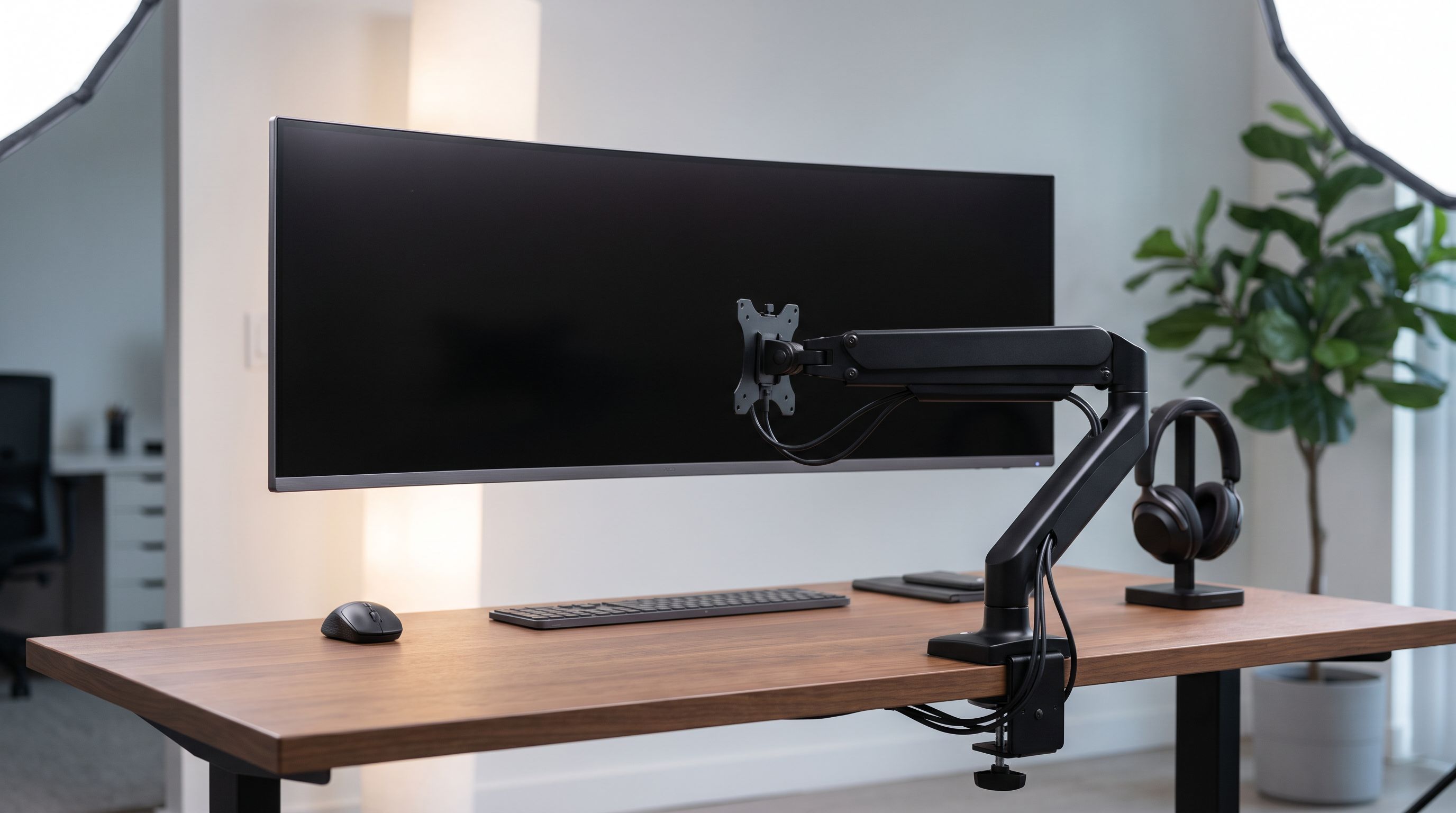
Ultrawide Monitor Arms in 2026: 4 Picks That Hold 34"–49"
Choosing a monitor arm for an ultrawide monitor? We compare VESA weight limits, clamp depth and gas vs mechanical springs, with heavy-duty picks for 34–49" screens.
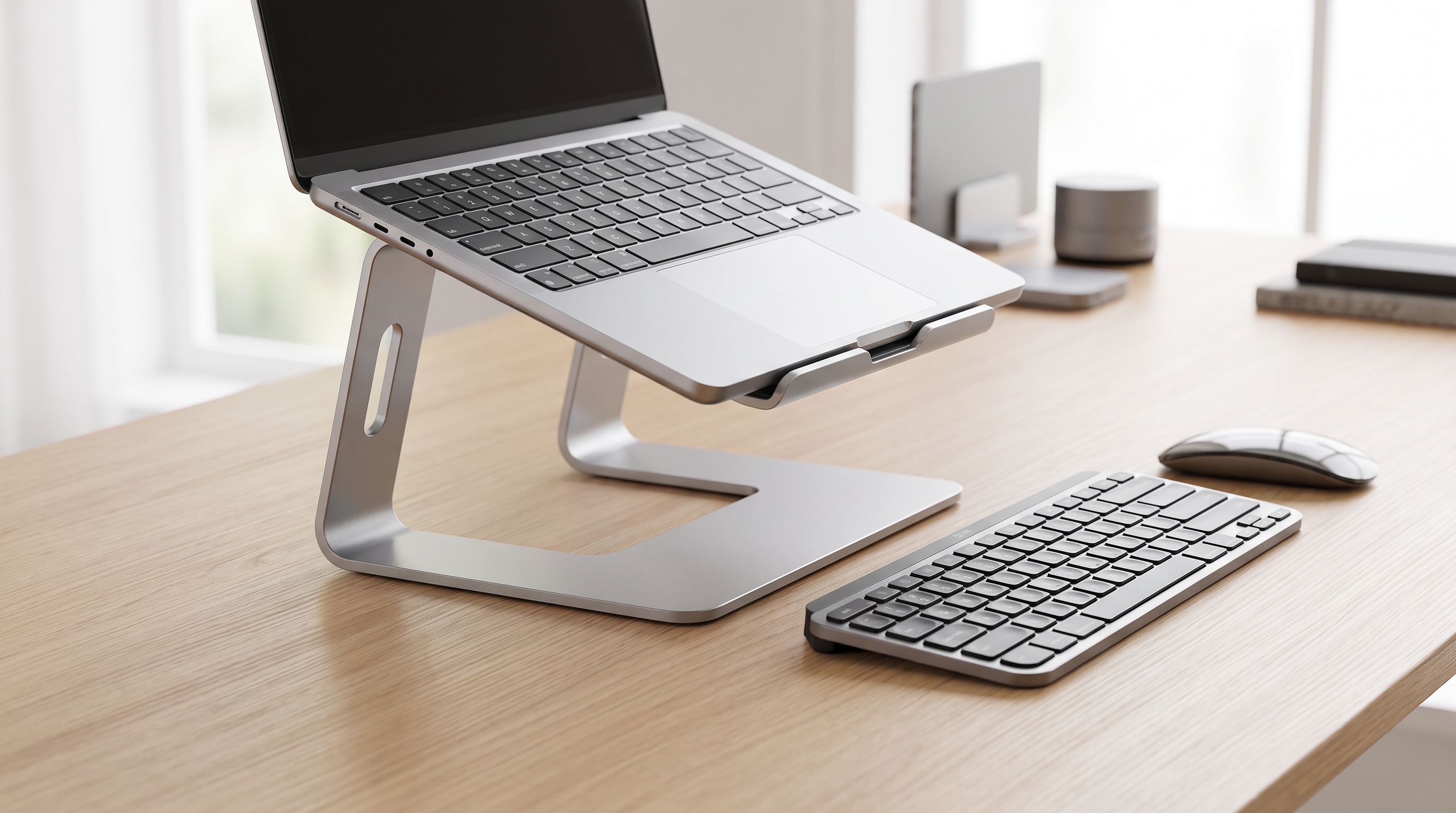
Laptop Stands in 2026: 5 Risers That Actually Fix Posture
The best laptop stand 2026 picks compared: aluminum risers, adjustable arms and travel-friendly folders, ranked by posture, cooling and desk footprint.
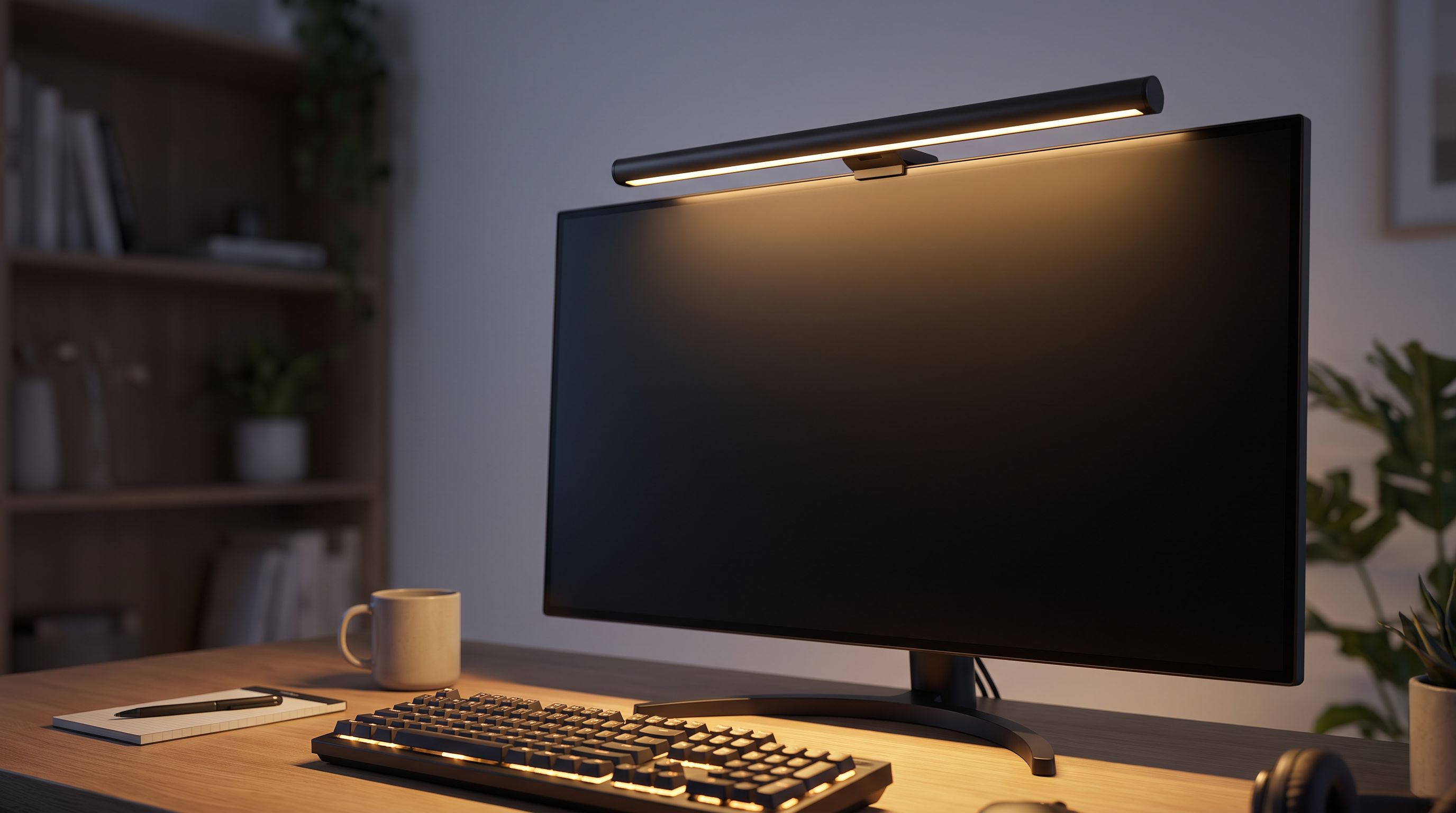
Monitor Light Bars in 2026: 4 Picks That Fix Desk Glare
Monitor light bars beat desk lamps for glare-free desk lighting. We compared the BenQ ScreenBar Halo, Baseus i-Wok, Xiaomi and more for 2026.