Monitor Light Bars in 2026: 4 Picks That Fix Desk Glare
Monitor light bars beat desk lamps for glare-free desk lighting. We compared the BenQ ScreenBar Halo, Baseus i-Wok, Xiaomi and more for 2026.
Reader-supported: we may earn a commission from links on this page, at no extra cost to you. It never affects our picks. Learn more.
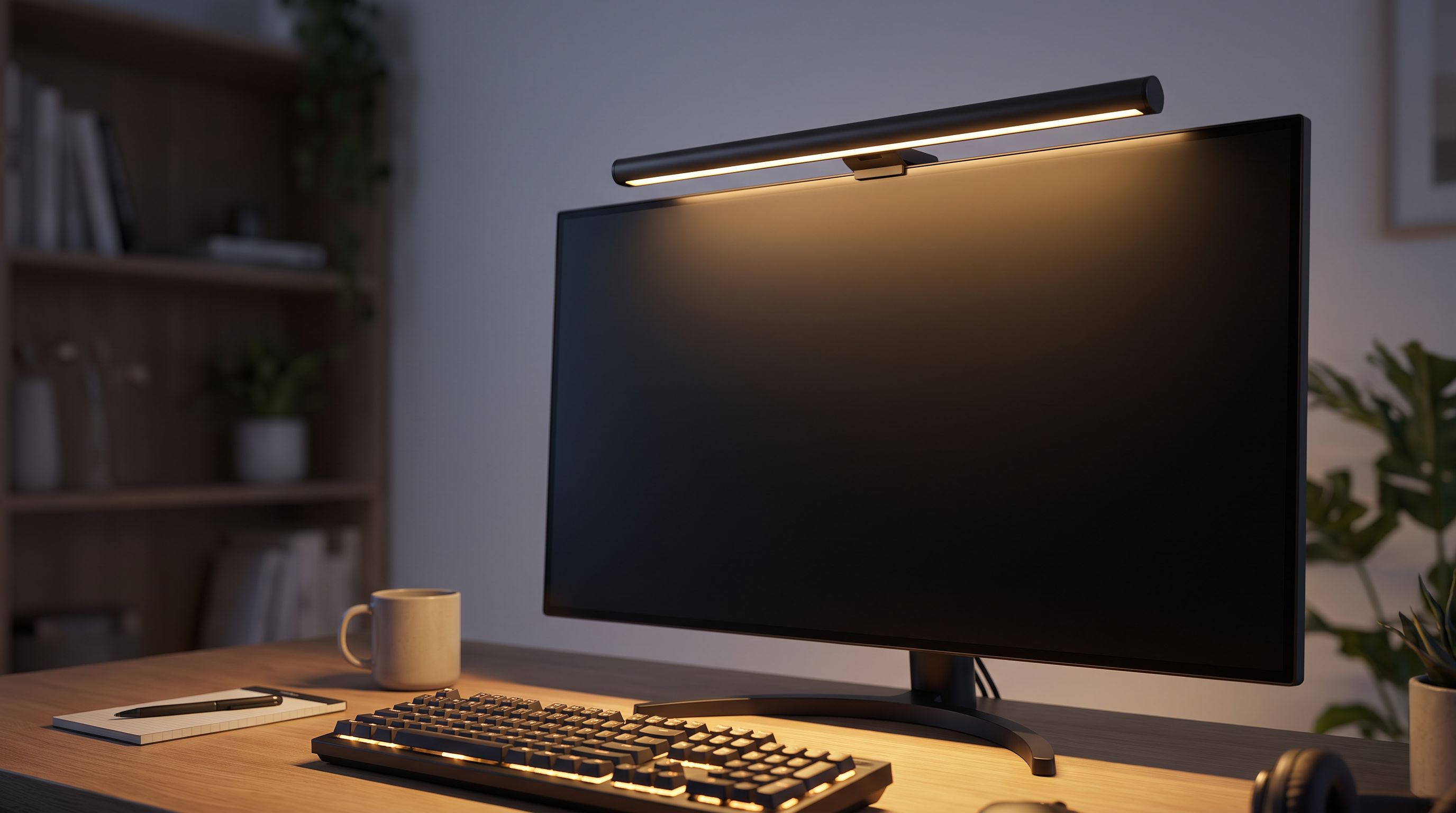
Search for "webcam lighting monitor" and you'll find a lot of confusion: people want their desk and face lit properly, and they assume the answer is a special monitor or a ring light. For most desk setups it isn't. The fix is a monitor light bar — a slim LED strip that clamps to the top bezel of your display and throws light down onto your desk, not into your screen.
It's one of the few desk accessories that genuinely changes how a workspace feels after dark. We compared current models on optics, control, color temperature range, mounting compatibility and owner feedback to find the ones worth buying in 2026.
Why a light bar beats a desk lamp
A conventional desk lamp sprays light in all directions. Some of it hits your monitor, washing out contrast and creating a hazy reflection you subconsciously fight all evening. A light bar solves this with asymmetric optics: the LEDs sit behind a reflector that aims the beam forward and down at roughly a 45-degree angle, so the cone of light lands on your keyboard and notes while the screen stays dark.
The secondary benefit is ergonomic. Working on a bright screen in a dark room forces your pupils to constantly readjust. Raising ambient brightness around the display — what display researchers call reducing the contrast ratio between screen and surround — is one of the simplest things you can do to reduce end-of-day eye fatigue.
And the third benefit is desk real estate. A light bar occupies zero square inches of desk surface. For anyone running a keyboard, mousepad, and a laptop in clamshell mode, that matters.
What a light bar is not good at
Let's be honest about the limits. A monitor light bar is not a video-call key light. It sits above and behind your line of sight, so it lights the desk, not your face. If you're on camera for a living, you want a dedicated panel light (an Elgato Key Light or similar) in addition to — not instead of — a light bar. A light bar will, however, meaningfully improve a bad webcam image by lifting the overall room brightness, which lets your camera's sensor use a lower ISO and produce a cleaner picture.
What to look for in 2026
Mounting. This is the number-one source of returns. Most bars use a gravity-balanced hook that hangs over the bezel and rests against the back of the panel. They need a fairly flat back, a bezel depth within spec (usually around 1–3 cm), and they don't love very thin OLEDs or monitors with aggressively curved rear housings. Check your panel before buying. Some models now ship with alternate clips or magnetic mounts for iMacs and thin-bezel displays.
Color temperature range. Look for a true tunable range, roughly 2700K to 6500K. Warm light for evening, neutral for daytime paperwork. A fixed-temperature bar is a compromise you'll notice within a week.
CRI. Anything rated CRI 95 or higher renders colors accurately enough for design work and for reading printed material without that sickly fluorescent cast. Most quality bars now hit this.
Control method. Cheap bars use a touch-sensitive strip on the bar itself, which means reaching over your monitor every time. Better ones include a wireless or wired desk dial — far nicer in practice. Some also offer an auto-dimming mode that reads ambient light and adjusts output.
Power. Nearly all of these run off USB-A or USB-C at 5V, usually drawing a few watts. You can power them from your monitor's USB hub, a dock, or a wall adapter. Note that if you power from the monitor, the bar turns off when the monitor sleeps — usually a feature, occasionally an annoyance.
The picks
The BenQ ScreenBar Halo remains the one to beat. BenQ essentially invented this category, and the Halo adds a rear-facing backlight that casts a soft glow onto the wall behind your monitor — the same principle as bias lighting for a TV, and genuinely effective at reducing the harsh "screen floating in blackness" effect. Its wireless puck controls front light, backlight, brightness, temperature and an auto-dim mode without you touching the bar. The asymmetric optics are the best in the category at keeping light off the panel.
 Best overall · BenQ ScreenBar Halo — Check price on Amazon →
If you don't care about the rear glow — and plenty of people don't, especially if your monitor sits against a window rather than a wall — the BenQ ScreenBar Plus delivers the same excellent front lighting and the same satisfying desk dial, just wired. It's the sensible pick for most people who want BenQ optics without paying for the halo effect.
 Best without backlight · BenQ ScreenBar Plus — Check price on Amazon →
The Baseus i-Wok Series 2 Pro is the value play. Instead of one long fixed bar, it uses two independently tiltable heads on a rail, which is surprisingly useful if your desk layout is asymmetric or you want more light on a notepad to one side. Stepless dimming, USB-C power, and build quality that punches above its price according to owner feedback.
 Best value · Baseus i-Wok Series 2 Pro — Check price on Amazon →
The Xiaomi Mi Computer Monitor Light Bar 1S is the honest budget choice: a clean aluminum bar, a magnetic wireless dial, and a sensible 2700–6500K range. It's dimmer and less sophisticated optically than the BenQ, but it does the core job and it looks good doing it.
For 34-inch ultrawides and 49-inch super-ultrawides, a standard 45cm bar leaves the edges of your desk in shadow. The Quntis ScreenLinear Pro Monitor Light Bar is longer and brighter with a remote, and is one of the few options explicitly designed for wide and curved panels.
 Best for ultrawides · Quntis ScreenLinear Pro Monitor Light Bar — Check price on Amazon →
Comparison
| Model | Best for | Control | Backlight | Power |
|---|---|---|---|---|
| BenQ ScreenBar Halo | Overall quality, dark rooms | Wireless desk dial | Yes, rear glow | USB |
| BenQ ScreenBar Plus | BenQ optics, lower cost | Wired desk dial | No | USB |
| Baseus i-Wok Series 2 Pro | Value, flexible aiming | On-bar controls | No | USB-C |
| Xiaomi Monitor Light Bar 1S | Tight budgets | Wireless dial | No | USB |
| Quntis ScreenLinear Pro | Ultrawide & curved monitors | Remote | No | USB |
Setting it up well
Hang the bar so the light cone lands on your keyboard, not your lap and not the front edge of the monitor stand. Most bars allow a small tilt adjustment — spend two minutes getting it right.
Match the color temperature to your room. If you have warm overhead lights, a 6500K bar will look clinical and wrong. Set it to something near 4000K as a default and dial it warmer after sunset.
Finally, don't run it at 100%. These bars are brighter than they look at close range, and the point is to reduce contrast with the screen, not create a new hotspot. Around 40–60% suits most rooms.
FAQ
Will a monitor light bar work on a curved or ultrawide monitor? Most will physically mount fine, but a standard-length bar won't cover the full width of a 34-inch or larger ultrawide. For those, choose a longer model like the Quntis ScreenLinear Pro.
Will it fit my iMac or very thin monitor? Check the bezel depth spec before ordering. Thin OLED panels and iMacs often need a specific clip or magnetic mount; several brands sell these as accessories, and some bundle them.
Does it block my webcam? It can. If your webcam clips to the top bezel, mount it beside the bar or use a bar whose hook leaves center space free. Monitors with built-in pop-up cameras are usually unaffected.
Does it actually help with eye strain? Indirectly, yes. It raises ambient brightness so your eyes aren't adapting between a bright screen and a dark room. It isn't a medical device, but it's a cheap, low-effort improvement — and the reason bias lighting has been standard advice for video editors for years.
Can I use one as a video-call light? Not really. It points down at your desk. It will improve your image by brightening the room, but for on-camera work you still want a forward-facing panel light.
Our picks
BenQ ScreenBar Max 33" Dual Monitor Desk Lamp, Monitor Light with Backlight
Asymmetric optics, wireless dial control and a backlight glow that cuts eye strain in dark rooms.
BenQ ScreenBar Pro LED Monitor Light Bar (Black) - Ultrawide Lighting, Motion Sensor, Adjustable Brightness/Color Temperature, Eye-Care USB-C Monitor lamp, No Glare, Curved Monitors, Monitor accessory
Same glare-free front lighting and wired desk dial, minus the rear glow and the premium price.
Baseus USB C Cable, Single Port Max 140W 4.9FT 5A USB C Charger Cable, 2 in 1 Multi Fast Charging Cable, Nylon Braided USB C to USB C Cable for 17/Pro/Plus/Max, MacBook Pro, iPad Pro, Galaxy S24/S23
Dual-head design with independent tilt, stepless dimming and USB-C power for a fraction of the cost.
Xiaomi Mi Computer Monitor Light Bar 1S
Simple, well-built bar with a wireless dial and solid color accuracy for basic desk lighting.
Quntis RGB Monitor Light Bar with Remote, Flat Curved & Ultrawide Fits
Long, bright bar with wide coverage and a remote, built for 34-inch and curved panels.
Get the best tech deals in your inbox
Join the BytePlaza newsletter for hand-picked gadget deals and new buying guides. No spam, unsubscribe anytime.
Related reads
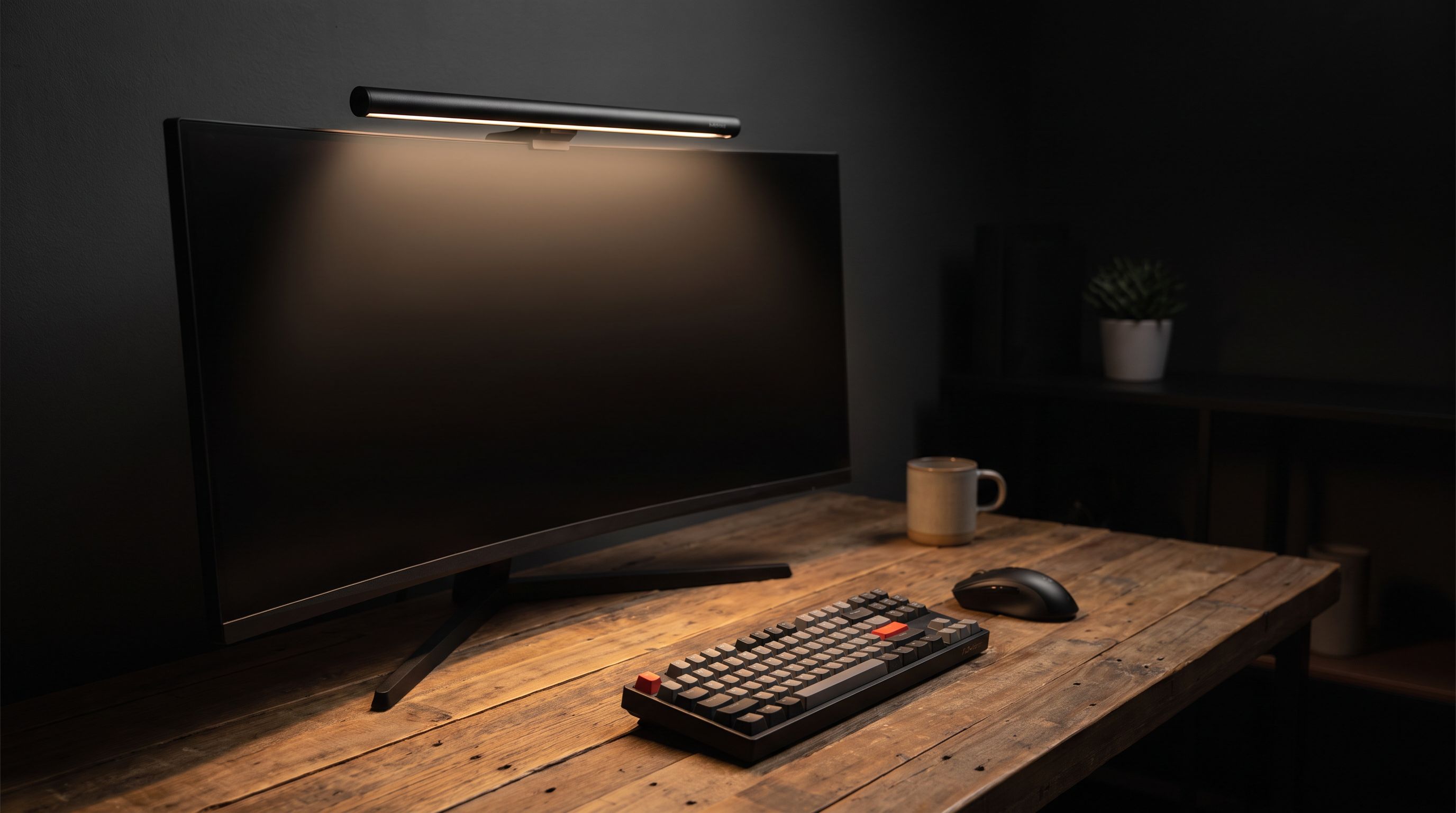
Monitor Light Bars in 2026: 4 Picks That Kill Glare
We ranked the best monitor light bar for 2026 on lux output, glare control, CRI and USB-C power — from the BenQ ScreenBar Halo 2 to budget Baseus and Xiaomi picks.
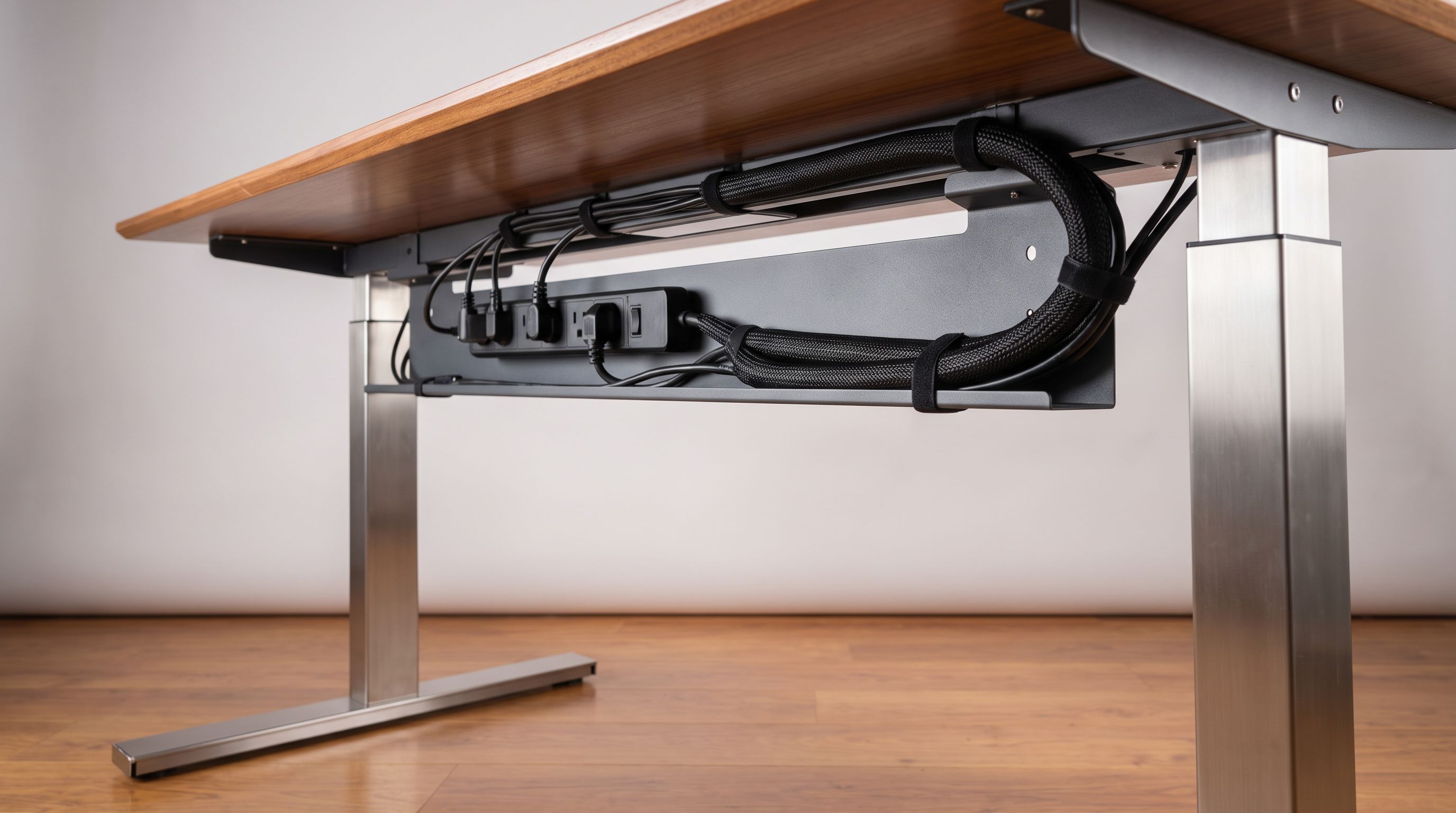
Under-Desk Cable Management in 2026: 4 Kits That Actually Hold
Looking for the best cable management kit in 2026? We compared under-desk trays, sleeves and clips for standing desks and multi-monitor rigs — here's what works.
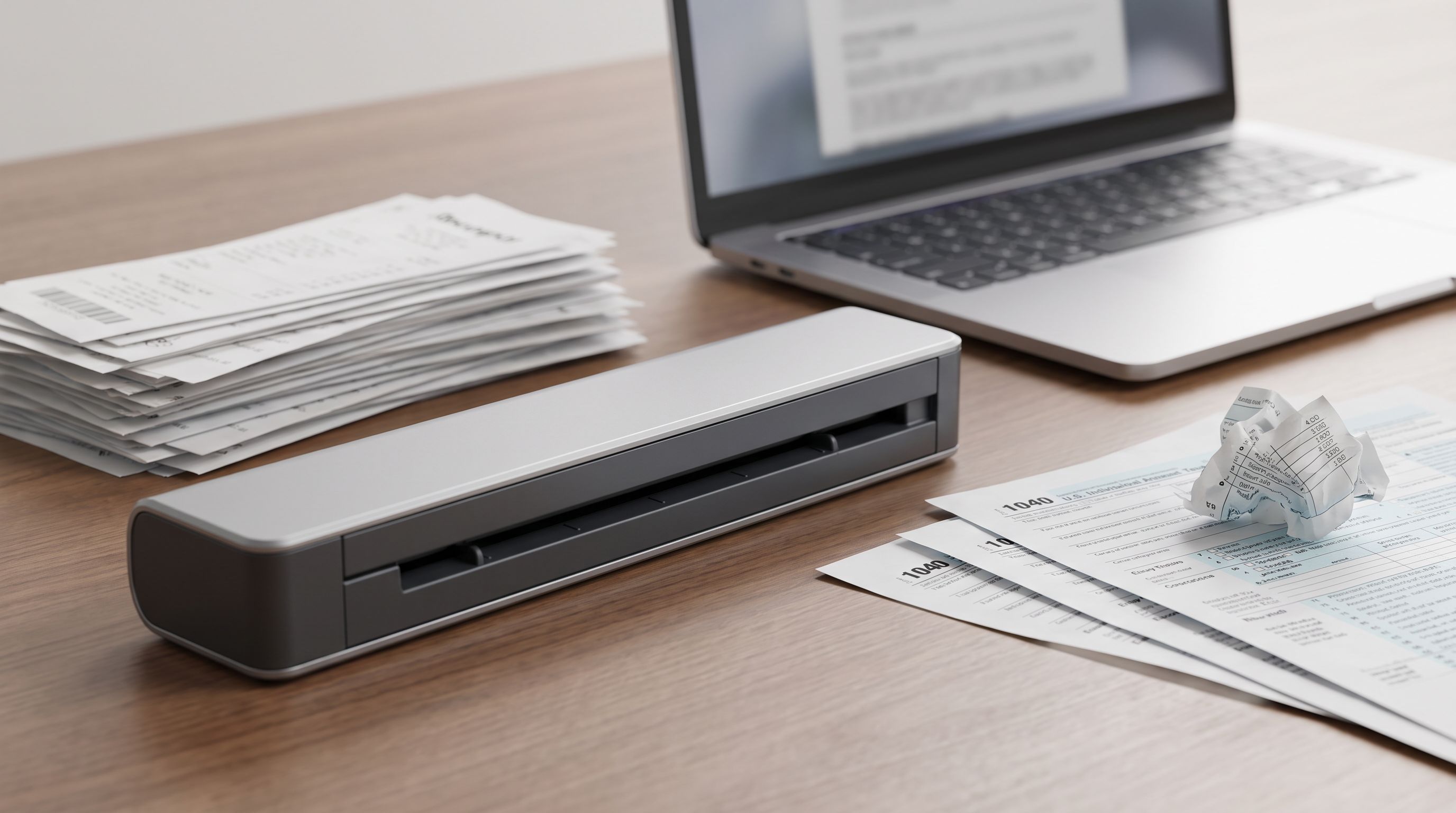
Portable Document Scanner 2026: Sheetfed vs Wand, Settled
Digitizing paperwork at home? We compare the best portable document scanner picks for 2026 on speed, duplex scanning, OCR software and cloud workflows.