Under-Desk Cable Management in 2026: 4 Kits That Actually Hold
Looking for the best cable management kit in 2026? We compared under-desk trays, sleeves and clips for standing desks and multi-monitor rigs — here's what works.
Reader-supported: we may earn a commission from links on this page, at no extra cost to you. It never affects our picks. Learn more.
Cable chaos is the last thing anyone fixes and the first thing anyone notices. A good desk, a nice monitor arm, a mechanical keyboard — all of it gets undercut by a snarl of black spaghetti hanging six inches off the floor.
The good news: the fix is cheap and mostly reversible. The bad news: "cable management kit" on Amazon covers everything from a bag of 100 adhesive clips to a $60 steel tray, and the wrong combination will leave you re-doing the job in a month. We compared the most-recommended kits and components — CCCEI's clamp-on trays, VELCRO ONE-WRAP, Anker's magnetic holders, Yecaye raceways and neoprene sleeves — against manufacturer specs, expert roundups and verified owner feedback to work out what belongs in a setup that lasts.
The three-layer approach that actually works
Almost every clean desk you've seen on r/battlestations uses the same structure. Buy for layers, not for a single miracle product.
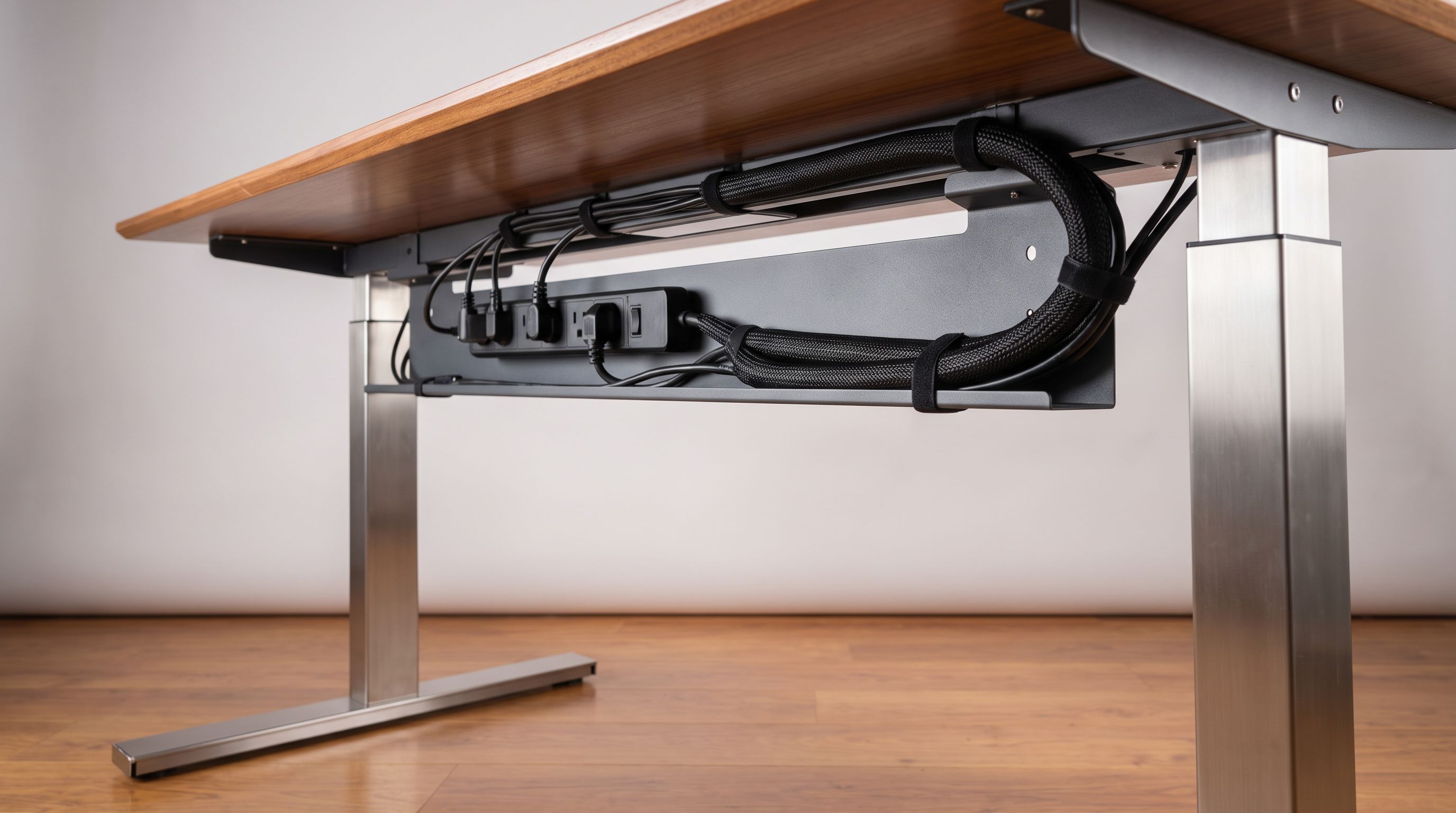
Layer 1 — Get everything off the floor. An under-desk tray or basket holds the power strip, the laptop dock, the monitor's power brick and any excess cord length. This is the single highest-impact purchase. The CCCEI Under Desk Cable Management Tray is the mainstream pick here because the clamp-mount version needs no screws — important if you rent, or if your desktop is a thin laminate you'd rather not drill.
 Best overall · CCCEI Under Desk Cable Management Tray — Check price on Amazon →
Layer 2 — Bundle what's left. Whatever has to travel from the desk to the wall or floor gets consolidated into one column. A neoprene wrap like the Baseus Cable Management Sleeve or a set of VELCRO Brand ONE-WRAP ties does this. One thick cable looks intentional; five thin ones look like an accident.
 Best sleeve · Baseus Cable Management Sleeve — Check price on Amazon →
 Best cable ties · VELCRO Brand ONE-WRAP Cable Ties — Check price on Amazon →
Layer 3 — Tame the desktop surface. Charging cables, headphone cords and the webcam USB cable want to slither off the back edge. Anker Magnetic Cable Holder pads or similar adhesive clips solve that in about ninety seconds.
 Best desktop clips · Anker Magnetic Cable Holder — Check price on Amazon →
Add a fourth layer only if you need it: Yecaye Cable Raceway Kit channels for hiding the final drop along a wall or baseboard, especially with a wall-mounted monitor or TV.
 Best for wall runs · Yecaye Cable Raceway Kit — Check price on Amazon →
Standing desks change the rules
If your desk moves, everything above it has to move with it. Two things go wrong on motorized desks:
- Cables that are too short. At full height, a power cord that reached comfortably at sitting height suddenly pulls taut and either unplugs itself or yanks a dock off the tray. Measure at maximum height, not minimum.
- Cables that are too long. The opposite failure: at sitting height, the slack pools on the floor, gets rolled over by a chair caster, or — worst case — gets pinched by the desk's own frame on the way down.
The fix is a single vertical spine. Run every cable into the under-desk tray, exit as one bundle from a corner nearest the wall outlet, sleeve it, and give it a gentle service loop that hangs straight down. A sleeve is genuinely better than individual clips here because it lets the bundle flex as one unit thousands of times without any single cable taking the strain.
Also: skip the adhesive-only clips for anything load-bearing on a standing desk. Repeated up-down cycles plus a warm room will eventually peel 3M tape carrying weight. Adhesive is fine for a USB-C tip; it is not fine for a power strip.
Multi-monitor rigs: plan for the brick problem
Two or three monitors means two or three power bricks, plus DisplayPort or HDMI runs, plus USB uplinks if you're using monitor hubs. The cable count roughly doubles versus a single-screen setup, and power bricks are the real space hog.
This is where tray capacity matters more than looks. A wide steel basket-style tray — the CCCEI is sized for this — can hold a surge protector plus two bricks. Slim "sleek" trays look better in photos but fill up fast. Before you buy, physically measure your largest brick and your power strip, then compare against the tray's listed internal dimensions.
Two tricks that help on multi-monitor desks:
- Colour-code or label at both ends. Cheap wire labels save an enormous amount of time when you swap a monitor eighteen months from now.
- Route video and power on opposite sides of the tray. Not strictly necessary for interference on modern shielded cables, but it makes the bundle noticeably easier to work in later.
How the main options compare
| Type | Best for | Install | Reversible? | Watch out for |
|---|---|---|---|---|
| Clamp-on tray (CCCEI) | Power strips, docks, bricks | Clamps to desktop, no tools | Yes | Won't fit very thick or bullnose desktops |
| Screw-in tray | Permanent heavy loads | Drill into underside | No | Not for renters or thin laminate |
| Sleeve (Baseus) | Standing desks, vertical drops | Wrap and close | Yes | Adding one more cable later means re-wrapping |
| Hook-and-loop ties (VELCRO ONE-WRAP) | Bundling anywhere | Seconds | Yes | Overtightening can stress thin cables |
| Magnetic/adhesive clips (Anker) | Desktop charging cables | Peel and stick | Mostly | Adhesive fails on textured or dusty surfaces |
| Raceway (Yecaye) | Wall and baseboard runs | Adhesive, cut to length | Semi | Removing adhesive can lift paint |
A realistic shopping list
For most people the whole job costs less than a decent keycap set:
- One under-desk tray sized to your power strip
- One pack of reusable hook-and-loop ties
- One sleeve, cut to the drop length you measured
- A handful of adhesive or magnetic clips for the desktop surface
- Optional: raceway if the run crosses open wall
Order of operations matters. Unplug everything, mount the tray first, then place the power strip and dock, then plug things back in one at a time — bundling as you go. Doing it in that order takes maybe forty-five minutes. Doing it piecemeal while everything is still plugged in takes an afternoon and never comes out as clean.
Small details that separate good from great
Leave slack at the connector. Every cable should have a small loop of slack right before it plugs in. Tension at the connector is what kills ports.
Don't bundle a hot power brick. Laptop and monitor bricks need airflow. Trays are open-basket for a reason — keep bricks in the tray, not wrapped inside a sleeve.
Clean before you stick. Isopropyl alcohol on the mounting surface roughly doubles the practical lifespan of any adhesive mount. Owner reviews of failed clips overwhelmingly describe sticking them to a dusty or oiled desk.
Buy slightly more than you think. Nobody has ever finished a cable management project and wished they'd bought fewer VELCRO ties.
FAQ
Is a clamp-on tray strong enough for a power strip and a dock? For typical loads, yes — clamp trays like the CCCEI are designed around exactly that use case. Very heavy loads (multiple large bricks plus a UPS) are better served by a screw-mounted tray or by putting the UPS on the floor.
Will a cable tray work on a standing desk? Yes, and it's arguably more important there. The tray keeps weight attached to the desk so nothing hangs and swings during height changes. Just verify the slack in your cables at full extension.
Sleeve or spiral wrap? A neoprene sleeve with a hook-and-loop seam is easier to open and re-route. Spiral wrap is cheaper and better where the bundle has to split off in several directions, but it's fiddly to add cables to later.
Do magnetic cable holders damage cables or devices? The magnets in desktop cable holders are weak and hold the metal-free silicone base or a small clip, not your electronics. They're not strong enough to affect modern SSDs or phones.
Can I remove raceway without wrecking the paint? Sometimes. Warming the adhesive with a hairdryer and peeling slowly gives the best odds, but budget for touch-up paint. If that's a dealbreaker, run the drop behind furniture instead.
Our picks
Cable Management, 25'' Cable Management Under Desk, Cable Tray | No Drill Under Desk Cable Management Tray, Cord Organizer with Clamp for Standing Desk, Desk Organizer for Home Office
Big, clamp-mounted steel basket that swallows a power strip plus a dock — no drilling into the desktop.
VELCRO Brand Reusable Cable Ties, Cord Management, 6in, Black, 100 Pack | Wire And Cable Management Straps For Electronics, Desks, Home Offices, Workstations And Gaming Setups; Adjustable
Reusable hook-and-loop straps that survive endless re-routing — the backbone of any tidy setup.
9 Pack Cord Organizer, Magnetic Cable Clips, Under Desk Management, Black | 0.27in Cable Compatible,Strong Adheive Wire Holder Keeper,Easy Open Phone Charger Holder for Home Car Desk Nightstand Office
Magnetic silicone base keeps charging cables from sliding off the desk edge, and re-sticks after moves.
Yecaye Cord Hider, 113in One-Cord Cable Raceways, W0.59in H0.4in, White | TV Cord Covers for Wires on Wall, Easy Install Cable Management Kit for 2 Small Wires
Paintable adhesive raceway channels that hide the drop from desk to outlet or wall-mounted TV.
CableGeeker Cable Management Sleeve, 10ft (120 inch) - 1.5 inch | Hook-and-Loop Cuttable Neoprene, Split Reversible Sleeve for TV, USB, PC and Ethernet Cables, Protect Pets Kids
Neoprene wrap that turns six trailing cords into one clean column behind a standing desk.
Get the best tech deals in your inbox
Join the BytePlaza newsletter for hand-picked gadget deals and new buying guides. No spam, unsubscribe anytime.
Related reads
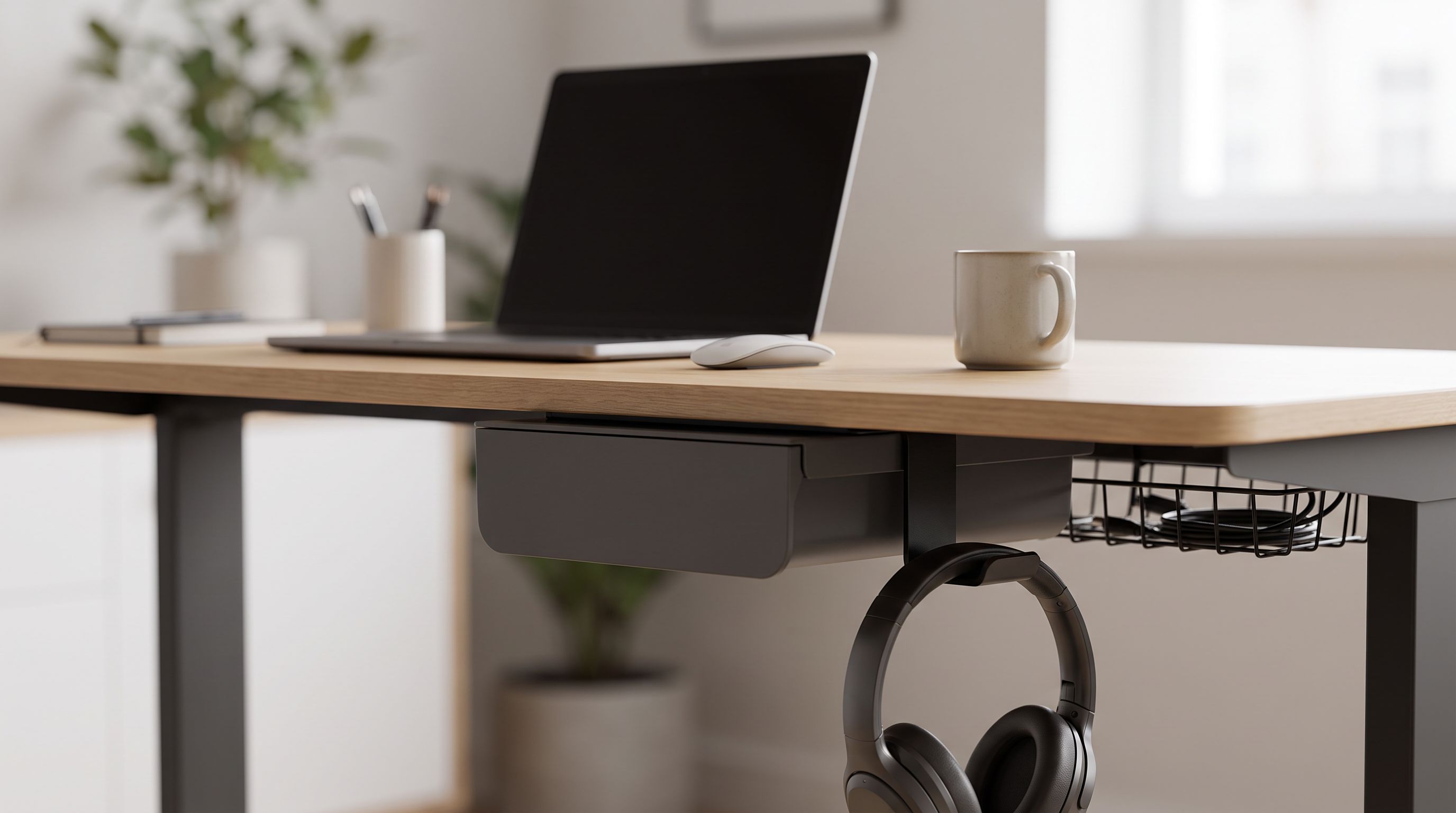
Under Desk Drawer Organizer Picks for 2026: Clear the Deck
The best under desk drawer organizer options for 2026, plus headphone hangers, cable trays and rolling carts that clear clutter without a full desk upgrade.
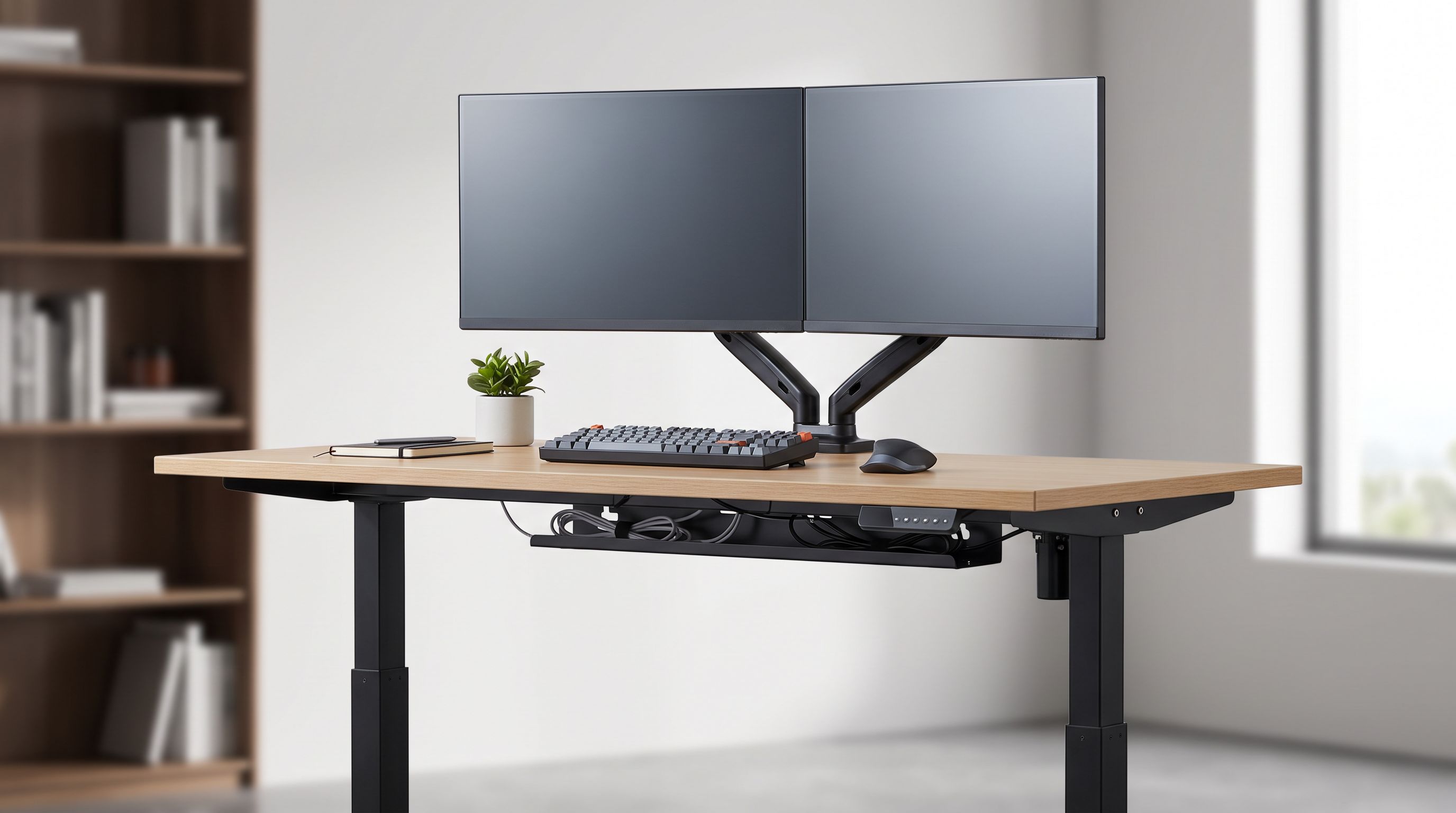
Best Standing Desk 2026: Sit-Stand Picks Ranked
The best standing desk 2026 picks compared on lift capacity, stability at standing height, warranty and desktop material — plus small-room and dual-monitor options.
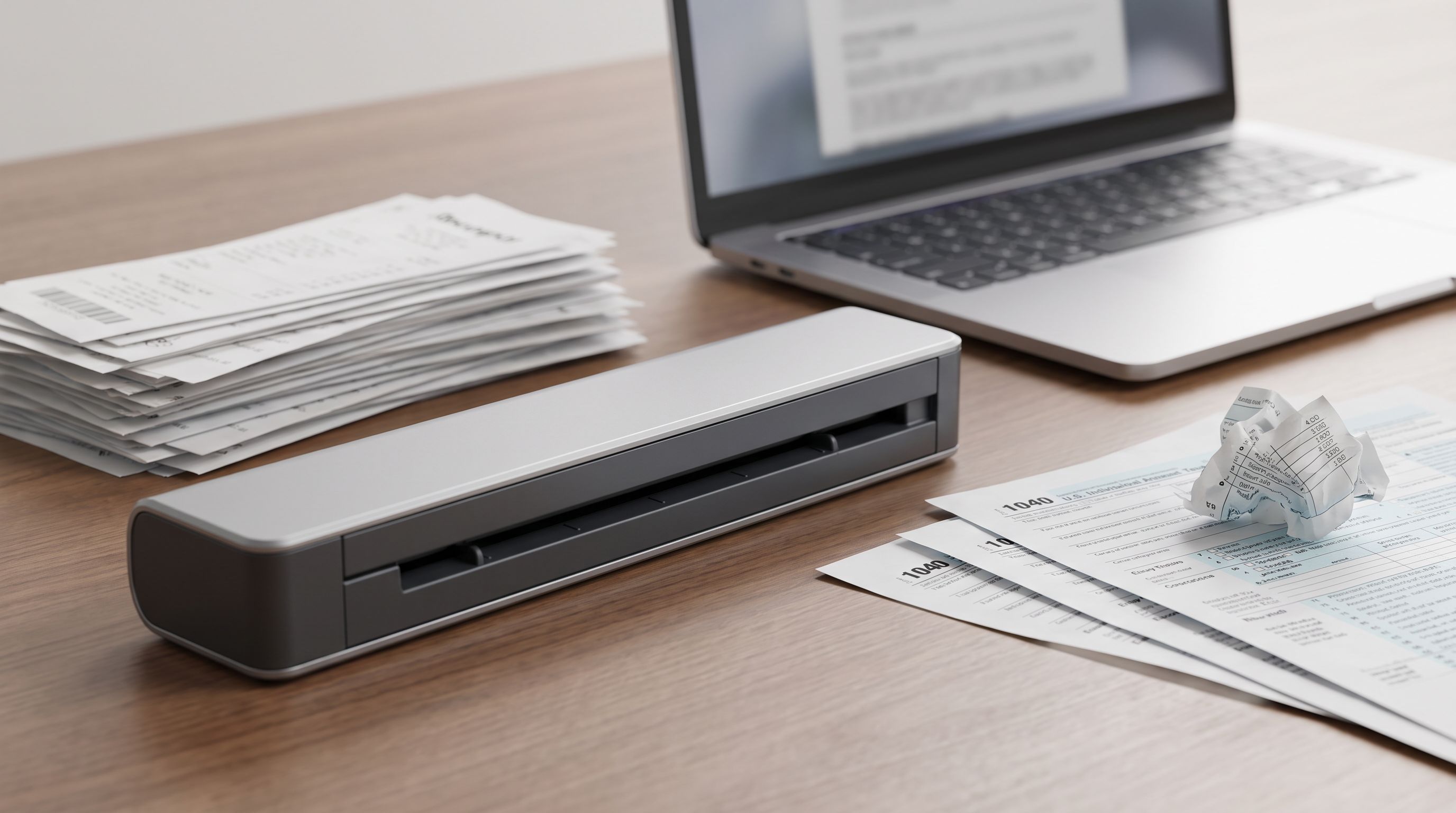
Portable Document Scanner 2026: Sheetfed vs Wand, Settled
Digitizing paperwork at home? We compare the best portable document scanner picks for 2026 on speed, duplex scanning, OCR software and cloud workflows.