Monitor Light Bars in 2026: 4 Picks That Kill Glare
We ranked the best monitor light bar for 2026 on lux output, glare control, CRI and USB-C power — from the BenQ ScreenBar Halo 2 to budget Baseus and Xiaomi picks.
Reader-supported: we may earn a commission from links on this page, at no extra cost to you. It never affects our picks. Learn more.
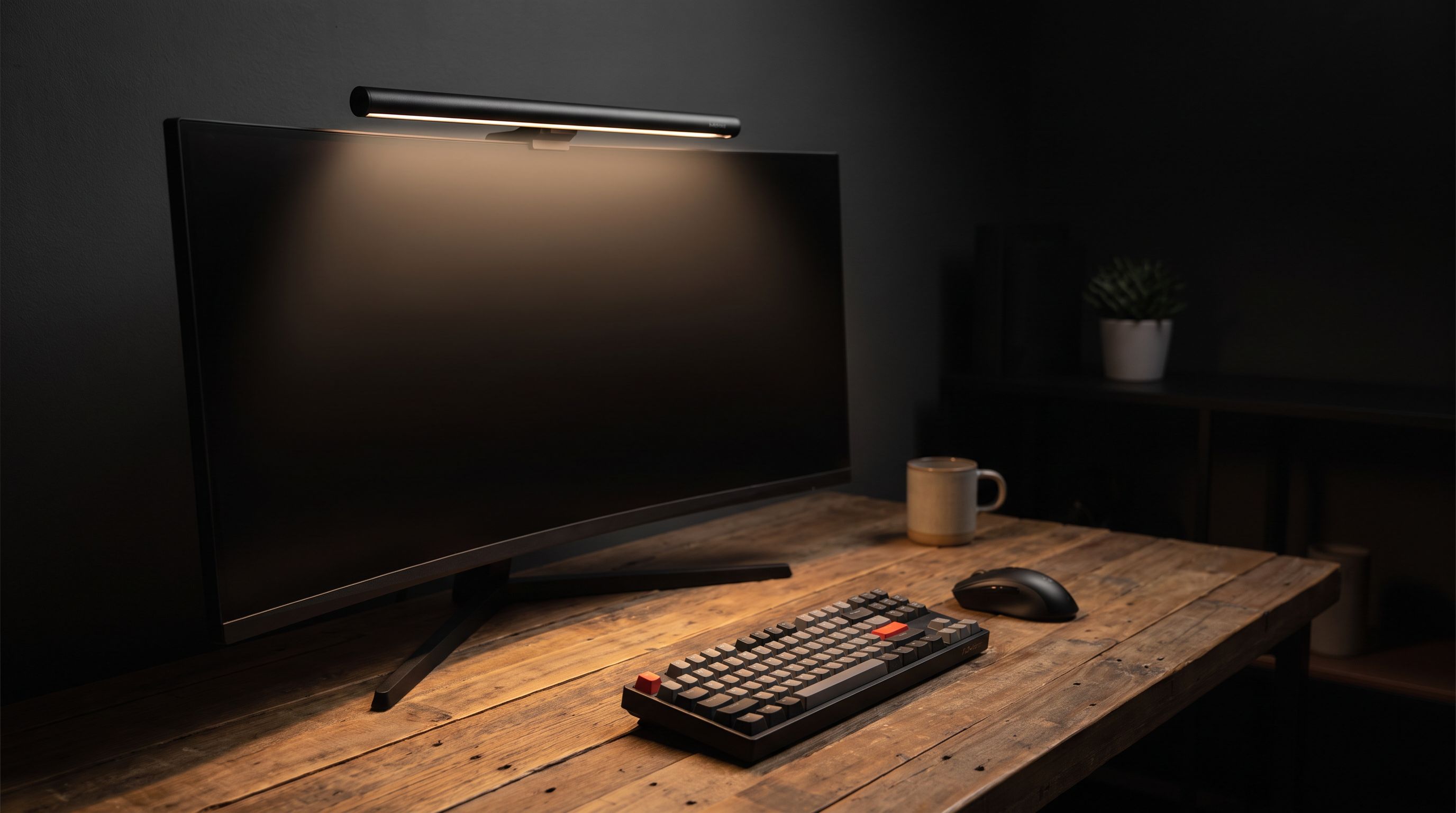
Desk lamps have a design flaw nobody talks about: they point light at the same surface your screen is trying to be brighter than. The result is either a washed-out display, a lamp reflection burned into the panel, or a squint-inducing pool of darkness around a glowing rectangle. Monitor light bars fix all three by hanging off the top bezel and throwing light forward and down onto the desk — never back into the screen.
They've quietly become one of the most-purchased desk accessories of 2026, and the field has matured: asymmetric optics are now table stakes, USB-C is the default power connector, and the top models auto-dim against ambient light. We compared the current lineup on the specs that actually matter — measured lux at desk level, glare control, colour rendering (CRI), controls and power draw — and ranked them using manufacturer specs, independent reviews and verified owner feedback.
How we ranked them
Four criteria did most of the work:
Asymmetric optics. This is the whole point. A proper screen bar uses a reflector or lens that clips light off above roughly a 30° angle, so nothing hits the panel. Cheap bars just aim a strip of LEDs downward and rely on the housing — you'll spot the difference immediately as a faint milky haze on dark scenes.
Lux, not lumens. Lumens are total output; lux is what lands on your desk. Ergonomics guidance for reading and paperwork generally lands around 300–500 lux at the work surface, and the best bars hit the upper end of that at 40cm without blasting the room. BenQ's auto-dimming targets 500 lux specifically.
Colour quality. Look for CRI 95+ and a colour temperature range that spans roughly 2700K to 6500K. Warm light for evenings matters more than most people expect — it's the difference between a bar you keep on after dark and one you switch off.
Power and controls. Almost everything now runs on USB-C at USB-A/USB-C 5V power levels, which means a spare monitor port, a hub, or a charger will do. Anything above roughly 5W is worth checking against your monitor's port budget. Controls split into three camps: touch-on-bar (fine, but you nudge the bar), wired dial, and wireless puck (best).
The rankings
BenQ ScreenBar Halo 2 — best overall
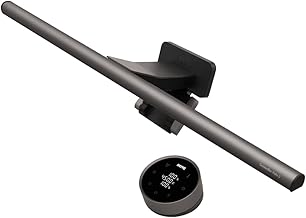 Best overall · BenQ ScreenBar Halo 2 — Check price on Amazon →
The Halo 2 is the bar every other bar is measured against, and after comparing the field it keeps the top slot. Its asymmetric optic is the cleanest we found in reviews and owner reports — no reflection on glossy panels, no light spill onto the bezel. Auto-dimming uses an ambient sensor to hold desk illumination around 500 lux, so it quietly ramps up as the room darkens instead of making you fiddle.
The two differentiators over the original Halo are the tri-zone rear backlight (a soft ambient glow behind the monitor that reduces the contrast gap between screen and wall) and the wireless controller puck, which handles brightness, colour temperature, backlight and an auto mode without you reaching over the keyboard. Reviewers consistently note it's not three times better than a cheap bar — but it is the one they keep on the desk.
Caveats: it's the priciest option here, the clip favours bezels within a normal thickness range, and if you have a wall-mounted monitor tight against the wall the backlight loses most of its effect.
BenQ ScreenBar Plus — best without the backlight glow
 Best without backlight · BenQ ScreenBar Plus — Check price on Amazon →
If you like BenQ's optics but the rear glow strikes you as a gimmick (or your monitor is on an arm against a wall), the ScreenBar Plus is the sensible sibling. Same glare-free forward throw, same wide colour temperature range, but the control is a wired desktop dial that sits next to your keyboard. Some people prefer this — it never needs a battery and it's satisfyingly tactile. The trade-off is one more cable on the desk, which is a real cost if you're chasing a clean setup.
Baseus i-wok Series — budget pick
 Budget pick · Baseus i-wok Series Monitor Light Bar — Check price on Amazon →
The Baseus i-wok bars are the reason the mid-market got interesting. They use a genuine asymmetric design rather than a bare downward strip, offer stepless dimming and adjustable colour temperature, and run off USB-C. Owner feedback and shootout videos repeatedly place them close enough to the BenQ in raw usefulness that the price gap becomes hard to justify for a casual setup.
Where they give ground: less refined diffusion at the ends of the bar (a slight hotspot pattern on very light desks), on-bar touch controls instead of a remote, and a clip that's fussier on unusually thick or curved bezels. For a first light bar, it's the smart entry point.
Xiaomi Mi Computer Monitor Light Bar 1S — best simple USB-C bar
 Best simple USB-C bar · Xiaomi Mi Computer Monitor Light Bar 1S — Check price on Amazon →
Xiaomi's 1S is the minimalist's choice: a nicely machined bar, a magnetic wireless dial you twist for brightness and push-twist for colour temperature, and nothing else to think about. Build quality punches above its price bracket and it's consistently one of the top sellers in the category. Light output is respectable rather than class-leading, and there's no ambient sensor or auto-dimming — you set it and forget it. If you work in a room with fairly stable lighting, you won't miss the automation.
Quntis ScreenLinear — best for wide and curved screens
Ultrawide owners have a specific problem: a 45cm bar centred on a 34-inch panel leaves the far edges of the desk dim. Quntis makes longer bars with clips that tolerate curvature better than most, and reviews of its ScreenLinear models highlight even coverage across broader desks. It's a practical, unglamorous pick rather than a premium one — controls and finish don't match BenQ — but for a big curved screen it solves the actual problem.
Comparison table
| Model | Best for | Controls | Rear ambient light | Auto-dimming | Power |
|---|---|---|---|---|---|
| BenQ ScreenBar Halo 2 | Overall / dark rooms | Wireless puck | Yes (tri-zone) | Yes, targets ~500 lux | USB-C |
| BenQ ScreenBar Plus | Clean forward light only | Wired desktop dial | No | Yes | USB |
| Baseus i-wok Series | Value | On-bar touch | No | No | USB-C |
| Xiaomi Monitor Light Bar 1S | Simplicity | Wireless magnetic dial | No | No | USB-C |
| Quntis ScreenLinear | Ultrawide / curved | On-bar or remote (varies) | Varies by model | No | USB |
Buying notes worth two minutes
Check your bezel and monitor thickness. Counterweight clips are designed around a range of panel thicknesses. Very thin OLED monitors and unusually thick older panels are both edge cases — check the manufacturer's stated range before buying.
Watch your USB ports. Powering the bar from the monitor's own USB hub is tidiest, but that port often dies when the monitor sleeps. Some people like that (the light turns off with the screen); others want independence and use a charger or hub.
Webcams and light bars fight over the same real estate. If you have a clip-on camera, plan the layout — several bars have a flat top surface that a camera can sit on, but not all do.
Don't over-light. A bar that's too bright relative to your screen creates its own contrast problem. Aim for desk brightness roughly in line with your monitor's perceived brightness, then nudge warmer after dark.
FAQ
Do monitor light bars actually reduce eye strain? Indirectly, yes. Most digital eye strain comes from staring at a bright screen surrounded by darkness — your pupils constantly readjust. Raising the ambient light around the screen shrinks that contrast gap. A light bar isn't medical treatment, but it addresses a real, well-documented contributor.
Will it reflect on my screen? Not if it uses asymmetric optics, which all the picks here do. Bars without them can produce a faint haze on glossy panels. Tilting the bar's shade a couple of degrees is the usual fix.
Can I use one on a laptop? Only if the lid is thick enough for the clip and you're not closing it constantly. Most bars are designed for monitors; a few laptop-specific slim bars exist, but stability is the limiting factor.
Does the rear ambient backlight matter? It's genuinely pleasant in a dark room and reduces the screen-to-wall contrast further, but it's a comfort feature, not a necessity. If your monitor sits flat against a wall, skip it and save money.
USB-C or USB-A? Functionally identical at these power levels — most bars just need 5V. USB-C is more convenient in 2026 because that's what modern monitors and hubs offer. Check what your specific bar ships with before assuming.
Our picks
BenQ ScreenBar Halo 2 LED Monitor Light Bar - Wireless Controller, Backlight, Motion Sensor, Adjustable Brightness/Color Temperature, Eye-Care, No Screen Glare, Fits Curved Monitor, Monitor Accessory
Asymmetric optics, auto-dimming to 500 lux and a wireless puck controller — the reference screen bar.
BenQ ScreenBar Pro LED Monitor Light Bar (Silver)- Ultrawide Lighting, Motion Sensor, Adjustable Brightness/Color Temperature, Eye-Care USB-C Monitor Lamp, No Glare, Curved Monitors, Monitor accessory
Same glare-free asymmetric light and wired desktop dial, minus the rear ambient glow you may not need.
Quntis Computer Monitor Lamp, Screen Monitor Light Bar for Eye Caring, USB Reading LED Task Lamp with Auto-Dimming, Dimmable Light Bar, Touch Control, No Glare Space Saving Home Office Desk Lamps
Genuinely good asymmetric diffusion and stepless dimming for a fraction of the BenQ outlay.
XIAOMI Mi Computer Monitor Light Bar - Easy Installation, Extra Computer Lighting w/o Taking Desktop Space, w/Wireless Remote Control Adjusting Lights Easily
Clean build, wireless dial, and a straightforward USB-C feed — the easiest set-and-forget option.
Quntis Computer Monitor Lamp, Screen Monitor Light Bar for Eye Caring, USB Reading LED Task Lamp with Auto-Dimming, Dimmable Light Bar, Touch Control, No Glare Space Saving Home Office Desk Lamps
Long, evenly-lit bar with a curved-friendly clip that suits 34-inch ultrawides.
Get the best tech deals in your inbox
Join the BytePlaza newsletter for hand-picked gadget deals and new buying guides. No spam, unsubscribe anytime.
Related reads
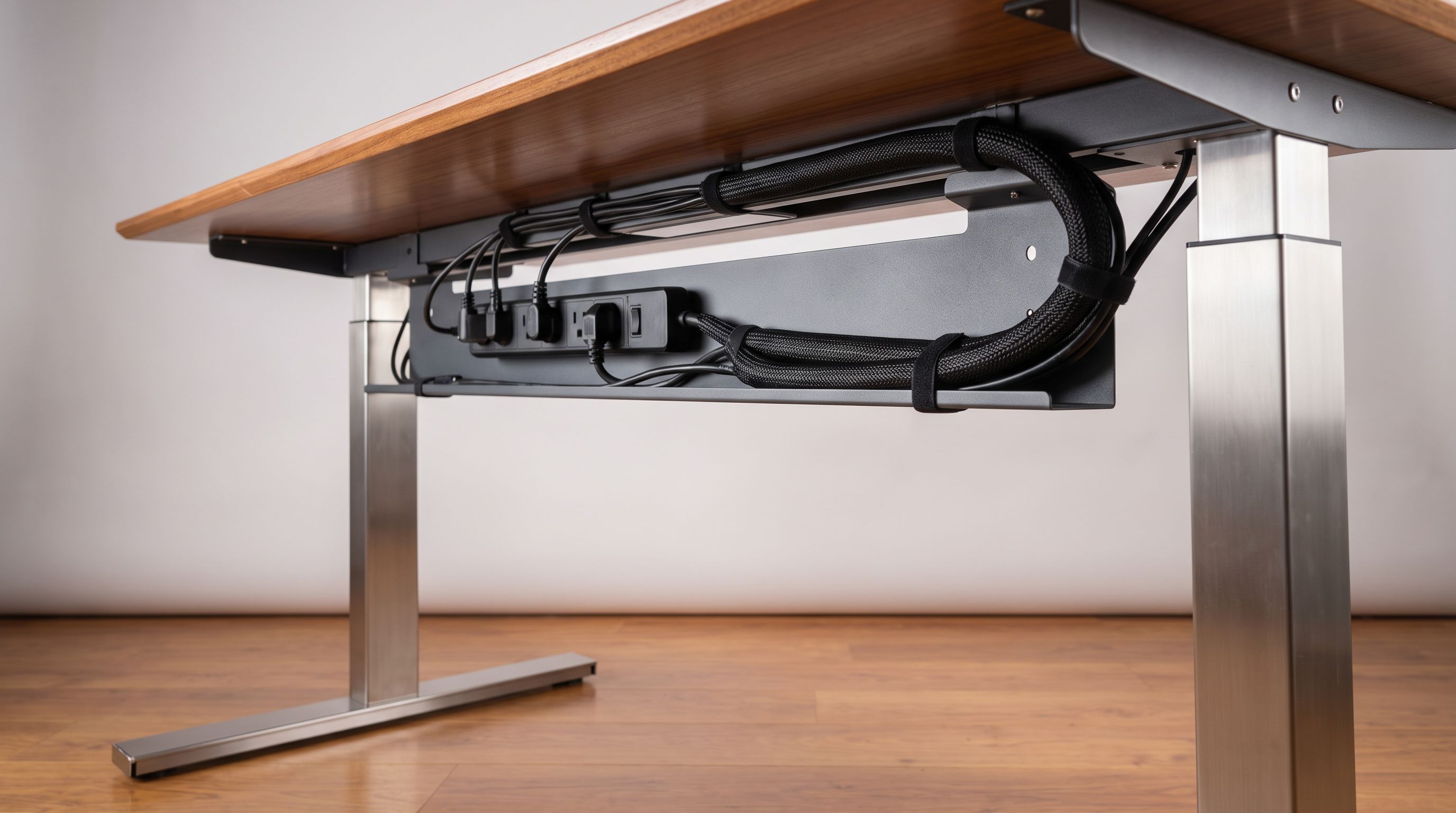
Under-Desk Cable Management in 2026: 4 Kits That Actually Hold
Looking for the best cable management kit in 2026? We compared under-desk trays, sleeves and clips for standing desks and multi-monitor rigs — here's what works.
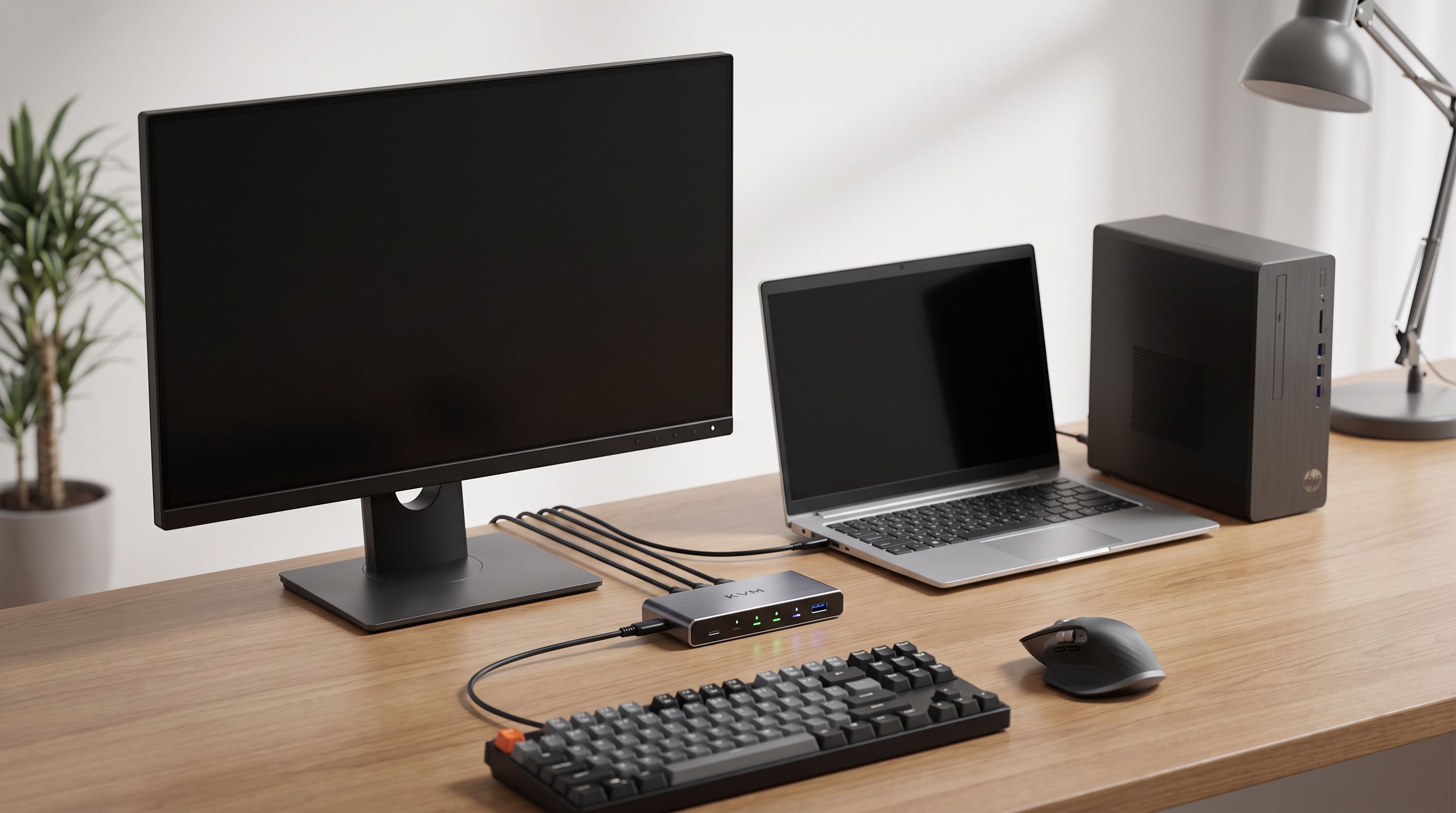
Which KVM Switch Should You Buy in 2026? Laptop + Desktop
The best KVM switch picks for 2026, from USB-C docking KVMs to 4K 144Hz DisplayPort models — how to run a work laptop and a personal desktop on one desk.
Laptop Stands in 2026: 5 Risers That Actually Fix Posture
The best laptop stand 2026 picks compared: aluminum risers, adjustable arms and travel-friendly folders, ranked by posture, cooling and desk footprint.