Which KVM Switch Should You Buy in 2026? Laptop + Desktop
The best KVM switch picks for 2026, from USB-C docking KVMs to 4K 144Hz DisplayPort models — how to run a work laptop and a personal desktop on one desk.
Reader-supported: we may earn a commission from links on this page, at no extra cost to you. It never affects our picks. Learn more.
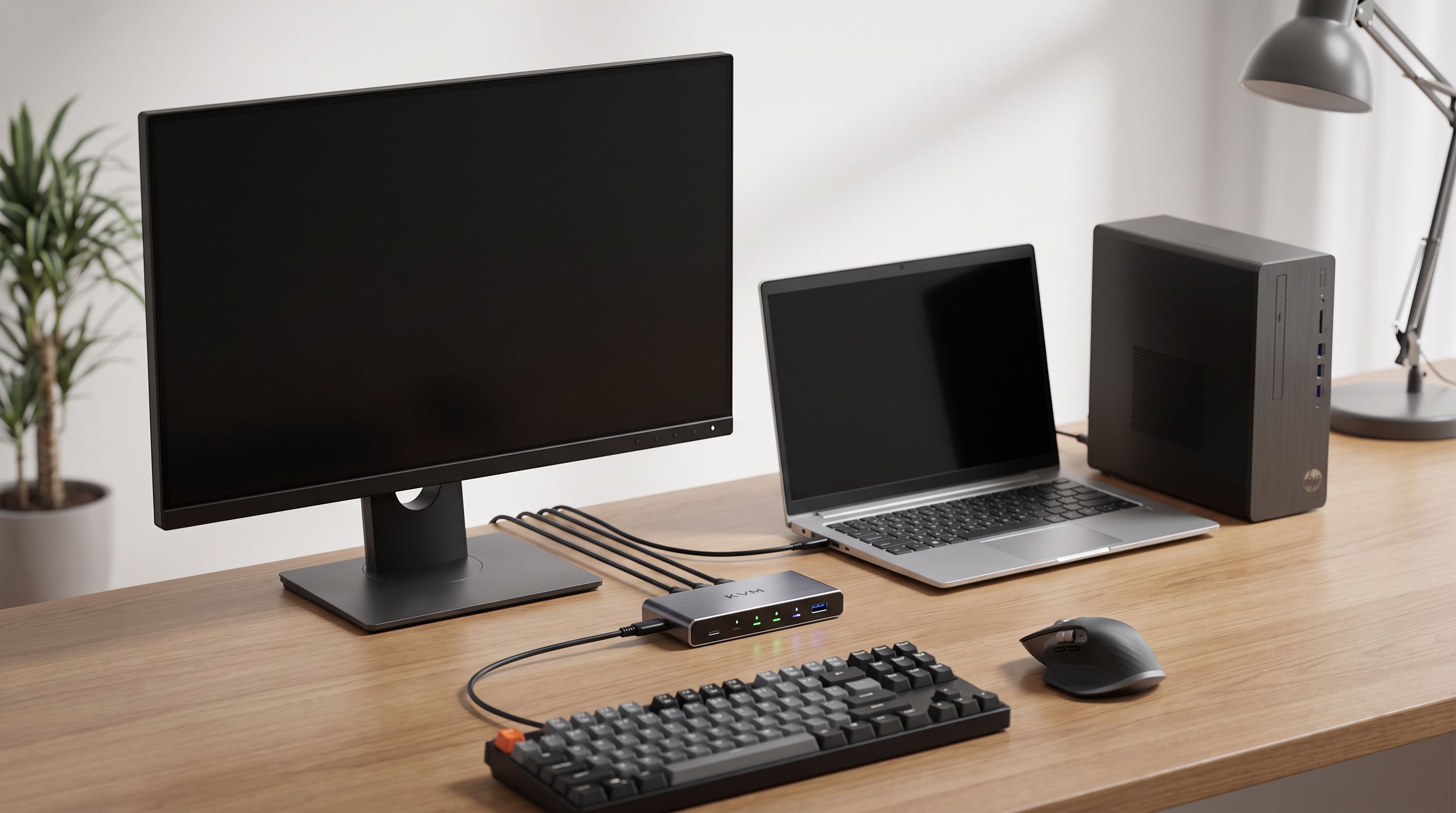
Two computers, one desk. It's the most common setup in tech right now: a locked-down work laptop that IT controls, and a personal desktop you actually enjoy using. The problem is the hardware in between — one good monitor, one mechanical keyboard, one mouse, one webcam, one pair of speakers. Swapping cables twice a day gets old fast.
A KVM switch (keyboard, video, mouse) solves it with a button press. But the category is full of vague listings, optimistic bandwidth claims, and USB peripherals that stop working after a switch. We compared current models on spec sheets, manufacturer documentation, expert reviews and long-run owner feedback to work out which ones hold up in a real two-machine desk setup.
How we picked
We prioritised four things that separate a KVM you forget about from one that annoys you daily:
- Real bandwidth, not marketing bandwidth. A "4K" KVM that's actually HDMI 1.4 caps you at 30Hz. For anything modern you want DisplayPort 1.4 or HDMI 2.1 with DSC support.
- USB 3.x on the peripheral side. USB 2.0 hubs are still common in cheap KVMs and will bottleneck webcams, audio interfaces and fast flash drives.
- Switching method. A wired remote button on the desk beats reaching behind the monitor. Hotkey switching is a nice extra but can conflict with games and some keyboards.
- Peripheral compatibility. Wireless dongles, DAC headsets, fingerprint readers and high-polling-rate mice are where cheap KVMs fall apart. Owner feedback is the only reliable signal here.
The shortlist
UGREEN 8K HDMI DisplayPort KVM Switch — best overall
 Best overall · UGREEN 8K HDMI DisplayPort KVM Switch (2-Port) — Check price on Amazon →
UGREEN's dual-port model is consistently among the best-selling desktop KVMs, and it earns it by covering the two connector types most people actually have. It supports high-bandwidth modes — 8K60 or 4K at high refresh depending on which input you use and the cables you pair it with — so a gaming desktop on DisplayPort and a laptop on HDMI can share one monitor without dropping to 60Hz.
You get a wired switch button on a cable so it can sit next to your keyboard, plus USB 3.0 ports for keyboard, mouse and one extra device. It's a single-monitor unit, so if you run two displays, look further down this list. Use certified DisplayPort 1.4 and HDMI 2.1 cables — most complaints about flicker or black screens in this category trace back to marginal cables.
CalDigit TS4 Thunderbolt 4 Dock — premium pick for two USB-C machines
 Premium pick (dock-based switching) · CalDigit TS4 Thunderbolt 4 Dock — Check price on Amazon →
Strictly, this isn't a KVM. But if both of your computers have Thunderbolt or full-featured USB-C (a MacBook Pro plus a modern Windows laptop, say), a high-end dock gives you the cleanest possible answer: everything — displays, keyboard, mouse, Ethernet, audio, storage — hangs off the dock, and you move one cable to change machines. The TS4 has 18 ports and delivers substantial power over its host connection, so the connected laptop charges while it works.
The trade-off is honest: one cable move instead of one button press, and it won't help a desktop tower without Thunderbolt. But it avoids the display-negotiation quirks that plague electronic switching, and the port count is unmatched.
TobenONE Dual Monitor KVM Docking Station — best for dual monitors
If your desk has two displays, a plain KVM won't cut it. TobenONE's dual-monitor KVM dock combines switching with docking-station duties: two video outputs, Ethernet, card readers, multiple USB ports and USB-C power delivery for a laptop. Press the button and both monitors, your peripherals and the network connection follow you to the other machine.
Docking-KVM hybrids are the most feature-dense option but also the most sensitive to source hardware. Check that your laptop's USB-C port supports DisplayPort Alt Mode and the power level you need before buying, and confirm your desktop's outputs match the dock's inputs.
AV Access 4KSW21-KVM — best single-cable USB-C pick
AV Access targets a very specific and very common scenario: a USB-C laptop on one side, an HDMI desktop on the other, 4K60 on a single monitor. The laptop connects with one USB-C cable that carries video, USB data and charging power, which means closing the lid and walking away with a topped-up battery. The desktop uses HDMI plus a USB-B upstream cable in the traditional way.
It's a focused product rather than a do-everything one — single monitor, 60Hz — but for hybrid workers that's exactly the shape of the problem.
IOGEAR 2-Port 4K DisplayPort KVMP Switch — reliable budget pick
 Reliable budget pick · IOGEAR 2-Port 4K DisplayPort KVMP Switch — Check price on Amazon →
IOGEAR has been making KVMs for enterprise desks for a long time, and its 2-port DisplayPort KVMP ("P" for peripheral sharing) is the sensible, unexciting option. DisplayPort in and out, USB hub, separate audio switching, hotkey and front-button control. No docking features, no charging, no dual display — just switching that behaves predictably, which is precisely what a lot of buyers want after a bad experience with a no-name unit.
Comparison table
| Model | Video inputs | Max resolution class | Monitors | USB hub | Laptop charging | Best for |
|---|---|---|---|---|---|---|
| UGREEN 8K HDMI DP KVM | 1× DP + 1× HDMI | 8K60 / high-refresh 4K | 1 | USB 3.0 | No | Gaming desktop + laptop, one screen |
| CalDigit TS4 | Thunderbolt 4 (host) | Dual-display via TB4 | 1–2 | USB 3.2 / TB4 | Yes, high wattage | Two USB-C/Thunderbolt laptops |
| TobenONE Dual Monitor KVM Dock | USB-C + HDMI/DP | 4K class | 2 | USB 3.x + card readers | Yes, up to 100W | Dual-monitor hybrid desks |
| AV Access 4KSW21-KVM | 1× USB-C + 1× HDMI | 4K60 | 1 | USB 3.0 | Yes, 60W | One-cable laptop docking |
| IOGEAR 2-Port DP KVMP | 2× DisplayPort | 4K | 1 | USB hub + audio | No | Straightforward, dependable switching |
Things buyers get wrong
Assuming any 4K KVM does 4K120. Refresh rate and colour depth eat bandwidth. If you have a 144Hz or 240Hz monitor, confirm the switch is DisplayPort 1.4 with DSC or HDMI 2.1, and check the specific resolution/refresh combination the manufacturer lists rather than the headline number.
Ignoring EDID handling. When you switch away, the monitor effectively disappears from the idle computer, which can rearrange windows or reset resolution. Better KVMs emulate the display (EDID emulation) so both machines keep a stable desktop. It's worth searching a model's documentation for that term.
Forgetting the webcam and headset. Video calls need the camera, mic and audio to switch with everything else. Prefer a KVM with USB 3.0 downstream ports and, ideally, dedicated audio switching — and plug the webcam directly into the KVM rather than into a downstream monitor hub.
Cheap cables. Most flicker, signal-drop and no-signal reports come down to cables. Buy VESA-certified DisplayPort and Ultra High Speed HDMI cables, and keep runs short.
Corporate laptops. Some managed devices block unknown USB hubs or docks by policy. If your work machine is locked down, check with IT before spending.
FAQ
Does a KVM switch add input lag? A well-built KVM passes video through with no meaningful added latency, and USB switching does not affect polling in a way most people can perceive. Problems come from low-bandwidth chipsets forcing a lower refresh rate, not from the act of switching itself.
Can I use a KVM with two monitors? Only if it's a dual-monitor model — a single-output KVM cannot magically drive two screens. The TobenONE dual-monitor KVM dock is the option here, or you can use a Thunderbolt dock like the CalDigit TS4 and move one cable.
Will my wireless keyboard and mouse dongle work? Usually, yes, if you plug the receiver into the KVM's USB 3.0 port. Unified receivers and Bluetooth adapters occasionally re-enumerate slowly after switching. If you rely on Bluetooth peripherals, a multi-device keyboard and mouse that pair to both computers independently is often the smoother path.
KVM or docking station? If both machines are USB-C laptops, a dock plus one cable move is simpler and more reliable. If one machine is a desktop tower, or you want true one-button switching, buy a KVM.
Do I need 8K support? Only if you actually own an 8K display. But high-bandwidth models are useful anyway, because the same headroom is what enables 4K at 120Hz or 144Hz on a gaming monitor.
Our picks
UGREEN 8K@60Hz Displayport KVM Switch 1 Monitors 2 Computers, Aluminum | with 4 USB 3.0 Ports, Support 4K@240Hz, Share One Monitor Keyboard Mouse U-Disk Printer, with 2 USB Cables, no EDID Emulation
Handles 8K60 or 4K144 over DP and HDMI, with a wired button and three USB 3.0 ports for peripherals.
CalDigit TS4 18 Port Thunderbolt 4 Dock, 98W Charging, 3X TBT4 (40Gb/s), 3X USB-C + 5X USB-A (10Gb/s), 2.5GbE LAN, 8K@30Hz or 2X 6K@60Hz Displays, Mac/Windows/Chrome, Space Gray, 0.8m Certified Cable
Not a true KVM, but the cleanest single-cable swap for two Thunderbolt/USB-C machines with 18 ports.

Tobenone Laptop Docking Station Dual Monitor,Dual 4K HDMI,5 USB,100W PD | USB C Docking Station with DIY Programmable Shortcuts,Volume Knob,Ethernet,SD/TF,Audio,for Multi-Screen User at Home & Office
KVM plus dock: two displays, Ethernet, card readers and up to 100W USB-C power to a work laptop.

AV Access KVM Switch 2 Monitors 2 Computers, 8K KVM Docking Station | 100W PD, 1G Ethernet, 10Gbps, 4K@165Hz, 8K@60Hz, Dual Monitor KVM Switch for Laptop & Desktop, Ideal for Work & Gaming Setups
One USB-C cable carries video, USB and 60W charging from a laptop; HDMI input for the desktop.
IOGEAR 2-Port USB DisplayPort Cable KVM Switch - 4K 30Hz - Remote Switch Button - Plug n Play - USB Expandable With USB Hub - 7.1 HD Audio - Mac Win - GCS52DP
Simple, no-frills DisplayPort switching with audio and USB hub, plus hotkey and button control.
Get the best tech deals in your inbox
Join the BytePlaza newsletter for hand-picked gadget deals and new buying guides. No spam, unsubscribe anytime.
Related reads
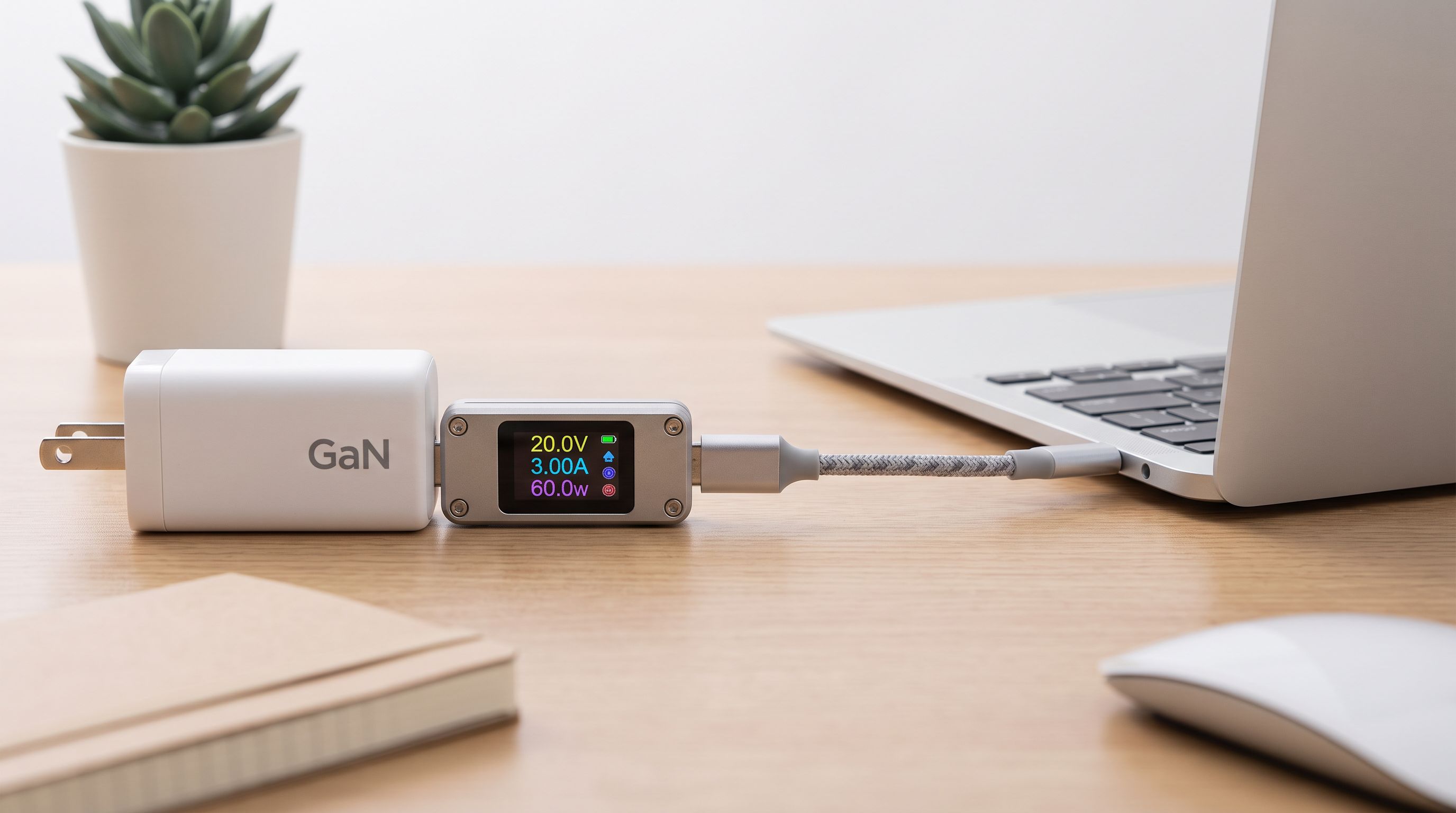
USB-C Cable Tester Picks for 2026: Find the Fakes Fast
Which usb-c cable tester actually reveals 240W EPR support, e-marker data and real data speeds? We compared four worth owning in 2026, from $15 meters to lab tools.
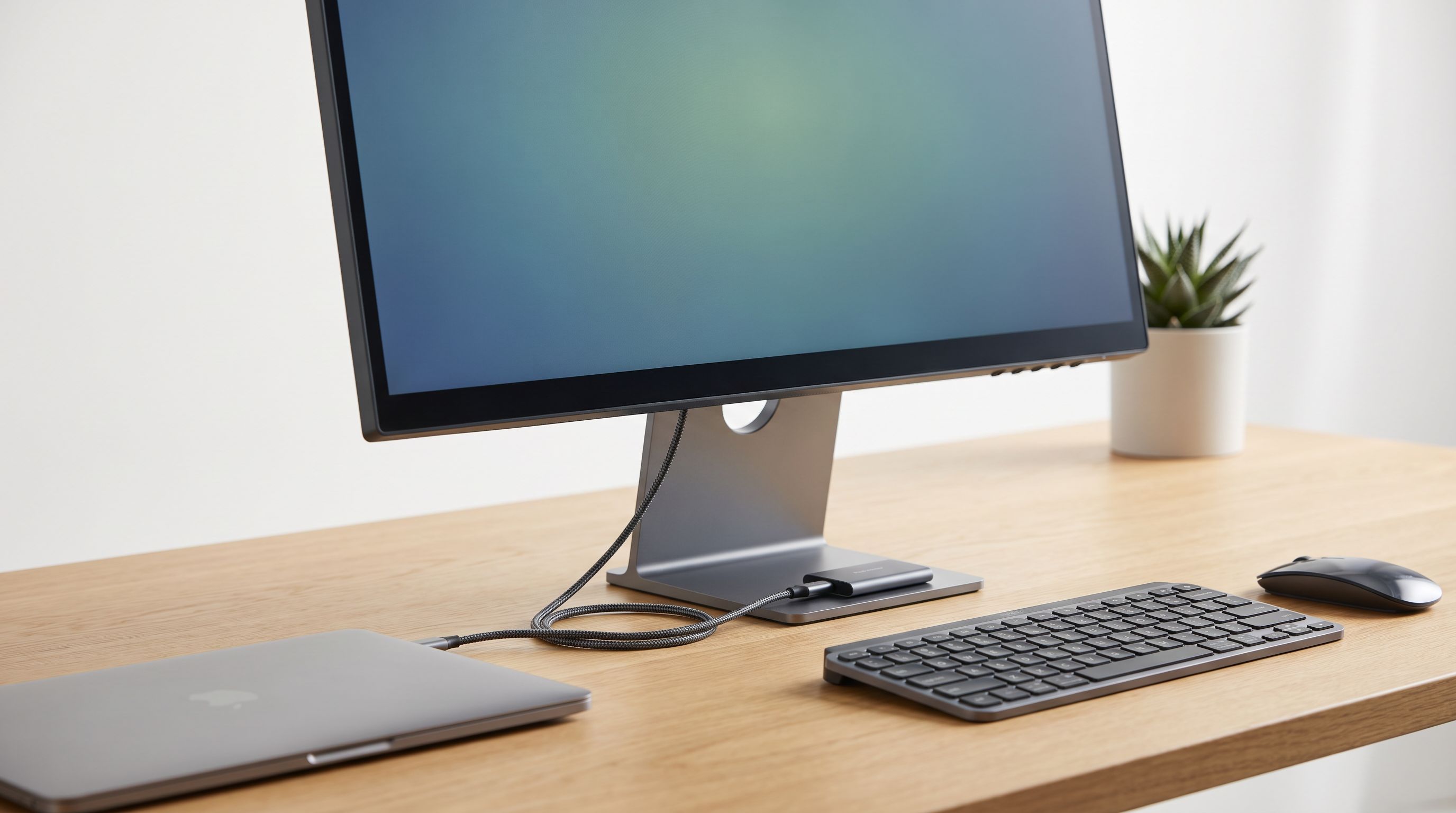
USB-C Monitor Hub 2026: One Cable, Zero Desk Clutter
A 2026 guide to USB-C monitor hubs and stand-mounted docks: which monitors have real built-in hubs, what PD wattage you need, and 4 picks that cut cable clutter.
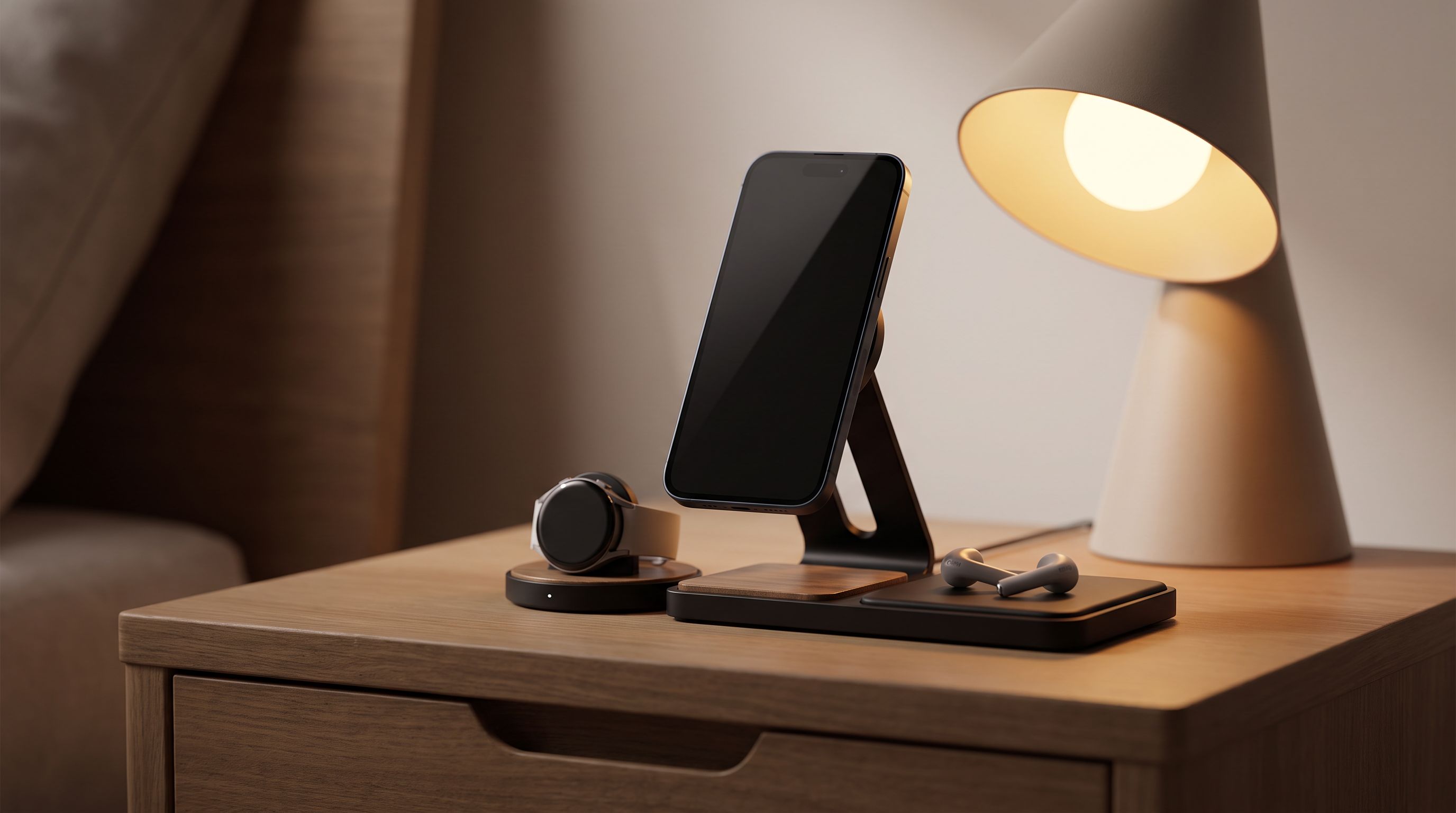
Bedside Charging Stations in 2026: 5 Picks That Kill Cable Clutter
The best bedside charging station for 2026: Qi2 magnetic docks, alarm-clock combos and USB-C hubs compared for speed, dimmable displays and nightstand footprint.