Vertical Laptop Stand 2026: Clamshell Setups, Decoded
Vertical laptop stand 2026 guide: how closed-lid docking really affects cooling, clearance and cable routing, plus adjustable picks for MacBooks and PCs.
Reader-supported: we may earn a commission from links on this page, at no extra cost to you. It never affects our picks. Learn more.
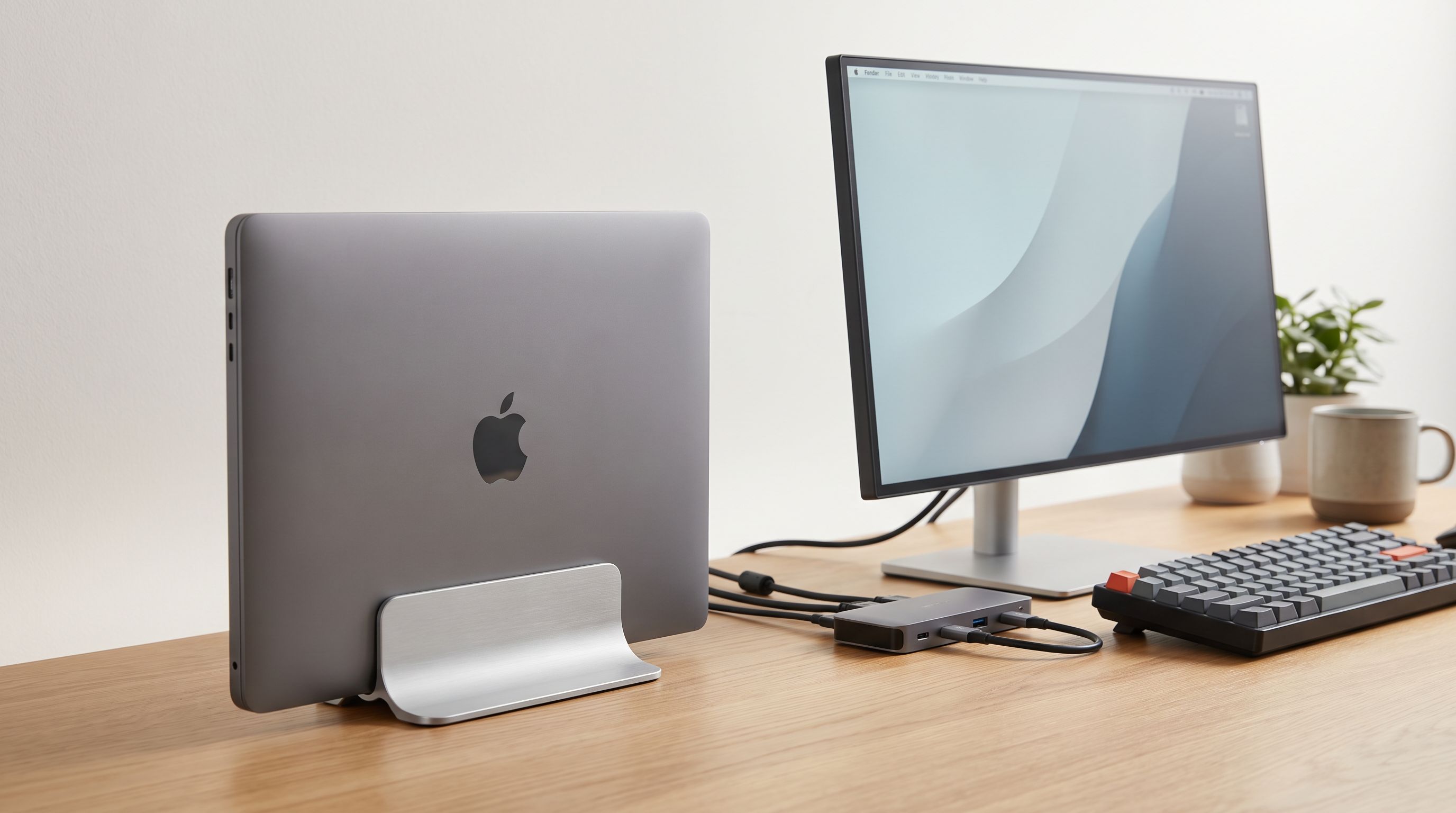
If your laptop spends most of its life closed, plugged into a dock, and feeding a monitor, a vertical stand is one of the cheapest desk upgrades you can make. It reclaims a surprising amount of desk space, tidies the cable run, and stops you from stacking books on top of a £1,500 machine.
But vertical stands also attract a lot of marketing nonsense — particularly around cooling. We compared the most widely recommended models, cross-referenced manufacturer specs with expert reviews and verified owner feedback, and separated the claims that hold up from the ones that don't.
Vertical vs. riser: which one do you actually need?
The decision comes down to one question: do you use the laptop's own screen at your desk?
- Vertical (closed-lid / clamshell): The laptop sits on its edge in a slot. You get maximum desk space, a clean cable path, and the laptop out of the way. The built-in display is unusable. This is the right call if you have one or two external monitors and a separate keyboard and mouse.
- Riser (open-lid): The laptop sits horizontally, raised to a better eye height. You keep the laptop screen as an extra display and the keyboard as a backup. You give up desk real estate.
Plenty of people own both and swap depending on the week. If you're unsure, start with a riser — a vertical stand only makes sense once your peripherals are sorted.
The cooling question, honestly
Vertical stand listings love the phrase "improves airflow." Treat it carefully.
What's actually true: a vertical stand keeps the laptop off the desk surface, so the bottom intake vents aren't pressed against a flat, warm surface, and there's open air on both sides of the chassis. That's genuinely better than a closed laptop lying flat on a desk.
What's not reliably true: that standing a laptop up cools it better than using it open on a desk. In clamshell mode the machine is typically driving an external display and the lid acts as a lid — the keyboard deck, which doubles as a heat-spreading surface on many thin-and-light laptops, is now sandwiched shut. Independent reviewers and owner reports consistently find that closed-lid operation runs the same or slightly warmer than open-lid under sustained load on fanless and thin chassis machines, including MacBook Air. On actively cooled laptops with rear or side exhaust, the difference is usually negligible.
The practical takeaway: a vertical stand is a space and cable upgrade, not a thermal one. If you run sustained heavy workloads (video exports, compiles, gaming), keep the lid open or accept slightly higher temps and fan noise.
Clearance: the spec most people get wrong
The number that matters is slot width, and it needs to accommodate more than your laptop's thickness.
- Measure at the thickest point, usually the hinge end, not the tapered front edge.
- Add your case or skin. A 0.5 mm skin is fine; a rugged shell can add several millimetres.
- Add cable clearance. If a USB-C cable plugs into a port on the bottom third of the side, it needs room to bend without stressing the connector.
Fixed-width slots are cheaper and look cleaner but are a gamble. Adjustable-width designs — which is what the OMOTON Vertical Laptop Stand and the UGREEN Vertical Laptop Stand Holder both offer — are the safer buy, especially if you expect to change laptops before you change stands.
 Best for multiple devices · UGREEN Vertical Laptop Stand Holder — Check price on Amazon →
 Best overall · OMOTON Vertical Laptop Stand — Check price on Amazon →
Also check the base footprint and weight. A light stand holding a heavy 16-inch laptop is top-heavy. The Rain Design mTower Vertical Laptop Stand is the counter-example: a single milled aluminium piece with real mass in the base, which is why it stays put when you yank a cable out.
 Premium pick · Rain Design mTower Vertical Laptop Stand — Check price on Amazon →
Cable routing: where cheap stands fall down
Three things separate a tidy vertical setup from a messy one:
- Port-side orientation. Decide which side your dock sits on before you buy, then orient the laptop so its ports face it. A stand with a symmetrical slot gives you that freedom; one with a cutout on only one side doesn't.
- Rear cutouts or channels. Some stands include a gap at the back so cables exit downward rather than looping over the top.
- Strain relief. A laptop on its edge puts gravity to work on every plugged cable. Right-angle USB-C adapters are a cheap fix and worth buying alongside the stand.
If you're running a single-cable dock, the cleanest result is a stand with silicone-lined slots (so the chassis doesn't slide under cable tension) and the dock mounted under the desk.
How the picks compare
| Model | Type | Slot width | Best for | Watch out for |
|---|---|---|---|---|
| OMOTON Vertical Laptop Stand | Vertical, single slot | Adjustable | Most people; one laptop, any thickness | Lighter base than premium rivals |
| UGREEN Vertical Laptop Stand Holder | Vertical, dual slot | Adjustable | Laptop + tablet or second machine | Wider desk footprint |
| Rain Design mTower Vertical Laptop Stand | Vertical, single slot | Fixed, padded | Daily dock/undock; heavy 16-inch laptops | Fixed width — check your thickness |
| Nulaxy C1 Adjustable Laptop Stand | Riser, open lid | N/A | Keeping the laptop screen as a display | Takes real desk space |
| Rain Design iLevel 2 Adjustable Laptop Stand | Riser, open lid | N/A | Fine height tuning at a desk | Not portable |
 Best adjustable riser · Rain Design iLevel 2 Adjustable Laptop Stand — Check price on Amazon →
Picking by scenario
You have one monitor, a keyboard and a dock. The OMOTON Vertical Laptop Stand is the straightforward answer. Adjustable width means it survives your next laptop, the silicone lining protects the lid, and the footprint is tiny. It's the model that keeps appearing near the top of both best-seller lists and vertical-stand roundups, and owner feedback is consistently about "it just works."
You also want to park an iPad or a work laptop. The UGREEN Vertical Laptop Stand Holder's two slots handle personal-plus-work setups, or a laptop and tablet, without doubling your desk clutter. Check both slot widths against both devices before buying.
You dock and undock every single day. The Rain Design mTower Vertical Laptop Stand earns the premium. The weighted single-piece aluminium base means you can lift the laptop out one-handed without the stand coming with it. It's a fixed-width slot, so confirm your laptop (plus case) fits.
You actually want the laptop screen. Skip vertical entirely. The Nulaxy C1 Adjustable Laptop Stand gives you adjustable height and angle for a modest outlay, and the Rain Design iLevel 2 Adjustable Laptop Stand remains Wirecutter's top laptop stand pick after repeated rounds of testing, thanks to its slider height adjustment and stability.
Three things to buy at the same time
- A right-angle USB-C cable or adapter to take strain off the port.
- Felt or silicone pads if your stand's base is bare aluminium on a wood desk.
- An external keyboard and mouse — without them, a vertical stand is just an expensive bookend.
FAQ
Does closed-lid mode damage a laptop? No. Clamshell operation is a supported mode on macOS and Windows. The caveat is thermal: with the lid closed, heat has one fewer dissipation path, so sustained heavy loads may run warmer and fans louder.
Do vertical stands actually improve cooling? Only relative to a closed laptop lying flat on a desk. Compared with normal open-lid use, closed-lid docking is usually neutral-to-slightly-warmer. Buy a vertical stand for space and cable tidiness, not temperatures.
Will a vertical stand fit a 16-inch laptop? Most adjustable models will, but weight matters more than size — a heavy machine needs a wide, weighted base. Check the manufacturer's stated maximum thickness and load before ordering.
Can I use a vertical stand without an external monitor? Not practically. The display is inaccessible, so you'd be running the machine headless. You need at least one external screen plus input devices.
Silicone-lined or felt-lined slots — does it matter? Silicone grips better under cable tension and is easier to clean; felt is gentler but compresses over time. Either is fine as long as the contact surfaces are lined — bare metal against an aluminium lid will mark it.
Our picks
OMOTON Dual Vertical Desk Laptop Stand Holder, Fits MacBook Air/Pro, Silver
Adjustable-width aluminium slot that holds nearly any laptop upright without wobble — the default pick for a reason.
UGREEN 2-in-1 Laptop Stand for Desk, Horizental & Virtical Laptop Holder
Dual-slot design parks a laptop plus a tablet or e-reader in one small footprint.
Rain Design 10038 mTower Vertical Laptop Stand - Space Gray
Solid single-piece aluminium with a weighted base — the most stable option if you dock and undock daily.
Nulaxy C1 Adjustable Laptop Stand
If you'd rather keep the screen as a second display, this height-adjustable riser is the proven ergonomic choice.
Rain Design iLevel2 Adjustable Height Laptop Stand (Patented) (Silver)
Slider-based height adjustment and a stable aluminium base; Wirecutter's long-running top laptop stand pick.
Get the best tech deals in your inbox
Join the BytePlaza newsletter for hand-picked gadget deals and new buying guides. No spam, unsubscribe anytime.
Related reads
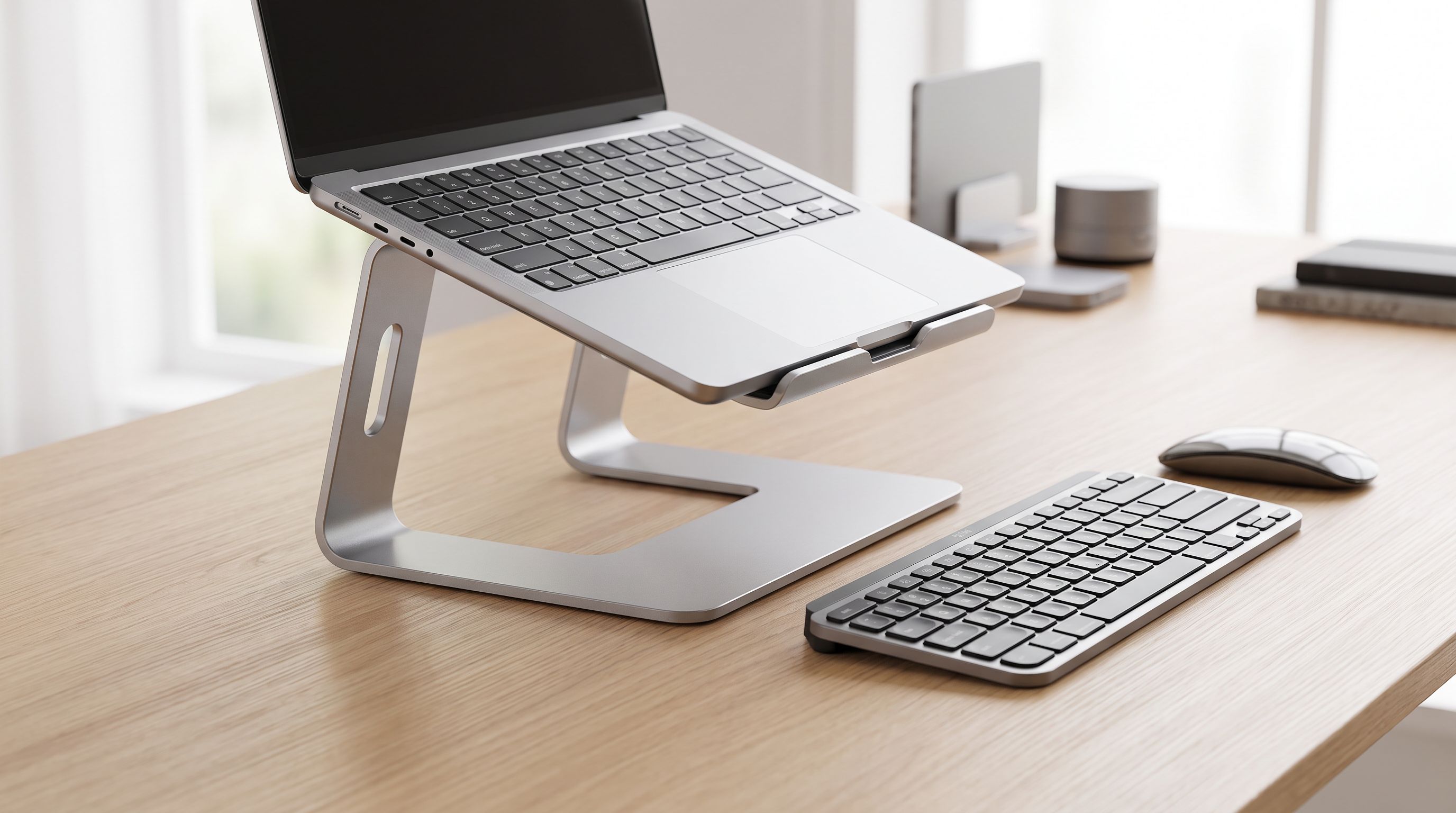
Laptop Stands in 2026: 5 Risers That Actually Fix Posture
The best laptop stand 2026 picks compared: aluminum risers, adjustable arms and travel-friendly folders, ranked by posture, cooling and desk footprint.

USB-C Monitor Hub 2026: One Cable, Zero Desk Clutter
A 2026 guide to USB-C monitor hubs and stand-mounted docks: which monitors have real built-in hubs, what PD wattage you need, and 4 picks that cut cable clutter.
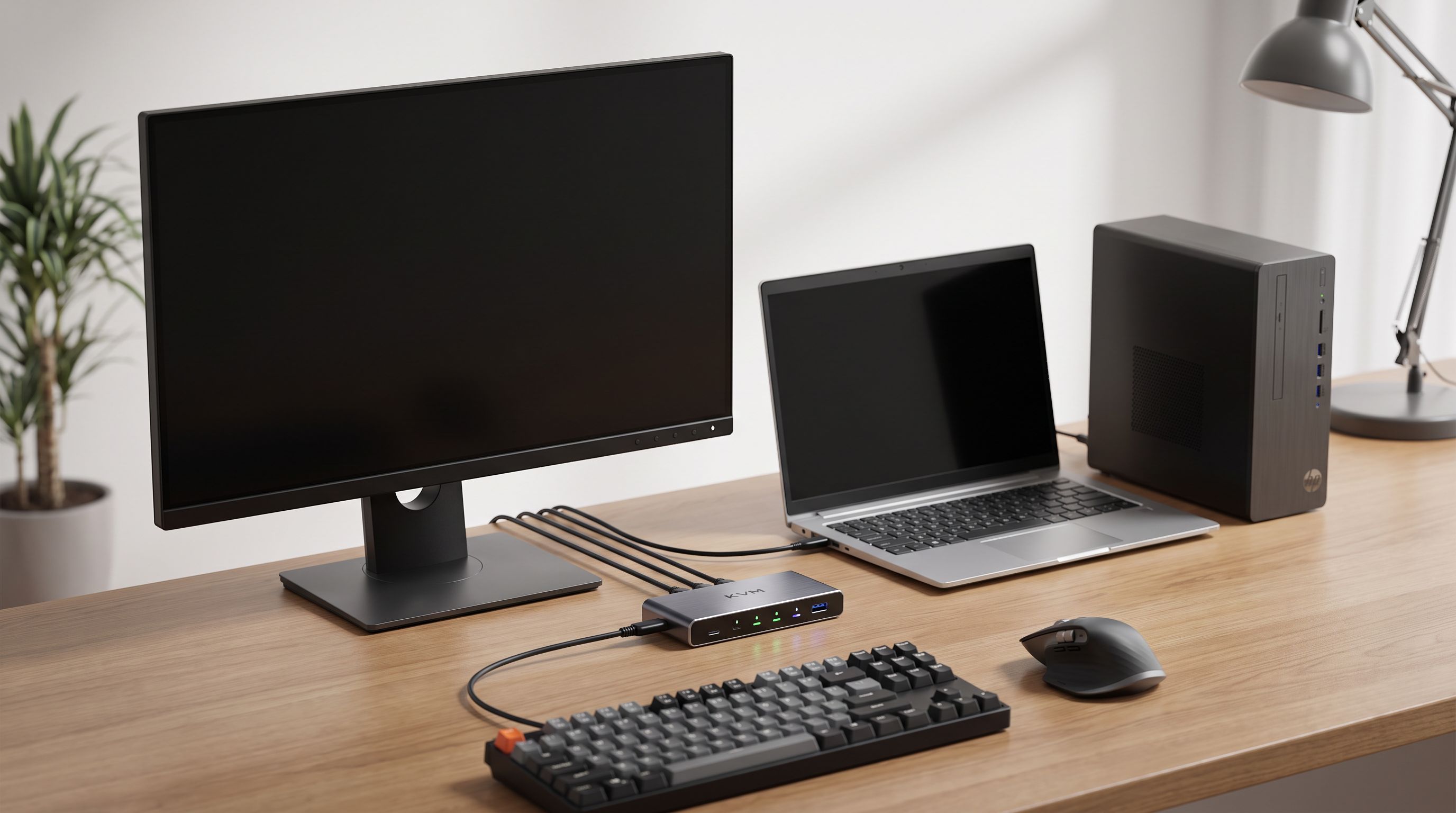
Which KVM Switch Should You Buy in 2026? Laptop + Desktop
The best KVM switch picks for 2026, from USB-C docking KVMs to 4K 144Hz DisplayPort models — how to run a work laptop and a personal desktop on one desk.