NVMe SSD Heatsink in 2026: Does PS5 or Gen 5 Need One?
Does your NVMe SSD heatsink actually stop thermal throttling? We break down PS5 clearance rules, PCIe 5.0 heat, and the low-profile coolers worth buying in 2026.
Reader-supported: we may earn a commission from links on this page, at no extra cost to you. It never affects our picks. Learn more.
Heatsinks are the most argued-about SSD accessory on the internet. One camp says they're snake oil bolted to a drive that already works fine; the other says a bare Gen 5 SSD will cook itself into a slideshow. Both camps are partly right — it depends entirely on which drive you have, where it lives, and what you actually do with it.
Here's the honest version, based on manufacturer thermal specs, independent review data, and a large amount of owner feedback from PS5 and Gen 5 builders.
When an NVMe SSD heatsink actually matters
SSD controllers throttle to protect themselves, usually somewhere in the 70–85 °C range depending on the model. Crucially, NAND flash and the controller want different things: the controller wants to be cool, while NAND actually prefers to be warm-ish during writes. A heatsink's job is to keep the controller below its throttle point during sustained transfers — not to make your drive "faster".
Three scenarios where a heatsink genuinely changes behaviour:
- PCIe 5.0 drives. Gen 5 controllers draw noticeably more power than Gen 4 equivalents. Most Gen 5 SSDs sold in 2026 ship with a heatsink or explicitly require active airflow, and several manufacturers void performance claims if you run them bare. This is the clearest "yes, you need one" case.
- Sustained writes. Copying a 100 GB game library, editing 4K/8K video off the drive, running a scratch disk, or doing bulk backups. Short bursts — launching games, booting Windows — basically never throttle.
- Hot, cramped locations. The M.2 slot sandwiched directly under a 300 W GPU, a slot on the back of the board with no airflow, a small-form-factor case, or a laptop.
And where it mostly doesn't matter: a Gen 3 or mid-range Gen 4 drive in a normal tower with a couple of case fans, used for gaming and general desktop work. Throttling there is rare, and if it happens it lasts seconds.
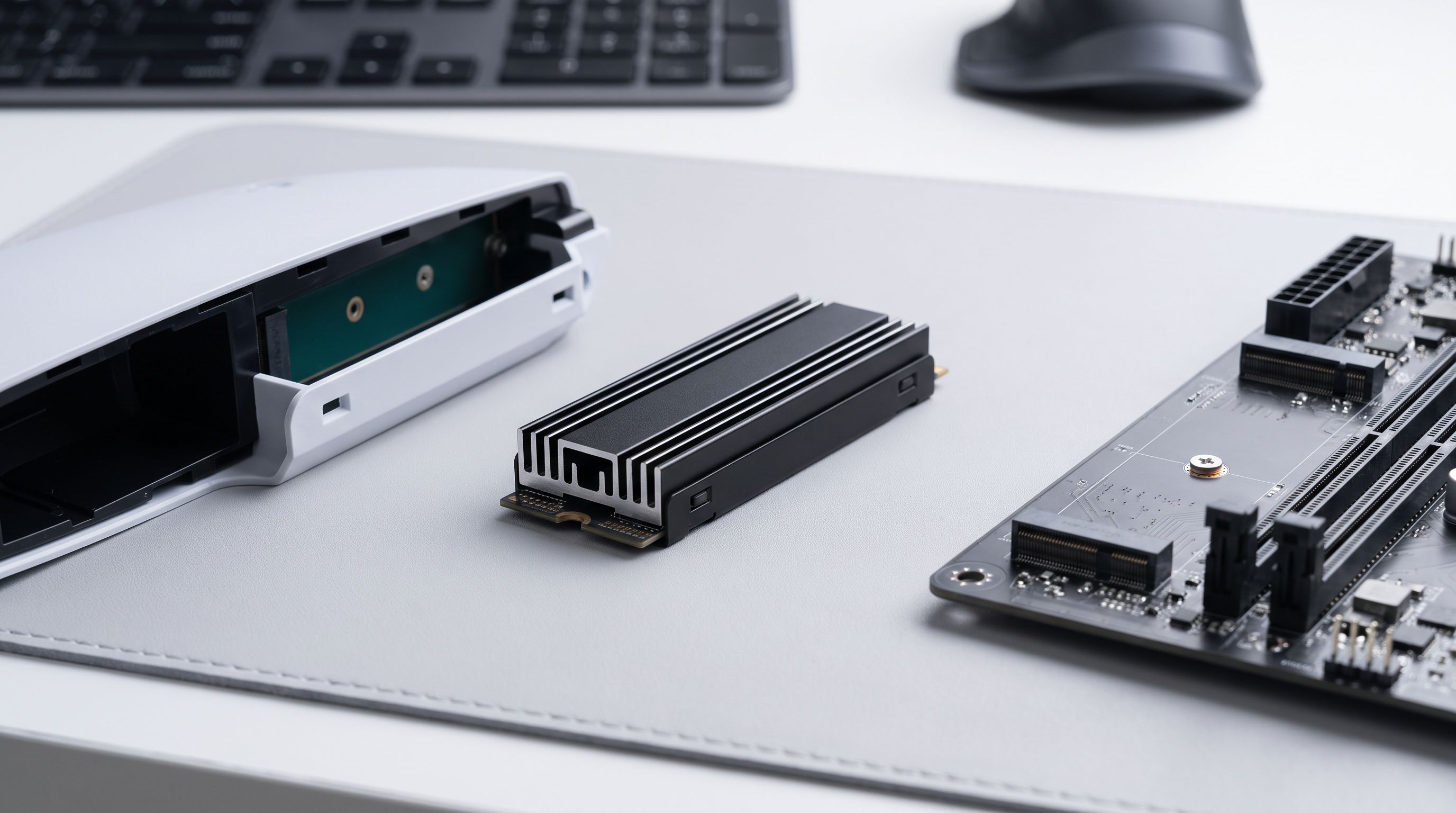
The PS5 question: yes, but it's about clearance, not performance
Sony's own guidance for the PS5 storage expansion slot is unambiguous — it recommends an M.2 SSD with a cooling structure such as a heat sink, because the bay has no direct fan airflow. That's a stronger recommendation than most desktop scenarios warrant.
The catch is physical. The PS5 expansion bay accepts drives up to roughly 11.25 mm total thickness, measured including the heatsink and anything on the underside of the PCB. That rules out every tower-style cooler and most of the chunky finned blocks sold for desktops. You need a genuinely low-profile plate.
Two safe routes:
- Buy a drive that already ships with a PS5-compatible heatsink. The Samsung 990 PRO with Heatsink 2TB and the WD_BLACK SN850X with Heatsink 2TB both use slim factory coolers designed with the console in mind. Nothing to measure, nothing to glue, no warranty questions.
- Add a slim aftermarket plate to a bare drive. The EK-M.2 NVMe Heatsink is the classic choice here — a thin two-piece aluminium clamshell that fits in the bay with room to spare. The Sabrent M.2 2280 SSD Rocket Heatsink is similarly low-profile and widely used in PS5 installs.
 Best PS5 alternative · WD_BLACK SN850X with Heatsink 2TB — Check price on Amazon →
 Best drive with heatsink included · Samsung 990 PRO with Heatsink 2TB — Check price on Amazon →
 Best overall · Sabrent M.2 2280 SSD Rocket Heatsink — Check price on Amazon →
One more PS5 note: single-sided vs double-sided drives. Double-sided SSDs (NAND chips on both faces) have chips that can't touch the heatsink at all, and they eat into your thickness budget. Single-sided 1–2 TB drives are the easier fit.
PCIe 5.0 in 2026: cooling is now part of the product
Gen 5 SSDs routinely advertise sequential speeds north of 12 GB/s, and the newest 2026 drives push higher still. That throughput comes with a thermal bill. Several of the fastest drives on the market — including the kind of Gen 5 flagships that dominate "fastest SSD" lists this year — are sold specifically because a competent heatsink is bundled in the box.
If you're installing a bare Gen 5 drive, your options, in rough order of preference:
- Use the motherboard's M.2 heatsink. On most X870E/Z890-class boards, the built-in Gen 5 M.2 armour is genuinely good — often a thick aluminium slab with a quality thermal pad. Use it before you buy anything.
- Use the bundled heatsink if your drive shipped with one and your board's armour is thin or absent.
- Add a tall aftermarket cooler like the Thermalright HR-09 2280 Pro if your Gen 5 slot sits in a hot spot and you have the vertical clearance. Measure against your GPU backplate and any top-mounted radiator before ordering — these towers are tall.
 Best for PCIe 5.0 desktops · Thermalright HR-09 2280 Pro — Check price on Amazon →
Avoid the tiny fan-equipped coolers unless you've run out of options. They're loud for the thermal gain, and a 20 mm fan is a mechanical failure point parked inside your case.
Picks compared
| Product | Best for | Profile | Notes |
|---|---|---|---|
| Sabrent M.2 2280 SSD Rocket Heatsink | General purpose, PS5 or desktop | Low | Simple aluminium design, thermal pads included; broad compatibility |
| EK-M.2 NVMe Heatsink | PS5 expansion bay | Ultra-low | Thin clamshell plate; comfortable margin under the console's height limit |
| Thermalright HR-09 2280 Pro | PCIe 5.0 desktop drives | Tall tower | Heatpipe + fin stack; check GPU and radiator clearance first |
| Samsung 990 PRO with Heatsink 2TB | Buying drive + cooler together | Low (integrated) | Factory heatsink, PS5-ready, no fitting required |
| WD_BLACK SN850X with Heatsink 2TB | PS5 alternative | Low (integrated) | Slim bundled cooler; strong Gen 4 gaming performance |
How to fit one without wrecking your drive
Heatsink installs go wrong in predictable ways. A few rules:
- Remove the label only if the manufacturer says it's fine. Some drives use a thin copper-backed label that's part of the thermal path; peeling it can also void the warranty. Most heatsinks work fine over the label.
- Peel the plastic film off both sides of the thermal pad. This is the single most common mistake, and it produces temperatures worse than running bare.
- Match pad thickness to the gap. Too thin and you get an air gap; too thick and you can bow the PCB. Use what came in the box.
- Don't over-tighten screws or over-stretch clips — M.2 PCBs flex more than you'd think.
- Check clearance twice on PS5 and under GPUs. A heatsink that doesn't fit is a heatsink that doesn't help.
The bottom line
Buy an NVMe SSD heatsink if you're putting a drive in a PS5, running a PCIe 5.0 SSD without decent motherboard armour, or regularly moving hundreds of gigabytes at a time. For a mainstream Gen 4 gaming drive in a ventilated tower with motherboard heatsinks already fitted, you can skip it with a clear conscience — and spend the money on more capacity instead.
If you want the simplest path, buying a drive with the cooler already attached — the Samsung 990 PRO with Heatsink 2TB or the WD_BLACK SN850X with Heatsink 2TB — removes every compatibility question in one purchase.
FAQ
Does a heatsink make my SSD faster? No. It prevents your SSD from getting slower during long transfers. If your workload never triggers throttling, you'll see identical benchmark numbers with and without one.
Will a heatsink fit in the PS5? Only a low-profile one. The expansion bay allows roughly 11.25 mm total height including the drive, so tower coolers are out. Slim plates like the EK-M.2 NVMe Heatsink or factory-fitted options are the safe choice.
Can I use my motherboard's built-in M.2 heatsink instead? Usually yes, and on modern boards it's often better than a cheap aftermarket one. Don't stack both — you'll create air gaps.
Do PCIe 5.0 SSDs really need cooling? In practice, yes. Nearly all Gen 5 drives ship with a heatsink or assume motherboard cooling. Running one completely bare in a still case is asking for throttling under sustained load.
Is a heatsink with a fan worth it? Rarely. Passive coolers handle almost every consumer scenario. Fans add noise and a moving part for a small temperature gain — consider them only in cases with genuinely dead airflow.
Does adding a heatsink void my warranty? Adding one normally doesn't. Removing the drive's factory label sometimes does — check the manufacturer's policy before you peel anything.
Our picks
SABRENT M.2 2280 SSD Rocket Heatsink (SB-HTSK)
Thin, well-machined aluminium cooler with thermal pads that clears most PS5 and motherboard installs.
EK-M.2 NVMe Heatsink
Ultra-slim two-piece aluminium plate designed to fit inside the PS5's 11.25 mm expansion bay.
Thermalright HR-09 2280 PRO Black SSD Heatsink Cooler, Double-Sided Heat Sink Cooling, with Thermal Silicone Pad for M.2 SSD PC and Computer,Desktop High Performance SSD Cooler
Tall finned tower with heatpipe for Gen 5 drives in roomy cases where GPU clearance allows.
Samsung SSD 990 PRO 2TB, PCIe 4.0 M.2 2280, Up to 7,450 MB/s
Proven Gen 4 drive with a factory low-profile heatsink that's PS5-ready out of the box.
WD_BLACK SN850X 2TB NVMe SSD with Heatsink - M.2 2280, Up to 7,300 MB/s Read speeds, Up to 6,300 MB/s write speeds, Gaming Expansion, High Performance Internal Solid State Drive - WDS200T2XHE
Fast Gen 4 SSD with a slim bundled cooler sized for the PS5 expansion slot.
Get the best tech deals in your inbox
Join the BytePlaza newsletter for hand-picked gadget deals and new buying guides. No spam, unsubscribe anytime.
Related reads
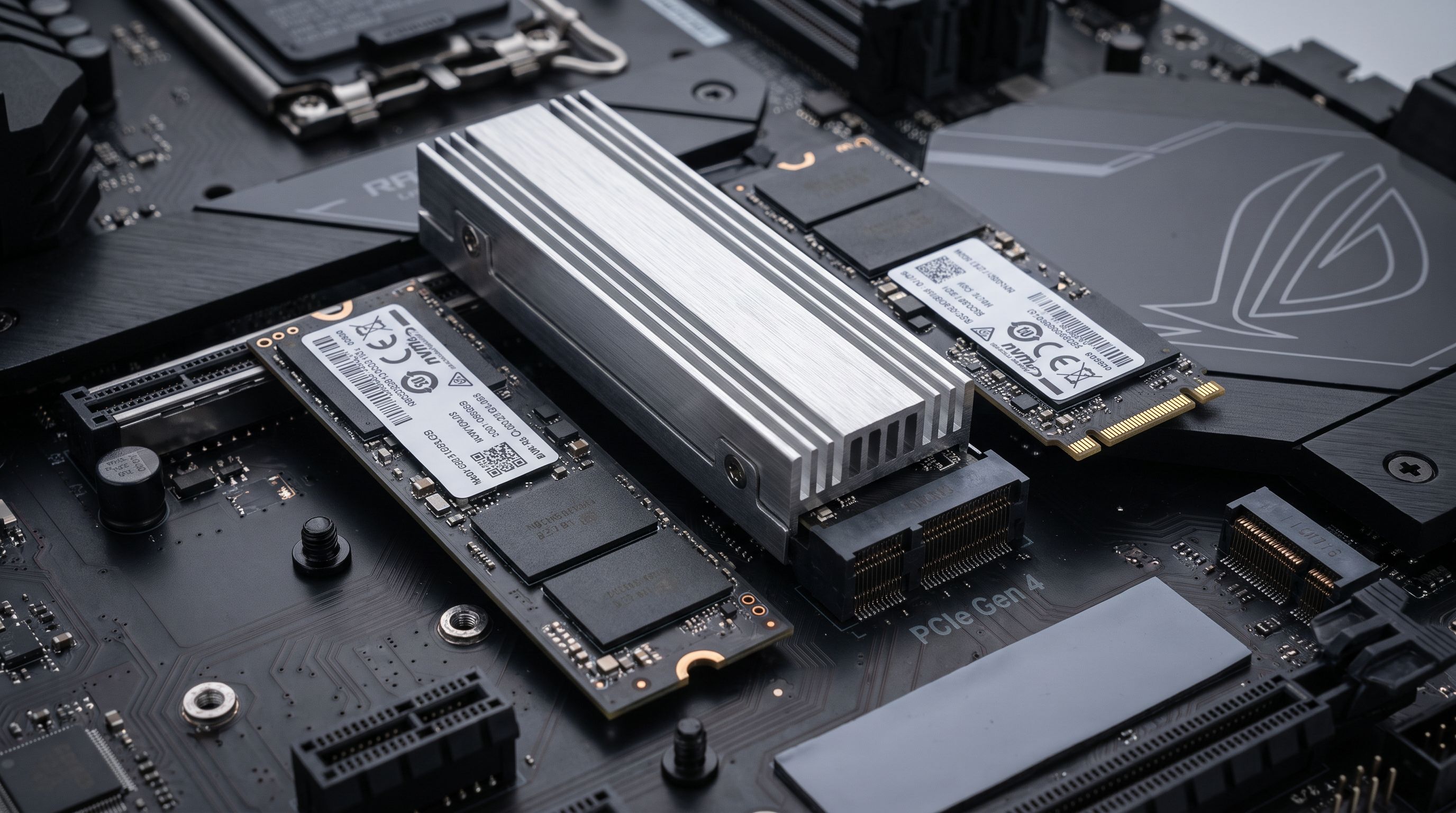
Internal SSDs in 2026: Is PCIe 5.0 Worth It Yet?
The best internal SSD 2026 picks compared: PCIe 5.0 speed demons vs. value Gen 4 drives, plus heatsinks, DRAM cache, PS5 fit and real price-per-terabyte advice.
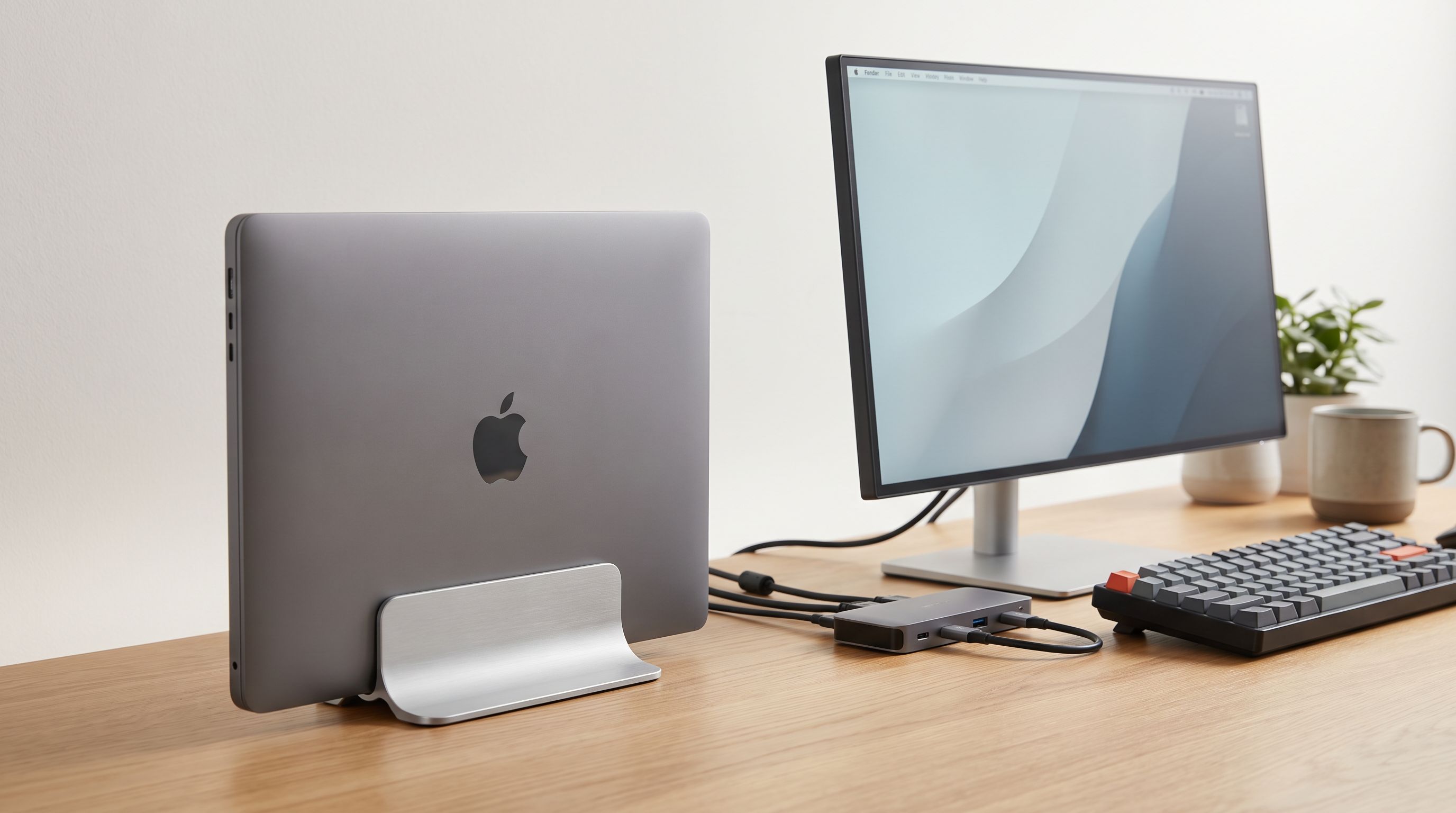
Vertical Laptop Stand 2026: Clamshell Setups, Decoded
Vertical laptop stand 2026 guide: how closed-lid docking really affects cooling, clearance and cable routing, plus adjustable picks for MacBooks and PCs.
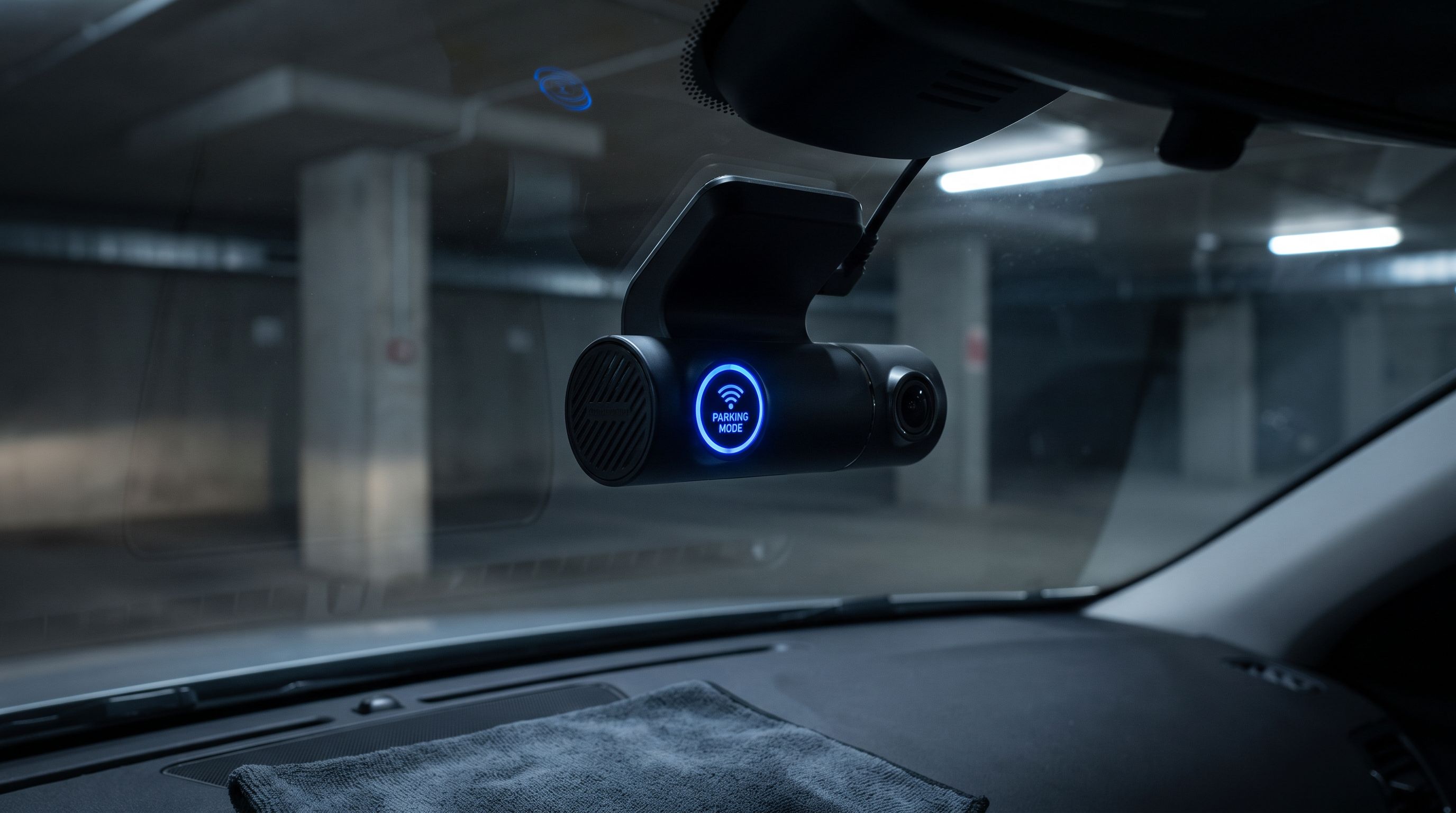
Radar Parking Mode Dash Cams in 2026: 4 Picks That Save Your Battery
Radar parking mode dash cams in 2026 compared: how radar beats G-sensor and buffered modes on power draw, storage handling and real-world reliability.