Internal SSDs in 2026: Is PCIe 5.0 Worth It Yet?
The best internal SSD 2026 picks compared: PCIe 5.0 speed demons vs. value Gen 4 drives, plus heatsinks, DRAM cache, PS5 fit and real price-per-terabyte advice.
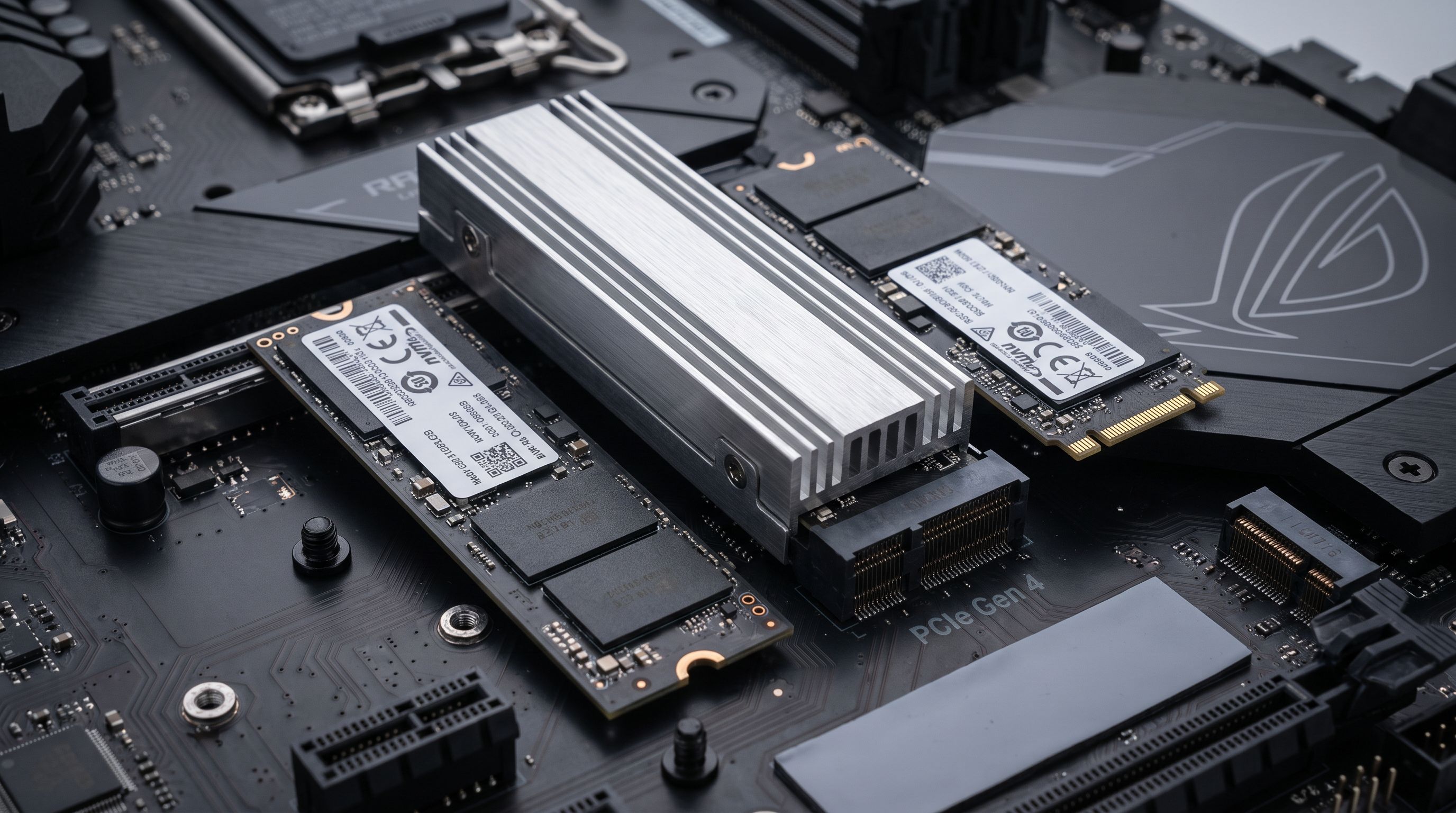
Reader-supported: we may earn a commission from links on this page, at no extra cost to you. It never affects our picks. Learn more.
PCIe 5.0 SSDs have gone from exotic to genuinely buyable in 2026. Drives like the Crucial T705 and WD_BLACK SN8100 post sequential numbers that make a Gen 4 flagship look sleepy on paper. The catch: for most of what people actually do — booting Windows, loading games, editing 4K timelines — the gap is far smaller than the spec sheets suggest, and the price-per-terabyte gap is not.
BytePlaza researched manufacturer specs, independent benchmark results and verified owner feedback to sort out where Gen 5 earns its money and where a good Gen 4 drive is still the smarter buy. Here's how the landscape looks.
The short version
- Most PC builders should buy a high-end PCIe 4.0 drive. The Samsung 990 PRO and Crucial T500 deliver 95% of the real-world experience for a meaningful discount per terabyte.
- Buy PCIe 5.0 if your workload is sequential and huge — large video files, AI model loading, RAW photo batches, or you're the kind of person who wants the fastest thing in the slot.
- PS5 owners: Gen 4 only. The console's interface caps out at Gen 4 speeds. A Gen 5 drive works but gains you nothing, and its heat is a liability in that cramped bay.
- Never buy a DRAM-less drive as your primary system SSD unless the price is genuinely irresistible and it uses TLC NAND.
 Best overall · Samsung 990 PRO 2TB (with Heatsink) — Check price on Amazon →
PCIe 5.0 vs PCIe 4.0: where the difference actually shows up
Sequential throughput is the headline. Top Gen 5 drives roughly double the peak sequential read and write figures of the best Gen 4 drives. If you routinely move 100GB project folders between two fast NVMe drives, that's real time saved every single day.
Random 4K performance — the small, scattered reads that dominate OS responsiveness and game loading — has improved far less between generations. That's why review outlets consistently find that game load times differ by fractions of a second between a Gen 4 flagship and a Gen 5 flagship. DirectStorage helps, but it's still used by a small slice of the library.
Then there's heat. Early Gen 5 controllers ran hot enough that a bare drive would throttle without airflow; that's why nearly every Gen 5 SSD ships with, or requires, a substantial heatsink. The newer wave — the Crucial T710 and the SanDisk-built WD_BLACK SN8100 among them — moved to more efficient controllers on smaller process nodes, and run noticeably cooler and more power-efficiently than the first generation. That matters if you're building in a small case or slotting a drive under a hot GPU.
Finally, the platform question: you need a motherboard with a CPU-attached PCIe 5.0 M.2 slot. Recent AMD AM5 and Intel Core Ultra/13th-14th gen boards generally have one. Put a Gen 5 drive in a chipset Gen 4 slot and you've paid a premium for nothing.
How we ranked these drives
We weighted four things: sustained (not just burst) performance once the SLC cache is exhausted, random read/write behavior, thermal and power efficiency under load, and price-per-terabyte at the 2TB capacity most buyers should target. Endurance ratings and warranty length (five years is the standard for all the drives here) acted as tiebreakers. We compared published specs and third-party test results rather than physically testing units ourselves.
The picks
Samsung 990 PRO — best overall
The 990 PRO remains the default recommendation for a reason. Its random performance is still class-leading among Gen 4 drives, idle power is low enough for laptops, and Samsung Magician is the most mature drive-management software in the category. The heatsink version is the one to get if your motherboard doesn't include an M.2 shield. If you want a single drive that will feel fast for the next five years without any thermal drama, this is it.
Crucial T705 — fastest PCIe 5.0
The T705 is the drive to point at when someone asks what the ceiling looks like. Sequential speeds are extraordinary, and it's the pick for content creators shuffling enormous files. It also runs warm and demands real cooling — buy the heatsink model or make sure your board has a beefy M.2 heatspreader with airflow over it.
Crucial T710 — best value Gen 5
The T710 is the more sensible Gen 5 buy for most people. It uses a newer, more efficient controller than the T705, which translates to lower temperatures and better performance-per-watt, and it typically sits at a friendlier price. If you've decided you want Gen 5, start here and only step up to the T705 if you have a specific sequential-heavy workload.
WD_BLACK SN8100 — best for gaming
The SN8100 is the drive that made Gen 5 feel mature. It pairs flagship-tier throughput with unusually low power draw for the class, which means less heat and a better fit in compact builds and gaming laptops that support Gen 5. Combined with WD's Game Mode features in the Dashboard software, it's the enthusiast gaming pick.
Crucial T500 — best value and best PS5 upgrade
The T500 punches well above its price. It lands close to Gen 4 flagship performance in mixed workloads, uses a DRAM-equipped design (unlike many cheaper drives), and the heatsink version is sized to drop into the PS5's expansion bay. For a console upgrade or a second game-library drive in a PC, it's the best cost-per-terabyte-to-performance ratio on this list.
Comparison at a glance
| Drive | Interface | Best for | Heatsink option | Notable trait |
|---|---|---|---|---|
| Samsung 990 PRO | PCIe 4.0 x4 | All-round system drive | Yes | Best-in-class random performance, low idle power |
| Crucial T500 | PCIe 4.0 x4 | Value builds, PS5 | Yes | Flagship-adjacent speed, DRAM cache, PS5-ready |
| Crucial T710 | PCIe 5.0 x4 | Sensible Gen 5 upgrade | Yes | Efficient newer controller, cooler than early Gen 5 |
| Crucial T705 | PCIe 5.0 x4 | Big-file creative work | Yes | Peak sequential speeds; needs serious cooling |
| WD_BLACK SN8100 | PCIe 5.0 x4 | Gaming, compact builds | Varies by SKU | Flagship speed at notably low power draw |
 Best value / PS5 pick · Crucial T500 2TB NVMe SSD with Heatsink — Check price on Amazon →
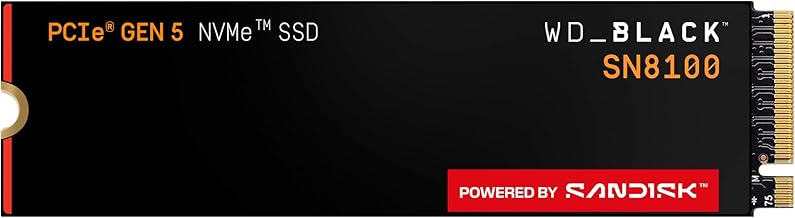 Best for gaming · WD_BLACK SN8100 2TB NVMe SSD — Check price on Amazon →
 Best value Gen 5 · Crucial T710 2TB PCIe 5.0 NVMe SSD — Check price on Amazon →
 Fastest PCIe 5.0 · Crucial T705 2TB PCIe 5.0 NVMe SSD — Check price on Amazon →
Specs that actually matter when you're comparing listings
DRAM cache. A DRAM buffer stores the drive's mapping table for fast lookups. DRAM-less drives rely on Host Memory Buffer, borrowing system RAM. Fine for a secondary game drive; noticeably worse for a busy OS drive under mixed load. All five picks here have DRAM.
NAND type. TLC is the sweet spot for endurance and sustained writes. QLC is cheaper per terabyte and fine for bulk storage of things you mostly read, but sustained write speeds collapse once the SLC cache fills — sometimes to hard-drive territory.
Capacity, not just speed. A 2TB drive typically has more NAND dies working in parallel than a 1TB version of the same model, so it's often faster as well as roomier. In 2026, 2TB is the sensible baseline for a gaming PC; 1TB fills up after four or five modern installs.
Thickness for PS5 and laptops. The PS5 bay has strict height limits. Some tall aftermarket heatsinks won't fit. Laptops usually need a bare drive or a thin thermal pad, not a chunky heatsink.
FAQ
Will a PCIe 5.0 SSD make my games load faster?
Marginally. Independent testing consistently shows load-time differences measured in fractions of a second versus a good Gen 4 drive. Buy Gen 5 for large sequential file work, not for game loading.
Does a PCIe 5.0 drive work in a PCIe 4.0 slot?
Yes — it's backward compatible and will run at Gen 4 speeds. You just won't see the benefit you paid for.
What SSD should I put in a PS5?
A PCIe 4.0 M.2 2280 drive with a heatsink that fits the bay. The Crucial T500 with heatsink and the Samsung 990 PRO with heatsink are both well-proven choices. Sony's guidance calls for a drive comfortably above 5,500 MB/s sequential read; all the Gen 4 drives here clear that.
Do I need a heatsink?
For any Gen 5 drive, yes — non-negotiable. For Gen 4, your motherboard's built-in M.2 shield is usually enough, so buy the bare drive if your board includes one and save the money.
Is 1TB still enough?
For a light-use office or school machine, yes. For gaming, 2TB is the capacity that stops you managing installs every few weeks, and the per-terabyte cost is usually better than 1TB.
Our picks
Samsung 990 PRO w/ Heatsink SSD 2TB, PCIe Gen4 M.2 2280 Internal Solid State Hard Drive, Seq. Read Speeds Up To 7,450MB/s for High End Computing, Workstations, Compatible w/ PlayStation 5, MZ-V9P2T0CW
The Gen 4 benchmark: elite random performance, low idle power and Samsung Magician support.
Crucial T705 PCIe Gen5 NVMe 2TB SSD, Up to 14,500MB/s, TLC NAND, Intel & Ryzen Compatible, for Hardcore Gaming & High-Speed Storage, Solid State Drive, Includes 1Mo Adobe CC – CT2000T705SSD3
One of the quickest consumer drives made — sequential speeds Gen 4 simply can't reach.
Crucial T710 PCIe Gen5 NVMe 2TB SSD, Up to 14,900 MB/s, Laptop & Desktop Compatible (PC), for Creatives and Hardcore Gamers, Solid State Drive, Includes 1Mo Adobe CC – CT2000T710SSD8-01
Newer controller, better efficiency and less heat than early Gen 5 drives at a friendlier price.
WD_Black SN8100 2TB NVMe SSD - PCIe 5.0x4, M.2 2280, Up to 14,900MB/s Read Speed, up to 11,000MB/s Write Speed, Best for AI Applications, Gaming, and Video Editing - WDS200T1X0M
Top-tier Gen 5 performance with unusually low power draw — ideal for laptops and small builds.
Crucial T500 2TB PCIe Gen4 NVMe Gaming PS5 SSD with Heatsink, Up to 7,400MB/s, TLC NAND, PlayStation 5 Compatible, Laptop, & Desktop (PC), Solid State Drive, Includes 1Mo Adobe CC – CT2000T500SSD5 | PCIe Gen4 NVMe M.2 SSD with 4TB capacity and cloning software for gaming, content creation and multitasking
Near-flagship Gen 4 speeds and a PS5-friendly heatsink for far less per terabyte.
Get the best tech deals in your inbox
Join the BytePlaza newsletter for hand-picked gadget deals and new buying guides. No spam, unsubscribe anytime.
Related reads
USB4 vs Thunderbolt 5 Enclosures in 2026: Which SSD Case?
USB4 vs Thunderbolt 5 NVMe enclosures in 2026: real speed ceilings, heat, and Mac/PC compatibility — plus which case is worth the money for your workflow.
Home NAS in 2026: Should You Buy 2 Bays or 4?
Picking the best home NAS in 2026? We compare 2-bay vs 4-bay models from Synology, UGREEN, QNAP and TerraMaster on capacity, transcoding, apps and noise.
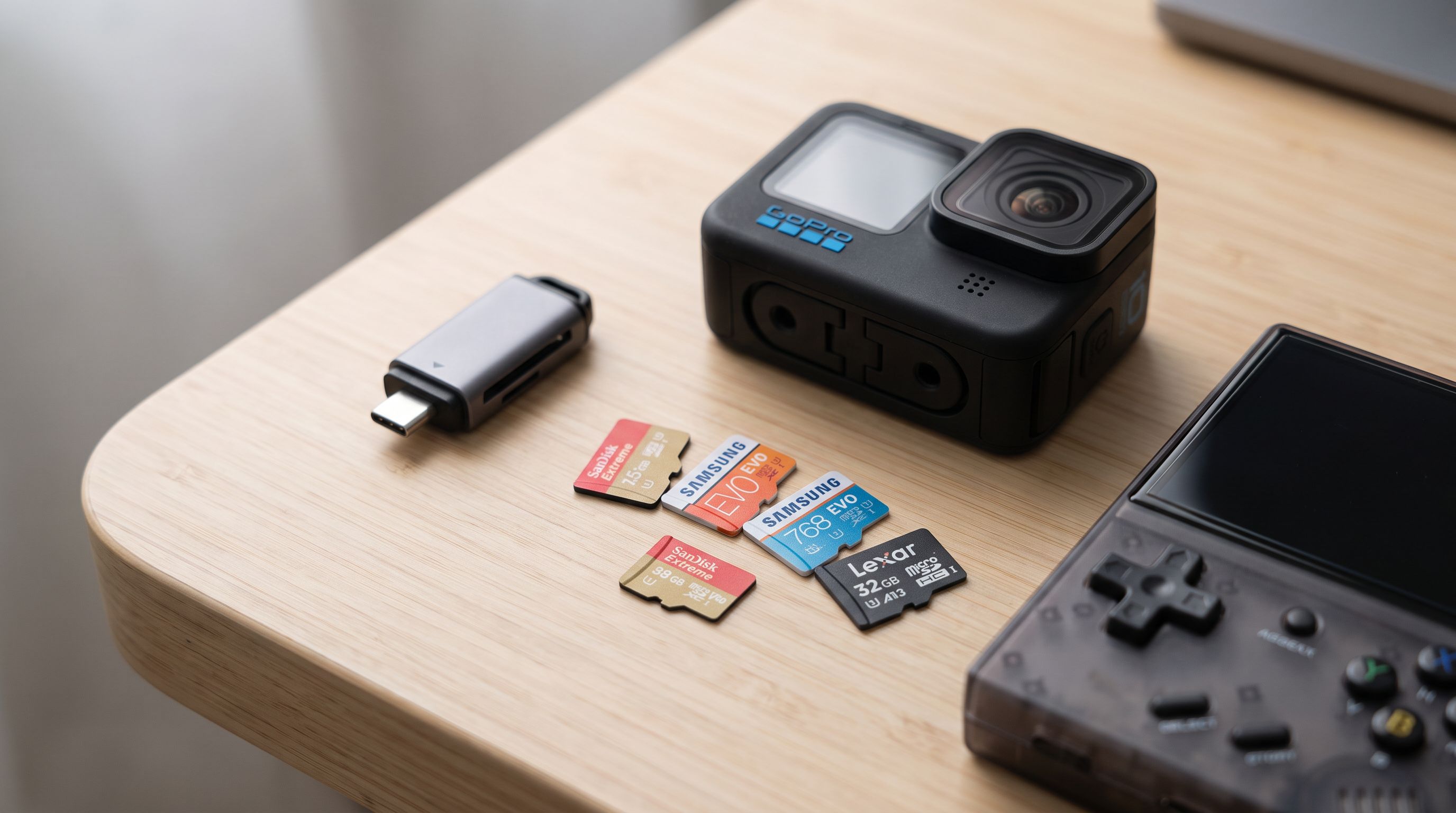
microSD Cards in 2026: What V30, V60 and A2 Actually Buy You
Confused by V30, V60, U3 and A2 labels? Here's what each rating means, plus the best microSD card picks for 2026 — Switch 2, action cams, drones and dash cams.