USB4 vs Thunderbolt 5 Enclosures in 2026: Which SSD Case?
USB4 vs Thunderbolt 5 NVMe enclosures in 2026: real speed ceilings, heat, and Mac/PC compatibility — plus which case is worth the money for your workflow.
Reader-supported: we may earn a commission from links on this page, at no extra cost to you. It never affects our picks. Learn more.
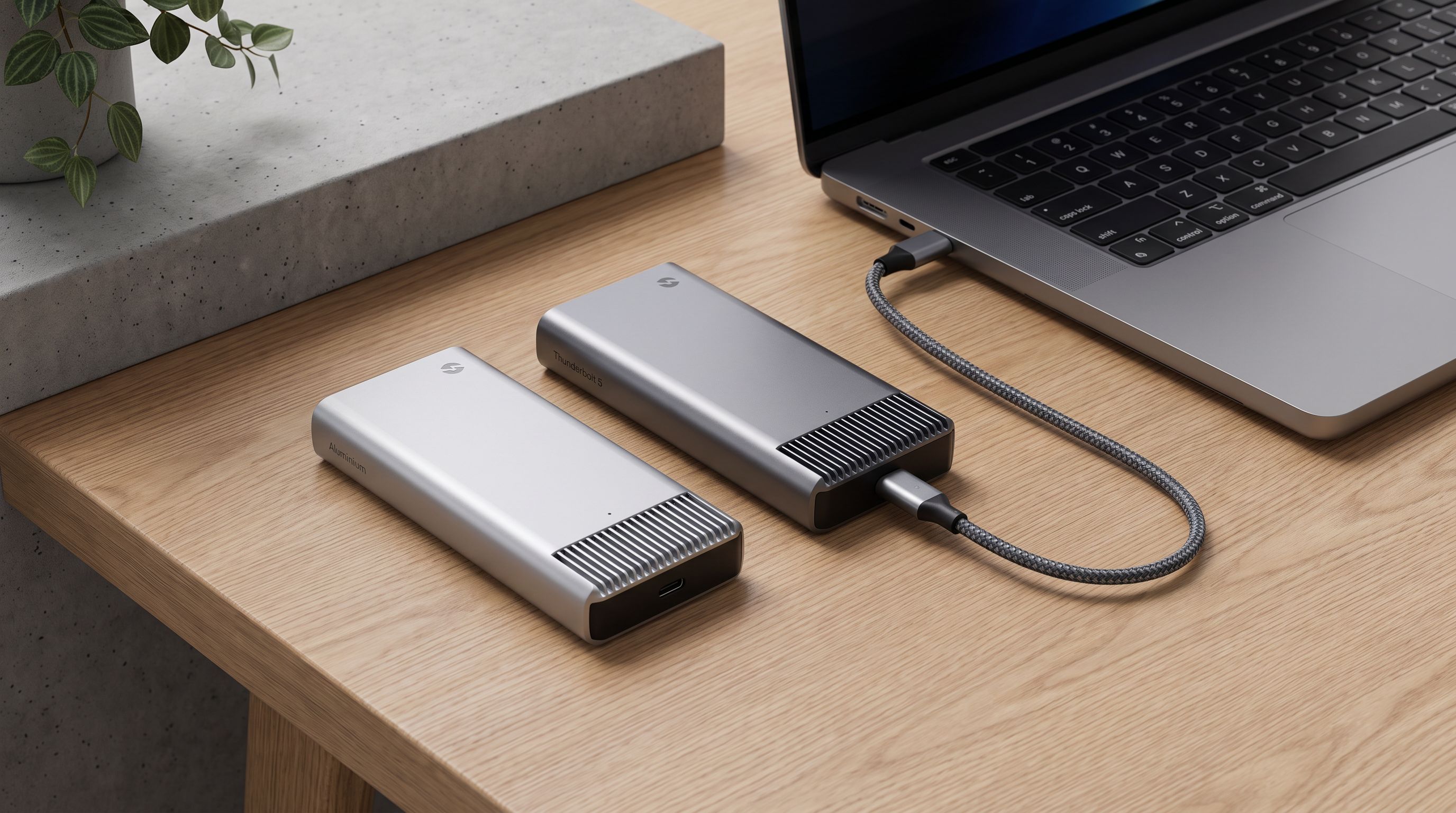
Thunderbolt 5 enclosures are finally common in 2026, and the marketing is doing its usual job: bigger number, bigger price. But the honest answer for most buyers is that a USB4 or Thunderbolt 4 enclosure is fast enough, cooler, cheaper, and works with more machines. Thunderbolt 5 is a genuine upgrade — just not for the workload most people actually have.
Here's how the two tiers really differ, and how to pick without overpaying.
The one spec that actually matters
Forget the headline "40Gbps vs 80Gbps" for a second. For a single NVMe SSD in a box, the limiting factor is how many PCIe lanes the bridge chip tunnels.
- USB4 / Thunderbolt 4 enclosures tunnel PCIe Gen 3 x4. That's a hard ceiling of roughly 3,000–3,800 MB/s in practice, and most real enclosures land around 3,000–3,400 MB/s sequential.
- Thunderbolt 5 enclosures tunnel PCIe Gen 4 x4. That lifts the ceiling to roughly 6,000 MB/s, and good implementations genuinely hit it.
So the real-world jump is about 2x, not 2x-plus-magic. And it only materialises if three things line up: a Thunderbolt 5 host port, a Thunderbolt 5 enclosure, and an NVMe drive fast enough to sustain those speeds without falling off a cliff mid-transfer.
Miss any one of those and you've bought a Thunderbolt 5 enclosure that behaves like a USB4 one.
USB4 vs Thunderbolt 5 at a glance
| USB4 / Thunderbolt 4 enclosure | Thunderbolt 5 enclosure | |
|---|---|---|
| Link speed | 40Gbps | 80Gbps (120Gbps asymmetric for displays) |
| PCIe tunnelling | Gen 3 x4 | Gen 4 x4 |
| Realistic sequential read | ~3,000–3,800 MB/s | ~5,000–6,300 MB/s |
| Host requirement | Very broad: USB4, TB3, TB4, TB5 laptops | Full speed only on TB5 hosts (M4 Pro/Max Macs, recent Intel Core Ultra laptops) |
| Falls back on older ports | Yes, to 10/20Gbps USB | Yes, to 40Gbps then USB speeds |
| Heat | Warm; passive heatsink usually enough | Noticeably hotter; often needs fins or a fan |
| Bus power draw | Lower | Higher — more likely to warm up the host port |
| Cable | Any certified 40Gbps USB-C cable | Needs a TB5 / USB4 v2 cable for full speed |
| Price tier | Mainstream | Premium, often 2–3x |
When Thunderbolt 5 is actually worth it
There are real workloads where the extra headroom pays for itself:
- Editing multi-stream 8K or high-bitrate ProRes / BRAW directly from the enclosure. More sustained throughput means fewer dropped frames when scrubbing several streams.
- Moving 500GB+ scratch projects daily. At 3,200 MB/s a 500GB transfer takes a few minutes; at 6,000 MB/s it's roughly half that. Over a year of daily transfers that adds up to real time.
- Using the drive as a working scratch disk for 3D caches, large photogrammetry datasets, or VM images, where the difference shows in responsiveness, not just file copies.
- You already own a Thunderbolt 5 machine and want the storage to last as long as the laptop.
If that's you, the OWC Envoy Ultra Thunderbolt 5 Portable SSD is the low-drama route. It's a sealed drive rather than a build-it-yourself enclosure, with the heatsink integrated into the chassis and a captive cable, and it consistently delivers around the 6,000 MB/s mark on TB5 hosts. You give up the ability to swap drives, but you also give up the two most common DIY failure points: a bad thermal pad and a mediocre cable.
 Best overall (Thunderbolt 5) · OWC Envoy Ultra Thunderbolt 5 Portable SSD — Check price on Amazon →
When USB4 is the smarter buy
Most people, honestly. Consider:
- Backups. Even a 3,000 MB/s enclosure is far faster than any backup software or source drive you're reading from.
- Photo libraries and Lightroom catalogues. These are random-access workloads; sequential ceiling barely matters.
- 1080p/4K video editing, proxies, and delivery files.
- Game libraries on a handheld or laptop — load times plateau well below 3,000 MB/s.
- You have a mixed fleet of machines, some without Thunderbolt 5 ports. A USB4 enclosure gives you the same speed everywhere instead of a premium enclosure crippled on half your devices.
The ACASIS TBU405 Pro Max 40Gbps NVMe Enclosure is the sensible default here: solid aluminium body, decent thermal contact, and it reliably lands in the 3,000–3,400 MB/s range with a Gen4 drive installed. Reviewers and owners consistently report it as one of the better-cooled 40Gbps cases, which matters more than you'd think.
 Best value USB4/TB4 · ACASIS TBU405 Pro Max 40Gbps NVMe Enclosure — Check price on Amazon →
If you want something that looks the part beside a MacBook, the Satechi USB4 NVMe SSD Pro Enclosure trades a little price for machined build quality and a cleanly designed finned shell. Same speed class; nicer object.
 Best build quality (USB4) · Satechi USB4 NVMe SSD Pro Enclosure — Check price on Amazon →
Heat is the real differentiator
This is the part the spec sheets hide. A Gen4 NVMe drive pushing 6,000 MB/s through a Thunderbolt 5 bridge chip generates substantially more heat than the same drive throttled to Gen3 speeds in a USB4 case — and it's all trapped in a small aluminium box with no airflow.
What that means in practice:
- Short bursts are fine. Copying a 50GB folder rarely triggers throttling in either tier.
- Long sustained writes are where TB5 enclosures separate. Poorly cooled ones can drop from ~6,000 MB/s to Gen3-ish speeds after a few minutes — at which point you've paid a premium for USB4 performance.
- Drive choice matters as much as the case. A DRAM-less QLC drive will fall off far faster than a good TLC drive with DRAM, regardless of enclosure tier.
That's why we'd pair either enclosure tier with something like the Sabrent Rocket 4 Plus 2TB NVMe SSD. It has the sustained write performance to actually keep a 40Gbps enclosure saturated, and it doesn't collapse into a slow SLC-cache-exhausted state halfway through a big transfer the way budget drives do.
 Best drive to pair with it · Sabrent Rocket 4 Plus 2TB NVMe SSD — Check price on Amazon →
Practical cooling advice: use the thermal pad that comes in the box (people skip it), don't stack the enclosure on a laptop chassis that's already warm, and if it's living on a desk permanently, a small stand that lifts it off the surface genuinely helps.
Compatibility gotchas worth knowing
- Cables are not interchangeable. A generic USB-C charging cable will drop a Thunderbolt 5 enclosure to USB 2.0 speeds. Use the included cable or a certified USB4 v2 / TB5 cable.
- Thunderbolt 5 on a TB4 host runs at TB4 speed. Nothing breaks; you just don't get the benefit.
- Windows machines vary. Many "USB4" laptop ports are certified at 40Gbps but tunnel PCIe less consistently than Mac TB ports; check your specific model if you're chasing peak numbers.
- Some enclosures are drive-length fussy. Most take 2280; check before buying if you have a 2230 or 22110 drive.
- Bus power. High-performance enclosures can draw enough to noticeably warm a laptop port and shorten battery life during long transfers.
If you don't want to build anything
Assembling an enclosure takes five minutes, but it's still five minutes of thermal pads and tiny screws. The Samsung T9 Portable SSD 2TB is the honest alternative: sealed, rugged, around 2,000 MB/s on a 20Gbps port, and it works with basically everything. It won't win a benchmark, but for backups, photo archives and 4K editing it's genuinely enough — and it's the pick we'd give someone who values "just works" over peak numbers.
 Simplest no-build option · Samsung T9 Portable SSD 2TB — Check price on Amazon →
The verdict
Buy Thunderbolt 5 if you own a Thunderbolt 5 host and you routinely move hundreds of gigabytes or edit high-bitrate footage off external storage. Otherwise, a well-cooled USB4 enclosure plus a good Gen4 drive gets you roughly half the peak speed for a fraction of the cost, runs cooler, and works at full speed on far more machines.
The mistake isn't buying Thunderbolt 5. It's buying Thunderbolt 5 for a workload that never exceeds 1,000 MB/s.
FAQ
Will a Thunderbolt 5 enclosure work on my older MacBook? Yes, it falls back to Thunderbolt 4 / USB4 speeds (around 3,000–3,800 MB/s) or lower on older USB-C ports. It works — it just won't be faster than a cheaper USB4 case.
Is USB4 the same as Thunderbolt 4? Close, but not identical. Thunderbolt 4 mandates 40Gbps and PCIe tunnelling; USB4 allows variation. For enclosures, both tiers land at the same PCIe Gen 3 x4 ceiling, so real-world speeds are comparable.
Do I need a Gen5 NVMe drive for a Thunderbolt 5 enclosure? No. TB5 enclosures tunnel PCIe Gen 4 x4, so a good Gen4 drive saturates the link. A Gen5 drive adds cost and heat with no benefit in this use case.
Why is my enclosure slower than advertised? Usually the cable, the host port, or thermal throttling — in that order. Test with a short certified cable on a known-good port, and watch whether speeds drop after the first minute.
Can I use these for gaming? Yes, and either tier is fine. Game load times stop improving well below 3,000 MB/s, so USB4 is the sensible choice for an external game library.
Our picks
OWC Envoy Ultra 4TB Thunderbolt 5 Portable NVMe SSD Storage Solution
Sealed TB5 drive that sustains around 6,000 MB/s with a heatsink-integrated chassis and captive cable.
ACASIS 40Gbps M.2 NVMe SSD Enclosure with Cooling Fan
Popular 40Gbps aluminium enclosure that hits ~3,000–3,500 MB/s with a Gen4 drive and good passive cooling.
Satechi USB4 NVMe SSD Pro Enclosure, 40Gbps Transfer, Up to 16TB Capacity
Machined aluminium USB4 case with thermal pad and pre-installed fins; clean fit next to a MacBook.
SABRENT Rocket 5 2TB Advanced Performance Internal M.2 PCIe GEN 5 14GB/s X4 NVMe SSD (SB-RKT5-2TB)
Fast PCIe Gen4 NVMe with enough sustained write speed to saturate a 40Gbps enclosure.
Samsung T9 Portable SSD 2TB, USB 3.2 Gen 2x2 External SSD, Up to 2,000 MB/s
Sealed 20Gbps USB drive at ~2,000 MB/s — plenty for editing proxies and backups, far less fuss.
Get the best tech deals in your inbox
Join the BytePlaza newsletter for hand-picked gadget deals and new buying guides. No spam, unsubscribe anytime.
Related reads
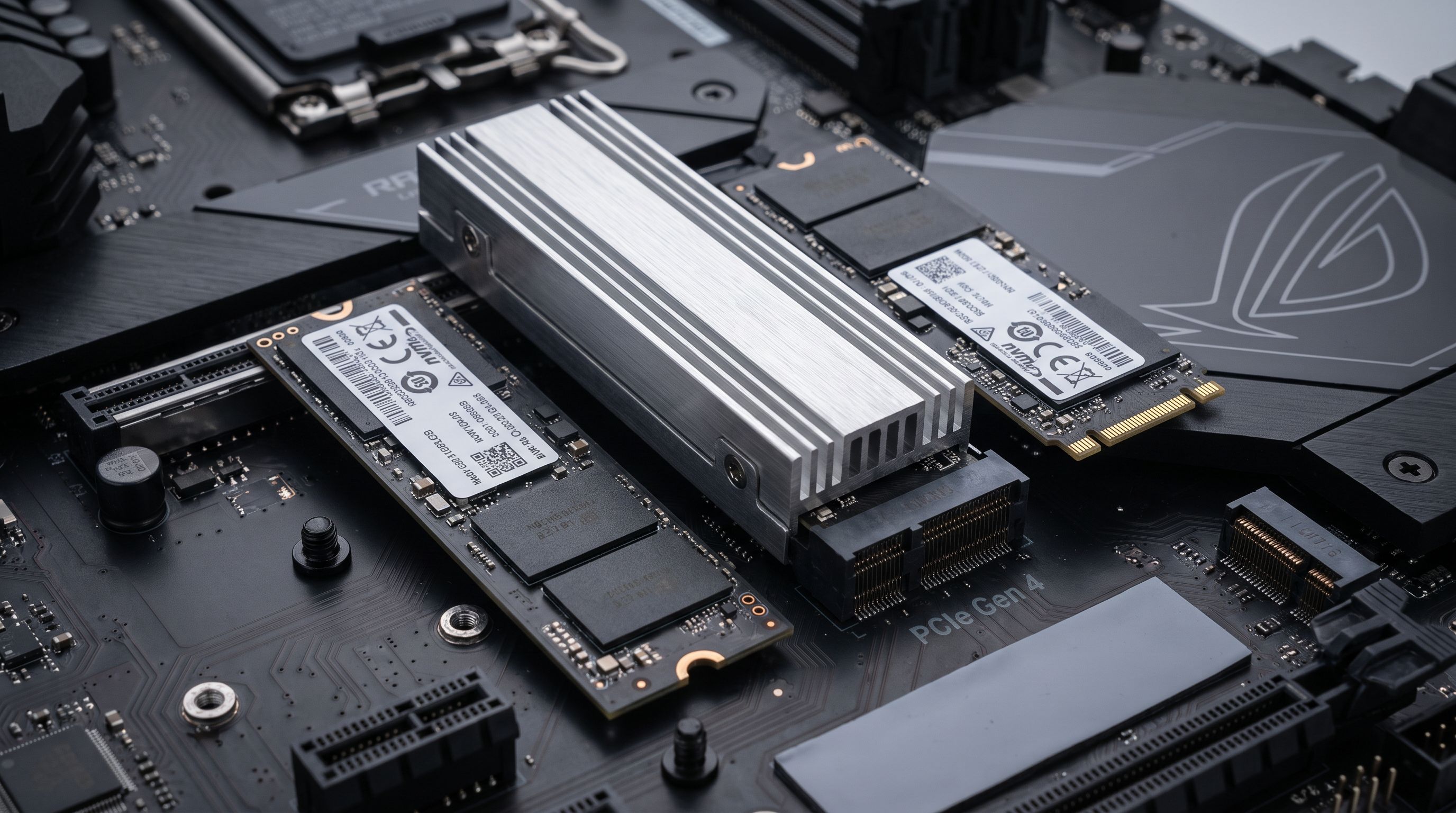
Internal SSDs in 2026: Is PCIe 5.0 Worth It Yet?
The best internal SSD 2026 picks compared: PCIe 5.0 speed demons vs. value Gen 4 drives, plus heatsinks, DRAM cache, PS5 fit and real price-per-terabyte advice.
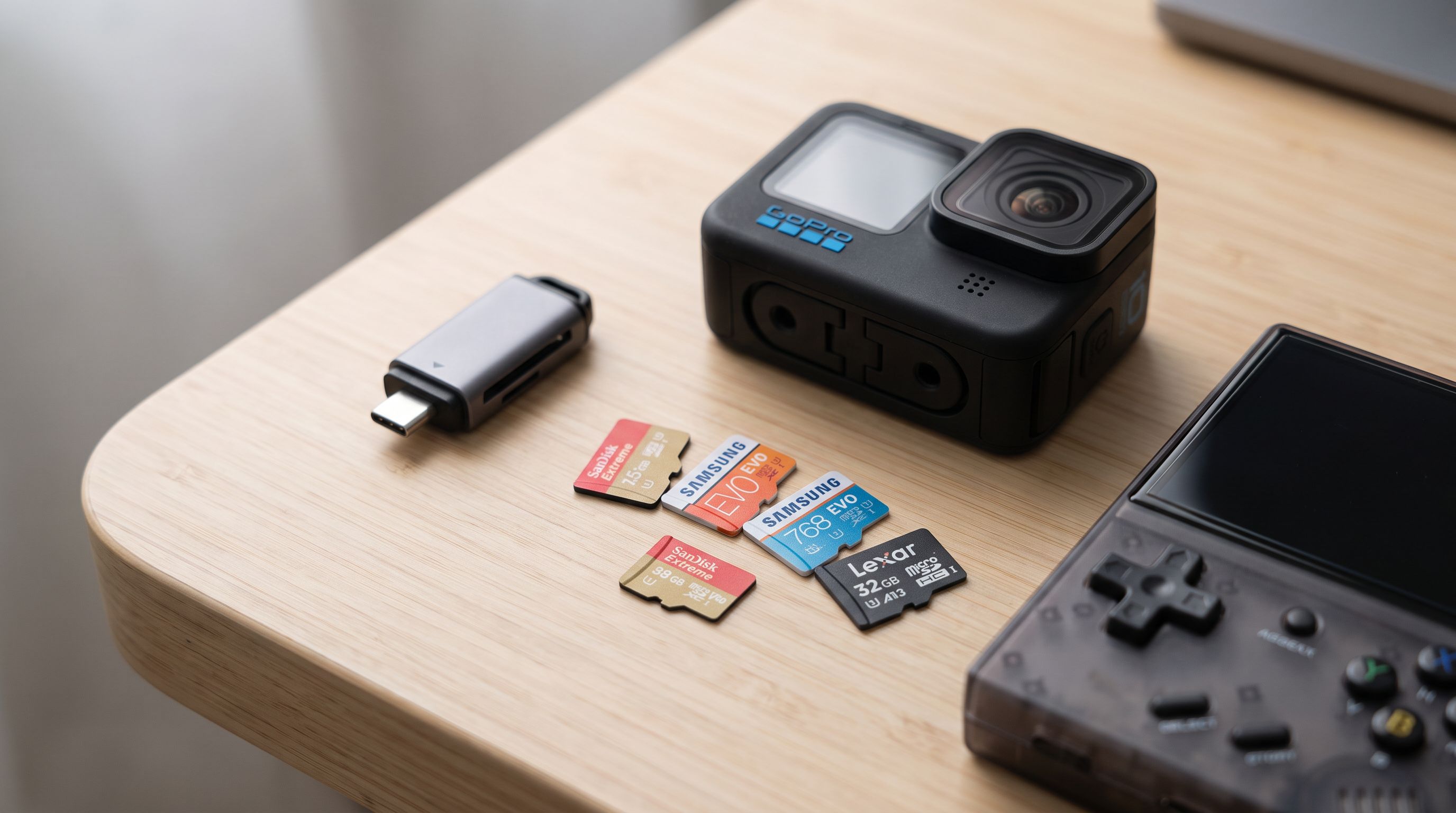
microSD Cards in 2026: What V30, V60 and A2 Actually Buy You
Confused by V30, V60, U3 and A2 labels? Here's what each rating means, plus the best microSD card picks for 2026 — Switch 2, action cams, drones and dash cams.
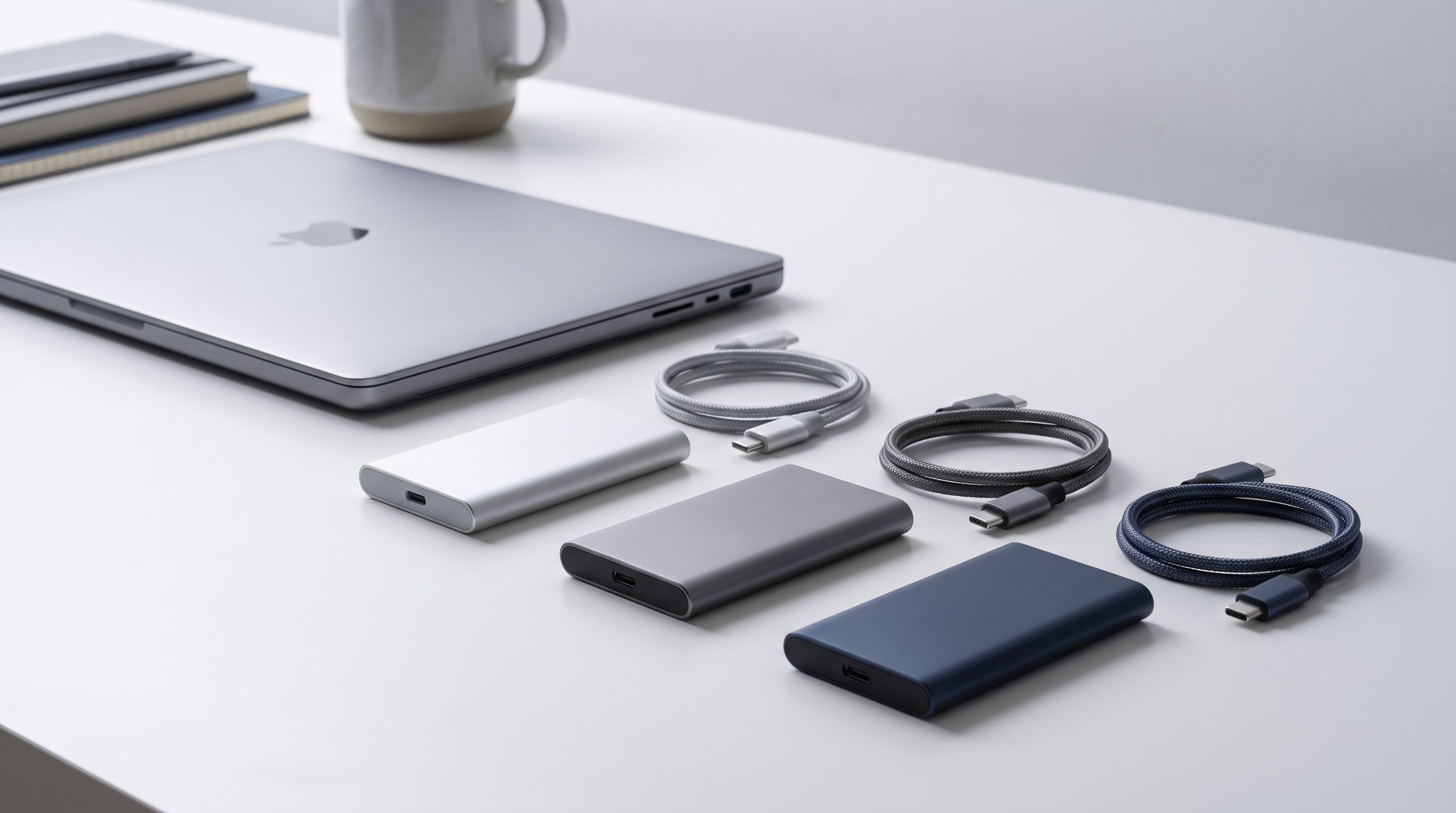
Best Portable SSDs in 2026: Fast, Rugged, Affordable
The best portable SSDs in 2026, evaluated against real-world needs: fast USB 4 and 20Gbps drives, rugged IP-rated picks, and affordable everyday storage.