Best Portable SSDs in 2026: Fast, Rugged, Affordable
The best portable SSDs in 2026, evaluated against real-world needs: fast USB 4 and 20Gbps drives, rugged IP-rated picks, and affordable everyday storage.
Reader-supported: we may earn a commission from links on this page, at no extra cost to you. It never affects our picks. Learn more.
Portable SSDs are in an odd place in 2026. The drives themselves are better than ever — USB4 and Thunderbolt models now saturate what most laptops can deliver, and even budget 10Gbps sticks feel instant compared to a spinning disk. But NAND pricing has climbed sharply over the past year, so the "buy the biggest capacity, it's cheap" advice that worked in 2023 doesn't hold. Buying well now means matching the drive's interface and durability to what you actually do, rather than chasing the highest number on the box.
This guide covers what matters, then names the drives worth your money.
How to choose a portable SSD in 2026
Match the interface to your laptop, not to the marketing
Nearly all portable SSDs fall into three tiers:
- 10Gbps (USB 3.2 Gen 2): Roughly 1,000MB/s in practice. Cheap, universally compatible, plenty for backups, photo libraries, and document work.
- 20Gbps (USB 3.2 Gen 2x2): Around 2,000MB/s — but only on hosts that support Gen 2x2, which many laptops (including Macs) do not. On an unsupported port you drop to 10Gbps.
- USB4 / Thunderbolt (40Gbps): 2,500–3,800MB/s territory. Worth it if you edit video directly off the drive or run software from it.
The most common buying mistake is paying for a 40Gbps drive and plugging it into a 10Gbps port. Check your laptop's port spec first — it costs nothing and can save you a tier of spend.
Sustained speed beats peak speed
Marketing numbers are burst figures measured against an SLC cache. Copy 200GB of RAW files and that cache fills, at which point speeds can fall dramatically on cheaper DRAM-less drives. If you routinely move large batches, prioritise drives with a reputation for holding speed — the Samsung T9 and the Thunderbolt-class LaCie and SanDisk Professional models are the ones that hold up best under long writes.
Durability ratings are not decoration
An IP-rated, drop-tested drive genuinely matters if the SSD lives in a camera bag or a toolbox. Look for an explicit IP number (IP55 for splashes and dust, IP68 for full submersion) and a stated drop height. Note that many rugged drives protect the enclosure, not the connector — a bent USB-C port kills a drive just as effectively as water.
Encryption and software
Hardware AES-256 encryption with a password, as on the Samsung T-series, is more convenient than software-only options and doesn't slow you down. If you handle client work or travel through airports with sensitive material, treat it as a requirement. Otherwise, BitLocker To Go or macOS FileVault on an encrypted APFS volume works fine.
Capacity strategy under current pricing
With NAND prices elevated, the sweet spot has shifted. 2TB is still usually better per-gigabyte than 1TB, but the gap has narrowed enough that buying two 1TB drives — one as a working drive, one as an off-site backup — can be a smarter use of the same budget than a single large drive. One drive is not a backup.
The picks
Best overall: Samsung T9 Portable SSD 2TB
 Best overall · Samsung T9 Portable SSD 2TB — Check price on Amazon →
The T9 remains the drive I'd hand to someone who says "just tell me what to buy." It's a 20Gbps unit, so it's fast on compatible PCs and still solidly quick on everything else, and its rubberised shell survives desk life. What sets it apart is consistency: it doesn't collapse into slow-write territory as quickly as budget drives, and Samsung's Magician software handles firmware and password protection cleanly across Windows and macOS. It's not the fastest drive here and it isn't the cheapest, but it makes the fewest compromises.
Best value: Crucial X9 Pro Portable SSD 2TB
 Best value · Crucial X9 Pro Portable SSD 2TB — Check price on Amazon →
If you're backing up a laptop, carrying a Lightroom catalogue, or shuttling project files, 10Gbps is genuinely enough — and the Crucial X9 Pro delivers it in a slim aluminium body with a lanyard loop, an IP55 rating, and no bundled bloat. It's the drive that makes expensive alternatives hard to justify for ordinary use. Buy this and put the difference toward a second copy of your data.
Best rugged pick: LaCie Rugged SSD Pro 5 1TB
 Best rugged pick · LaCie Rugged SSD Pro 5 1TB — Check price on Amazon →
LaCie's orange bumper is a cliché because it works. The Rugged SSD Pro 5 pairs genuine drop, crush, and dust resistance with Thunderbolt-class throughput, which is a rare combination — most rugged drives are slow, and most fast drives are fragile. It's the right choice for location shooters, field engineers, and anyone whose gear rides in a backpack over gravel. Note it needs a Thunderbolt or USB4 host to hit its full speed.
Best for video work: SanDisk Professional PRO-G40 SSD 2TB
 Best for video work · SanDisk Professional PRO-G40 SSD 2TB — Check price on Amazon →
The PRO-G40 is built around a specific workflow: shoot, offload, edit off the drive, repeat. It offers both Thunderbolt 3 and standard USB-C connectivity so it works with a Mac on set and a Windows machine in the edit bay, and it's IP68-rated with an aluminium core that acts as a heatsink — important, because thermal throttling is the real enemy on sustained 4K and 6K transfers.
Best compact USB4 drive: Corsair EX400U Portable SSD 1TB
 Best compact USB4 drive · Corsair EX400U Portable SSD 1TB — Check price on Amazon →
The EX400U is the drive that changed my mental model of what a small SSD can do. It's roughly keyring-sized yet runs USB4, so on a modern laptop it moves data several times faster than a conventional 10Gbps stick. It's the pick for people who want top-tier speed without carrying another cable-and-brick combo, and it's priced far more sensibly than Thunderbolt rivals.
Comparison table
| Drive | Interface tier | Standout strength | Durability | Best for |
|---|---|---|---|---|
| Samsung T9 2TB | 20Gbps USB 3.2 Gen 2x2 | Consistent sustained writes, hardware encryption | Grippy rubberised shell, drop-resistant | Most people; mixed PC/Mac use |
| Crucial X9 Pro 2TB | 10Gbps USB 3.2 Gen 2 | Price-to-performance, slim aluminium body | IP55 dust/water resistance | Backups, photo libraries, students |
| LaCie Rugged SSD Pro 5 1TB | Thunderbolt / USB4 | Fast and genuinely tough | Drop, crush and dust resistant | Field work, location shoots |
| SanDisk Professional PRO-G40 2TB | Thunderbolt 3 + USB-C | Dual connectivity, strong heat handling | IP68 sealed, aluminium core | Video editors working off the drive |
| Corsair EX400U 1TB | USB4 | Huge speed in a tiny body | Compact plastic shell | Speed in a pocketable form factor |
Buying advice by scenario
- You just want laptop backups and file transfers. Crucial X9 Pro. Don't overspend on an interface your machine can't use.
- You edit photos or 1080p/4K video and want one do-everything drive. Samsung T9.
- You edit high-bitrate footage directly off the drive. SanDisk Professional PRO-G40, or the LaCie Rugged SSD Pro 5 if it travels.
- You want maximum speed per gram. Corsair EX400U.
- You need archive storage, not speed. A portable SSD is the wrong tool — an external HDD still costs far less per terabyte for cold storage.
FAQ
Is a 20Gbps drive worth it over 10Gbps? Only if your laptop supports USB 3.2 Gen 2x2, which is uncommon and absent on Macs. Otherwise you'll see 10Gbps speeds regardless. Check your port spec before paying the premium.
Do portable SSDs wear out? Yes, but flash endurance is rarely the limiting factor for a drive used a few times a week. Enclosure damage, cable wear, and connector failure are far more likely causes of death. Keep a second copy of anything important.
Should I use the bundled cable? Use it, and keep it. Many USB-C cables are charging-only or limited to 480Mbps, and using the wrong one is the single most common reason a fast drive feels slow. Replacement cables should explicitly state the data rate (40Gbps, 20Gbps, or 10Gbps).
How should I format the drive? exFAT for cross-platform use, APFS for Mac-only, NTFS for Windows-only. exFAT is convenient but slightly more fragile — avoid unplugging mid-write.
Are prices likely to fall soon? NAND supply has been tight, and prices on popular models have risen noticeably. If you need a drive now, buy the capacity you need rather than waiting for a deal that may not arrive — but skip the impulse upgrade to 4TB.
Our picks
Samsung T9 Portable SSD 2TB, USB 3.2 Gen 2x2 External SSD, Up to 2,000 MB/s | External Solid State Drive for Gaming, Students and Professionals, MU-PG2T0B/AM, Black
A 20Gbps drive with steady sustained speeds and a grippy shell — the safest all-round choice.
Crucial X10 2TB Portable SSD, Up to 2,100MB/s, USB 3.2 USB-C, External Solid State Drive, Compatible with Windows, Mac & Android, Durable Storage for Games, Photos & Files, Blue - CT2000X10SSD9-02
Pocketable 10Gbps aluminium drive that hits its rated speeds without a price premium.
LaCie Rugged USB-C, 5TB, Portable External Hard Drive, Drop, Shock, Dust, Rain Resistant, for Mac & PC (STFR5000800)
Thunderbolt-class speed inside LaCie's drop- and crush-resistant orange bumper.
SanDisk Professional 2TB PRO-G40 SSD - Up to 2700MB/s, Thunderbolt 3 (40Gbps), USB-C (10Gbps), IP68 dust/Water Resistance, External Solid State Drive - SDPS31H-002T-GBCND | Up to 2700MB/s, Thunderbolt 3 (40Gbps), USB-C (10Gbps), IP68 dust/Water Resistance, SDPS31H-002T-GBCND
Dual Thunderbolt 3 and USB-C connectivity with IP68 sealing for on-location shoots.
Corsair EX400U 1TB USB4 Portable External Type-C SSD – 3.2 Gen2 2x2 Connections, Up to 40Gbps, Plug and Play, MagSafe, Includes Cable – Windows PC, iOS Mac – Gray
USB4 speeds in a keyring-sized body — huge throughput for its footprint.
Get the best tech deals in your inbox
Join the BytePlaza newsletter for hand-picked gadget deals and new buying guides. No spam, unsubscribe anytime.
Related reads
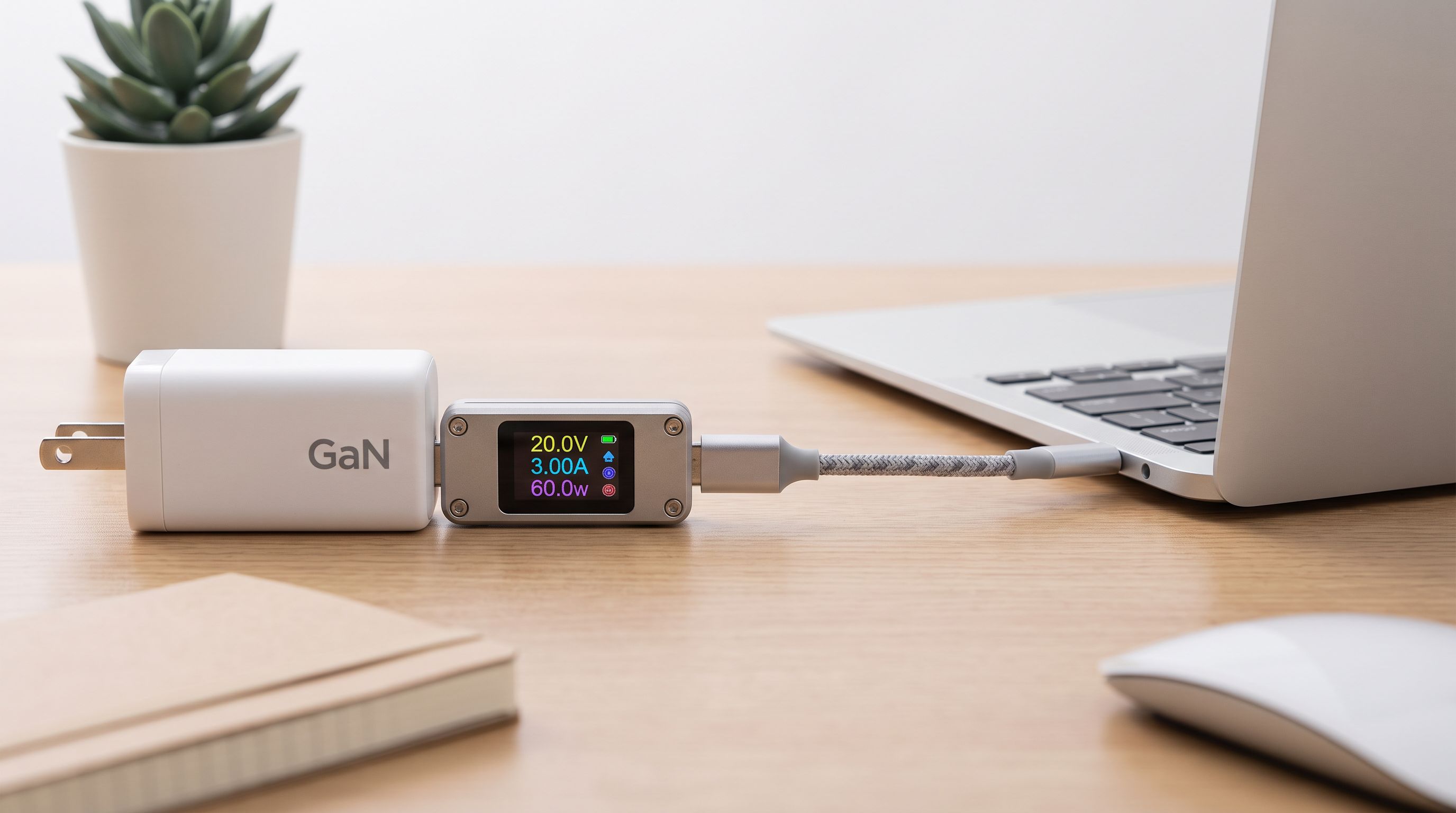
USB-C Cable Tester Picks for 2026: Find the Fakes Fast
Which usb-c cable tester actually reveals 240W EPR support, e-marker data and real data speeds? We compared four worth owning in 2026, from $15 meters to lab tools.
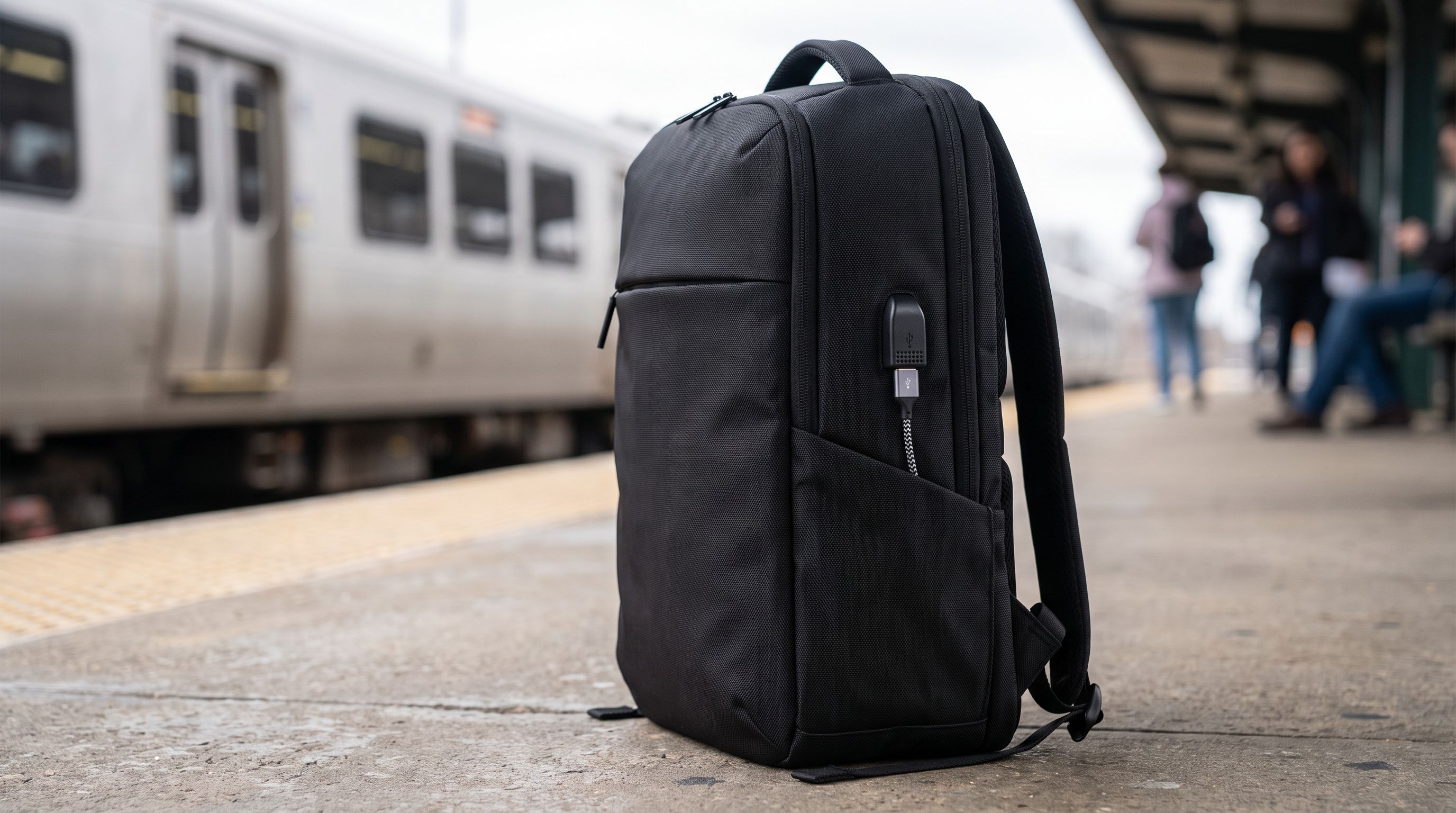
Laptop Backpack With USB Charging Port 2026: 5 Worth It
We compared commuter laptop backpacks with USB charging ports on padding, capacity and reported durability. Five picks for 2026, plus what the port really does.
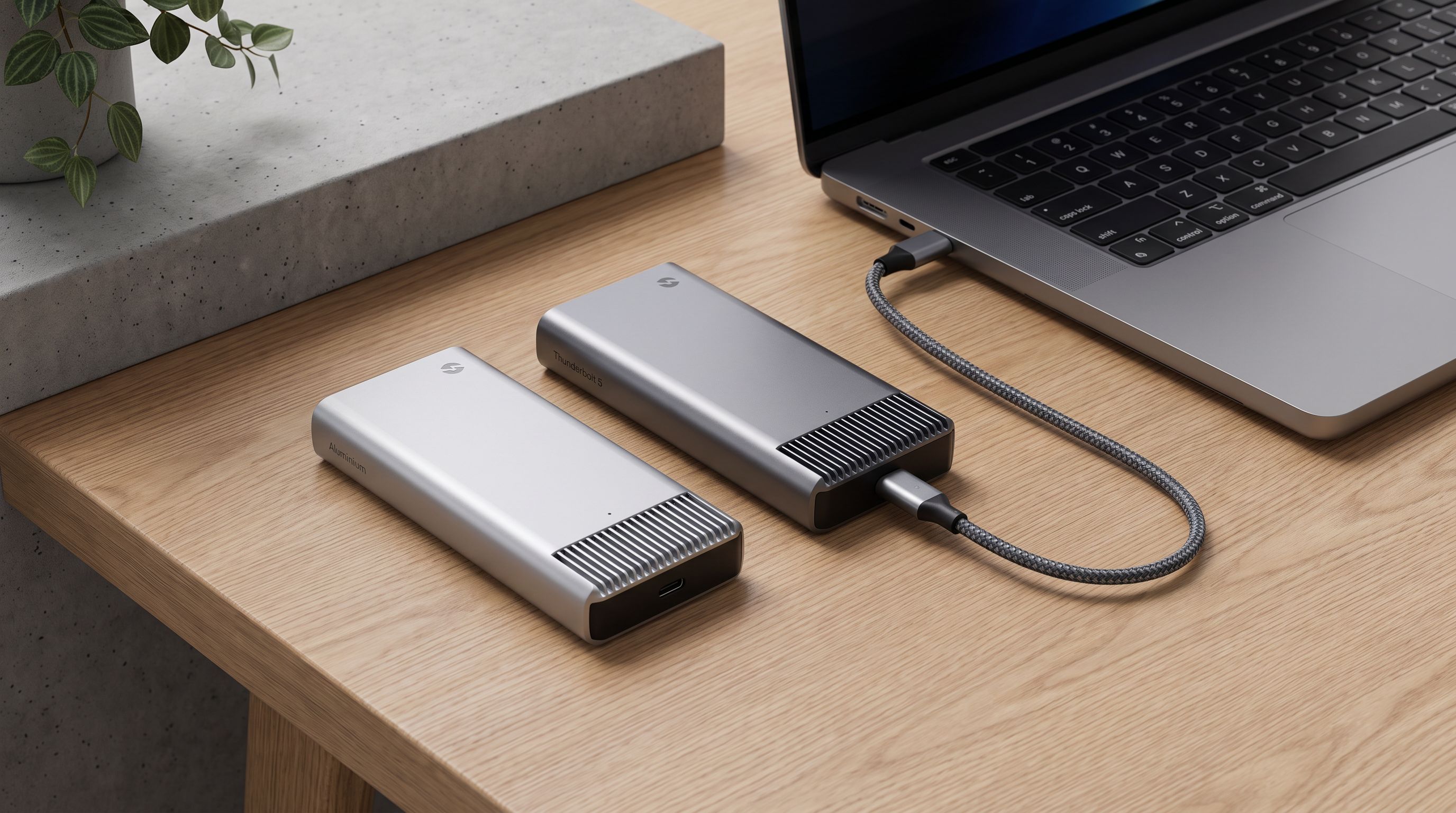
USB4 vs Thunderbolt 5 Enclosures in 2026: Which SSD Case?
USB4 vs Thunderbolt 5 NVMe enclosures in 2026: real speed ceilings, heat, and Mac/PC compatibility — plus which case is worth the money for your workflow.