Capture Cards in 2026: 5 Picks That Actually Hold 4K60
The best capture card for streaming in 2026, compared: 4K60 passthrough, HDR handling, USB vs internal PCIe, and which budget cards avoid dropped frames.
Reader-supported: we may earn a commission from links on this page, at no extra cost to you. It never affects our picks. Learn more.
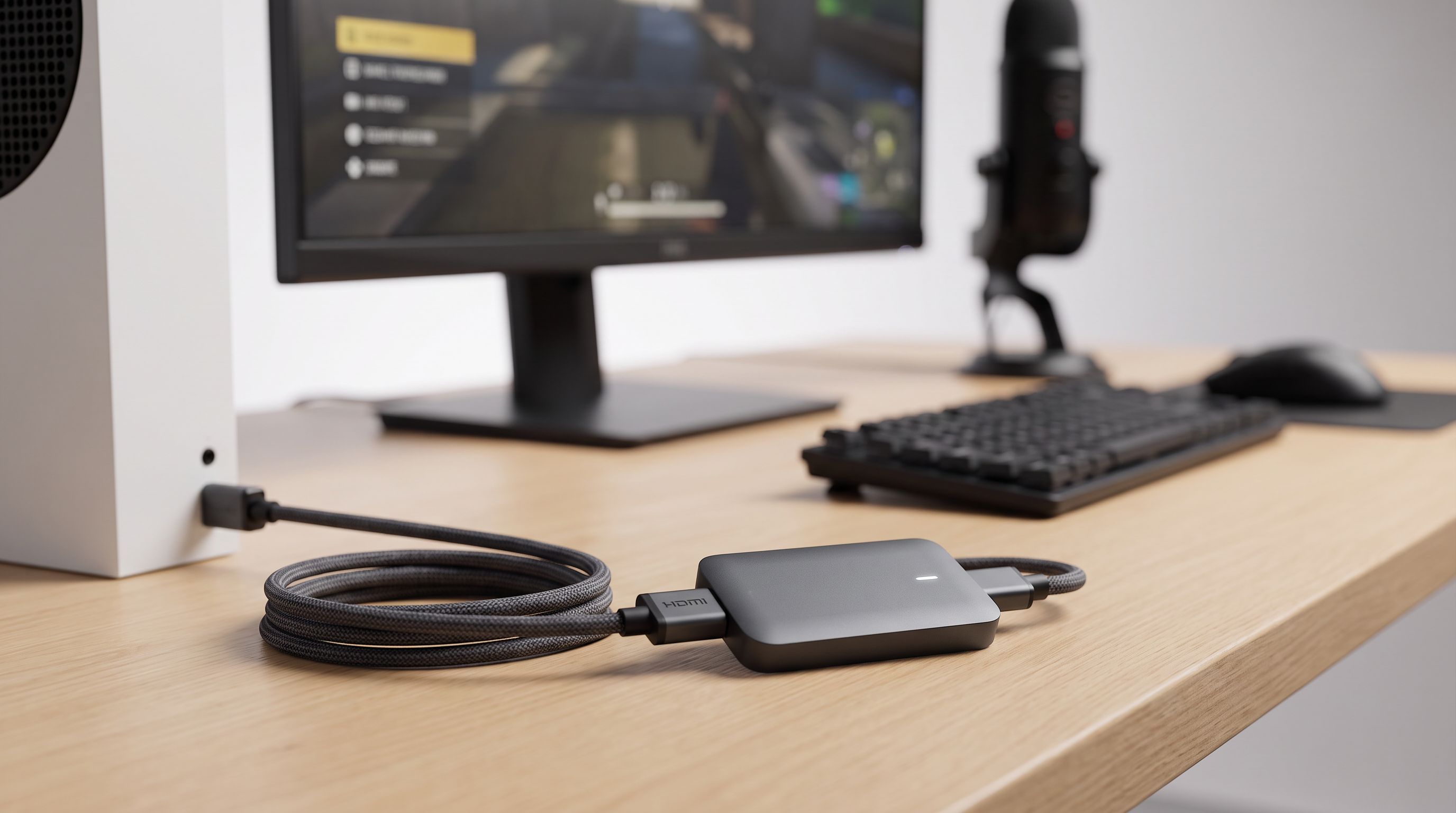
Capture cards used to be simple: plug in, record 1080p60, done. In 2026 the calculus is messier. Consoles output 4K120 and VRR, PC monitors run at 240Hz, HDR is on by default in half of the games you'd want to stream — and a card that mishandles any of those turns your gameplay feed into a stuttery, washed-out mess.
We compared the current lineup from Elgato, AVerMedia and EVGA against manufacturer specs, independent reviews and long-run owner feedback, focusing on the three things that actually break streams: passthrough fidelity, HDR tone mapping, and whether the USB connection can sustain the bitrate without dropping frames.
The three specs that matter (and the two that don't)
Passthrough resolution and refresh rate. This is what you see on your TV or monitor while playing. It's separate from what the card records. A card advertised as "1080p60 capture" can still pass 4K60 HDR through untouched — the Elgato HD60 X does exactly that. If you play on a PS5 or Xbox Series X and stream at 1080p, this is the combination you want.
 Best overall · Elgato HD60 X — Check price on Amazon →
HDR handling. Two different jobs here. Passthrough HDR means the signal reaches your display in HDR. HDR capture means the card encodes HDR metadata into the recording. Most streaming platforms still don't accept HDR, so cards tone-map HDR down to SDR — and the quality of that tone mapping varies enormously. Poor tone mapping is why some streams look grey and lifeless. Elgato's HDR10 tone mapping and AVerMedia's on the Ultra S are both respectable; very cheap no-name cards frequently mangle it.
VRR passthrough. If you game with VRR (FreeSync/G-Sync/console VRR) enabled, a card that doesn't support VRR passthrough will either black-screen or force you to turn VRR off. The AVerMedia Live Gamer Ultra S GC553Pro and the Elgato HD60 X both handle it; older cards often don't.
 Best for 4K capture · AVerMedia Live Gamer Ultra S GC553Pro — Check price on Amazon →
What matters less than you think: raw capture resolution above 1080p60 (Twitch still caps most partners well below 4K), and USB 3.2 Gen 2 vs Gen 1 — as long as the card's own spec is met, the port generation is a compatibility question, not a quality one.
USB vs internal PCIe: pick based on your PC count
Internal cards are not automatically better. They're better for a specific setup.
Go USB if you use a two-PC setup, a laptop, or you want to move the card between a console setup and a desk. External cards are also far easier to troubleshoot: if a stream breaks, you unplug and reseat. The downside is latency — USB adds a small buffer, so you should always play off the passthrough output, never off the software preview.
Go internal PCIe if you stream from a single PC and want the lowest possible capture latency, or you're capturing 4K60 HDR continuously and don't want to share USB bandwidth with a webcam, audio interface and stream deck. The Elgato 4K60 Pro MK.2 sits in a PCIe x4 slot and sidesteps USB entirely. The trade-off: you need a free slot, a desktop, and the patience to open your case.
 Best internal PCIe card · Elgato 4K60 Pro MK.2 — Check price on Amazon →
For most console streamers in 2026, USB wins. Internal only makes sense for single-PC 4K workflows or dedicated capture rigs.
Comparison table
| Card | Max capture | Passthrough | HDR | VRR | Connection |
|---|---|---|---|---|---|
| Elgato HD60 X | 1080p60 / 1440p / 4K30 | Up to 4K60 HDR | Tone-mapped capture, HDR passthrough | Yes | USB 3.0 (Type-C) |
| AVerMedia Live Gamer Ultra S GC553Pro | Up to 4K60 | Up to 4K144 | HDR capture + passthrough | Yes | USB 3.2 Type-C |
| Elgato 4K X | Up to 4K144 | High-refresh HDMI 2.1 | HDR10 | Yes | USB 3.2 Gen 2 Type-C |
| EVGA XR1 Lite | 1080p60 | Up to 4K60 | Passthrough only | Limited | USB 3.0 Type-C |
| Elgato 4K60 Pro MK.2 | 4K60 HDR10 | 4K60 HDR / 1080p240 | HDR10 capture | Yes | Internal PCIe x4 |
 Budget pick · EVGA XR1 Lite — Check price on Amazon →
Specs reflect manufacturer documentation at the time of writing; verify against current firmware notes before buying, since Elgato and AVerMedia both ship meaningful feature updates.
Our picks, and who each one is for
Elgato HD60 X — best overall for console streaming
If you asked us to recommend one card to a Twitch or YouTube streamer with a PS5 or Series X, this is still it. You get 4K60 HDR and VRR passthrough so your own gameplay experience is untouched, while OBS receives a clean 1080p60 (or 1440p) feed that your encoder can actually handle. It's UVC-compatible, so it works in OBS without Elgato's software if you'd rather keep your capture chain lean. The ceiling is the point of compromise: if you want to record in 4K for YouTube uploads, look higher up the list.
AVerMedia Live Gamer Ultra S GC553Pro — best if you actually need 4K capture
The GC553Pro is the card reviewers keep landing on when the brief is "4K60 capture with VRR that doesn't fight you". It records at 4K60 with HDR, passes through high-refresh signals, and AVerMedia's RECentral/driver stack has matured considerably. It's the sensible choice for creators who stream at 1080p but archive at 4K, or who make edited YouTube content where source quality matters more than live bitrate.
Elgato 4K X — premium pick for HDMI 2.1 setups
The 4K X is the most capable external card Elgato makes: HDMI 2.1 throughout, capture up to 4K144, and passthrough that keeps high-refresh, HDR and VRR intact. This is aimed at PC streamers on 240Hz panels and console players who genuinely use 4K120 modes. It's overkill for a 1080p Twitch stream — but if you've already spent on the display and the console, it's the only card in this list that won't quietly cap what you paid for.
EVGA XR1 Lite — budget pick that punches above its price
The XR1 Lite keeps showing up in community recommendations for a reason: it does 1080p60 capture with 4K60 passthrough, uses UVC so it needs no proprietary drivers, and it's frequently discounted. It's not an HDR capture card and its VRR behaviour is more limited than the Elgato and AVerMedia options, so treat it as the "get streaming today" pick rather than the future-proof one. For a starter Twitch channel it removes the excuse of hardware cost entirely.
Elgato 4K60 Pro MK.2 — best internal card
Single-PC streamers who want 4K60 HDR10 capture without touching USB bandwidth should look here. PCIe means minimal latency and consistent throughput even when your USB bus is crowded. Downsides are structural: desktop only, and you lose portability. If you've built a dedicated streaming PC, it's the cleanest solution available.
Common mistakes that cause dropped frames
Nine times out of ten, "my capture card drops frames" isn't the card. Check these first:
- You're using the wrong USB port. Capture cards need a genuine USB 3.x port, ideally on the rear I/O, not a hub or front-panel header.
- The bundled cable got swapped. 4K60 and 4K120 passthrough need Premium High Speed or Ultra High Speed HDMI cables. A random 4K30 cable from a drawer will cause handshake failures.
- HDCP is on. Netflix, Disney+ and the PS5's system-level HDCP will black-screen a capture. On PS5, disable HDCP in system settings.
- Your encoder, not your card, is the bottleneck. Capturing at 4K then downscaling in OBS costs CPU/GPU. Capture at the resolution you'll stream.
- HDR is on but tone mapping isn't. If your stream looks grey, either turn HDR off on the console or enable the card's SDR tone mapping.
FAQ
Do I need 4K capture to stream in 2026? No. Most platforms still deliver 1080p to the majority of viewers, and 1080p60 capture with 4K60 passthrough gives you the best of both. Buy 4K capture only if you archive or edit in 4K.
Will a capture card add input lag to my gameplay? Not if you play off the passthrough HDMI output. Passthrough is effectively instant. Lag only appears if you try to play while watching the OBS preview window.
Can I stream a PS5 without a capture card? Yes, via the console's built-in broadcast feature — but you lose overlays, alerts, scene switching and audio mixing. A capture card exists to give you OBS-level control.
USB or internal — which drops fewer frames? Internal PCIe cards have a bandwidth advantage on busy systems, but a modern USB card on a proper rear USB 3.x port is stable for the vast majority of streamers. Choose based on your setup, not on frame-drop fear.
Does a capture card work with a laptop? External USB cards, yes — that's their main advantage. Internal PCIe cards, no. Check your laptop has a USB 3.x port with sufficient bandwidth, and prefer USB-C where available.
Our picks
Elgato 4K X Capture Card, HDMI 2.1, 4K144 Ultra-Low Latency | VRR passthrough, HDR10, Up to 1080p240 capture, USB 3.2 Gen 2, Works with OBS and more, For PS5, Xbox, Switch, PC, Mac
1080p60/1440p capture with 4K60 HDR passthrough and VRR — the safest all-round console streaming pick.
AVerMedia 4K HDMI Capture Card for Streaming, PS5/Pro, Xbox, Switch, PC, USB 3.2 Game Capture Device for Twitch, OBS, YouTube, Discord, Low Latency Recording, GC553Pro Live Gamer Ultra S (Black)
Captures up to 4K60 HDR with VRR-friendly passthrough — the step up when 1080p recording isn't enough.
Elgato 4K X Capture Card, HDMI 2.1, 4K144 Ultra-Low Latency | VRR passthrough, HDR10, Up to 1080p240 capture, USB 3.2 Gen 2, Works with OBS and more, For PS5, Xbox, Switch, PC, Mac
HDMI 2.1 card that handles up to 4K144 capture and high-refresh passthrough for next-gen consoles and PCs.
EVGA XR1 Pro Capture Card, 1440p/4K HDR Capture/Pass Through, Certified for OBS, USB 3.1, ARGB, Audio Mixer, PC, PS5, PS4, Xbox Series X and S, Xbox One, Nintendo Switch, 144-U1-CB21-LR
Cheap, USB-C, 1080p60 capture with 4K60 passthrough and a hardware-friendly UVC driver-free setup.
Elgato 4K Pro Internal Capture Card, 8K60 Passthrough | 4K60 HDR10 capture, HDMI 2.1, Up to 1080p240 recording, VRR support, Ultra-low latency, Dual PC setup compatible
PCIe card for single-PC streamers who want ultra-low-latency 4K60 HDR capture without USB bandwidth limits.
Get the best tech deals in your inbox
Join the BytePlaza newsletter for hand-picked gadget deals and new buying guides. No spam, unsubscribe anytime.
Related reads
Streaming Webcam Setup 2026: Camera, Light, Mount
Build a complete streaming webcam setup in 2026: the best 4K cams paired with key lights and mounts that actually match, so nothing looks mismatched on stream.
Which Key Light Should You Buy for Streaming in 2026?
The best key light for streaming in 2026, ranked by CRI, mounting options and app control — Elgato, Logitech Litra Beam, Lume Cube and budget panel picks compared.
Gaming Projectors in 2026: 4 Picks Under 20ms Input Lag
Chasing a 120-inch console setup without the lag penalty? We compared low input lag gaming projectors for 2026 — 4K/120Hz specs, HDMI 2.1, and real owner feedback.