Gaming Projectors in 2026: 4 Picks Under 20ms Input Lag
Chasing a 120-inch console setup without the lag penalty? We compared low input lag gaming projectors for 2026 — 4K/120Hz specs, HDMI 2.1, and real owner feedback.
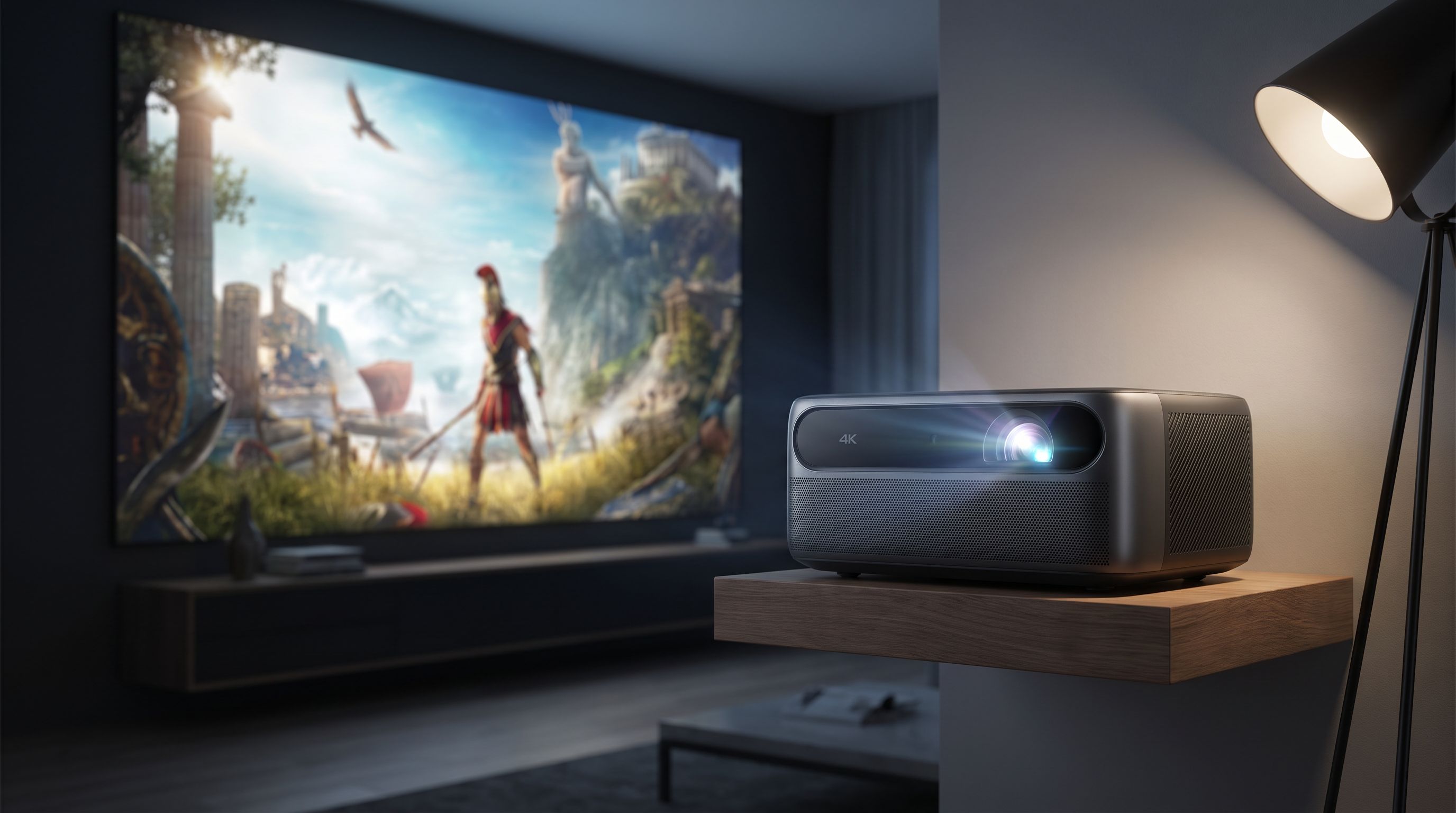
Reader-supported: we may earn a commission from links on this page, at no extra cost to you. It never affects our picks. Learn more.
A 120-inch screen is the single most dramatic upgrade you can make to a console setup. The catch has always been latency: projectors historically added a frame or three of delay, which is fine for a cinematic single-player game and miserable for anything competitive.
That's mostly a solved problem in 2026 — but only if you buy carefully. Input lag varies wildly between models, between resolutions on the same model, and between picture modes. This guide compares what manufacturers actually claim, what independent reviewers measure, and what owners report living with day to day, so you can find a gaming projector with low input lag that matches how you actually play.
BytePlaza doesn't physically test units. We compare manufacturer specs, published third-party measurements, and verified owner feedback, then rank based on how those line up.
How input lag works on projectors (and why the headline number lies a little)
Three things matter more than the number on the box:
1. Lag is tied to resolution and refresh rate. Almost every "sub-20ms" claim on a 4K DLP projector refers to 4K at 60Hz. Drop to 1080p at 120Hz or 240Hz and the same projector may hit single-digit milliseconds. Feed it 4K/120 and some models can't accept the signal at all. Know which mode you'll actually use: a PS5 Pro or Xbox Series X running a 60fps cinematic game is a different scenario than a 120fps shooter.
2. Game mode disables the good stuff. Low-latency modes bypass motion interpolation, noise reduction, and often some HDR tone-mapping processing. That's the trade. Expect the image in game mode to look slightly flatter than in the cinema preset — that's normal and not a defect.
3. HDMI 2.1 is not universal. Many "4K gaming projectors" still ship with HDMI 2.0b and achieve 4K/60 plus 1080p/120 or /240 via pixel-shifting trickery. Only a minority — notably the Epson Home Cinema LS11000 — offer genuine 4K/120 HDMI 2.1 inputs. If native 4K/120 matters to you, filter hard on that spec.
 Premium pick · Epson Home Cinema LS11000 — Check price on Amazon →
A practical threshold: under 20ms is effectively invisible for the vast majority of games. Under 10ms is competitive-shooter territory. Above 40ms, you'll feel it in anything twitchy.
Comparison: what the spec sheets claim
| Model | Light engine | Lowest claimed lag | 4K/120 input | Throw type | Best for |
|---|---|---|---|---|---|
| BenQ X3100i | 4LED DLP | ~16ms at 4K/60; ~4ms at 1080p/240 | No (1080p high-refresh instead) | Standard | All-round console gaming |
| Hisense C2 Ultra | Triple laser DLP | Low-lag game mode, sub-20ms class | No | Standard (gimbal base) | Best picture, mixed use |
| Epson Home Cinema LS11000 | Laser 3LCD | Under 20ms in fast mode | Yes — dual HDMI 2.1 | Standard, lens shift | 4K/120 purists, big rooms |
| BenQ TK700STi | Lamp DLP | 16ms at 4K/60; ~4ms at 1080p/240 | No | Short throw | Smaller rooms, tight budgets |
| XGIMI Horizon 20 Pro | Laser DLP | Marketed as ~1ms in optimized mode | No | Standard | Plug-and-play all-in-one |
 Best all-in-one · XGIMI Horizon 20 Pro — Check price on Amazon →
 Best overall · BenQ X3100i — Check price on Amazon →
Treat marketing lag figures as best case, measured under ideal conditions in a specific mode. Independent measurements usually land a few milliseconds higher.
The picks
BenQ X3100i — best overall for console players
The X3100i has been the default recommendation in gaming projector roundups for a while, and the reasoning holds up in 2026. It pairs a 4LED light engine (no lamp to replace, fast startup, good color saturation) with BenQ's gaming-focused processing: roughly 16ms at 4K/60, and dramatically lower in 1080p high-refresh modes down to 240Hz.
What owners consistently praise is the balance — it's bright enough for a living room with some ambient light, colors are vivid without looking cartoonish, and the dedicated game presets (FPS, RPG, SPG) aren't just marketing. The built-in Android TV dongle handles streaming so you aren't forced to run everything through the console.
Caveats: it's a DLP single-chip design, so rainbow artifacts affect a small percentage of viewers, and there's no true 4K/120 input. For a PS5 or Series X player who mostly runs 60fps titles and occasionally drops to 1080p/120 for competitive play, that's a non-issue.
Hisense C2 Ultra — best image quality
The C2 Ultra has displaced several long-standing favorites in 2026 roundups, and it's primarily about the picture. The triple-laser engine delivers color volume that LED and lamp projectors can't match, and it's genuinely bright — this is one of the few models that stays watchable with lights on.
Its gaming credentials are solid rather than record-setting: a proper low-latency mode in the sub-20ms class, which is plenty for everything short of ranked shooters. The gimbal-style base is the underrated feature. You can point it at a wall, ceiling, or screen and let auto keystone and autofocus sort it out, which makes it the easiest model here to move between rooms.
Watch for laser speckle, which a minority of viewers notice on triple-laser projectors, and remember that aggressive auto-correction features should be switched off once you've got it permanently positioned — they cost a small amount of image sharpness.
Epson Home Cinema LS11000 — premium pick with real HDMI 2.1
If you want 4K at 120Hz from a console without compromise, the LS11000 is the realistic option. It has two HDMI 2.1 inputs, a laser light source rated for a very long service life, and a 3LCD design that sidesteps rainbow artifacts entirely. Wirecutter and other outlets have flagged its under-20ms fast mode as genuinely suitable for serious gamers.
It's also the most installable projector here: motorized lens shift and zoom give you placement flexibility that the DLP models simply don't offer. The trade-off is size, weight, and the fact that it's built as a home-theater projector first — you'll want a dark or light-controlled room to see what you paid for. It has no built-in smart platform, so plan on a streaming stick or AV receiver.
BenQ TK700STi — budget pick for small rooms
The TK700STi was the original "16ms at 4K/60" projector and it remains the value entry point. The short-throw lens is the key differentiator: it can fill a big screen from a few feet away, which solves the problem in apartments and bedrooms where you can't mount a projector 12 feet back.
It's a lamp-based model, so factor in eventual lamp replacement, and it's less bright and less color-accurate than the laser and LED options. But it carries the same 1080p/240 low-latency mode, making it a legitimately capable competitive gaming display for the money.
XGIMI Horizon 20 Pro — best all-in-one
XGIMI's marketing claims around 1ms input lag in optimized conditions should be read as a best-case 1080p figure, not a 4K number. Taken on its own terms, though, the Horizon 20 Pro is the most convenient box here: bright 4K laser output, a full smart TV platform, decent built-in audio, and setup automation that genuinely works. For a casual or mixed-use household where the projector doubles as the TV, that convenience is worth more than a few milliseconds.
What else to budget for
- A screen. Even a modest fixed-frame screen with the right gain beats a painted wall. For rooms with ambient light, an ALR (ambient light rejecting) screen matters more than the projector's extra lumens.
- A decent HDMI cable. Certified Ultra High Speed if you're running 4K/120 to the Epson. Long runs need active optical cables.
- Audio. Built-in projector speakers are a stopgap. A soundbar or AV receiver completes the setup — and keep audio sync in mind, since projectors with low video lag can expose audio delay elsewhere in the chain.
FAQ
Is under 20ms of input lag good enough for competitive gaming? For most players, yes. Under 20ms is around one frame at 60Hz and is not perceptible in normal play. Dedicated ranked shooter players should target a projector's 1080p high-refresh mode, where models like the BenQ X3100i and TK700STi drop into single digits.
Do I need 4K/120 from the projector? Only if you play 120fps games and want them at full resolution. Most consoles running 120fps modes render below native 4K anyway. If you want it guaranteed, the Epson Home Cinema LS11000 is the pick here with genuine HDMI 2.1.
Will a projector work in a bright living room? Partly. Laser models like the Hisense C2 Ultra and XGIMI Horizon 20 Pro handle ambient light best, especially paired with an ALR screen. No projector matches a TV in full daylight — plan for evening use or light control.
Does enabling game mode hurt picture quality? Slightly. Game mode bypasses processing that improves motion smoothness and tone mapping. The image looks a bit flatter, but the latency gain is worth it. Many owners keep game mode for play and switch to a cinema preset for movies.
Lamp, LED, or laser? Lamp is cheapest upfront but needs replacement. LED (BenQ X3100i) offers good color and long life. Laser (Epson, Hisense, XGIMI) is brightest and longest-lived, at the highest cost.
Our picks
BenQ X3100i True 4K 4LED Gaming Projector 4.2ms Response time ANSI 3300 Lms
4LED 4K gaming projector with 4K/60 and 1080p/240 low-latency modes plus strong color coverage.
Hisense C2 Ultra
Triple-laser 4K with excellent color volume, low input lag modes, and a flexible gimbal-style base.
Epson Home Cinema LS11000 4K PRO-UHD Laser Projector with HDR10+
Dual HDMI 2.1 4K/120 inputs, laser light source, and sub-20ms lag in its fast mode.
BenQ TK700STi
Short-throw 4K HDR gamer with a 16ms 4K/60 mode and 1080p/240 for competitive shooters.
XGIMI HORIZON 20 Pro 4K RGB Triple Laser Home Projector, 4100 ISO Lumens
Bright 4K laser with smart TV built in and an aggressive low-latency game mode for casual play.
Get the best tech deals in your inbox
Join the BytePlaza newsletter for hand-picked gadget deals and new buying guides. No spam, unsubscribe anytime.
Related reads
Best 4K Projector 2026: Home Theater vs Portable
The best 4K projector 2026 picks compared: laser TVs, long-throw home theater beamers and portable smart projectors ranked on brightness, throw and room fit.
Capture Cards in 2026: 5 Picks That Actually Hold 4K60
The best capture card for streaming in 2026, compared: 4K60 passthrough, HDR handling, USB vs internal PCIe, and which budget cards avoid dropped frames.
Compact Soundbars in 2026: 5 Picks for Desks and Dorms
Looking for a compact soundbar for a small room, dorm or desk? We compared under-24-inch models on sound, connectivity and reviewer consensus to find the best.