Best AI Laptops in 2026: NPUs Ranked & Compared
Which AI laptop is actually worth buying? We compare Copilot+ PCs, NPU TOPS ratings, battery life and real-world AI features across the best 2026 picks.
Reader-supported: we may earn a commission from links on this page, at no extra cost to you. It never affects our picks. Learn more.
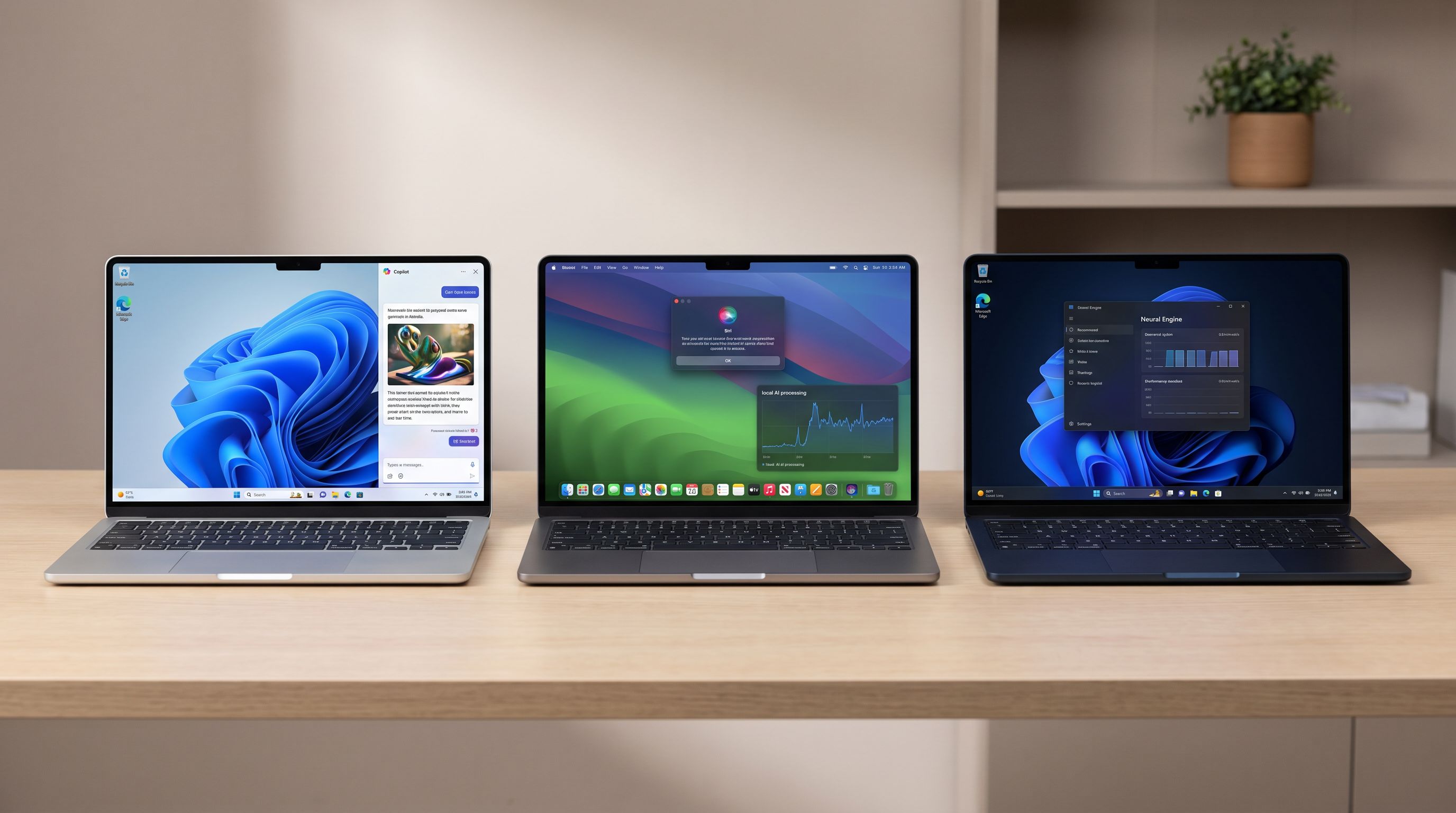
The "AI laptop" label got slapped on almost every new machine over the past two years, and most of it was marketing. But the hardware underneath is real: modern laptop chips now ship with a dedicated NPU (neural processing unit) that runs machine-learning workloads at a fraction of the power a CPU or GPU would need.
The question isn't whether your next laptop will have an NPU — nearly all of them do now. The question is whether the AI features actually change how you work, and which machine gives you the best everything-else for the money. This guide ranks the best AI laptops you can buy today and, more importantly, tells you when the NPU is worth paying for.
What actually makes a laptop an "AI laptop"
Three things matter, in this order:
1. NPU performance, measured in TOPS. Microsoft's Copilot+ PC certification requires an NPU rated at 40+ TOPS (trillions of operations per second). That's the line between "has an NPU" and "gets the Windows AI features." Older Intel Core Ultra Series 1 (Meteor Lake) chips top out around 10–11 TOPS on the NPU and do not qualify.
2. Memory. On-device AI models live in RAM. 16GB is the floor on a Copilot+ PC — Microsoft mandates it — and if you plan to run local LLMs, 32GB changes what's possible. On Apple silicon, unified memory is shared with the GPU, so the same rule applies with even more force.
3. Everything that isn't AI. Screen, keyboard, battery, ports, build. You will spend 99% of your time not thinking about the NPU. A great laptop with a mediocre NPU beats a mediocre laptop with a great one.
What the NPU is genuinely good at today
- Video call effects — background blur, eye contact correction, auto-framing, at near-zero battery cost
- Live Captions and live translation — offline, no cloud round trip
- Local search and recall — semantic search over your own files and screen history
- Image cleanup and generative edits in Photos, Paint's Cocreator, and similar tools
- Studio-quality noise suppression on mics
What it's still bad at
Large language models. NPUs are optimised for sustained, low-power inference on small models — not for the huge memory bandwidth a 13B-parameter model needs. If your goal is running local LLMs, you want a discrete GPU with lots of VRAM or Apple silicon with lots of unified memory, not a bigger TOPS number.
The best AI laptops in 2026
Best overall: Apple MacBook Air 13-inch (M4)
Apple doesn't advertise TOPS on billboards, but the M4's 16-core Neural Engine has been quietly doing on-device work for years, and macOS's AI features — live translation, Clean Up in Photos, on-device Siri requests, system-wide writing tools — are the most polished implementation of "AI that just happens in the background."
More to the point, the MacBook Air M4 is simply the best thin-and-light laptop most people can buy: fanless and silent, genuinely all-day battery, an excellent keyboard and trackpad, and enough sustained performance for everything short of heavy video work. Configure 24GB of unified memory if you want to experiment with local models; the base config is fine for everything else.
The catch: if your workflow is Windows-shaped, or you need Copilot+ specifically, this isn't your machine.
Best Windows AI laptop: ASUS Zenbook 14 OLED (Core Ultra 200V)
Intel's Lunar Lake chips finally gave x86 a competitive Copilot+ NPU, and the ASUS Zenbook 14 OLED is the best-balanced expression of it. You get full x86 compatibility — no emulation asterisks — plus a bright OLED panel, a light chassis, and battery life that's finally in the same conversation as Arm laptops.
For most Windows buyers, this is the safe pick: you get the AI features without giving up a single app.
Best for Copilot+ features: Microsoft Surface Laptop 7 (Snapdragon X Elite)
 Best for Copilot+ features · Microsoft Surface Laptop (2024) — Check price on Amazon →
If you want Windows AI features working exactly as Microsoft designed them, buy Microsoft's own hardware. The Surface Laptop 7 with Snapdragon X Elite has an excellent 3:2 touchscreen, one of the best keyboards on any Windows laptop, and outstanding standby and battery behaviour.
The Arm caveat is much smaller than it was — Chrome, Office, Adobe's main apps and most of Creative Cloud run natively — but check niche software, VPN clients, and hardware drivers before you commit.
Budget pick: Lenovo IdeaPad Slim 5 (Snapdragon X Plus)
Snapdragon X Plus configurations put a Copilot+ class NPU into genuinely affordable laptops. The Lenovo IdeaPad Slim 5 gives you the same 40+ TOPS AI feature set, 16GB of RAM, and battery life that embarrasses far more expensive Intel machines from two generations ago. The trade-offs are a dimmer IPS screen and plainer build — not the AI capability.
Best for local AI models: ASUS ROG Zephyrus G14 (Ryzen AI + RTX 50-series)
If "AI laptop" means running models yourself — Ollama, Stable Diffusion, LM Studio, fine-tuning experiments — stop looking at NPUs and start looking at VRAM. The ROG Zephyrus G14 pairs an AMD Ryzen AI chip (which does have a Copilot+ NPU) with a discrete RTX GPU, and CUDA remains the path of least resistance for almost every local AI tool. It's heavier and louder than the others, and battery life under load is what you'd expect from a gaming laptop. But it's the only machine here that will run a quantised mid-size model at usable speed.
Comparison table
| Laptop | Platform | Copilot+ certified | Best for | Main trade-off |
|---|---|---|---|---|
| MacBook Air 13" (M4) | Apple silicon | No (macOS AI instead) | Overall daily driver, battery, silence | Not Windows; no Copilot+ features |
| ASUS Zenbook 14 OLED (Core Ultra 200V) | Intel x86 | Yes | Full app compatibility + AI features | Costs more than Arm equivalents |
| Surface Laptop 7 (Snapdragon X Elite) | Arm (Windows) | Yes | The cleanest Copilot+ experience | Occasional Arm app/driver gaps |
| Lenovo IdeaPad Slim 5 (Snapdragon X Plus) | Arm (Windows) | Yes | Cheapest real AI PC | Modest display and build |
| ROG Zephyrus G14 (Ryzen AI + RTX) | AMD x86 + dGPU | Yes | Running local LLMs and image gen | Heavy, hotter, shorter battery |
How to choose in 60 seconds
- You want the least hassle and best battery: MacBook Air M4.
- You need Windows and use unusual software: Zenbook 14 OLED (x86 removes all emulation risk).
- You want Copilot+ done properly and love a great keyboard: Surface Laptop 7.
- You want the AI features without overspending: IdeaPad Slim 5.
- You actually run models locally: Zephyrus G14 — buy VRAM, not TOPS.
Don't upgrade if…
Your current laptop is 2–3 years old, performs fine, and you mostly use cloud AI tools like ChatGPT, Claude or Gemini in a browser. Those run on someone else's hardware. The NPU only helps with features that run on your machine, and today that's a useful-but-short list. Upgrade when the laptop itself is due — and treat the NPU as a bonus that will age better than a machine without one.
FAQ
What is a Copilot+ PC? A Microsoft certification for Windows laptops with an NPU rated at 40+ TOPS, at least 16GB of RAM and 256GB of storage. Only certified machines get features like Recall, Cocreator and Live Captions with translation.
Do I need 32GB of RAM for AI work? Not for built-in features — 16GB covers those. If you want to run local language models, 32GB (or more unified memory on a Mac) makes a real difference to which models will fit.
Is Arm Windows still a compatibility problem? Much less than at launch. Mainstream browsers, Office, and most creative apps run natively, and Prism emulation handles a lot of the rest. The remaining risk is niche utilities, some VPN and security clients, and specialist hardware drivers.
Can an NPU run ChatGPT-class models offline? No. NPUs run small, optimised models efficiently. Large models need memory bandwidth and capacity — that's a GPU or high-memory Apple silicon job.
Does an NPU improve gaming performance? Not directly. Gaming still depends on the GPU. Some upscaling and frame-generation tech is GPU-based, not NPU-based.
Our picks

Apple 2026 MacBook Air 13-inch Laptop with M5 chip: Built for AI, 13.6-inch Liquid Retina Display, 16GB Unified Memory, 512GB SSD, 12MP Center Stage Camera, Touch ID, Wi-Fi 7; Midnight
Silent, all-day battery and the most mature on-device AI stack outside of Windows.

ASUS TUF F16 5050 AI Gaming Laptop, Intel i7-14650HX, RTX 5050, RGB Backlit KB, 16" FHD+ 165Hz 100% sRGB, MUX Switch with NVIDIA Advanced Optimus, 32GB DDR5, 1TB SSD, Windows 11 Pro, w/Bundle
Lunar Lake NPU, gorgeous OLED and genuinely long battery life in a 2.7 lb chassis.
Microsoft Surface Laptop (2024), Windows 11 Copilot+ PC, 13.8" Touchscreen Display, Snapdragon X Elite (12 core), 16GB RAM, 512GB SSD Storage, Platinum
First-party Copilot+ hardware with the smoothest Recall, Live Captions and Studio Effects.

Lenovo IdeaPad 5i Laptop, 15.6” FHD Touchscreen Display, Intel Core i7-1165G7 Processor, 12GB RAM 1TB SSD, Wi-Fi, Fingerprint Reader, Webcam, Backlit Keyboard, Windows 11 Pro, Blue
The cheapest reliable route to a 40+ TOPS NPU and real Copilot+ feature support.
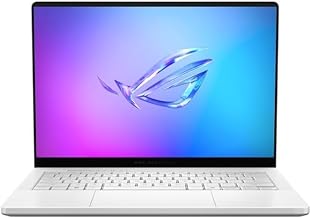
ASUS ROG Zephyrus G14 14" 3K OLED 120Hz Gaming Laptop Copilot+ PC AMD Ryzen AI 9 HX 370 RTX 5080 32GB RAM 2TB SSD Platinum White
NPU plus a discrete GPU with enough VRAM to actually run local LLMs and image gen.
Get the best tech deals in your inbox
Join the BytePlaza newsletter for hand-picked gadget deals and new buying guides. No spam, unsubscribe anytime.
Related reads
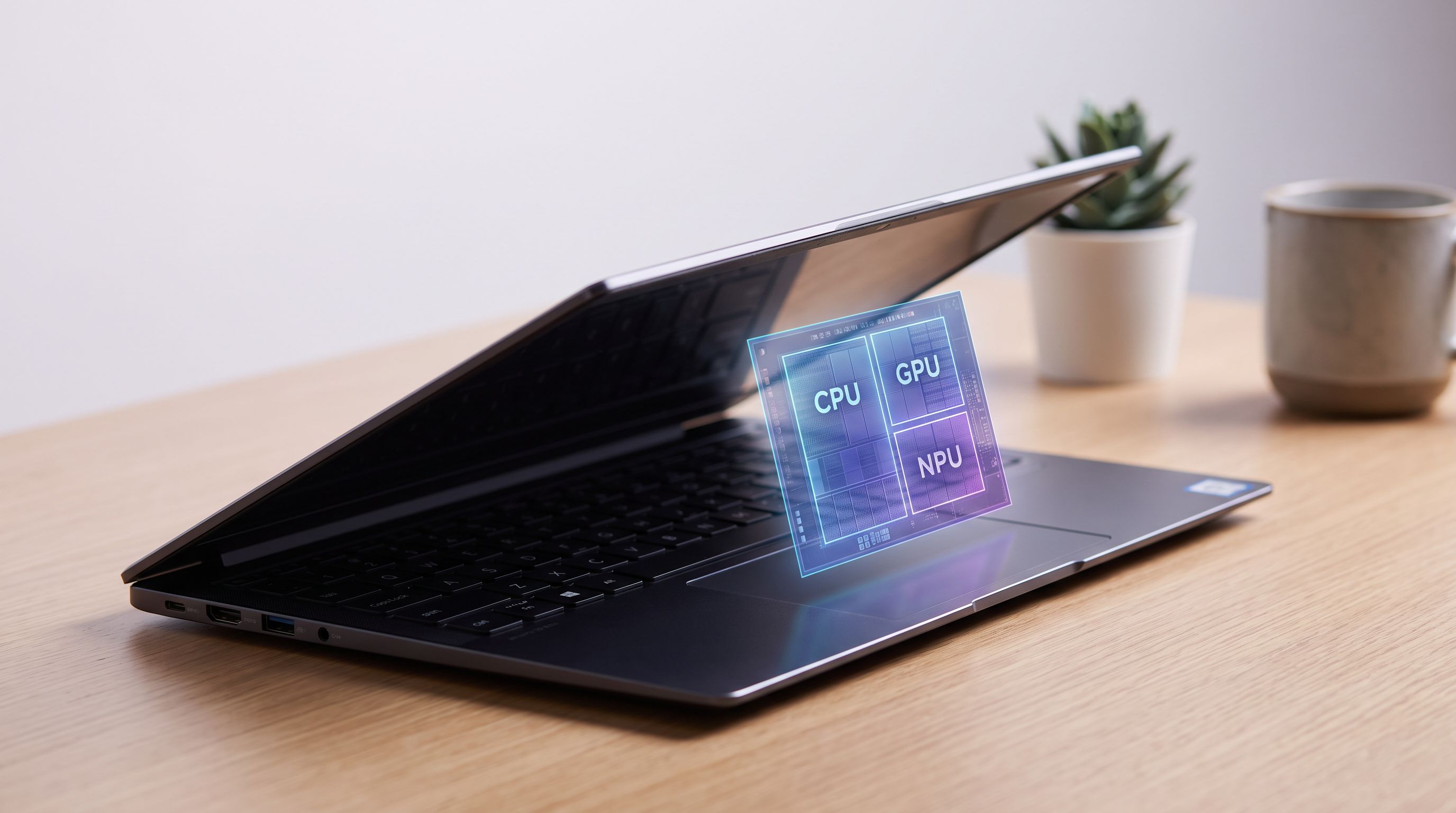
AI PCs, Explained: What the NPU Hype Actually Means
NPUs are now standard in new laptops, but what does one actually do for you? A grounded look at TOPS, Copilot+ features, real chips, and whether to buy now.
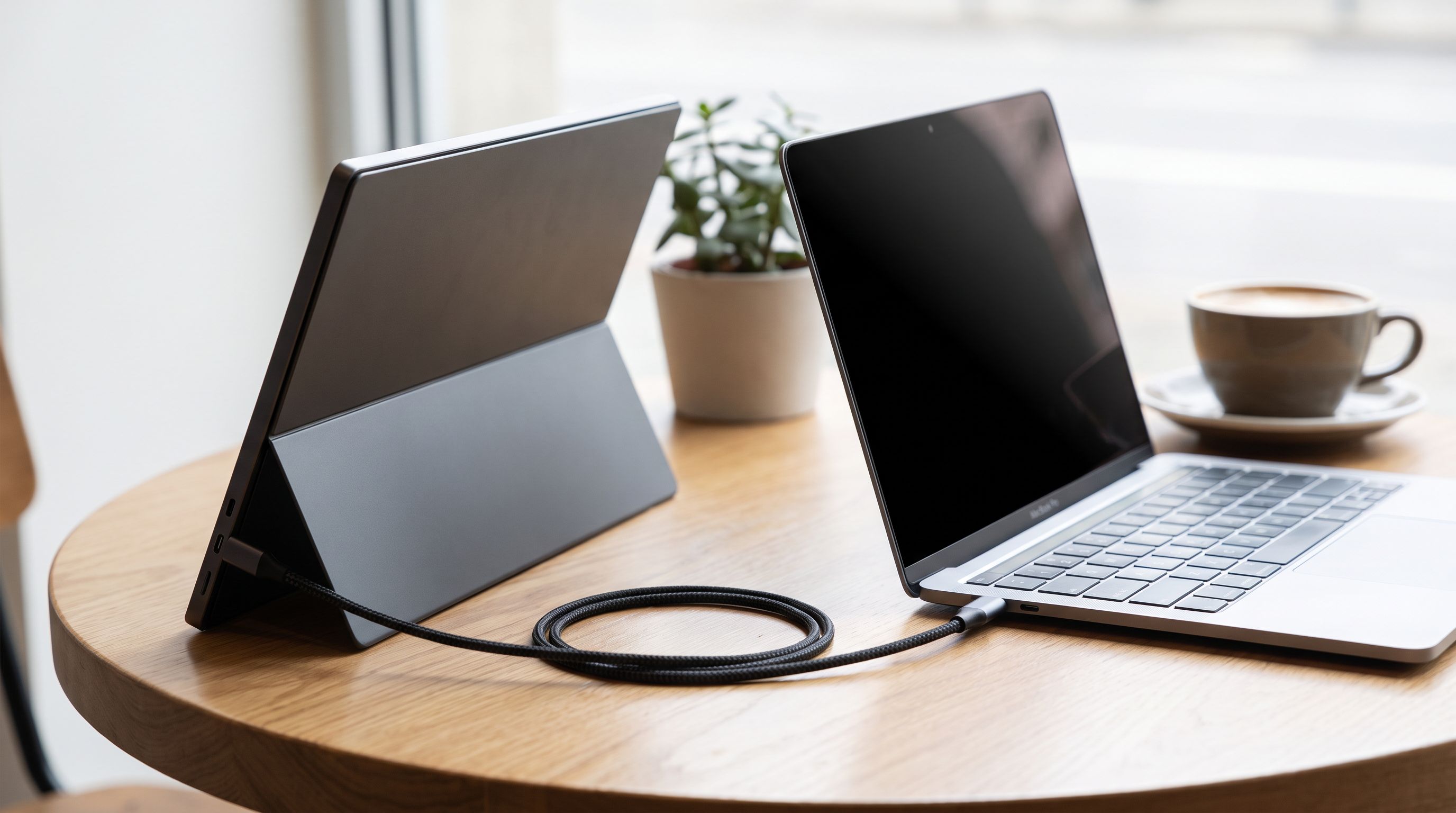
Portable Monitors for MacBook in 2026: 5 One-Cable Picks
The best portable monitor for MacBook in 2026, ranked by brightness, weight and stand design — plus which models truly run off a single USB-C cable.
Laptop Power Banks in 2026: 5 Picks That Hit 140W
Which laptop power bank should you buy in 2026? We compare 100W–250W USB-C PD 3.1 banks on capacity, airline limits and real-world MacBook charge speeds.