65% Keyboards in 2026: 5 Compact Picks That Earn Desk Space
Looking for the best 65% keyboard in 2026? We compare hot-swap compact boards, explain what you lose versus TKL, and rank five layouts worth the desk savings.
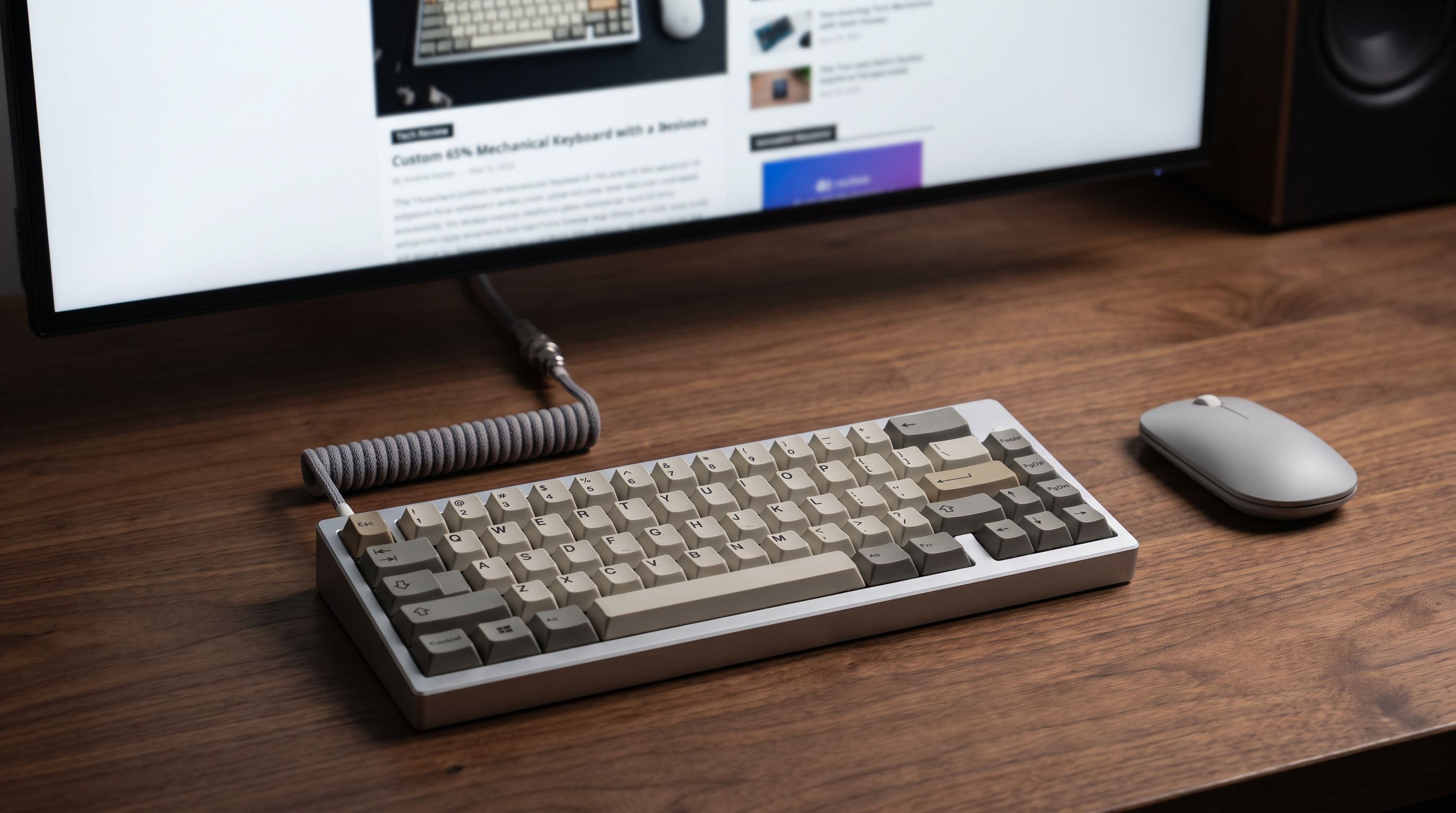
Reader-supported: we may earn a commission from links on this page, at no extra cost to you. It never affects our picks. Learn more.
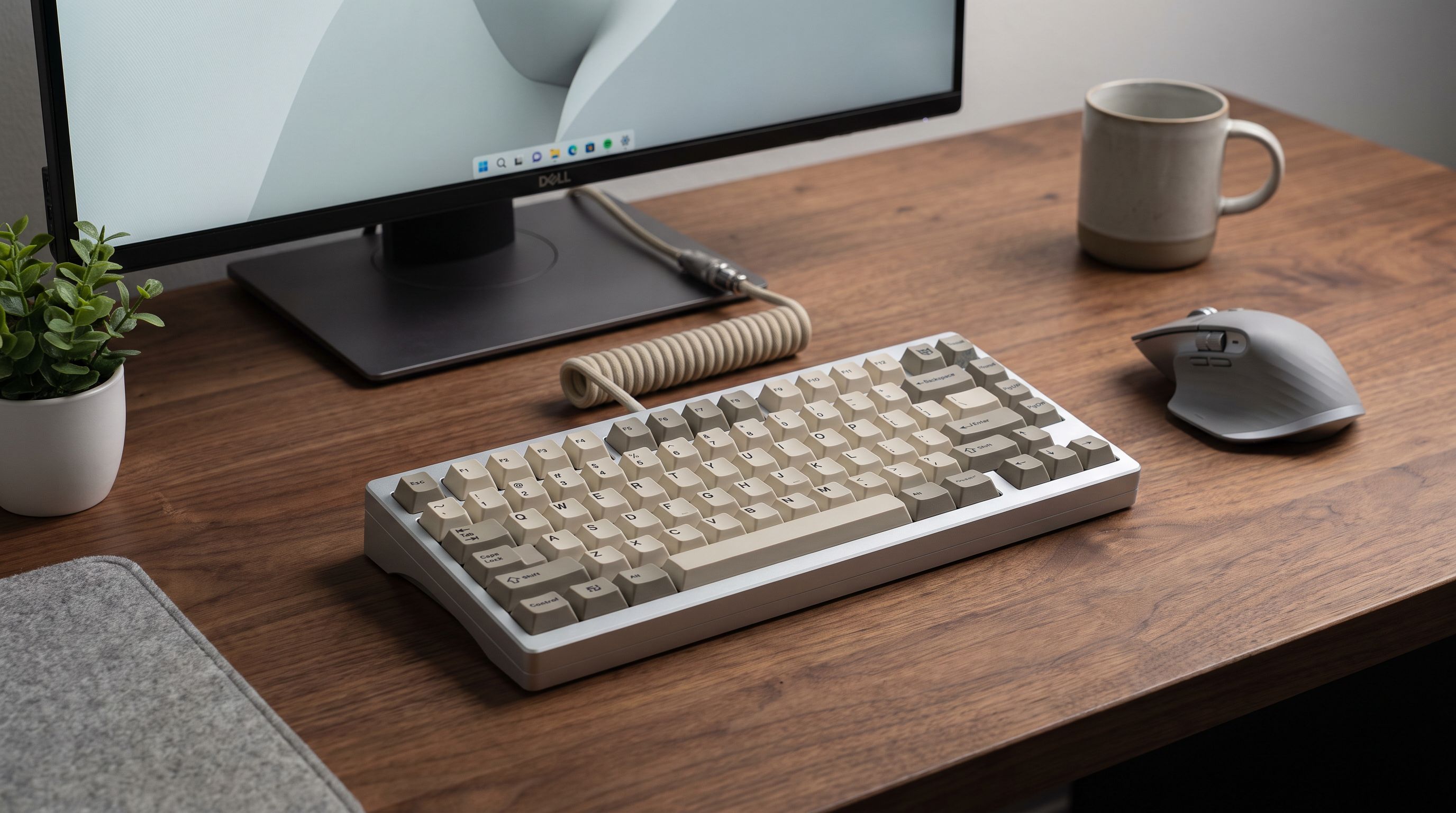
The 65% layout has quietly become the default recommendation for anyone who wants a mechanical keyboard that doesn't eat half the desk. It keeps the arrow keys — the thing most people miss immediately when they try a 60% — while cutting the function row and the navigation cluster. The result is a board roughly the width of 16 keys that still feels like a real keyboard.
BytePlaza researched manufacturer specs, independent reviews and verified owner feedback to rank the 65% boards worth buying in 2026, with a focus on hot-swap sockets, because a board you can re-switch is a board you keep for years.
What you actually lose versus a TKL
A tenkeyless (TKL) board drops the numpad but keeps everything else. A 65% goes further and removes:
- The function row. F1–F12 move to a Fn layer. If you live in Excel, video editing timelines, or a BIOS-heavy workflow, this is the real adjustment.
- The navigation block. Home, End, Page Up/Down, Insert, Print Screen. Most 65% boards restore Page Up/Down and Home/End on a right-side column or Fn layer.
- A dedicated Escape row position. Esc usually sits where tilde does on a TKL, which takes about a day to unlearn.
What you keep is the important part: arrow keys as physical, dedicated switches. That single detail is why 65% tends to stick where 60% doesn't.
The payoff is measurable. A TKL is typically around 14 inches wide; a 65% is closer to 12.5. That extra inch and a half goes to mouse-swing room, which matters if you play at low DPI, and it lets you angle the keyboard inward for a more neutral shoulder position. Gamers using 400–800 DPI in shooters notice it most.
Who should stay on TKL
If you regularly hit F-keys without looking, use a lot of shortcut macros bound to the function row, or work in software where Print Screen and Insert are part of muscle memory, a TKL will annoy you less. The 65% is a trade, not a free upgrade.
How we ranked them
We weighted four things: hot-swap sockets (so switch choice isn't permanent), mounting and acoustics (gasket or at least decent foam damping), firmware flexibility (QMK/VIA or a competent proprietary app, since layers are mandatory on this layout), and connectivity (tri-mode wireless is now standard at mid-range prices, and 2.4GHz latency has closed the gap with wired for all but competitive FPS). Build material and keycap quality broke ties.
The picks
Keychron Q2 Max — best overall
 Best overall · Keychron Q2 Max — Check price on Amazon →
The Q2 Max is the board most people should buy if budget allows. It's a CNC aluminium case with a gasket mount, a double-gasket design with screw-in stabilisers, and hot-swap sockets that take both 3-pin and 5-pin switches. Crucially, it pairs all of that with tri-mode connectivity and a 1000Hz polling rate over its 2.4GHz dongle — historically the compromise with premium custom-style boards was that they were wired-only or slow wirelessly.
It runs QMK/VIA, so remapping is done in a browser window and stored on the board, which matters more on a 65% than any other layout. Downside: it's heavy, around two kilos, so it's not a travel keyboard. Reviewers consistently praise the out-of-box sound, which is unusual — most aluminium boards need foam mods.
Keychron V2 Max — best value
 Best value · Keychron V2 Max — Check price on Amazon →
The V2 Max is the same layout and the same firmware in a plastic case. You lose the aluminium heft and the machined look; you keep gasket mounting, hot-swap, tri-mode wireless and VIA support. For a large share of buyers this is the smarter purchase, and the lighter case is genuinely easier to live with if you move the board between a desk and a laptop bag. Owner feedback is strong on typing feel relative to price; the main gripe is that the ABS keycaps shine over time and are the first thing worth upgrading.
Corsair K65 Pro Mini — best for gaming
 Best for gaming · Corsair K65 Pro Mini — Check price on Amazon →
If your priority is latency rather than typing acoustics, the K65 Pro Mini is the specialist. It uses Corsair's optical switches with an 8000Hz polling rate over USB, which is overkill on paper but the sort of overkill competitive players want. The aluminium top plate is solid, the RGB is best-in-class, and iCUE handles per-key remapping.
Two caveats: the optical switches mean you're limited to Corsair's own optical stems rather than the wider MX-compatible hot-swap ecosystem, and it's wired only. Buy it for the response and the RGB, not for the modding path.
Keychron K6 Pro — budget pick
 Budget pick · Keychron K6 Pro — Check price on Amazon →
The K6 Pro is the least expensive way into a hot-swap, QMK/VIA-capable 65% from a brand with reliable firmware support. It's Bluetooth plus wired rather than tri-mode, and the case is plastic with a simpler internal construction, so it doesn't sound like the Max-series boards. But the sockets are there, the layout is correct, and it's an easy first board to learn switch preferences on before committing to something expensive.
NuPhy Air75 V2 — best low-profile
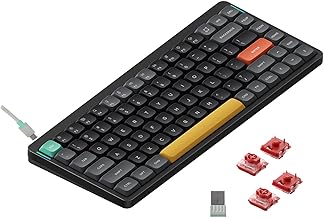 Best low-profile · NuPhy Air75 V2 — Check price on Amazon →
Technically a 75%, not a 65% — but its low-profile design makes the footprint comparable to many standard-height 65% boards, and it restores the function row you'd otherwise lose. If your objection to compact boards is missing F-keys, this is the workaround. It uses hot-swappable low-profile switches, supports wired, Bluetooth and 2.4GHz, and is the most laptop-bag-friendly board here. The trade-off is travel distance: low-profile switches feel shallower, and some typists never warm to them.
Comparison table
| Board | Layout | Hot-swap | Connectivity | Case | Best for |
|---|---|---|---|---|---|
| Keychron Q2 Max | 65% | Yes (3/5-pin MX) | Wired, BT, 2.4GHz | CNC aluminium, gasket | Typing feel + wireless |
| Keychron V2 Max | 65% | Yes (3/5-pin MX) | Wired, BT, 2.4GHz | Plastic, gasket | Value per feature |
| Corsair K65 Pro Mini | 65% | Optical only | Wired | Aluminium top plate | Competitive gaming |
| Keychron K6 Pro | 65% | Yes (MX) | Wired, Bluetooth | Plastic | First mechanical board |
| NuPhy Air75 V2 | 75% low-profile | Yes (low-profile) | Wired, BT, 2.4GHz | Aluminium/plastic | Portability, F-row |
Things buyers get wrong
Ignoring the bottom-row layout. Many 65% boards use a 1.75u right Shift and a compressed bottom row. That restricts which keycap sets fit. Check the kit's compatibility list before buying keycaps.
Assuming hot-swap means all switches. Optical hot-swap (Corsair, Razer) and MX-style hot-swap are different ecosystems. Only MX-style sockets take the huge third-party switch market.
Skipping stabiliser quality. On a compact board there are only three or four stabilised keys, but a rattling spacebar ruins the whole thing. Screw-in stabilisers, as on the Q2 Max, are worth paying for.
Buying before trying layers. If you've never used an Fn layer for F-keys, borrow a compact board first. Most people adapt in under a week — but not everyone.
FAQ
Is a 65% keyboard good for gaming? Yes. The arrow keys are intact, WASD is untouched, and the narrower body gives more mouse room. The only real loss is F-key binds, which can be remapped.
How do I press F5 on a 65%? Fn + the number row. On QMK/VIA boards you can also assign a tap-hold layer key wherever you like, including on Caps Lock.
65% vs 75% — which is better? 75% adds a function row and usually a right-side column while staying compact. If you use F-keys daily, go 75%. If you want maximum mouse space, go 65%.
Do I need hot-swap? Not strictly, but it lets you change switch feel without soldering, and it makes a single broken switch a two-minute fix instead of a repair job. At current prices there's little reason to buy a soldered board.
Is wireless latency a problem? On modern 2.4GHz dongles at 1000Hz, no — not for general use or most gaming. For high-level competitive FPS, wired with a high polling rate still has the edge.
Our picks
Keychron Q2 Max QMK Wireless Mechanical Keyboard, 65% Aluminum, White
Gasket-mounted aluminium, hot-swap, and tri-mode wireless with 1000Hz 2.4GHz — the most complete 65%.
Keychron Q2 Max QMK Wireless Mechanical Keyboard, 65% Aluminum, Black
Most of the Q2 Max experience in a plastic case: hot-swap, gasket mount, tri-mode wireless, QMK/VIA.
Corsair K65 PRO Mini RGB 65% Optical-Mechanical Wired Gaming Keyboard - OPX Switches - PBT Double-Shot Keycaps - iCUE Compatible - QWERTY NA Layout - Black
8000Hz polling, optical switches and a tight 65% layout built for low-latency competitive play.
K6 Pro Wireless Custom Mechanical Keyboard, QMK/Launcher Programmable Macro, Hot-Swappable Keychron K Pro Red Switch Keyboard, 65% Layout RGB Backlit Office Keyboard for Mac Windows Linux
Affordable hot-swap 65% with QMK/VIA support and Bluetooth — a painless first custom-ish board.
nuphy Air75 V2 Portable 75% low profile Mechanical Keyboard,Wireless Keyboard,Supports Bluetooth/2.4G/USB-C RGB Bluetooth Keyboards,Compatible with Windows/Mac OS/Linux Systems-Gateron Cowberry Switch
Slim 75% footprint barely bigger than a 65%, with hot-swap low-profile switches and great wireless.
Get the best tech deals in your inbox
Join the BytePlaza newsletter for hand-picked gadget deals and new buying guides. No spam, unsubscribe anytime.
Related reads
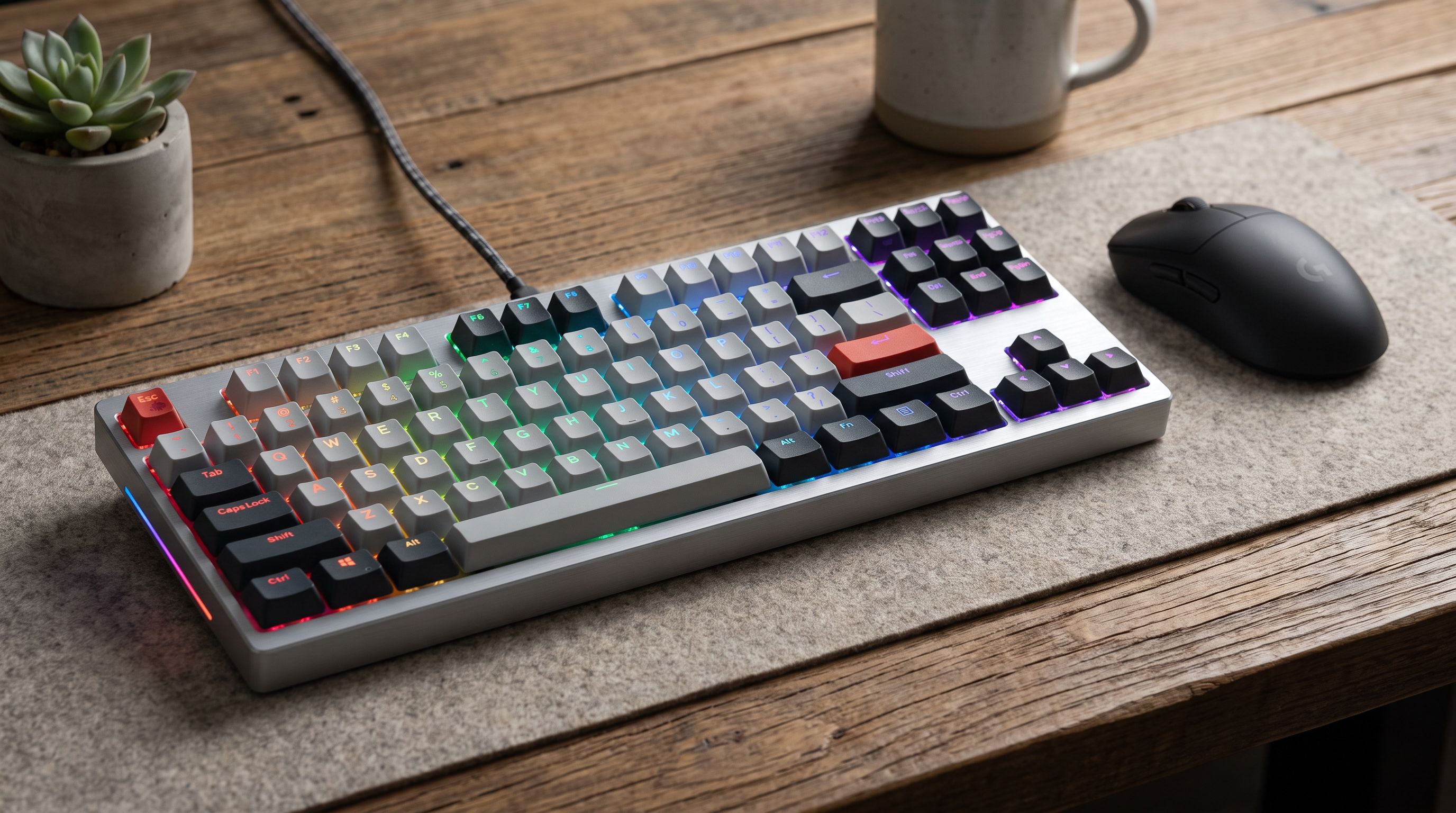
TKL Keyboards in 2026: 5 Picks That Earn Their Desk Space
Looking for the best tenkeyless keyboard in 2026? We compared five TKL mechanical boards on switches, hot-swap, wireless, and build quality.
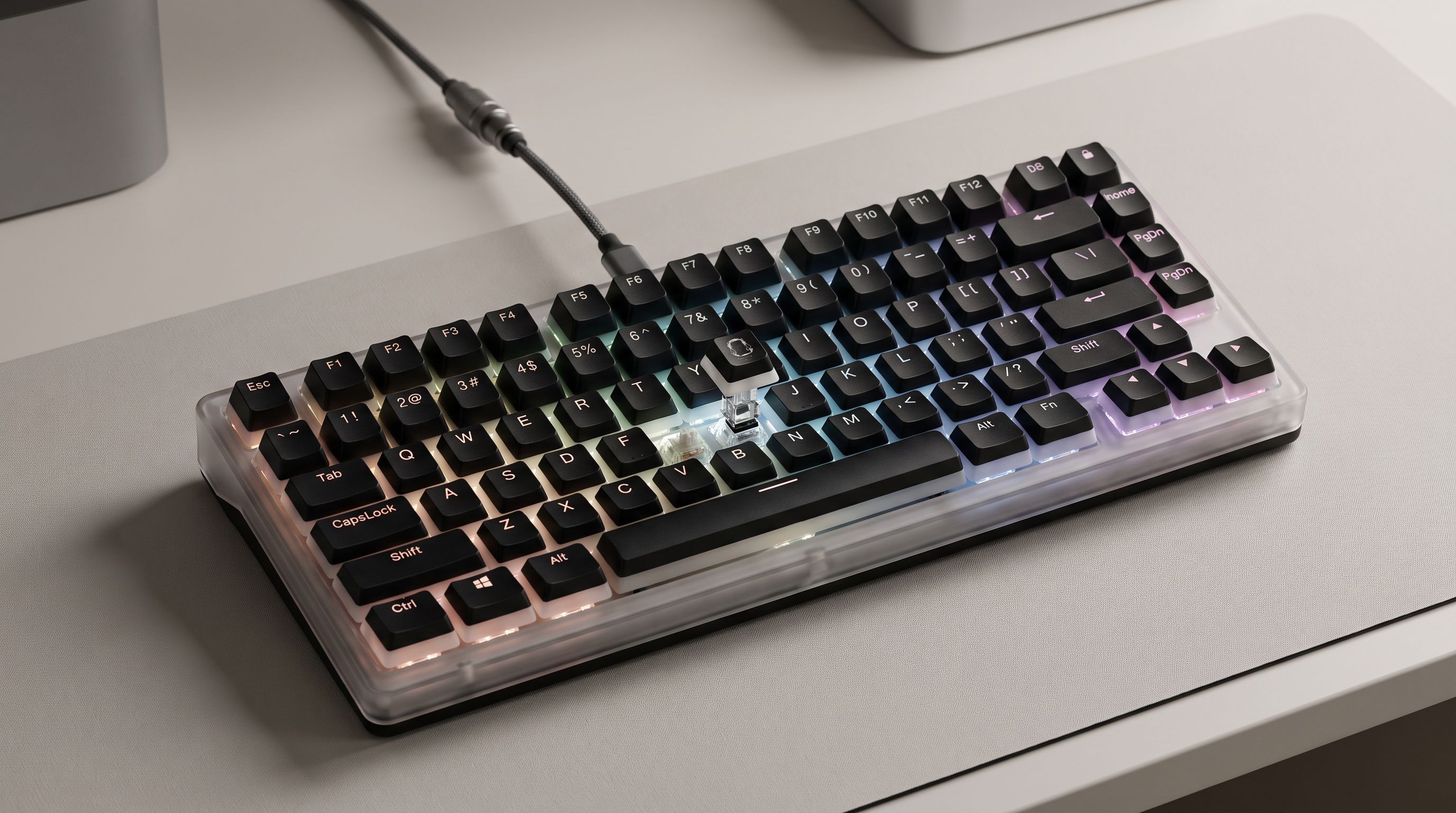
Hall Effect Keyboards in 2026: 5 Rapid-Trigger Picks
Magnetic Hall effect keyboards explained: what rapid trigger really does for gaming, plus 5 picks compared on actuation range, polling rate and software.
Best Mechanical Keyboards in 2026: Compared & Ranked
Our picks for the best mechanical keyboards in 2026, from gasket-mounted enthusiast boards to low-profile wireless models — tested for feel, sound and latency.