Hall Effect Keyboards in 2026: 5 Rapid-Trigger Picks
Magnetic Hall effect keyboards explained: what rapid trigger really does for gaming, plus 5 picks compared on actuation range, polling rate and software.
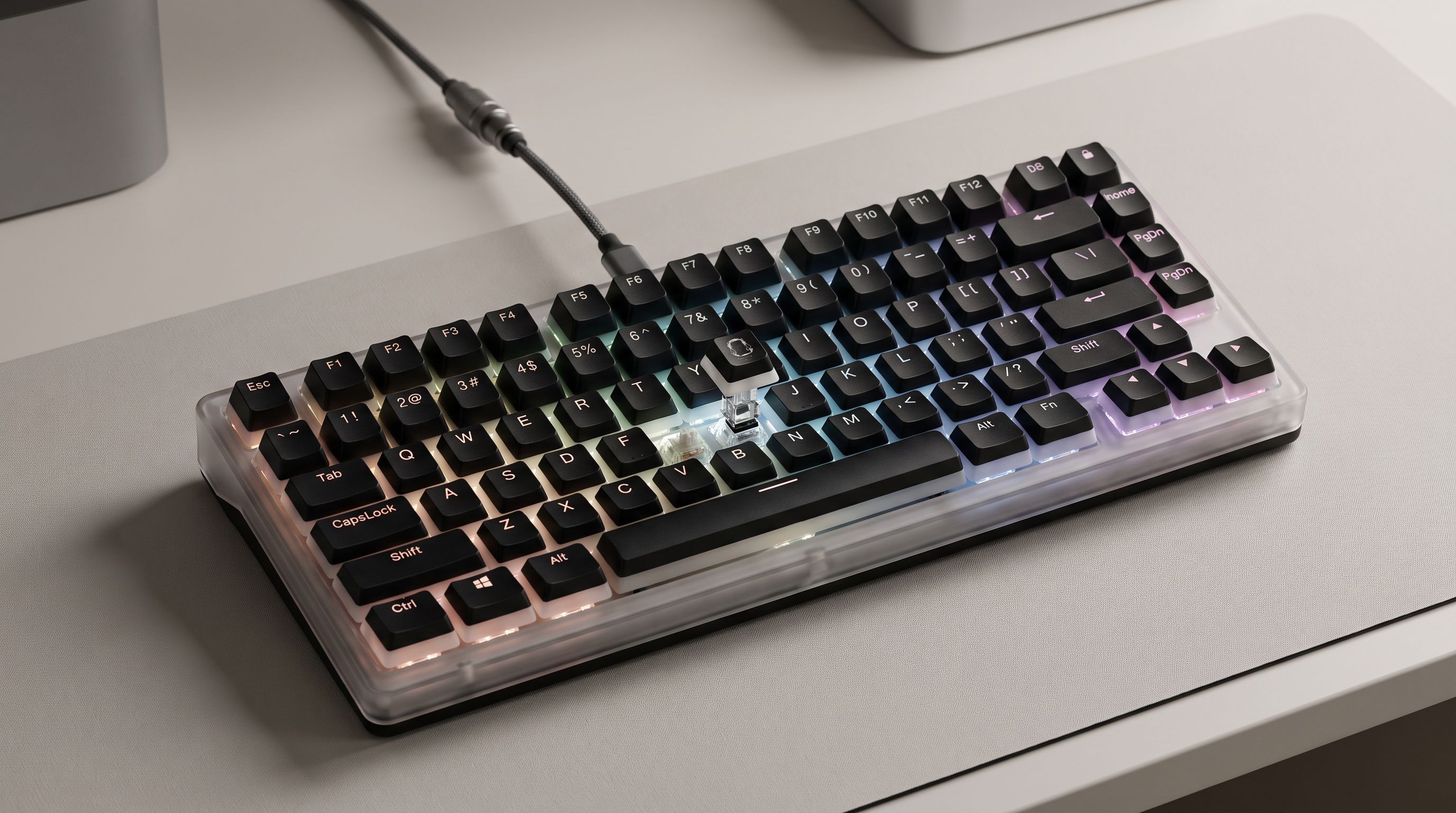
Reader-supported: we may earn a commission from links on this page, at no extra cost to you. It never affects our picks. Learn more.
Hall effect keyboards went from niche enthusiast curiosity to the default competitive recommendation in about three years. In 2026 the category is crowded enough that "it has magnetic switches" tells you almost nothing — the difference between a great one and a mediocre one lives in actuation range, how the rapid trigger algorithm behaves at the extremes, polling stability, and whether the software is a joy or a tax.
We compared the leading boards using manufacturer spec sheets, independent latency testing from reviewers who measure it properly, and verified owner feedback from long-term users. Here's what actually matters, followed by five picks that hold up.
What a Hall effect switch actually does
A traditional mechanical switch is a physical circuit: metal leaves touch, the key registers. There is one actuation point, set at the factory, and it never moves.
A Hall effect switch has no contact at all. A magnet sits in the stem; a sensor in the PCB reads the magnetic field strength and converts it into a continuous position value. The keyboard always knows how far down the key is, not just whether it's pressed.
Three capabilities fall out of that:
Adjustable actuation. You choose the trigger depth — shallow for twitchy FPS keys, deeper for keys you don't want to fire accidentally. Most 2026 boards offer a usable range of roughly 0.1mm to 3.5–4.0mm depending on switch travel, adjustable per key.
Rapid trigger. This is the headline feature. Instead of a fixed reset point, the key resets the instant you start lifting. Move up 0.1–0.3mm (your chosen sensitivity) and the key releases; press down again by the same amount and it re-fires. For counter-strafing in CS2 or Valorant, it removes the dead zone between releasing A and pressing D. It is the single biggest reason people switch.
Analog input. Because position is continuous, keys can act like a joystick axis — gradual acceleration in racing and flight sims, walk-vs-sprint in third-person games. Wooting pioneered this; support elsewhere ranges from excellent to afterthought.
Rapid trigger is not magic — and the fine print matters
Two things temper the hype. First, rapid trigger helps most in games built on rapid directional reversals. In a MOBA or an MMO it changes very little. Second, aggressive settings cause accidental double-taps if your fingers rest heavily — most people land on 0.2–0.4mm sensitivity rather than the minimum.
There's also the "last key priority" family of features: Razer's Snap Tap, Wooting's Snappy Tappy, SteelSeries' Rapid Tap. These make the most recently pressed of two opposing keys win instantly. They're genuinely powerful — and several competitive titles have banned or restricted them. Check your game's current rules before building a config around it. Every board here works fine with the feature disabled.
How we ranked them
We weighted four things: actuation granularity and range (how fine the steps are, and whether per-key tuning is real), latency and polling (1,000 Hz is fine, 8,000 Hz is better if your CPU has headroom, but consistency beats peak numbers), software (web-based configurators with onboard profile storage beat heavy background apps), and build and typing feel, because you'll type on this thing more hours than you game on it.
The comparison
| Board | Layout | Standout feature | Software | Best for |
|---|---|---|---|---|
| Wooting 80HE | 80% / TKL-ish | Class-leading latency consistency, deepest analog support | Wootility (web-based, onboard profiles) | Players who want the ceiling, not the compromise |
| SteelSeries Apex Pro TKL Gen 3 | TKL | OmniPoint 3.0 with very fine actuation steps, OLED display | SteelSeries GG (desktop app) | Mainstream buyers who want polish and support |
| Razer Huntsman V3 Pro TKL | TKL | 8,000 Hz polling, Snap Tap last-key priority | Synapse (desktop app) | FPS-focused players already in Razer's ecosystem |
| Keychron K2 HE | 75% | Wireless plus full rapid trigger at a value price | Keychron Launcher (browser) | First magnetic board without flagship spend |
| Keychron K4 HE | 96% full-size | Numpad retained, per-key tuning, wireless | Keychron Launcher (browser) | Spreadsheet-and-shooter dual-purpose desks |
 Best full-size layout · Keychron K4 HE — Check price on Amazon →
 Best value · Keychron K2 HE — Check price on Amazon →
 Best for esports FPS · Razer Huntsman V3 Pro TKL — Check price on Amazon →
 Best mainstream TKL · SteelSeries Apex Pro TKL Gen 3 — Check price on Amazon →
 Best overall · Wooting 80HE — Check price on Amazon →
The picks
Wooting 80HE — best overall
Wooting still sets the standard, and the 80HE is why. Reviewers who measure input latency with hardware consistently place it at or near the top, and crucially its latency is consistent rather than spiky. Wootility runs in a browser, stores profiles onboard, and exposes everything — per-key actuation, rapid trigger sensitivity, analog curves, Snappy Tappy, mod tap. The 80% layout keeps the arrow cluster and a few function keys that 60% boards sacrifice.
The catch is availability: Wooting sells in batches and stock comes and goes. If you see one and you want the ceiling of the category, that's the moment.
SteelSeries Apex Pro TKL Gen 3 — best mainstream TKL
The Apex Pro line was doing adjustable actuation before "Hall effect keyboard" was a search term, and Gen 3 is the most refined version. OmniPoint 3.0 switches offer extremely fine actuation adjustment, and SteelSeries exposes rapid trigger, Rapid Tap and two-step actuation (one key, two functions at different depths) cleanly. The OLED screen is a genuinely useful config readout rather than a gimmick. Owner feedback is consistently positive on build quality; the main complaint is that SteelSeries GG is a heavier background app than the browser-based alternatives.
Razer Huntsman V3 Pro TKL — best for esports FPS
If your priority list starts and ends with shooters, this is the most single-mindedly competitive option. 8,000 Hz polling, aggressive rapid trigger implementation, Snap Tap, and a notably rigid chassis with a comfortable magnetic wrist rest. Razer's analog support is thinner than Wooting's, and Synapse remains divisive among owners, but the hardware delivers. Note that 8,000 Hz polling raises CPU overhead slightly — on a mid-range CPU, 1,000–4,000 Hz is often the smarter setting.
Keychron K2 HE — best value
This is the board to recommend when someone asks whether Hall effect is worth trying but doesn't want to spend flagship money. You get adjustable actuation, real rapid trigger, wireless connectivity for desk-tidiness (use wired for competitive play), and Keychron's browser-based Launcher, which is refreshingly free of accounts and background services. Latency isn't Wooting-class and the 75% layout is tight, but the core feature set is all there.
Keychron K4 HE — best full-size layout
Most magnetic boards are TKL or smaller, which is a problem if you need a numpad. The K4 HE's 96% layout packs a numpad into a near-TKL footprint, with per-key actuation tuning and the same Launcher software. It's the pragmatic pick for a desk that does accounting by day and ranked by night — and it's one of the few full-size options that doesn't feel like an afterthought.
Buying advice in one paragraph
If budget allows and you can find stock, Wooting 80HE. If you want a flagship you can buy today with mainstream support, Apex Pro TKL Gen 3. If you only play shooters and like Razer, Huntsman V3 Pro TKL. If you're testing the waters, Keychron K2 HE. If you need a numpad, Keychron K4 HE. Then spend ten minutes in the software: set WASD to around 1.0–1.5mm actuation with 0.3mm rapid trigger, leave everything else at 1.8–2.0mm with rapid trigger off, and tune from there.
FAQ
Does a Hall effect keyboard actually make me better at games? It removes a small input delay on direction changes and makes counter-strafing cleaner. That's a real mechanical advantage in CS2, Valorant and similar titles, but it's measured in milliseconds — it supplements skill rather than replacing it. In slower genres the benefit is close to zero.
Is rapid trigger banned in competitive play? Rapid trigger itself is generally allowed. The restricted features are last-key-priority tools like Snap Tap, Snappy Tappy and Rapid Tap, which several publishers have moved against. Rules change, so verify for your game before a tournament.
Are magnetic switches hot-swappable? Usually only for other magnetic switches — you can't drop a standard mechanical switch into a Hall effect PCB, because there's no contact circuit to complete. Check each board's compatibility list.
What about TMR switches? Tunnel magnetoresistance sensors are appearing in 2026 boards as an evolution of Hall effect, with claims of better precision and lower power draw. The practical in-game difference versus a good Hall effect board is small today; don't delay a purchase waiting for it.
Do these keyboards wear out faster? The opposite, generally. With no physical contact point there's nothing to pit or oxidize; the stem and spring are the wear items. Manufacturers typically rate magnetic switches at or above standard mechanical lifespans.
Our picks
nuphy WH80 Hot-Swap Rapid Trigger Wireless Magnetic Keyboard with knob | Custom RGB Backlit Gaming Keyboard, 80% Layout, Tri-mode Hall Effect, 83 Keys, Support BT/2.4GHz/USB-C, Quick mode toggle
The reference board for analog and rapid trigger, with the lowest, most consistent latency in independent tests.
SteelSeries Apex Pro TKL Gen 3 Gaming Keyboard - Black | OmniPoint 3.0 Analog Magnetic Switches, Rapid Trigger, Rapid Tap/SOCD, Protection Mode, OLED, RGB, PBT Keycaps, USB-C,
OmniPoint 3.0 magnetic switches, 0.1mm adjustability and the most polished software of the big brands.
Razer Huntsman V3 Pro TKL Esports Gaming Keyboard, Black | Analog Optical Switches, Snap Tap, Rapid Trigger, Adjustable Actuation, Media Keys & Dial, Doubleshot PBT Keycaps, Wrist Rest
Snap Tap-style last-key-priority plus 8,000 Hz polling and a rigid, no-nonsense gaming build.
Keychron K2 HE Wireless Magnetic Hall Effect Custom Keyboard 75% Layout | 2.4 GHz/Bluetooth/Type-C, QMK Launcher, Rapid Trigger Gateron Magnetic Switch for Mac Windows Linux (Aluminum + Wood) - Black
Wireless-capable magnetic board with full rapid trigger and web-based configuration at a fraction of flagship cost.
Keychron K4 HE QMK Wireless Gaming Custom Mechanical Keyboard, 2.4 GHz/Bluetooth/Wired 96% Layout Hot-Swappable Programmable RGB Backlit Gateron Magnetic Switches for Mac Windows, Wood Frame-Black
96% layout keeps the numpad while still offering per-key actuation tuning and wireless connectivity.
Get the best tech deals in your inbox
Join the BytePlaza newsletter for hand-picked gadget deals and new buying guides. No spam, unsubscribe anytime.
Related reads
65% Keyboards in 2026: 5 Compact Picks That Earn Desk Space
Looking for the best 65% keyboard in 2026? We compare hot-swap compact boards, explain what you lose versus TKL, and rank five layouts worth the desk savings.
TKL Keyboards in 2026: 5 Picks That Earn Their Desk Space
Looking for the best tenkeyless keyboard in 2026? We compared five TKL mechanical boards on switches, hot-swap, wireless, and build quality.

$69 Median, 15x Spread: Inside Mechanical Keyboards in 2026
The median mechanical keyboard on Amazon lists at $68.99, but prices span $15.99 to $239.99 — a 15x spread across 39 listings analyzed on 2026-08-17.