4K Blu-Ray Player vs Streaming Stick in 2026: Which Wins?
4K Blu-ray player vs streaming stick in 2026: we compare picture quality, HDR support, audio, and cost to help you decide which is worth your money.
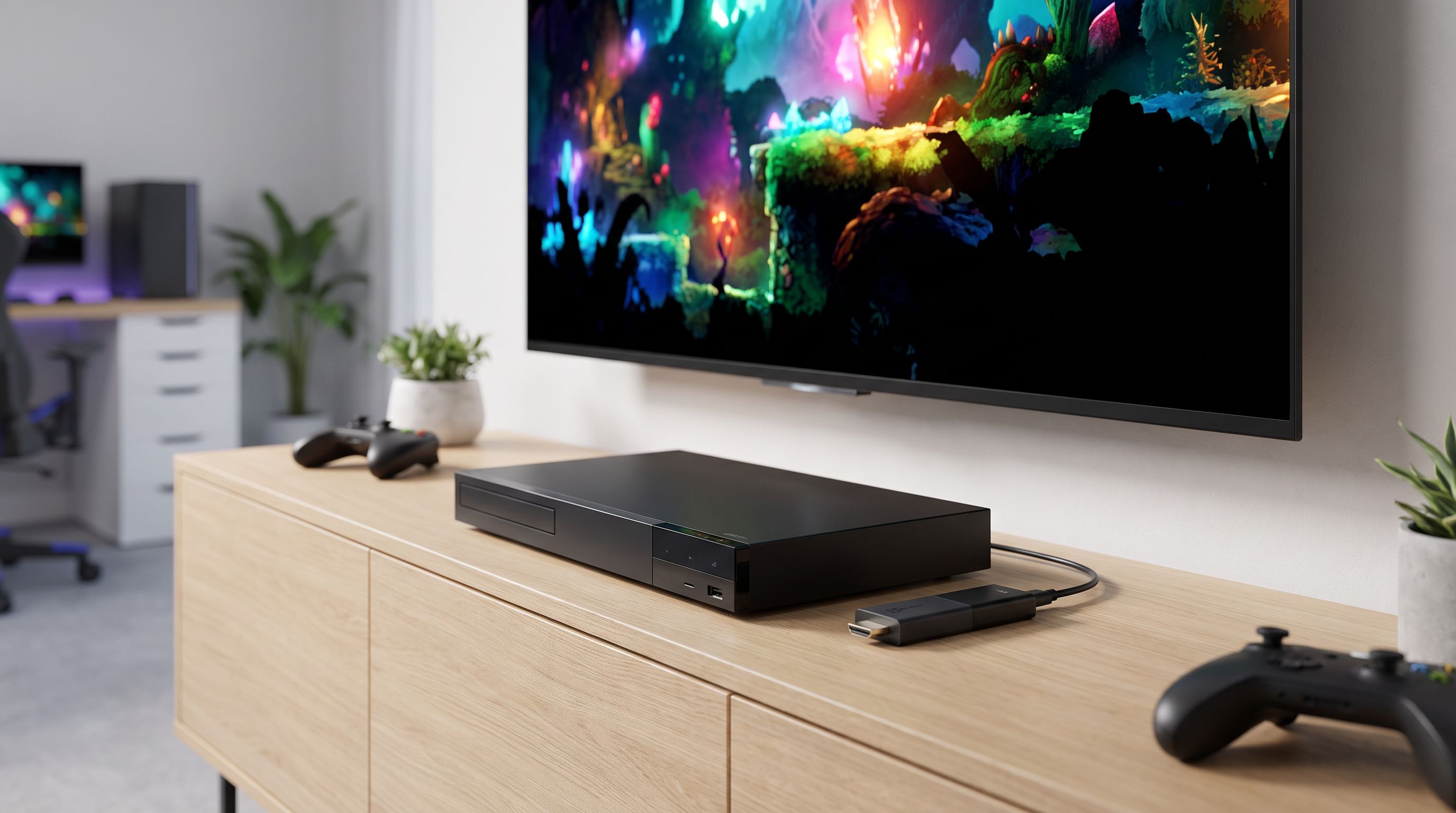
Reader-supported: we may earn a commission from links on this page, at no extra cost to you. It never affects our picks. Learn more.
The debate is older than 4K itself, but it's more relevant than ever: should you invest in a dedicated 4K UHD Blu-ray player, or is a compact streaming stick all you really need? In 2026, both categories have matured — disc players offer reference-grade picture and lossless audio, while streaming sticks deliver convenience and an ever-growing library of 4K HDR content for a fraction of the cost.
We compared the latest players and sticks across picture quality, HDR format support, audio capability, library access, and total cost of ownership. Here's what we found.
Picture Quality: Disc Still Has the Edge
This is the single biggest reason disc enthusiasts refuse to let go of physical media. A 4K UHD Blu-ray disc delivers video at bitrates of 80–100 Mbps — roughly four to five times higher than what Netflix, Disney+, or Apple TV+ stream at their best. That extra bandwidth translates into finer grain structure, more detail in dark scenes, and fewer compression artifacts in fast-motion sequences.
Streaming sticks in 2026 have improved thanks to better codecs (AV1 adoption is now widespread), but they're still limited by your internet connection and the platform's encoding choices. If you have a large OLED or Mini-LED panel and sit relatively close, the difference between a disc and a stream can be noticeable — especially in dark, shadow-heavy scenes where banding tends to creep in on compressed streams.
Verdict: For pure pixel-level fidelity, 4K Blu-ray wins. For casual viewing on screens 55 inches and under at typical distances, most viewers won't notice a dramatic gap.
HDR Format Support
HDR is where things get interesting. The best disc players — particularly the Panasonic DP-UB820 — support both Dolby Vision and HDR10+, which means they can play every disc in your collection at its best regardless of which dynamic metadata format the studio chose. The DP-UB820 also includes Panasonic's proprietary HDR Optimizer, praised by Wirecutter and other reviewers for its accurate tone mapping on displays that can't hit 1,000+ nits.
Streaming sticks handle HDR well, too. The Apple TV 4K supports Dolby Vision and HDR10 natively, while the Amazon Fire TV Stick 4K Max adds HDR10+ on top of Dolby Vision. The Roku Streaming Stick 4K covers HDR10 and Dolby Vision as well.
 Simplest streaming stick · Roku Streaming Stick 4K — Check price on Amazon →
 Best value streaming stick · Amazon Fire TV Stick 4K Max — Check price on Amazon →
 Best premium streaming stick · Apple TV 4K (2024) — Check price on Amazon →
The practical difference? On disc, you're guaranteed the director-approved master. On streaming, HDR metadata can vary by service and even by title.
Audio: Lossless vs Lossy
This is Blu-ray's other trump card. UHD discs carry Dolby TrueHD Atmos and DTS:X — lossless, uncompressed object-based audio. If you've invested in a surround-sound system or soundbar with Atmos decoding, the difference is real: wider dynamic range, cleaner dialogue, and more precise overhead effects.
Streaming services deliver Dolby Digital Plus Atmos — a compressed, lossy version. It's good, but it doesn't carry the same headroom. For stereo or basic soundbar setups, you likely won't notice the gap. For dedicated home theaters, discs remain the gold standard.
Convenience and Library Access
Here's where streaming sticks dominate. A single Amazon Fire TV Stick 4K Max or Apple TV 4K gives you instant access to thousands of 4K titles across Netflix, Disney+, Apple TV+, Max, Prime Video, Peacock, and more — no shelf space required. Interface updates, voice search, and cross-service watchlists make finding content effortless.
A 4K Blu-ray player, meanwhile, requires you to buy or rent physical discs. While many players (including the Sony UBP-X700M2) include built-in streaming apps, those smart-TV interfaces are typically slower and less polished than what you get on a modern streaming device.
Cost Comparison
| Factor | 4K Blu-ray Player | Streaming Stick |
|---|---|---|
| Upfront cost | Moderate to high (budget models start around $150; premium models like the Panasonic DP-UB820 run significantly higher) | Low (many sticks are under $50) |
| Per-title cost | $15–$30 per UHD disc (you own it permanently) | Monthly subscriptions ($8–$23/mo per service) |
| Audio quality | Lossless Dolby TrueHD Atmos / DTS:X | Lossy Dolby Digital Plus Atmos |
| Peak video bitrate | ~100 Mbps | ~15–25 Mbps (varies by service) |
| HDR formats | Dolby Vision + HDR10+ (player-dependent) | Dolby Vision + HDR10/HDR10+ (device-dependent) |
| Internet required? | No (disc playback is offline) | Yes |
| Content library | Physical discs + limited built-in apps | Thousands of titles across all major services |
| Setup complexity | HDMI + power; disc storage needed | HDMI dongle; minimal space |
Who Should Buy a 4K Blu-ray Player?
A disc player makes sense if you care deeply about maximum picture and sound quality, you're building a home theater with Atmos speakers, or you like owning physical media that can't disappear from a streaming catalog overnight. The Panasonic DP-UB820 is the go-to recommendation across multiple expert outlets — Wirecutter calls it their top pick for 2026 — thanks to its dual HDR format support and excellent tone mapping. If budget is a concern, the Sony UBP-X700M2 delivers Dolby Vision and dual HDMI output at a much lower entry point.
Who Should Buy a Streaming Stick?
A streaming stick is the right call if convenience, cost, and content variety are your priorities. The Apple TV 4K is the premium choice, praised for its fluid tvOS interface, AirPlay integration, and consistent Dolby Vision/Atmos support across services. The Amazon Fire TV Stick 4K Max is the value champion, packing Wi-Fi 6E, Dolby Vision, and HDR10+ support at an aggressive price. And the Roku Streaming Stick 4K remains a great option for anyone who just wants a clean, simple interface without the ecosystem lock-in.
Can You Have Both?
Absolutely — and many enthusiasts do. A common setup is to pair a mid-range Blu-ray player with a streaming stick, using the stick for everyday bingeing and the disc player for reference-quality movie nights. Since both connect via HDMI and most AVRs or TVs have multiple inputs, there's no conflict.
FAQ
Is 4K Blu-ray noticeably better than 4K streaming?
On larger screens (65 inches and above) with capable HDR panels, yes — especially in dark, complex scenes. On smaller screens or at longer viewing distances, the difference shrinks considerably.
Do 4K Blu-ray players play regular Blu-rays and DVDs?
Yes. All current 4K UHD Blu-ray players are backward-compatible with standard Blu-ray discs, DVDs, and in many cases audio CDs.
Do I need fast internet for a streaming stick?
For reliable 4K HDR streaming, most services recommend at least 25 Mbps. For Dolby Atmos content on services like Apple TV+, a stable 40+ Mbps connection is ideal.
Are new 4K Blu-ray discs still being released in 2026?
Yes. Major studios continue to release new films and catalog titles on UHD Blu-ray, though the volume has slowed compared to the format's peak. Boutique labels like Criterion and Arrow remain active.
Can a streaming stick match Blu-ray audio quality?
Not yet. Streaming services cap out at Dolby Digital Plus Atmos (lossy), while discs deliver lossless Dolby TrueHD Atmos and DTS:X. The gap matters most with dedicated surround-sound systems.
Our picks
Panasonic DP-UB820 4K Blu-ray Player
Reference-grade HDR tone mapping and Dolby Vision/HDR10+ support in one player.
Sony UBP-X700M2 4K Blu-ray Player
Dolby Vision, dual HDMI, and reliable playback at a wallet-friendly price.
Apple TV 4K (4th generation)
A21 chip, Dolby Vision, Dolby Atmos, and the smoothest smart-TV interface around.
Amazon Fire TV Stick 4K Max (newest model), streaming device, with AI-powered Fire TV Search, supports Wi-Fi 6E, free & live TV without cable or satellite, find shows faster with Alexa+
Wi-Fi 6E, Dolby Vision, Atmos passthrough, and aggressive pricing.
Roku Streaming Stick HD with Voice Remote
Clean, ad-light interface with 4K HDR and broad app support.
Get the best tech deals in your inbox
Join the BytePlaza newsletter for hand-picked gadget deals and new buying guides. No spam, unsubscribe anytime.
Related reads
8K Streaming Media Player in 2026: Do You Actually Need One?
Is an 8K streaming media player worth it in 2026? We compare AV1-capable boxes like Fire TV Stick 4K Max, Apple TV 4K and Zidoo Z9X on real picture quality gains.
Projector Home Gyms in 2026: Ditching the Smart Mirror
Smart fitness mirrors are fading. Here's how to build a projector-based home gym in 2026 — the best short-throw projectors, screens and sensors, compared.
Gaming Projectors in 2026: 4 Picks Under 20ms Input Lag
Chasing a 120-inch console setup without the lag penalty? We compared low input lag gaming projectors for 2026 — 4K/120Hz specs, HDMI 2.1, and real owner feedback.