Wi-Fi 7 Routers in 2026: 5 Standalone Picks That Deliver
Skip the mesh. We compared the best Wi-Fi 7 routers of 2026 for small-to-medium homes on throughput, 10G ports, MLO support and real-world value.
Reader-supported: we may earn a commission from links on this page, at no extra cost to you. It never affects our picks. Learn more.
Mesh systems get most of the attention, but they're often the wrong answer. If your home is roughly 1,000–2,500 sq ft, laid out on one or two floors, and you have a decent spot near the middle of it for a router, a single Wi-Fi 7 unit will usually beat a cheap three-pack mesh on raw speed, latency and price. No wireless backhaul tax, no node to configure, one device to update.
BytePlaza researched manufacturer specs, independent lab results and verified owner feedback to rank the standalone Wi-Fi 7 routers worth buying in 2026. Below are the picks, what actually differentiates them, and how to tell whether you need any of it.
What Wi-Fi 7 actually changes
Three features matter for real homes:
- 320 MHz channels (6 GHz only). Double the width of Wi-Fi 6E's widest channel. This is where the headline gigabit numbers come from — and it only works if your client device also supports Wi-Fi 7 on 6 GHz.
- Multi-Link Operation (MLO). A client can use two bands simultaneously, or hop between them mid-stream. In practice this shows up as steadier latency and fewer stalls rather than a bigger speed-test number. It's the most genuinely useful Wi-Fi 7 feature for everyday use.
- 4096-QAM. ~20% higher peak data rate at close range with a strong signal. Real gains are modest and disappear across the house.
What Wi-Fi 7 does not do is extend range. A BE-class router covers roughly the same physical area as a comparable Wi-Fi 6 router; it just moves more data inside that area. If your problem is a dead corner two rooms away, a faster standard won't fix it — that's a placement or mesh problem.
Also worth saying plainly: if your internet plan is 500 Mbps or slower and your devices are mostly Wi-Fi 5/6 phones and laptops, a good Wi-Fi 6 router (TP-Link's Archer AXE75 remains a popular value recommendation for exactly this reason) will feel identical. Wi-Fi 7 earns its keep with multi-gig internet, wired 2.5G/10G clients, or a house full of newer phones and laptops.
The comparison at a glance
| Router | Class / bands | Fastest wired port | LAN ports | Best for |
|---|---|---|---|---|
| Netgear Nighthawk RS700S | BE19000 tri-band | 10 Gbps WAN + 10 Gbps LAN | 1× 10G, 4× 1G | Multi-gig plans, top throughput |
| TP-Link Archer BE800 | BE19000 tri-band | 10G Ethernet + 10G SFP+ combo | 10G + 2.5G ports | Fiber/SFP+ setups, premium coverage |
| TP-Link Archer BE550 | BE9300 tri-band | 2.5 Gbps WAN | 4× 2.5G | Best all-round value |
| GL.iNet Flint 3 (GL-BE9300) | BE9300 tri-band | 10 Gbps | 10G + 2.5G | VPN, OpenWrt, self-hosting |
| ASUS RT-BE58U | BE3600 dual-band | 2.5 Gbps WAN | 2.5G + 1G | Sub-gigabit plans, first upgrade |
 Premium pick · TP-Link Archer BE800 — Check price on Amazon →
 Best for tinkerers · GL.iNet Flint 3 (GL-BE9300) — Check price on Amazon →
 Budget pick · ASUS RT-BE58U — Check price on Amazon →
 Best value · TP-Link Archer BE550 — Check price on Amazon →
 Best overall · Netgear Nighthawk RS700S — Check price on Amazon →
Speed classes (BE19000, BE9300, BE3600) are the sum of theoretical rates across all bands. No single device will ever see those numbers. Treat them as a rough tier indicator only.
The picks
Netgear Nighthawk RS700S — best overall
The RS700S is the standalone router most consistently ranked at the top by independent testers in 2026, and the reason is boring but decisive: it pairs genuinely strong 6 GHz throughput with two 10 Gbps ports — one WAN, one LAN. That combination is rare. It means you can terminate a 2 Gbps, 5 Gbps or even 10 Gbps fiber plan without a bottleneck and still wire a NAS or workstation at 10G.
The trade-offs: the remaining LAN ports are only gigabit, the tower design is large, and Netgear's Armor security suite is subscription-based after the trial. If you want the fastest single box and have the internet plan to justify it, this is the one.
TP-Link Archer BE550 — best value
For most people reading this guide, the BE550 is the right buy. It's a tri-band BE9300 router with four 2.5 Gbps LAN ports plus a 2.5 Gbps WAN — that's more multi-gig wired capacity than routers costing considerably more, and it's the spec that ages best. A gaming PC, a NAS, a mesh-ready access point and a console can all sit at 2.5G simultaneously.
The 6 GHz band is 2×2 rather than 4×4, so peak close-range speeds don't reach RS700S territory. For a 1 Gbps or 2 Gbps plan in a mid-sized home, you will not notice. TP-Link's app-based setup is among the most painless in the category, and HomeShield's free tier covers basic parental controls.
ASUS RT-BE58U — budget pick
Dual-band only — no 6 GHz — which means no 320 MHz channels. So why include it? Because for a home on a 300–1000 Mbps plan, 6 GHz is often unused anyway: its range is short, and many phones and laptops still don't support it. What you get instead is Wi-Fi 7's MLO and 4096-QAM on 2.4/5 GHz, a 2.5G WAN and a 2.5G LAN port, and ASUS's genuinely good firmware — AiProtection, AiMesh (so you can add a node later), and VPN client/server features with no ongoing subscription. It's the most sensible "my ISP router is bad and I want something modern" upgrade on this list.
GL.iNet Flint 3 (GL-BE9300) — best for tinkerers
The Flint 3 has developed a strong following among self-hosters and homelab users, and it's easy to see why: OpenWrt underneath, a friendly GL.iNet UI on top, 10G connectivity, and hardware-accelerated WireGuard throughput that's dramatically better than what most consumer routers manage. If you route all traffic through a VPN, run AdGuard Home, or want VLANs and custom firewall rules without buying into a prosumer ecosystem, it belongs on your shortlist.
It asks more of you than a TP-Link or Netgear. Setup is straightforward, but getting the most out of it means reading documentation. Mainstream users should pick something else.
TP-Link Archer BE800 — premium pick
The BE800's differentiator is its 10G SFP+ / RJ45 combo port alongside a 10G Ethernet port. If your fiber ONT hands off over SFP+, or you have a 10G switch with fiber uplinks, that flexibility is hard to find elsewhere at consumer prices. It's a tri-band BE19000 unit with strong coverage and a slim, LED-panel tower design that hides better in a living room than most gaming-styled routers. Buy it for the ports; the Wi-Fi is a close match for the RS700S.
How to choose in 60 seconds
- Plan under 1 Gbps, ordinary devices: ASUS RT-BE58U.
- Plan around 1–2 Gbps, want wired multi-gig headroom: TP-Link Archer BE550.
- Plan over 2 Gbps, or you have a 10G NAS: Netgear Nighthawk RS700S.
- Fiber with SFP+ handoff: TP-Link Archer BE800.
- VPN-everything, OpenWrt, custom rules: GL.iNet Flint 3.
One last practical note: placement beats specs. A mid-tier router centrally located and elevated will outperform a flagship stuffed in a basement cupboard next to the ONT. If the only spot for your router is a corner of the house, run a length of Ethernet before you spend more on hardware.
FAQ
Do I need Wi-Fi 7 client devices to benefit? For the headline speeds, yes — 320 MHz channels and MLO require a Wi-Fi 7 client. Older devices still benefit indirectly, because newer routers have faster processors, more capable radios and handle congestion better.
Is one router really enough, or should I get mesh? As a rough guide: single router for up to ~2,500 sq ft on one or two floors with a central placement; mesh for larger, longer or multi-storey homes, or where thick walls block signal. Note that the ASUS RT-BE58U supports AiMesh and TP-Link's routers support EasyMesh, so you can add a node later rather than committing now.
Does Wi-Fi 7 need a 6 GHz-capable plan or new modem? No. Wi-Fi 7 is purely the wireless link between your router and devices. Your modem, ONT or ISP plan is unaffected — though a multi-gig plan is what makes the faster models worth their price.
Will 6 GHz reach my whole house? Probably not. 6 GHz carries the most data but penetrates walls the worst. Expect it to serve the room the router is in and adjacent spaces; 5 GHz handles the rest. That's normal, not a fault.
Is a subscription required for security features? It varies. ASUS includes AiProtection at no extra cost. Netgear Armor and TP-Link HomeShield's advanced tiers are paid, though both offer usable free basics. Factor this in if ongoing costs matter to you.
Our picks
NETGEAR Nighthawk Tri-Band WiFi 7 Router (RS700S) - Router Only- BE19000 Wireless Speed (up to 19 Gbps) – 10 Gig Internet Port - Covers up to 3,500 sq. ft. – 1-Year Armor & Free Expert Help
Dual 10 Gbps ports and quad-band-class 6 GHz throughput make it the strongest single-unit Wi-Fi 7 router.
TP-Link Tri-Band BE9300 WiFi 7 Router (Archer BE550) | 6-Stream, Full 2.5G Ports, 6 Internal Antennas, Up to 2,000 sq. ft., EasyMesh Expansion, VPN
Tri-band BE9300 with four 2.5G LAN ports — the sweet spot for multi-gig homes on a budget.
ASUS RT-BE58U WiFi 7 Router - Dual-WAN, 3.6 Gbps, Mesh + VPN Compatible | Wi-Fi 7 BE3600 dual-band router with 2.5G port and AiMesh for 8K streaming, HDR gaming and smart home management
Dual-band Wi-Fi 7 with 2.5G WAN/LAN, free AiProtection and no subscription strings attached.
GL.iNet GL-BE9300 Flint 3 Tri-Band Wi-Fi 7 Router 5 x 2.5G VPN Router | Tri-Band Wi-Fi 7 with 6GHz, 9 Gbps wireless speed for smooth 8K streaming, low-latency gaming, and video calls
OpenWrt-based BE9300 router with 10G ports, VPN acceleration and deep manual control.
TP-Link Tri-Band BE19000 WiFi 7 Router (Archer BE800) | 12-Stream 19 Gbps | 2×10G + 4×2.5G Ports | LED Screen, 8 High-Performance Antennas | VPN, Easy Mesh, HomeShield, Private IoT
Tri-band flagship with a 10G SFP+ combo port, 10G Ethernet and strong coverage in a slim tower.
Get the best tech deals in your inbox
Join the BytePlaza newsletter for hand-picked gadget deals and new buying guides. No spam, unsubscribe anytime.
Related reads
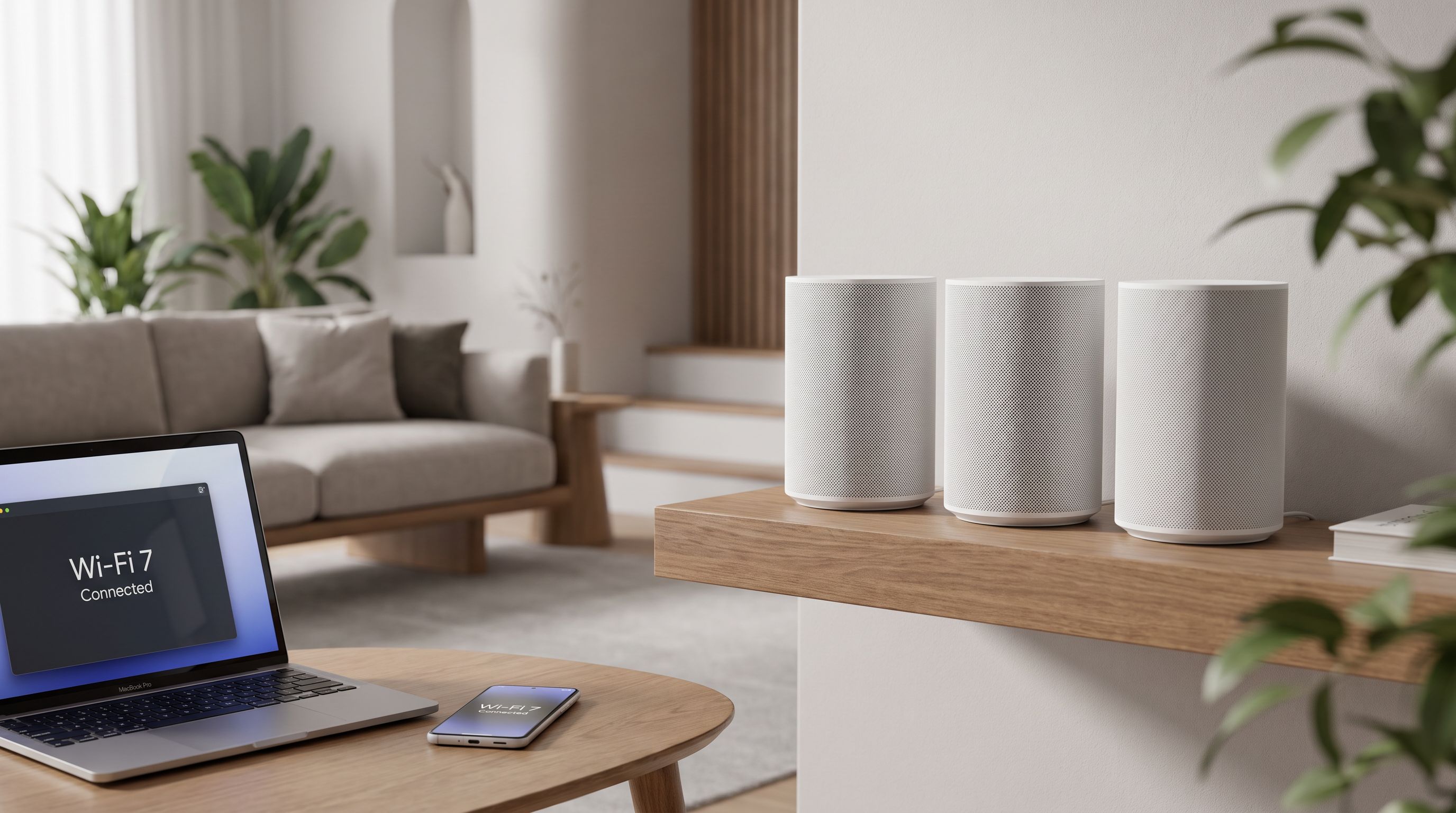
Best Mesh WiFi System 2026: Wi-Fi 7 Picks Ranked
The best mesh WiFi system 2026 picks, ranked by home size, ISP speed and budget — Wi-Fi 7 options for apartments, multi-story houses and gigabit-plus plans.
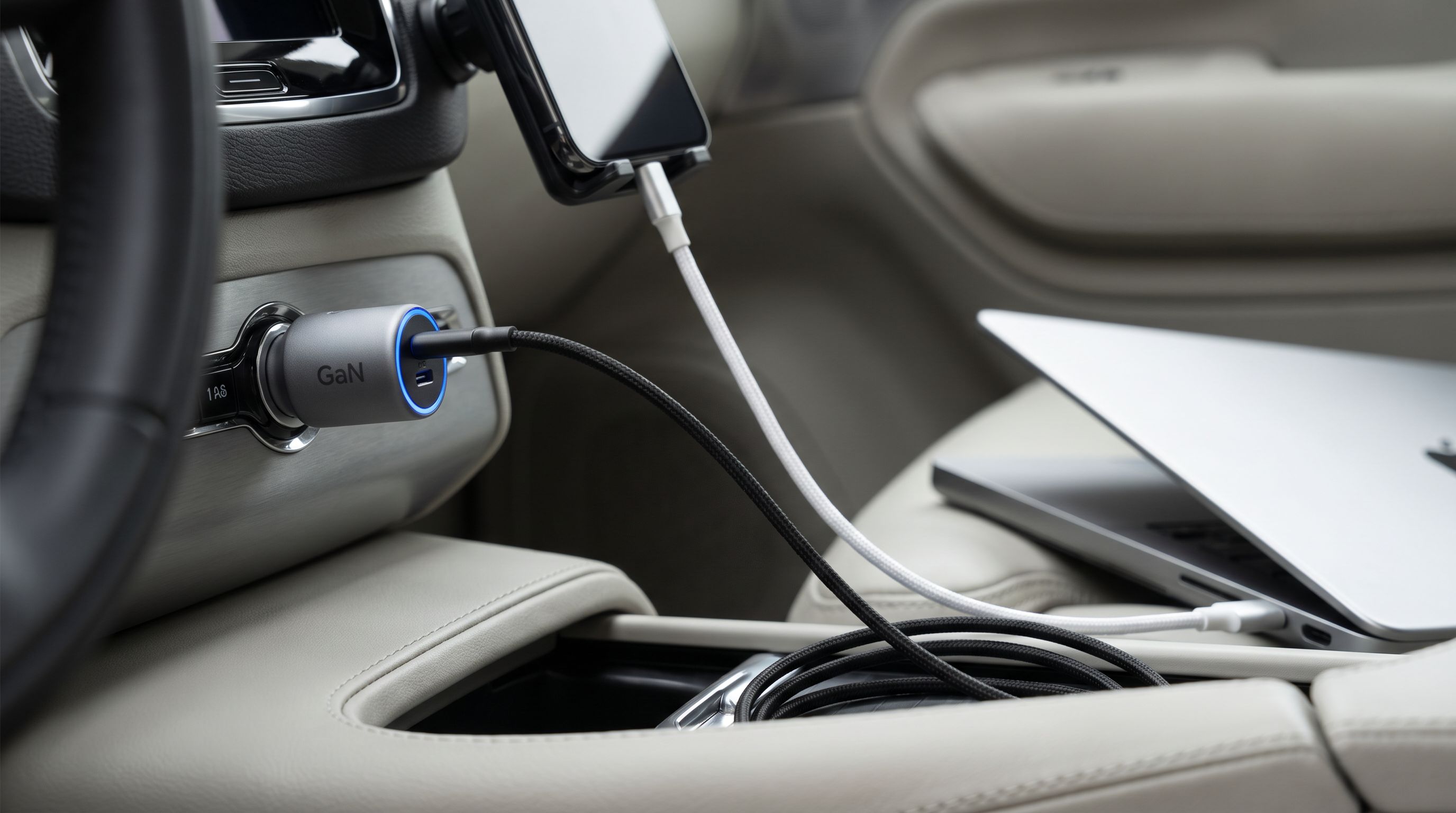
USB-C Car Chargers in 2026: 5 Picks That Hit 65W+
The best USB-C car charger 2026 picks for laptops and phones: GaN multi-port models, real PD wattage splits, socket fit and the cables you actually need.
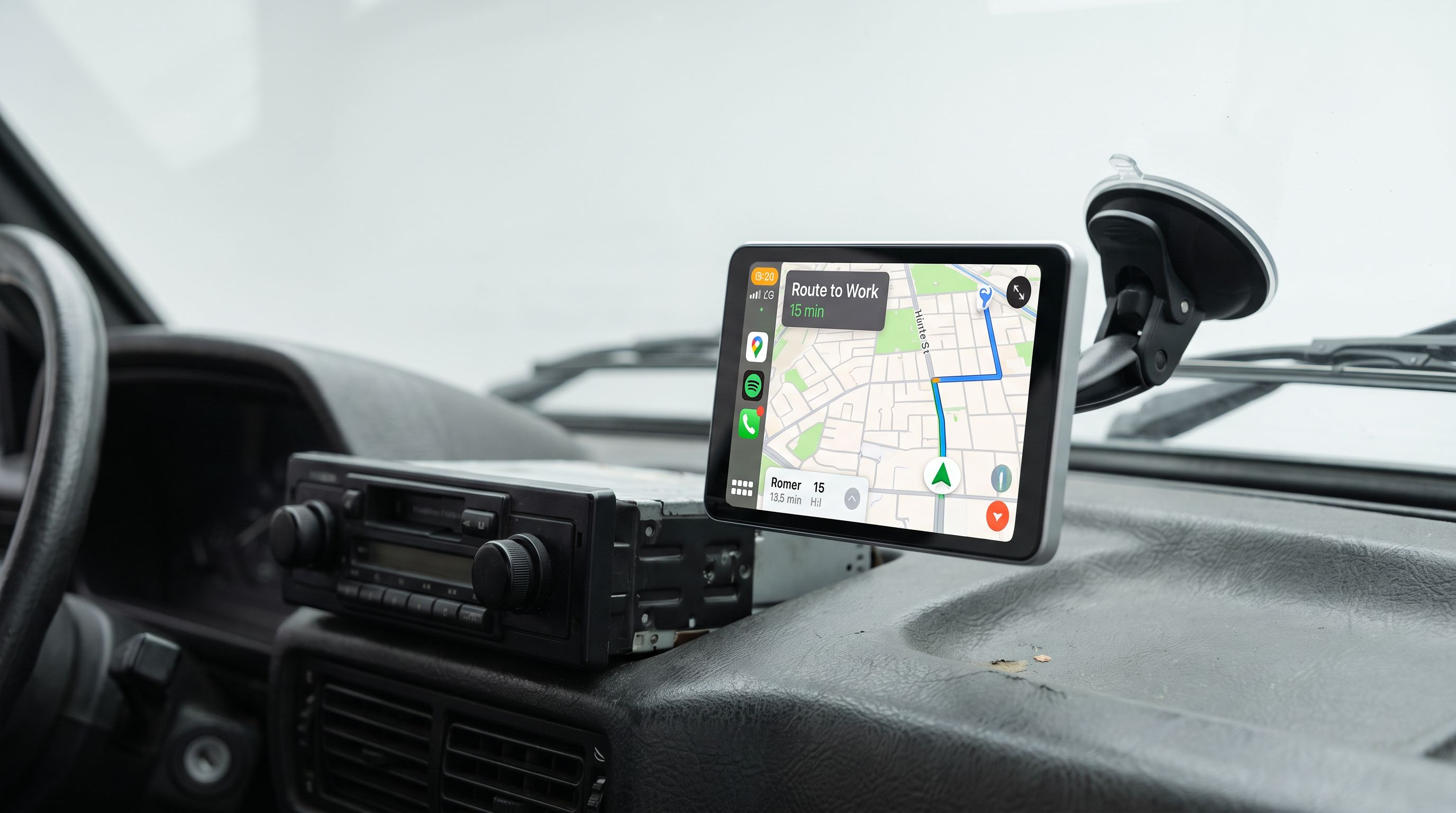
Portable CarPlay Screen vs Head Unit: Which Fits Your Car in 2026?
A portable CarPlay screen for car dashboards installs in minutes — but a double-DIN head unit does more. Here's how they compare in 2026, plus four solid picks.