Which Wireless Presentation Remote Should You Buy in 2026?
The best wireless presentation remote for 2026, compared: USB-C receivers, laser vs. digital pointers, range, and battery life for teachers, speakers and hybrid workers.
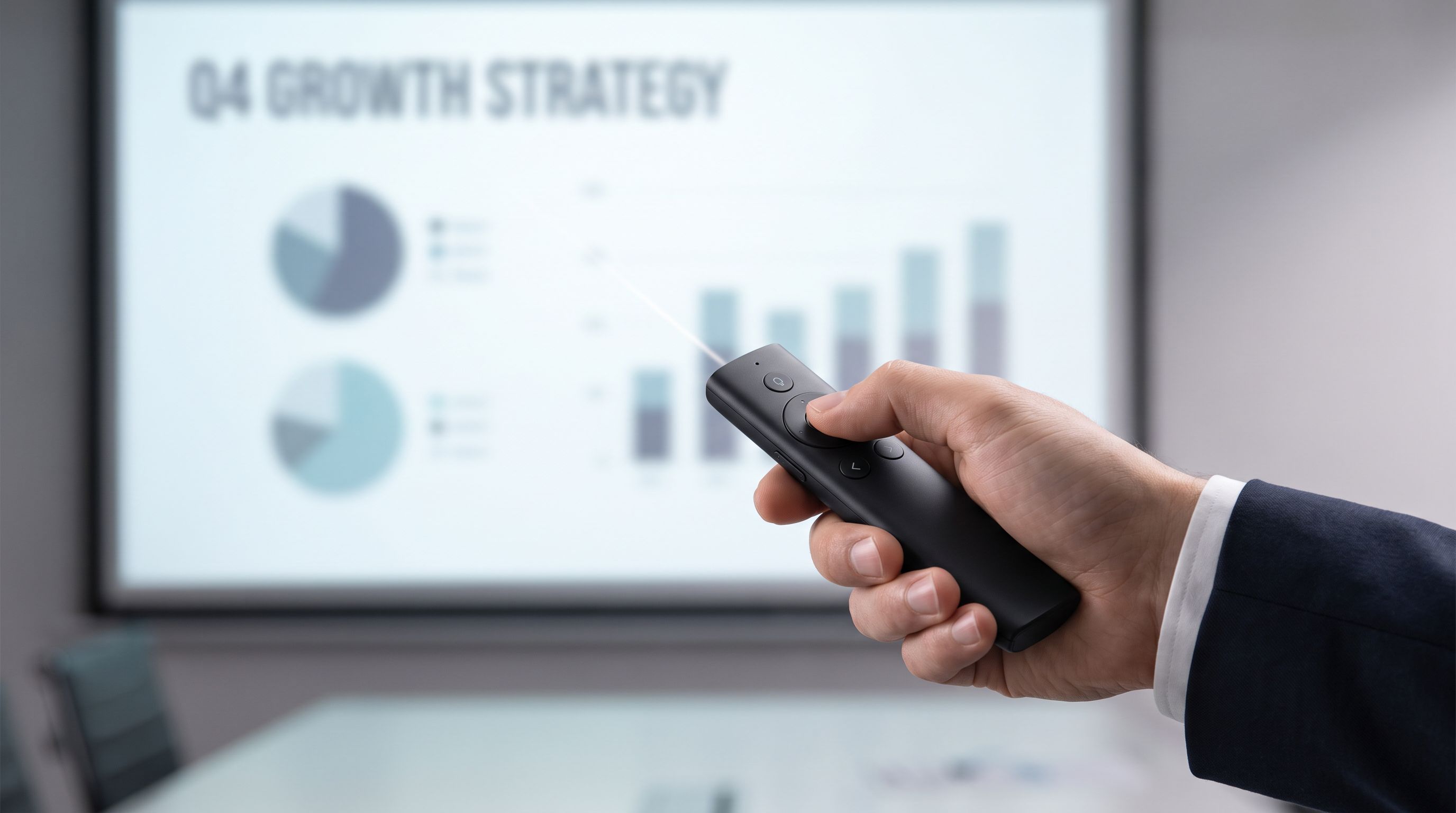
Reader-supported: we may earn a commission from links on this page, at no extra cost to you. It never affects our picks. Learn more.
A presentation remote is one of those accessories nobody thinks about until it fails in front of 200 people. The good news: the category has matured. The bad news: the specs that matter in 2026 — USB-C receivers, digital pointers that survive screen sharing, and battery types — are not the ones most listings shout about.
We compared the leading presenter clickers using manufacturer specifications, independent reviews and verified owner feedback, then ranked them for the three groups that buy them most: hybrid workers presenting to a Zoom grid, teachers clicking through slides 25 hours a week, and conference speakers who need something that just works on unfamiliar hardware.
What actually matters in a presenter clicker
The pointer problem: laser vs. digital
A red laser pointer is invisible on a video call, invisible on most LED walls, and increasingly useless on large-format LCD displays that have replaced projectors in meeting rooms. If your audience is remote — even partly — a laser is dead weight.
Digital pointers solve this in software. The Logitech Spotlight moves an on-screen highlight, spotlight or magnifier that appears in screen shares and recordings, because it's rendered by the computer rather than projected onto a wall. It requires Logi Options+ installed on the presenting machine, which is the trade-off: on a borrowed conference laptop, you fall back to basic slide control.
Air-mouse cursor control, as on the Kensington Presenter Expert Wireless Cursor Control, is a middle path. It moves the actual system cursor, so it works in any app without special software — useful when you need to click a link mid-deck or scrub a video.
Connection: 2.4GHz dongle, Bluetooth, or both
Plug-and-play 2.4GHz is still the most reliable option for one simple reason: the receiver enumerates as a keyboard, so it works on locked-down corporate laptops, Chromebooks and older AV podium PCs without drivers or pairing. Bluetooth saves a port and is handy on port-starved laptops, but pairing in front of an audience is a bad time.
The best remotes offer both. The Logitech R500s pairs over Bluetooth Low Energy or via a Logi USB receiver, so you can choose per venue.
USB-C versus USB-A receivers
This is the 2026 sticking point. Many long-running clickers still ship a USB-A dongle, and plenty of modern laptops have none. Check the box carefully. Your options:
- Buy a model with a USB-C receiver (some newer bundles include one, or a C-adapter).
- Use Bluetooth and skip the dongle entirely.
- Carry a compact USB-A-to-C adapter in your bag — cheap, and it also rescues you when a venue hands you a USB-C-only podium machine.
Battery: replaceable or rechargeable
Rechargeable via USB-C (Spotlight) means no batteries to buy and a fast top-up — Logitech quotes a one-minute charge for roughly three hours of use. Replaceable AAA batteries (R400, R500s, most budget clickers) mean months of runtime and a 15-second fix if you're caught out. Teachers and frequent flyers often prefer AAA for exactly that reason.
Range and responsiveness
Manufacturer range figures assume line of sight in open air. Real-world range in a room full of bodies and Wi-Fi is lower. For a classroom or a boardroom, anything rated 15m/50ft is fine. For a ballroom or auditorium where you roam, look at the long-range 2.4GHz models — the Norwii N26 advertises around 100m/330ft and is a common pick among speakers who present in big rooms.
The shortlist compared
| Model | Pointer type | Connection | Power | Best for |
|---|---|---|---|---|
| Logitech Spotlight | Digital highlight/magnify (software) | Bluetooth LE + USB receiver | Rechargeable USB-C | Hybrid meetings, recorded talks |
| Logitech R500s | Red laser | Bluetooth LE + Logi USB receiver | 2× AAA | Everyday presenters who want dual pairing |
| Logitech R400 | Red laser | 2.4GHz USB receiver | 2× AAA | Classrooms, shared AV carts |
| Kensington Presenter Expert | On-screen cursor control | 2.4GHz USB receiver | AAA | Video calls, clicking links live |
| Norwii N26 | Red laser | 2.4GHz USB receiver (magnetic dock) | AAA | Large rooms on a small budget |
 Budget pick · Norwii N26 Wireless Presenter — Check price on Amazon →
 Best for most presenters · Logitech R500s Laser Presentation Remote — Check price on Amazon →
Our picks
Best overall: Logitech Spotlight Presentation Remote
 Best overall · Logitech Spotlight Presentation Remote — Check price on Amazon →
The Spotlight is the most future-proof choice because its pointer works in the one place a laser cannot: a screen share. Reviewers consistently rate it the best clicker for most people, and the reasons are consistent — a clean three-button face, gesture-driven highlight and magnify, timer vibration alerts so you know when to wrap up, dual Bluetooth/receiver connection, and USB-C charging.
Downsides to weigh: it needs Logi Options+ for the pointer features, it's the priciest option here, and the minimalist button layout takes a session or two to internalise. If you present to remote audiences or record your talks, it's still the one to get.
Best for most presenters: Logitech R500s
If you present in person and just want slide control that never argues with you, the Logitech R500s is the sensible default. The thumb-shaped body sits naturally in one hand, buttons are distinguishable by feel in the dark, and the dual Bluetooth/USB receiver approach means you're covered whether the podium PC is modern or ancient. AAA batteries give it the kind of runtime where you forget it has a battery at all. Renewed units are widely recommended as a value option.
Most reliable plug-and-play: Logitech R400
The Logitech R400 is the clicker you'll find in half the school AV cupboards in the world, and there's a reason. It's 2.4GHz only, no software, no pairing, large tactile buttons, a blank-screen key, and a receiver that stores inside the body. Nothing about it is exciting; nothing about it fails. For teachers who move between rooms and machines, boring is a feature.
Best air-mouse control: Kensington Presenter Expert Wireless Cursor Control
When your "room" is a Teams call, a laser is pointless. The Kensington Presenter Expert moves the system cursor from the remote, so you can point, gesture at a chart, or click into a browser tab without walking back to the laptop. It runs on 2.4GHz with no software dependency, which makes it more portable across machines than a software-driven digital pointer.
Budget pick: Norwii N26
The Norwii N26 is the enthusiast's cheap pick: long 2.4GHz range, a receiver that clips magnetically to the remote so you can't lose it, and programmable buttons. Build quality is plasticky next to the Logitechs and the software support is basic, but for a spare in the laptop bag — or for a big room where the R400's range starts to strain — it punches well above its cost.
Buying advice by use case
- Hybrid worker: Spotlight first, Kensington Presenter Expert if you can't install software on your work machine.
- Teacher: R400 or R500s. AAA batteries, no pairing rituals, tough enough for a backpack.
- Conference speaker: R500s as the primary (Bluetooth for your laptop, dongle for the venue's), Norwii N26 as the backup. Always carry a USB-A-to-C adapter.
- Anyone presenting on a borrowed laptop: prioritise a 2.4GHz receiver over Bluetooth, every time.
Pre-flight checklist
- Fresh batteries or a full charge the night before — not the morning of.
- Test the remote on the actual presenting machine, in presenter mode, before the room fills.
- Know your remote's blank-screen button; it's the most useful key on the device.
- Pack the dongle and an adapter. Two grams of insurance.
- Have a fallback: your slides should be navigable with arrow keys if everything dies.
FAQ
Do presentation remotes work with Google Slides and Keynote? Yes. Nearly all 2.4GHz clickers register as a keyboard and send Page Up/Page Down or arrow keys, which PowerPoint, Keynote and Google Slides all accept. Advanced features like digital pointers or timers usually need the manufacturer's software.
USB-C or Bluetooth — which is safer for a big talk? A USB receiver, if the venue laptop has a free port. It needs no pairing and no permissions. Bluetooth is more convenient day to day but adds a step that can fail under pressure.
How far do these really work? Rated ranges are line-of-sight maxima. In a full room, expect noticeably less. Classroom-sized spaces are comfortable for any model here; auditoriums favour long-range 2.4GHz options like the Norwii N26.
Are laser pointers still worth it in 2026? Only for in-person audiences on projection screens. Lasers are invisible on video calls and on many LED and LCD displays, and they're restricted in some venues and jurisdictions. If in doubt, choose a digital pointer or cursor control.
Can I just use my phone? Free remote apps work and cost nothing, but they depend on Wi-Fi or Bluetooth pairing, drain your battery, and put a distracting screen in your hand. A dedicated clicker is more reliable — keep the phone app as a backup.
Our picks
Logitech Spotlight Presentation Remote Universal Wireless - Black | Universal wireless clicker, laser pointer, advanced digital highlighting, 30 m range, quick charging
Digital highlight/magnify pointer works on any screen, plus rechargeable USB-C battery and Bluetooth or dongle pairing.
Logitech Wireless Presenter R400 USB A PowerPoint Clicker with Laser | USB-A connection, PowerPoint clicker, presentation remote control
Slim, thumb-friendly layout with red laser, dual Bluetooth/2.4GHz connection and long AAA battery life.
Norwii N95 Presentation Clicker with Red Laser Pointer for Presentations | PowerPoint Clicker for Presentation Remote, Long-Range Wireless Presenter Pointer, Rechargeable Slide Advancer for PC/Laptop
Long-range 2.4GHz clicker with a magnetic dongle dock and programmable buttons for very little money.

Kensington Expert Wireless Presenter with Red Laser Pointer and Cursor Control (K72425AM)
Adds on-screen cursor control for video conferencing, where a laser pointer is useless.
Logitech Wireless Presenter R400 USB A PowerPoint Clicker with Laser | USB-A connection, PowerPoint clicker, presentation remote control
No-nonsense 2.4GHz clicker with big buttons, huge range and a battery that lasts a school year.
Get the best tech deals in your inbox
Join the BytePlaza newsletter for hand-picked gadget deals and new buying guides. No spam, unsubscribe anytime.
Related reads
Monitor Light Bars in 2026: 4 Picks That Kill Glare
We ranked the best monitor light bar for 2026 on lux output, glare control, CRI and USB-C power — from the BenQ ScreenBar Halo 2 to budget Baseus and Xiaomi picks.
Thermal Camera for Phone 2026: Which Resolution Tier?
Picking the best thermal camera for phone 2026? We compare USB-C and Lightning clip-on imagers by resolution, NETD and app quality for home, plumbing and car work.
Bike Phone Mounts in 2026: Which Clamp Actually Holds?
The best bike phone mount for 2026, compared: Quad Lock vs Peak Design vs magnetic and clamp-style holders, with notes on vibration damage, bar fit and safety.