Thunderbolt 5 Hub in 2026: Who Actually Needs 80Gbps?
Thunderbolt 5 hubs promise 80Gbps and dual-8K displays. We compare the OWC, CalDigit, Kensington and Anker options — and when a cheaper TB4 dock still wins.
Reader-supported: we may earn a commission from links on this page, at no extra cost to you. It never affects our picks. Learn more.
Thunderbolt 5 has moved from spec sheet to store shelf. The first wave of hubs and docks is shipping, the marketing says 80Gbps (or 120Gbps in one direction), and the price tags are noticeably higher than the Thunderbolt 4 gear you can buy today.
So the useful question isn't "which Thunderbolt 5 hub is best?" It's "does your setup actually consume more bandwidth than Thunderbolt 4 already provides?" For a large majority of laptop owners, the honest answer is no. For a specific group — dual high-refresh 4K or 8K displays, external GPUs, multi-drive RAID scratch arrays, uncompressed capture — the answer is yes, and TB5 finally removes a ceiling that has been annoying since 2020.
Here's how we'd approach it, based on manufacturer specifications, published third-party reviews, and owner feedback from the first several months of TB5 hardware being in the wild.
What Thunderbolt 5 actually changes
Three things matter:
Bandwidth. Thunderbolt 4 tops out at 40Gbps of total bus bandwidth. Thunderbolt 5 doubles that to 80Gbps symmetric, and can shift to 120Gbps outbound / 40Gbps inbound ("Bandwidth Boost") when a display demands it. That asymmetric mode is the headline feature for anyone running very high-resolution or very high-refresh panels.
Display support. In practice this means multiple 8K displays, or 4K panels at high refresh rates, without the compromises TB4 forced — DSC compression, dropped refresh, or a display simply refusing to run at its native mode when a drive is also hammering the bus.
Power. Thunderbolt 5 aligns with USB PD 3.1, so 140W charging over a single cable is on the table. The OWC Thunderbolt 5 Hub delivers 140W, which is enough to actually charge a 16-inch MacBook Pro at full speed rather than trickling it. Thunderbolt 4 docks typically cap around 90–100W.
 Best overall · OWC Thunderbolt 5 Hub — Check price on Amazon →
What Thunderbolt 5 does not change: it doesn't make your SSD faster if that SSD is a 40Gbps drive. It doesn't add ports out of thin air. And it doesn't help at all if your laptop only has Thunderbolt 4 — a TB5 hub connected to a TB4 host runs at TB4 speeds. You're paying for headroom you can't use.
Hub vs. dock — the distinction matters here
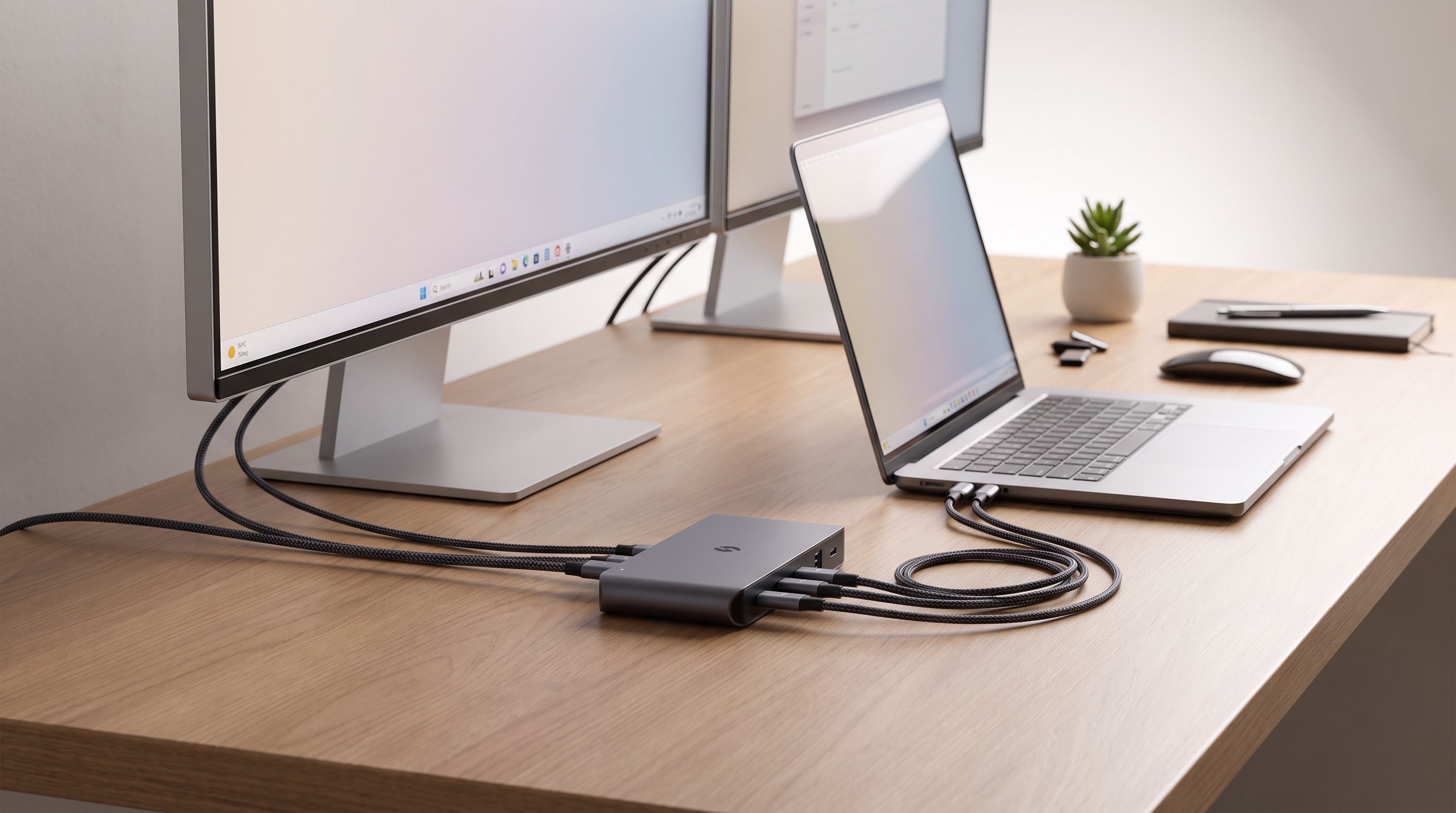
A hub fans one Thunderbolt port into several Thunderbolt ports, usually with a USB-A port thrown in. It assumes your peripherals are already Thunderbolt or USB-C. The OWC Thunderbolt 5 Hub and CalDigit Element 5 Hub are both this category.
 Most compact · CalDigit Element 5 Hub — Check price on Amazon →
A dock adds legacy connectivity: Ethernet, SD card slots, HDMI or DisplayPort outputs, 3.5mm audio, multiple USB-A ports. The Kensington SD7100T5 EQ and Anker Prime Thunderbolt 5 Docking Station sit here. They cost more and take more desk space, but they replace a drawer full of adapters.
 Premium pick · Anker Prime Thunderbolt 5 Docking Station — Check price on Amazon →
 Best full dock · Kensington SD7100T5 EQ Thunderbolt 5 Docking Station — Check price on Amazon →
Buy the hub if you're a Mac user with Thunderbolt drives and Thunderbolt displays. Buy the dock if you have a wired network, a camera workflow, wired headphones, and an older mouse dongle.
Comparison at a glance
| Model | Type | Key ports | Charging | Best for |
|---|---|---|---|---|
| OWC Thunderbolt 5 Hub | Hub | 3× downstream TB5, 1× USB-A | 140W host charging | Mac users who mainly need more TB5 ports |
| CalDigit Element 5 Hub | Hub | TB5 downstream + USB-A | Host charging over TB5 | Small desks, travel between two setups |
| Kensington SD7100T5 EQ | Dock | TB5 + Ethernet, card reader, audio, USB-A | High-wattage host charging | One-cable office and hybrid desks |
| Anker Prime Thunderbolt 5 Dock | Dock | Dense TB5/USB/display array | High-wattage host charging | Multi-display creator workstations |
| CalDigit TS4 (Thunderbolt 4) | Dock | 18 ports incl. 2.5GbE, SD/microSD | 98W host charging | Everyone whose bandwidth needs fit in 40Gbps |
 Best value alternative · CalDigit TS4 Thunderbolt 4 Dock — Check price on Amazon →
Port counts and wattage vary by revision and region — check the listing before buying, especially on the newer dock models.
Our picks and who they're for
OWC Thunderbolt 5 Hub — best overall
This is the most straightforward TB5 product on the market and the one we'd point most people toward first. It takes one Thunderbolt 5 port from your Mac or PC and gives you three more, plus a USB-A port, plus 140W of upstream power. Wirecutter's assessment is fair: it's an inexpensive way into Thunderbolt 5, and the trade-off is a deliberately minimal port selection.
That minimalism is the point. If your peripherals are a TB5 SSD, a Thunderbolt display and a dock-less audio interface, you don't need an SD reader you'll use twice a year. It's also backward compatible with Thunderbolt 4, USB4 and USB 3.2 devices, so nothing in your existing kit gets orphaned.
CalDigit Element 5 Hub — most compact
CalDigit's reputation for reliable Thunderbolt silicon is well earned, and the Element 5 Hub is the smallest TB5 port replicator we've seen. If you move a laptop between a home desk and an office, or you're fighting for space behind a monitor arm, the footprint genuinely matters. Same caveat as OWC: this is a hub, not a dock — no Ethernet, no card reader.
Kensington SD7100T5 EQ — best full dock
When you want the single-cable experience — plug in the laptop, get network, displays, audio, storage and charging — a full dock is the right shape. Kensington's TB5 dock is built for corporate deployments, which usually translates into conservative firmware and long support cycles. That's worth something, because early Thunderbolt 5 firmware across the industry has been the source of most owner complaints: displays not waking, docks needing a power cycle, occasional Ethernet dropouts. Buying from a vendor that ships firmware updates is not optional in 2026.
Anker Prime Thunderbolt 5 Docking Station — premium pick
Anker's Prime dock is the maximalist option: heavy charging, a dense port array, and a design clearly aimed at multi-monitor creative workstations. It's the one to consider if you're running two big displays plus fast external storage plus charging a phone and a laptop from the same box. It also carries the highest price of the group, so only choose it if you'll actually saturate it.
CalDigit TS4 — the value alternative most people should read twice
We'd be doing you a disservice not to say this plainly: the Thunderbolt 4 CalDigit TS4 remains an outstanding buy. Eighteen ports, 2.5 Gigabit Ethernet, SD and microSD readers, 98W charging, and years of firmware maturity behind it. If you run a single 4K or 5K display and a couple of SSDs, Thunderbolt 4's 40Gbps is not your bottleneck and TB5 will not make your day faster.
Spend the difference on a better monitor or a faster SSD instead.
How to decide in 60 seconds
- Does your laptop have Thunderbolt 5? If not, stop. Buy TB4.
- Are you running two displays above 4K/60, or one 8K panel? TB5 is worth it.
- Do you need 140W charging for a big-screen laptop? TB5 hubs are the easiest path.
- Do you need Ethernet, card readers and legacy USB? Get a dock, not a hub.
- Is your workflow one monitor and a Dropbox folder? A mature TB4 dock is the smarter purchase.
One more practical note: Thunderbolt 5 needs certified cables to hit its rated speed, and the cable in the box may be short. Budget for a proper TB5 cable if you need reach — a passive TB4 cable will quietly cap you at 40Gbps.
FAQ
Will a Thunderbolt 5 hub work with my Thunderbolt 4 MacBook? Yes. TB5 hubs are backward compatible with Thunderbolt 4, USB4 and USB 3.2 devices, and Thunderbolt 3 on Macs. You just won't get above 40Gbps, so the extra cost buys future-proofing, not present-day speed.
How many displays can a Thunderbolt 5 hub drive? That depends on your computer's display controller more than the hub. Thunderbolt 5 provides enough bandwidth for multiple 8K or high-refresh 4K panels, but base-model Apple silicon chips still limit external display counts. Check your laptop's spec sheet first.
Is 80Gbps or 120Gbps the real number? Both are real. Thunderbolt 5 runs 80Gbps symmetric by default and can reallocate to 120Gbps outbound when a display requests it, dropping the return path to 40Gbps.
Are early Thunderbolt 5 docks reliable? Mostly, with caveats. Owner reports across forums describe firmware quirks — sleep/wake display issues in particular. Buy from vendors with active firmware update tools, and update on day one.
Do I need a new cable? For full speed, yes — use a Thunderbolt 5 certified cable. Older passive cables will still work but limit throughput.
Our picks
OWC Thunderbolt Hub 5-Port Connectivity Solution | Up to 60W PD - 3x Thunderbolt 40Gb/s device ports - USB-A 10Gb/s - Up to one 8K or two 4K displays - Mac, PC, iPad, & more
Three downstream TB5 ports, a USB-A port and 140W charging — the cleanest way to add TB5 bandwidth.
CalDigit E5 - Thunderbolt 5 Element 5 Hub - 9 Ports, 4 x Thunderbolt 5/USB4 v2, 3 x USB-A & 2 x USB-C 10Gb/s, Single 8K, Dual 6K/8K, or Two 4K@240Hz Displays, 90W Charging, 0.8m Cable 180W PSU
A tiny port replicator that fans out TB5 plus USB-A without dominating your desk.
Kensington SD5010T5 Thunderbolt 5 Docking Station with 140W PD, Up to Three 4K 60Hz Displays, 13 Ports, 2 x HDMI, 2 x TB5, SD & Micro SD 4.0 Slots, 2.5Gbps Ethernet (K35231NA)
Ethernet, card reader, audio and legacy ports for people who need one cable to do everything.
Anker Prime TB5 Docking Station, 14-in-1 Thunderbolt 5 Dock for Laptops | 120Gbps Max Data Transfer, Up to 8K, Dual Display, 140W Max Charging, Ethernet, SD/TF, Cooling System, for TBT 5/4 Laptops
High-wattage charging and a dense port array, aimed at heavy multi-display workstations.
CalDigit TS4 18 Port Thunderbolt 4 Dock, 98W Charging, 3X TBT4 (40Gb/s), 3X USB-C + 5X USB-A (10Gb/s), 2.5GbE LAN, 8K@30Hz or 2X 6K@60Hz Displays, Mac/Windows/Chrome, Space Gray, 0.8m Certified Cable
The long-standing TB4 workhorse — 18 ports and 98W charging for far less than TB5 gear.
Get the best tech deals in your inbox
Join the BytePlaza newsletter for hand-picked gadget deals and new buying guides. No spam, unsubscribe anytime.
Related reads
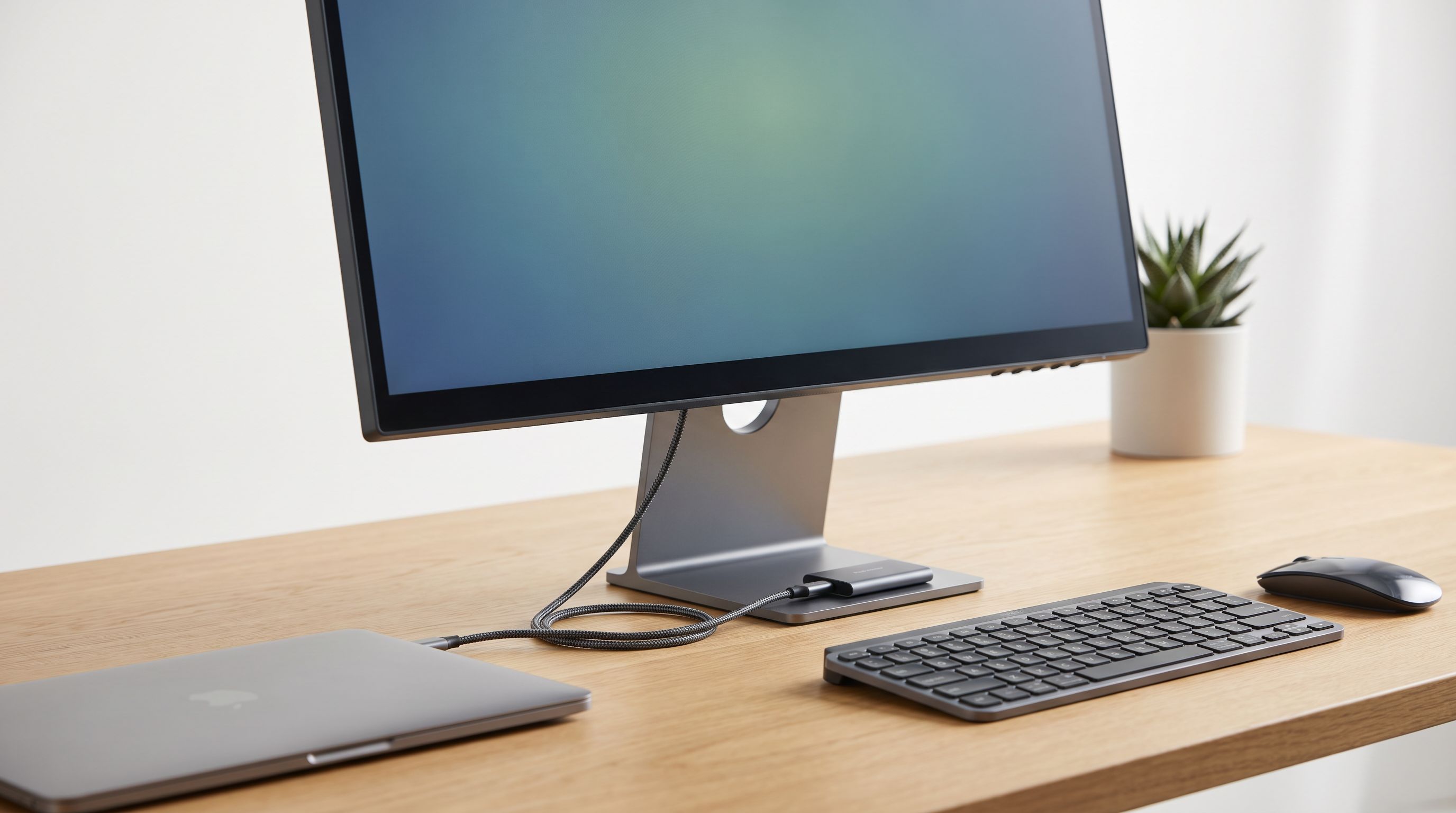
USB-C Monitor Hub 2026: One Cable, Zero Desk Clutter
A 2026 guide to USB-C monitor hubs and stand-mounted docks: which monitors have real built-in hubs, what PD wattage you need, and 4 picks that cut cable clutter.
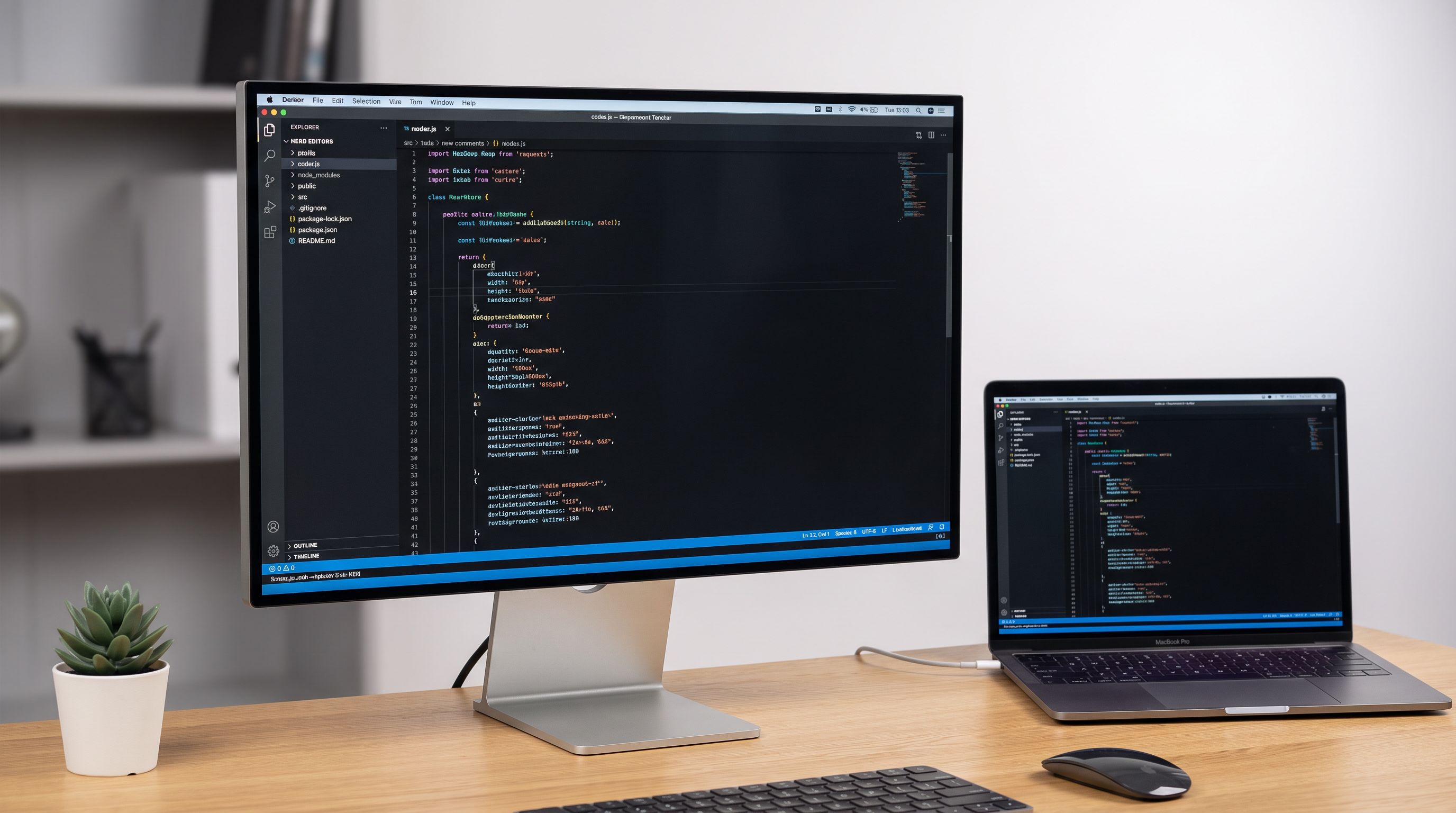
5K Monitors in 2026: 5 Picks That Actually Fix Text
The best 5K monitor picks for 2026, ranked for text clarity on Mac and PC — Apple Studio Display, BenQ PD2730S, Dell, LG UltraFine and a 5K2K ultrawide.
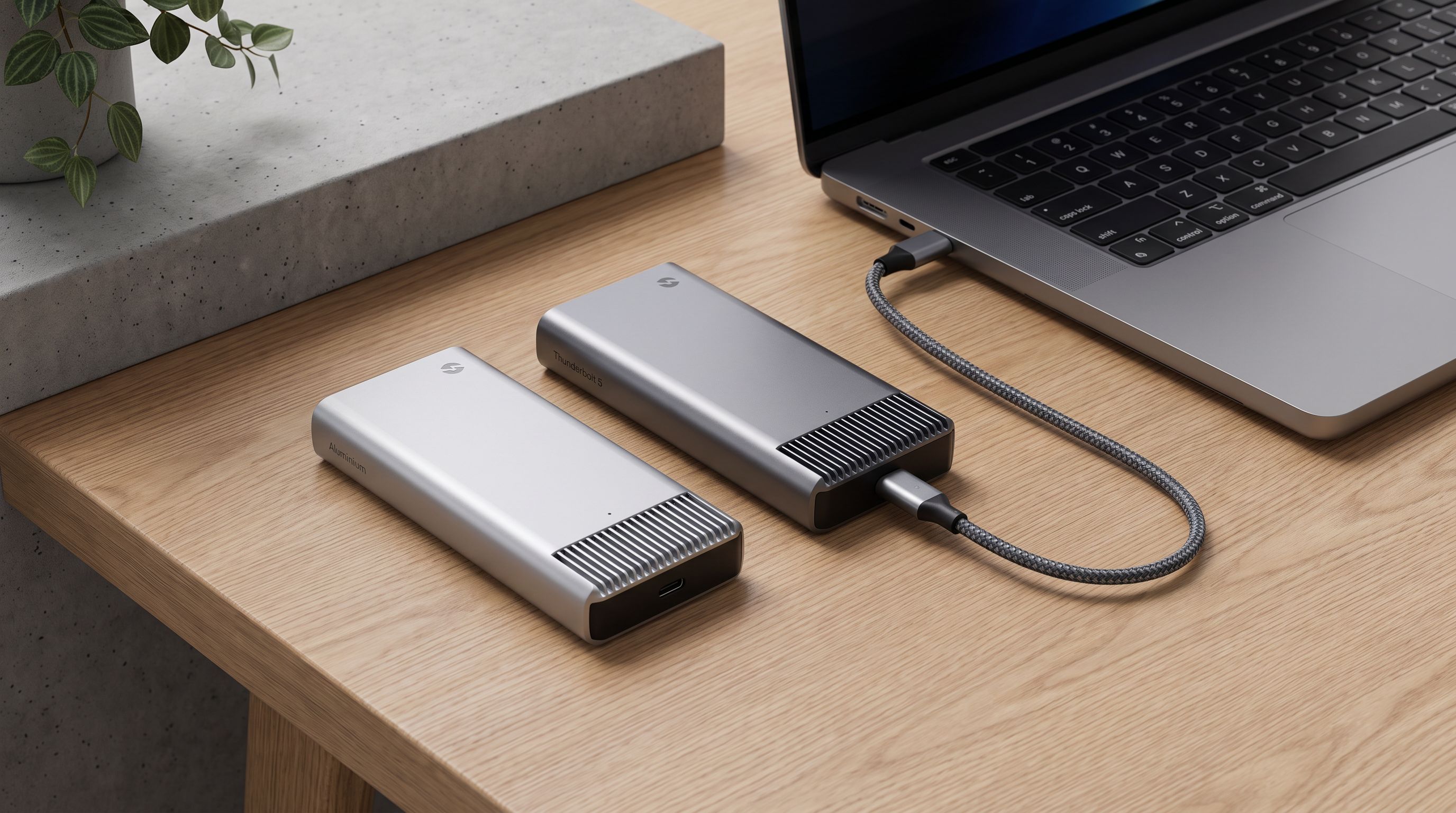
USB4 vs Thunderbolt 5 Enclosures in 2026: Which SSD Case?
USB4 vs Thunderbolt 5 NVMe enclosures in 2026: real speed ceilings, heat, and Mac/PC compatibility — plus which case is worth the money for your workflow.