Photo Scanners in 2026: 4 Picks for a Box of Old Prints
Feed-through, flatbed or phone app? We compare the best photo scanner options for 2026 — ranked by speed, dust handling and how gently they treat fragile prints.
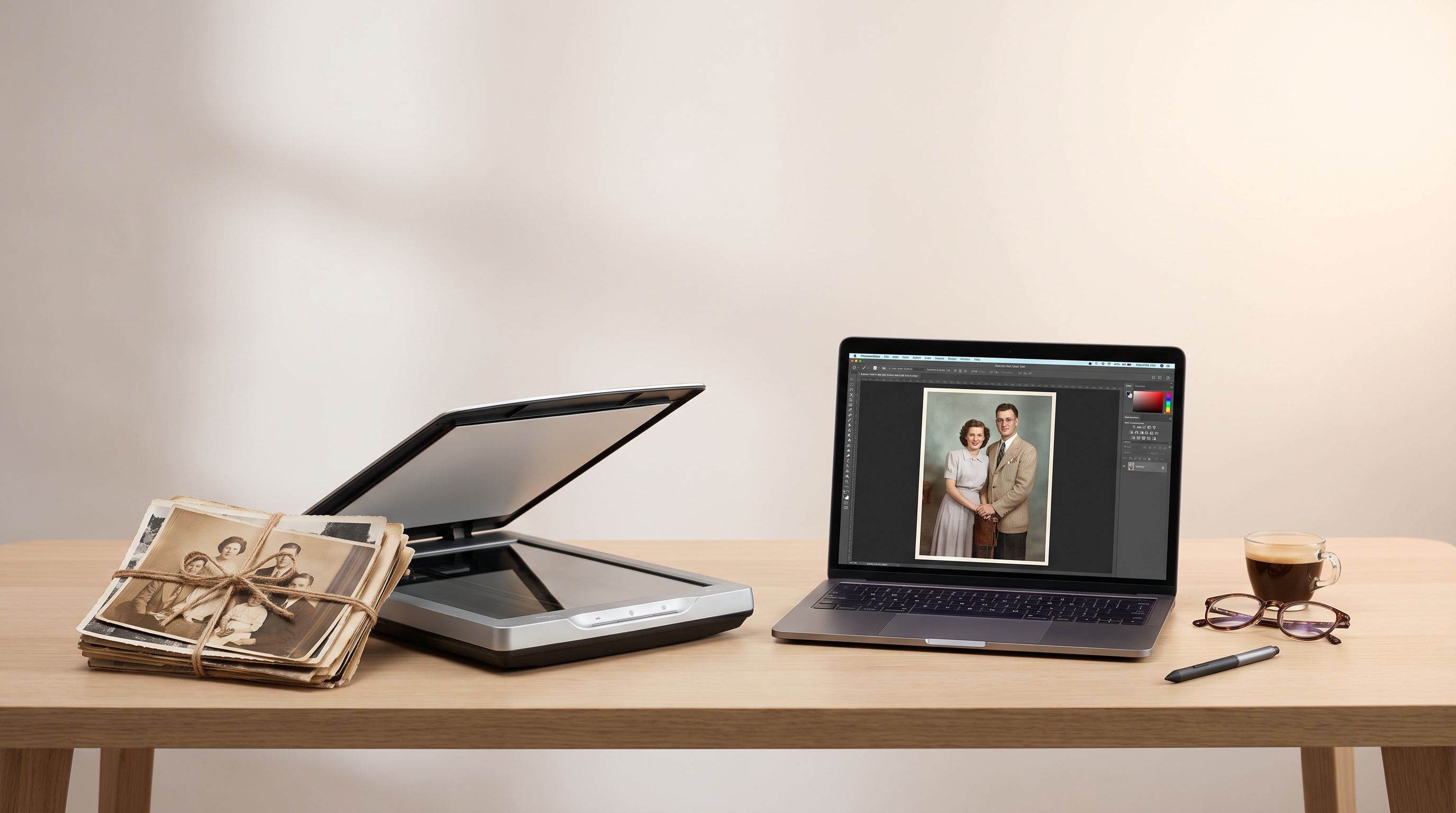
Reader-supported: we may earn a commission from links on this page, at no extra cost to you. It never affects our picks. Learn more.
Somewhere in most households there's a shoebox — or a closet shelf, or an entire plastic bin — of loose prints from the 1970s through the early 2000s. Digitizing them is one of those projects that stays "someday" until a scanner makes it a weekend instead of a winter.
The good news: the tools have settled into three clear categories, and choosing the right one mostly comes down to how many prints you have and what condition they're in. We compared current models against manufacturer specs, independent lab reviews and verified owner feedback to sort out which approach actually survives contact with a real photo box.
The three ways to digitize prints
Feed-through (batch) scanners
You drop a stack of loose prints into a tray and the scanner pulls them through one at a time, capturing both sides. This is the only category that makes four-digit photo counts realistic. The trade-off is mechanical: rollers touch your originals, so torn, brittle, stuck-together or heavily curled prints should be pulled out of the stack and handled separately.
Flatbed scanners
A lid, a glass bed, and no moving contact with the photo. Flatbeds give you the highest optical resolution, the gentlest handling, and the ability to scan odd sizes, Polaroids, pages from albums, and prints that are cracked or curling. They're also the slowest — expect to scan in batches of two to four 4x6s per pass and crop them apart in software.
Phone-based scanning apps
Google's PhotoScan and similar apps use your phone camera plus multi-shot glare removal. Genuinely useful for photos still glued into albums or framed under glass, and for a quick pass on 30 photos at a relative's house. But the output is a camera photo of a photo: resolution is uneven, colour accuracy depends on your lighting, and you can't dodge lint or fingerprints the way a glass bed lets you.
Speed, realistically
Manufacturer "photos per minute" figures assume perfect, flat, uniform prints. Real boxes contain sticky 1978 Kodak prints with rounded corners and the odd bent one. Based on owner reports, a reasonable planning assumption is:
- Feed-through: hundreds of photos per hour once you've sorted the stack. The sorting is the bottleneck, not the scanner.
- Hand-fed sheet scanner: roughly one photo every few seconds plus your own handling time — fast, but you're never doing anything else.
- Flatbed: dozens per hour, more if you gang multiple prints per scan.
- Phone app: fine for a few dozen; miserable past a hundred.
Dust: the thing nobody plans for
Dust is what separates a scan you keep from one you redo. Two mechanisms matter.
Software dust removal (Epson's "Dust Removal", Canon's equivalent) analyses the image and paints over speck-shaped artefacts. It works well on prints and is essentially free.
Infrared dust detection (Digital ICE) uses a separate IR pass to physically map dust and scratches. It's genuinely excellent — but it only works on film and transparencies, not on standard colour prints, because the IR light doesn't pass through paper. Don't buy a scanner for print scanning on the strength of ICE alone.
For prints, the practical answer is prevention: a microfibre cloth, a rocket blower for the glass, and a habit of cleaning the feed path every hundred sheets on a feed-through unit. Vertical streaks on a batch scanner almost always mean debris on the glass strip, not a faulty machine.
Our picks
The Epson FastFoto FF-680W is the clearest answer for a genuine backlog. It batch-feeds loose prints, captures the front and the handwriting on the back in the same pass, and applies dust removal and colour restoration as it goes. If your goal is "get the bin done," this is the category that gets you there, and it's the most recommended model in it.
 Best overall · Epson FastFoto FF-680W — Check price on Amazon →
The Canon CanoScan LiDE 400 is our flatbed pick for most people: slim, powered over a single USB cable, and rated to 4800 dpi optical — far more than you need for a 4x6 but very welcome when you want to enlarge a small vintage print. Reviewers consistently rank it as the best all-round flatbed for photos and documents alike.
 Best flatbed for most people · Canon CanoScan LiDE 400 — Check price on Amazon →
The Epson Perfection V39 II covers the same ground for less outlay, in a similarly cable-light package. It's the sensible pick if your photo box is modest and you also want something for paperwork.
 Budget pick · Epson Perfection V39 II — Check price on Amazon →
The Plustek ePhoto Z300 sits between the two: you hand-feed one photo at a time and it scans in seconds, no tray, no stacking, no multi-feed risk. Owners with fragile mixed-condition collections often prefer this to a stack feeder because every print gets a deliberate placement.
 Fastest one-at-a-time feeder · Plustek ePhoto Z300 — Check price on Amazon →
If your archive includes negatives and slides, the Epson Perfection V600 is the one to get. Its transparency unit and film holders open up 35mm strips and mounted slides — and that's where Digital ICE finally earns its keep.
 Premium pick for film and negatives · Epson Perfection V600 — Check price on Amazon →
Comparison
| Model | Type | Best for | Dust handling | Film/negatives | Speed |
|---|---|---|---|---|---|
| Epson FastFoto FF-680W | Batch feed-through | Large loose-print backlogs | Software dust removal + auto enhance | No | Fastest |
| Plustek ePhoto Z300 | Hand-fed sheet | Mixed-condition prints, one at a time | Manual cleaning; careful placement | No | Fast |
| Canon CanoScan LiDE 400 | Flatbed | Fragile, curled, odd-size prints | Glass cleaning + software removal | No | Slow |
| Epson Perfection V39 II | Flatbed | Small collections on a budget | Glass cleaning + software removal | No | Slow |
| Epson Perfection V600 | Flatbed + transparency | Negatives, slides, archival detail | Digital ICE (film only) | Yes | Slowest |
A workflow that doesn't stall
- Sort before you scan. Separate by rough era or event, and pull out anything torn, stuck, or badly curled into a "flatbed pile."
- Pick a resolution and stop thinking about it. 300 dpi is adequate for reprinting at original size; 600 dpi is the sweet spot for 4x6 prints you may want to crop or enlarge; 1200 dpi and above matters mainly for small originals and film.
- Save as JPEG at high quality, or TIFF if you're archiving. TIFFs are large but lossless; many people scan to TIFF once and export JPEGs for sharing.
- Name folders as you go. "1987 - Grandma's house" beats renaming 3,000 files later.
- Back up twice. One local drive, one cloud copy. A digitisation project that lives on a single laptop is not a backup.
- Keep the originals. Scanning is a copy, not a replacement — especially for prints with sentimental or genealogical value.
Who should skip buying entirely
If you have fewer than about 200 photos, a phone app plus an afternoon will do. If you have several thousand and no patience, a mail-in bulk digitisation service may cost less than your time — though you'll be shipping irreplaceable originals, which is a real risk some families won't accept.
For everyone in between, a feed-through scanner for the bulk and a flatbed for the difficult ten percent is the combination that actually finishes the job.
FAQ
What resolution should I scan old photos at? 600 dpi for standard prints is the practical default — plenty of detail for cropping and modest enlargement without huge files. Go to 1200 dpi or higher for wallet-size originals or anything you plan to print much larger.
Will a feed-through scanner damage my photos? Modern photo feeders use gentler rollers than document scanners and handle normal prints fine. Brittle, torn, stuck-together or heavily curled prints should be scanned on a flatbed instead — feeding them risks creases or jams.
Does Digital ICE work on printed photos? No. Infrared-based dust and scratch removal requires light to pass through the original, so it only works on film, negatives and slides. For prints, rely on software dust removal and clean glass.
Can I scan multiple photos at once on a flatbed? Yes — place several prints on the glass with small gaps between them, and most bundled software will auto-detect and split them into separate files. It's the single biggest speed gain available on a flatbed.
Is a phone app good enough? For photos mounted in albums, framed, or oversized, it's often the only option, and glare-removal apps handle it surprisingly well. For loose prints you can feed or lay on glass, a dedicated scanner produces noticeably cleaner, more consistent results.
Our picks
Epson FastFoto FF-680W High-Speed Duplex Photo and Document Scanner
Batch-feeds stacks of loose prints at high speed with dust removal and auto enhancement built in.
Canon CanoScan LiDE 400 Slim Scanner, 7.7" x 14.5" x 0.4", Document & Photo Scanner, Black
Slim USB-powered flatbed with 4800 dpi optics — ideal for fragile, curled or mounted prints.
Epson Perfection V39 II Flatbed Photo Scanner 4800 dpi Optical Resolution
Compact, single-cable flatbed that handles prints and documents without a separate power brick.
plustek Photo Scanner ePhoto Z300, Scans 4x6 inch Photos in 2 Seconds, Auto crop and deskew with CCD Sensor, Supports Mac and PC
Hand-fed sheet scanner that captures a 4x6 in seconds without stacking prints in a tray.
Epson Perfection V600 Photo Wired USB Connectivity Color Scanner - 6400 x 9600 dpi, Enlargements up to 17" x 22" Flatbed Image Scanner
Adds transparency scanning for 35mm negatives and slides alongside high-detail print scans.
Get the best tech deals in your inbox
Join the BytePlaza newsletter for hand-picked gadget deals and new buying guides. No spam, unsubscribe anytime.
Related reads
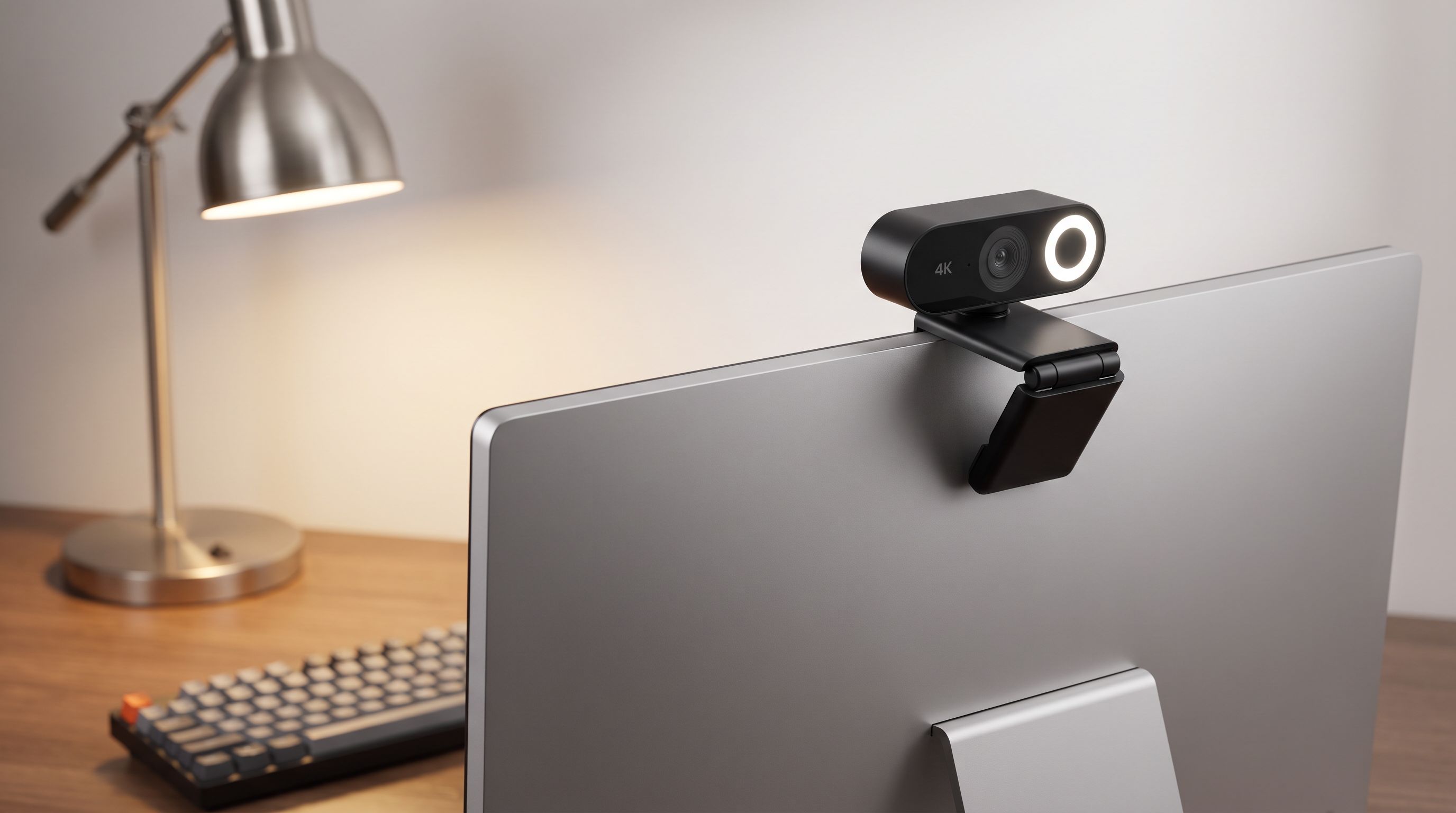
4K Webcams in 2026: 5 AI-Framing Picks That Actually Hold Up
Looking for the best 4K webcam in 2026? We compared AI framing, sensor size, low-light handling and mounts across five top models for hybrid workers.
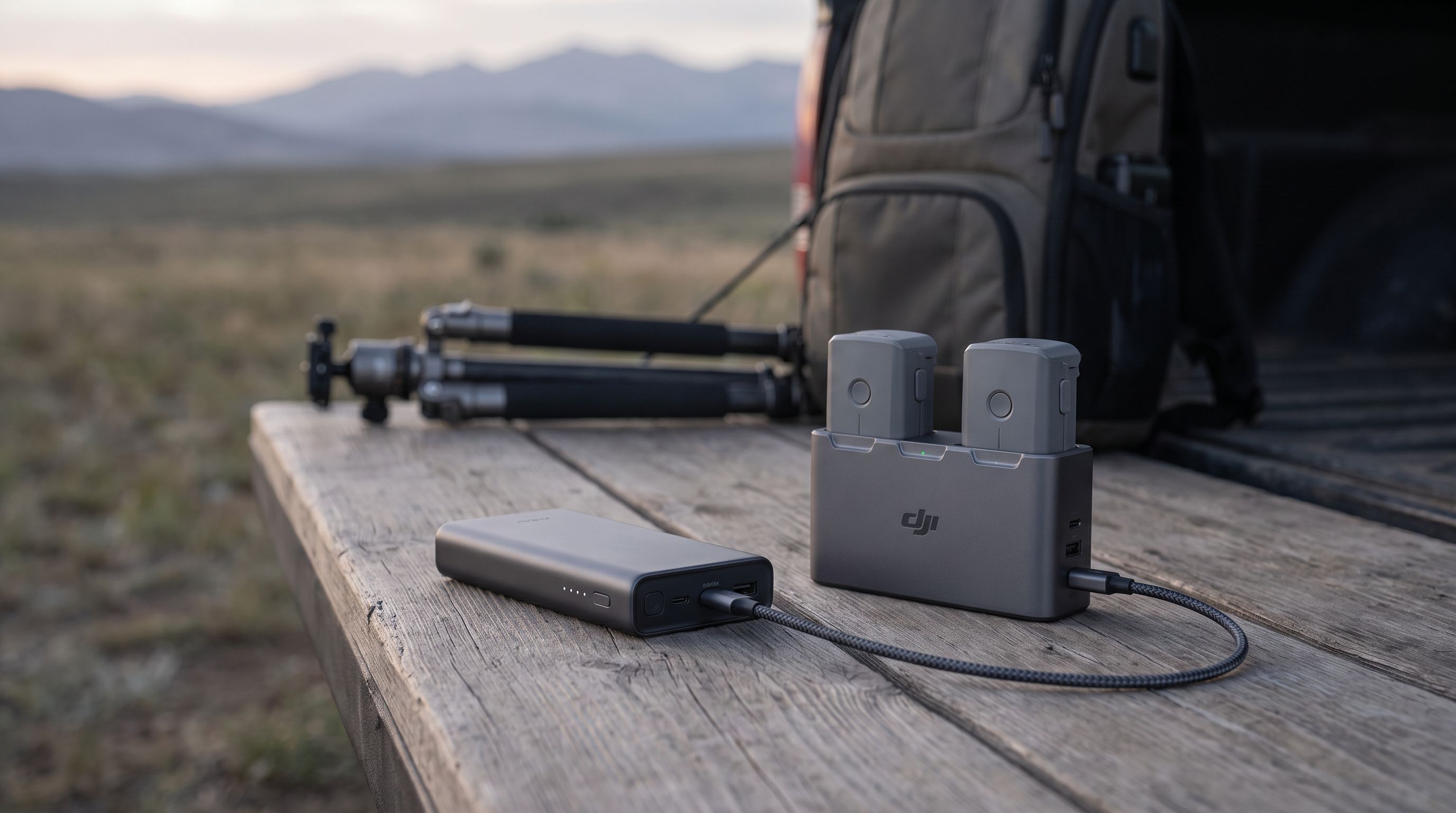
Drone Battery Power Bank 2026: 5 Picks for Field Charging
Which drone battery power bank should you buy in 2026? We compared high-wattage 20,000–27,650mAh banks on output, TSA limits, and real-world field charging.
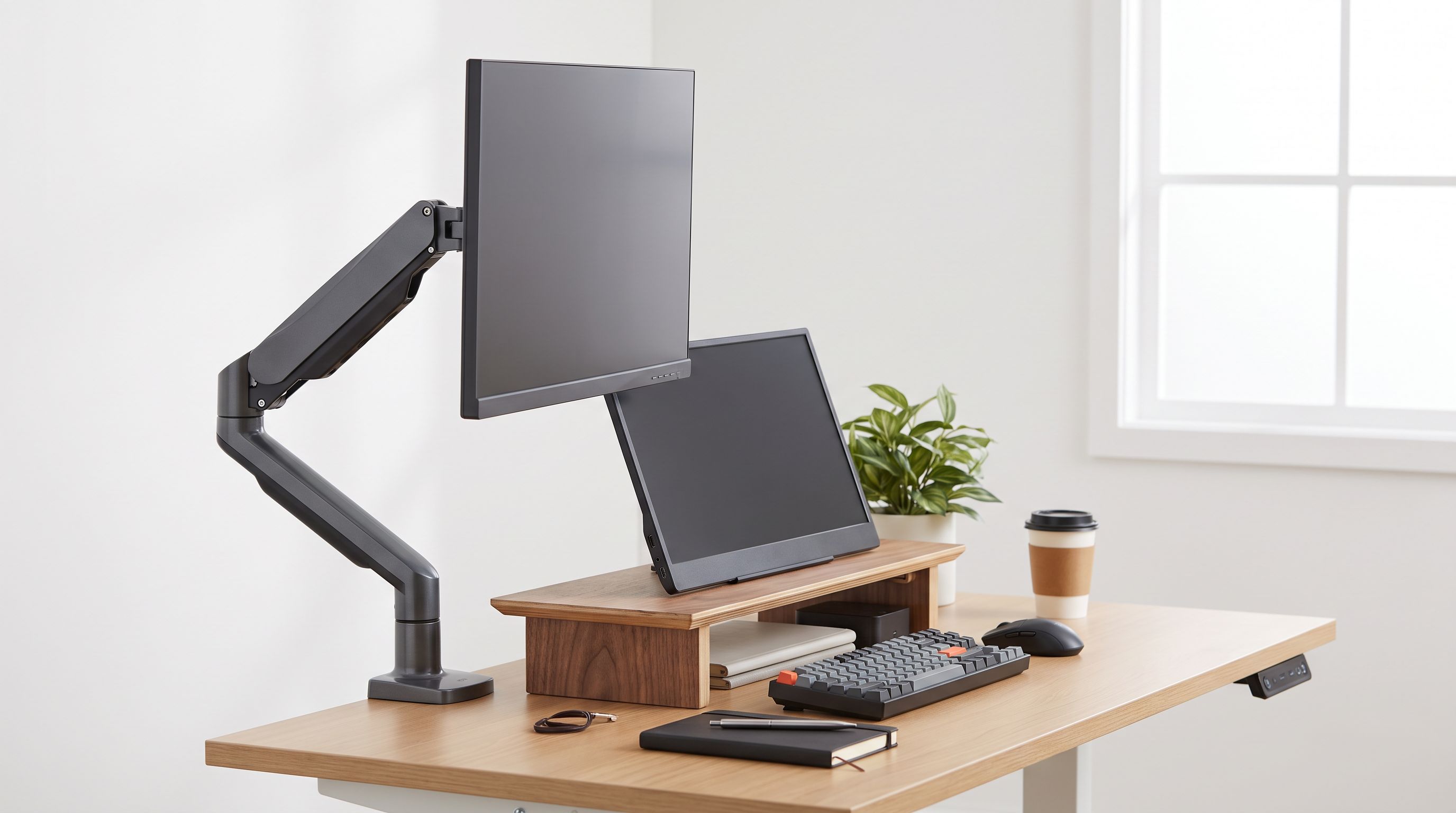
Monitor Arm vs Riser in 2026: Which Wins Small Desks?
Monitor arm vs riser in 2026: we compare clamp depth, VESA limits, cable routing and desk reclaim on small desks, with picks for arms and fixed risers.