Mini PCs Under $500 in 2026: 5 Picks for Home Offices
The best mini PC under 500 in 2026 for desk work and HTPC duty — compared by CPU tier, RAM and SSD upgradability, and real display output limits.
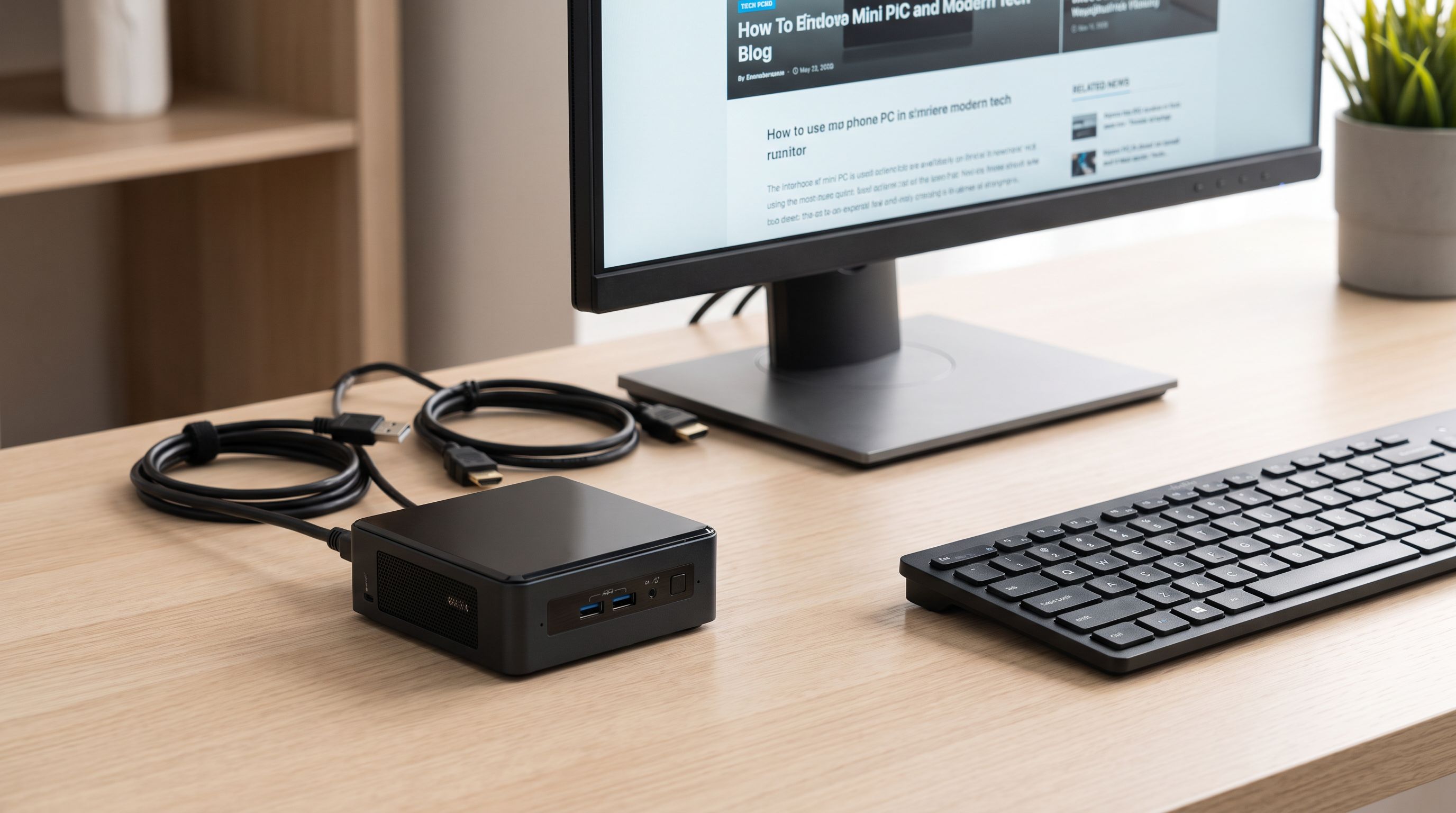
Reader-supported: we may earn a commission from links on this page, at no extra cost to you. It never affects our picks. Learn more.
A mini PC is the easiest upgrade most home offices never make. For the price of a mid-range monitor you get a machine that handles spreadsheets, 30-tab browsers, video calls and 4K playback, draws a fraction of the power of a tower, and disappears behind your display on a VESA bracket.
Under $500, though, the specs vary wildly. Two boxes that look identical can differ by a factor of three in CPU performance, and some of the cheapest ones solder the RAM down so you're stuck with what you bought. BytePlaza compared current models on manufacturer specs, independent reviews and verified owner feedback to sort out which ones are actually worth your desk space in 2026.
How we ranked them
Three things decide whether a budget mini PC ages well:
CPU tier. This is the single biggest divider. At the bottom sit Intel's N-series chips (N100, N150) — four efficiency cores, no hyperthreading, fanless or near-silent, perfectly fine for browsing, Office and media playback. In the middle are older mobile Ryzen 5000U/7000U and Intel 12th-gen H parts, which add real multi-core muscle. At the top of this budget you'll find Zen 4 eight-core chips like the Ryzen 7 8745H, which genuinely compete with entry desktop towers.
RAM and SSD upgradability. Prefer two SODIMM slots over soldered LPDDR5. Prefer two M.2 slots over one. A machine you can take from 16GB to 32GB and add a second NVMe drive to in three years is worth more than a slightly faster machine you can't touch. N-series boxes often have one SODIMM slot and one M.2 — acceptable at that price, but know the ceiling.
Display outputs and their real limits. Spec sheets love to say "triple 4K display support." The caveat is refresh rate. Many HDMI 2.0 outputs cap at 4K60; some cheap boxes cap the second output at 4K30, which looks awful for desktop work. USB4 or DisplayPort 1.4 Alt Mode over USB-C is what you want if you plan to run a high-refresh or 4K-plus panel.
The picks at a glance
| Model | CPU tier | RAM | Storage | Best for |
|---|---|---|---|---|
| Beelink SER5 Pro | Ryzen 7 5825U, 8C/16T | 2× DDR4 SODIMM | M.2 NVMe + 2.5" bay | All-round desk work |
| Minisforum UM870 Slim | Ryzen 7 8745H, 8C/16T Zen 4 | 2× DDR5 SODIMM | Dual M.2 NVMe | Heavier multitasking, light gaming |
| Beelink EQ14 | Intel N150, 4C/4T | SODIMM, upgradable | M.2 NVMe (+ 2.5" bay) | HTPC, home server, light office |
| GEEKOM Mini IT12 | Core i5-12450H, 8C/12T | 2× DDR4 SODIMM | M.2 NVMe + 2.5" bay | Intel users, USB4 displays |
| ASUS NUC 14 Essential | Intel N150, 4C/4T | SODIMM | M.2 NVMe | Business fleets, warranty support |
 Best for business deployment · ASUS NUC 14 Essential (Intel N150) — Check price on Amazon →
 Best Intel pick · GEEKOM Mini IT12 (Core i5-12450H) — Check price on Amazon →
 Best budget / HTPC pick · Beelink EQ14 (Intel N150) — Check price on Amazon →
 Most power for the money · Minisforum UM870 Slim (Ryzen 7 8745H) — Check price on Amazon →
 Best overall · Beelink SER5 Pro (Ryzen 7 5825U) — Check price on Amazon →
Configurations vary by SKU — always check the exact listing for RAM and storage capacity before buying.
Beelink SER5 Pro — best overall
The SER5 Pro is the default recommendation for a reason. The Ryzen 7 5825U gives you eight cores and sixteen threads, which is more than enough for heavy browser work, Zoom with background blur, Photoshop, and light video editing. It's an older Zen 3 part, which is exactly why it fits comfortably under $500 in a well-equipped configuration.
What makes it a smart buy is serviceability: two DDR4 SODIMM slots, an M.2 NVMe slot, and room for a 2.5-inch SATA drive. You can start modest and expand later, which is unusual at this price. Owner feedback consistently praises the fan behaviour — audible under sustained load, quiet at idle and during normal office use.
Display-wise, expect dual 4K60 via HDMI and DisplayPort plus USB-C output. That's enough for a standard two-monitor desk. If you want a 144Hz 1440p panel, check the specific port's capability on the listing you buy.
Minisforum UM870 Slim — most power for the money
If your workload actually stresses a CPU — compiling, rendering, large datasets, dozens of containers — step up to the UM870 Slim. The Ryzen 7 8745H is a Zen 4 eight-core, a substantial generational jump over the 5825U, and the integrated Radeon 780M graphics are strong enough for 1080p gaming at reduced settings and for GPU-accelerated video encode.
It takes DDR5 SODIMMs in dual channel, which matters more than usual here because the 780M shares system memory — running single-channel will visibly hurt graphics performance. Dual M.2 slots mean you can separate OS and data drives.
The trade-off is heat and noise. A chip this capable in a slim chassis means the fan will ramp. It's still quieter than a tower, but it's not the silent-desk option.
Beelink EQ14 — best budget and HTPC pick
Not everyone needs eight cores. If the machine lives under a TV, runs Plex or Jellyfin, handles light document work, or acts as a always-on home server, Intel's N150 is the sweet spot. It idles at a few watts, handles 4K HEVC and AV1 decode in hardware, and costs a fraction of the Ryzen boxes.
The EQ14's standout feature is dual 2.5GbE networking, which is genuinely useful for a NAS-adjacent role or a pfSense/OPNsense box. It's upgradable in the ways that matter at this tier, and it runs cool enough to be effectively inaudible in a living room.
Be realistic about limits: four efficiency cores will feel slow if you keep 40 browser tabs open alongside Teams. Buy it for what it is — a low-power appliance, not a workstation.
GEEKOM Mini IT12 — best Intel pick
If you'd rather stay on Intel — for Thunderbolt-style peripherals, Quick Sync video encoding, or IT policy reasons — the Mini IT12 with the Core i5-12450H is the balanced choice. Eight cores (four performance, four efficiency), twelve threads, and a port layout that's broader than most competitors: USB4, multiple USB-A, HDMI, and 2.5GbE.
USB4 is the real differentiator. It lets you drive a high-resolution display, attach a fast external SSD, or use a single-cable dock — flexibility that cheaper HDMI-only boxes can't match. GEEKOM also includes a VESA mount in the box, which is how most people should be running these.
ASUS NUC 14 Essential — best for business deployment
Small brands dominate this category, and most of them are fine. But if you're buying several units for a team, or you simply want a company with a real RMA process behind the product, the ASUS NUC 14 Essential is the sane choice. Intel sold the NUC line to ASUS, and the Essential tier uses the same N-series silicon as the budget boxes above but with ASUS warranty, firmware support and documentation.
Performance is N150-class — fine for office apps, remote desktop, kiosk and thin-client duty, and conferencing. It will not keep up with the Ryzen picks, and it isn't meant to.
Buying notes before you click
- Check the Windows licence. Reputable brands ship genuine activated Windows 11. If a listing is vague about it, that's a flag.
- Budget for RAM separately. A 16GB base config plus a $40 upgrade later often beats paying for 32GB up front.
- Verify the second display's refresh rate, not just its resolution. 4K30 on a secondary monitor is miserable.
- Plan for the power brick. External adapters are normal here; make sure there's somewhere to put it.
- None of these play modern AAA games well. The 780M in the UM870 Slim is the best of the bunch, and it's a 1080p-medium machine at best. For real gaming you're looking at discrete-GPU mini PCs well above this budget.
FAQ
Is a mini PC powerful enough to replace a desktop tower? For office work, web, media and light creative tasks, yes — an eight-core mini PC like the SER5 Pro or UM870 Slim matches a mid-range tower from a few years ago. For gaming, 3D rendering or GPU compute, no.
Can I upgrade the RAM myself? On most models here, yes — they use standard SODIMMs and open with a few screws. Check whether your target model uses soldered LPDDR5 before buying, as some ultra-compact designs do.
How many monitors can these run? Typically two to three. The practical limit is usually refresh rate and bandwidth rather than port count. USB4 or DisplayPort outputs give you the most headroom.
Do they work with Linux? Generally well, especially the Intel models. AMD boxes are fine on recent kernels; occasionally Wi-Fi or audio needs a newer kernel version. Check community reports for your exact model.
Are they quiet enough for a bedroom or living room? N150 models like the EQ14 and NUC 14 Essential are effectively silent. The Ryzen 7 models are quiet at idle but audible under sustained load.
Our picks
Beelink SER5 MAX Mini PC, AMD Ryzen 7 7735U(6nm, 8C/16T) up to 4.75GHz
Eight-core Ryzen 7 with dual-channel SODIMM slots and spare M.2 — the safest all-round desk pick.
MINISFORUM UM870 Slim Mini PC AMD Ryzen 7 8745H (8C/16T), Mini Desktop Computer 32GB DDR5 RAM 500GB SSD, USB4/HDMI2.1/DP 8K@60Hz Output, 4X USB Ports, 2.5G LAN, WiFi6E, BT5.3, AMD Radeon 780M Graphics
Zen 4 eight-core with Radeon 780M graphics — the strongest CPU tier you can get near this budget.
Beelink EQ14 Mini PC, Intel Twin Lake N150, 16G DDR4+500G SSD Dual 2.5G LAN
Silent, tiny, low-wattage N150 box with dual 2.5GbE — ideal as a media or light-office machine.
GEEKOM IT12 Mini PC,Intel i3-12300HE(Beats i7-1185G7),16GB RAM,256GB SSD
Intel hybrid cores plus a genuinely broad port set, including USB4 for external displays and storage.
ASUS NUC 14 Essential, Intel NUC 14 N150 Mini PC, 8GB DDR5 RAM, 256GB SSD
ASUS-backed NUC with proper warranty support and VESA mount — a safe pick for work machines.
Get the best tech deals in your inbox
Join the BytePlaza newsletter for hand-picked gadget deals and new buying guides. No spam, unsubscribe anytime.
Related reads
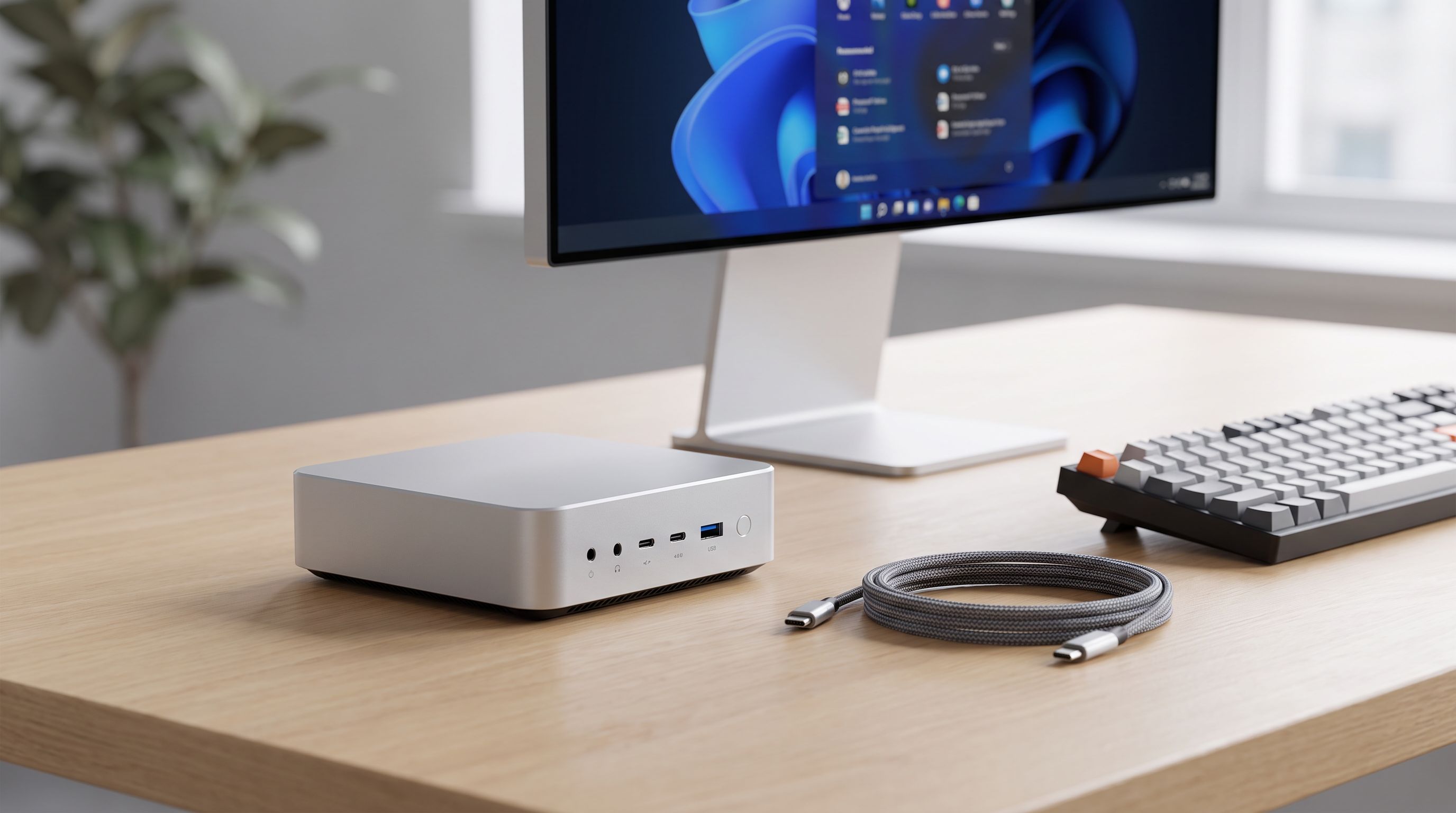
Best Mini PC 2026: Tiny Desktops That Punch Above
Our picks for the best mini PC in 2026, from Ryzen powerhouses to cheap home-server boxes — compared by performance, ports, upgradeability and noise.
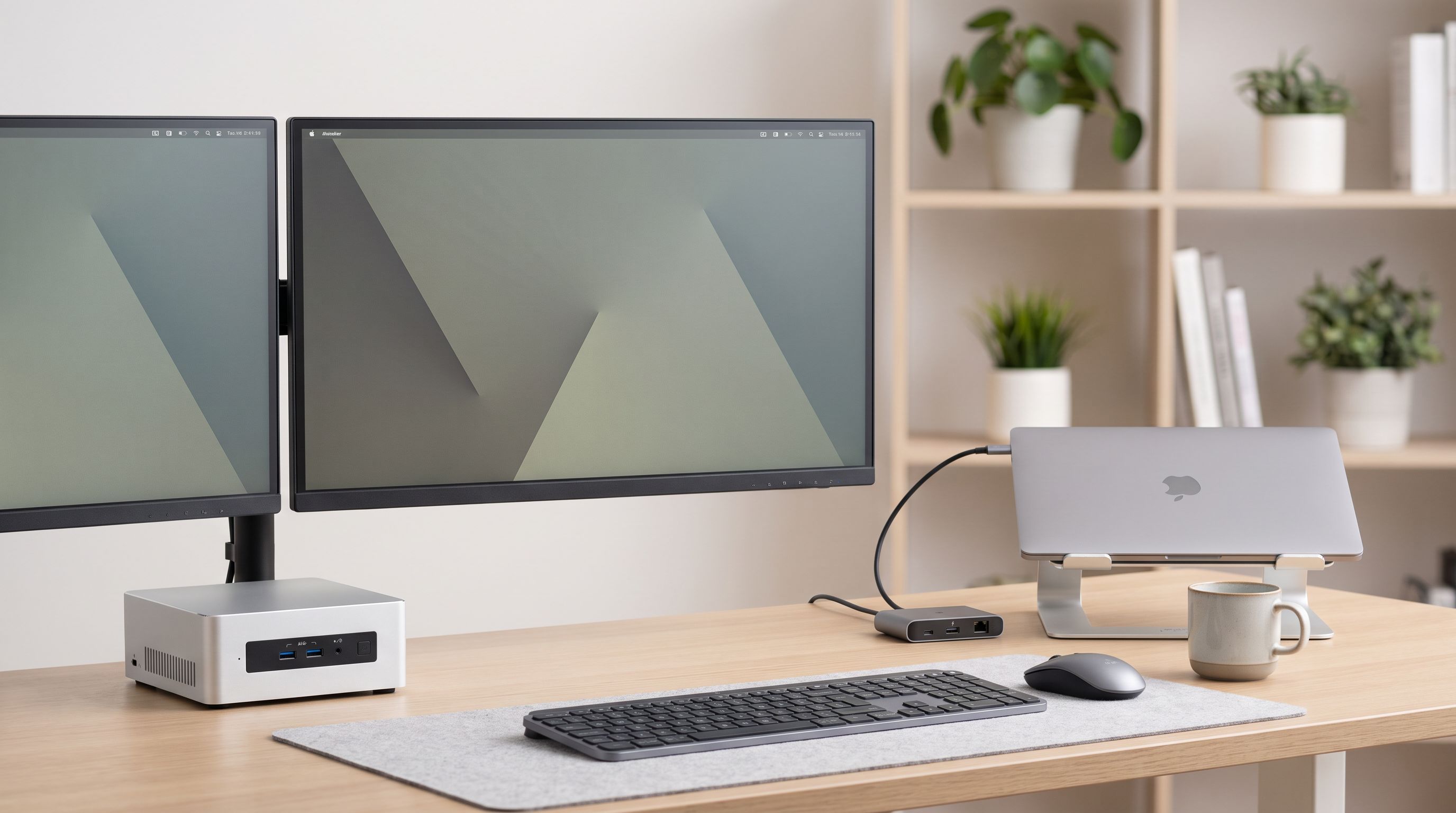
Mini PC vs Laptop Dock in 2026: Which Wins Your Desk?
Mini PC vs laptop dock in 2026: we compare price, performance, upgrade paths and desk clutter to help you pick the right work-from-home setup.
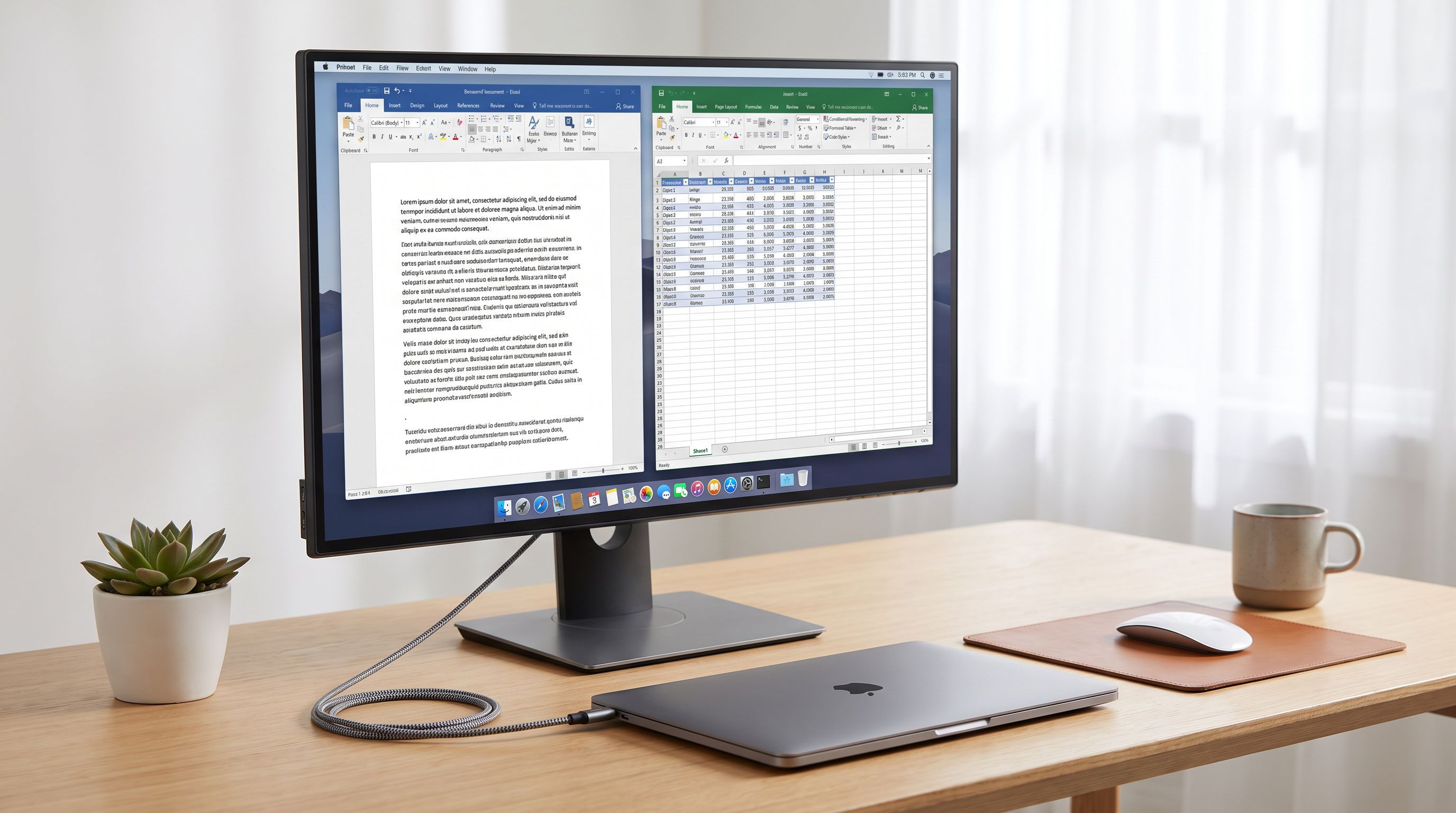
27-Inch 4K Monitors in 2026: 5 Picks for Text-Heavy Work
The best 27 inch 4K monitor picks for hybrid desks in 2026, compared on text clarity, USB-C power delivery, docking features, IPS vs QD-OLED trade-offs.