27-Inch 4K Monitors in 2026: 5 Picks for Text-Heavy Work
The best 27 inch 4K monitor picks for hybrid desks in 2026, compared on text clarity, USB-C power delivery, docking features, IPS vs QD-OLED trade-offs.
Reader-supported: we may earn a commission from links on this page, at no extra cost to you. It never affects our picks. Learn more.
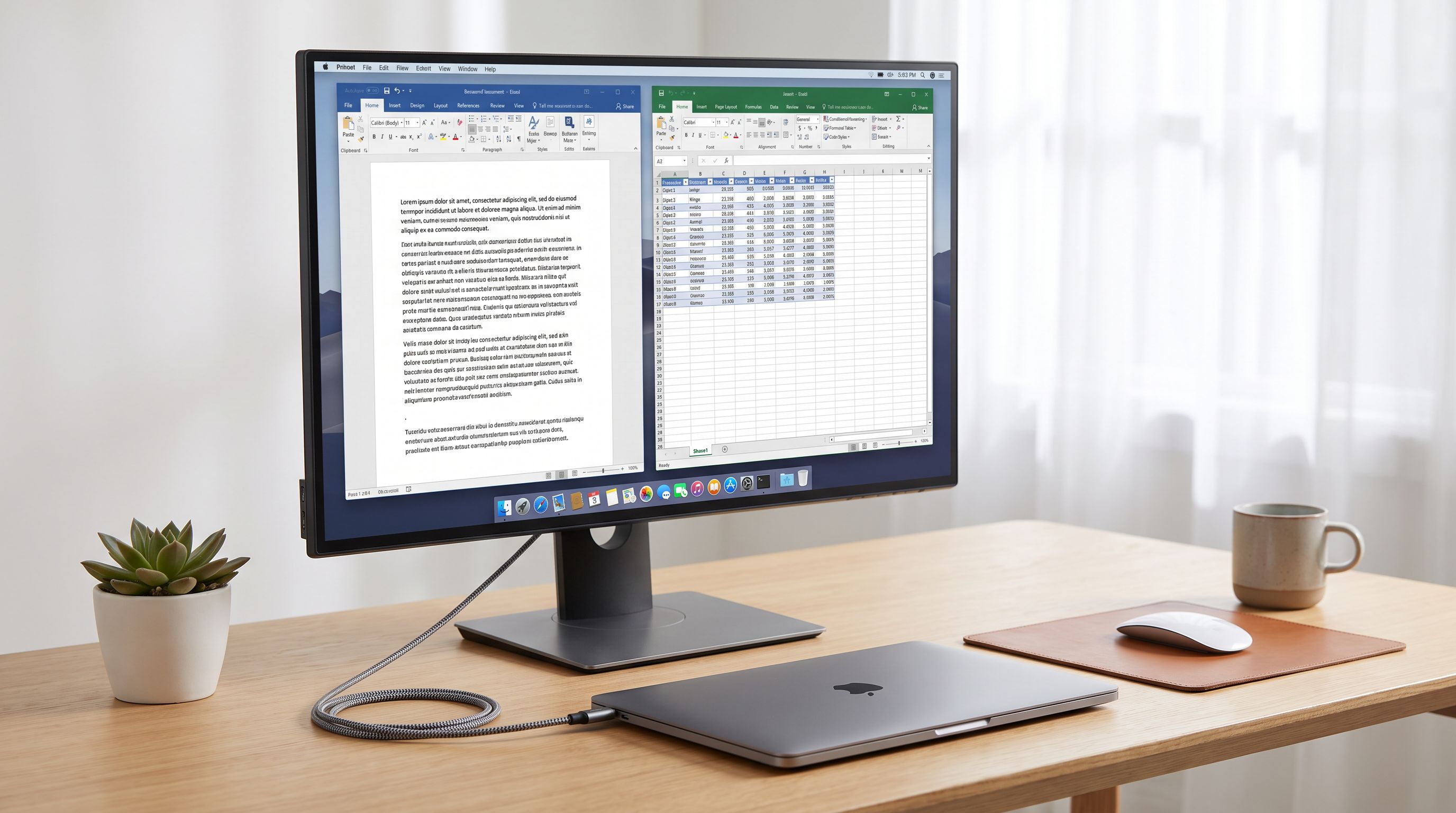
If you spend your day in documents, spreadsheets, code editors and video calls, a 27-inch 4K monitor is close to the sweet spot. You get roughly 163 pixels per inch — sharp enough that text edges look printed rather than stair-stepped — on a panel that still fits a normal desk and doesn't force you to swivel your head like a 32-inch or ultrawide does.
But "4K 27-inch" covers a wide range of displays in 2026, from £/$250 office panels to 240Hz QD-OLEDs. For hybrid work specifically, two things matter more than the marketing bullet points: how clean text looks at your scaling setting, and whether one USB-C cable can charge your laptop and carry video, Ethernet and peripherals. We researched current models against manufacturer specs, independent lab reviews (RTINGS, PCWorld, Wirecutter, Tom's Hardware) and verified owner feedback to shortlist five that do those two things well.
How we chose
We prioritised, in order:
- Text rendering. Subpixel layout matters. Standard RGB-stripe IPS panels render text the way Windows and macOS expect. QD-OLED uses a triangular subpixel arrangement, which can show faint colour fringing on thin black-on-white text — less noticeable at 4K than at 1440p, but still visible if you look for it.
- USB-C / Thunderbolt power delivery. A monitor that supplies 90W or more can run most 14-inch and many 16-inch laptops from a single cable. Below ~65W, larger laptops will charge slowly or drain under load.
- Ergonomics and connectivity. Height, tilt, swivel, pivot; a usable USB hub; ideally Ethernet and a KVM for people juggling a work laptop and a personal machine.
- Panel quality for long sessions. Contrast, uniformity, matte vs glossy coating, and flicker-free backlighting.
We don't physically test units at BytePlaza — we compare measured results from reputable test labs alongside long-term owner reports.
The shortlist at a glance
| Model | Panel | Refresh | USB-C power delivery | Standout feature |
|---|---|---|---|---|
| Dell UltraSharp U2725QE | IPS Black | 120Hz | Thunderbolt 4, 90W+ | Full dock with Ethernet + daisy-chain |
| Dell 27 Plus 4K S2725QS | IPS | 120Hz | No (HDMI/DP) | Cheapest route to sharp 4K text |
| Dell Alienware AW2725Q | QD-OLED | 240Hz | USB-C with PD | Perfect blacks, elite motion |
| BenQ PD2725U | IPS | 60Hz | Thunderbolt 3, high-wattage | Factory-calibrated colour + KVM |
| LG 27UP850N-W | IPS | 60Hz | USB-C with PD | Budget one-cable docking |
 Budget USB-C pick · LG 27UP850N-W — Check price on Amazon →
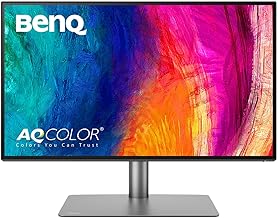 Best for creative work · BenQ PD2725U — Check price on Amazon →
 Best for work and play · Dell Alienware AW2725Q — Check price on Amazon →
 Best value · Dell 27 Plus 4K S2725QS — Check price on Amazon →
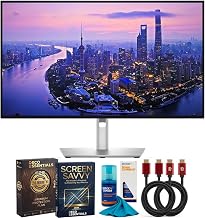 Best overall · Dell UltraSharp U2725QE — Check price on Amazon →
Check current specs on the exact SKU you buy — manufacturers ship regional variants with different port counts and wattage.
The picks
Dell UltraSharp U2725QE — best overall for hybrid desks
The UltraSharp line has been the default "serious work monitor" for years, and the U2725QE is the version that finally brings 120Hz to it. That matters more than gamers-only framing suggests: at 120Hz, cursor movement and scrolling in a long document feel noticeably smoother, and it costs you nothing in text quality.
The panel is Dell's IPS Black type, which delivers meaningfully deeper blacks than conventional IPS — not OLED-deep, but enough that dark-mode IDEs and evening work stop looking washed out. The real selling point is the Thunderbolt 4 hub: video, data, Ethernet and laptop charging over one cable, plus the ability to daisy-chain a second display. If your desk currently looks like a cable tray, this is the fix.
Trade-offs: it's matte-coated, which softens reflections but adds slight grain; and it's a premium-priced monitor. If you don't need the dock, you're overpaying.
Dell 27 Plus 4K S2725QS — best value
Wirecutter's coverage frames this one accurately: it's the UltraSharp experience minus the dock and minus the colour-critical extras. You get a 27-inch 4K IPS panel at 120Hz on a height-adjustable stand, with HDMI and DisplayPort inputs.
For anyone whose laptop already lives in a Thunderbolt dock, or who uses a desktop, this is the smart buy. You're paying for pixel density and ergonomics, not for hub silicon you'd never use. Just don't expect it to charge your laptop.
Dell Alienware AW2725Q — best if work and play share a desk
The AW2725Q is a 27-inch 4K QD-OLED at 240Hz, and it's become the reference point for this size class in 2026 — RTINGS and several 2026 round-ups single it out as the best 27-inch 4K gaming panel, partly because it undercuts 32-inch QD-OLEDs like the ASUS ROG Swift PG32UCDM.
For work, the appeal is real: infinite contrast, per-pixel lighting, and outstanding motion clarity. The caveats are equally real. QD-OLED subpixel geometry can produce coloured fringing around small text, though 4K density at 27 inches reduces it substantially compared with 1440p OLEDs. Static UI elements — taskbars, docks, spreadsheet gridlines — carry a long-term burn-in risk, mitigated by pixel-shift and panel-refresh routines plus a manufacturer burn-in warranty. And QD-OLED's glossy coating looks stunning in a dim room but raises blacks in a bright one.
Buy it if your day is mixed: documents in the morning, games or video at night. If you stare at a static IDE nine hours a day, choose IPS.
BenQ PD2725U — best for colour-critical work
Designers, photographers and video editors need something the office panels don't guarantee: out-of-box accuracy. The PD2725U ships factory-calibrated with sRGB, Display P3 and Rec.709 modes, so you can switch colour spaces without re-profiling.
It's a 60Hz panel, so it feels less fluid than the Dell 120Hz options, but the Thunderbolt 3 connection handles charging and data over one cable, and the built-in KVM lets you drive the same keyboard and mouse across a work MacBook and a personal PC. BenQ's DualView mode — showing two colour modes side by side on one screen — is genuinely useful when you're checking how a design holds up in sRGB.
LG 27UP850N-W — budget USB-C docking
If you want one-cable convenience without UltraSharp money, LG's 27UP850N-W has been a steady recommendation for a reason. It's a 27-inch 4K IPS with USB-C power delivery, wide DCI-P3 coverage, VESA DisplayHDR 400 certification and a height-adjustable stand.
It's 60Hz, the stand is less refined than Dell's, and the USB hub is basic. But it covers the core brief — sharp text, laptop charging, decent colour — at a much lower price than the flagship docking monitors.
Practical advice before you buy
Scaling. On macOS, 27-inch 4K works beautifully at "Looks like 2560×1440" scaling. On Windows, 150% is the common setting; 200% gives perfect integer scaling but feels cramped for spreadsheets. Try both.
Cables. USB-C power delivery only works with a cable rated for it. A charging-only or USB 2.0 cable will fail to carry DisplayPort Alt Mode video. Use the cable that came in the box.
Port bandwidth. If you want 4K at 120Hz or higher, confirm your laptop's USB-C port supports DisplayPort 1.4 with DSC, or use HDMI 2.1 / DisplayPort. Many older Thunderbolt 3 machines cap at 4K60.
Matte vs glossy. Facing a window? Matte. Dim room, film and photo work? Glossy QD-OLED.
FAQ
Is 27-inch 4K too small to benefit from the resolution? No. At roughly 163 PPI, text is dramatically cleaner than on a 1440p 27-inch panel. The benefit is sharpness, not extra usable space — you'll likely run scaling rather than native.
Should I get 4K at 27 inches or 1440p at a higher refresh rate? For work, 4K. For competitive gaming, 1440p high-refresh still makes sense — which is why panels like the ASUS ROG Swift PG27AQDP remain popular. The AW2725Q is the compromise if you want both.
How much USB-C wattage do I need? 90W comfortably runs most 14-inch laptops and many 16-inch models. Power-hungry workstations and gaming laptops will still need their own adapter under sustained load.
Is OLED burn-in a real risk for office work? It's a risk worth taking seriously with static interfaces. Modern panels include pixel shift, logo dimming and automatic refresh cycles, and most carry burn-in coverage in the warranty — but IPS remains the lower-worry choice for all-day static content.
Do I need 120Hz for productivity? It's not essential, but it's a noticeable quality-of-life upgrade for scrolling and cursor tracking, and it now costs very little extra on models like the S2725QS.
Our picks
UltraSharp 27" IPS Black Thunderbolt Hub Monitor DELL-U2725QE Bundle
IPS Black panel, 120Hz, and a full Thunderbolt 4 dock with 90W+ power delivery — the ideal one-cable work display.
Dell 27 Monitor S2725QS, 4K UHD IPS, 120Hz, 5ms, FreeSync Premium
Simple, sharp 27-inch 4K IPS with 120Hz and a height-adjustable stand for people who don't need a dock.
Alienware AW2725Q 27" 4K QD-OLED Gaming Monitor – 240Hz, 0.03ms GTG, HDR
27-inch 4K QD-OLED with 240Hz and perfect blacks — the most enjoyable panel here if you also game.
BenQ PD2725U 27" 4K IPS Thunderbolt 3 Creative Pro Monitor for Mac/Windows
Factory-calibrated 4K IPS designed for colour work, with Thunderbolt 3 passthrough charging and a KVM.
LG 27UP850K-W 27-inch Ultrafine 4K UHD IPS DisplayHDR 400 Computer Monitor
Affordable 27-inch 4K IPS with USB-C power delivery and wide colour coverage for straightforward laptop docking.
Get the best tech deals in your inbox
Join the BytePlaza newsletter for hand-picked gadget deals and new buying guides. No spam, unsubscribe anytime.
Related reads
5K Monitors in 2026: 5 Picks That Actually Fix Text
The best 5K monitor picks for 2026, ranked for text clarity on Mac and PC — Apple Studio Display, BenQ PD2730S, Dell, LG UltraFine and a 5K2K ultrawide.
Ultrawide OLED in 2026: Is 34" Enough, or Go 45"?
We compared the best ultrawide OLED monitors of 2026 — QD-OLED vs WOLED, 34-inch vs 45-inch — to help gamers and creators spend smart on curve, pixels and hertz.
5K2K Monitor 2026: Which One Actually Docks Your Laptop?
A practical 2026 guide to 5K2K Thunderbolt monitors that dock a laptop over one cable — who needs 40-inch ultrawide, and which panels earn the price.