Floodlight Camera vs Video Doorbell: Which to Buy in 2026
Floodlight camera vs video doorbell in 2026: how coverage, wiring, lighting and subscription fees differ — plus which one most homes should buy first.
Reader-supported: we may earn a commission from links on this page, at no extra cost to you. It never affects our picks. Learn more.
Most people shopping for outdoor security in 2026 end up staring at the same two product categories: a video doorbell for the front door, or a floodlight camera for the driveway, side yard or garage. They look like they do the same job. They don't.
BytePlaza compared current models using manufacturer specs, independent reviews and verified owner feedback to work out where each type actually earns its keep — and which one you should buy first if you're only buying one.
The short answer
- Buy a video doorbell if your main concerns are deliveries, visitors, solicitors and anyone approaching the front door. It's the single highest-value smart home camera for most households.
- Buy a floodlight camera if your risk sits away from the door: a driveway, carport, back yard, side gate or detached garage — anywhere dark, wide and unlit.
If you can only fit one, and your front door and driveway are in the same line of sight, a floodlight camera usually covers more ground. If they're not, the doorbell wins because package theft and door-knock interactions are the things you'll actually use daily.
Coverage: narrow and tall vs wide and bright
This is the biggest practical difference, and it's not about megapixels.
Video doorbells are built for a vertical view. Models like the Arlo Video Doorbell 2K (2nd Gen) and the Wyze Video Doorbell Pro use square or near-square sensors specifically so you can see a visitor's face and the parcel on the doormat in one frame. That's a deliberate trade: you get head-to-toe framing of a narrow area, not a wide sweep of your yard.
 Budget pick · Wyze Video Doorbell Pro — Check price on Amazon →
 Best overall doorbell · Arlo Video Doorbell 2K (2nd Gen) — Check price on Amazon →
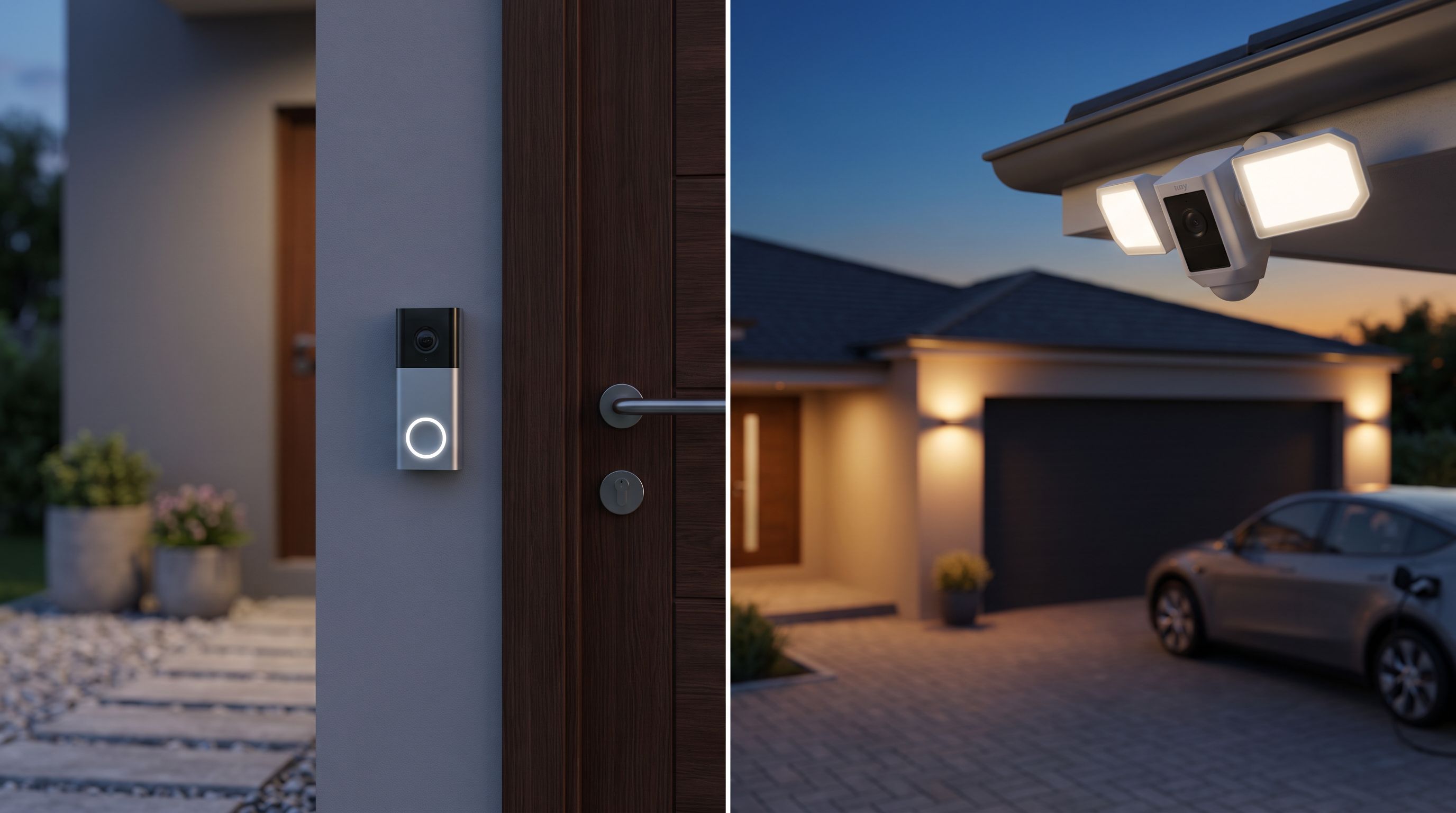
Floodlight cameras are built for horizontal coverage, mounted high (typically eave height), looking down and out. The Ring Floodlight Cam Wired Plus covers a broad field with motion-triggered LEDs, and the Eufy Security Floodlight Camera E340 goes further with a dual-camera pan-and-tilt design that can follow a subject across a driveway rather than losing them off the edge of the frame.
 Best for Ring/Alexa homes · Ring Floodlight Cam Wired Plus — Check price on Amazon →
 Best floodlight cam · Eufy Security Floodlight Camera E340 — Check price on Amazon →
The other thing floodlights do that doorbells can't: light. A doorbell's night vision is infrared — usable, but it's grey-scale and short-range, and it doesn't deter anyone. A floodlight cam flips on bright white LEDs, which gives you colour night footage and an actual psychological deterrent. If identifying a car or a face in a dark driveway matters to you, that's not a small advantage.
Wiring: the part that decides it for a lot of people
Here's where plans meet reality.
Video doorbells have three install paths. Hardwired models tap your existing doorbell transformer and chime — easy if you already have a wired doorbell, awkward if you don't, since low-voltage transformers can be underpowered on older homes. The Google Nest Doorbell (Wired, 2nd Gen) takes this route. Battery models like the Wyze Video Doorbell Pro, or the Arlo in battery configuration, skip wiring entirely but need recharging every few weeks to months depending on traffic and settings.
 Best for smart alerts · Google Nest Doorbell (Wired, 2nd Gen) — Check price on Amazon →
Floodlight cameras are mains-powered, and that's a bigger job. The usual approach is replacing an existing outdoor light fixture, which puts you in a junction box with line voltage. If there's already a floodlight where you want the camera, it's a straightforward swap. If there isn't, you're hiring an electrician — budget for that before you buy. Some brands sell plug-in variants that trail a cable to an outdoor outlet, which is a legitimate shortcut if you have one nearby.
A quick sanity check before buying:
- Do you have an existing wired doorbell and chime? → Wired doorbell is easy.
- No doorbell wiring, or a renter? → Battery doorbell.
- Existing outdoor light fixture where you want coverage? → Floodlight cam is easy.
- No fixture and no outlet? → Factor in an electrician, or reconsider.
Subscriptions: the hidden recurring cost
Both categories push cloud plans, and both can be run without one — but the experience gap varies a lot by brand.
The thing to understand is what you lose without a plan. Typically: recorded video history, advanced AI detection (person vs package vs vehicle), and in some cases smart notification filtering. Live view and basic motion alerts usually still work.
Subscription-free setups rely on local storage. The Eufy Security Floodlight Camera E340 is the clearest example here — it records to onboard microSD and does its person and vehicle detection on-device, so you can run it indefinitely without paying a monthly fee. Google's Nest Doorbell includes a short window of free event history and runs its detection on-device too, which softens the blow if you skip Nest Aware. Ring and Arlo are more plan-dependent: without a subscription you're largely limited to live view, which guts the point of owning the camera.
Whichever way you go, the rule is simple: add the subscription to the purchase price before comparing models. A cheaper camera on a mandatory plan is often the expensive option over three years.
Floodlight camera vs video doorbell: head to head
| Video doorbell | Floodlight camera | |
|---|---|---|
| Primary job | Visitors, deliveries, door-side activity | Driveways, yards, perimeters, wide areas |
| Field of view | Tall/vertical, narrow horizontally | Wide horizontal, often pan/tilt |
| Night performance | Infrared, grey-scale, short range | Bright LEDs, colour footage, long range |
| Deterrence | Chime + two-way talk | Lights, siren, two-way talk |
| Power | Doorbell transformer or battery | Mains wiring (or plug-in variant) |
| DIY difficulty | Low to moderate | Moderate to high |
| Two-way talk use | Constant — couriers, visitors | Occasional — warnings |
| Subscription pressure | High on most brands | High, but local-storage options exist |
| Best single buy for | Suburban front doors, apartments | Detached homes, long driveways |
How to choose in five minutes
- Map your risk. Walk outside and ask where something would actually go wrong. Porch parcels? Doorbell. Car break-ins, tools in a shed, a dark side gate? Floodlight.
- Check your power. Existing chime wiring favours a wired doorbell. Existing eave fixture favours a floodlight cam. No infrastructure for either? Start with a battery doorbell.
- Decide your subscription stance. If you refuse to pay monthly, shortlist local-storage models like the Eufy E340 first and work backwards.
- Stay in one ecosystem if you can. Mixing a Ring Floodlight Cam Wired Plus with a non-Ring doorbell means two apps, two alert styles and two billing relationships. The Ring Floodlight Cam Wired Plus plus a Ring doorbell, or Nest plus Nest, is far less annoying day to day.
- Buy the second device later. Most households are better served by one well-placed camera they understand than two they half-configured.
When you genuinely need both
Two cameras make sense in specific cases: a long or L-shaped property where the door isn't visible from the driveway, a detached garage or workshop, or a home where deliveries go to a side entrance. In that scenario, the standard pairing is a doorbell at the entry — the Arlo Video Doorbell 2K (2nd Gen) or Google Nest Doorbell (Wired, 2nd Gen) are the strongest all-rounders — plus one floodlight cam covering the widest unlit approach.
Also worth noting: a floodlight camera is not a replacement for a doorbell button. If visitors have no way to announce themselves, you'll get motion alerts for everything and no clear signal for the one thing that matters.
The verdict
For most homes in 2026, the video doorbell is the first purchase and the floodlight camera is the upgrade. The doorbell solves a problem you encounter several times a week; the floodlight cam solves a problem you encounter rarely but expensively.
The exception — and it's a common one — is the detached house with a dark driveway and a door nobody uses. There, a floodlight camera covers more valuable ground, deters better, and gives you colour footage at night that a doorbell physically cannot.
FAQ
Can a floodlight camera replace a video doorbell? Functionally, no. It can watch your front door if the angle works, but visitors still have no button to press, and the overhead angle rarely gives you a clean face shot at the doormat.
Do I need a subscription for either one? Not always. Local-storage models like the Eufy Security Floodlight Camera E340 record to microSD with on-device detection. Ring and Arlo devices are far more limited without a plan. Check the no-plan feature list before buying.
Will a battery doorbell survive winter? Battery life drops noticeably in cold weather, and some lithium cells charge poorly below freezing. In a cold climate, a wired doorbell is the lower-hassle choice.
Is 2K resolution worth it over 1080p? At doorbell distances, yes — extra detail helps with faces and package labels. On a floodlight cam watching a wide driveway, lighting quality and field of view matter more than the resolution number.
What about existing doorbell chimes? Most wired doorbells can drive your mechanical chime, but older or underpowered transformers can cause buzzing or dropouts. Manufacturers list minimum transformer requirements — check yours before ordering.
Our picks
Arlo Video Doorbell 2K (2nd Gen) Wireless or Wired - 1-Cam
2K head-to-toe square video, solid package detection, and wired or battery mounting options.
Google Nest Doorbell (Wired, 2nd Gen - Pro Version) - Wired Video Doorbell Camera - Doorbell Security Camera - Non-Retail Packaging - Snow
Sharp video with on-device people, package, animal and vehicle alerts plus free event history.
eufy Security Floodlight Camera E340, Dual-Lens, 360° Coverage, 8X Zoom
Dual cameras with pan-tilt tracking, bright LEDs and local microSD storage — no subscription required.
Ring Floodlight Cam Wired Plus, Outdoor Home or Business Security with Motion-Activated 1080p HD Video and Floodlights, White
Dependable 1080p coverage, loud siren and tight integration with Ring doorbells and Alexa displays.
Wyze Wireless Video Doorbell Pro with Chime
Inexpensive battery doorbell with a tall 1:1 view and included chime — good value for small entries.
Get the best tech deals in your inbox
Join the BytePlaza newsletter for hand-picked gadget deals and new buying guides. No spam, unsubscribe anytime.
Related reads
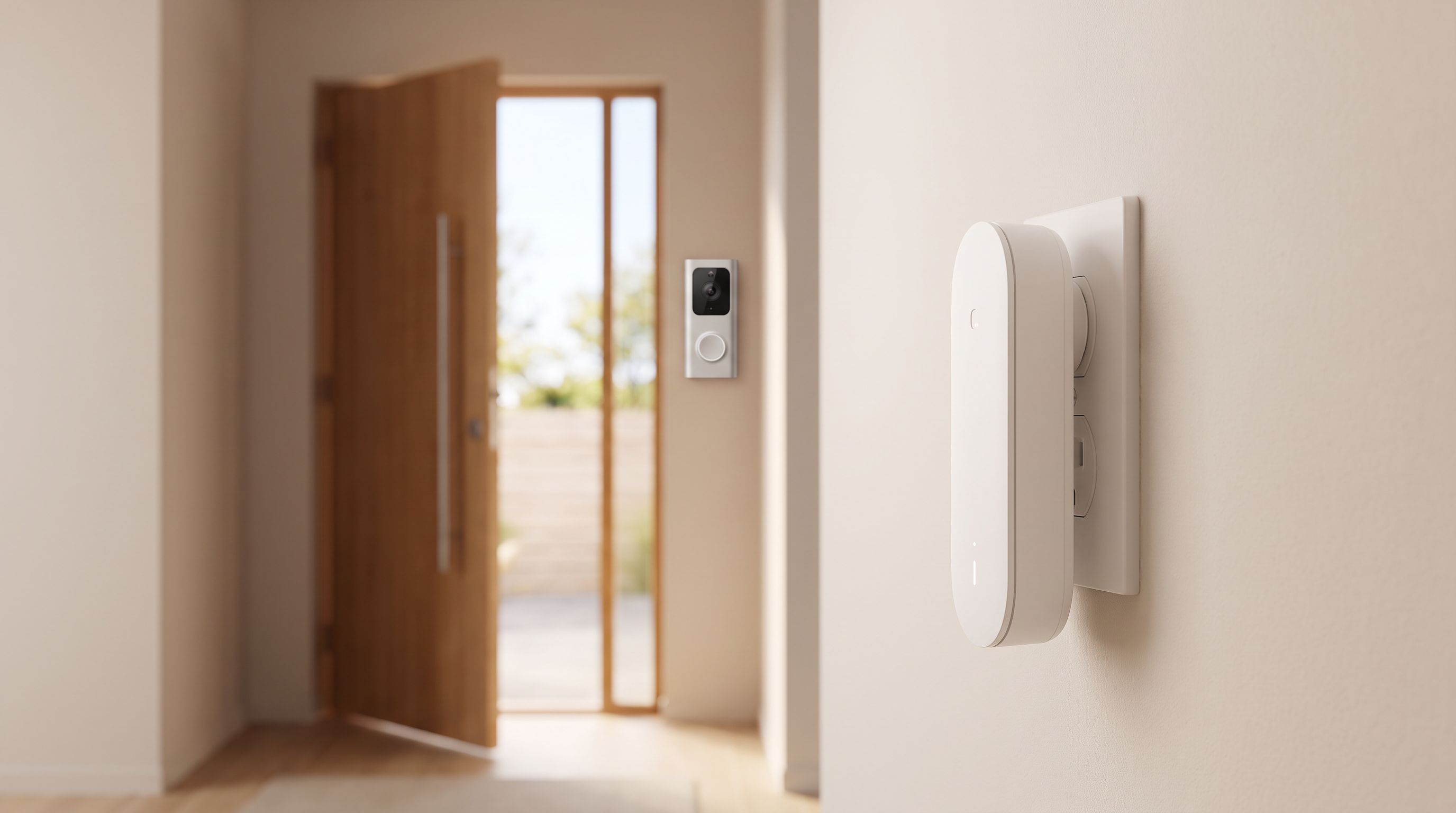
Smart Doorbell Chimes in 2026: 4 Picks That Get Heard
The best smart doorbell chime fixes the alerts you miss in the basement or backyard. We compare Ring, Google Nest, Aqara and Wi-Fi plug-in chimes for 2026.
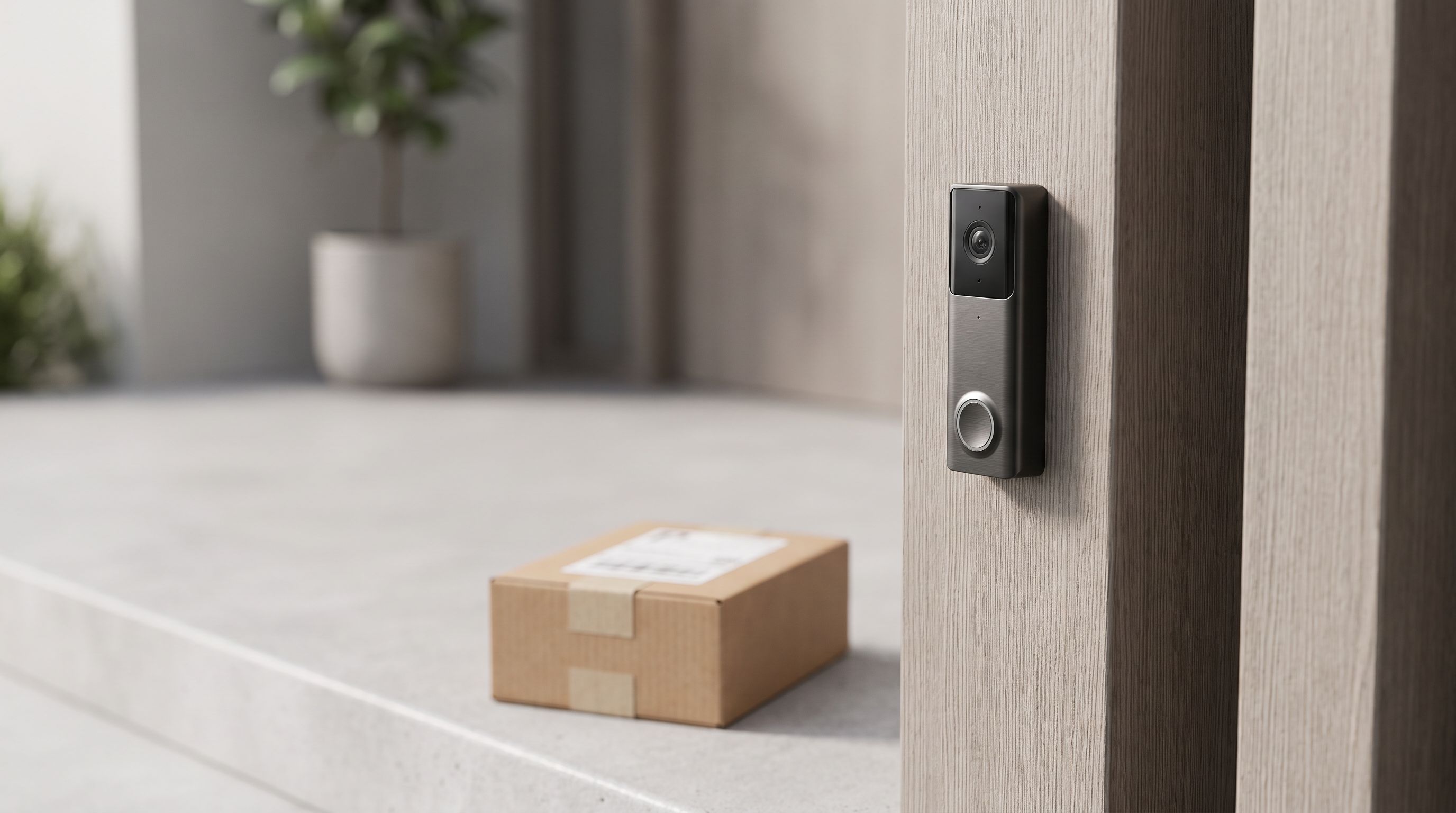
Best Video Doorbell 2026: Wired vs Battery Compared
The best video doorbell in 2026, compared on wired vs battery power, subscription costs, local storage, head-to-toe field of view and package detection.
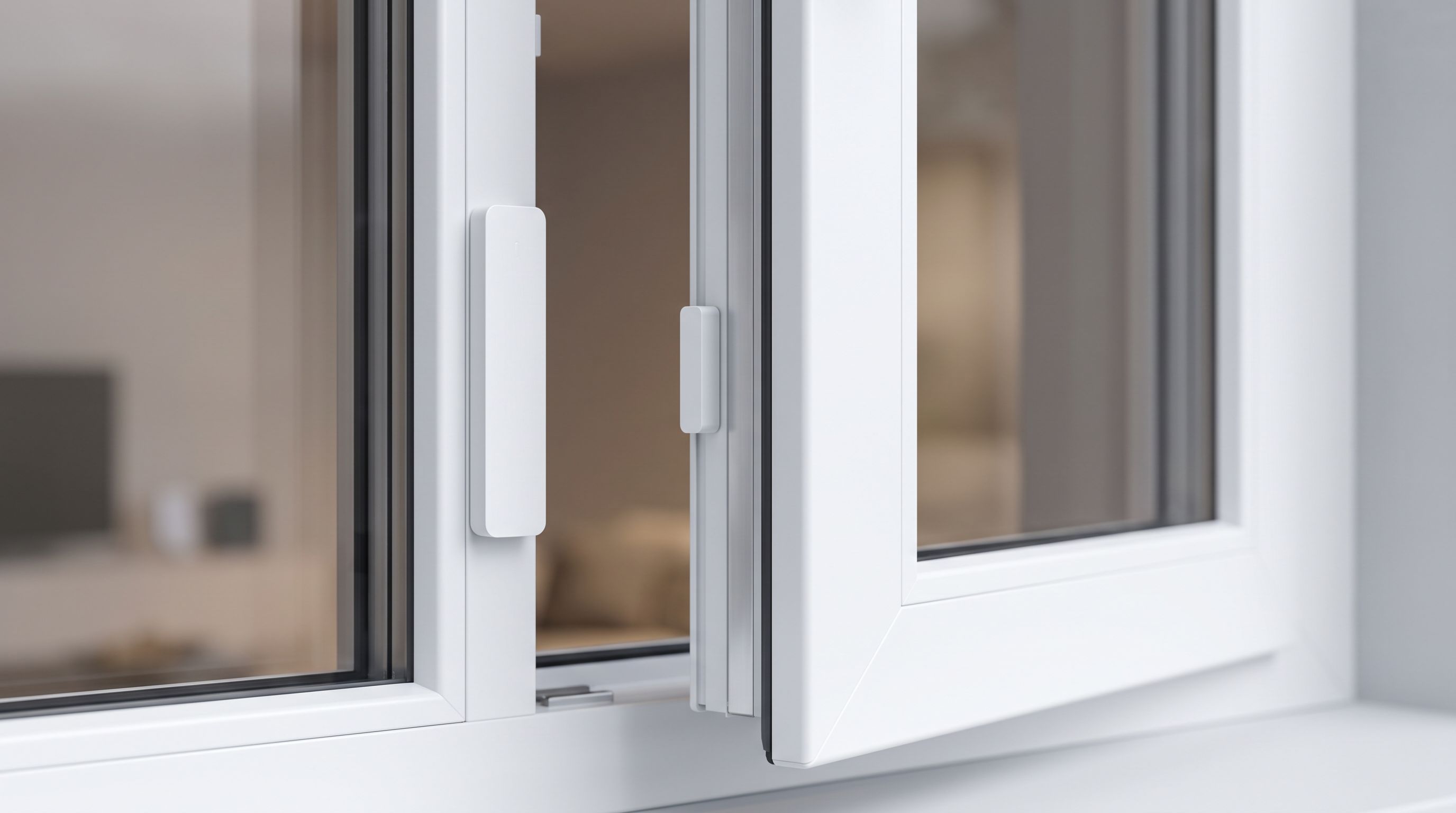
Smart Window Sensors in 2026: 4 Picks That Actually Hold Up
Which smart window sensor should you buy in 2026? We compare Matter, Thread and Zigbee contact sensors on battery life, hub needs and owner-reported reliability.