E-Ink Monitor 2026: Who Should Actually Buy One?
E-ink monitor 2026 guide: how Dasung, Boox and Bigme e-paper displays compare on refresh modes, size and color — and when a low-blue-light LCD is the smarter buy.
Reader-supported: we may earn a commission from links on this page, at no extra cost to you. It never affects our picks. Learn more.
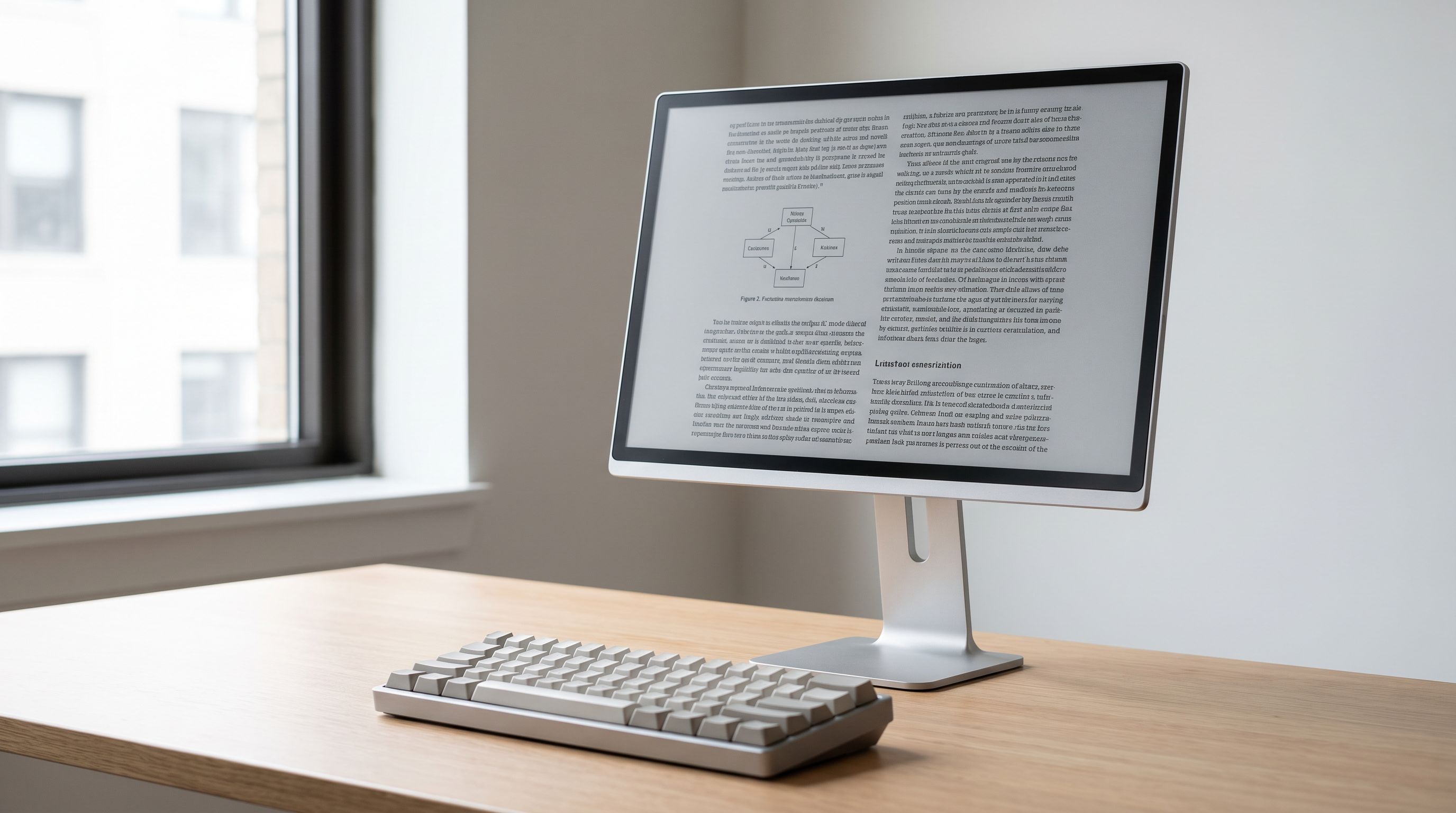
E-ink monitors have quietly crossed from curiosity to credible tool. In 2026 you can buy a 13-inch monochrome e-paper display that plugs into a laptop over USB-C, a 25-inch color e-paper panel that sits on a desk like a normal monitor, and a growing crop of open-hardware projects chasing lower latency.
But the question most buyers actually have isn't "which one is best" — it's "will I regret this?" E-ink monitors cost a lot more than a good LCD, refresh far slower, and most are monochrome. This guide is about figuring out whether you're the person they're built for, and if so, which one fits.
BytePlaza researches and compares products using manufacturer specifications, independent reviews and verified owner feedback. We don't physically test units, and with a category this niche that honesty matters — much of what's written about e-ink monitors online is marketing copy.
What an e-ink monitor actually does differently
An e-ink (electrophoretic) panel reflects ambient light instead of emitting it. There's no backlight shining into your eyes, no PWM flicker, and the image holds without power once drawn. In bright daylight it gets easier to read, the opposite of an LCD.
The trade-off is refresh. Changing what's on screen means physically moving pigment particles, which takes time and leaves ghosting — faint remnants of the previous image. Every e-ink monitor therefore ships with multiple refresh modes, and understanding them is the single most important part of shopping:
- Text / quality mode — slowest, cleanest. Full page redraws, minimal ghosting. This is where you write and read.
- Fast / balanced mode — usable for scrolling documents, email, terminals, coding. Noticeable trails but tolerable.
- Video / "A-level" mode — aggressive partial refresh at the cost of heavy ghosting and lower contrast. It makes cursor movement and slow video watchable, not pleasant.
If you expect any mode to feel like a 60Hz LCD, you will be disappointed. Owner feedback across Dasung and Boox models is consistent on this point: the magic is in sustained reading and typing, not in general-purpose computing.
Who should buy one — and who shouldn't
Good fit: novelists and long-form writers, academics reading PDFs all day, lawyers and translators, people with photosensitivity or migraine triggers, anyone who already loves an e-reader and wants that surface at desk size, and developers who live in a text editor and terminal.
Bad fit: designers, photo and video editors, anyone who needs accurate color, gamers, and people who do a lot of video calls. Also a bad fit: anyone buying purely for "eye strain" without having first tried the cheap fixes — a matte screen, proper room lighting, reduced brightness, and larger type solve most discomfort for most people.
The 2026 landscape, honestly
Three brands dominate what's actually purchasable: Dasung, the longest-running specialist; Boox, whose Mira line is the most tinker-friendly; and Bigme, which pushed into large color panels. Modos' open-source Paper Monitor remains the enthusiast wildcard — exciting on paper for its low-latency controller work, but availability has been the recurring theme in community discussion rather than shipping volume.
Color e-paper (Kaleido and Gallery-class panels) improved again this generation, but set expectations correctly: color on e-ink is muted and lower-resolution than the monochrome text layer. It's enough to distinguish syntax highlighting, chart series, or a highlighted passage. It is not enough to judge a photograph.
Comparison at a glance
| Model | Size | Color | Best for | Main limitation |
|---|---|---|---|---|
| Dasung Paperlike 13K | 13.3" | Mono | First-time buyers, portable second screen | Small for spreadsheets; stock comes and goes |
| Boox Mira 13.3 | 13.3" | Mono | Users who want manual refresh/contrast dials | Requires fiddling to find your settings |
| Dasung Paperlike 253U | 25.3" | Mono | Primary all-day document display | Large panels show ghosting more visibly |
| Bigme B251 | 25.3" | Color | A true full-size color e-paper desktop | Color is muted; premium pricing |
| BenQ GW2790QT | 27" | Full color | Everyone else | It's still a backlit LCD |
 Low-blue-light alternative · BenQ GW2790QT 27-inch Eye-Care Monitor — Check price on Amazon →
 Best large screen · Bigme B251 25.3-inch Color E-Ink Monitor — Check price on Amazon →
Size: 13 inches or go big?
A 13.3-inch panel is roughly a sheet of A4 at readable scale. It works beautifully as a secondary display for your manuscript or reading pane while a normal monitor handles everything else. That's the configuration most owners settle into, and it's why the Dasung Paperlike 13K is the recommendation for first-time buyers — it's the lowest-risk way to find out whether you like this at all.
Going to 25.3 inches changes the proposition entirely. At that size — the Dasung Paperlike 253U in monochrome, the Bigme B251 in color — e-ink becomes your main screen, with two documents side by side. But bigger panels take longer to redraw fully, so ghosting is more conspicuous, and the price jump is steep. Buy large only if you already know e-ink suits your work.
The Boox Mira 13.3 sits in an interesting spot: similar size to the Dasung, but with physical controls for refresh mode, contrast and front light on the unit itself. If you enjoy dialing in a device, that's a genuine advantage; if you want something that just works at default, it's one more thing to configure.
Connection and practical setup notes
Most current e-ink monitors accept USB-C (DisplayPort Alt Mode) or HDMI plus USB for power and driver control. A few things that trip people up:
- Set your OS to a light theme. Dark mode on e-ink inverts the whole value proposition and increases ghosting.
- Disable animations, smooth scrolling and cursor trails. Page-by-page scrolling beats pixel-smooth scrolling here.
- Use the front light sparingly. The models that include one are meant to supplement dim rooms, not act as a backlight.
- macOS vs Windows. Dasung and Boox both publish companion utilities; feature parity isn't identical across platforms, so check current driver support for your OS before buying.
The low-blue-light LCD reality check
Here's the comparison nobody selling e-ink wants to make. A quality eye-care LCD — the BenQ GW2790QT is the archetype — gives you a matte, flicker-free, low-blue-light 27-inch screen with full color and normal refresh, at a fraction of what a large e-ink panel costs. For a lot of people reporting eye fatigue, that plus better ambient lighting is the actual fix.
E-ink earns its premium on two things an LCD can't replicate: zero emitted light, and the psychological shift of a surface that feels like paper. Writers consistently report fewer distractions because the screen simply isn't fast enough to reward tab-hopping. If that's the benefit you're buying, it's real — but be clear that you're buying a behavior change, not just a display spec.
Our recommendation, simply
Start with the Dasung Paperlike 13K as a second screen. If after a month you've stopped using your LCD for writing and reading, graduate to a Dasung Paperlike 253U or, if color matters, the Bigme B251. Choose the Boox Mira 13.3 if hands-on control appeals more than out-of-box simplicity. And if the price makes you hesitate at all, that hesitation is information — get the BenQ GW2790QT and spend the difference on a better desk lamp.
FAQ
Can you watch video on an e-ink monitor? Technically yes, in the fastest refresh mode. Realistically it's a grayscale, ghost-trailed approximation. Treat video support as a party trick, not a feature.
Is color e-ink worth the extra cost? Only if color carries meaning in your work — syntax highlighting, chart series, document markup. Color e-paper is noticeably muted and the color layer is lower resolution than the monochrome text layer.
Do e-ink monitors work for coding? Many developers do use them, especially the 13.3-inch models in fast mode with a light theme and smooth scrolling disabled. Expect to adapt your workflow rather than the other way around.
Will ghosting damage the screen? No. Ghosting is residual image retention, not burn-in. A full refresh clears it, and most monitors can auto-refresh at an interval you set.
Should I wait for Modos or a newer panel generation? If you need a monitor now, buy what ships now. Low-latency e-paper controllers are genuinely promising, but availability has lagged announcements in this category for years.
Our picks
Dasung Paperlike 13K
Sharp 13.3-inch monochrome e-paper with multiple refresh modes — the safest first e-ink monitor.
Bigme B251-World's 1st E Ink Color Monitor with 25.3 inch eink Screen
The rare 25-inch color e-paper panel that works as a true primary desktop display.
Dasung Paperlike 253U 25.3-inch E-Ink Monitor
Big 25.3-inch monochrome e-paper with fast-mode refresh for all-day document work.

BOOX Tablet Tab XC 13.3 Color ePaper 6G 128G
13.3-inch monochrome panel with physical dials for refresh, contrast and front light.
BenQ GW2791P 27" 1080p 120Hz IPS Eye-Care Home Office Monitor
If e-ink's price and refresh limits scare you, this matte eye-care LCD is the pragmatic swap.
Get the best tech deals in your inbox
Join the BytePlaza newsletter for hand-picked gadget deals and new buying guides. No spam, unsubscribe anytime.
Related reads
Solid State Battery 2026: What Actually Ships This Year
Solid state battery 2026 hype vs reality: what's shipping now, why silicon-carbon cells got to phones and power banks first, and which gadgets to buy today.
Monitor Light Bars in 2026: 4 Picks That Kill Glare
We ranked the best monitor light bar for 2026 on lux output, glare control, CRI and USB-C power — from the BenQ ScreenBar Halo 2 to budget Baseus and Xiaomi picks.
Best E-Reader 2026: Kindle vs Kobo vs Color Ink
Kindle vs Kobo vs color e-ink in 2026: we compare store ecosystems, library borrowing, note-taking and waterproofing to help you pick the best e-reader.