E-Ink Note Tablets in 2026: 4 Picks Under $400
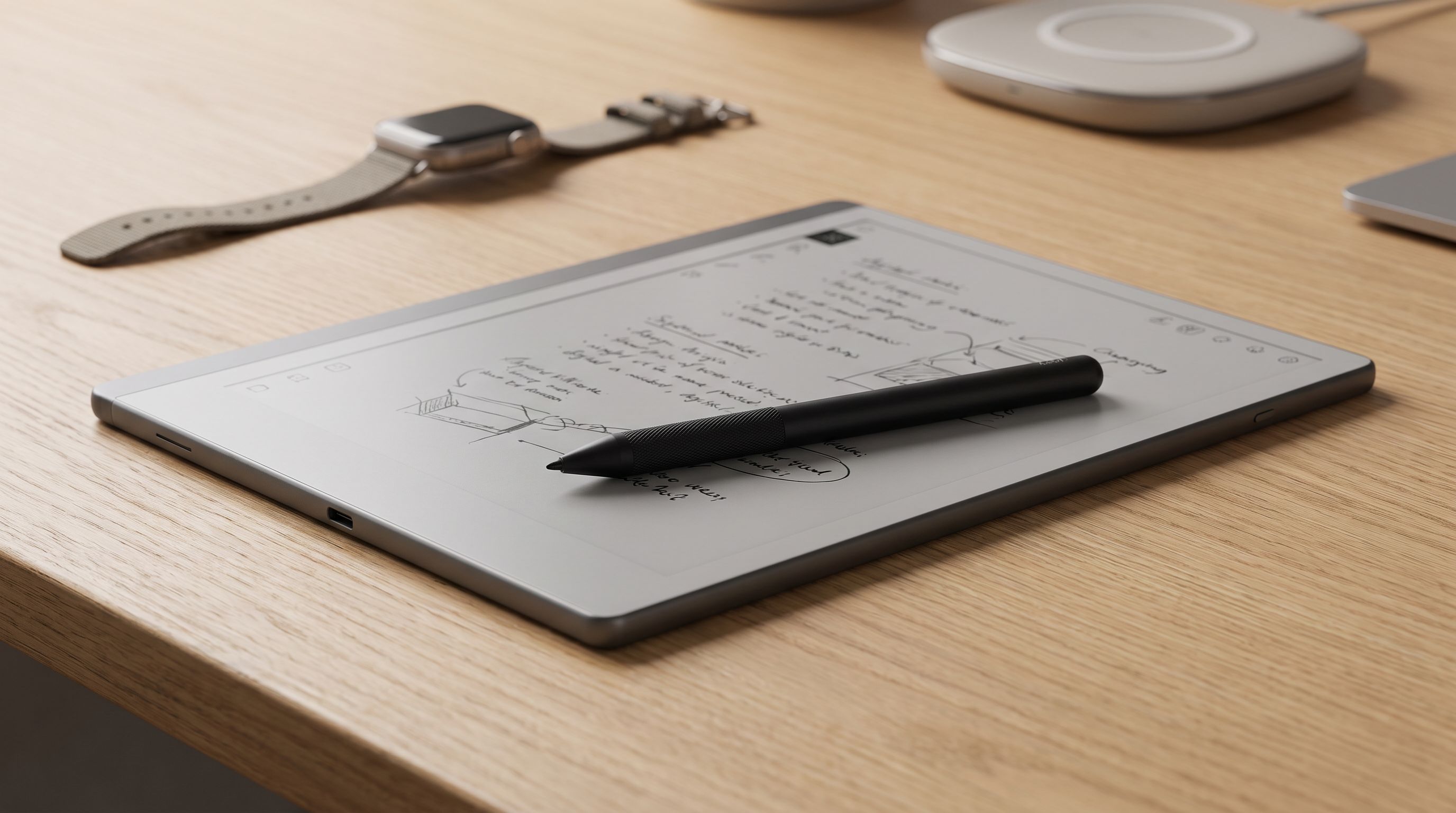
Looking for an e-ink note tablet in 2026 without spending $600? We compare writing feel, refresh modes, pen support and software lock-in on four sub-$400 slates.
Reader-supported: we may earn a commission from links on this page, at no extra cost to you. It never affects our picks. Learn more.
E-ink note tablets stopped being a novelty somewhere around 2023. In 2026 the interesting question isn't "does writing on e-paper feel good?" — it does, on nearly everything — but "how much am I paying for software I'll end up fighting?"
That's the real split in this category. The premium tier (reMarkable Paper Pro, Supernote Manta, Kindle Scribe with its Premium Pen) sells you a closed, highly polished experience. The sub-$400 tier is messier, more capable, and occasionally frustrating. We compared the current crop against owner feedback, manufacturer spec sheets and independent reviews to figure out which compromises are worth making.
A quick note on how we work: BytePlaza researches and compares using published specs, expert reviews and verified owner reports. We don't physically test units, and we don't quote prices that will be stale by the time you read this — check current listings.
What actually matters below $400
Refresh mode, not "refresh rate"
E-ink doesn't have a refresh rate the way an LCD does. What you're really choosing between is how aggressively the device can partially refresh the screen while you write or scroll. BOOX exposes this directly through its refresh modes (Normal, Speed, A2, X-mode), letting you trade ghosting for responsiveness. Kobo and reMarkable make that decision for you.
In practice, every modern 10.3-inch panel keeps up with normal handwriting. Where devices diverge is UI navigation — scrolling a dense PDF, flipping through a long notebook, pinching to zoom. That's where cheaper, slower processors show up, and it's the single most common complaint in owner reviews of budget slates.
Pen latency claims are mostly marketing
Manufacturers quote sub-30ms figures that are hard to verify and measured inconsistently. What owners consistently report mattering more:
- Friction. A textured glass or film layer that makes the nib catch slightly. reMarkable still leads here; its Marker tips wear down fastest as a direct consequence.
- Edge accuracy. Wacom EMR digitizers get slightly imprecise near the bezel. Noticeable if you write to the margins.
- Palm rejection and tilt. Nearly universal now on EMR panels. Pressure levels (typically 4,096) are a marketing number for handwriting; they matter only if you sketch.
Most of these devices use Wacom EMR, which means battery-free pens and good third-party stylus compatibility — a genuinely underrated cost saver compared with the proprietary charging pens on some premium models.
Software lock-in is the hidden price tag
This is the thing buyers underestimate. Three philosophies:
Open Android (BOOX). Sideload anything — Kindle, Google Drive, Obsidian, Notion, your work email. The trade-off is an OS that occasionally feels unfinished, apps that weren't designed for e-ink, and a Chinese vendor whose privacy practices have drawn scrutiny; BOOX has shipped firmware updates in response, but if this concerns you, keep the device off your main Google account.
Curated ecosystem (Kobo, Kindle). Kobo Elipsa 2E handles EPUB natively and plugs into OverDrive for library loans, which is a huge practical advantage. Kindle Scribe is excellent if your library is already on Amazon and nearly pointless if it isn't.
 Best for readers who annotate · Kobo Elipsa 2E — Check price on Amazon →
Closed appliance (reMarkable). Minimal by design, with a subscription (Connect) gating cloud sync and some handwriting-conversion features. People either love the focus or feel nickel-and-dimed.
The sub-$400 shortlist
BOOX Note Air4 C — best overall
Our top pick because it does the most for the money. The 10.3-inch Kaleido 3 color layer is muted — think highlighter pastels, not an iPad — but genuinely useful for colour-coding notes, marking up slides, and reading comics or textbooks with figures. Full Android means Kindle, Dropbox and your note app of choice all live on one device, and BOOX bundles a pen rather than charging extra for it.
The honest downside: Kaleido 3's filter array slightly dims and softens the monochrome text layer versus a pure B&W panel. If you read a lot of plain prose, you'll notice.
BOOX Go 10.3 — best for pure writing
 Best for pure writing · BOOX Go 10.3 — Check price on Amazon →
Strip out the colour filter and you get a sharper, brighter 300 ppi monochrome display in a notably thin, light body. It reads well, writes well, and feels the most "grab and go" of the 10.3-inch class. It's a frequent recommendation in owner discussions alongside reMarkable and Supernote for exactly that reason. Same Android flexibility, same caveats.
Kobo Elipsa 2E — best for readers who annotate
If your main use is reading books and scribbling in the margins, the Elipsa 2E is the tidiest option. Native EPUB, library borrowing via OverDrive, handwriting-to-text that works on the device, and a build using recycled plastics. It won't run third-party apps, and its notebook features are simpler than BOOX's. That constraint is the point — nothing to configure, nothing to break.
reMarkable Paper Pro Move — best writing feel
 Best writing feel · reMarkable Paper Pro Move — Check price on Amazon →
The small-format Paper Pro. It's not a 10-inch workhorse; it's a pocketable colour e-paper notebook for people who want the reMarkable writing experience without the full-size price. Owner feedback is consistent: best-in-class pen feel, beautiful hardware, deliberately limited software. Budget for pen tips and consider whether you need Connect for sync.
Kindle Scribe (2024) — best for Kindle libraries
 Best for Kindle libraries · Amazon Kindle Scribe (2024) — Check price on Amazon →
Included as a reference point rather than a value pick. Its front light is the most even in the category and the Kindle integration is seamless. But it reads your Amazon library and little else, PDF handling has historically lagged, and the pen is an added cost on some configurations. Buy it for books, not for note management.
Comparison
| Model | Screen | Colour | Pen included | Software | Best for |
|---|---|---|---|---|---|
| BOOX Note Air4 C | 10.3" Kaleido 3 | Yes | Yes | Open Android | All-rounders who want apps |
| BOOX Go 10.3 | 10.3" Carta, 300 ppi | No | Yes | Open Android | Sharpest text + writing |
| Kobo Elipsa 2E | 10.3" Carta 1200 | No | Yes | Closed Kobo OS | EPUB readers, library users |
| reMarkable Paper Pro Move | Small colour e-paper | Yes | Sold with/separately by bundle | Closed, optional subscription | Pen feel, portability |
| Kindle Scribe (2024) | 10.2" Carta | No | Yes (pen tier varies) | Closed Amazon | Existing Kindle libraries |
Confirm pen bundling and storage tier on the specific listing — manufacturers change configurations frequently.
How to choose in 60 seconds
- You want one device for everything: BOOX Note Air4 C.
- You mostly write and want the crispest text: BOOX Go 10.3.
- You mostly read and borrow library books: Kobo Elipsa 2E.
- You want writing to feel like paper above all: reMarkable Paper Pro Move.
- Your whole library is already on Amazon: Kindle Scribe.
FAQ
Is colour e-ink worth it in 2026? For note-taking and markup, yes — colour highlighting genuinely helps. For reading plain text, no: Kaleido panels are dimmer and slightly less sharp than monochrome equivalents. Decide based on which you do more.
Do I need to pay for a subscription? Only on reMarkable, and only for cloud sync and some conversion features; the device works offline without it. BOOX and Kobo have no mandatory subscription.
Can I use a cheaper third-party stylus? Usually. Most of these use Wacom EMR, so compatible battery-free pens from Staedtler, Lamy and generic brands work. Check that the model is EMR and not a proprietary active pen before buying.
How long does the battery last? Weeks of light use on monochrome models; days to a couple of weeks on colour Android devices with Wi-Fi on. Android-based tablets drain faster in standby than appliance-style readers — expect that, don't be surprised by it.
Will it replace my laptop or iPad? No. These are deliberately slow, monochrome-ish, distraction-resistant devices. That's the feature. If you need video, fast web browsing or responsive apps, you want a tablet, not e-paper.
Our picks
BOOX Note Air4 C
Color Kaleido 3 panel, Android app freedom and a bundled pen — the most flexible sub-$400 note tablet.
BOOX Tablet Go 10.3 Gen II Lumi ePaper E Ink Tablet Digital Notebook
Thin, light monochrome slate with a crisp 300 ppi panel and the fastest-feeling refresh in this group.
Elipsa 2E | eReader | 10.3” Glare-Free Touchscreen with ComfortLight PRO | Includes Kobo Stylus 2 | Adjustable Brightness | Wi-Fi | Carta E Ink Technology | 32GB of Storage
Locked-down but polished: Kobo store, OverDrive library loans and tidy handwriting-to-text in one device.
reMarkable Paper Pro Move with Marker Plus and Basalt Book Folio
Pocketable color e-paper with reMarkable's distraction-free OS and the most paper-like pen friction here.
Amazon Kindle Scribe Premium Pen, Sleek Stylus Design with Improved Eraser - Tungsten
The smoothest front light and best Kindle integration — worth it only if your books already live on Amazon.
Get the best tech deals in your inbox
Join the BytePlaza newsletter for hand-picked gadget deals and new buying guides. No spam, unsubscribe anytime.
Related reads
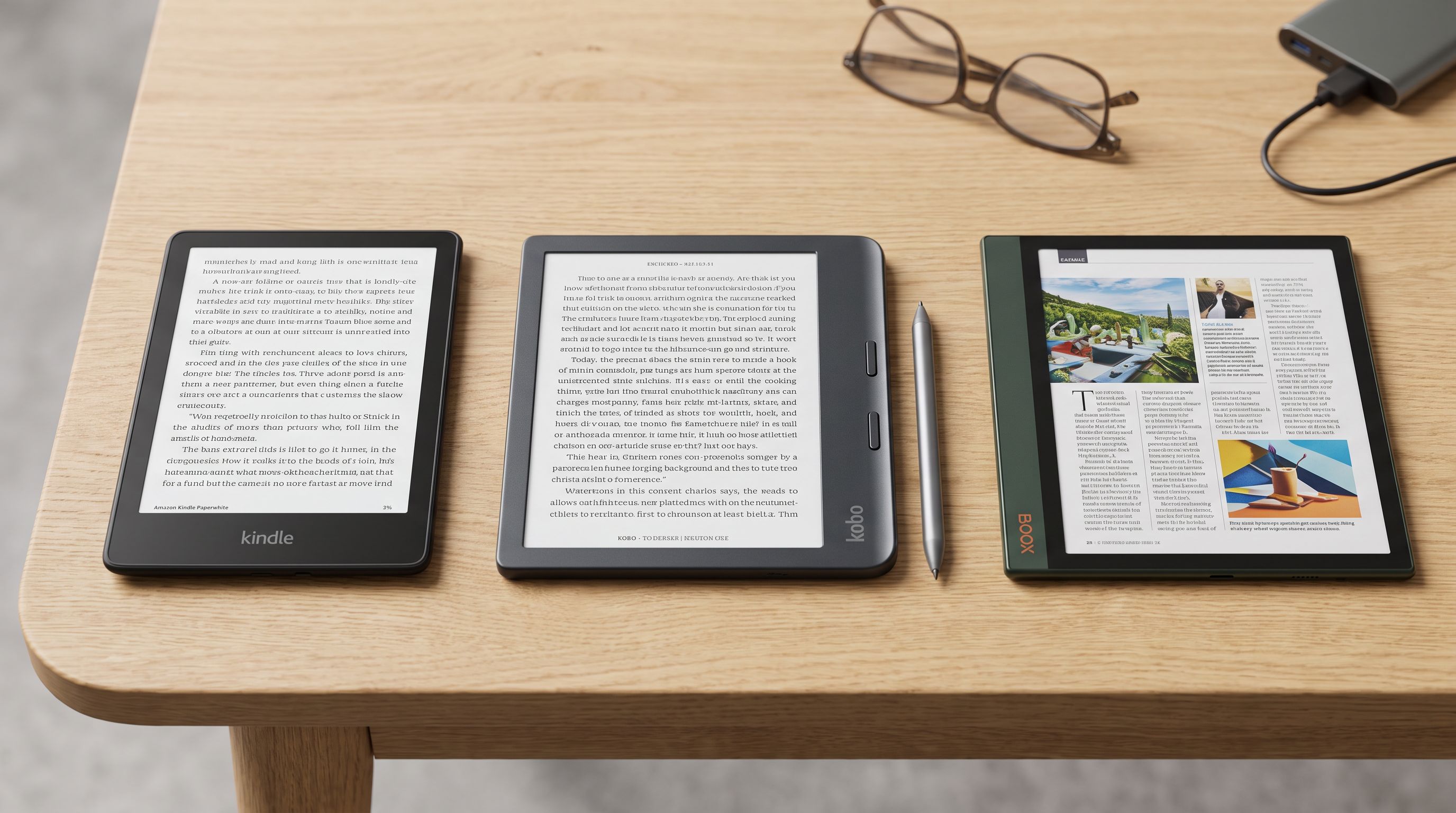
Best E-Reader 2026: Kindle vs Kobo vs Color Ink
Kindle vs Kobo vs color e-ink in 2026: we compare store ecosystems, library borrowing, note-taking and waterproofing to help you pick the best e-reader.

Wearable AI Recorders in 2026: 4 Picks That Actually Stick
Looking for the best AI voice recorder wearable in 2026? We compare Plaud, Anker Soundcore Work and Limitless on accuracy, battery, subscriptions and consent.
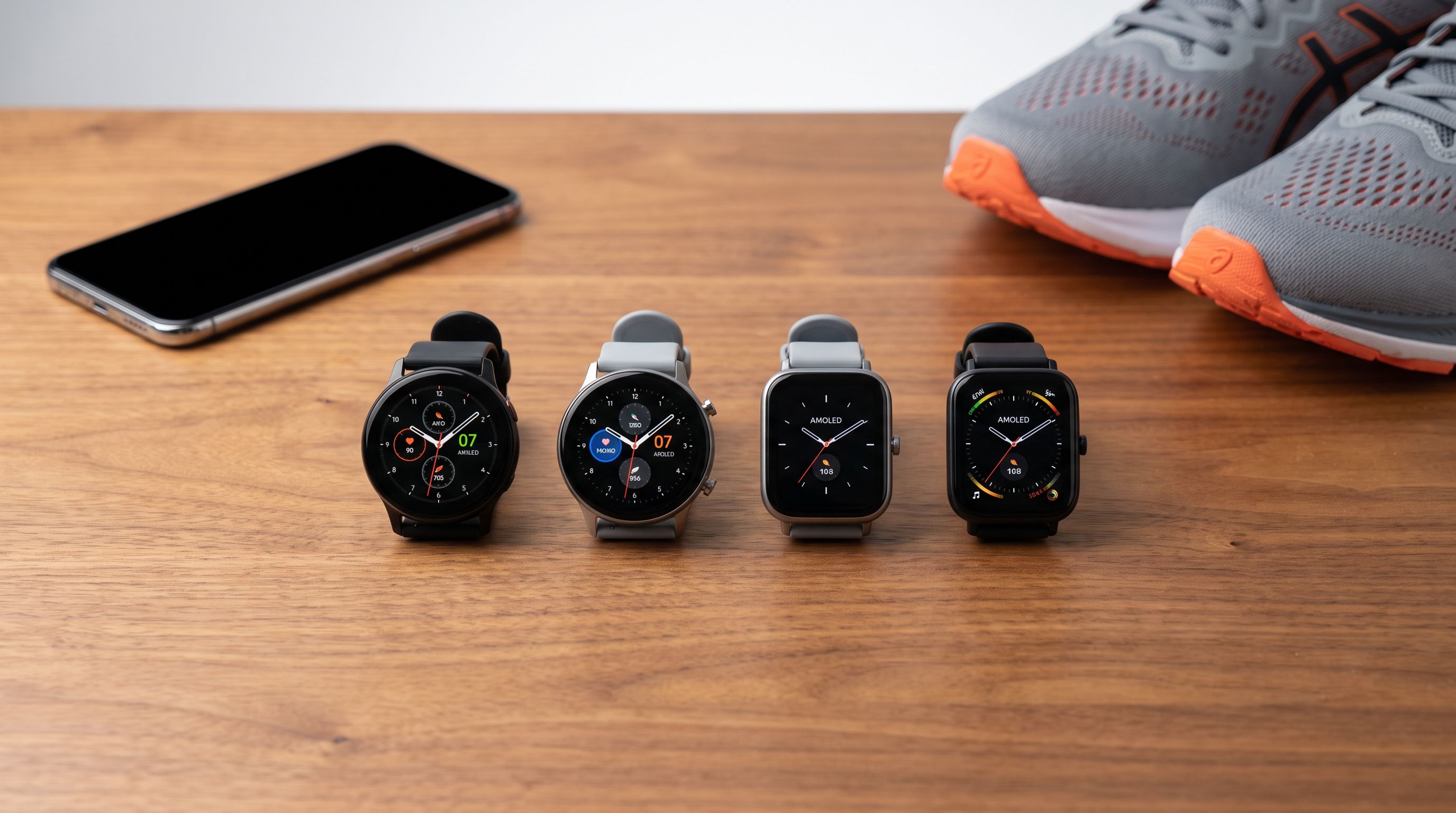
Smartwatches Under $200 in 2026: 5 That Skip the Compromises
The best smartwatch under 200 in 2026: AMOLED screens, built-in GPS and multi-day battery. We compared Amazfit, Galaxy Watch, Garmin and Apple Watch SE picks.