Best E-Reader 2026: Kindle vs Kobo vs Color Ink
Kindle vs Kobo vs color e-ink in 2026: we compare store ecosystems, library borrowing, note-taking and waterproofing to help you pick the best e-reader.
Reader-supported: we may earn a commission from links on this page, at no extra cost to you. It never affects our picks. Learn more.
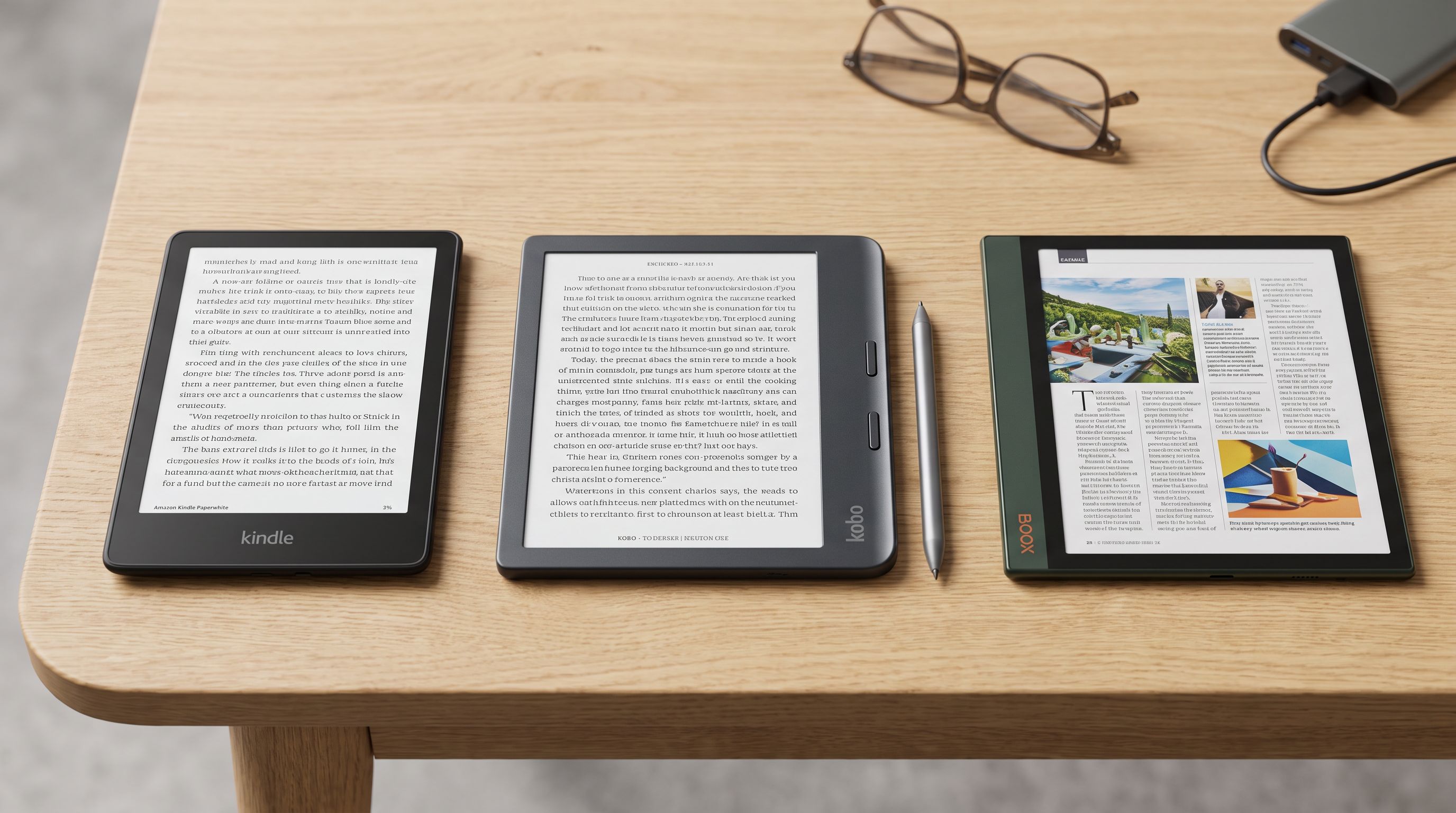
Buying an e-reader in 2026 is less about screen quality than it used to be — almost every current model has a sharp 300ppi display, an adjustable warm front light, and weeks of battery life. The real decision is about which bookstore you want to live in, how much you borrow from your local library, whether you write on your books, and whether colour e-ink is worth the trade-offs yet.
BytePlaza researched the current line-ups from Amazon, Rakuten Kobo and Boox using manufacturer specifications, independent review coverage and verified owner feedback. Here's how the three camps actually differ.
The short answer
- Most people should buy the Amazon Kindle Paperwhite (12th Gen). It's the fastest mainstream reader, it's IPX8 waterproof, and the Kindle store plus Kindle Unlimited is the largest, cheapest-to-browse ecosystem.
- Borrow heavily from your library? Get a Kobo. The Kobo Clara Colour has OverDrive/Libby borrowing built into the device menu — no sideloading, no computer.
- Write in your books? The Kobo Libra Colour pairs a stylus with physical page-turn buttons, which is still the nicest one-handed reading shape on the market.
- Want colour done Amazon's way? The Kindle Colorsoft Signature Edition brings Kaleido-style colour to the Kindle store with wireless charging.
- Want everything, on one device? The Boox Note Air4 C runs Android, so Kindle, Kobo and Libby apps can all coexist on a big colour panel.
 Premium pick for notes and PDFs · Boox Note Air4 C — Check price on Amazon →
 Best for note-taking · Kobo Libra Colour — Check price on Amazon →
 Best for library borrowing · Kobo Clara Colour — Check price on Amazon →
 Best overall · Amazon Kindle Paperwhite (12th Gen, 2024) — Check price on Amazon →
Ecosystem: where your books actually live
This is the decision that's hardest to reverse. Kindle books are wrapped in Amazon's DRM and read on Kindle devices or Kindle apps; Kobo books are EPUB-based and read on Kobo hardware or Kobo apps. Moving a purchased library between the two isn't something either company supports.
Amazon's advantages are scale and price volatility: the catalogue is the biggest, daily deals are frequent, Kindle Unlimited is a genuinely large all-you-can-read pool, and Audible integration means you can switch between reading and listening on the same title with Whispersync.
Kobo's advantages are openness and independence. Kobo devices natively read EPUB — the format most non-Amazon stores and public-domain archives use — so you can buy from Kobo, from other EPUB retailers, or load your own files by dragging them over USB. Kobo Plus is Kobo's subscription answer to Kindle Unlimited, with separate read-only and read-plus-listen tiers.
Boox sits outside both. Because Note Air4 C is an Android tablet with an e-ink screen, you install whichever store apps you want. That flexibility comes with an asterisk: apps designed for LCD screens can ghost, flicker or scroll awkwardly on e-ink, and battery life is measured in days rather than weeks.
Library borrowing: Kobo's clearest win
If you check out ebooks from a public library, Kobo's integration is the single biggest usability gap between the platforms. On a Kobo you sign into OverDrive with your library card and browse, borrow and return titles from the device itself.
Kindle library borrowing works — Libby sends titles to your Kindle via Amazon — but it's a round trip through a browser and your Amazon account, and it's US-centric. Readers outside the US frequently find the "Send to Kindle" option simply isn't offered by their library, which makes a Kobo the pragmatic choice.
On Boox, you install the Libby app and read in the app. It works, but it's an app experience on an e-ink screen, not a native one.
Colour e-ink in 2026: better, still not magic
Colour e-ink readers use a colour filter array over the standard e-ink layer. That means two things you should expect before you buy:
- Colour resolution is lower than black-and-white resolution. Text stays crisp at 300ppi, but colour images render at roughly half that, so photos and comics look muted and slightly grainy compared with an LCD tablet.
- The filter layer very slightly dulls the white background versus a pure monochrome panel. Reviewers consistently note the trade-off; whether you notice depends on how much you look at the two side by side.
Colour is genuinely useful for highlighting in multiple colours, book covers, textbook diagrams, magazines and manga. It is not a replacement for an iPad if you mostly read graphic novels. If you read plain novels, a monochrome Paperwhite will look better and cost less.
Note-taking: buttons and stylus feel matter more than specs
For margin notes and highlights, the Kobo Libra Colour is the sweet spot — 7-inch screen, physical page-turn buttons, stylus support (sold separately) and colour annotations. For heavier PDF and document work, the Boox Note Air4 C with its larger 10.3-inch panel is the more capable machine, with layered notes, handwriting conversion and proper file management.
Kindles remain the weakest choice for writing. The Colorsoft is a reading device; if you want a stylus in the Kindle family you're looking at the Scribe line, not the Paperwhite or Colorsoft.
Waterproofing
Bath, beach and poolside reading is table stakes now — but only on the mid-range and up. The Kindle Paperwhite, Kobo Clara Colour and Kobo Libra Colour all carry IPX8 ratings, meaning they're designed to survive immersion in fresh water. Large e-ink writing tablets, including Boox's Note Air series, generally are not water resistant. If your reading happens near water, that alone narrows the field.
Comparison table
| Kindle Paperwhite (12th Gen) | Kobo Clara Colour | Kobo Libra Colour | Kindle Colorsoft | Boox Note Air4 C | |
|---|---|---|---|---|---|
| Screen type | Monochrome e-ink | Colour e-ink | Colour e-ink | Colour e-ink | Colour e-ink |
| Approx. size | 7in | 6in | 7in | 7in | 10.3in |
| Store | Amazon | Kobo + open EPUB | Kobo + open EPUB | Amazon | Any Android app |
| Native library borrowing | Via Libby → Amazon | Yes (OverDrive built in) | Yes (OverDrive built in) | Via Libby → Amazon | Libby app |
| Page-turn buttons | No | No | Yes | No | No |
| Stylus notes | No | No | Yes (stylus sold separately) | No | Yes (pen included) |
| Water resistance | IPX8 | IPX8 | IPX8 | IPX8 | Not rated |
| Best for | Everyday reading | Library users, compact | Annotating, one-handed | Colour in the Kindle store | PDFs, multi-store flexibility |
Always confirm current specs on the manufacturer's product page before buying; line-ups change mid-generation.
How to choose in 60 seconds
- You already own dozens of Kindle books. Stay on Kindle. Paperwhite for the best reading experience, Colorsoft if colour highlights and covers matter.
- You borrow more than you buy. Kobo. Clara Colour if you want compact and cheap, Libra Colour if you want buttons.
- You annotate textbooks or PDFs. Boox Note Air4 C, or Libra Colour if portability wins.
- You read only novels and want the least fuss. Kindle Paperwhite. Nothing else is faster or simpler.
FAQ
Is colour e-ink worth paying extra for in 2026? Only if you highlight in multiple colours or read comics, textbooks and magazines. For plain prose, monochrome panels still deliver a whiter background and sharper text for less money.
Can I read Kindle books on a Kobo? Not directly — Amazon's DRM keeps purchased Kindle titles inside Kindle apps and devices. Kobo reads EPUB, PDF and DRM-free files, and you can load your own documents over USB or via Kobo's cloud tools.
Which e-reader is best for library books outside the US? Kobo, comfortably. OverDrive borrowing is built into the device menu and works with participating libraries in many countries, whereas "Send to Kindle" library delivery is largely a US feature.
Do e-readers still last weeks on a charge? Dedicated readers like the Paperwhite and Kobo's Clara and Libra models are rated in weeks under typical use with modest front-light levels. Android-based e-ink tablets such as the Note Air4 C use far more power and are best thought of as multi-day devices.
Should I worry about screen glare in sunlight? No. All the models here use reflective e-ink, which becomes more readable in bright light rather than less — one of the clearest advantages over reading on a phone or tablet.
Our picks
Amazon Kindle Paperwhite 16GB (newest model) – 20% faster, with new 7" glare-free display and weeks of battery life – Black
7-inch display, fast page turns, IPX8 waterproofing and the deepest ebook store — the default pick.
Kobo Clara Colour | Colour eReader | 6” Glare-Free Colour E Ink Kaleido™ 3 Display | Dark Mode Option | Waterproof | Audiobooks | 16GB of Storage | White | 6” Color E Ink Kaleido 3, Dark Mode, Waterproof, eBooks, Audiobooks, 16GB
Built-in OverDrive/Libby borrowing plus Kaleido 3 colour highlights in a compact 6-inch waterproof body.
Stylus 2 | Mark Up, Write Notes and Make Highlights | Rechargeable via USB-C |Compatible with 7" Libra Colour eReader & Kobo Sage eReader (White) | Mark Up & Write Notes, Rechargeable via USB-C, For Libra Colour
Page-turn buttons, stylus support and colour annotations in an ergonomic, waterproof 7-inch shell.

Amazon Kindle Colorsoft Signature Edition 32GB (newest model) – With color display, auto-adjusting front light, wireless charging, and long battery life - Metallic Black
Amazon's first colour e-ink reader, with wireless charging and auto-adjusting front light.
BOOX Tablet 10.3" Note Air 5 C 6G 64G E Ink Tablet Color ePaper Notebook
Large colour e-ink Android tablet that runs Kindle, Kobo and Libby apps side by side.
Get the best tech deals in your inbox
Join the BytePlaza newsletter for hand-picked gadget deals and new buying guides. No spam, unsubscribe anytime.
Related reads
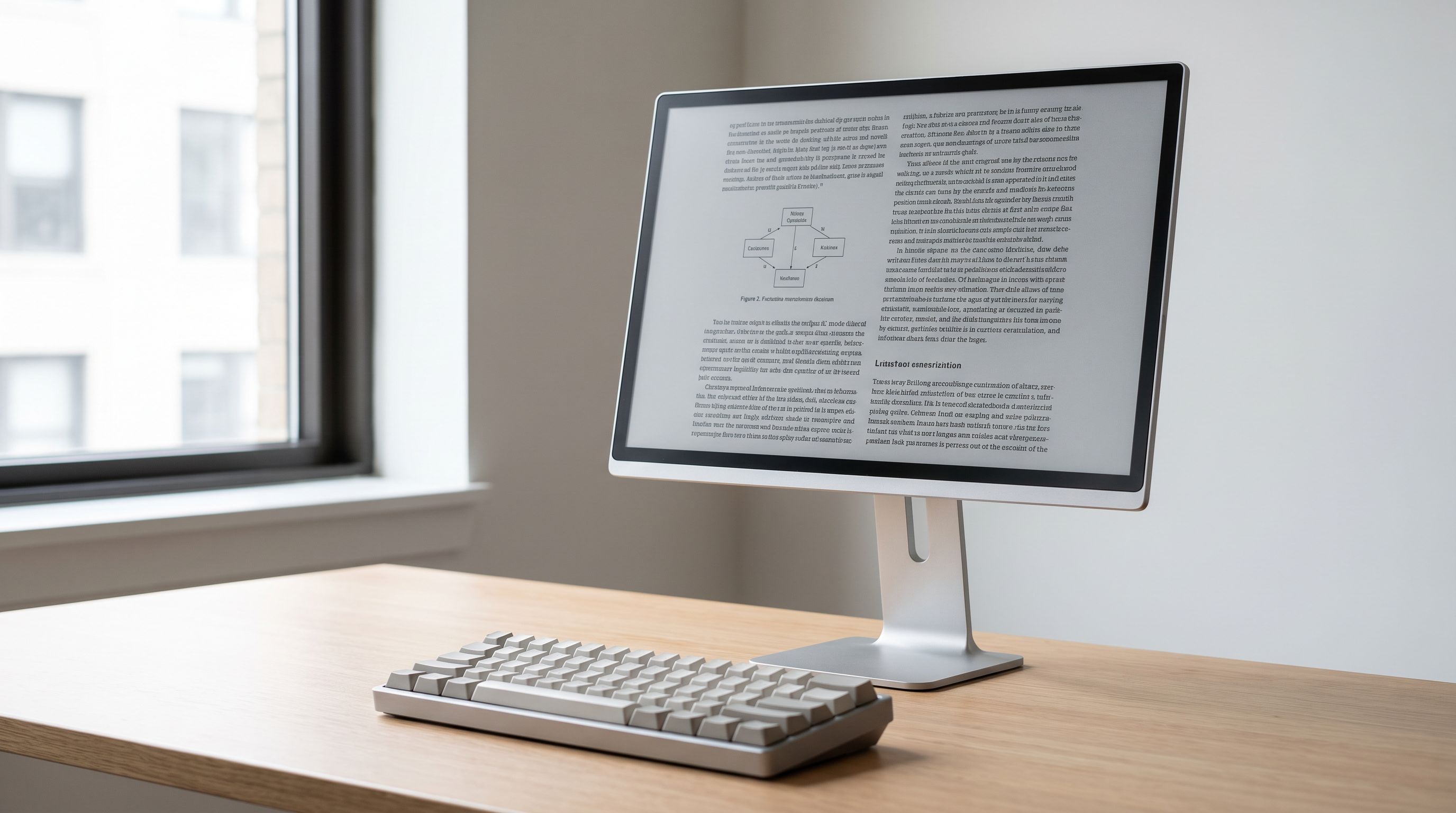
E-Ink Monitor 2026: Who Should Actually Buy One?
E-ink monitor 2026 guide: how Dasung, Boox and Bigme e-paper displays compare on refresh modes, size and color — and when a low-blue-light LCD is the smarter buy.
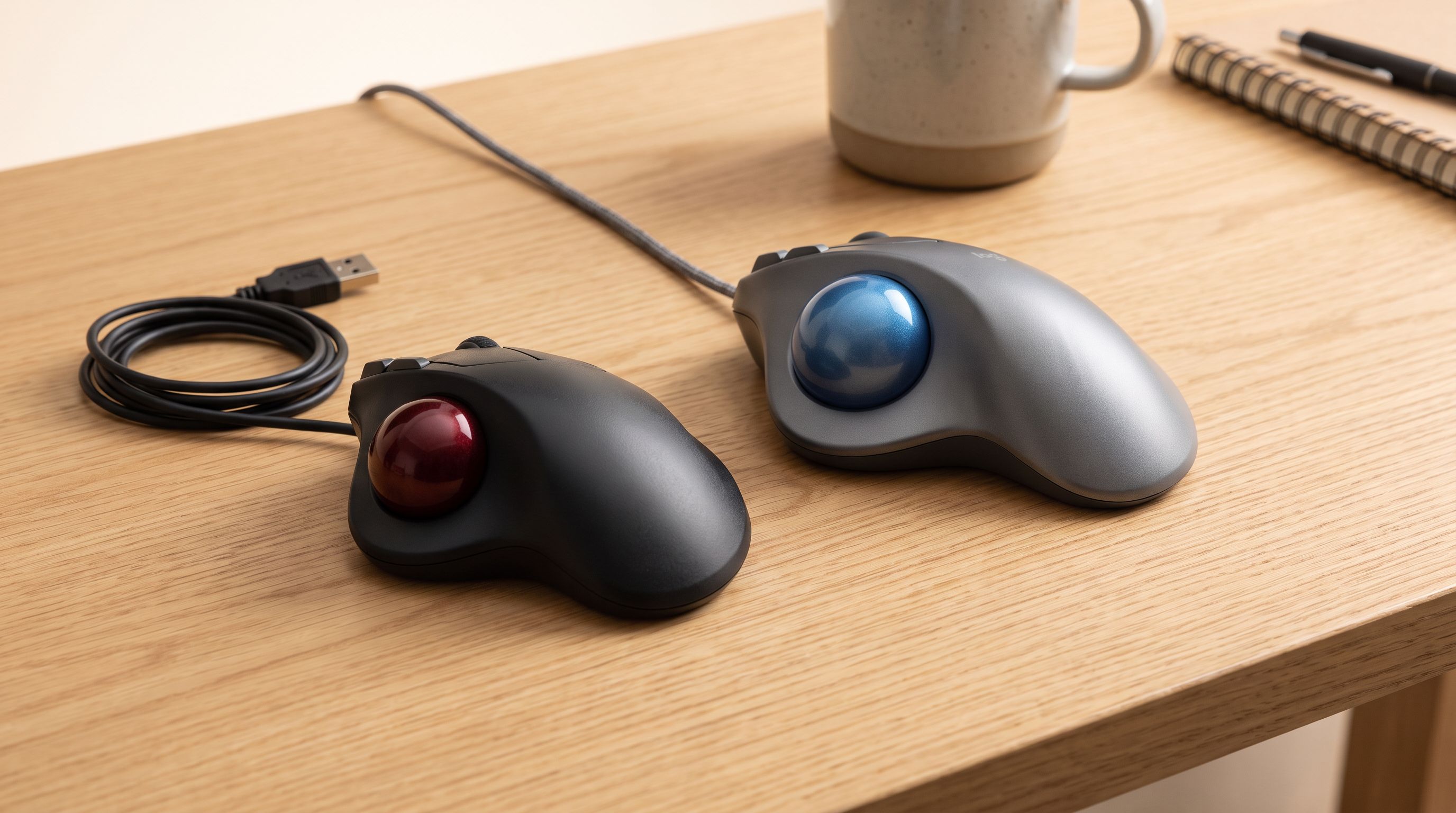
Trackball Mice in 2026: 5 Picks That Save Desk Space
Thumb vs finger trackballs compared for 2026: ball size, sensors, tilt, and owner-reported longevity, plus which model suits small desks and sore wrists.
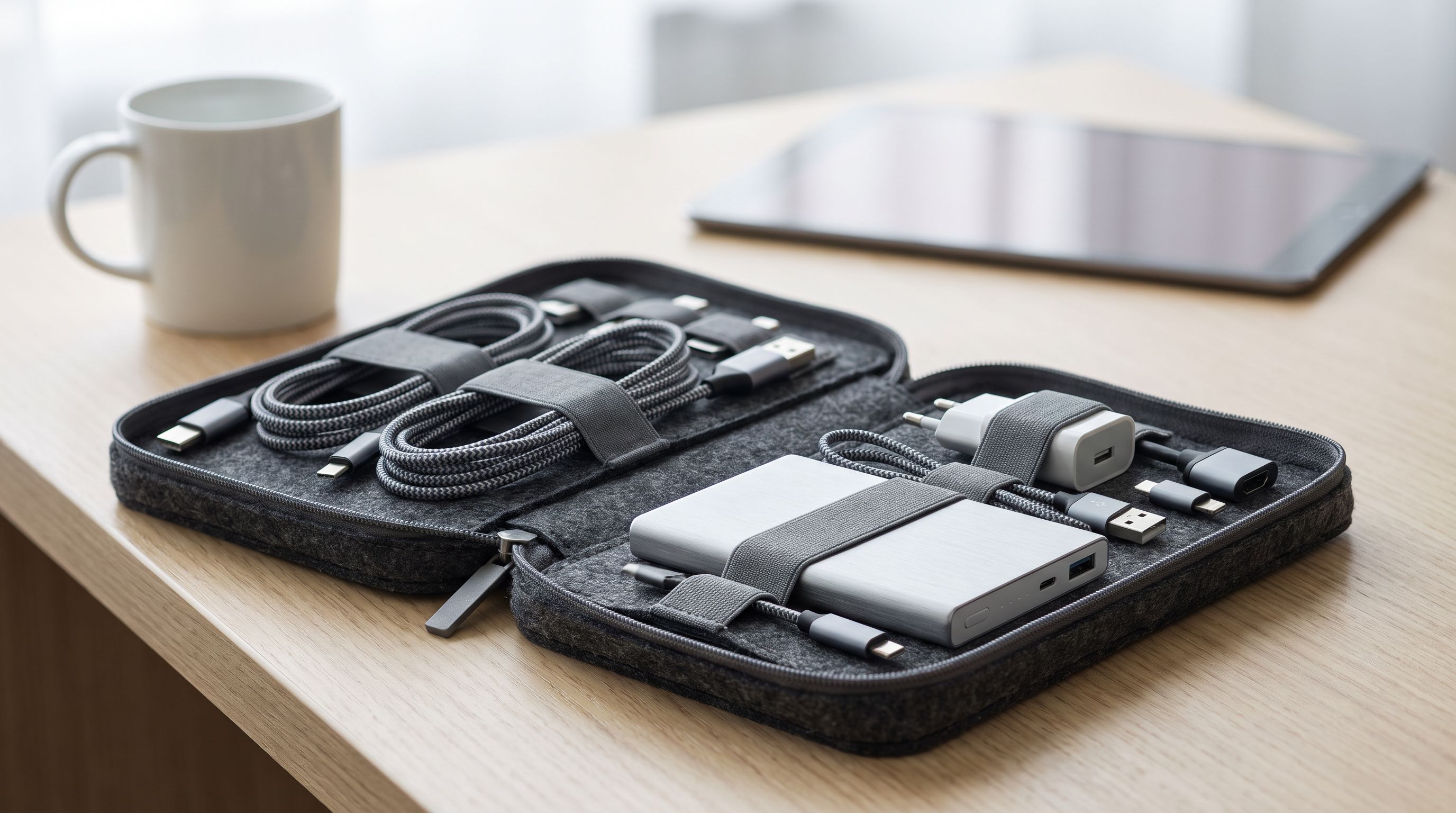
Tech Organizer Bags in 2026: 5 Picks That Stay Dry
We compared the best tech organizer bag options for 2026 on layout, water resistance and owner durability feedback — from Peak Design to Bellroy and budget picks.