Cable Modem vs Combo in 2026: Which Pays Back Faster?
Renting an ISP gateway adds up fast. We compare separate cable modems vs all-in-one combos in 2026, with the best cable modem picks by speed tier.
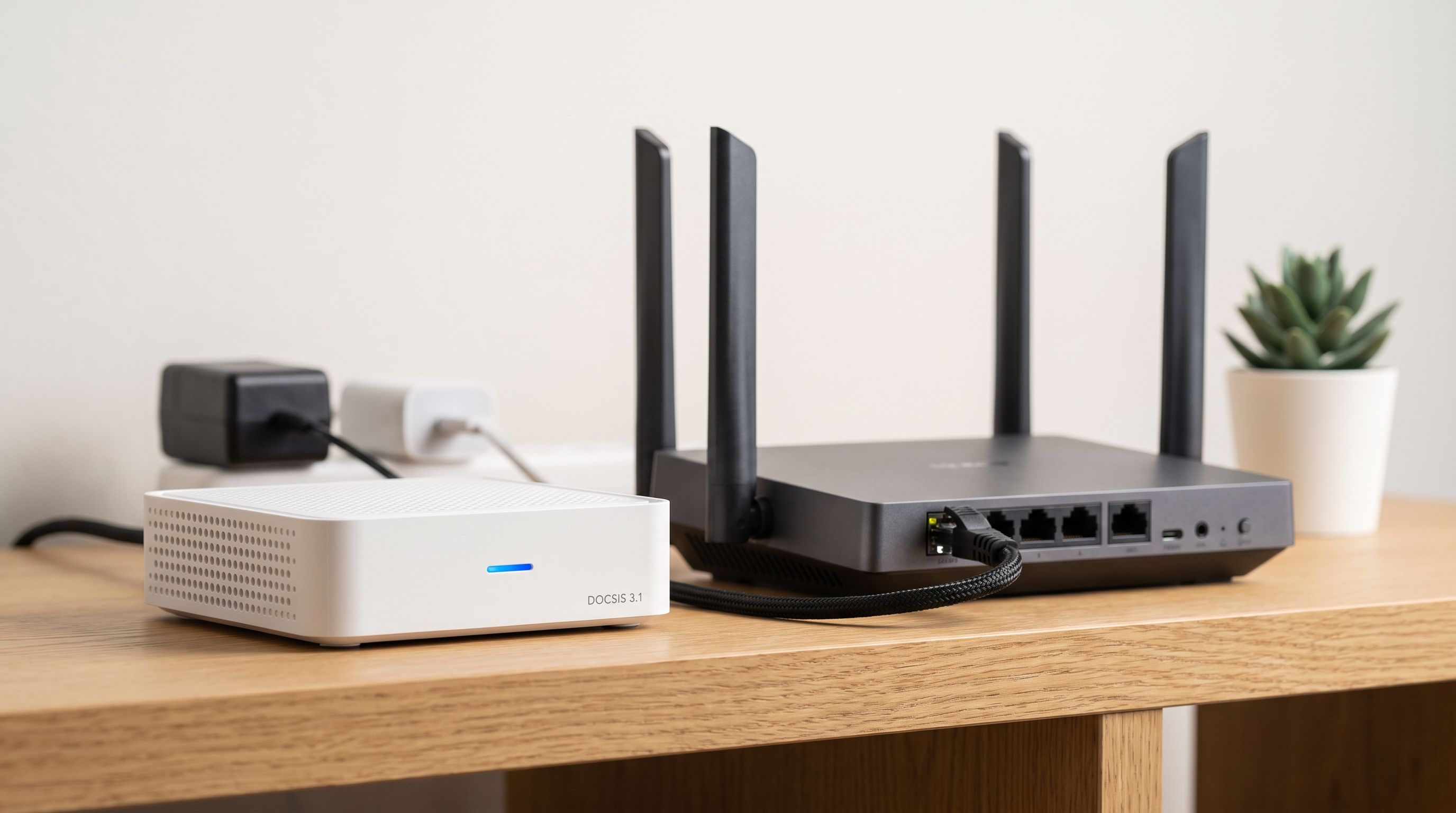
Reader-supported: we may earn a commission from links on this page, at no extra cost to you. It never affects our picks. Learn more.
Your ISP's modem rental fee is one of the quietest recurring costs in a household budget. It shows up as a line item you stopped reading years ago, and it never goes away — unlike hardware you buy once and keep for five or six years.
So the real question isn't just "what's the best cable modem 2026 has to offer." It's whether you should buy a standalone modem and pair it with your own router, or buy an all-in-one gateway, or keep renting. The answer depends on your speed tier, how big your home is, and how much you care about Wi-Fi quality.
We compared current DOCSIS 3.1 hardware against manufacturer specs, ISP approved-device lists, independent reviews, and long-run owner feedback to sort out which path pays back fastest.
The math behind buying your own equipment
ISPs typically bundle the modem and Wi-Fi into a single monthly "equipment" or "gateway" fee. We won't quote a figure here because it varies by provider and plan, but the structure is what matters:
- Rental is a permanent subscription. Five years of fees usually exceeds the cost of a good modem by a wide margin, often several times over.
- Buying is a one-time cost with a long tail. A DOCSIS 3.1 modem bought in 2026 will almost certainly still be useful in 2031, because DOCSIS 4.0 rollouts are gradual and backwards compatible on the customer side for years.
- Resale value exists. Modems hold value surprisingly well on secondhand markets, which shortens the effective payback window.
The catch: check your ISP's approved device list before you buy. Comcast Xfinity, Spectrum, and Cox all publish compatibility pages, and a modem that isn't on the list may be throttled to a lower tier or refused activation entirely. Also confirm whether your plan includes voice service — if you use ISP phone service, you likely need an eMTA modem, and most retail modems don't qualify.
Separate modem + router vs all-in-one gateway
Here's the core tradeoff. A combo unit is one box, one power cable, one thing to configure. A separate modem plus router is two boxes — but each can be upgraded on its own schedule, and that matters more than people expect.
Modems age slowly. Routers age fast. Wi-Fi standards have turned over three times in the span that DOCSIS 3.1 has remained current. If you buy a combo, a Wi-Fi upgrade means replacing the modem too.
The other practical advantage of separates: placement. Your coax outlet is usually in a corner, behind furniture, near the floor — the worst possible spot for a Wi-Fi radio. With a separate modem, you run one Ethernet cable and put the router somewhere central. With a combo, your Wi-Fi lives wherever the coax is.
When a combo actually makes sense
- Small apartments or condos where coverage isn't a problem
- Households that want the fewest possible devices and cables
- People who are replacing rented gear and genuinely don't want to think about networking again
The Arris SURFboard G54 is the current standout here: DOCSIS 3.1 plus Wi-Fi 6E in a single unit, with more wired ports than most gateways offer, which helps if you have a console, a TV box, and a desktop all wanting hardwired connections.
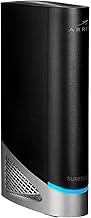 Best modem-router combo · Arris SURFboard G54 — Check price on Amazon →
When separates win
- Homes over roughly 1,500 sq ft, or anything with thick walls or multiple floors
- Anyone who wants mesh Wi-Fi — mesh systems like the Eero 6 or a Wi-Fi 7 kit need a plain modem in front of them
- Power users who want VLANs, custom DNS, better parental controls, or VPN at the router
Picks by speed tier
Speed tier is the single biggest factor in which modem to buy, and overbuying is a real waste. A multi-gig modem on a 400 Mbps plan does nothing for you.
| Plan speed | Recommended pick | Key spec | Why |
|---|---|---|---|
| Up to ~300 Mbps | Netgear CM500 | DOCSIS 3.0, gigabit port | Cheapest route out of rental fees; pays back fastest |
| 400 Mbps – 1.2 Gbps | Arris SURFboard S33 | DOCSIS 3.1, 2.5GbE | 2.5GbE port clears the ~940 Mbps gigabit ceiling |
| 400 Mbps – 1.2 Gbps (alt) | Motorola MB8611 | DOCSIS 3.1, 2.5GbE | Same class, strong Xfinity track record |
| 1.2 Gbps and above | Arris SURFboard S34 | DOCSIS 3.1, 2.5GbE, multi-gig | Built for current multi-gig cable tiers |
| Any tier, one-box setup | Arris SURFboard G54 | DOCSIS 3.1 + Wi-Fi 6E | Modem and router combined, fewer cables |
 Budget pick · Netgear CM500 — Check price on Amazon →
 Best alternative to Arris · Motorola MB8611 — Check price on Amazon →
 Best for multi-gig plans · Arris SURFboard S34 — Check price on Amazon →
 Best overall · Arris SURFboard S33 — Check price on Amazon →
Budget tier: don't overspend on a slow plan
If you're on a 100–300 Mbps plan and have no near-term plans to upgrade, the Netgear CM500 is still the pragmatic choice in 2026. It's DOCSIS 3.0, which sounds dated, but DOCSIS 3.0 handles those speeds without complaint. The payback period here is short — often under a year — because the hardware cost is so low.
The caveat: if you think you'll move to gigabit within two years, skip it and buy DOCSIS 3.1 now.
The mainstream sweet spot
The Arris SURFboard S33 remains the default recommendation for most households. It's a compact DOCSIS 3.1 modem on a Broadcom chipset, and critically it has a 2.5GbE port — which matters because a plain gigabit Ethernet port caps real-world throughput around 940 Mbps. If you're paying for a gigabit plan, a 1GbE modem port quietly costs you the headroom you're paying for.
The Motorola MB8611 is the main alternative in the same class, with the same 2.5GbE advantage. Pick between them based on availability and your ISP's approved list; both have long, boring reliability records, which is exactly what you want from a modem.
Multi-gig tier
If your provider offers 1.2 Gbps, 2 Gbps, or faster over coax, the Arris SURFboard S34 is the one to get. It's the current go-to DOCSIS 3.1 modem for multi-gig cable plans, pairing higher channel capacity with a 2.5GbE port. Pair it with a router that actually has a 2.5GbE WAN port — otherwise the bottleneck just moves one device to the right. The Asus RT-BE92U is a sensible Wi-Fi 7 partner at that tier.
Four things that trip people up
- Your router's WAN port is a ceiling too. A 2.5GbE modem into a 1GbE router gets you 940 Mbps, full stop.
- Coax wiring quality matters. Old splitters and corroded connectors cause more "slow internet" complaints than modems do. Remove unnecessary splitters before blaming hardware.
- Activation is usually self-serve. Most ISPs let you activate a retail modem through an app or website in a few minutes — you need the MAC address and serial number from the label.
- Return the rented unit, and get a receipt. Unreturned equipment charges are a common and avoidable annoyance.
The verdict
For most households on sub-gigabit to gigabit cable, buying a separate modem — the Arris SURFboard S33 or Motorola MB8611 — and pairing it with a router you choose independently is the better long-term value. You get a shorter payback window, better Wi-Fi placement, and the freedom to upgrade Wi-Fi without touching the modem.
Choose a combo like the Arris SURFboard G54 if simplicity genuinely outweighs flexibility for you, and your home is small enough that a single access point near the coax outlet covers it. Choose the Arris SURFboard S34 if you're on a multi-gig tier, and the Netgear CM500 if you're on a slow plan and just want the rental fee gone as cheaply as possible.
FAQ
Will a DOCSIS 3.1 modem still work when DOCSIS 4.0 arrives? Yes. DOCSIS 4.0 deployments are rolling out gradually and networks remain backwards compatible with DOCSIS 3.1 equipment. A 3.1 modem bought in 2026 should stay usable for years, though it won't reach DOCSIS 4.0 peak speeds.
Do I need to tell my ISP I'm using my own modem? You need to activate it with them, yes. Check the approved device list first, then activate via their app or website using the modem's MAC address and serial number.
Can I use my own modem if I have ISP phone service? Usually not with a standard retail modem. Voice service typically requires an eMTA device, and most consumer modems don't include that. Confirm with your provider before buying.
Does a better modem make my Wi-Fi faster? No. The modem handles the connection to your ISP; the router handles Wi-Fi. If your Wi-Fi is weak, upgrade or reposition the router — or add mesh nodes.
Is a 2.5GbE port worth it on a sub-gigabit plan? Not strictly necessary, but it's cheap future-proofing. If you're likely to upgrade your plan within the modem's lifespan, it saves you buying twice.
Our picks
ARRIS Surfboard S33 DOCSIS 3.1 Multi-Gig Cable Modem | Up to 2.5 Gbps
DOCSIS 3.1 with a 2.5GbE port — the sweet spot for gigabit and sub-gig plans.
ARRIS Surfboard S34 DOCSIS 3.1 Multi-Gig Cable Modem | 2.5Gbps + 1Gbps Ethernet Ports | Compatible with Xfinity, Cox, Spectrum | Next Gen Upstream | Modem Only, Router Required
Steps up to multi-gig DOCSIS 3.1 service with 2.5GbE, for 1.2Gbps-plus tiers.
Motorola MB8611 DOCSIS 3.1 Multi-Gig Cable Modem | Pairs with Any WiFi Router | Approved for Comcast Xfinity, Cox Gigablast, Spectrum | 2.5 Gbps Port | 2500 Mbps Max Internet Speeds
DOCSIS 3.1 modem with a 2.5GbE port and a strong reliability record on Xfinity.
ARRIS Surfboard G54 DOCSIS 3.1 Multi-Gig Modem & Wi-Fi 7 Router | BE18000
DOCSIS 3.1 gateway with Wi-Fi 6E in one box — fewer cables, one device to replace.
NETGEAR Cable Modem DOCSIS 3.0 (CM500) Compatible with Major Cable Providers Including Xfinity, Cox, for Plans Up to 400 Mbps
Cheap DOCSIS 3.0 modem that still makes sense on plans up to roughly 300 Mbps.
Get the best tech deals in your inbox
Join the BytePlaza newsletter for hand-picked gadget deals and new buying guides. No spam, unsubscribe anytime.
Related reads
Home NAS in 2026: Should You Buy 2 Bays or 4?
Picking the best home NAS in 2026? We compare 2-bay vs 4-bay models from Synology, UGREEN, QNAP and TerraMaster on capacity, transcoding, apps and noise.
Standing Desk Converter 2026: Which Riser Fits Your Desk?
Standing desk converter 2026 guide: compare electric vs Z-lift vs X-lift risers by footprint, weight capacity, and desk depth so you buy one that actually fits.
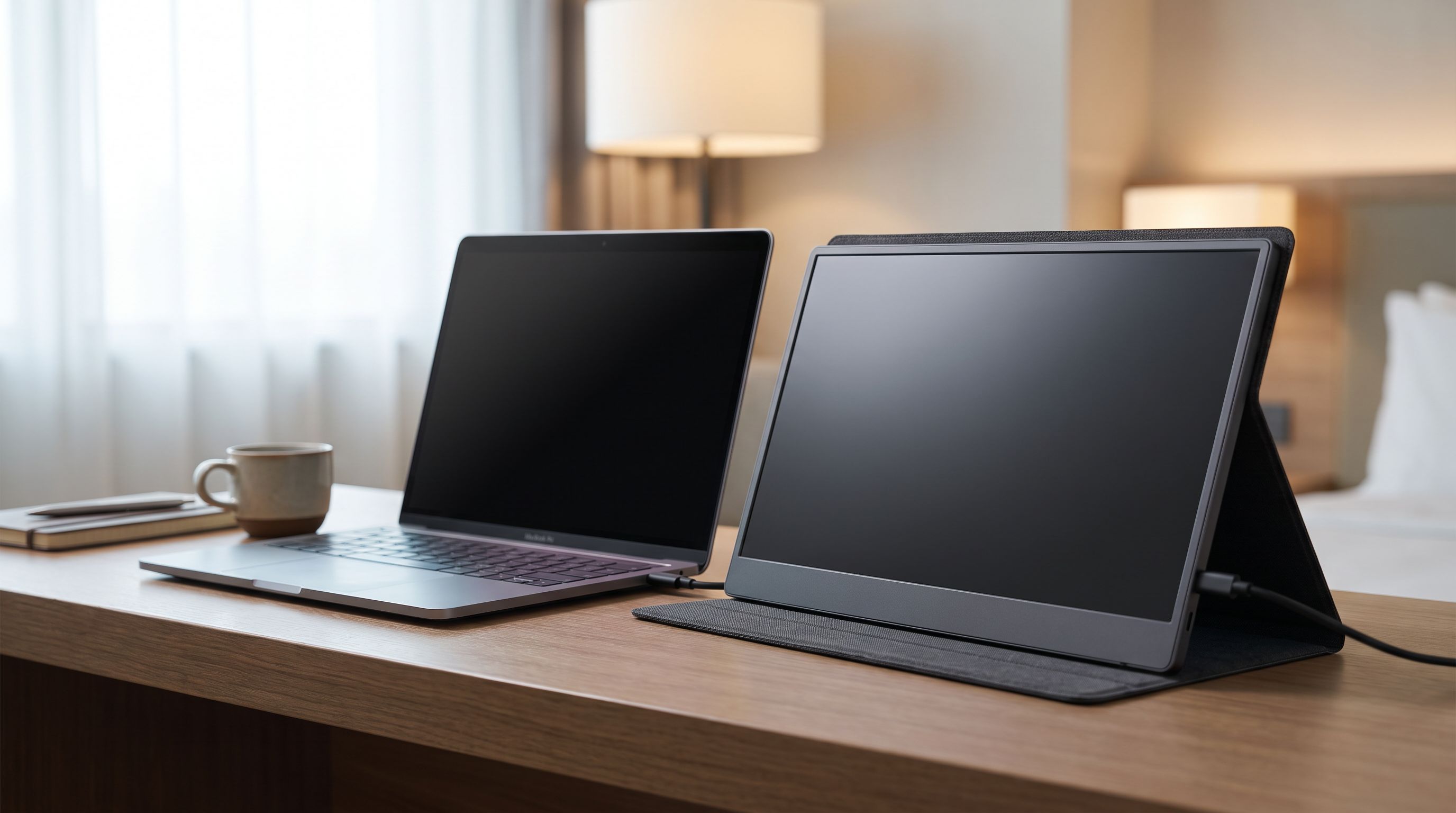
Portable Monitors Under $200 in 2026: 4 Travel Picks
We compared budget 15.6-inch USB-C portable monitors for 2026 — panel type, brightness claims, port layout and weight — to find the best portable monitor under $200.