Best USB-C Docking Station 2026: Dual-Monitor Picks
The best USB-C docking station for dual monitors in 2026, plus a plain-English guide to Thunderbolt 4, USB4, DisplayLink and USB-C DP Alt Mode docks.
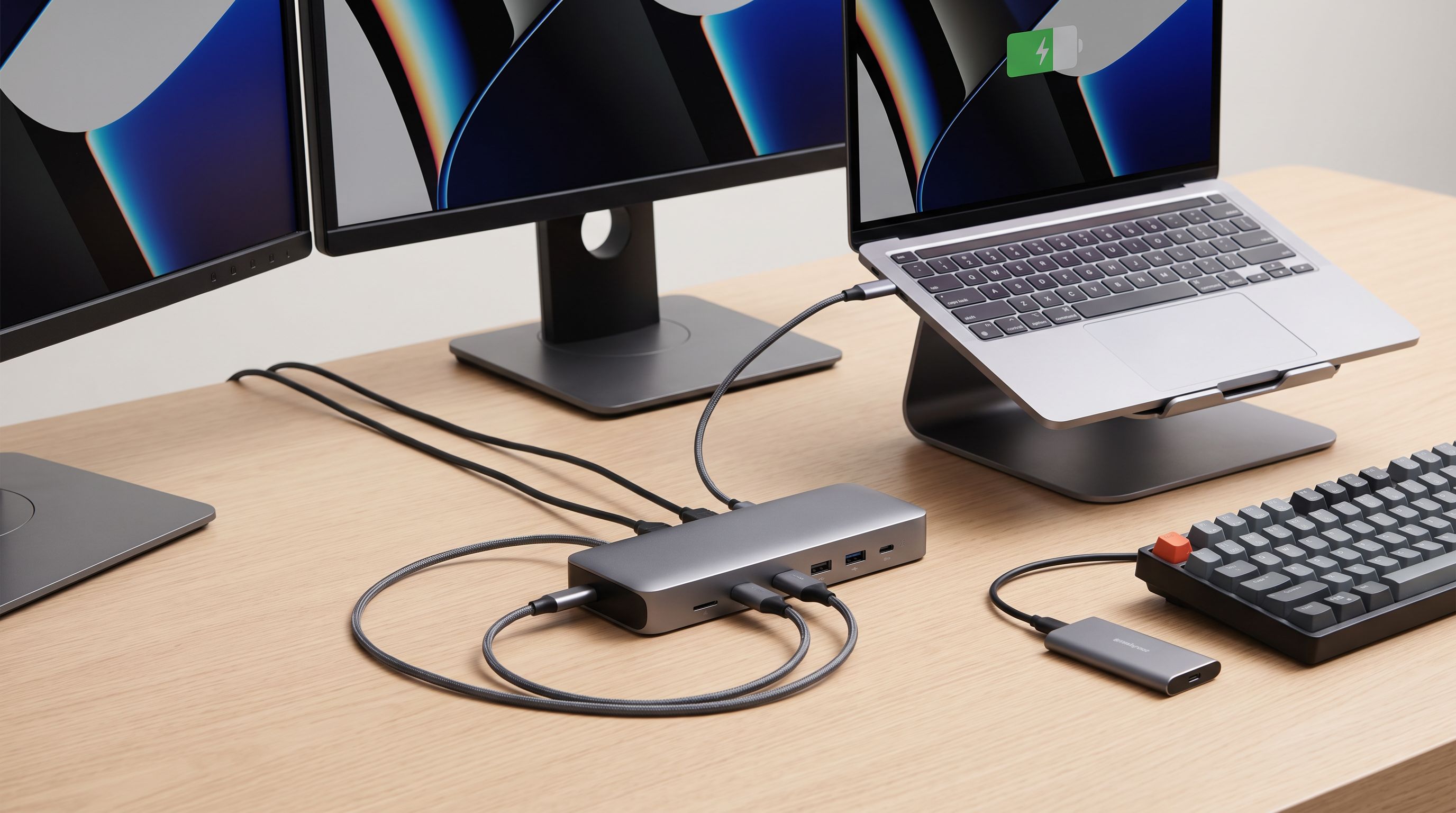
Reader-supported: we may earn a commission from links on this page, at no extra cost to you. It never affects our picks. Learn more.
Plugging one cable into a laptop and getting two monitors, Ethernet, a keyboard, a webcam and charging sounds simple. In practice it is the single most confusing purchase in the accessory aisle, because three very different technologies all use the same USB-C connector — and only some of them can actually drive two displays from your specific laptop.
This guide explains the differences in plain English, then narrows things down to a handful of docks worth buying in 2026.
Thunderbolt vs USB4 vs plain USB-C: what actually matters
Plain USB-C (DisplayPort Alt Mode)
A cheap "USB-C hub" borrows video from your laptop's built-in DisplayPort Alt Mode lanes. That means the dock isn't really doing the work — your laptop is. Whether you get one display or two depends entirely on the host:
- Most Windows laptops with USB-C DP Alt Mode can output two independent displays via MST (Multi-Stream Transport).
- Apple Silicon MacBook Air and base M-series MacBook Pro models support only one external display over DP Alt Mode. MST does not work on macOS at all. A plain USB-C hub will mirror the same image to both monitors.
So the same hub can be a dual-monitor hero on a ThinkPad and a disappointment on a MacBook Air.
DisplayLink
DisplayLink docks sidestep the host limitation by compressing video in software and sending it over regular USB data. That's how a single-display MacBook can run two or three monitors. The trade-off is real: it uses CPU cycles, needs a driver install, and compression artefacts show up in fast motion. It's fine for spreadsheets, code and video calls; it's not for gaming or colour-critical work.
Thunderbolt 4 and USB4
Thunderbolt 4 is the strictest, most predictable standard: 40Gbps, guaranteed dual 4K 60Hz (or single 8K) display support, PCIe tunnelling for fast external SSDs, and mandatory minimum charging levels. USB4 uses the same physical spec but makes several of those features optional, so a "USB4 dock" may or may not do dual 4K. If you want to buy once and stop reading spec sheets, Thunderbolt 4 is the safe answer — provided your laptop has a Thunderbolt or USB4 port.
One more thing that trips people up: charging wattage delivered to the laptop is always lower than the dock's power supply rating. A 180W adapter might deliver 90–100W upstream. Check the "power delivery to host" figure, not the brick.
How we picked
We prioritised docks that (1) genuinely support two independent displays, (2) charge a mainstream laptop without a second cable, (3) have a track record of stable firmware, and (4) are still on sale in 2026 rather than end-of-life clearance. Reliability matters more than port count here — a dock that drops a monitor when it wakes from sleep is worse than no dock at all.
The picks
Plugable Thunderbolt 4 Dock TBT4-UD5 — best overall
 Best overall · Plugable Thunderbolt 4 Dock TBT4-UD5 — Check price on Amazon →
The TBT4-UD5 is the dock we'd hand to someone who just wants it to work. It's a Thunderbolt 4 dock, so dual 4K 60Hz is part of the certification rather than a marketing claim, and it includes an HDMI port alongside Thunderbolt/USB-C downstream — handy because a lot of monitors and cheap cables still make DisplayPort adapters fiddly. Plugable is also unusually good about publishing firmware updates and documenting macOS/Windows behaviour differences, which is exactly the kind of unglamorous support that separates a good dock from a returns statistic.
Best for: a permanent desk setup with a Thunderbolt-equipped Windows laptop or MacBook Pro.
UGREEN Revodok Max 213 Thunderbolt 4 Dock — best Thunderbolt value
 Best Thunderbolt value · UGREEN Revodok Max 213 Thunderbolt 4 Dock — Check price on Amazon →
UGREEN has spent the last couple of years undercutting the established dock brands, and the Revodok Max 213 is the clearest example. You get Thunderbolt 4 certification, a 13-port layout with front-facing USB-A and card readers, Ethernet, and high-wattage upstream charging that will keep a 14-inch workstation topped up. If you want the guarantees of Thunderbolt without paying enterprise prices, start here.
Best for: getting Thunderbolt 4 dual-display support at the lowest sensible price.
Kensington SD5780T Thunderbolt 4 Dual 4K Dock — premium pick
 Premium pick · Kensington SD5780T Thunderbolt 4 Dual 4K Dock — Check price on Amazon →
Kensington's SD5780T is aimed at IT departments, and it shows in the details: dual 4K output, a robust chassis with a security slot, and the sort of multi-year warranty and firmware lifecycle you want if you're deploying a dozen of them. It isn't the flashiest dock, and you pay for the support infrastructure, but for a shared hot-desk or a machine you'll keep for five years it's an easy justification.
Best for: business desks, hot-desking, and anyone who values warranty over port count.
UGREEN Revodok Pro 9-in-1 USB-C Hub — best budget option
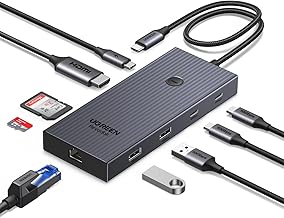 Best budget USB-C hub · UGREEN Revodok Pro 9-in-1 USB-C Hub — Check price on Amazon →
Not everyone needs Thunderbolt. If you have a single external monitor, or a Windows laptop that already handles MST well, the Revodok Pro 9-in-1 covers HDMI, USB-A, Ethernet, SD/microSD and pass-through charging in a package that costs a fraction of a full dock. Just be clear-eyed about the limits: this is a DP Alt Mode hub, so a MacBook Air will mirror rather than extend across two screens.
Best for: single-monitor desks, students, and second-desk duty.
Anker 555 USB-C Hub (8-in-1) — best portable pick
 Best portable pick · Anker 555 USB-C Hub (8-in-1) — Check price on Amazon →
The Anker 555 is the one to throw in a bag. Slim aluminium body, 4K HDMI, Ethernet, USB-A ports and pass-through power, all in something roughly the size of a phone. It's a travel companion for hotel-room and client-office setups rather than a dual-4K desktop replacement, and it's priced accordingly.
Best for: travel, conference rooms and connecting to a TV or projector.
Comparison table
| Dock | Interface | Dual-display capability | Charges laptop | Best for |
|---|---|---|---|---|
| Plugable TBT4-UD5 | Thunderbolt 4 | Dual 4K 60Hz (certified) | Yes, high wattage | Main desk, buy-once |
| UGREEN Revodok Max 213 | Thunderbolt 4 | Dual 4K 60Hz (certified) | Yes, high wattage | Value Thunderbolt |
| Kensington SD5780T | Thunderbolt 4 | Dual 4K | Yes | Business / IT deployment |
| UGREEN Revodok Pro 9-in-1 | USB-C DP Alt Mode | Host-dependent; single HDMI out | Pass-through | Budget, single monitor |
| Anker 555 8-in-1 | USB-C DP Alt Mode | Single HDMI out | Pass-through | Travel |
Setup tips that prevent 90% of dock problems
- Use the cable in the box. Thunderbolt and USB4 docks need a certified 40Gbps cable; a charging cable from a phone will silently drop you to USB 2.0 speeds and no video.
- Update firmware before you troubleshoot. Flickering, dropped displays after sleep and Ethernet dropouts are frequently fixed by a five-minute firmware flash.
- Check monitor input, not just resolution. Two 4K 60Hz screens over one Thunderbolt connection is fine; two 4K 144Hz gaming panels is not, unless the dock and displays both support Display Stream Compression.
- Plug the dock into a socket, not a power strip that gets switched off. Docks generally need mains power to run displays and charge simultaneously.
- On macOS, verify your display limit first. Look up your exact chip (M-series base vs Pro vs Max) before assuming a dock will give you two screens.
FAQ
Will any USB-C dock give me two monitors? No. Plain USB-C docks rely on your laptop's DisplayPort Alt Mode and MST support. Many Windows laptops handle it; base-model Apple Silicon MacBooks don't. Thunderbolt 4 docks guarantee dual 4K 60Hz, and DisplayLink docks work around host limits at the cost of some compression and CPU load.
Can I use a Thunderbolt 4 dock with a USB-C-only laptop? Usually yes, but in a reduced state. You'll get USB data, Ethernet and charging, and typically only one display. You lose the 40Gbps bandwidth and the guaranteed dual-monitor behaviour.
How much power does the dock actually give my laptop? Less than the power brick's total rating, because the dock also powers its own ports. Look for the specified power delivery to the host device. Around 90–100W comfortably runs most 14-inch laptops; heavy 16-inch workstations may still draw from their own charger under load.
Do I need an SSD-friendly dock? If you plan to run an external NVMe drive at full speed, choose Thunderbolt 4 or USB4 with PCIe tunnelling. On plain USB-C hubs, a fast SSD shares bandwidth with everything else, including your display.
Is Thunderbolt 5 worth waiting for? Only if you have a Thunderbolt 5 laptop and multiple high-refresh displays. For a standard dual 4K 60Hz desk, Thunderbolt 4 has all the bandwidth you need and the ecosystem is mature and cheaper.
Our picks
Plugable USB C Laptop Docking Station, Dual Monitor 4K 60Hz for Apple Mac M1/M2/M3/M4/M5,Neo 2X HDMI or DisplayPort for MacBook, 100W Charging DisplayLink Dock, Driver Install Required (UD-6950PDH)
Reliable dual 4K output, plenty of ports and strong laptop charging over one Thunderbolt cable.
UGREEN 13-in-1 Thunderbolt 4 Docking Station, Dual 4K@60Hz, 2.5G Ethernet | 3xTBT4 40Gbps, Single 8K@30Hz, 90W Host Charging, SD/TF 4.0 312MB/s, TBT4 Dock for MacBook and Windows Laptop,Revodok Max 213
13-in-1 Thunderbolt 4 dock with high-wattage charging and dual-display support for less than most rivals.
UGREEN Revodok Pro 9 in 1 USB C Hub Gigabit Ethernet Adapter 4K@60Hz HDMI | 100W PD Charging, USB A Data Ports, SD/TF Card Reader Compatible with MacBook Neo/Air/Pro M1, M2, M3,M4, M5,Steam Deck
Compact, well-built USB-C hub for single-display setups and travel without dock-level pricing.
Anker USB-C Hub, 8-in-1 Multiport Ethernet Adapter with 4K@60Hz HDMI Port | 85W Max PD, 10Gbps USB-C & 2 USB-A Data Ports, microSD/SD Card Reader, for USB C Laptops, MacBook Pro, XPS, iPad and More
Slim aluminium 8-in-1 hub with HDMI, Ethernet and pass-through charging that lives in a laptop bag.
Kensington SD5780T Thunderbolt 4 Dual 4K Docking Station with up to 100W Power Delivery & SD Card Reader, HDMI & Thunderbolt 4 Ports for Windows and MacBooks (K33040NA) | 100W power delivery, SD card reader, HDMI and Thunderbolt 4 ports, for Windows and MacBooks
Business-grade Thunderbolt 4 dock built for locked-down dual-4K desks and long warranty support.
Get the best tech deals in your inbox
Join the BytePlaza newsletter for hand-picked gadget deals and new buying guides. No spam, unsubscribe anytime.
Related reads
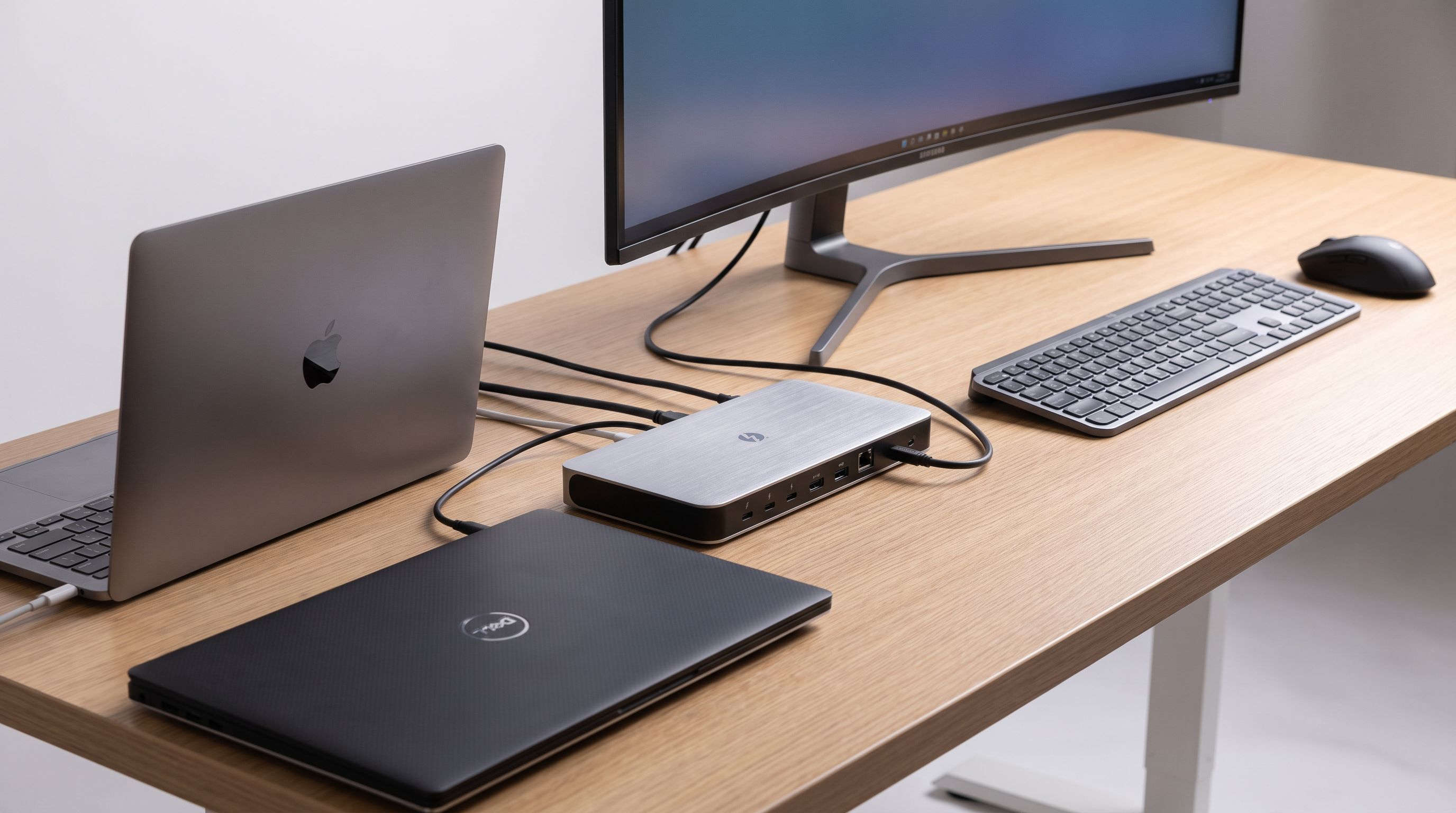
KVM-Free Docks in 2026: One Cable, Two Laptops, Zero Fuss
Skip the KVM switch. We compared Thunderbolt and USB-C docks that let two laptops share one monitor, keyboard and mouse — plus what to check before buying.
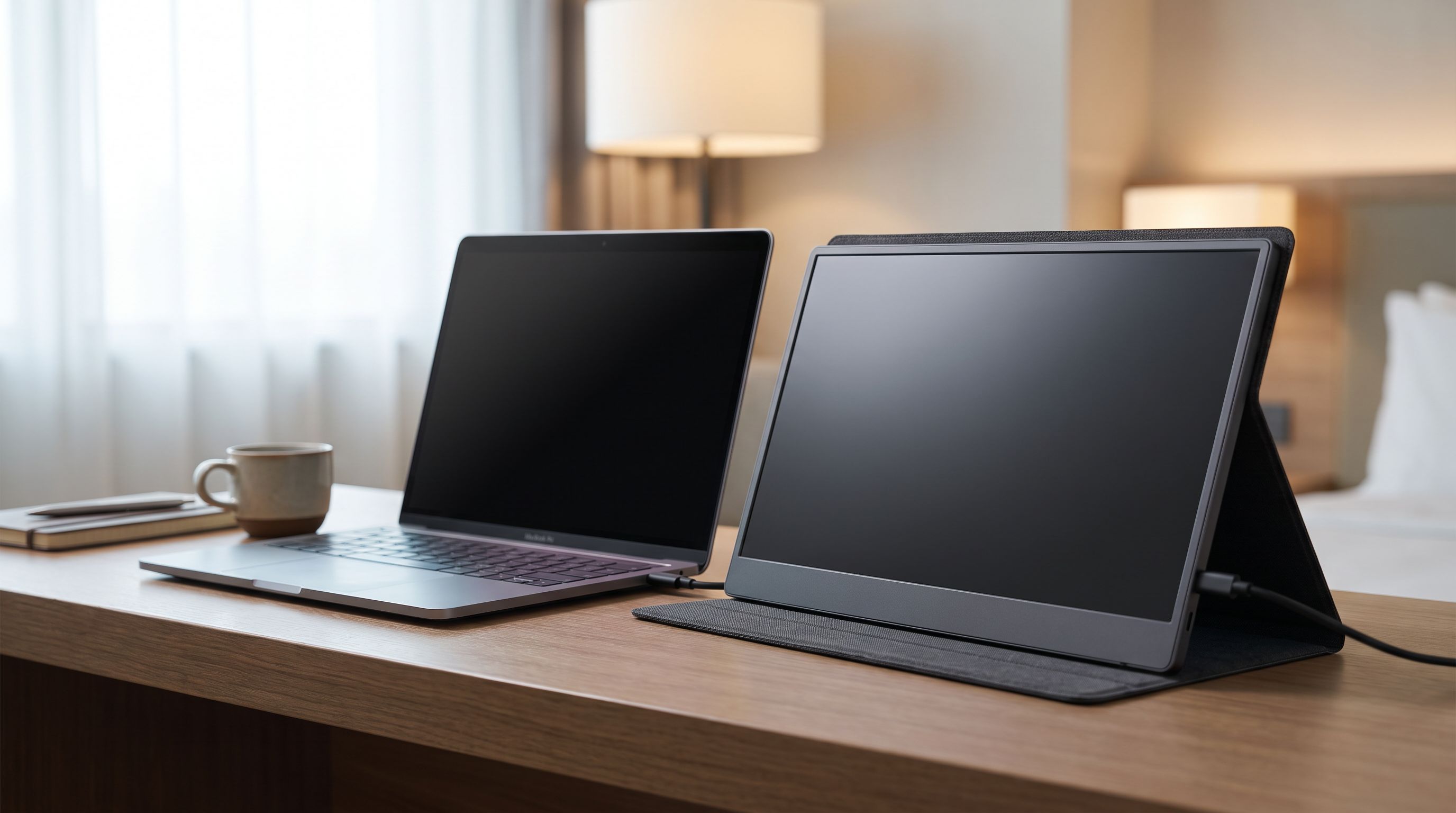
Portable Monitors Under $200 in 2026: 4 Travel Picks
We compared budget 15.6-inch USB-C portable monitors for 2026 — panel type, brightness claims, port layout and weight — to find the best portable monitor under $200.
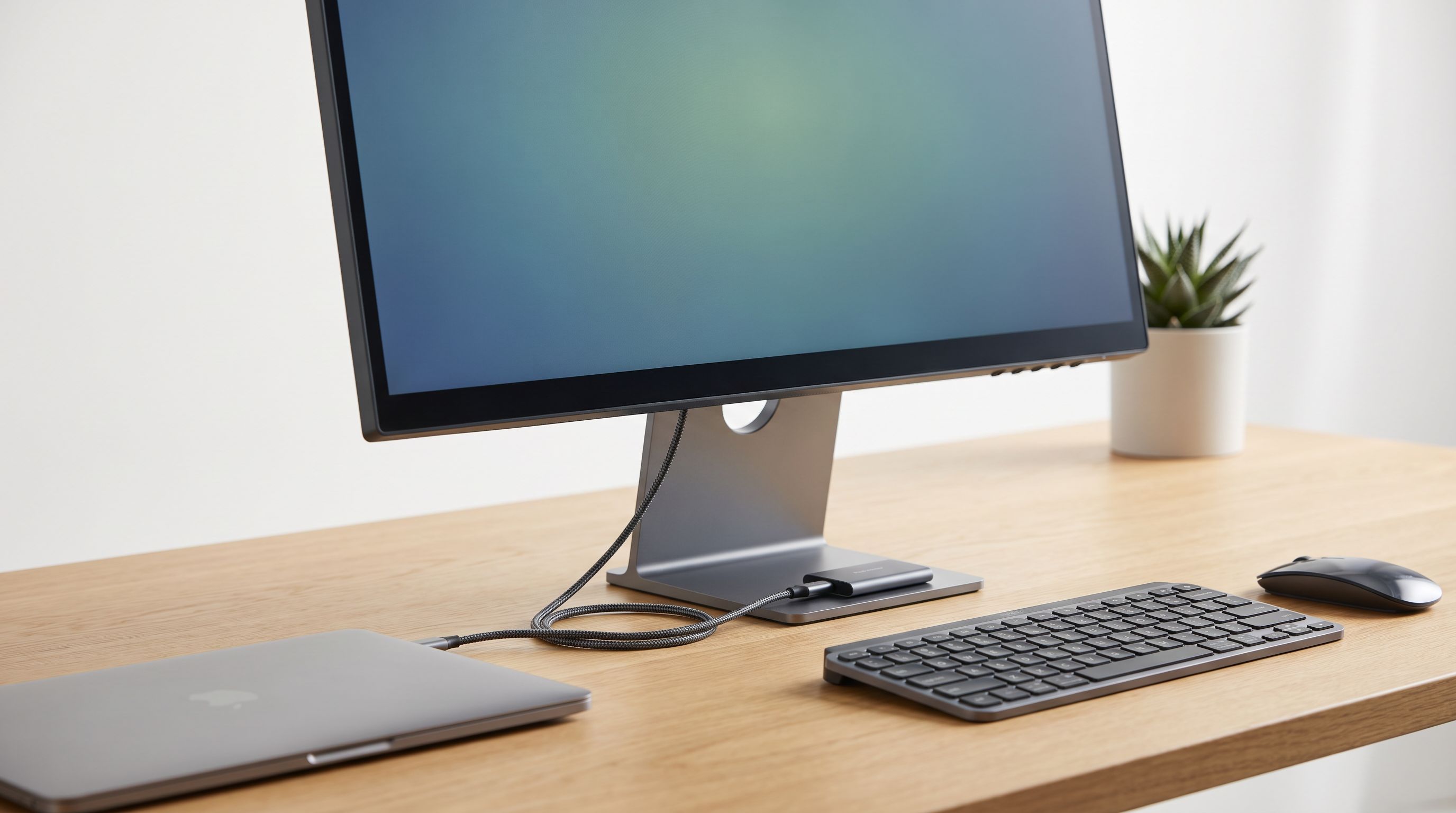
USB-C Monitor Hub 2026: One Cable, Zero Desk Clutter
A 2026 guide to USB-C monitor hubs and stand-mounted docks: which monitors have real built-in hubs, what PD wattage you need, and 4 picks that cut cable clutter.