Best Portable Monitor 2026: 4K, OLED & USB-C Picks
The best portable monitor picks for 2026, from OLED travel screens to budget USB-C panels — ranked by panel quality, weight and single-cable power.
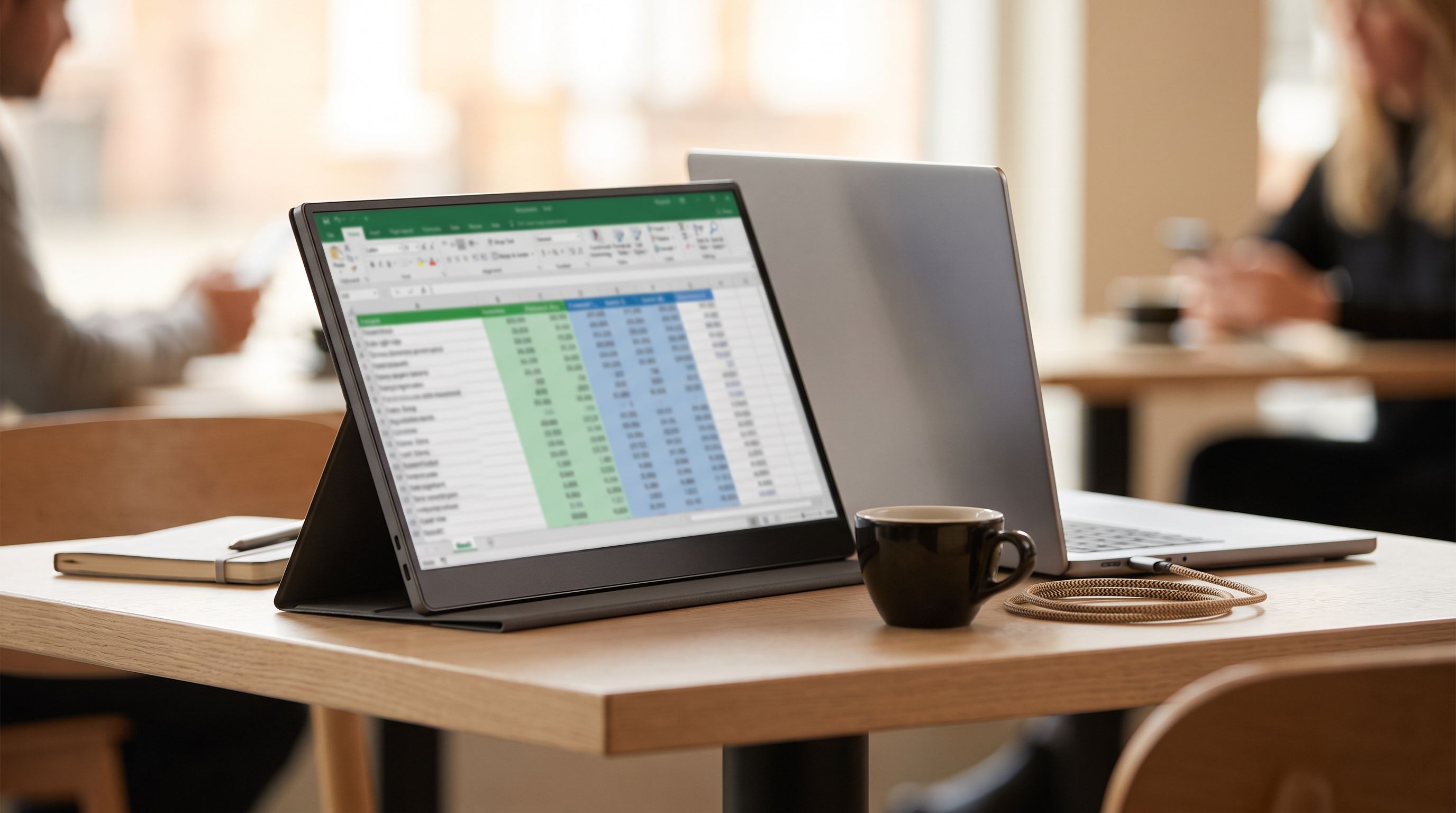
Reader-supported: we may earn a commission from links on this page, at no extra cost to you. It never affects our picks. Learn more.
Working from a hotel desk, a co-working hot desk or the kitchen table gets a lot less painful when you stop alt-tabbing and start using a second screen. A portable monitor is the cheapest, lightest way to do that — but the category is crowded with near-identical 15.6-inch panels from brands you've never heard of, and the differences that actually matter (panel type, weight, how the stand behaves, whether one cable is enough) rarely show up in the spec sheet headline.
This guide ranks the best portable monitor options for 2026 around three practical criteria: panel quality you'll notice day to day, total carry weight including the stand and cables, and whether the screen will run off a single USB-C cable from your laptop without a separate power brick.
How we'd shop for a portable monitor in 2026
Single-cable USB-C is the feature that matters most
The whole point of a travel screen is fewer things in the bag. A monitor that supports DisplayPort Alt Mode and draws its power over the same USB-C cable means one cable, full stop. Most 15.6–16-inch 1080p panels need roughly 7–10W, which almost any modern laptop's USB-C port can supply.
Two catches. First, your laptop's USB-C port has to support DisplayPort Alt Mode — many budget Windows laptops and most Chromebooks do, but plenty of cheap machines have data-only USB-C. Check before you buy. Second, driving an external panel drains your laptop battery meaningfully faster, so look for a monitor with a second USB-C port for pass-through charging if you work unplugged for long stretches.
If your laptop can't do Alt Mode, you'll need the HDMI input plus a USB-C power cable — which means two cables and, on some models, a wall adapter.
Panel type: OLED is the real upgrade
Almost every portable monitor in this class uses an IPS panel, and the good ones are genuinely fine — accurate enough for spreadsheets, docs, code and video calls. The step up is OLED, which gives you true blacks, far better contrast, and a noticeably richer picture for video and photo work. The ASUS ZenScreen OLED MQ16AH is the standard-bearer here, and once you've used one it's hard to go back to a washed-out IPS travel panel.
 Best overall · ASUS ZenScreen OLED MQ16AH — Check price on Amazon →
Avoid TN panels entirely. They're rare now, but a few no-name listings still use them and the viewing angles are miserable when the screen is propped at an odd angle — which, on a portable monitor, is always.
Resolution vs. size
At 15.6 inches, 1080p is acceptable; at 16 inches and above, text starts to look soft. If you spend all day in text, a 2.5K or 2560x1600 panel like the ViewSonic TD1656-2K or LG gram +View 16MR70 is a real quality-of-life improvement. True 4K portable monitors exist, but on a 15-inch screen you'll be running heavy scaling anyway, they cost considerably more, and they draw more power — which undermines the single-cable goal. For most people 2.5K is the sweet spot in 2026.
 Best ultralight travel screen · LG gram +View 16MR70 — Check price on Amazon →
 Best for touch and resolution · ViewSonic TD1656-2K — Check price on Amazon →
Weight and the stand problem
Spec sheets quote panel weight. What goes in your bag is panel + stand + cables + sleeve. Magnetic folio covers (ASUS's approach) are light and versatile but wobbly on a soft surface and useless on your lap. Built-in kickstands add a few hundred grams but are far more stable and set up in one motion — the ViewSonic TD1656-2K's integrated stand is a good example. Decide which you value before you look at prices.
The picks
| Model | Size / panel | Resolution | Best for | Watch out for |
|---|---|---|---|---|
| ASUS ZenScreen OLED MQ16AH | 15.6" OLED | 1920x1080 | Overall picture quality | Folio stand is less stable than a kickstand |
| ASUS ZenScreen MB16ACV | 15.6" IPS | 1920x1080 | Budget single-cable use | 1080p only; modest brightness |
| ViewSonic TD1656-2K | 16" IPS touch | 2560x1600 | Sharp text + touch input | Heavier than folio-stand rivals |
| LG gram +View 16MR70 | 16" IPS | 2560x1600 | Minimum carry weight | No HDMI on some configs — USB-C only |
| ASUS ROG Strix XG17AHPE | 17.3" IPS | 1920x1080 @ 240Hz | Portable gaming | Biggest and heaviest here |
 Best for gaming on the road · ASUS ROG Strix XG17AHPE — Check price on Amazon →
 Budget pick · ASUS ZenScreen MB16ACV — Check price on Amazon →
ASUS ZenScreen OLED MQ16AH — best overall
This is the one we'd buy if we only bought one. The OLED panel makes everything from Figma files to Netflix look dramatically better than the IPS competition, and because OLED pixels switch off for black, contrast in a dim hotel room is in a different league. It takes USB-C in (with a second port for pass-through) plus mini-HDMI, so it works with laptops, consoles and phones. The included folio doubles as a stand and a screen protector. The trade-offs are the usual OLED ones — be sensible about leaving a static taskbar on screen at full brightness for eight hours a day — and a stand that's fine on a desk but fussy on soft surfaces.
ASUS ZenScreen MB16ACV — budget pick
If you want a reliable second screen without overthinking it, this is the safe answer. It's a plain 15.6-inch 1080p IPS panel with an anti-glare coating, it runs off one USB-C cable from most laptops, it's slim, and ASUS's build quality is a clear step above generic listings. Nothing about it is exciting — brightness is adequate rather than great, and it's not a photo-editing display — but it does the core job of "more screen, minimal hassle" better than most things at its price.
ViewSonic TD1656-2K — best for touch and resolution
The 2.5K panel is the headline: at 16 inches, text is crisp in a way 1080p portables simply aren't, and you get real desktop room for two documents side by side. Touch input is a genuine bonus if you're annotating PDFs or presenting, and the integrated kickstand means no folio origami. It's heavier than an ASUS ZenScreen, so it's a better fit for people who move between desks than for people living out of a carry-on.
LG gram +View 16MR70 — best ultralight travel screen
Built as a companion to LG's featherweight gram laptops, this 16-inch 2560x1600 IPS panel is remarkable mostly for what it doesn't weigh. It's USB-C driven, so one cable from a compatible laptop and you're working; the bundled sleeve folds into a stand. It's the pick for frequent flyers who count grams. Check the port situation against your gear before buying — it's designed around USB-C, so an HDMI-only source may need an adapter.
ASUS ROG Strix XG17AHPE — best for gaming on the road
A 17.3-inch 240Hz IPS panel with a built-in battery, which is what separates it from every productivity screen here. Plug in a Steam Deck, a ROG Ally, a Switch or a console in a hotel room and you have a proper gaming display without hunting for outlets. It's the heaviest option on this list and overkill if you just want spreadsheet space — but for portable gaming there isn't much competition.
Small things that make a big difference
- Cable quality. A USB-C cable that only does USB 2.0 data won't carry video. Keep the bundled cable with the monitor rather than grabbing whatever's in the drawer.
- Blue light and flicker. Most current models are flicker-free with a low-blue-light mode. If you're doing long sessions, turn it on.
- Speakers are a bonus, not a feature. Built-in speakers on portable monitors are universally thin. Plan on headphones.
- Mac users: macOS handles a single external display over USB-C cleanly, but check whether your particular Apple silicon Mac supports the number of external displays you want before adding a second panel.
FAQ
Will a portable monitor work with my laptop? If your laptop's USB-C port supports DisplayPort Alt Mode, yes — one cable does video and power. If it doesn't, you'll use the monitor's HDMI input and power it separately over USB-C. Check your laptop's port spec (look for a DisplayPort or Thunderbolt logo next to the port).
How much battery does a portable monitor cost me? Expect a noticeable hit — a 15.6-inch panel typically pulls in the region of 7–10W from your laptop, which can shorten runtime by a couple of hours depending on the machine. A monitor with pass-through charging solves this when you have an outlet.
Is OLED worth it on a portable monitor? For video, photos and anything visual, yes — contrast is the single most obvious picture-quality difference. For pure text work, a sharp 2.5K IPS panel like the ViewSonic TD1656-2K or LG gram +View is arguably the better buy.
Can I use a portable monitor with a phone or tablet? Many phones and iPads with USB-C output video, and portable monitors are a good match — though phone desktop modes vary a lot by manufacturer. A monitor with HDMI input is the more universal choice.
Do I need 4K? Rarely. On a 15–16 inch screen, 2.5K already looks sharp at normal viewing distance, and 4K adds power draw and cost that work against portability.
Our picks
ASUS ZenScreen 16” OLED USB-C portable monitor (MQ16AHE) – Full HD, 100% DCI-P3, 1ms, HDR-10, Mini HDMI, Eye Care, Proximity Sensor, 360° kickstand, Compatible with Laptops, Smartphones, 3 yr warranty
A 15.6-inch 1080p OLED with true blacks, USB-C and mini-HDMI, and a smart folio stand.
ASUS ZenScreen 15.6 Inch Portable Monitor - 1080P, Full HD, IPS, USB Type-C, Eye Care, Kickstand, for Laptop, PC, Phone, Console, Anti-Glare Surface, 3-Year Warranty - MB16ACV
Light, sturdy 15.6-inch IPS panel that runs off one USB-C cable from most modern laptops.
ViewSonic TD1656-2K 16 Inch 1600p Touchscreen Portable Monitor, WQXGA IPS Display for Interactive Workflows and Second Screen Productivity, Built-in Stand, 65W USB-C, mini HDMI, and Smart Cover
16-inch 2.5K touchscreen with a built-in kickstand — sharper text than the usual 1080p crowd.
LG gram Pro Max Gaming Laptop, Core Ultra 9 386H, RTX 5050, 32GB, 1TB SSD | 17" WQXGA 144Hz IPS Touchscreen, 400 Nits, 16-Core, Wi-Fi 7, Backlit KB, Up to 32.5Hr Playback, Win 11 Pro, Seibosfy Mouse
16-inch 2560x1600 IPS at well under a kilo, with a sleeve that doubles as the stand.
ASUS ROG Strix 17.3" 1080P Portable Gaming Monitor (XG17AHPE) - FHD, IPS, 240Hz, Adaptive-Sync, Built-in Battery, Smart Case, USB Type-C, Micro HDMI, for Laptop, PC, Phone, Console, 3-Year Warranty
17.3-inch 240Hz IPS panel with an internal battery for console and handheld sessions.
Get the best tech deals in your inbox
Join the BytePlaza newsletter for hand-picked gadget deals and new buying guides. No spam, unsubscribe anytime.
Related reads
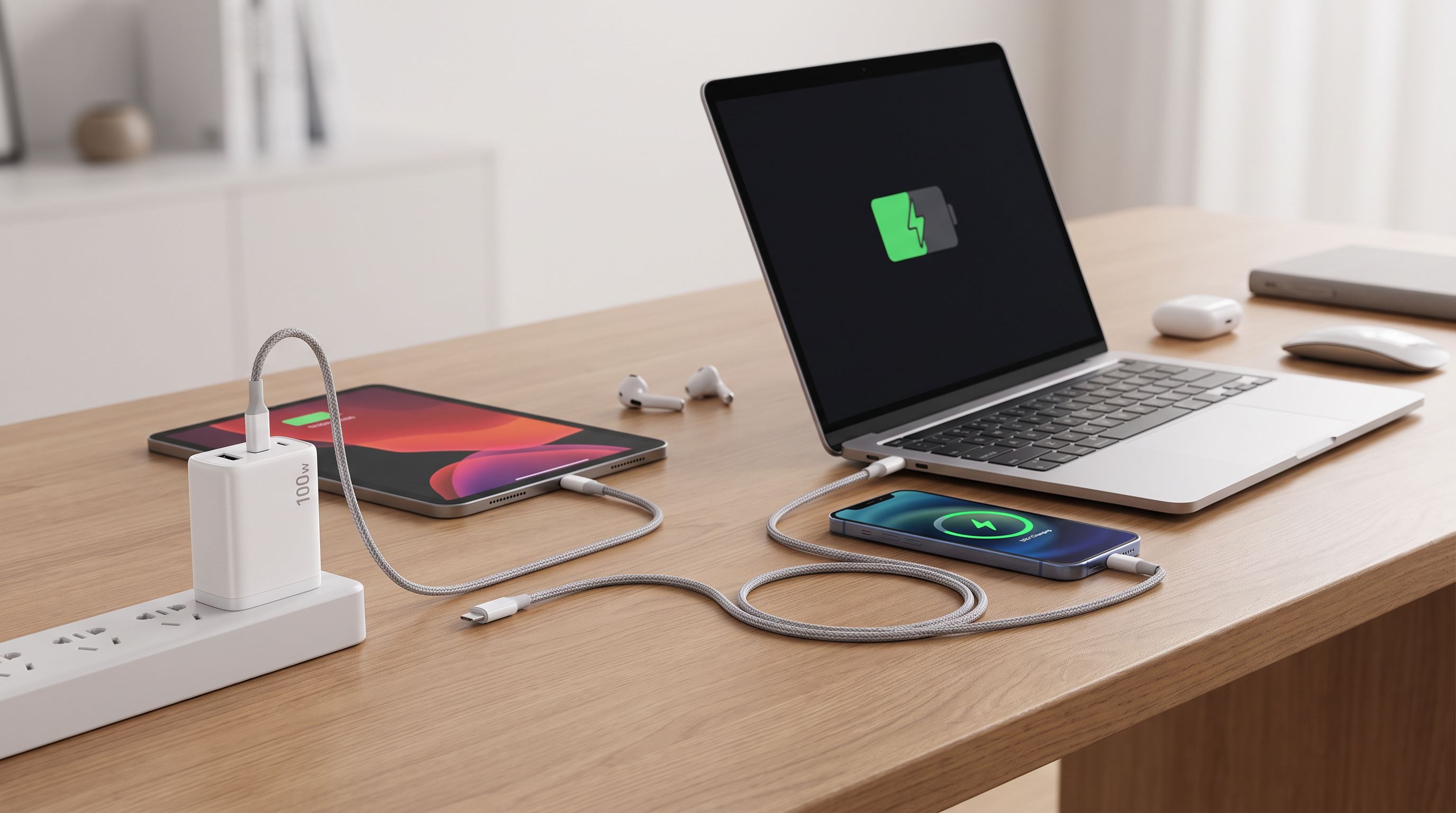
Best GaN Chargers in 2026: 100W Picks for Laptops
The best 100W GaN chargers in 2026 for laptops, tested criteria explained: port layouts, power splitting, travel size, and which models actually deliver full wattage.
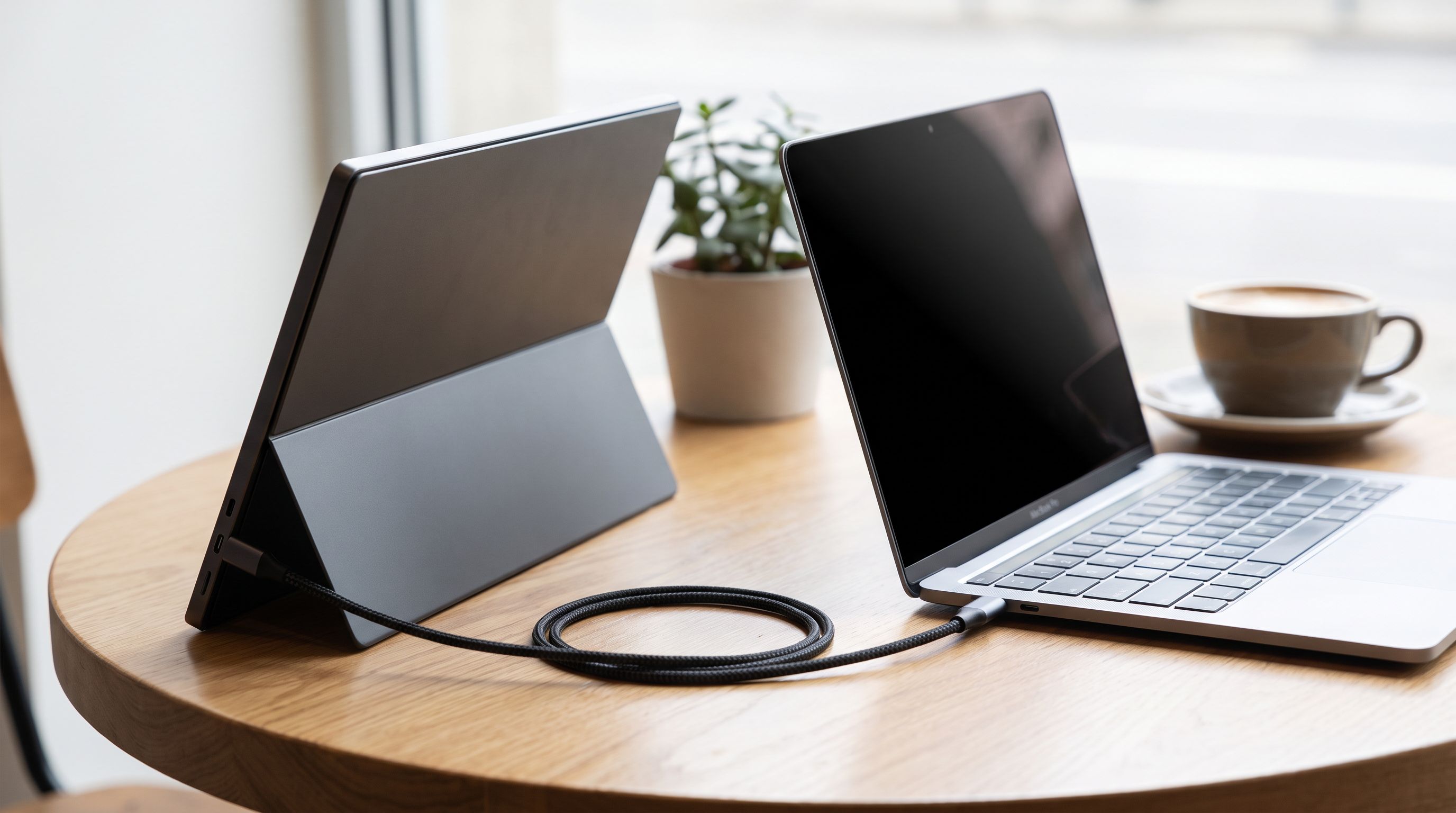
Portable Monitors for MacBook in 2026: 5 One-Cable Picks
The best portable monitor for MacBook in 2026, ranked by brightness, weight and stand design — plus which models truly run off a single USB-C cable.
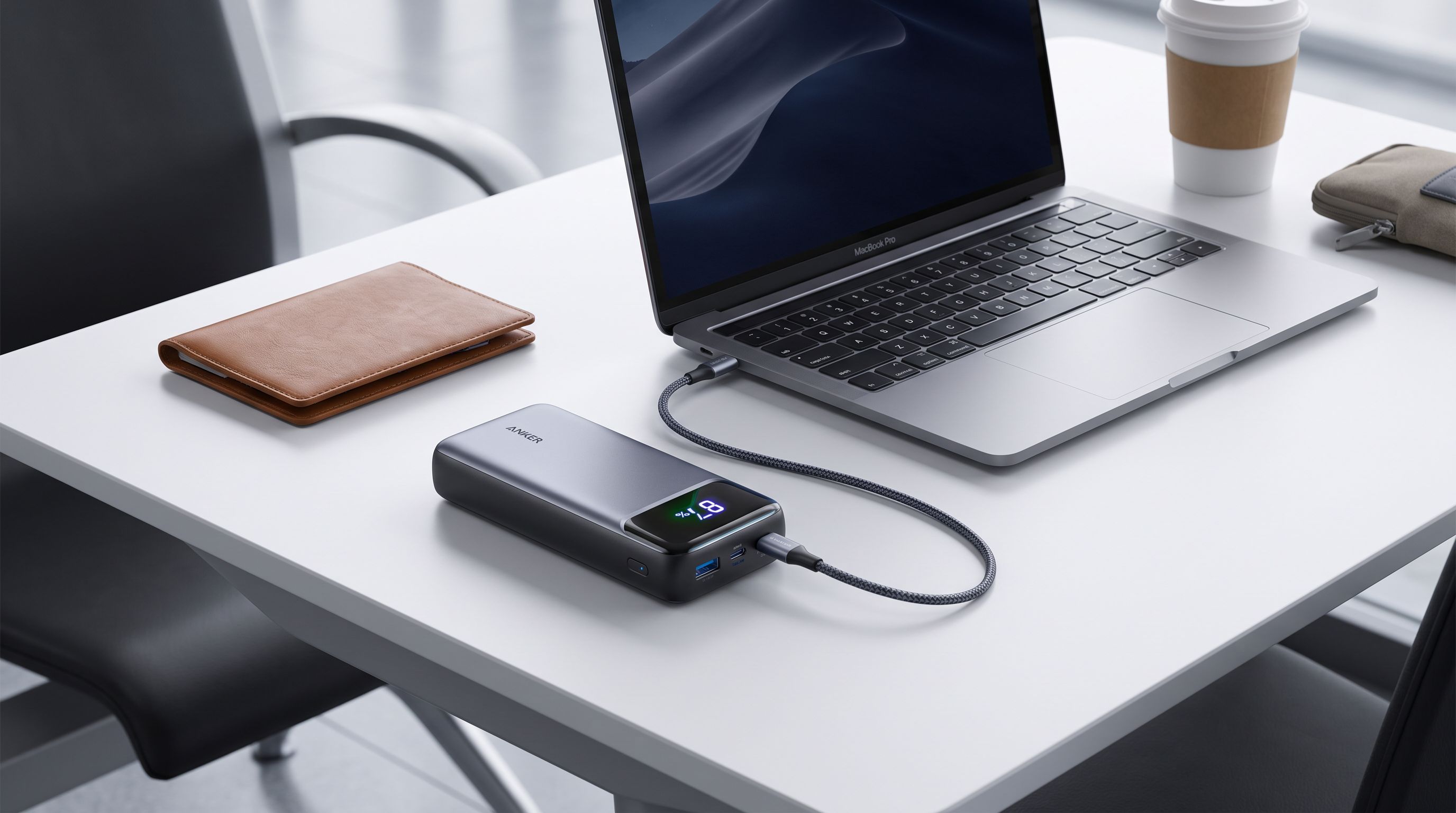
Laptop Power Banks in 2026: 5 Picks That Hit 140W
Which laptop power bank should you buy in 2026? We compare 100W–250W USB-C PD 3.1 banks on capacity, airline limits and real-world MacBook charge speeds.