Best GaN Chargers in 2026: 100W Picks for Laptops
The best 100W GaN chargers in 2026 for laptops, tested criteria explained: port layouts, power splitting, travel size, and which models actually deliver full wattage.
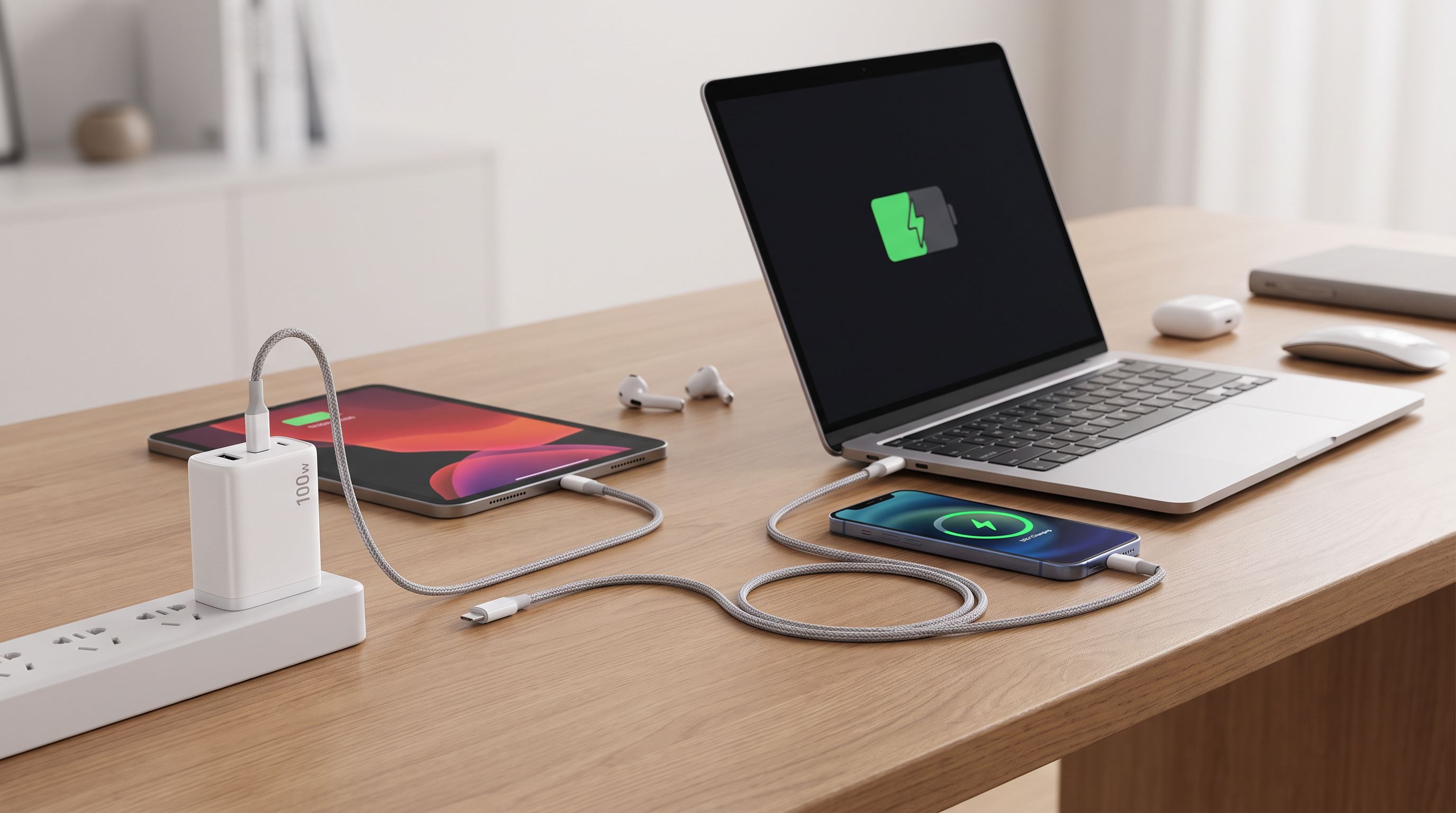
Reader-supported: we may earn a commission from links on this page, at no extra cost to you. It never affects our picks. Learn more.
Gallium nitride (GaN) chargers stopped being a novelty years ago. In 2026 they're simply what a good charger is: smaller, cooler and more efficient than the silicon bricks that shipped with laptops a decade ago. The question isn't whether to buy GaN — it's which 100W model actually delivers usable power to a laptop when you've also got a phone, earbuds and maybe a tablet hanging off it.
This guide focuses on the 100W class, because that's the sweet spot for 13–16-inch laptops. Below that, you're throttling a MacBook Pro or a Dell XPS under load. Above it, you're paying for headroom most people never use.
Why 100W is the number that matters
USB-C Power Delivery (PD) works in fixed voltage steps. The common ones are 5V, 9V, 15V and 20V. At 20V, a 5A cable gets you 100W — the maximum for standard PD 3.0 without the Extended Power Range (EPR) spec.
That 100W ceiling maps neatly to real laptops:
- 13-inch ultrabooks typically want 45–65W
- 14-inch performance laptops want 65–96W
- 16-inch machines with discrete graphics want 100–140W
A 100W charger will run almost any of these. On a 16-inch laptop it may charge slowly while you're gaming or exporting video, but it will never fail — the machine just draws from the battery to make up the gap.
The catch is that 100W is a total budget, not a per-port guarantee. Plug a phone into a second port and most chargers drop the laptop port to 65W. That's fine for a spec sheet, less fine when you're on a deadline.
What actually separates a good 100W GaN charger from a mediocre one
Power splitting behaviour
This is the single biggest differentiator. When you add a second device, does the charger drop the laptop port to 65W, or to 45W? Does it renegotiate smoothly, or does it briefly cut power and cause your laptop to blink to battery? Better chargers — Anker's Prime and GaNPrime lines, UGREEN's Nexode series — handle this gracefully and publish their split tables. Cheap ones don't.
Port count and mix
Three ports is the practical minimum for travel: laptop, phone, plus a third for earbuds, a watch puck or a second person's phone. A USB-A port is still genuinely useful in 2026 for older accessories, hotel-room oddities and cables you already own.
Physical size and plug design
GaN's whole selling point is density, but manufacturers spend that budget differently. Some make the brick tiny; others keep it chunky and add ports. A folding plug is non-negotiable for anything you put in a bag — a fixed prong will eventually tear a laptop sleeve or gouge a screen.
Thermals
GaN runs cooler than silicon, but 100W in a small enclosure still generates real heat. A charger that gets uncomfortably hot to hold is usually throttling. Look for models with metal or vented housings, and be sceptical of anything that claims 100W in a body dramatically smaller than everything else on the market.
Cable, or lack of one
Most 100W chargers ship without a cable, and this trips people up constantly. To pull the full 100W you need a cable rated for 5A/100W with an E-marker chip. A generic USB-C cable will silently cap you at 60W. Budget for a proper cable if you don't already own one.
The picks
Best overall: UGREEN Nexode 100W 4-Port GaN Charger
 Best overall · UGREEN Nexode 100W 4-Port GaN Charger — Check price on Amazon →
The Nexode 100W is the one I'd hand to most people. Four ports means you can realistically run a laptop, a phone, a tablet and a set of earbuds from one outlet — the scenario that actually happens in hotel rooms and coworking spaces. Power splitting is documented and sensible, the folding plug survives bag life, and UGREEN's build quality has been consistently good across the Nexode range.
It's not the smallest 100W brick you can buy. That's the trade for the port count.
Best for multi-device travel: Anker Prime 100W GaN Charger
 Best for multi-device travel · Anker Prime 100W GaN Charger (3 ports) — Check price on Amazon →
Anker's Prime line is the tidier travel option: three ports in a notably compact body, with the smart redistribution logic Anker has been refining across several generations. If you carry a laptop and a phone and nothing else, this is easier to pocket than the four-port UGREEN and less likely to feel like overkill.
Anker also has the best track record in the category for safety certification and warranty support, which matters more on a 100W device than it does on a 20W phone charger.
Best value: Baseus GaN5 Pro 100W
 Best value · Baseus GaN5 Pro 100W USB-C Charger — Check price on Amazon →
If you want the full 100W to a single USB-C port and don't need a four-way hub, the GaN5 Pro line is where the price-to-performance curve bottoms out. Baseus has iterated on this design for several generations, the folding plug is solid, and the slim profile makes it a straightforward replacement for a stock laptop brick.
Multi-port splitting is less generous than the UGREEN and Anker options — treat this as a laptop charger that occasionally tops up a phone, not a genuine desk hub.
Premium pick: Anker 737 GaNPrime 120W
 Premium pick · Anker 737 GaNPrime Charger 120W — Check price on Amazon →
The argument for the 737 is headroom. At 120W total, your laptop can still pull close to 100W while a phone and earbuds charge alongside it. On a 16-inch MacBook Pro or a gaming laptop, that difference is noticeable — it's the gap between charging while you work and merely not discharging.
It's bigger and heavier than the 100W options. If it lives on a desk, that's irrelevant; if it lives in a backpack, weigh it up.
Best compact alternative: UGREEN Nexode 65W
 Best compact alternative · UGREEN Nexode 65W GaN Charger — Check price on Amazon →
Be honest about your laptop. If you're on a MacBook Air, a Surface Laptop or a 13-inch ultrabook, 65W is the manufacturer's own rating and 100W buys you nothing. The 65W Nexode is meaningfully smaller and lighter, still has multiple ports, and still charges a phone at full speed. This is the pick that most people actually need and don't buy.
Comparison table
| Model | Max output | Ports | Best for | Trade-off |
|---|---|---|---|---|
| UGREEN Nexode 100W 4-Port | 100W | 3× USB-C, 1× USB-A | All-round desk + travel use | Bulkier than 3-port rivals |
| Anker Prime 100W GaN | 100W | 2× USB-C, 1× USB-A | Compact multi-device travel | Fewer ports than the UGREEN |
| Baseus GaN5 Pro 100W | 100W | USB-C (single-port focus) | Straight laptop-brick replacement | Weaker multi-port splitting |
| Anker 737 GaNPrime 120W | 120W | 2× USB-C, 1× USB-A | 16-inch and gaming laptops | Largest and heaviest here |
| UGREEN Nexode 65W | 65W | Multi-port | Ultrabooks and light travel | Not enough for big laptops |
Port configurations vary by regional SKU — check the listing for your market before buying.
Buying checklist
- Check your laptop's stock charger wattage first. Match it or exceed it slightly. Exceeding it is safe; USB-C PD negotiates down.
- Buy a 100W/5A E-marked cable if you don't have one. This is the most common reason people think their charger is faulty.
- Prefer folding plugs for anything that travels.
- Read the power-split table, not just the headline wattage.
- For international travel, confirm 100–240V input (nearly all GaN chargers support it) and pack a plug adapter rather than a voltage converter.
FAQ
Will a 100W charger damage my phone? No. USB Power Delivery negotiates the voltage and current the device requests. A phone that accepts 25W will draw 25W from a 100W charger.
Can I use a 100W GaN charger with a 140W laptop? Yes, and it will charge — just more slowly, and possibly not at all while the machine is under heavy load. For 140W you need a PD 3.1 EPR charger and a 240W-rated cable.
Do GaN chargers wear out faster because they're small? There's no evidence of that. GaN transistors switch more efficiently, producing less waste heat than silicon at the same output, which is generally better for component life. Buy from brands with real safety certifications and warranties.
Is USB-A still worth having? For one port, yes. It handles legacy cables, older accessories and devices that don't negotiate PD. Don't buy a charger because of it, but don't reject one for including it.
Why does my laptop charge slower when I plug in my phone? The total wattage is shared. Most 100W chargers drop the primary USB-C port to around 65W once a second device is connected. If that bothers you, step up to a 120W model.
Our picks
UGREEN Nexode 100W GaN USB C Charger, 4-Port Compact Foldable Fast Laptop Charger Power Adapter for MacBook Pro/Air, iPad Pro, iPhone 17/16/15 Series, Galaxy S25/S24, Pixel 10/9, Steam Deck, Pixelbook
Four ports, sensible power splitting and a foldable plug — the most flexible 100W brick for most laptops.
Anker 100W Max USB C Charger, 3-Port GaN Phone Charger with Smart Display | Ultra-Compact Fast Laptop Charger with Touch Control for iPhone 17 Series,iPad,MacBook Pro/Air(Include Cable,Non-Battery)
Compact three-port design with smart power redistribution and Anker's strong safety record.
Baseus 100W USB C Charger Block, 3-Port Foldable Compact PPS Wall Charger, Fast Charging Power Adapter for MacBook Pro/Air, iPad, iPhone 17 Pro Max/Air, Galaxy S24, Steam Deck & More
Full 100W to a single USB-C port for less than most name-brand rivals, with a slim folding-plug body.
Anker 737 GaNPrime, 120W USB C Charger, PPS 3-Port Fast Compact Foldable Wall Charger for MacBook Pro/Air, iPad Pro, iPhone 16/Pro, Galaxy S22/S21, Dell XPS 13, Note 20/10+, and More Devices
120W headroom means your laptop keeps near-full speed even with a phone and earbuds attached.
UGREEN Nexode 200W GaN USB C Charging Station, 8-Port Desktop Charger with PD 100W for MacBook Pro 16"/Air, Dell XPS, iPad Pro, iPhone 17/16/15, Galaxy S25/S24, Pixel 10/9
If your laptop tops out at 65W, this smaller brick saves real bag space without slowing you down.
Get the best tech deals in your inbox
Join the BytePlaza newsletter for hand-picked gadget deals and new buying guides. No spam, unsubscribe anytime.
Related reads
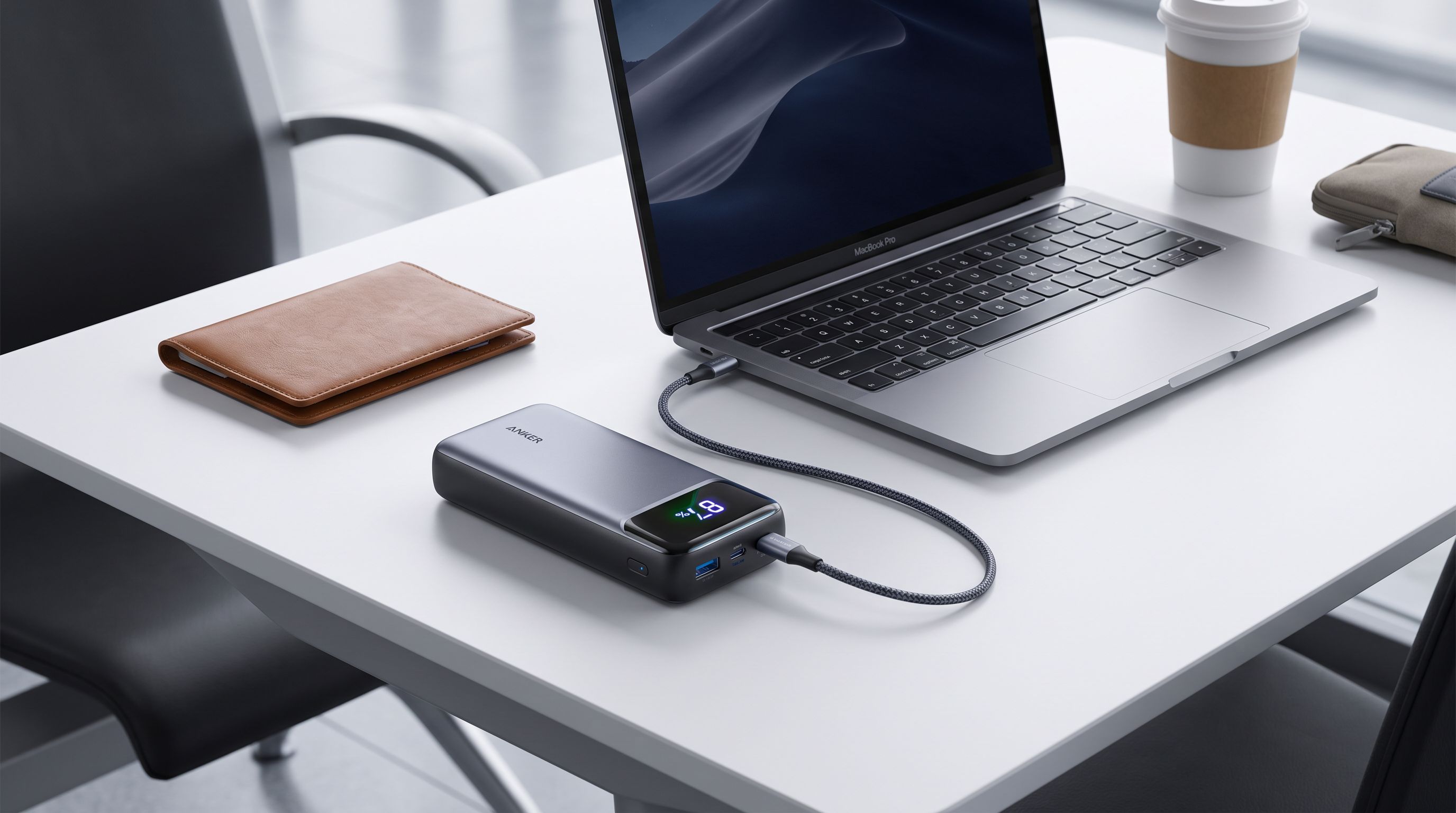
Laptop Power Banks in 2026: 5 Picks That Hit 140W
Which laptop power bank should you buy in 2026? We compare 100W–250W USB-C PD 3.1 banks on capacity, airline limits and real-world MacBook charge speeds.
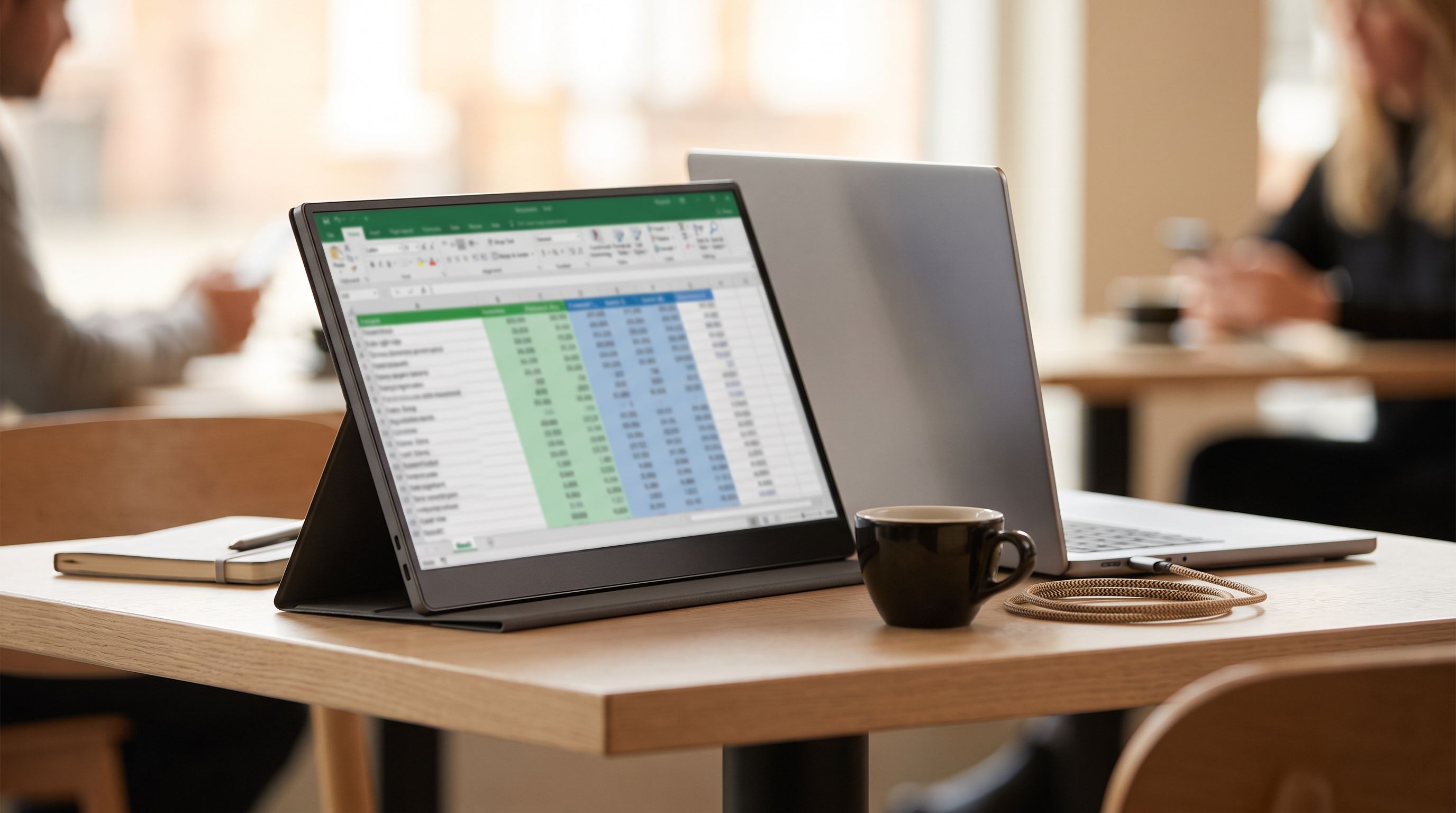
Best Portable Monitor 2026: 4K, OLED & USB-C Picks
The best portable monitor picks for 2026, from OLED travel screens to budget USB-C panels — ranked by panel quality, weight and single-cable power.
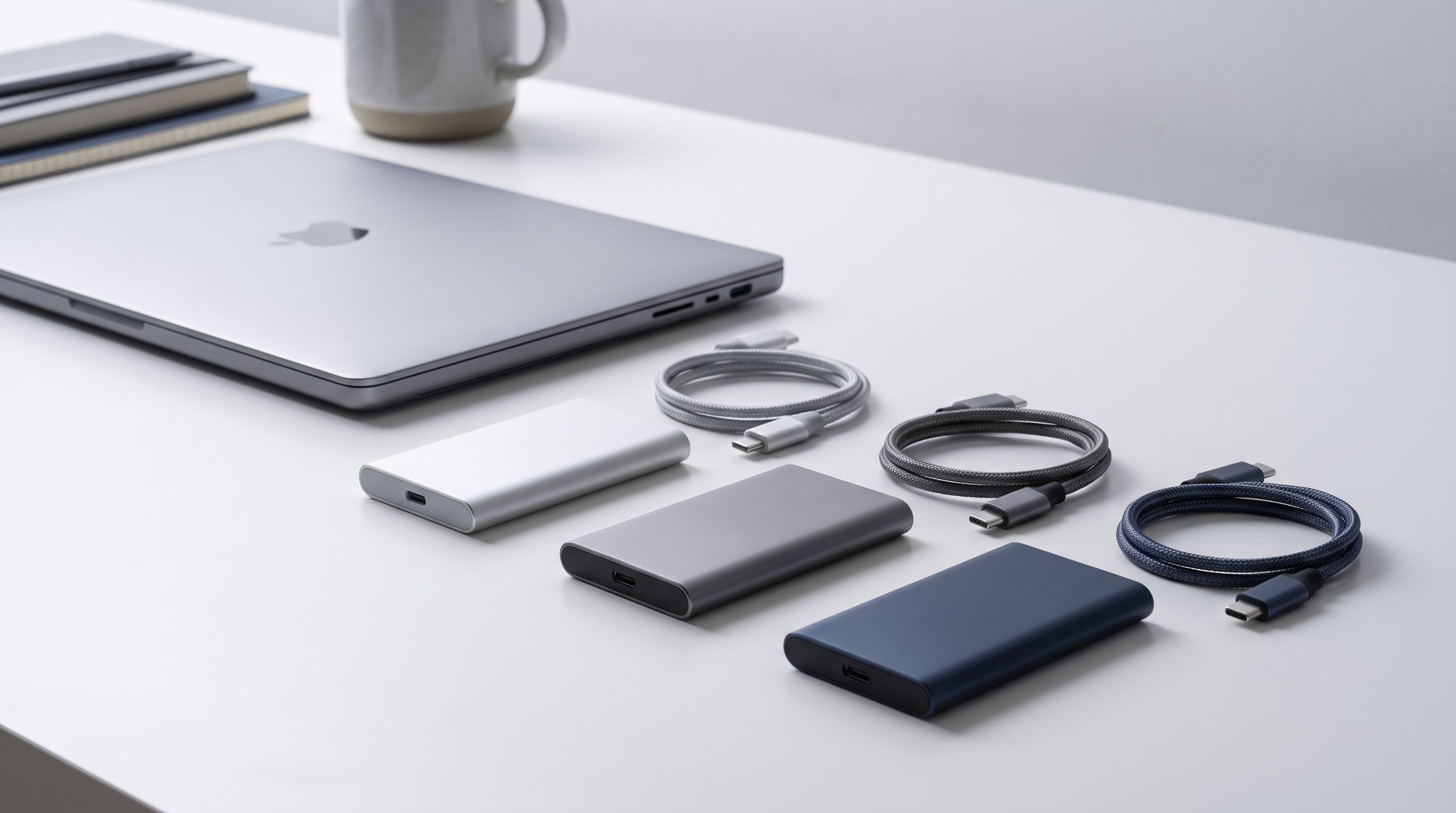
Best Portable SSDs in 2026: Fast, Rugged, Affordable
The best portable SSDs in 2026, evaluated against real-world needs: fast USB 4 and 20Gbps drives, rugged IP-rated picks, and affordable everyday storage.