Best OLED Gaming Monitor 2026: 240Hz Top Picks
The best OLED gaming monitor picks for 2026, from 4K 240Hz QD-OLED flagships to 1440p WOLED value buys — compared on brightness, burn-in cover and price.
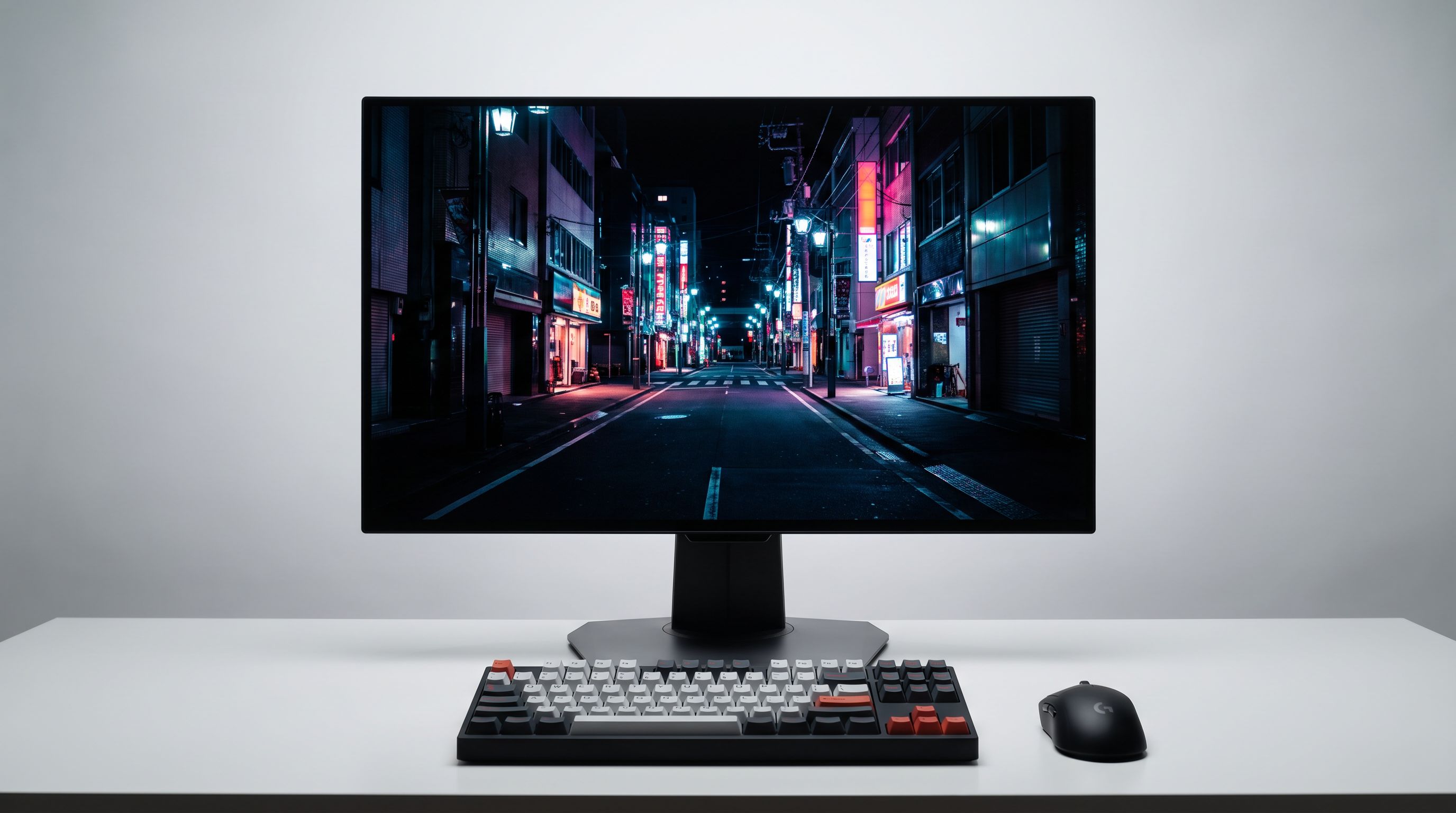
Reader-supported: we may earn a commission from links on this page, at no extra cost to you. It never affects our picks. Learn more.
OLED went from "risky enthusiast toy" to the default answer for a high-end gaming display in about three years. In 2026 the interesting question isn't whether to buy OLED — it's which panel type, which pixel density, and how much you're willing to pay for brightness you may never actually use.
This guide ranks the current crop of QD-OLED and WOLED gaming monitors by the things that actually change day-to-day: refresh rate and resolution, text clarity, how they behave in a bright room, and what the manufacturer will do for you if the panel degrades. If you're pairing a display with a new GPU this cycle, start here.
Quick answer
- Best overall: ASUS ROG Swift OLED PG32UCDM — 32-inch 4K 240Hz QD-OLED, the most complete package if you have desk depth for it.
- Sharpest image: ASUS ROG Swift OLED PG27UCDM — same 4K 240Hz spec squeezed into 27 inches, so roughly 166 PPI.
- Best ultrawide: MSI MPG 341CQPX QD-OLED — 34-inch 3440×1440 at 240Hz with USB-C.
- Best value: LG UltraGear 27GS95QE-B for 1440p WOLED, or the Alienware AW2725Q if you want 4K without flagship pricing.
 Best 4K value · Alienware AW2725Q — Check price on Amazon →
 Best WOLED value · LG UltraGear 27GS95QE-B — Check price on Amazon →
 Best ultrawide · MSI MPG 341CQPX QD-OLED — Check price on Amazon →
 Best pixel density · ASUS ROG Swift OLED PG27UCDM — Check price on Amazon →
 Best overall · ASUS ROG Swift OLED PG32UCDM — Check price on Amazon →
QD-OLED vs WOLED in 2026: what actually differs
Both are self-emissive, both have effectively instant pixel response, both give you perfect blacks. The differences are narrower than they were, but they still matter.
QD-OLED (Samsung Display) uses a blue OLED layer with quantum-dot conversion. That gives it the widest colour volume — saturated colours stay bright instead of washing out — and it's the tech behind almost every 4K 240Hz panel on the market. Its weakness is ambient light: the current-gen coating is glossy, and while newer panels handle room light far better than the first generation's purple-grey raised blacks, a lamp behind you will still show up as a reflection.
WOLED (LG Display) adds a white sub-pixel to boost brightness. Its big practical advantage is the matte or semi-matte finish LG typically uses, which diffuses reflections instead of mirroring them. Text rendering has historically been a WOLED weak point due to the RGBW sub-pixel layout, though at 4K density it's a non-issue.
The honest summary: at 4K, both look superb and pixel structure stops mattering. At 1440p, QD-OLED's triangular sub-pixel layout and WOLED's RGBW layout both produce slight colour fringing on text — QD-OLED tends to bother people less for gaming, WOLED tends to be easier on the eyes in a bright office.
How we weighed the picks
Refresh rate first, but with a caveat: 240Hz is the sweet spot in 2026 and the point of diminishing returns for most people. 480Hz 1440p panels exist and are genuinely excellent for competitive shooters, but you need a top-tier GPU and a game engine that can feed them. For mixed use — single-player, sim, some competitive — 4K 240Hz is the better allocation of money.
After that: burn-in protection (both the panel-level mitigation and the warranty), full-screen sustained brightness rather than the 1000+ nit peak numbers on the box, and connectivity — DisplayPort 2.1 UHBR20 or DSC-over-HDMI 2.1 matters if you're running 4K 240Hz without compression artefacts.
Comparison table
| Model | Size / Resolution | Refresh | Panel | Standout | Best for |
|---|---|---|---|---|---|
| ASUS ROG Swift OLED PG32UCDM | 32" 4K | 240Hz | QD-OLED | Custom heatsink, strong warranty | Do-everything flagship |
| ASUS ROG Swift OLED PG27UCDM | 27" 4K | 240Hz | QD-OLED | ~166 PPI, best text of any OLED | Sharpness obsessives |
| MSI MPG 341CQPX QD-OLED | 34" 3440×1440 | 240Hz | QD-OLED | 21:9 immersion, USB-C PD | Sim racing, RPGs, productivity |
| LG UltraGear 27GS95QE-B | 27" 1440p | 240Hz | WOLED | Matte anti-glare coating | Bright rooms, budget builds |
| Alienware AW2725Q | 27" 4K | 240Hz | QD-OLED | 3-year burn-in warranty | 4K without flagship spend |
The picks in detail
ASUS ROG Swift OLED PG32UCDM — best overall
Thirty-two inches at 4K lands at about 140 PPI, which is the point where you stop noticing pixels at normal desk distance without needing display scaling in Windows. The PG32UCDM pairs that with 240Hz and ASUS's custom heatsink and airflow design, which exists specifically to keep the panel cooler and slow long-term degradation.
It's also the most flexible monitor here for non-gaming work — 4K at 32 inches is a genuinely good productivity canvas, and the KVM plus USB-C means it can serve a laptop too. The caveat is desk depth: 32 inches wants roughly 80cm of viewing distance to feel comfortable, and it is a large, expensive object.
ASUS ROG Swift OLED PG27UCDM — best pixel density
If you sit close, this is the one. Cramming 4K into 27 inches yields roughly 166 PPI, which effectively eliminates the sub-pixel fringing that's dogged OLED text since launch. Reviewers who care about colour volume and pixel structure — including several of the round-ups that put the 32-inch model on top — argue this panel is the technically superior display.
The trade-off is size. At 27 inches you'll likely want 125% scaling in Windows, and in-game UI elements can get small. If you already game on a 27-inch 1440p panel and want a straight upgrade, this is it.
MSI MPG 341CQPX QD-OLED — best ultrawide
The 34-inch 3440×1440 QD-OLED ultrawide has quietly become the most-recommended shape for people who play a lot of single-player and sim games. The MPG 341CQPX hits 240Hz on the current-gen panel, includes USB-C with power delivery, and is significantly less demanding on your GPU than 4K — 3440×1440 is about 25% fewer pixels than 4K.
It's a strong dual-use monitor too: 21:9 is excellent for timelines, spreadsheets and side-by-side windows. Downsides are the usual ultrawide ones — some games letterbox, some competitive titles stretch the HUD, and cutscenes occasionally misbehave.
LG UltraGear 27GS95QE-B — best WOLED value
This is the sensible OLED. It's 1440p, 240Hz, WOLED, and it uses LG's matte coating, which makes it the easiest panel here to live with in a room with windows or overhead lights. It doesn't have the colour volume of the newest QD-OLED panels and its full-screen brightness is more modest, but for a mid-range GPU running 1440p at high frame rates it's the most sensible money in the category.
Text is the compromise — the RGBW layout produces mild fringing that some people notice immediately and others never see. If you do heavy document work on the same screen, look at 4K instead.
Alienware AW2725Q — best 4K value
Dell's 27-inch 4K 240Hz QD-OLED does most of what the PG27UCDM does for less, with the most reassuring warranty position in the industry: three years including burn-in coverage. The OSD is simpler and there's less tuning depth than the ASUS units, and the stand and chassis are functional rather than premium. For a lot of buyers that's a fair trade.
Burn-in in 2026: the realistic take
Permanent image retention is still possible, but it's now a manageable risk rather than a lottery. Modern panels run pixel refresh cycles, logo dimming, and pixel shifting, and manufacturers have added heatsinks and better thermal management. Long-term testing from outlets running static content for thousands of hours shows visible degradation eventually — but at usage patterns far beyond typical mixed gaming and desktop use.
Practical habits that help: hide the taskbar, use a short screen-blank timer instead of a screensaver, avoid leaving a static HUD or spreadsheet on screen at maximum brightness all day, and let the pixel refresh cycle run when prompted. Then buy from a brand with an explicit burn-in warranty — ASUS, Dell/Alienware, MSI and LG all offer multi-year coverage on current models. Check the exact terms for your region before you buy; they vary.
What to skip
Don't pay a premium for peak HDR brightness figures measured on a 3% window — full-screen sustained brightness is what you experience in a bright game scene, and it's much lower across all OLEDs. Don't buy a 480Hz panel unless competitive shooters are the majority of your play time. And don't buy 1440p at 32 inches; the pixel density is poor enough that the OLED contrast advantage gets undercut by visible pixel structure.
FAQ
Is QD-OLED or WOLED better for gaming? QD-OLED for colour volume and 4K high-refresh options; WOLED for bright rooms thanks to matte coatings. At 4K the practical gap is small.
Is 240Hz enough in 2026? For nearly everyone, yes. 240Hz at 4K is the sweet spot where GPUs can realistically deliver frames. Go higher only if you play competitive shooters almost exclusively.
Will an OLED monitor burn in? Eventually, under heavy static-content use — but modern mitigation plus a 3-year burn-in warranty makes it a low-risk purchase for mixed gaming and desktop use.
Do I need DisplayPort 2.1? For 4K 240Hz it helps, but DSC over DisplayPort 1.4 or HDMI 2.1 is visually lossless in practice. Don't let it be your only deciding factor.
27-inch or 32-inch 4K? 27-inch gives sharper text and needs less desk depth; 32-inch is more immersive and better for productivity. Measure your viewing distance first.
Our picks
ASUS ROG PG32UCDM 32 Inch 4K 240Hz OLED Gaming Monitor QD-OLED | UHD, Custom Heatsink, 0.03ms, G-SYNC Compatible, USB-C 90W, True 10-bit, Graphene Film, 99% DCI-P3, for PS5 and Xbox
32-inch 4K 240Hz QD-OLED with a heatsink, custom cooling and one of the best warranties in the class.
ASUS ROG PG27UCDM 27 Inch 4K 240Hz OLED Gaming Monitor QD-OLED | OLED Care Pro, Neo Proximity Sensor, Custom Heatsink, DisplayPort 2.1, G-SYNC Compatible, True 10-bit, for PS5 and Xbox
27-inch 4K 240Hz QD-OLED — the sharpest text and cleanest image of any current OLED gaming panel.
msi MPG 491CQPX QD-OLED 49-inch QD-OLED 5120 x 1440 (DQHD) Computer Monitor, 240Hz, G-SYNC Compatible, HDMI, Display Port, VGA Port, VESA Mountable, Tilt, Height Adjustable, Speaker, 0.03ms, Black
34-inch 3440x1440 240Hz QD-OLED ultrawide with USB-C power delivery and a great price-to-immersion ratio.
LG 27GS93QE 27-inch Ultragear OLED Gaming Monitor QHD 1440p 240Hz 0.03ms DisplayHDR True Black 400 AMD FreeSync Premium Pro NVIDIA G-Sync HDMI 2.1 DisplayPort Tilt/Height/Pivot Stand Black
27-inch 1440p 240Hz WOLED with a matte finish that kills glare in bright rooms.
Alienware 34 240Hz QD-OLED Curved Gaming Monitor - AW3425DW - 34.2-inch WQHD (3440 x 1440) 0.03ms Display, 1800R Curve, AMD FreeSync Premium Pro, VESA AdaptiveSync, DisplayHDR TrueBlack 400
27-inch 4K 240Hz QD-OLED backed by Dell's 3-year burn-in warranty and simple, no-nonsense tuning.
Get the best tech deals in your inbox
Join the BytePlaza newsletter for hand-picked gadget deals and new buying guides. No spam, unsubscribe anytime.
Related reads
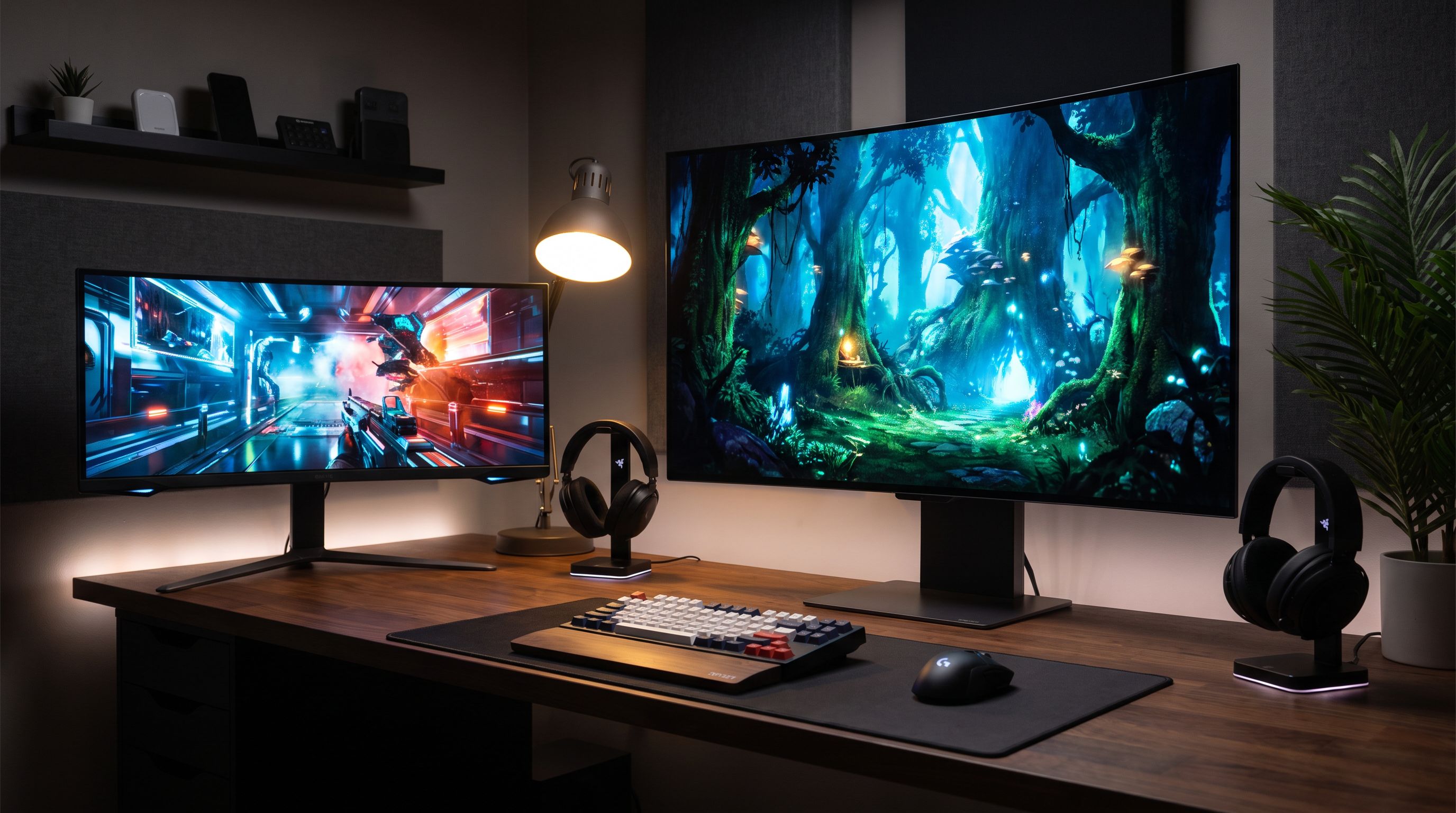
Ultrawide OLED in 2026: Is 34" Enough, or Go 45"?
We compared the best ultrawide OLED monitors of 2026 — QD-OLED vs WOLED, 34-inch vs 45-inch — to help gamers and creators spend smart on curve, pixels and hertz.
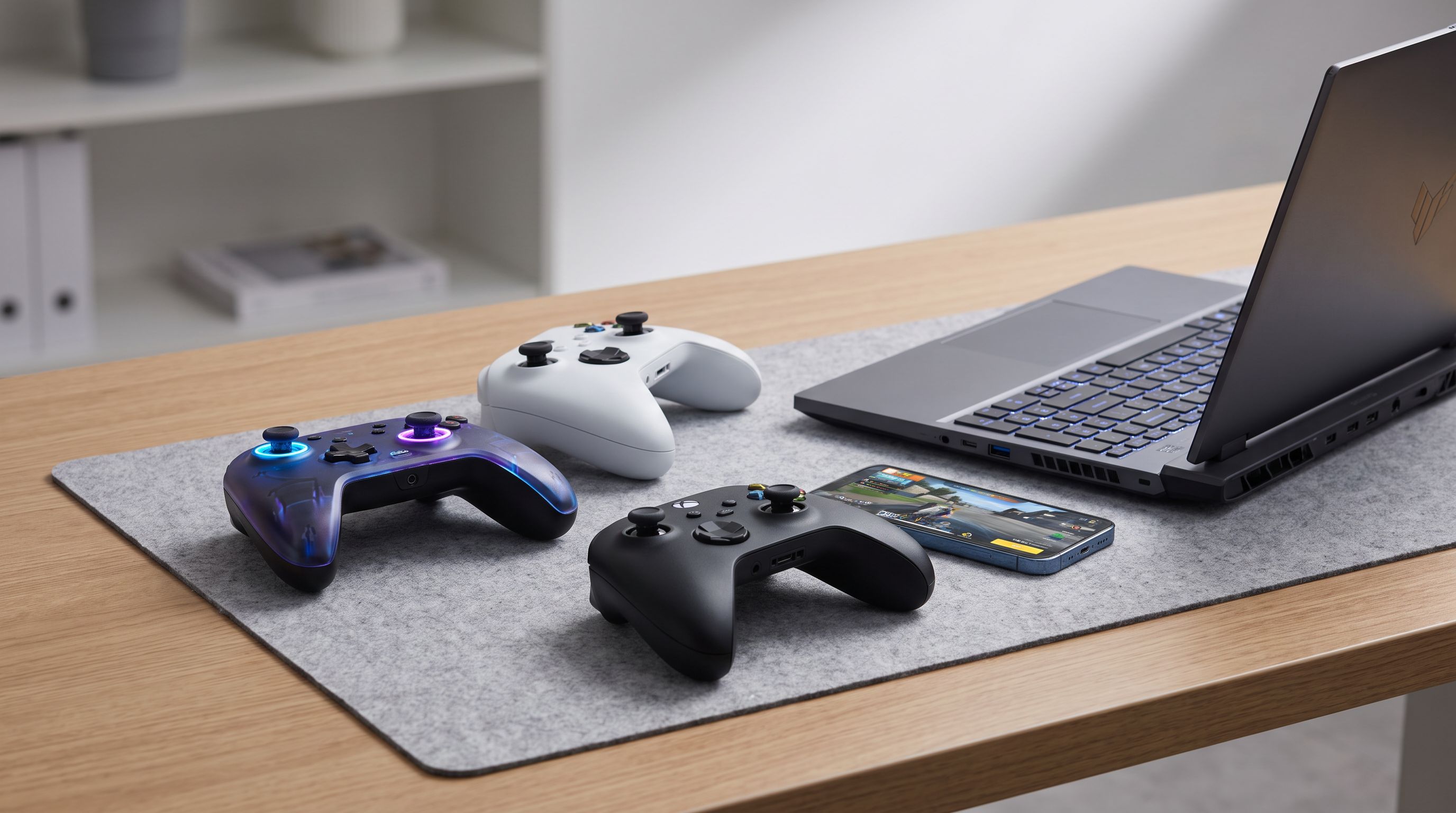
Wireless Game Controllers in 2026: 5 Picks for PC & Mobile
Hall-effect and TMR sticks, 2.4GHz vs Bluetooth latency, and multi-device pairing compared — our picks for the best wireless game controller in 2026 for PC and mobile.
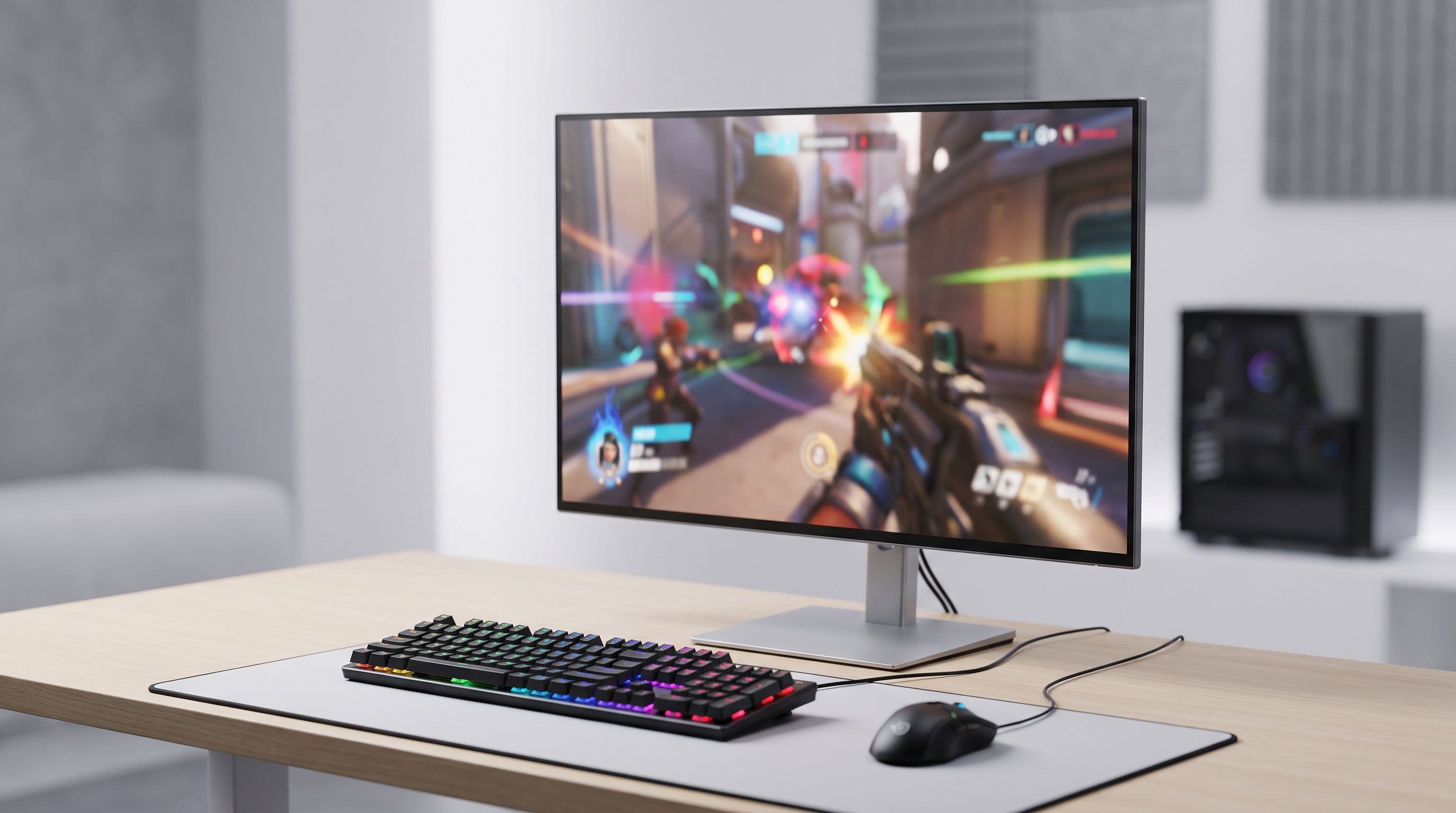
1440p 180Hz on a Budget: The Best Cheap Gaming Monitors 2026
Looking for the best budget gaming monitor in 2026? We compared fast 1440p IPS panels at 165–200Hz to find the value picks worth buying instead of OLED.