Wireless Charging Mouse Pad in 2026: Qi2 vs Powerplay
We compared wireless charging mouse pads on coil placement, phone heat and mouse tracking — including Qi2 desk mats and Logitech's Powerplay 2 system for mice.
Reader-supported: we may earn a commission from links on this page, at no extra cost to you. It never affects our picks. Learn more.
The pitch for a wireless charging mouse pad is irresistible: one big mat, phone drops on the corner, mouse never dies, cables gone. The reality in 2026 is messier. Almost every product sold under that name is doing one of two very different jobs, and confusing them is how people end up disappointed.
We compared the current options using manufacturer specs, independent reviews and verified owner feedback, judging them on three things that actually matter day to day: where the coil sits relative to your mousing area, how hot your phone gets while it charges, and whether the surface still tracks properly once you've buried electronics under it.
Two completely different products share one name
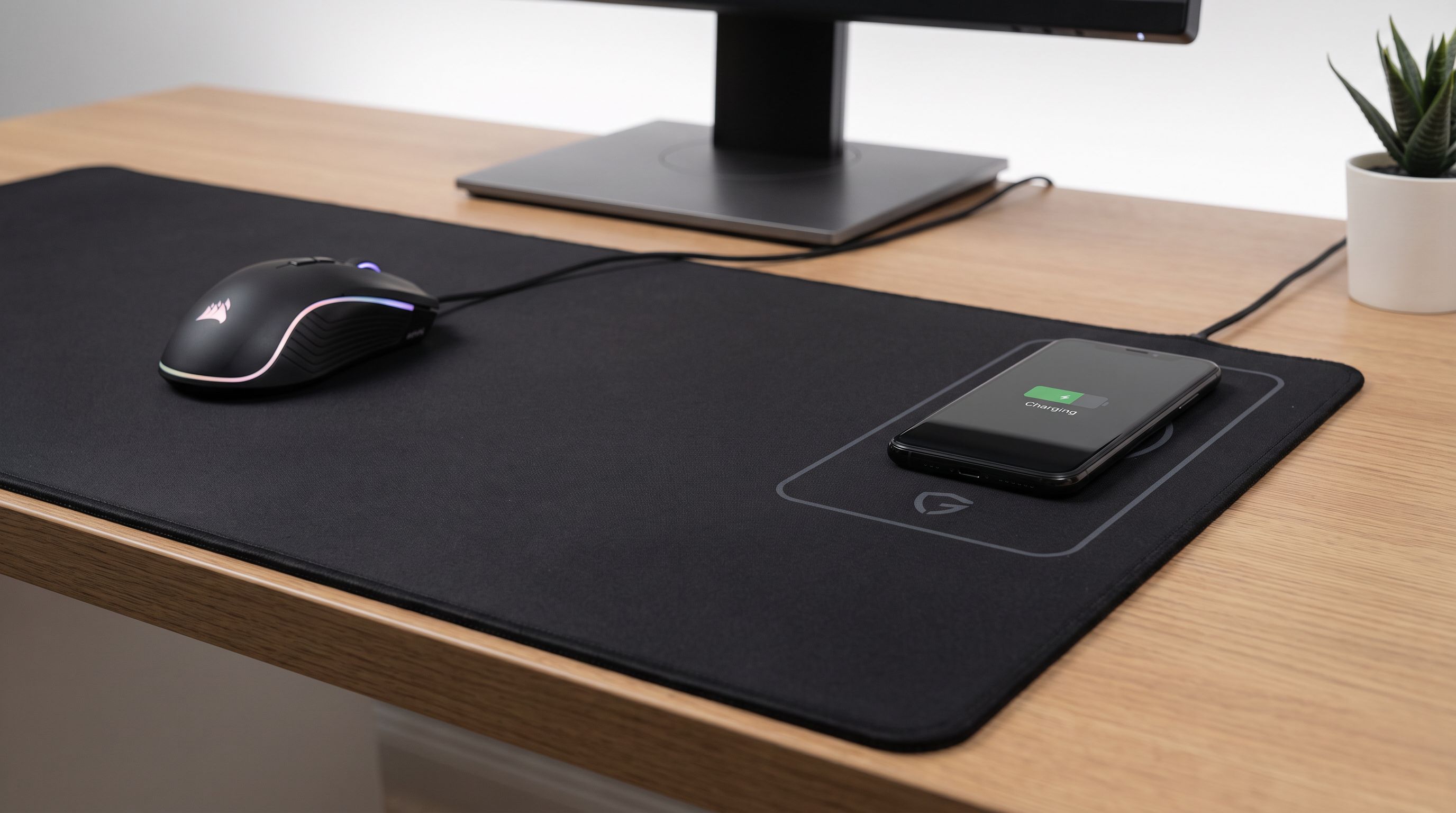
Type 1: a desk mat with a phone charging zone. These are large cloth or PU pads with a Qi (increasingly Qi2) transmitter coil built into one corner — usually top-right or top-left. They charge your phone and earbuds, not your mouse. Most also add RGB edge lighting. Brands here rotate constantly on Amazon (TARKARI, Gimars and similar), which is a warning sign in itself.
Type 2: a mouse-charging system. This is essentially Logitech's territory. Logitech G Powerplay 2 puts a power module under the mat and beams energy to a compatible Logitech G mouse fitted with the Powerplay module, so the mouse charges while you're moving it. It does not charge your phone at all.
 Best overall · Logitech G Powerplay 2 — Check price on Amazon →
If you want your mouse to never die, you want Powerplay 2. If you want to drop your phone somewhere convenient, you almost certainly want a good standalone Qi2 charger next to a good mouse pad. Here's why.
Coil placement is the whole ballgame
A Qi coil is a stack of copper and ferrite roughly 40–50mm across. Put it under a 3–4mm cloth mat and it creates a subtle plateau. On soft pads you can feel it as a slight firmness change when the mouse crosses it; on cheap PU mats you sometimes get a visible ridge.
That's tolerable if the coil is genuinely out of the way. What we look for:
- Coil in a top corner, at least 200mm from your mouse's normal sweep. Low-DPI players sweep wider than they think.
- A phone footprint that doesn't overhang into mousing space. A modern 6.7-inch phone lying flat occupies a lot of mat.
- Clear marking. Good mats print or emboss the charging zone so you're not hunting for alignment.
Qi2's magnetic alignment helps enormously here, because the phone snaps to the coil instead of you nudging it around. But magnets need to be strong enough to hold through the mat's top layer, which is why most true Qi2 magnetic profiles appear in dedicated pucks and stands rather than under fabric.
Phone heat: the quiet failure mode
Wireless charging is inefficient — a chunk of the energy becomes heat, and that heat has to go somewhere. A standalone charger dumps it into an aluminium or plastic body with airflow underneath. A mat coil dumps it into your phone and into a foam-backed textile that acts as insulation.
The practical result, consistently reported by owners of built-in-coil mats: charging that throttles down after 15–20 minutes, phones that get uncomfortably warm, and slower top-ups than the advertised wattage suggests. Modern phones protect their batteries by cutting current when temperatures rise, so a mat that claims 15W often delivers meaningfully less sustained power.
Two things reduce the problem: a hard-surface mat (better conduction than cloth) and a charging zone that sits proud of the mat rather than flush. Neither is common.
Mouse tracking: does electronics under the cloth matter?
Mostly, no — sensors read the surface texture, not what's beneath it. What does matter:
- Surface consistency. If the coil area is stiffer, glide changes as you cross it. Annoying rather than fatal, and irrelevant if the coil is outside your play area.
- Base thickness and flatness. Charging mats are often 3–4mm with a slightly uneven laminate. Reference cloth pads like the SteelSeries QcK Heavy XXL are dead flat, and that's why reviewers keep ranking QcK variants at the top of general mouse pad lists.
- Powerplay's module. Powerplay 2's power layer sits beneath the included surface. Logitech ships both a cloth and a hard top, and the system is designed so the field is uniform — no dead zone to feel.
 Best mouse surface to pair with it · SteelSeries QcK Heavy XXL — Check price on Amazon →
If competitive tracking is your priority, don't compromise the pad. Use a great pad and add charging beside it.
Comparison
| Product | What it charges | Surface | Coil / power placement | Best for |
|---|---|---|---|---|
| Logitech G Powerplay 2 | Compatible Logitech G mice, continuously | Cloth + hard tops included | Full-mat power layer beneath surface | Never charging your mouse again |
| Anker MagGo Qi2 15W Pad | Qi2/MagSafe phones, magnetically aligned | N/A (sits beside mat) | Standalone, ventilated body | Fastest, coolest phone charging |
| Belkin BoostCharge Pro 2-in-1 (MagSafe) | Phone + earbuds | N/A | Standalone, dual pads | Tidy desks with AirPods |
| SteelSeries QcK Heavy XXL | Nothing | 4mm cloth | None | Best pure tracking + desk coverage |
| Razer Firefly V2 Pro | Nothing | Hard, illuminated | None | Fast glide with full RGB |
 Best hard-surface alternative · Razer Firefly V2 Pro — Check price on Amazon →
What we'd actually buy
If you're on Logitech G mice: Logitech G Powerplay 2 is the only product here that solves a real, recurring annoyance. Reviewers describe it as absurd and worth it, and that's fair — it's expensive, it locks you into a compatible mouse, and it's the closest thing to a genuinely wireless setup. It's the pick if your mouse dying mid-session is your actual problem.
If you mainly want to charge a phone: buy a plain mat plus a proper Qi2 charger. SteelSeries QcK Heavy XXL gives you a desk-covering, flat, reference cloth surface, and an Anker MagGo Qi2 15W puck parked at the top of the desk charges faster and cooler than any coil buried under fabric. If you also drop earbuds down, the Belkin BoostCharge Pro 2-in-1 with MagSafe handles both without a fan.
If you want a hard surface: the Razer Firefly V2 Pro delivers the RGB look that draws people to charging mats in the first place, with a consistent hard glide and no compromise to tracking.
If you still want an all-in-one: buy it with clear eyes. Look for a marked charging zone in a corner, a stated Qi2 or 15W rating, a pass-through USB-C port rather than a captive barrel plug, and a brand you can find again in a year for warranty purposes. Treat charge speed claims as optimistic.
Setup tips that make either approach better
- Route the mat's cable off the back edge, not the side you mouse on.
- Put the charging zone on your non-mouse side. Reaching across your tracking area to grab a phone is worse than any coil bump.
- Take the case off if charging is slow — thick cases plus an insulating mat is the worst combination for heat.
- If you use a Powerplay system, keep the module's cable slack so the mat doesn't lift at the edge.
FAQ
Does a wireless charging mouse pad charge my mouse? Only if it's a mouse-charging system like Logitech G Powerplay 2, paired with a compatible Logitech G mouse. Qi/Qi2 desk mats charge phones and earbuds, not mice.
Is Qi2 worth it on a desk mat? Qi2's magnetic alignment is the real benefit — the phone snaps into the right spot instead of you sliding it around. Speed gains are less dramatic in practice because heat build-up under a mat forces throttling.
Will the coil ruin my mouse tracking? No. Optical sensors read the surface, not what's underneath. You may feel a slight firmness change crossing the coil area on soft mats, which is why placement in a far corner matters more than the coil itself.
Can I use any phone with a Qi2 mat? Any Qi-compatible phone will charge. Magnetic alignment only works with phones that have built-in magnets (recent iPhones and a growing number of Android models) or a magnetic case.
Is a separate charger really better than a built-in one? Usually, yes — better cooling, faster sustained charging, easier to replace, and it doesn't compromise your mouse pad. The built-in version wins only on cable count and desk tidiness.
Our picks
Logitech G Powerplay 2
The only mat that charges your mouse continuously while you play — cloth or hard surface included.

Anker MagGo Wireless Charger (Qi2 15W Pad)
Qi2 magnetic 15W puck that sits beside any desk mat — better heat control than built-in coils.
SteelSeries QcK Heavy XXL
Reference-grade cloth tracking and a 4mm base that soaks up desk noise — no coils to dodge.
Razer Firefly V2 Pro
Fully illuminated hard mat with fast, consistent glide if you want light without charging coils.

Belkin BoostCharge Pro 2-in-1 Wireless Charging Pad with MagSafe
Certified 15W MagSafe plus earbud pad, with a fan-free design that keeps phone temps sane.
Get the best tech deals in your inbox
Join the BytePlaza newsletter for hand-picked gadget deals and new buying guides. No spam, unsubscribe anytime.
Related reads
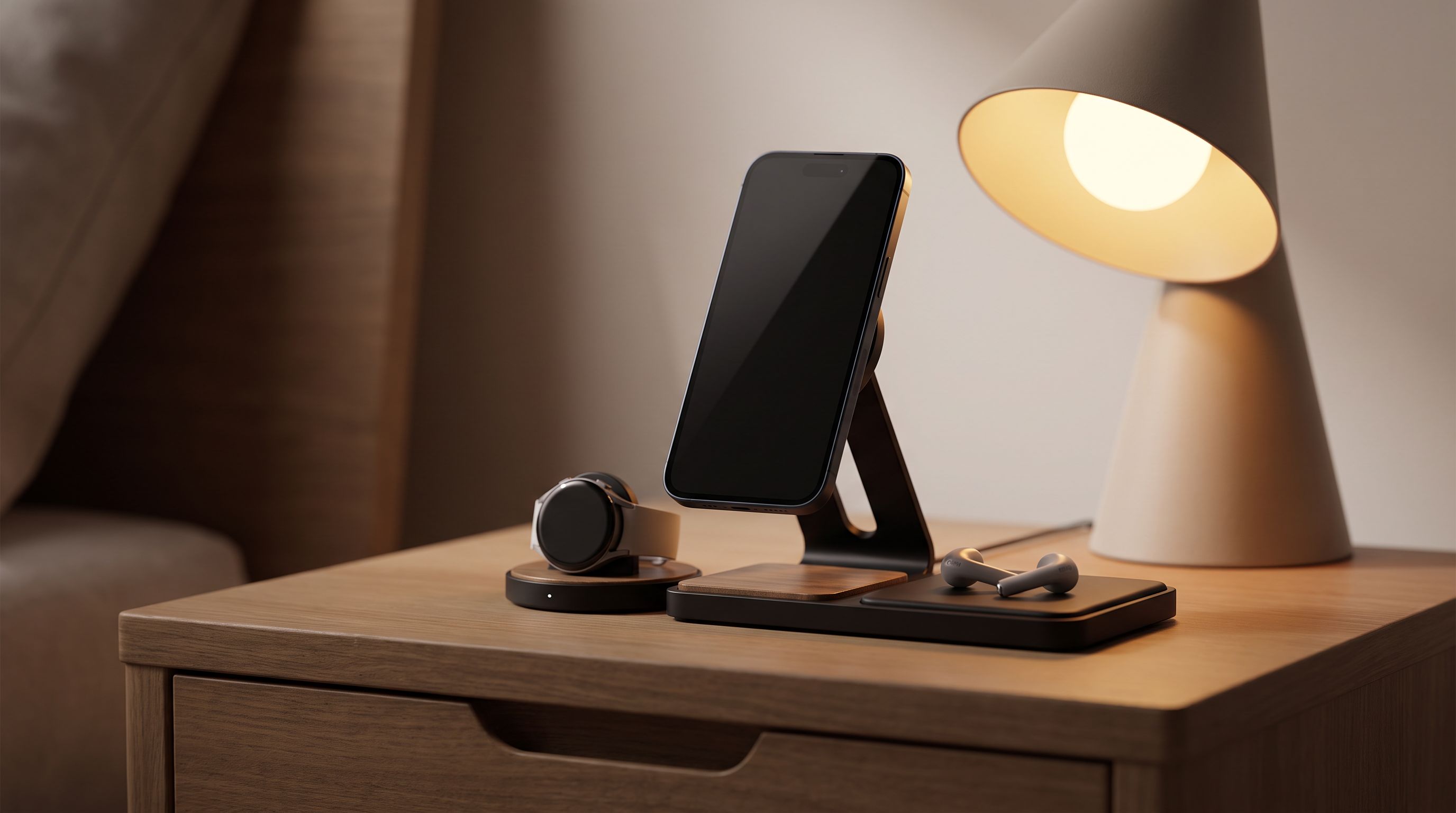
Bedside Charging Stations in 2026: 5 Picks That Kill Cable Clutter
The best bedside charging station for 2026: Qi2 magnetic docks, alarm-clock combos and USB-C hubs compared for speed, dimmable displays and nightstand footprint.
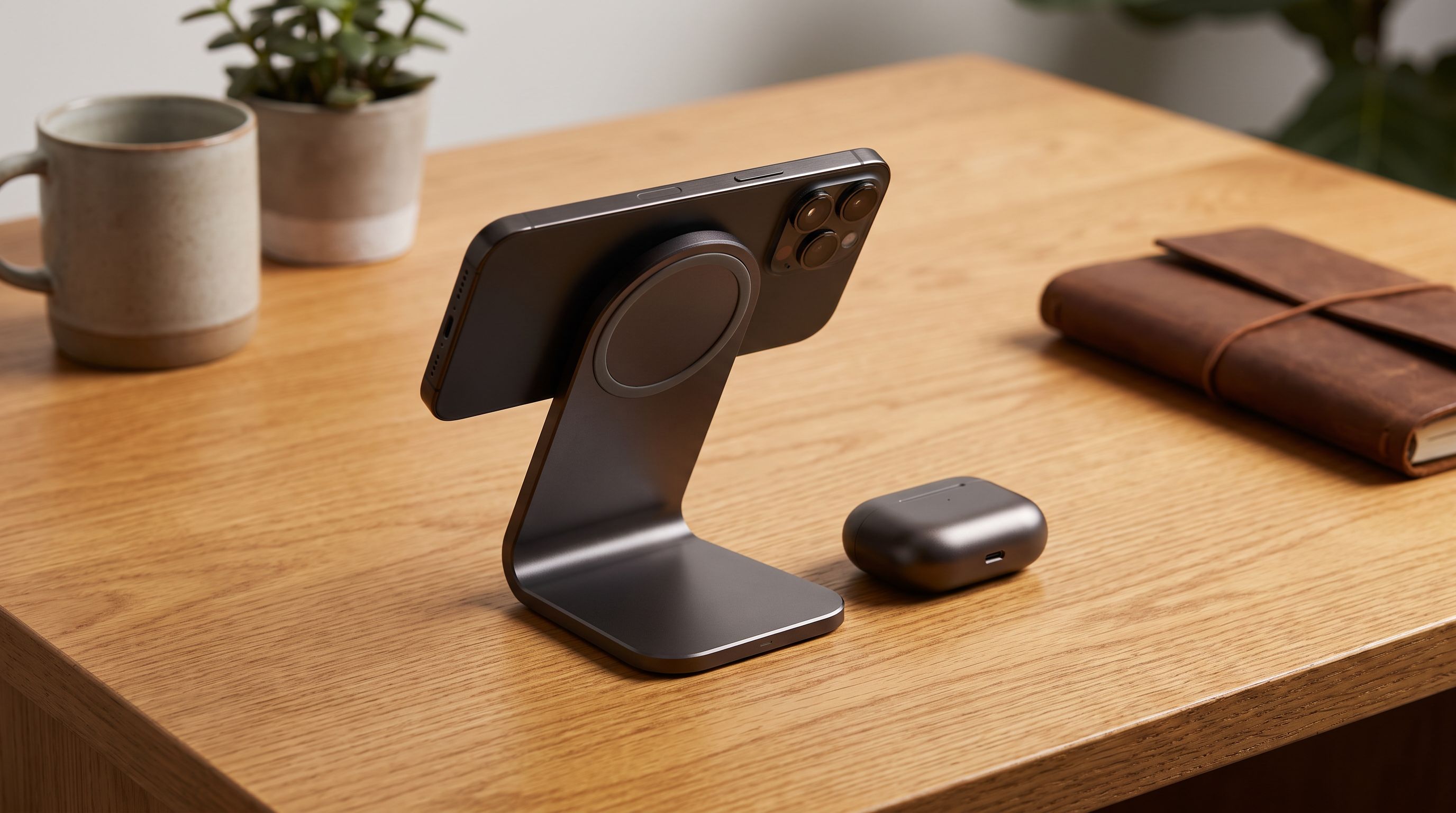
Which Wireless Charger Belongs on Your Desk in 2026?
The best wireless charger for desk setups in 2026: Qi2 25W picks compared on speed, case tolerance, and how many cables they actually remove from your workspace.
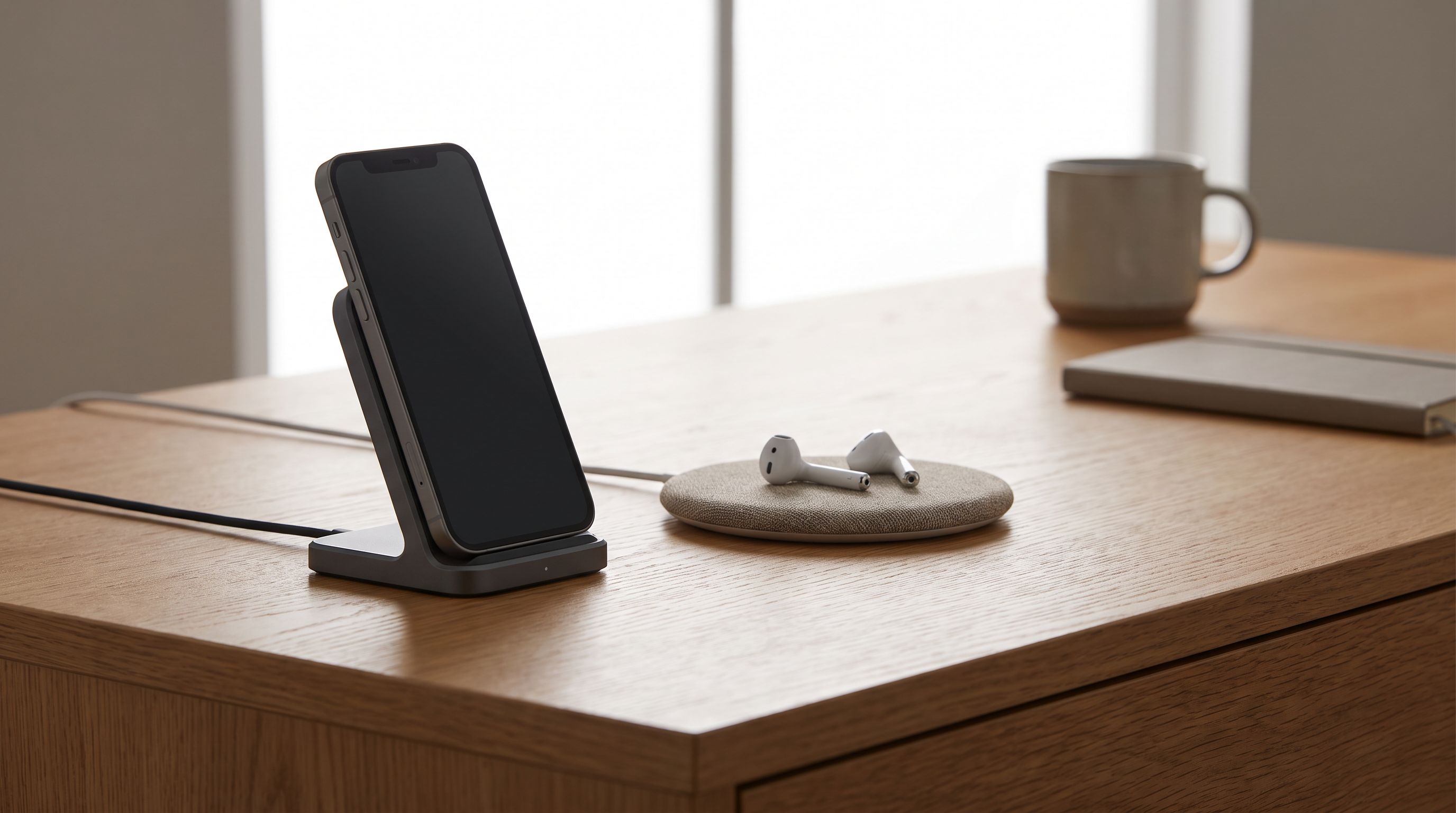
Wireless Charging Dock vs Pad in 2026: Which Fits Your Desk?
Wireless charging docks vs pads in 2026: how Qi2, 25W magnetic charging, heat, and desk clutter compare — plus five stands and pads worth buying.