Wireless Charging Dock vs Pad in 2026: Which Fits Your Desk?
Wireless charging docks vs pads in 2026: how Qi2, 25W magnetic charging, heat, and desk clutter compare — plus five stands and pads worth buying.
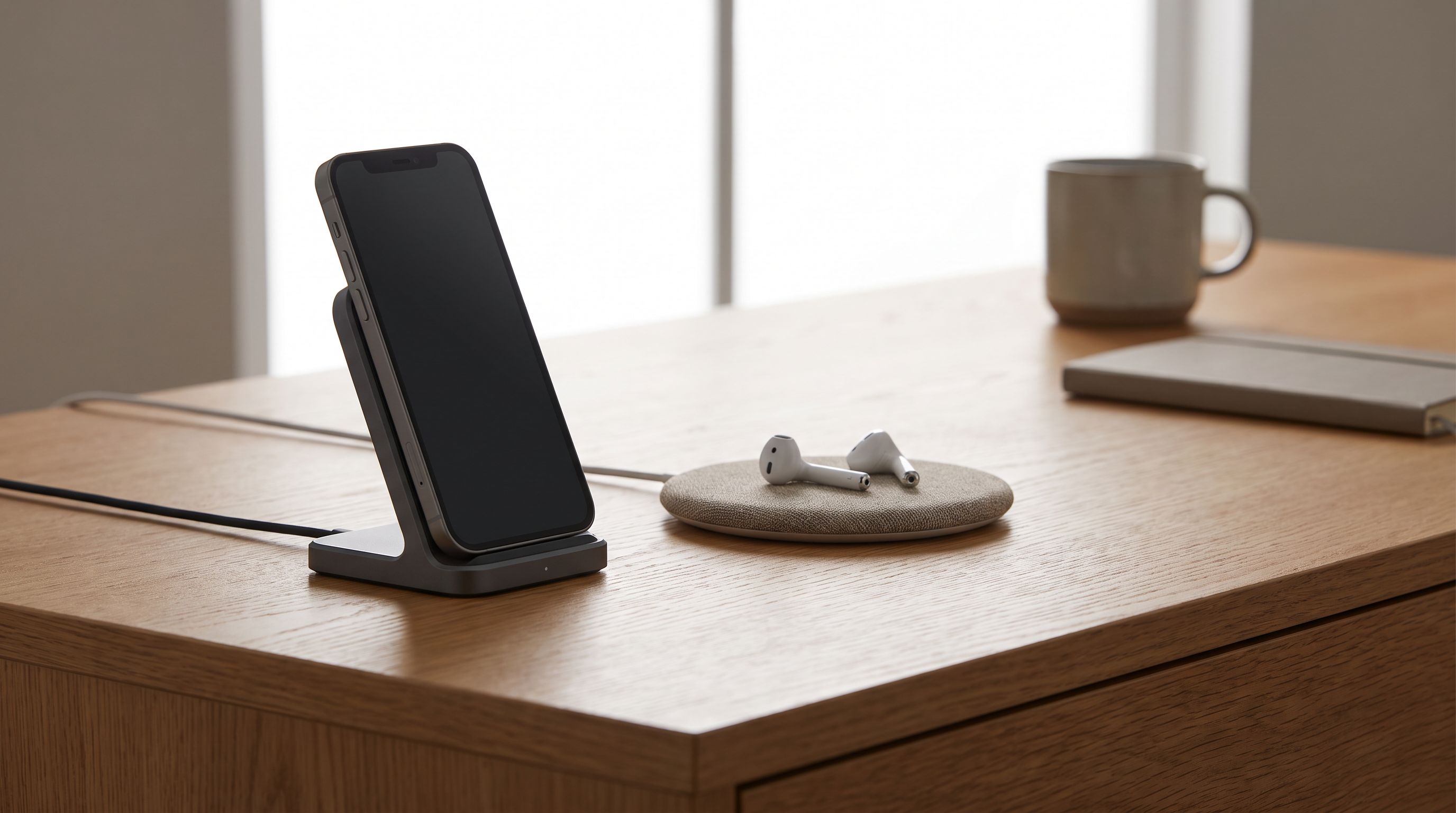
Reader-supported: we may earn a commission from links on this page, at no extra cost to you. It never affects our picks. Learn more.
A desk covered in cables is a solved problem — but "solved" now means choosing between two very different shapes. A charging pad lies flat and disappears. A charging dock or stand holds your phone upright at eye level. Both do the same job electrically; they do completely different jobs for how you actually work.
We compared current Qi2 pads, stands, and multi-device docks using manufacturer specs, independent lab measurements of charging speed and heat, and verified owner feedback about long-term durability. Here's how to pick the one that keeps your desk bone-dry of cable spaghetti.
What changed: Qi2 and the 25W tier
The single biggest shift since the early wireless-charging era is magnets. Qi2 built Apple's MagSafe-style magnetic alignment into the open standard, which fixed the two things everyone hated about wireless charging: guessing where the coil is, and waking up to a phone at 12%.
Practical implications in 2026:
- Qi2 magnetic charging delivers 15W to compatible iPhones and a growing list of Android phones (Google's Pixel 9/10 series with Qi2 support, several Samsung Galaxy models via magnetic cases).
- Qi2 25W is the newer tier, supported by recent iPhone Pro models and select Android handsets. Chargers advertising 25W need an adequately rated USB-C power adapter — many ship without one.
- Non-magnetic flat pads still exist and still work, but they're now the budget/compatibility option rather than the default.
- Phones without built-in magnets (most Samsung Galaxy and Pixel devices) need a magnetic case or ring to lock onto a Qi2 charger. Without it, a magnetic pad becomes a slippery flat pad.
If your phone doesn't support Qi2 magnets natively, factor the case into your decision before you buy anything with the word "MagGo" or "HaloLock" on the box.
Docks vs pads: the honest comparison
| Flat pad | Upright dock / stand | |
|---|---|---|
| Desk footprint | Smallest; can sit under a monitor arm | Taller, needs clear vertical space |
| Screen visibility | Face-down or awkward angle | Phone stays readable — good for StandBy, notifications, video calls |
| Grab-and-go | Easy, one-handed lift | Easy with magnets; fiddly with cradle-style clamps |
| Heat behavior | Heat trapped between phone and pad | Better airflow around the phone body |
| Works with thick cases | Generally yes | Yes, if magnetic; cradle stands can be picky |
| Multi-device | Common (phone + watch + buds) | Common, usually pricier |
| Best for | Nightstands, minimal desks, shared surfaces | Primary work desk, video calls, anyone who glances at their phone constantly |
When a pad wins
Pads win on invisibility. A single magnetic puck like the Anker MagGo Wireless Charger takes up roughly the area of a coaster and lets your phone lie flat where it won't catch your elbow. If your desk is small, if a monitor arm or keyboard tray eats your depth, or if you want your phone out of your attention while you work, flat is correct.
 Best simple pad · Anker MagGo Wireless Charger (Qi2 Pad) — Check price on Amazon →
 Best overall · Anker MagGo Wireless Charging Station (3-in-1 Qi2 Pad, 15W) — Check price on Amazon →
Pads also tend to be the cheaper and more travel-friendly form. They're the right choice for a nightstand, where an illuminated upright screen is a liability rather than a feature.
When a dock wins
Docks win on glanceability. iOS StandBy mode turns a charging iPhone into a clock, calendar, or photo frame — but only when the phone is landscape and upright. Android's equivalents behave similarly. If you take video calls from your phone, follow a recipe, or watch something while you work, a stand like the Belkin BoostCharge Pro 3-in-1 Magnetic Charging Stand earns its footprint immediately.
The second, less obvious argument for docks: thermal headroom. A phone lying flat on a pad sandwiches heat between two surfaces. Independent teardown and thermal testing has repeatedly shown that wireless charging runs warmer than cable charging, and sustained heat is the main driver of lithium-ion capacity loss. An upright phone with air on both sides simply sheds heat better. It's not a dramatic difference, but over years of daily charging it's a real one.
Multi-device docks: the clutter math
If you own a phone, smartwatch, and wireless earbuds, the real comparison isn't pad vs dock — it's one three-in-one device vs three separate cables.
The Anker MagGo Wireless Charging Station is our overall pick because it folds the three-device job into a shape that still reads as "tidy": magnetic Qi2 phone spot, a watch puck, and a small pad for earbuds. The Nomad Stand One Max does the same thing in machined metal and glass, with enough mass that lifting your phone off doesn't drag the whole charger across the desk — a small annoyance that plastic docks commit constantly.
 Premium pick · Nomad Stand One Max — Check price on Amazon →
Two things to verify before buying any 3-in-1:
- Watch compatibility. An "Apple Watch charger" and a "watch-shaped pad" are not the same thing. Fast-charge support for Apple Watch requires a certified module; Galaxy Watch charging is a separate standard entirely and most 3-in-1s don't support it.
- The included power brick. Multi-device docks draw meaningfully more than a single pad. If the box doesn't include an adapter, or includes an underpowered one, you'll silently get slower charging on every port.
Travel, hybrid desks, and the folding compromise
If you split time between home, office, and hotel rooms, a folding charger solves both problems at once. The ESR Qi2 HaloLock Kickstand Wireless Charger flattens for a bag and props your phone up on a desk, which is the rare case where you genuinely don't have to choose between the two form factors. It's also the pick if you want to try magnetic charging before committing to a permanent desk fixture.
 Budget pick · ESR Qi2 HaloLock Kickstand Wireless Charger — Check price on Amazon →
Buying checklist
- Confirm Qi2 support on your phone — and whether you need a magnetic case.
- Match the power adapter to the charger's rated output; 25W chargers need real headroom.
- Check case thickness tolerance. Most magnetic chargers handle cases up to a few millimetres; thick rugged cases and metal plates can break the connection.
- Look for a non-slip base. A dock that slides every time you grab your phone will annoy you daily.
- Prefer chargers with a visible charging indicator — silently misaligned phones are the classic wireless-charging failure.
- Ignore "fast charge" claims without a number. Wattage or nothing.
Our verdict
For most desks, a 3-in-1 magnetic station is the right buy: it removes the most cables per square inch, and the phone spot doubles as a stand. The Anker MagGo Wireless Charging Station hits that balance best. Go upright with the Belkin or Nomad if your phone is an active part of your workflow, and go flat with the single Anker MagGo puck if your priority is a desk where nothing competes for attention. The ESR kickstand covers the in-between life.
Whatever you choose, buy the power adapter deliberately. More wireless chargers underperform because of a weak brick than because of a weak charger.
FAQ
Does wireless charging damage my battery? Not inherently — but heat does, and wireless charging generates more of it than a cable. Choosing a charger with good airflow (or an upright stand), keeping the phone out of direct sunlight, and avoiding thick insulating cases all help. Modern phones also actively throttle charging when they get warm.
Can I use a Qi2 charger with a Samsung or Pixel phone? Yes, but check the specifics. Some recent Pixel and Galaxy models support Qi2 magnets natively; others need a magnetic case or adhesive ring to attach properly. Without magnets, they'll still charge on a flat pad at standard Qi speeds.
Is 25W noticeably faster than 15W? On supported phones, yes — roughly comparable to a modest wired charger rather than a slow trickle. But you only get it with a compatible phone and a sufficiently powerful USB-C adapter. If either is missing, you're charging at 15W.
Do I need to remove my case? Usually not. Most cases under about 3mm work fine with magnetic chargers. Remove anything with metal plates, credit cards, or built-in kickstands that sit over the charging coil.
Are cheap unbranded pads risky? The main risks are poor efficiency, excessive heat, and weak magnets rather than dramatic failure. Sticking to Qi2-certified products from established brands is the simplest way to avoid all three.
Our picks
Anker MagGo 3-in-1 MagSafe-Compatible Qi2 15W Foldable Charging Station
Qi2 magnetic phone spot plus a watch and earbuds bay in a footprint that still looks tidy.

Belkin Qi2 15W Wireless Charging Station, 3 in 1 iPhone Charger
Holds the phone at a viewing angle for StandBy, with a stable weighted base and a real Apple Watch puck.
Anker Zolo MagSafe-Compatible Wireless Charger with Qi2 15W Fast Charging | Qi2-Certified Charging Pad for iPhone 17 - 12 Series, AirPods, and More (2-Pack, Adapter Not Included, Not for Pixel, Black)
A single magnetic puck that snaps on straight every time — the least fussy way to stop dead batteries.
ESR for Magsafe Charger, Wireless Charger Kickstand, Charging Pad for iPhone 16/15/14/13/12 Series and AirPods 4/3/Pro/Pro 2, Galaxy S25 Strong Magnetic with 5 ft Removable Cable, Black
Folds flat for travel, flips up into a stand at your desk, and still hits full Qi2 magnetic speed.
NOMAD Stand One Max Silver, Apple Charging Station, 25W Qi2 MagSafe Charging Stand for iPhone, Apple Watch and AirPods, 3 in 1 Wireless Charging Station, Metal Glass Charging Dock
Metal-and-glass three-device dock that looks like furniture and won't slide when you grab your phone.
Get the best tech deals in your inbox
Join the BytePlaza newsletter for hand-picked gadget deals and new buying guides. No spam, unsubscribe anytime.
Related reads
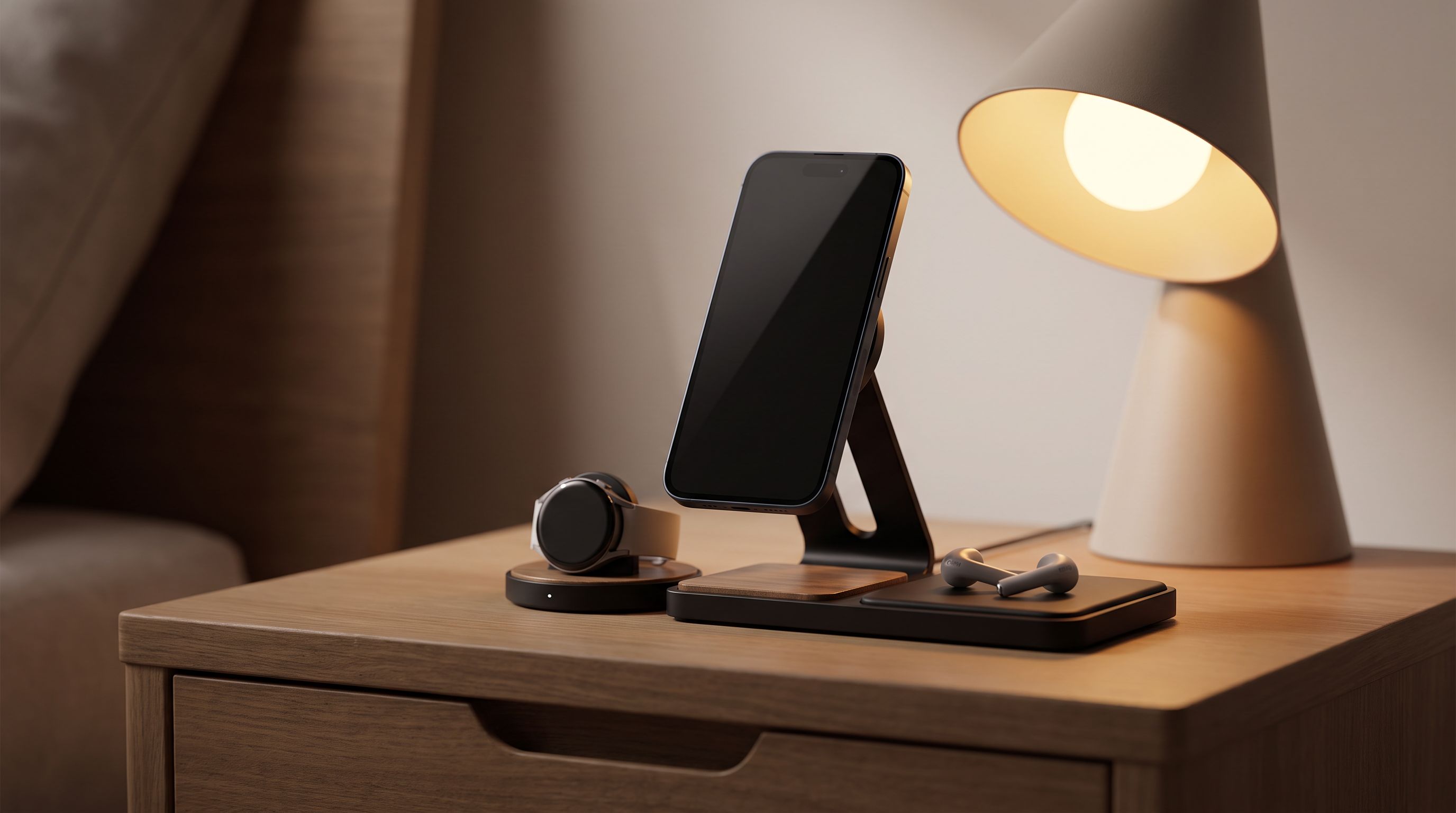
Bedside Charging Stations in 2026: 5 Picks That Kill Cable Clutter
The best bedside charging station for 2026: Qi2 magnetic docks, alarm-clock combos and USB-C hubs compared for speed, dimmable displays and nightstand footprint.
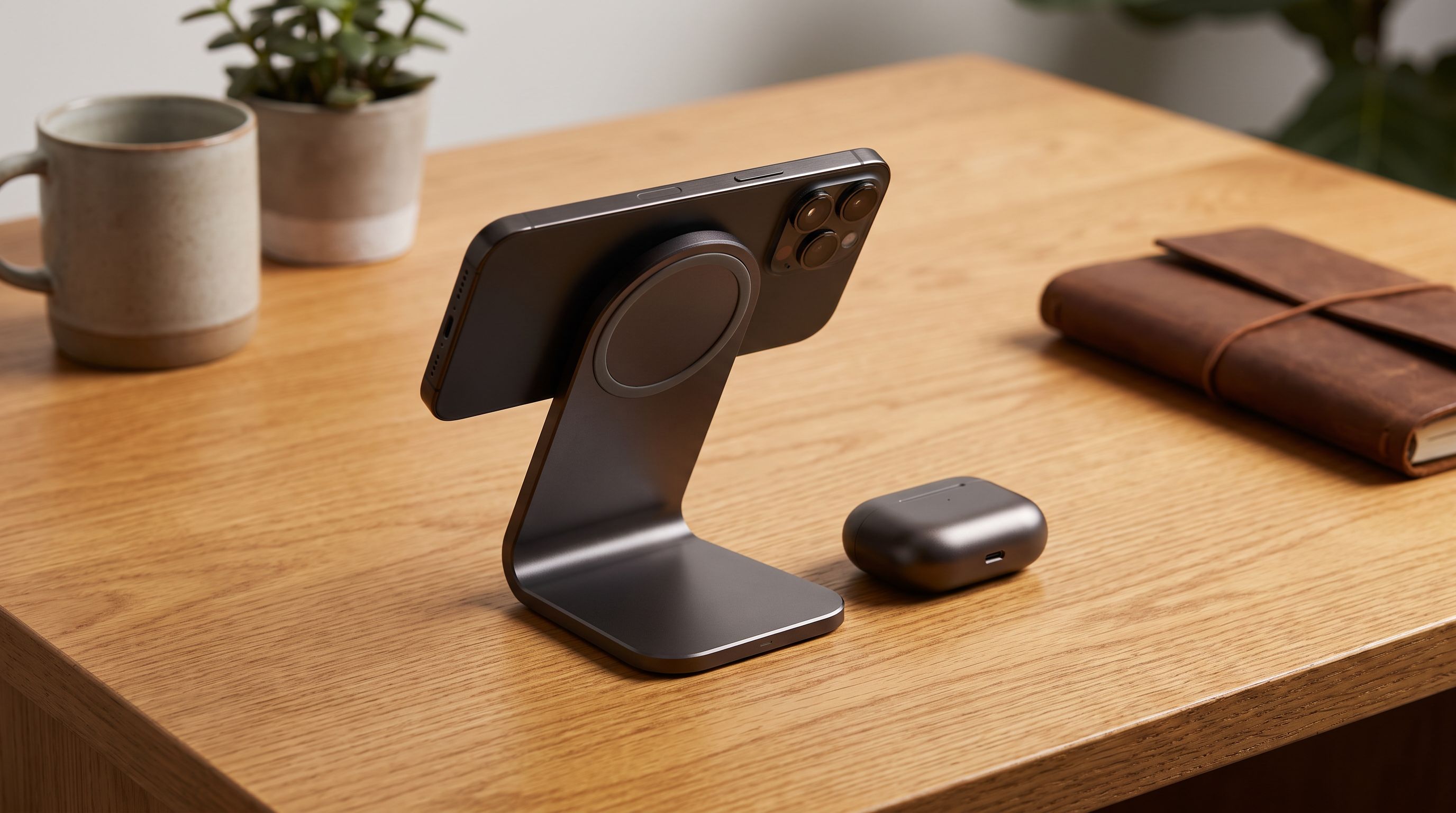
Which Wireless Charger Belongs on Your Desk in 2026?
The best wireless charger for desk setups in 2026: Qi2 25W picks compared on speed, case tolerance, and how many cables they actually remove from your workspace.
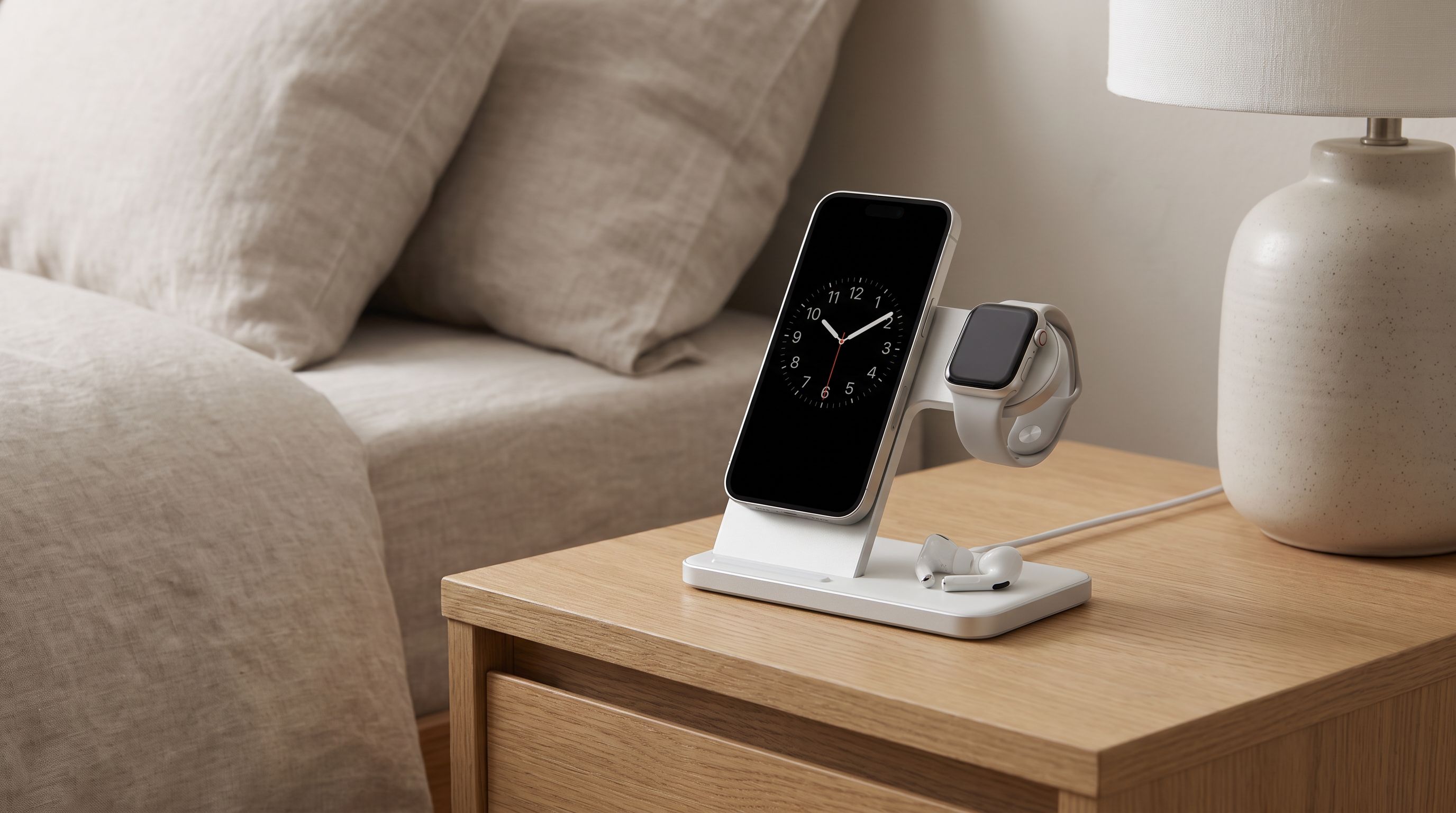
3-in-1 Qi2 Charging Stands in 2026: 4 Picks That Deliver
Compare the best 3-in-1 wireless charging stations of 2026 — Qi2 and Qi2.2 stands from Belkin, Anker, ESR and Nomad, ranked by wattage, footprint and travel use.