Which Label Maker Should You Buy in 2026? 5 Picks That Deliver
Looking for the best label maker in 2026? We compare Bluetooth, app-connected, and keyboard models on tape costs, print quality, and connectivity for home and office use.
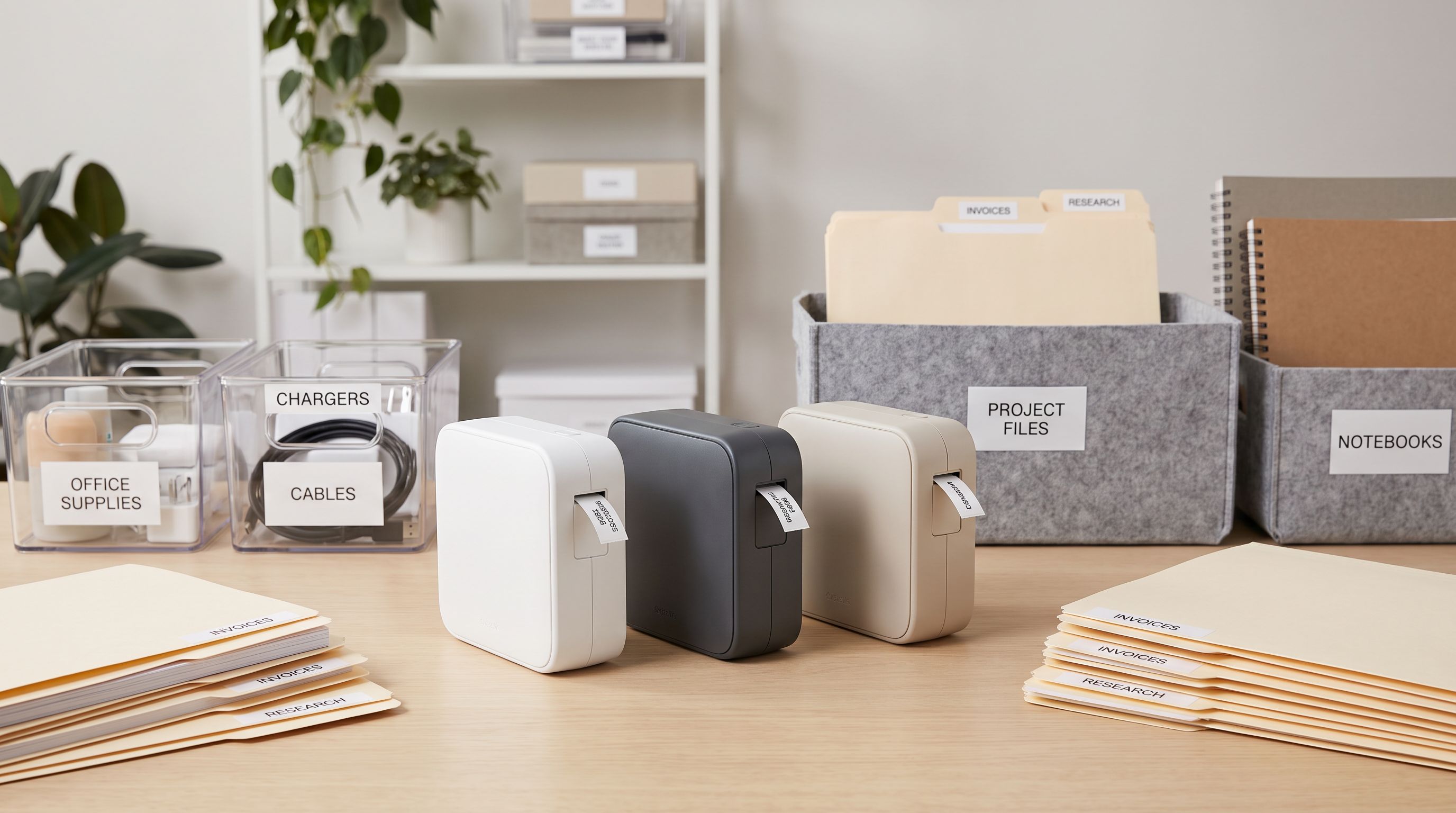
Reader-supported: we may earn a commission from links on this page, at no extra cost to you. It never affects our picks. Learn more.
Why a Dedicated Label Maker Still Matters
You could scrawl on masking tape with a Sharpie — plenty of people do — but a proper label maker produces clean, durable, professional-looking labels in seconds. Whether you're organizing a pantry, labeling cables behind a desk, or printing shipping labels for an Etsy shop, the right device pays for itself in time saved and sanity preserved.
The market in 2026 splits into three camps: standalone keyboard models that need no phone, Bluetooth/app-connected printers that lean on smartphone apps for design flexibility, and desktop label printers built for volume. Below, we break down five standout options across those categories and help you figure out which one actually fits your life.
What to Look For Before Buying
Print Technology
Most consumer label makers use thermal transfer (heated ribbon onto laminated tape) or direct thermal (heat-sensitive paper, no ink needed). Thermal transfer labels — like Brother's TZe tapes — are waterproof, scratch-resistant, and last years. Direct thermal labels fade over time but cost less per print and need no ribbon cartridge.
Tape / Label Costs
The printer is only part of the expense. Brother TZe tape cassettes typically cover 8 meters per cartridge and come in widths from 3.5 mm to 24 mm. DYMO D1 tapes are comparable. NIIMBOT's direct-thermal rolls hold far more labels per roll at a lower unit cost but lack the lamination of TZe. Always factor in consumable costs before committing to an ecosystem.
Connectivity
Keyboard-only models like the Brother P-touch PT-D220 work right out of the box with zero setup. Bluetooth models like the Brother P-touch Cube Plus PT-P710BT and the NIIMBOT B1 require a companion app but unlock design templates, icons, and barcode generation. Desktop printers like the DYMO LabelWriter 5XL connect via USB and sometimes Wi-Fi, targeting high-throughput office or shipping workflows.
Print Resolution & Speed
For text and simple icons, 180 dpi is perfectly fine. For barcodes or QR codes that need reliable scanning, 300 dpi is safer. Speed matters most for shipping-label printers where you might print dozens of labels in a batch.
Our 5 Picks Compared
| Feature | Brother PT-D220 | Brother PT-P710BT | NIIMBOT B1 | DYMO LabelWriter 5XL | Brother QL-800 |
|---|---|---|---|---|---|
| Print Tech | Thermal transfer (TZe) | Thermal transfer (TZe) | Direct thermal | Direct thermal | Direct thermal (DK) |
| Max Tape Width | 12 mm | 24 mm | 15 mm | 4 × 6 in (shipping) | 62 mm |
| Resolution | 180 dpi | 180 dpi | 203 dpi | 300 dpi | 300 dpi |
| Connectivity | USB only | Bluetooth + USB | Bluetooth | USB | USB |
| Auto-Cutter | Yes | Yes | No (manual tear) | N/A (continuous roll) | Yes |
| Power | 6 × AAA or AC adapter | Li-ion battery or AC | Rechargeable battery | AC adapter | AC adapter |
| Best For | Quick home labeling | App-driven design | On-the-go portability | Shipping & warehouse | Paper labels & barcodes |
Detailed Breakdown
Brother P-touch PT-D220 — Best Overall
The PT-D220 has been a consistent favorite among reviewers and owners for good reason. It has a full QWERTY keyboard, a small graphical display for previewing labels, and an easy-load TZe cassette system. Labels come out laminated, which means they resist water, heat, and fading — ideal for garage bins, pantry jars, and cable management. It runs on AAA batteries or an optional AC adapter, and its no-app, no-phone simplicity appeals to anyone who just wants to type and print. The trade-off: TZe tape cassettes aren't the cheapest consumables, and you're limited to 12 mm tape width.
Brother P-touch Cube Plus PT-P710BT — Best Bluetooth Pick
If you want design freedom — custom fonts, icons, frames, and even QR codes — the Cube Plus connects to Brother's P-touch Design & Print 2 app via Bluetooth. It supports TZe tapes up to 24 mm wide, has a built-in auto-cutter, and runs on a rechargeable Li-ion battery. Wirecutter and multiple independent reviewers have praised the similar PT-D25NBT line; the Cube Plus adds wider tape support and a more polished app experience. It's a strong pick for small-business owners who need professional-looking product or shelf labels.
NIIMBOT B1 — Best Compact & Portable
The NIIMBOT B1 is a tiny, pocketable label maker that pairs with a well-designed smartphone app. It uses direct-thermal label rolls, so there's no ink or toner — just heat. Label rolls are inexpensive and come in a wide variety of sizes and colors. The B1 prints at 203 dpi, which is sharp enough for text and simple icons. The downside: direct-thermal labels can fade with prolonged sun or heat exposure, so they're best for indoor use. For casual home organization or labeling food containers, the B1 hits a sweet spot of affordability and convenience that multiple 2026 roundups have highlighted.
DYMO LabelWriter 5XL — Best for Shipping Labels
Small-business sellers need a different kind of label maker. The LabelWriter 5XL prints 4×6 shipping labels via direct thermal technology — no ink cartridges to replace, ever. It connects over USB, works with DYMO's desktop software, and integrates with platforms like Shopify, eBay, and UPS WorldShip. At 300 dpi, barcodes and QR codes scan reliably. The limitation is that it's a desktop-only, AC-powered device — portability isn't the point. If you ship more than a handful of packages per week, the per-label savings over inkjet-printed labels add up fast.
Brother QL-800 — Best for Paper Labels
The QL-800 is a desktop label printer that stands out for its ability to print in two colors (black and red) on DK-label rolls. That makes it excellent for attention-grabbing warnings, sale signs, and address labels. At 300 dpi, barcodes and small text are crisp. It's USB-connected, works with Brother's P-touch Editor software, and supports label widths up to 62 mm. Multiple expert roundups in 2026 name the QL-800 as a top pick for paper-label printing. It's not built for laminated organization labels — that's TZe territory — but for office labeling and light commercial use, it's hard to beat.
Tips for Saving on Label Supplies
- Buy multi-packs. Both Brother TZe and DYMO D1 tapes are significantly cheaper per cartridge in bundles of three or more.
- Consider third-party tapes. Compatible TZe and DK cartridges from brands like Oaffly or MarkDomain can cut costs, though lamination quality may vary.
- Match tape type to use case. Don't pay for laminated TZe tape if you're labeling short-term storage boxes — direct-thermal labels are cheaper and perfectly adequate indoors.
FAQ
Are Bluetooth label makers worth it over keyboard models?
If you want design flexibility — custom fonts, graphics, QR codes, or batch printing from a spreadsheet — Bluetooth models connected to an app are significantly more capable. If you just need quick text labels, a keyboard model like the Brother PT-D220 is faster and simpler.
How long do direct-thermal labels last?
Under normal indoor conditions (no direct sunlight or extreme heat), direct-thermal labels remain legible for one to three years. Laminated thermal-transfer labels (like Brother TZe) can last a decade or more.
Can I use third-party label tapes?
Generally, yes. Brother TZe-compatible and DYMO D1-compatible cartridges from third-party brands work in most machines. Quality can be inconsistent, so check reviews before buying in bulk. Using off-brand tapes typically does not void the printer's warranty.
Which label maker is best for a small Etsy or eBay business?
For shipping labels, the DYMO LabelWriter 5XL is purpose-built and cost-effective. For product labels or packaging, the Brother P-touch Cube Plus PT-P710BT offers attractive laminated labels up to 24 mm wide with app-designed layouts.
Do I need a label maker if I already have a regular printer?
A regular printer can produce labels on sheet stock, but a dedicated label maker is faster for one-off labels, doesn't waste a full sheet per print, and (in the case of TZe models) produces waterproof, laminated output that a standard inkjet can't match.
Our picks
Brother P-touch PT-D220
Reliable keyboard-based label maker with easy-load tape cassettes and sharp 180 dpi TZe prints.
Brother P-touch Cube Plus PT-P710BT
App-connected label maker with 24mm tape support, auto-cutter, and clean smartphone workflow.
NIIMBOT B1 Label Maker
Pocket-sized thermal printer with a polished app and affordable direct-thermal label rolls.
DYMO LabelWriter 5XL
Prints 4x6 shipping labels without ink; ideal for small businesses and high-volume labeling.
Brother QL-800
Fast two-color printing on paper labels, great for address labels, barcodes, and signage.
Get the best tech deals in your inbox
Join the BytePlaza newsletter for hand-picked gadget deals and new buying guides. No spam, unsubscribe anytime.
Related reads
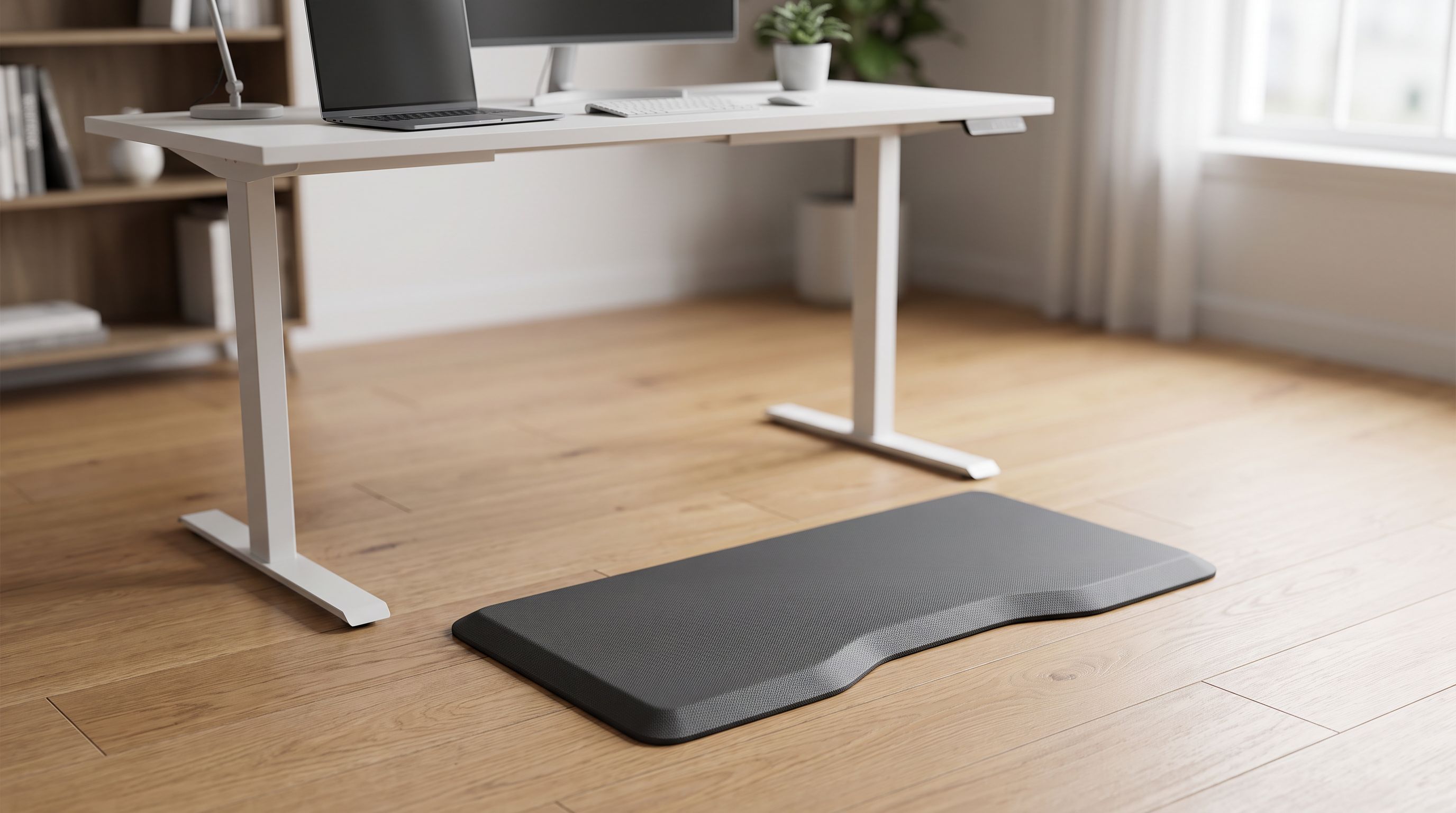
Standing Desk Mats in 2026: 5 Picks That Actually Reduce Fatigue
Looking for the best standing desk mat in 2026? We compared top anti-fatigue mats by thickness, material, and ergonomic design to help you stand longer in comfort.
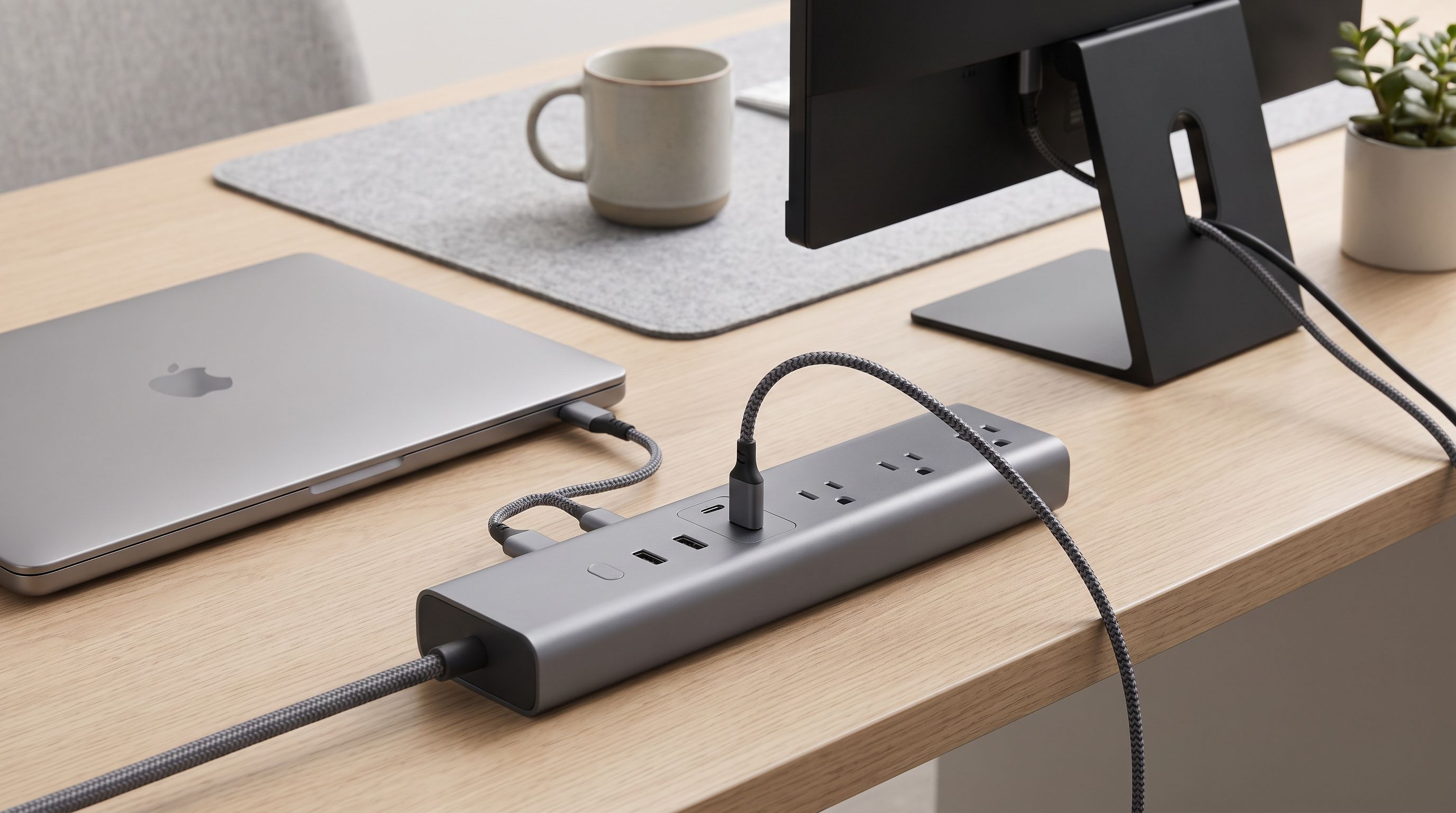
USB-C Surge Protectors in 2026: 5 Desk Picks That Actually Deliver
Looking for the best USB-C surge protector in 2026? We compared joule ratings, PD ports, and cable lengths to find the top desk-friendly picks.
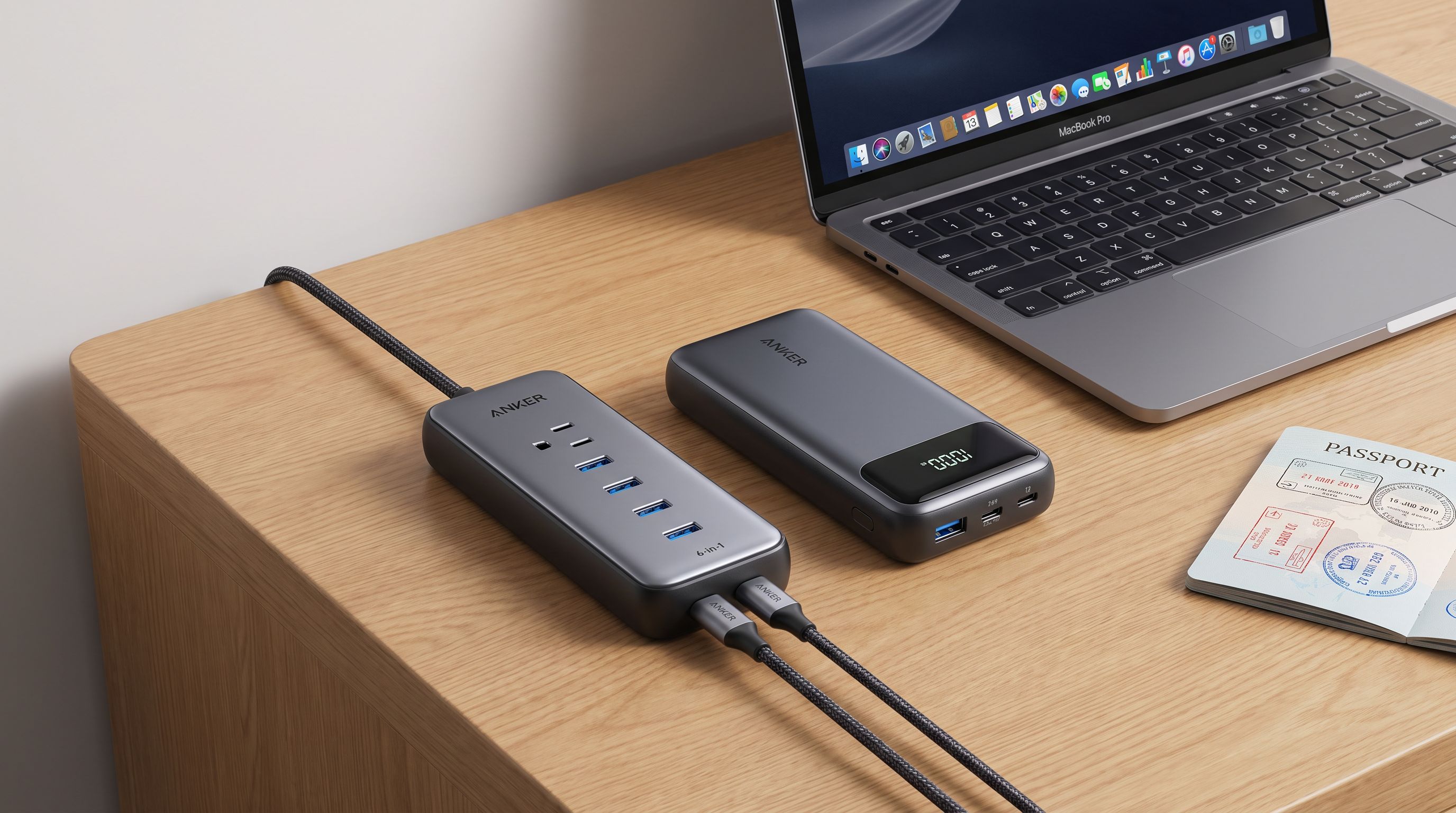
USB-C Power Strip vs Power Bank: What to Pack in 2026
USB-C power strip vs power bank for travel in 2026: we compare outlet counts, wattage, TSA rules, and portability to help you pick the right one to pack.