Ring vs Panel: Which Webcam Light Should You Buy in 2026?
Clip-on ring lights vs panel lights for video calls — we compare color accuracy, dimming, glare, and mounting to find the best webcam light in 2026.
Reader-supported: we may earn a commission from links on this page, at no extra cost to you. It never affects our picks. Learn more.
Why Your Webcam Needs Its Own Light
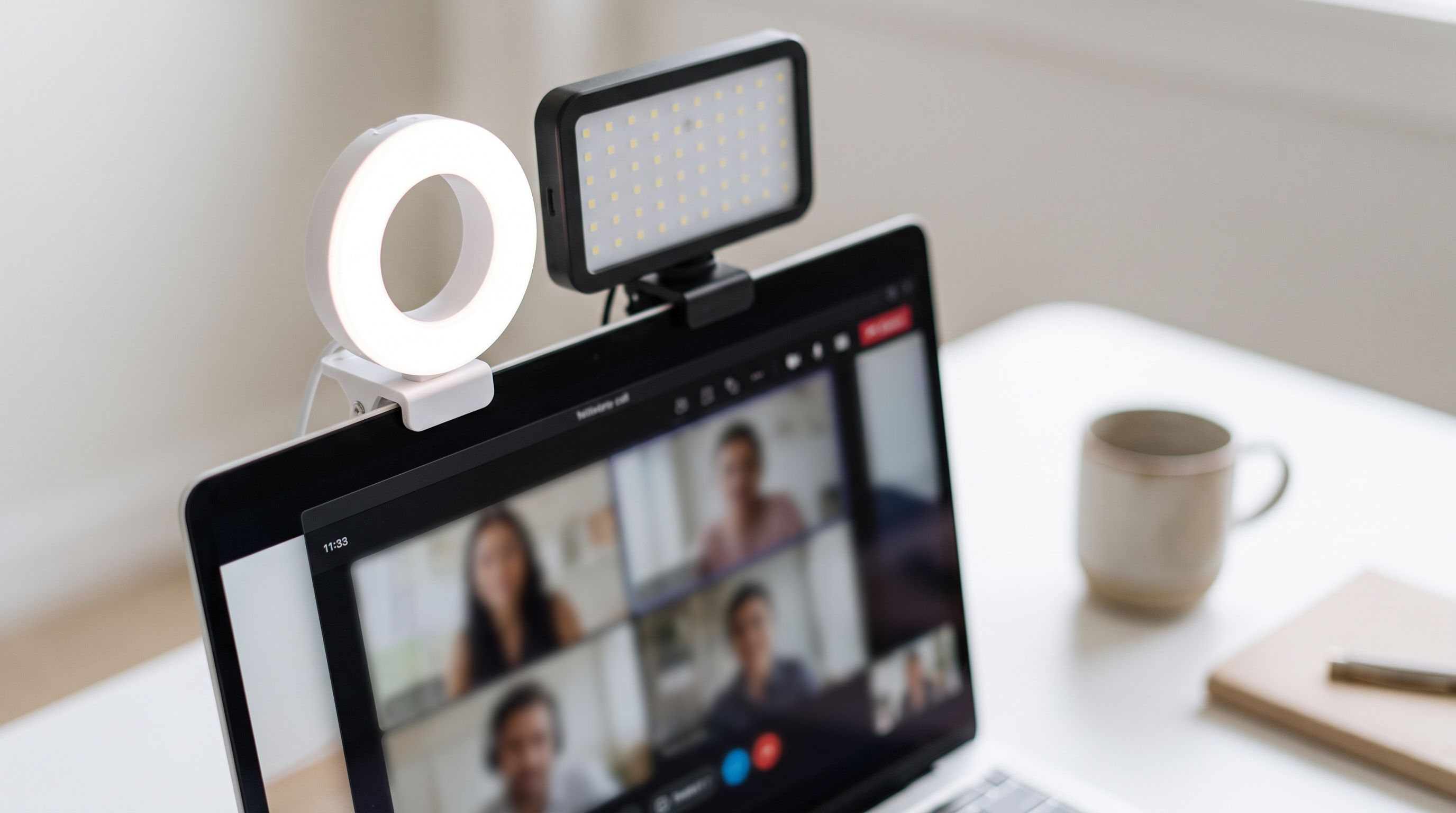
Even the best webcam in 2026 can't fix bad lighting. A dim room, harsh overhead fluorescent, or a bright window behind you will leave you looking washed-out, shadowy, or both. A small dedicated light mounted near your camera lens solves the problem at the source — and the two dominant form factors are clip-on ring lights and clip-on panel lights.
Both promise better video-call presence, but they differ meaningfully in how they shape light, how they handle glare, and how much control they give you. Below, we break down those differences, then recommend the best webcam light in 2026 for every budget and use case.
Ring Lights vs Panel Lights: Key Differences
Shape and Light Distribution
A ring light wraps LEDs in a circle, producing even illumination that radiates outward from a central opening. This design was originally popular for beauty and portrait photography because it creates a signature catchlight — that small ring-shaped reflection in your eyes.
A panel light arranges LEDs in a flat rectangle or square. The result is a broader, more diffused wash of light that illuminates your face (and some of your background) more uniformly. Panels tend to produce softer shadows, which many people prefer for professional video calls.
Glare and Reflections
Ring lights can cause a noticeable circular reflection in eyeglasses. If you wear glasses on calls, this is a real consideration. Panel lights with built-in diffusers — like the Logitech Litra Glow's TrueSoft diffusion layer — scatter light more gently and reduce hot spots on lenses.
 Best clip-on for laptops · Logitech Litra Glow — Check price on Amazon →
Color Accuracy
Both form factors now ship with adjustable color temperature, typically ranging from warm (2700 K) to cool daylight (6500 K). However, higher-end panels from brands like Elgato and Lume Cube tend to score better on CRI (Color Rendering Index) measurements in third-party reviews, often exceeding CRI 95. Budget ring lights sometimes fall short, hovering around CRI 80–85.
Mounting
Ring lights designed to clip onto a laptop screen are usually lightweight and compact. Panel lights vary more: some suction-mount to a monitor (like the Lume Cube Video Conference Lighting Kit), while others clip on top of a display (like the Logitech Litra Glow). Webcam-plus-ring-light combos such as the Razer Kiyo Pro Ultra skip the separate mount entirely by building the light around the camera sensor.
 Best ring-light webcam combo · Razer Kiyo Pro Ultra — Check price on Amazon →
 Best overall · Lume Cube Video Conference Lighting Kit — Check price on Amazon →
Comparison Table
| Feature | Clip-On Ring Light | Clip-On Panel Light |
|---|---|---|
| Light pattern | Circular, focused on subject | Broad, diffused wash |
| Catchlight in eyes | Distinctive ring shape | Soft, less noticeable |
| Glasses glare | More likely | Less likely (with diffuser) |
| Typical CRI | 80–90 (budget) to 95+ (premium) | 90–97 (mid-range to premium) |
| Color temp range | 2700 K–6500 K (most models) | 2700 K–6500 K (most models) |
| Size / portability | Very compact, easy to travel with | Slightly larger, still portable |
| Best for | Solo content creators, beauty lighting | Professional calls, glasses wearers |
Our Top Picks for 2026
Lume Cube Video Conference Lighting Kit — Best Overall
The Lume Cube Video Conference Lighting Kit is a compact LED panel that suction-mounts to your monitor or laptop lid. It delivers high CRI illumination with stepless brightness and color temperature adjustment via an onboard dial. Owner feedback consistently praises its even light spread and minimal glare on glasses. It's USB-powered, so there's no battery to manage — just plug it in and go.
Elgato Key Light Mini — Premium Pick
 Premium pick · Elgato Key Light Mini — Check price on Amazon →
If you want app-level control and a premium build, the Elgato Key Light Mini stands out. It connects over Bluetooth and Wi-Fi, letting you adjust brightness and color temperature from Elgato's Control Center software or the Stream Deck ecosystem. Its wide color temp range and high CRI make it a favorite among streamers and remote professionals. It's rechargeable via USB-C, which is a genuine advantage for laptop users who move between rooms.
Razer Kiyo Pro Ultra — Best Ring-Light Webcam Combo
For users who want one device instead of two, the Razer Kiyo Pro Ultra combines a 4K camera sensor with a built-in ring light. The integrated design means no extra mounting hardware, and the light is tuned to complement the camera's exposure. It's a heavier, pricier solution, but it simplifies your setup significantly — particularly useful for streamers and content creators.
Logitech Litra Glow — Best Clip-On for Laptops
The Logitech Litra Glow clips directly onto most monitors and laptops with a simple bracket. Its TrueSoft diffusion technology is specifically designed to reduce harsh shadows and eyeglass reflections. It integrates with Logitech G HUB software for fine-tuned brightness and color temperature presets. Based on reviews and owner feedback, it's one of the most consistently recommended monitor-mounted lights for daily Zoom and Teams calls.
Selvim Clip-On Ring Light — Budget Pick
Not everyone needs app control or CRI 95+ accuracy. The Selvim Clip-On Ring Light offers three color modes (warm, neutral, daylight) and multiple brightness levels for a fraction of the cost of premium options. It clips directly onto a phone or laptop and draws power via USB. It won't match the color fidelity of a Lume Cube or Elgato, but for casual video calls, it's a perfectly functional starting point.
What to Look For When Shopping
- CRI rating: Aim for CRI 90+ if accurate skin tones matter to you. Anything below 80 may make colors look flat or greenish.
- Dimming range: Stepless dimming is more versatile than preset levels. Check whether the control is physical (dial) or software-based.
- Power source: USB-powered lights are simple but tethered. Rechargeable models (like the Elgato Key Light Mini) offer more placement flexibility.
- Mount compatibility: Verify the clip or suction mount fits your specific monitor or laptop thickness before buying.
- Glasses-friendliness: If you wear glasses on calls, strongly favor a panel light with a built-in diffuser over a bare ring light.
FAQ
Do I really need a separate webcam light?
In most cases, yes. Built-in laptop cameras perform dramatically better with front-facing, adjustable lighting. Even a budget clip-on light can eliminate under-eye shadows and uneven skin tones that overhead room lights cause.
Will a ring light cause glare on my glasses?
It can. Ring lights produce a concentrated circular reflection that's often visible in eyeglass lenses. If you wear glasses regularly on calls, a panel light with a diffuser — such as the Logitech Litra Glow — is a safer choice.
What color temperature should I set for video calls?
A range of 4000 K–5000 K (neutral to cool white) generally looks most natural on camera and blends well with typical indoor ambient lighting. Avoid going full 6500 K unless your room is already very cool-toned.
Can I use a clip-on webcam light for streaming or content creation?
Absolutely. Models like the Elgato Key Light Mini and Lume Cube Video Conference Lighting Kit are popular among streamers. For more elaborate setups, though, you may want a larger key light or a two-light arrangement for better depth.
How much should I spend?
Budget ring lights start well under $20, while premium panels typically range from $40 to $100+. For daily professional calls, investing in a panel with high CRI and stepless dimming is worth the upgrade over the cheapest option.
Our picks
LUME CUBE Edge 2.0 LED Desk Lamp | Dimmable Home Office Desk Light with USB Charging Port & Strong Swing Arm | Adjustable Color Temperature and Brightness | Circle Webcam Light - Black 2pk
Suction-mount panel with excellent color accuracy and stepless dimming for any video call.
Elgato Key Light, Professional 2800 Lumens Studio Light
Portable, app-controlled panel with wide color temp range and Bluetooth connectivity.
Razer Kiyo Pro Ultra 4K Webcam, Large Sensor, Built-in Mic and Shutter
Built-in ring light plus 4K sensor in one device — ideal for streamers who want simplicity.
Logitech for Creators Litra Glow Premium LED Streaming Light - Graphite
Monitor-mount LED panel with TrueSoft technology for soft, flattering, glare-free light.
Selvim Clip-On Ring Light
Affordable clip-on ring light with three color modes — great entry point for casual Zoom users.
Get the best tech deals in your inbox
Join the BytePlaza newsletter for hand-picked gadget deals and new buying guides. No spam, unsubscribe anytime.
Related reads
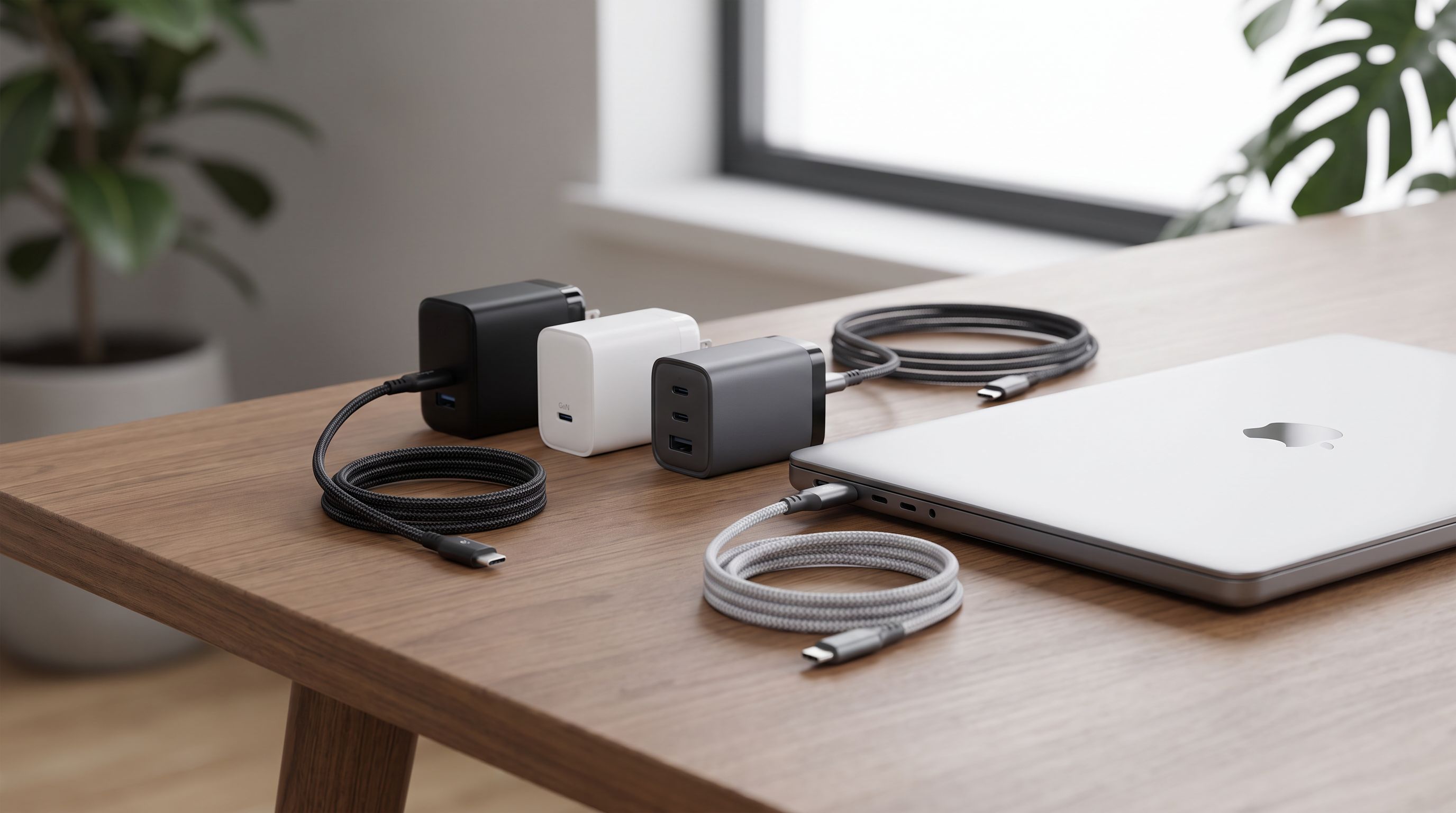
USB-C Laptop Chargers in 2026: 140W+ Picks That Replace Your Brick
Looking for the best USB-C laptop charger in 2026? We compare 140W+ GaN chargers with PD 3.1 support, multi-port designs, and compact builds that replace bulky OEM bricks.
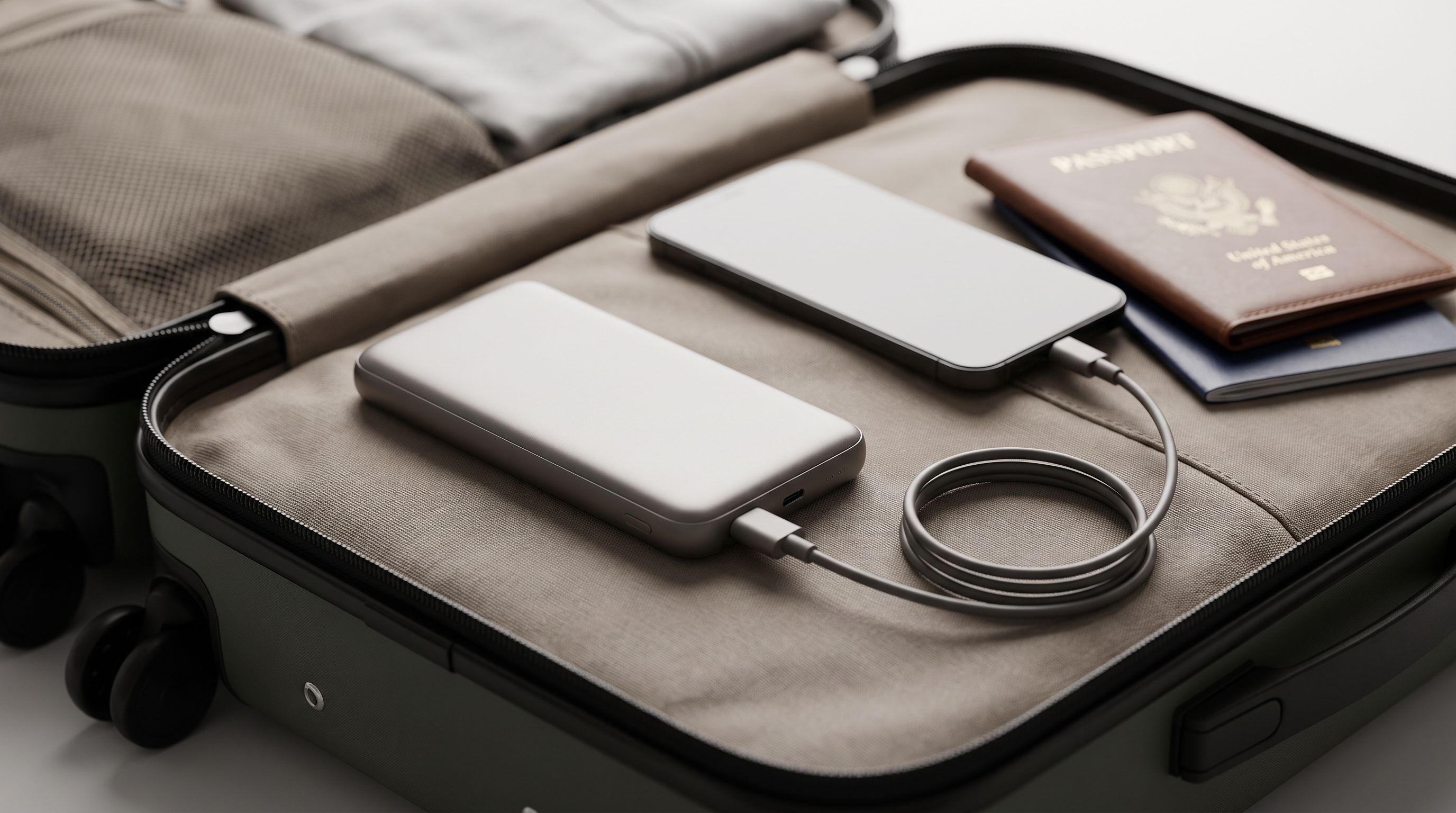
Power Bank With Built-In Cable: 2026 Picks That Fly Legal
Power banks with built-in cables compared for 2026: cable wattage, bend-cycle durability and airline-safe capacity, plus 5 picks for travellers who hate packing cords.
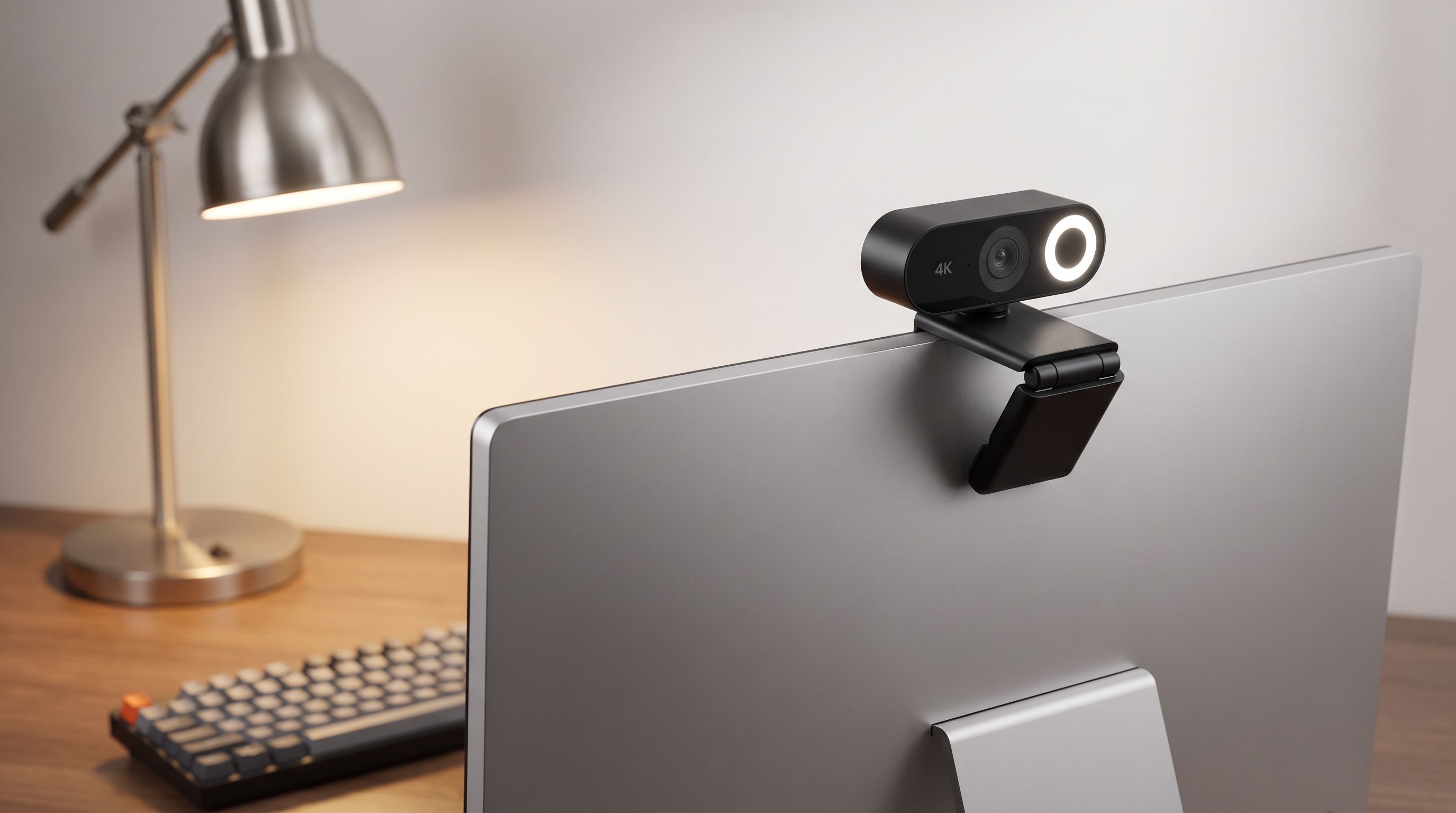
4K Webcams in 2026: 5 AI-Framing Picks That Actually Hold Up
Looking for the best 4K webcam in 2026? We compared AI framing, sensor size, low-light handling and mounts across five top models for hybrid workers.