Mic Arms in 2026: 5 Picks That Kill Desk Thump
The best microphone boom arm stops keyboard clatter and desk thumps. We compare RØDE PSA1+, Elgato Wave Mic Arm LP, Blue Compass and more for USB and XLR mics.
Reader-supported: we may earn a commission from links on this page, at no extra cost to you. It never affects our picks. Learn more.
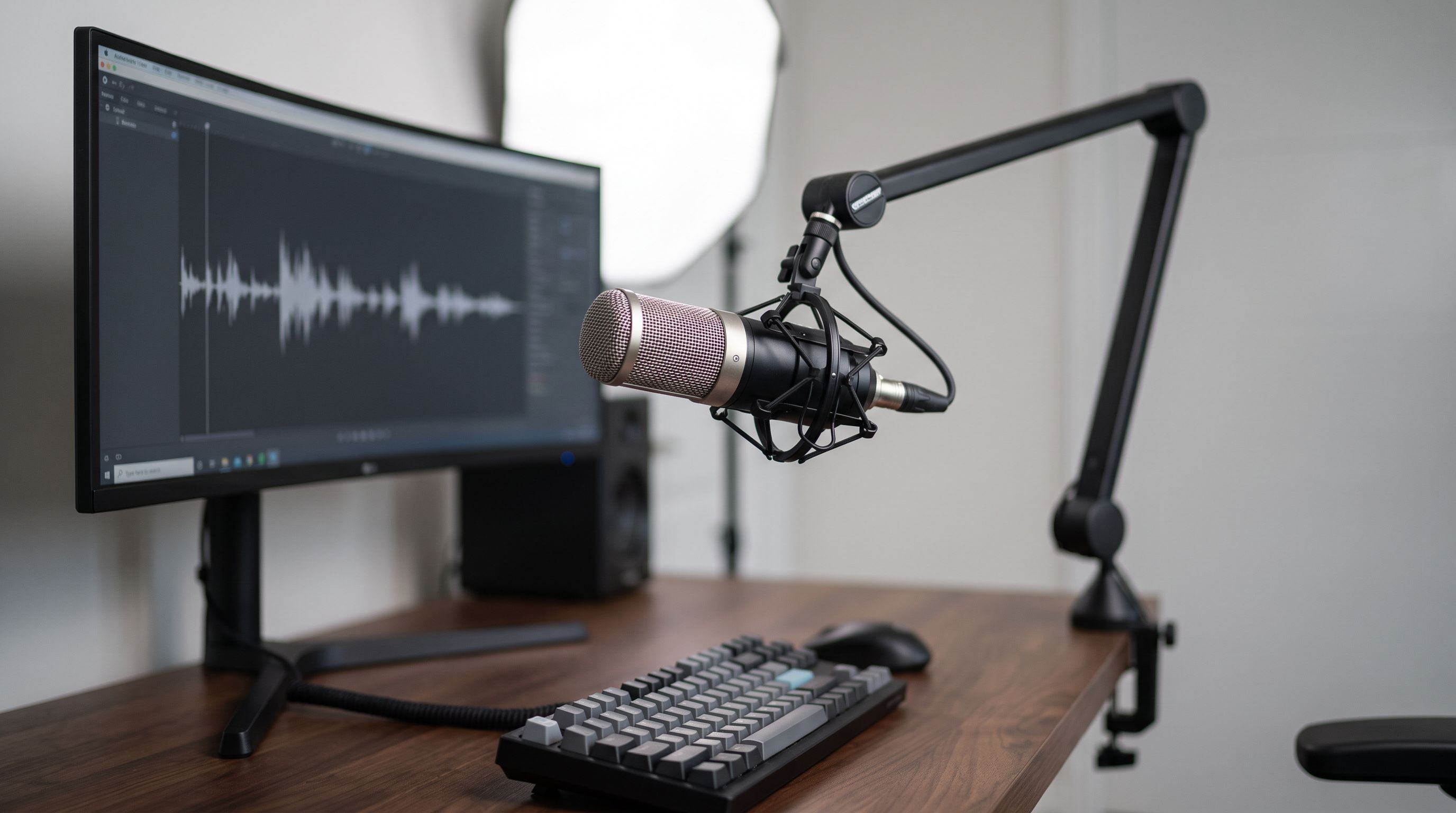
If your podcast guest can hear every keystroke, every mug set-down and every time your knee bumps the desk, the microphone is rarely the problem. The problem is that the mic is bolted to the same rigid slab of wood you're typing on. A good boom arm — ideally paired with a proper shock mount — breaks that mechanical path, gets the capsule closer to your mouth, and clears your keyboard and monitor at the same time.
We compared the arms that keep showing up in 2026 buying guides, creator forums and long-term owner reports, and matched them to the USB and XLR mics people actually own. No one at BytePlaza clamps these to a desk in a lab; this is a research-led ranking built on manufacturer specs, independent reviews and verified owner feedback — which, for mic arms, is unusually informative, because the failure mode everyone complains about is the same: droop after six months.
What actually stops desk thump
Three things, in order of importance:
1. Mechanical decoupling. A shock mount suspends the mic in elastic bands or silicone loops so vibration travelling up the arm doesn't reach the capsule. Cheap plastic mounts with stretched-out bands do almost nothing after a year. Many arms ship with a generic mount; on a serious mic, replacing it with something like the RØDE PSM1 is the single cheapest upgrade in this whole category.
2. Clamp quality and desk mass. A flimsy C-clamp on a hollow-core IKEA desk transmits more than a solid clamp on a 25 mm butcher block. If your desk drums like a snare when you tap it, add a felt or rubber pad under the clamp jaws and expect to work harder on placement.
3. Mic position. Boom the mic in from the side or over the top, angled down at your mouth, so the null side of a cardioid pattern faces your keyboard. Getting 2–3 inches closer lets you drop gain, and lower gain means quieter everything else. An arm that can't reach that position is useless no matter how well it's damped.
Spring arms vs. friction-hinge arms
Most desk arms use internal or external springs. Springs are forgiving — you can reposition one-handed mid-session — but they have a weight window. Load a spring arm that's tuned for a 300 g USB mic with a 1.2 kg broadcast dynamic plus shock mount and it will sag, creep and eventually park itself on your desk.
Friction-hinge and lever-lock arms (the parallelogram designs used in some broadcast studios) hold any weight within spec but need two hands and a tightening pass. For solo streamers, springs win. For a fixed podcast studio where the mic never moves once it's set, a locking arm is calmer.
The picks
RØDE PSA1+ — best overall
 Best overall · RØDE PSA1+ — Check price on Amazon →
The PSA1 has been the default answer for over a decade, and the PSA1+ revision fixed the two things people griped about: audible spring twang and cable management. The springs are internally damped, so movement is near-silent even while recording, and cables route through covered channels rather than dangling in zip ties. It ships with both a desk clamp and a through-desk mount, plus a standard 3/8" thread with 5/8" adapter, so it plays with essentially any mic mount you already own.
Best matched to: RØDE NT1/NT-USB+, Shure MV7+, Audio-Technica AT2020, Elgato Wave:3. It has enough spring tension for heavier dynamics too, though genuinely heavy broadcast mics sit at the top of its comfortable range.
Elgato Wave Mic Arm LP — best low-profile for streamers
 Best low-profile for streamers · Elgato Wave Mic Arm LP — Check price on Amazon →
The LP's trick is that it hinges flat and sweeps in from the side at desk level rather than arcing overhead. If you run a triple-monitor setup or a camera on a centre mount, a conventional arm is constantly in frame or in the way; the Wave Mic Arm LP isn't. Cable routing is properly hidden inside the channels, and the clamp system is more adjustable than most. It's tuned for the mics streamers actually use, so a huge dynamic with a heavy mount is not its natural habitat.
Blue Compass — best for heavy broadcast mics
The Compass is the tube-style arm to buy when your mic is a Blue Yeti, a Shure SM7B or something similarly hefty. Internal springs, a hidden cable channel, and a rated capacity that comfortably covers big broadcast dynamics. It's a heavier, more deliberate arm than the Elgato — you notice it on the desk — but that mass is part of why it doesn't creep.
InnoGear Microphone Arm Stand — budget pick
 Budget pick · InnoGear Microphone Arm Stand — Check price on Amazon →
The best-selling budget option for a reason: a scissor-style spring arm bundled with a shock mount, pop filter, and 3/8"-to-5/8" adapters. Owner feedback is consistent — great for light-to-mid USB condensers, noticeably strained by heavy dynamics, and the included shock mount is the first thing worth upgrading. If you're setting up a second guest position or a guest room podcast rig, it's hard to argue with.
Note that InnoGear also makes a well-reviewed floor tripod boom stand, which is the right call if you can't clamp to a desk at all — renters with glass or thin-lipped desks, or anyone recording standing up.
RØDE PSM1 — best shock mount upgrade
Not an arm, but the fix for the arm you already own. An elastic-suspension mount for NT1-class bodies that isolates knocks and low-frequency rumble far better than the rigid plastic cradle that came in the box. If you've solved placement but still hear thumps, start here before buying a new arm.
Comparison
| Model | Style | Cable routing | Best mic weight class | Standout |
|---|---|---|---|---|
| RØDE PSA1+ | Damped spring, overhead | Internal covered channels | Light to heavy studio mics | Silent movement, desk clamp + through-desk mount |
| Elgato Wave Mic Arm LP | Low-profile spring | Fully hidden channels | Light to mid USB/condenser | Stays out of camera and monitor space |
| Blue Compass | Tube-style internal spring | Hidden internal channel | Mid to heavy broadcast | Handles Yeti/SM7B-class mics without drooping |
| InnoGear Microphone Arm Stand | Scissor spring | External clips | Light USB condensers | Ships with shock mount and pop filter |
| RØDE PSM1 | Shock mount (add-on) | n/a | NT1-class bodies | Big isolation gain on an existing arm |
 Best shock mount upgrade · RØDE PSM1 Shock Mount — Check price on Amazon →
Matching arms to popular mics
- Shure SM7B / SM7dB: heavy, and the yoke adds more. Blue Compass or PSA1+ only. Budget scissor arms will sag.
- Blue Yeti / Yeti X: heavy for a USB mic. Compass is the natural partner; remove the desk stand entirely and use the 5/8" thread.
- RØDE NT1, NT-USB+, Shure MV7+, Elgato Wave:3: all comfortably within PSA1+ or Wave Mic Arm LP range.
- HyperX QuadCast S / SoloCast, Blue Snowball: light enough that the InnoGear arm is genuinely fine.
Setup details people skip
Leave a service loop of cable near the mic end so movement doesn't tug the connector. Route XLR away from power bricks and monitor cables to avoid induced hum. If your desk is hollow, sandwich a small hardwood or rubber block under the clamp to spread the load. And once the arm is positioned, do a knuckle-rap test on the desk while monitoring — if you still hear it clearly, the shock mount, not the arm, is your weak link.
FAQ
Does a boom arm actually reduce keyboard noise? Indirectly, yes. It lets you get the mic closer to your mouth so you can lower gain, and it lets you angle the cardioid null toward the keyboard. The arm itself doesn't block sound — placement does.
Do I need a shock mount if I have a good arm? For structure-borne thumps, the shock mount does more of the work than the arm. A good arm with a good mount is the combination that works; a good arm with a rigid cradle still transmits knocks.
Will a desk clamp damage my desk? It can mark soft or veneered surfaces. Most arms include a rubber or plastic pad; add felt if yours doesn't. Glass desks and thin lips are a real risk — use a floor stand instead.
3/8" or 5/8" thread — which do I need? Most arms use 3/8" with a 5/8" adapter; most mic mounts and shock mounts expect 5/8" (the US standard). Keep the adapter that comes in the box, because it's the part everyone loses.
Why does my arm droop after a few months? The mic is heavier than the spring tension allows, or the tension screws have backed off. Re-tighten first; if it still creeps, you're over the arm's weight class and need a heavier-duty model.
Our picks
RØDE PSA1+ Professional Studio Boom Arm with Spring Damping, Black
Internally damped springs, smooth silent movement and a 360° desk clamp that handles most studio condensers.
Elgato Wave Mic Arm Low Profile Microphone Boom Arm
Runs flat across the desk so it never blocks your monitor, with hidden channel cable routing.

Blue Compass Premium Tube-Style Microphone Broadcasting Boom Arm (Renewed)
Internal springs and a hidden cable channel; built to carry a Yeti or a Shure SM7B-class mic.
InnoGear Microphone Stand Mic Boom Arm for Blue Yeti HyperX QuadCast S SoloCast Snowball Fifine K669B and other Mic, with Shock Mount Windscreen Pop Filter Mic Clip Holder Cable Ties, Medium
Sturdy spring arm bundled with a shock mount, pop filter and adapters for well under boutique money.
RØDE PSM1 Shock Mount for PodMic, Podcaster & Procaster Microphones
Elastic suspension that isolates NT1-class mics from desk knocks and floor vibration.
Get the best tech deals in your inbox
Join the BytePlaza newsletter for hand-picked gadget deals and new buying guides. No spam, unsubscribe anytime.
Related reads
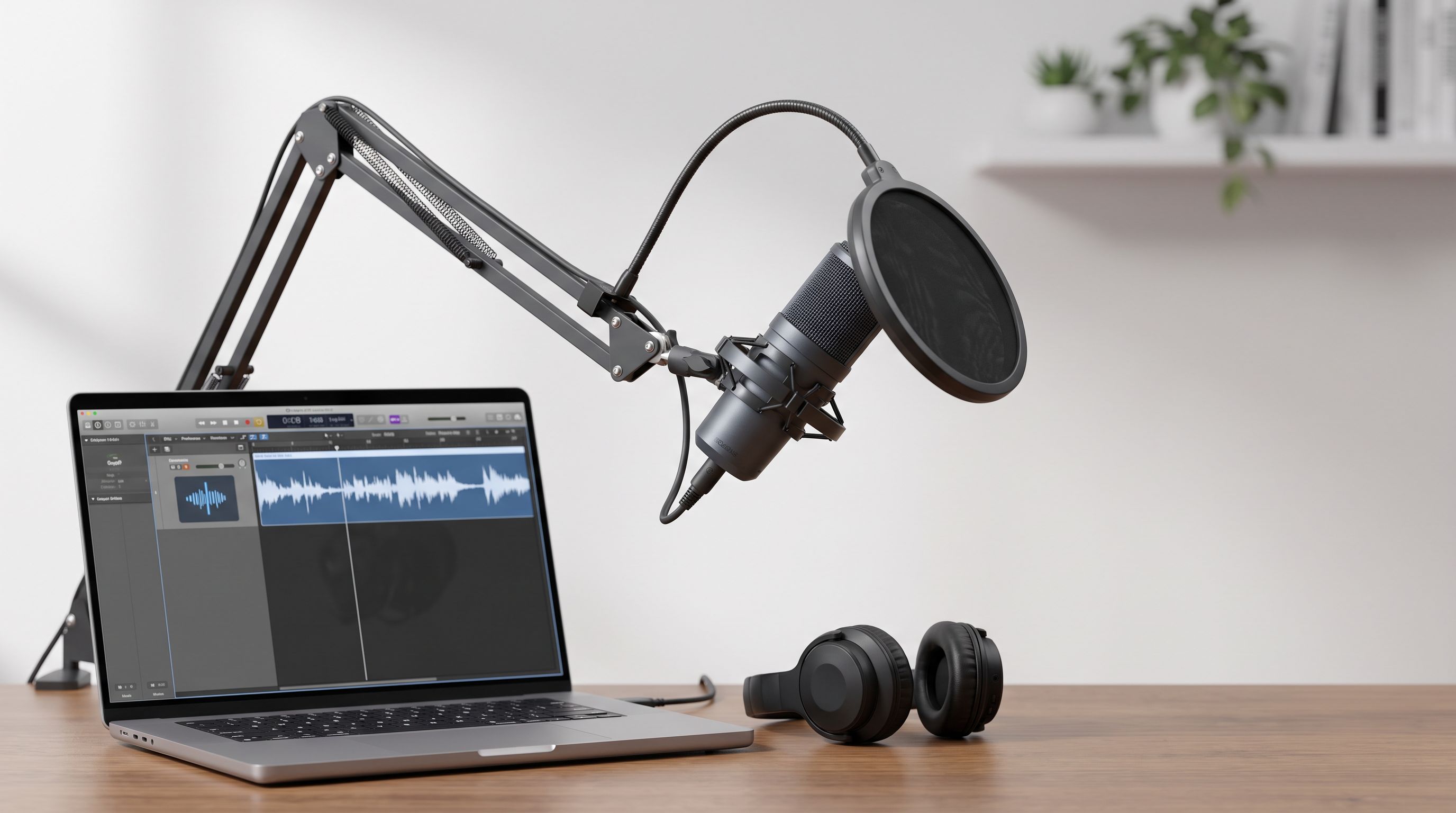
Best USB Microphone for Podcasting 2026: Top Picks
The best USB microphone for podcasting in 2026, tested picks for streamers and podcasters across price tiers — including USB/XLR hybrids and boom arm tips.
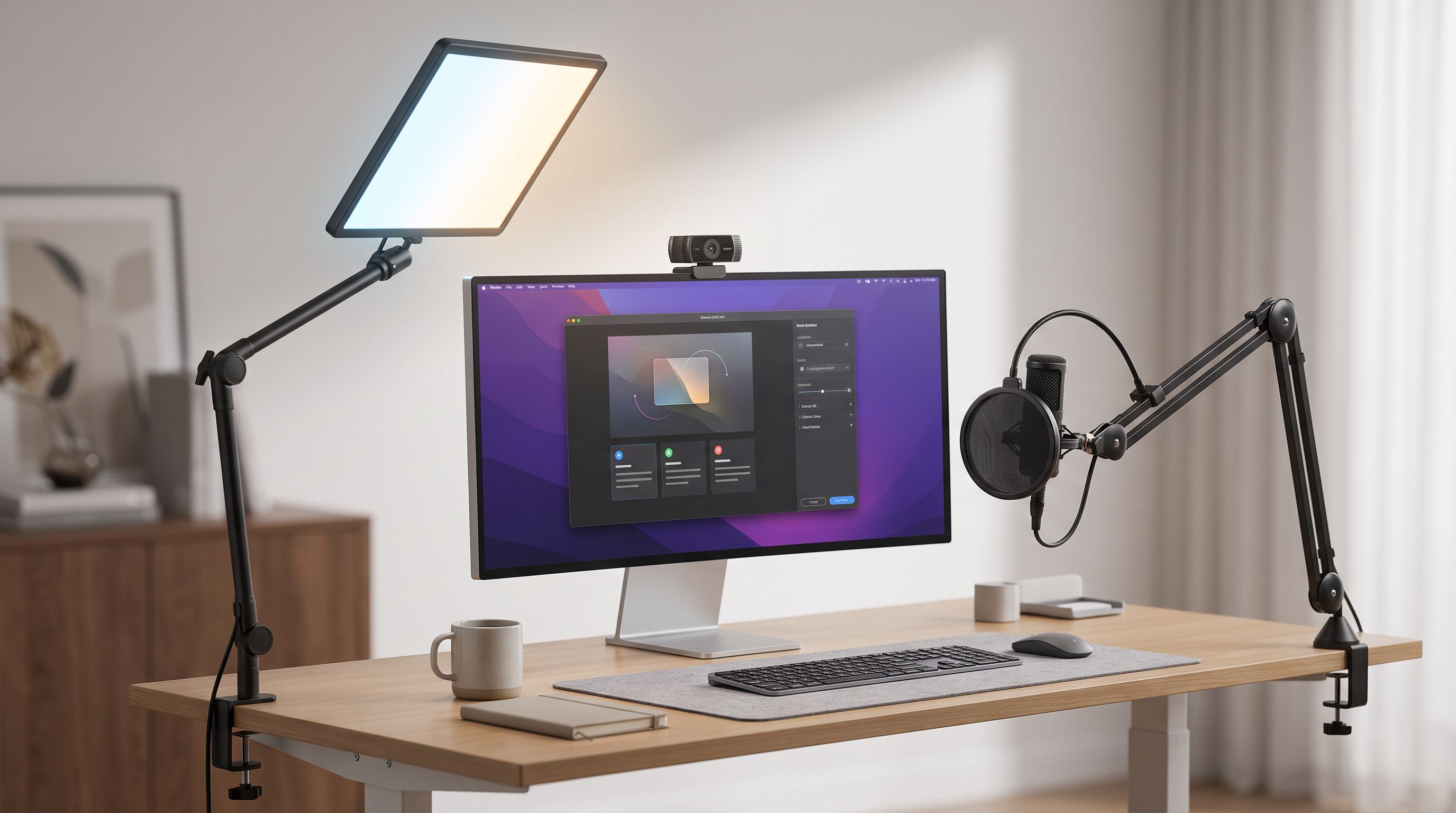
Which Key Light Should You Buy for Streaming in 2026?
The best key light for streaming in 2026, ranked by CRI, mounting options and app control — Elgato, Logitech Litra Beam, Lume Cube and budget panel picks compared.

Cheap OLED Tablets in 2026: Which Ones Actually Look Good?
Looking for the best OLED tablet without flagship pricing? We compare affordable OLED and AMOLED slates for Netflix, HDR contrast, speakers and battery life in 2026.