Best Matter Smart Home Devices to Buy in 2026
The best Matter smart home devices for 2026, evaluated against Alexa, Google Home and Apple Home — plus how Thread, borders routers and multi-admin actually work.
Reader-supported: we may earn a commission from links on this page, at no extra cost to you. It never affects our picks. Learn more.
Matter was supposed to end the smart home compatibility mess. Four years after launch, the honest verdict is: it mostly works, but only if you buy carefully. Some device categories are rock solid across Alexa, Google Home and Apple Home. Others still fall back on brand apps and cloud accounts.
This guide covers what actually matters when you're shopping: which device types are safe bets, why Thread changes reliability, and the specific products worth building around in 2026.
What Matter actually does (and doesn't)
Matter is a device standard, not a network. It defines how a smart plug describes itself so any controller understands it — on/off, brightness, colour temperature, energy readings.
Three things follow from that:
- Matter devices are local. Commands travel over your home network, not a manufacturer's cloud. Response is faster and keeps working if your internet drops.
- Matter supports multi-admin. One device can be paired to Alexa, Google Home and Apple Home simultaneously. This is the feature people underuse, and it's the single best reason to buy Matter.
- Matter doesn't cover everything. Advanced features — an air purifier's filter life, a robot vacuum's room maps, a camera's video feed — usually still live in the manufacturer's app. Matter exposes the basics.
That last point trips people up. Buying a Matter appliance doesn't mean you can delete the brand app. It means the core controls survive whichever ecosystem you're in.
Wi-Fi Matter vs Thread Matter
Matter runs over Wi-Fi, Ethernet or Thread. Thread is a low-power mesh — similar in spirit to Zigbee, but IP-native, so Thread devices are first-class citizens on your network.
For mains-powered devices like plugs and bulbs, Thread is generally the better buy. Each device repeats the mesh, so coverage improves as you add more. For battery sensors, Thread is a big win on latency and battery life. The catch: Thread needs a border router — a device that bridges the Thread mesh to your home network.
You probably already own one. Apple HomePod mini, newer Apple TV models, Amazon Echo (4th Gen), Google Nest Hub (2nd Gen) and several eero routers all include Thread radios. If you don't, that's your first purchase.
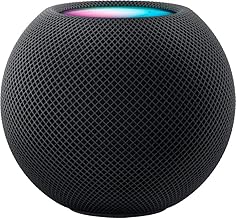 Best Thread border router for mixed homes · Apple - HomePod mini - Black — Check price on Amazon →
Comparison: Matter device types and how well they travel
| Device type | Cross-ecosystem reliability | Thread available? | Notes |
|---|---|---|---|
| Smart plugs | Excellent | Yes | The most mature Matter category; energy data varies by controller |
| Smart bulbs | Excellent | Yes | Colour and tunable white map cleanly everywhere |
| Contact / motion sensors | Very good | Yes | Thread massively improves battery life vs Wi-Fi |
| Smart locks | Good | Yes | Lock/unlock works; guest codes usually stay in the brand app |
| Thermostats | Good | Mostly Wi-Fi | Basic setpoints travel well; schedules often don't |
| Blinds and shades | Good | Yes | Position control is standardised; tilt support is patchy |
| Robot vacuums | Mixed | No | Start/stop/dock only — maps and zones stay in-app |
| Cameras | Poor | No | Matter camera support is still arriving; treat as brand-locked |
The rule of thumb: the simpler the device, the better Matter works. Buy Matter aggressively for plugs, lights and sensors. Buy on ecosystem merit for cameras and vacuums.
Start with a hub, even if you think you don't need one
Matter needs a controller to onboard and manage devices, and Thread needs a border router. In practice most people should own at least one device that does both.
If your household leans Apple, the Apple HomePod mini is the obvious foundation. It's a Thread border router, an Apple Home hub, and it enables remote access and automations that run without your phone present. It's also genuinely useful as a speaker, which softens the cost. Two of them, placed at opposite ends of a home, make the Thread mesh noticeably more resilient.
If Alexa runs your house, the Amazon Echo (4th Gen) covers the same ground: Matter controller, Thread radio, and it can share devices out via multi-admin. Alexa's Matter onboarding has become one of the smoother experiences — scan the QR code, pick the room, done.
Mixed households — and that's most of them — should have one of each. Pair each Matter device to whichever hub you set up first, then use that ecosystem's "share to another app" flow to generate a pairing code for the second and third.
The picks
Best smart plug: Eve Energy
Smart plugs are where Matter is fully cooked, and Eve Energy is the reference implementation. It's Thread-native, so it strengthens your mesh rather than adding another Wi-Fi client, and it reports energy consumption. Eve was one of the earliest movers on Matter and its firmware update track record has been good — worth something in a category where cheap plugs get abandoned.
Practical note: energy data surfaces differently per ecosystem. Apple Home and the Eve app show it clearly; Alexa and Google are less consistent. Buy it for the switching reliability, treat the energy monitoring as a bonus.
Best smart bulb: Nanoleaf Essentials Matter A19
Nanoleaf Essentials Matter A19 bulbs give you full colour plus tunable white over Thread, with no bridge and no hub of Nanoleaf's own. That's the promise Matter made, and these deliver it.
Response feels near-instant because commands stay local. They also join the Thread mesh as routers, so a few bulbs around the house improve conditions for your battery-powered sensors. If you want a whole-home lighting refresh without committing to a proprietary system like Hue, this is the least-lock-in path available.
One caveat worth knowing across all Matter bulbs: if someone kills the wall switch, the bulb goes offline. That's not a Matter flaw, but it's the reason smart switches often beat smart bulbs in shared households.
Best bridge for existing kit: Aqara Hub M3
Plenty of people already own a drawer's worth of Zigbee sensors. The Aqara Hub M3 is the pragmatic answer: it's a Thread border router and a Zigbee hub, and it re-exposes connected Aqara devices to Matter so they appear in Alexa, Google Home and Apple Home.
That means a cheap Aqara door sensor can trigger an Apple Home automation and an Alexa routine, without buying new hardware. The M3 also supports local automations that keep running if the internet drops. If you're migrating from Zigbee rather than starting fresh, buy this before you buy anything else.
How to set up multi-admin properly
- Pick a primary ecosystem. Whichever one your household actually uses daily. Pair every new device there first.
- Share out, don't re-pair. In the primary app, find the device's "turn on pairing mode" or "share" option. It generates a fresh setup code for the second controller. Never factory-reset to add a second ecosystem.
- Keep the brand app installed. Firmware updates and advanced settings usually live there.
- Add border routers before you add devices. A weak Thread mesh causes dropouts that look like device faults.
- Don't chase Matter for cameras. Buy those on ecosystem fit and privacy policy instead.
Who should skip Matter for now
If you're entirely inside one ecosystem, happy, and not planning to move, Matter buys you less. A house full of Philips Hue on the Hue Bridge works beautifully and offers features Matter doesn't expose.
Matter earns its keep when there's friction: two people on different phone platforms, a rental you'll take devices out of, or a long-term reluctance to bet a whole house on one company's roadmap. That's a lot of households — just not all of them.
FAQ
Do I need a hub for Matter devices? For Wi-Fi Matter devices, you need a Matter controller — typically a smart speaker, display or your phone's ecosystem app. For Thread devices, you also need a Thread border router. Devices like HomePod mini and Echo (4th Gen) handle both roles.
Can one device work with Alexa, Google and Apple at the same time? Yes. Matter's multi-admin feature allows a single device to be controlled by several ecosystems simultaneously. Pair it once, then share a new setup code from the first app to each additional one.
Is Thread better than Wi-Fi for smart home devices? For low-power and battery devices, clearly yes — better battery life, lower latency, and a self-healing mesh. For high-bandwidth devices it's irrelevant. Thread also avoids cluttering your Wi-Fi with dozens of clients.
Will my old Zigbee and Z-Wave devices work with Matter? Not directly. They need a bridge that translates to Matter, such as the Aqara Hub M3 for Zigbee. Z-Wave options are more limited.
Does Matter work without internet? Control does, because commands are local. Remote access, voice assistants and cloud-dependent automations still need a connection.
Our picks
Apple - HomePod mini - Black
Compact speaker that doubles as a Thread border router and Apple Home hub — the glue in most Matter setups.

Amazon Echo Dot (newest model) - Vibrant sounding speaker, Designed for Alexa+, Great for bedrooms, dining rooms and offices, Charcoal
Built-in Matter controller and Thread radio, so Alexa users can onboard devices without extra hardware.

Eve Energy (Matter) 2-Pack - Smart Plug & Power Meter | app/voice control, automate lights/appliances, for Alexa/Apple/Google/SmartThings/Home Assistant, Thread Border Router requ.
Thread-based plug with energy monitoring that pairs cleanly to all three major ecosystems, no bridge needed.

Nanoleaf Essentials Smart Light Bulbs, Matter LED Bulbs A19 E26 60W 2PK | Work with Alexa & Google Home, WiFi Lighting Bulbs with 16M+ RGBTW Color Changing, Music Sync, 1000lm
Colour and tunable-white Thread bulb that joins the mesh and responds fast without a hub.

Aqara Smart Home Hub M3 for Advanced Automation, Matter Controller, IR | Thread Border Router, Features Zigbee, Bluetooth, Wi-Fi, PoE, Supports Apple HomeKit, Alexa, SmartThings, Home Assistant
Thread border router plus Zigbee hub that exposes existing Aqara sensors to Matter across ecosystems.
Get the best tech deals in your inbox
Join the BytePlaza newsletter for hand-picked gadget deals and new buying guides. No spam, unsubscribe anytime.
Related reads
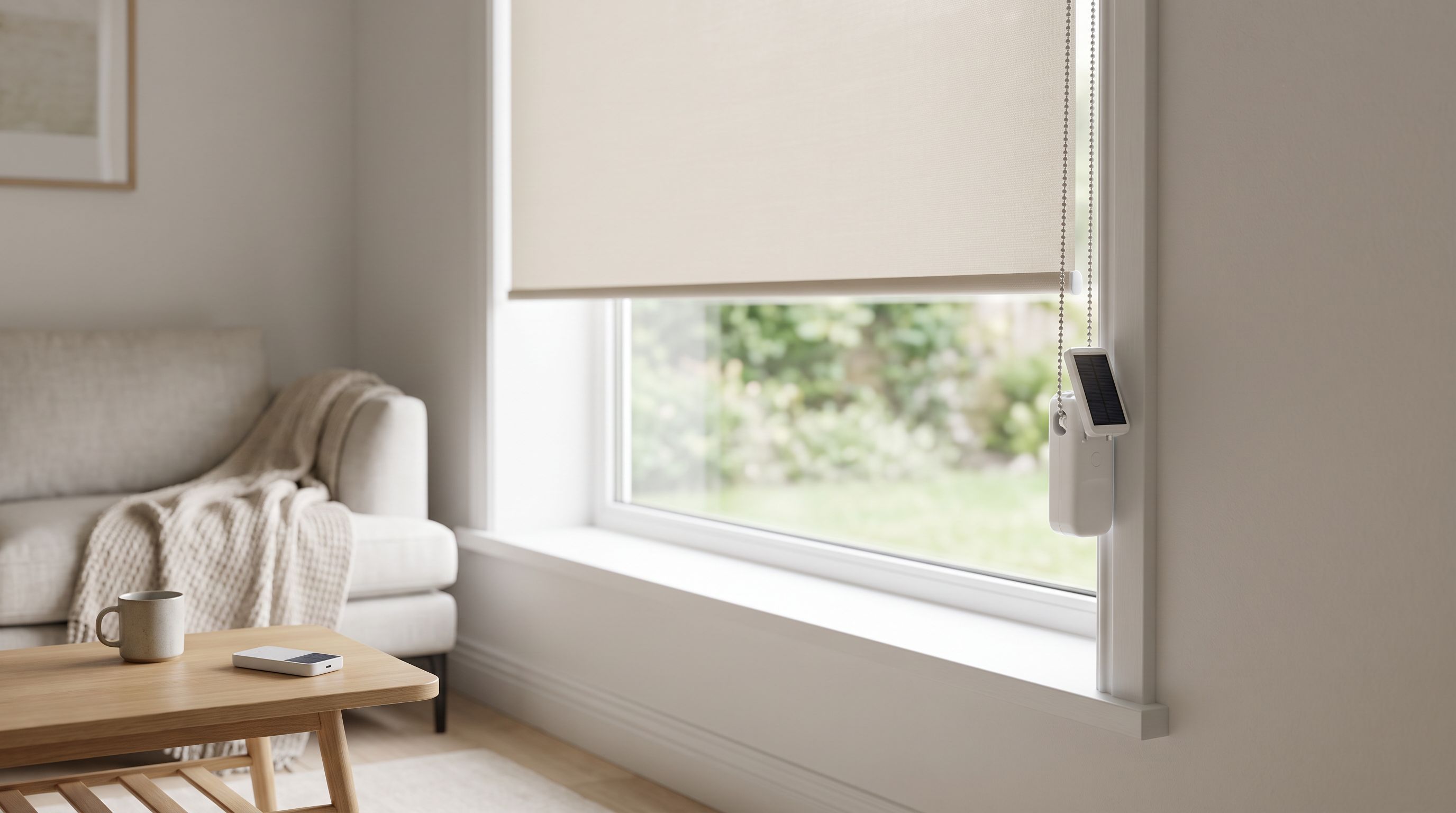
Smart Blinds in 2026: Retrofit Picks That Beat Replacing
Comparing the best smart blinds 2026 options: retrofit motors like SwitchBot Blind Tilt vs made-to-measure shades, on Matter/Thread, solar charging and noise.
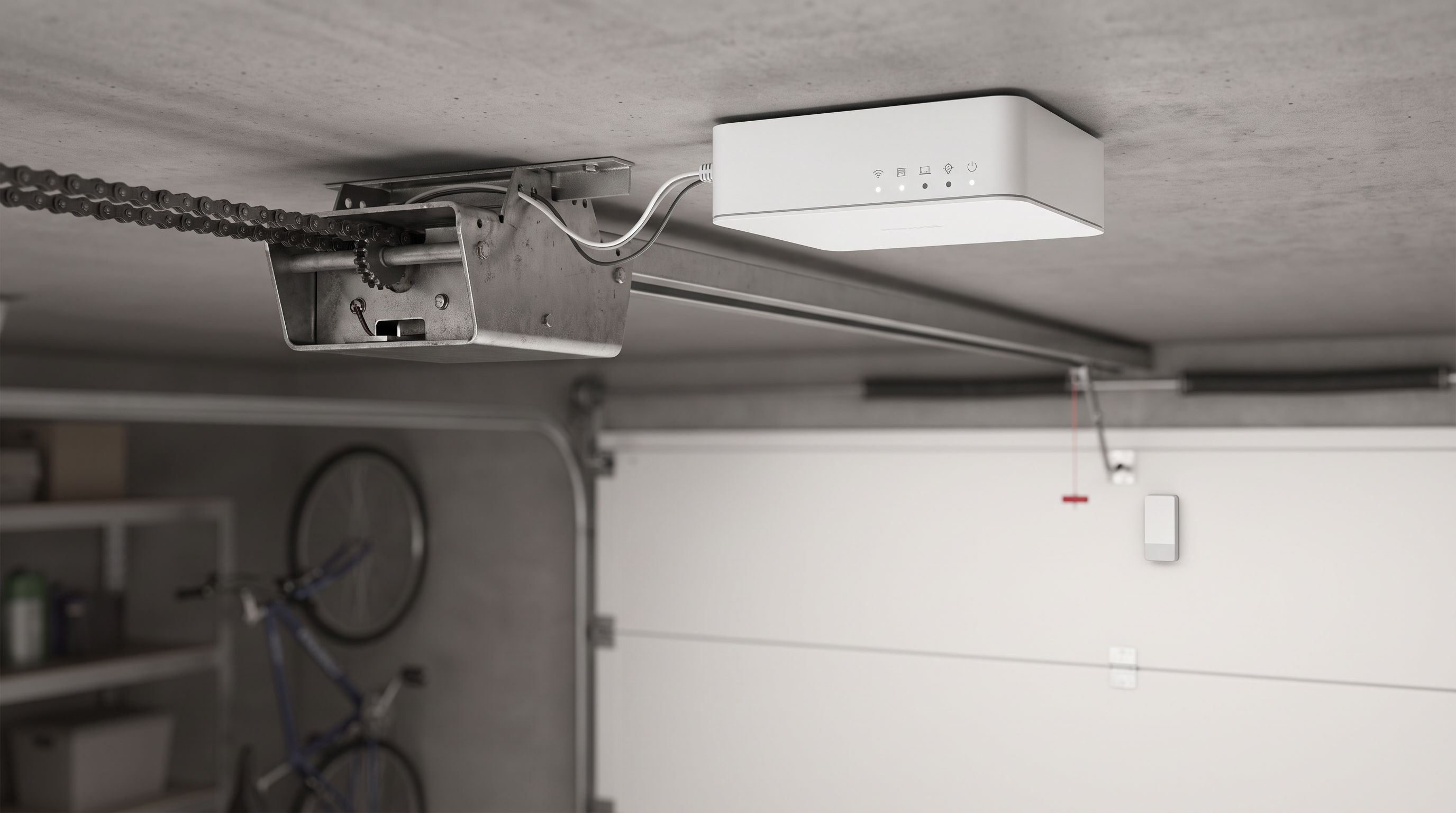
Smart Garage Door Openers in 2026: 4 Retrofit Picks
The best smart garage door opener controllers for 2026, compared on Matter and HomeKit support, sensor reliability, local control and whether you need a subscription.
Smart Thermostats in 2026: 4 Picks With the Fastest Payback
The best smart thermostat 2026 picks compared on real energy savings, C-wire needs and Matter/Thread support — plus which one pays for itself fastest.